 BENNODES
Blender camera rig · v1.1
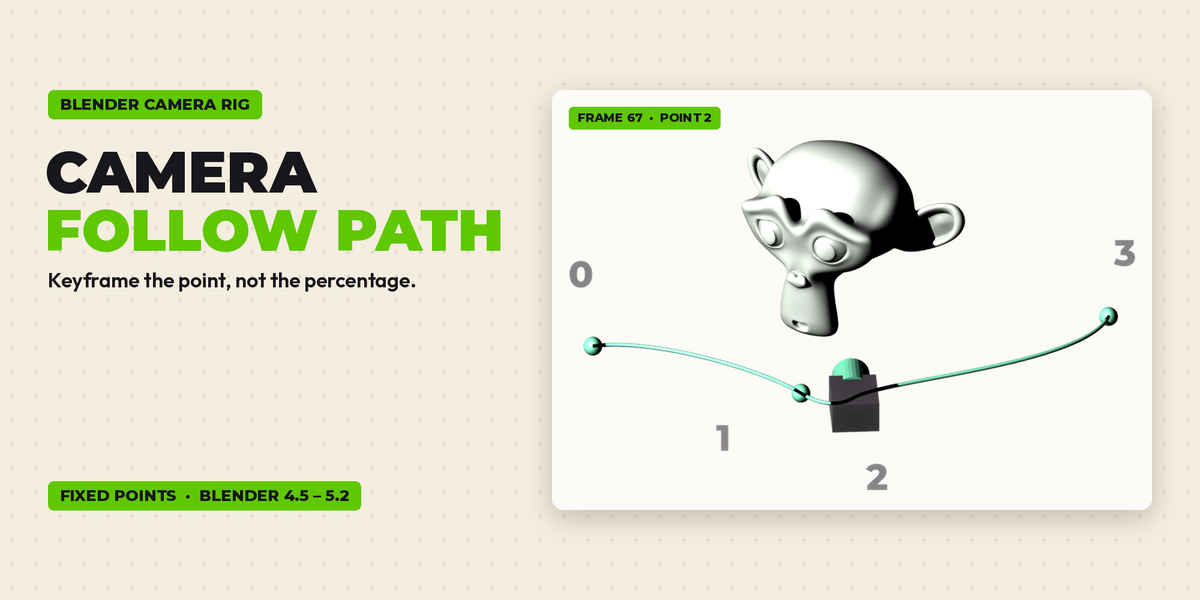
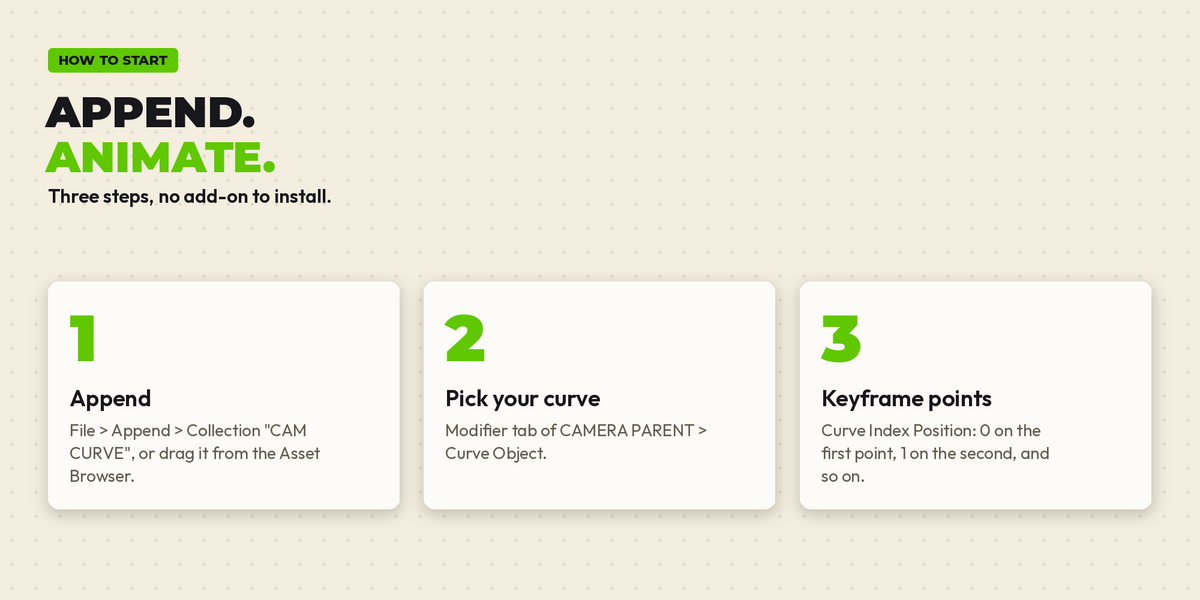
Keyframe the point, not the percentage.
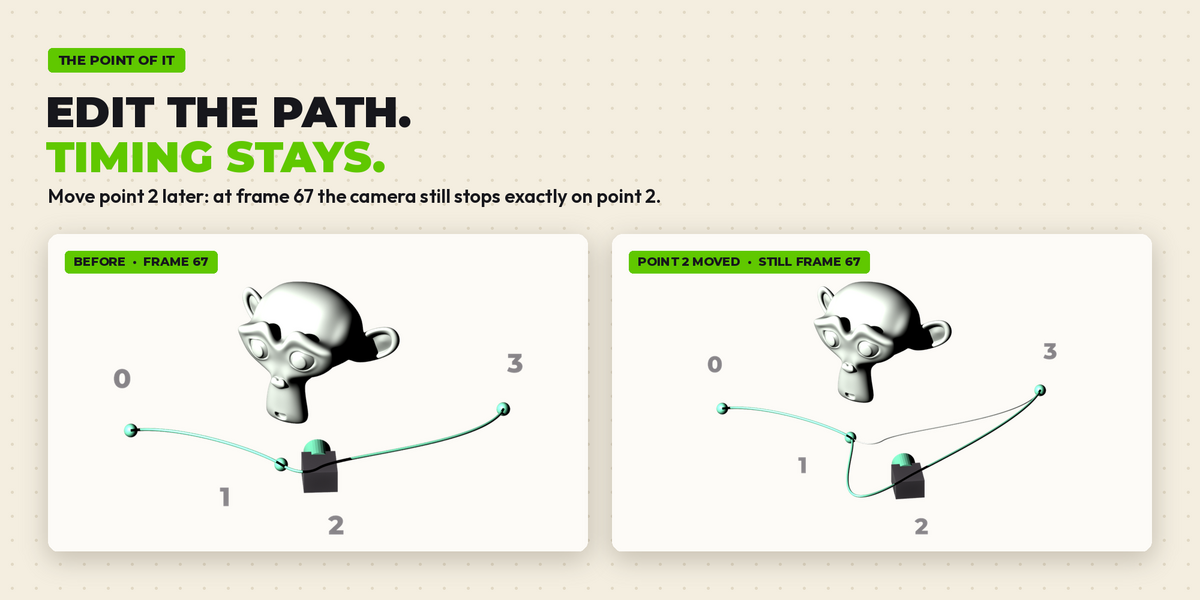
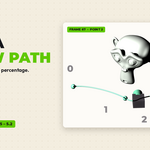
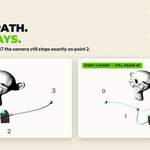
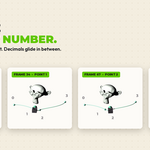
A camera that follows any curve and stops exactly on control point 0, 1, 2, 3... You keyframe the point number instead of a percentage. Reshape or lengthen the curve later and every keyframe still lands on the same point at the same frame. Made for archviz walkthroughs, product fly-arounds and motion graphics.
Features
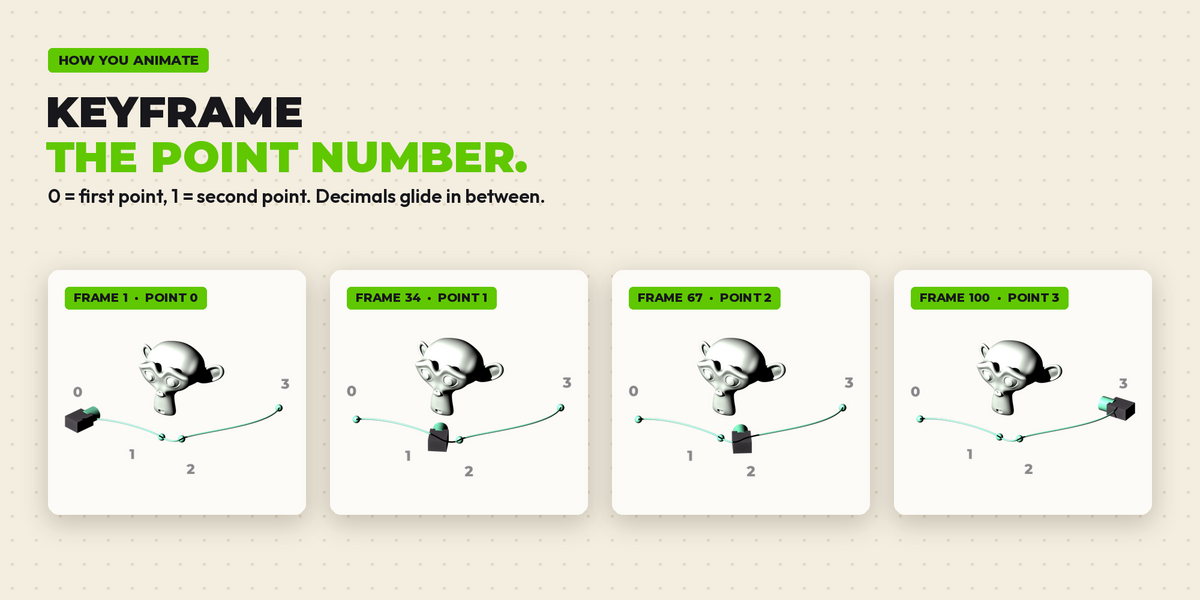
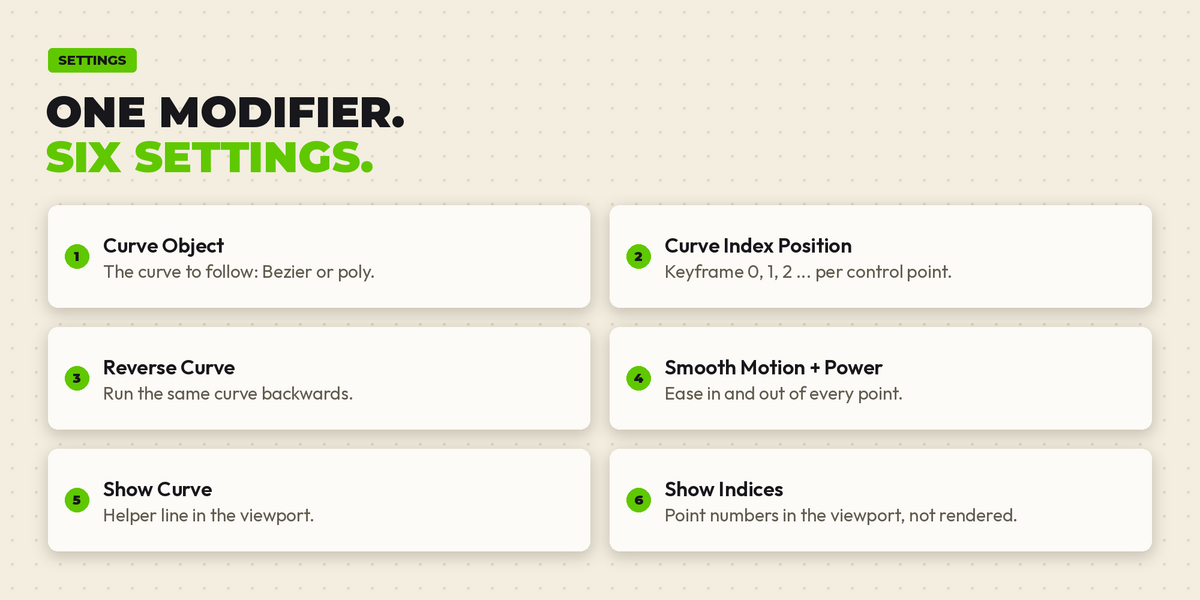
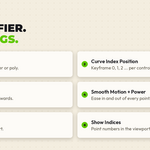
- Fixed points: keyframe 0, 1, 2... per control point.
- Edit freely: move points, change length, the timing stays.
- Smooth motion: ease in and out of every point.
- Any curve: Bezier or poly, also reversed.
- Asset ready: drag the rig from the Asset Browser.
- No add-on: just a .blend, append and animate.
How it works
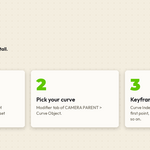
- Append: File > Append > Collection "CAM CURVE".
- Pick your curve: CAMERA PARENT > Modifier > Curve Object.
- Keyframe points: Curve Index Position 0, 1, 2...
Compatibility
Tested in Blender 4.5 LTS, 5.1 and 5.2 LTS: camera position checked on every key frame in each version. Saved in 4.5, opens in 4.5 and newer. Free updates.
Launch deal: code BENNODES20 gives 20% off until 30 November.
Made by BENNODES
Small, honest Blender tools by an industrial designer who uses them daily. Questions or ideas: [email protected]