Camera Follow Path With Fixed Points
 BENNODES
Quick start
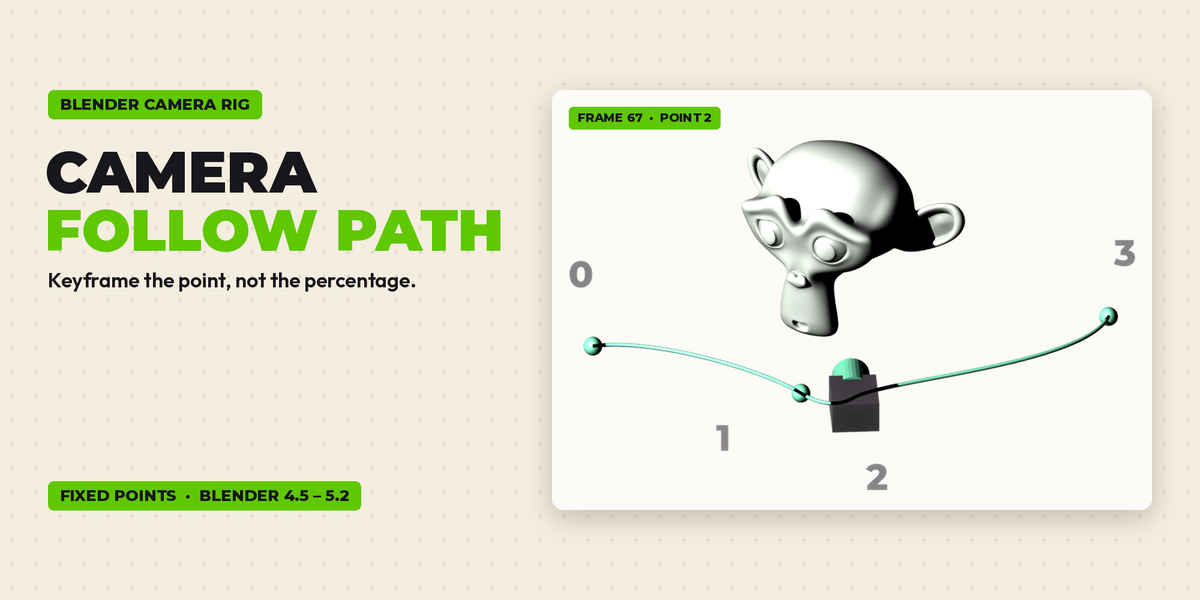
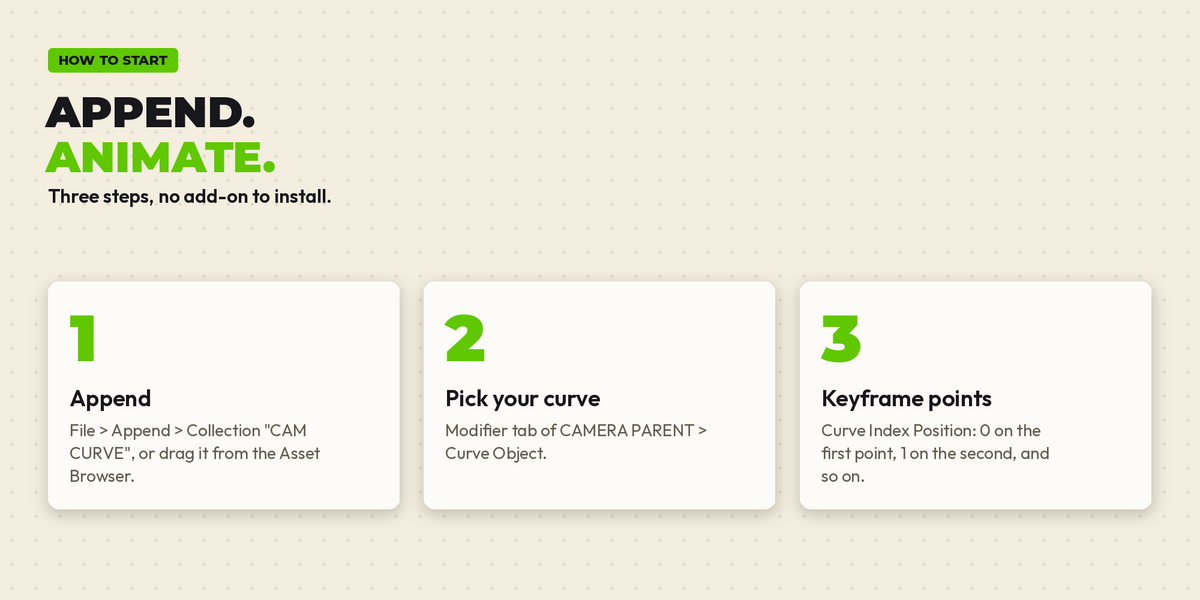
- Open Camera_Follow_Path_v1.1.blend and press Space to see the demo.
- In your own file: File > Append > Collection > CAM CURVE (or drag "CAM CURVE" / the "CAMERA CURVE" node group from the Asset Browser).
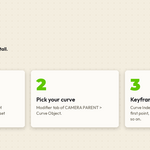
- Select CAMERA PARENT > Modifier tab > pick your curve in Curve Object.
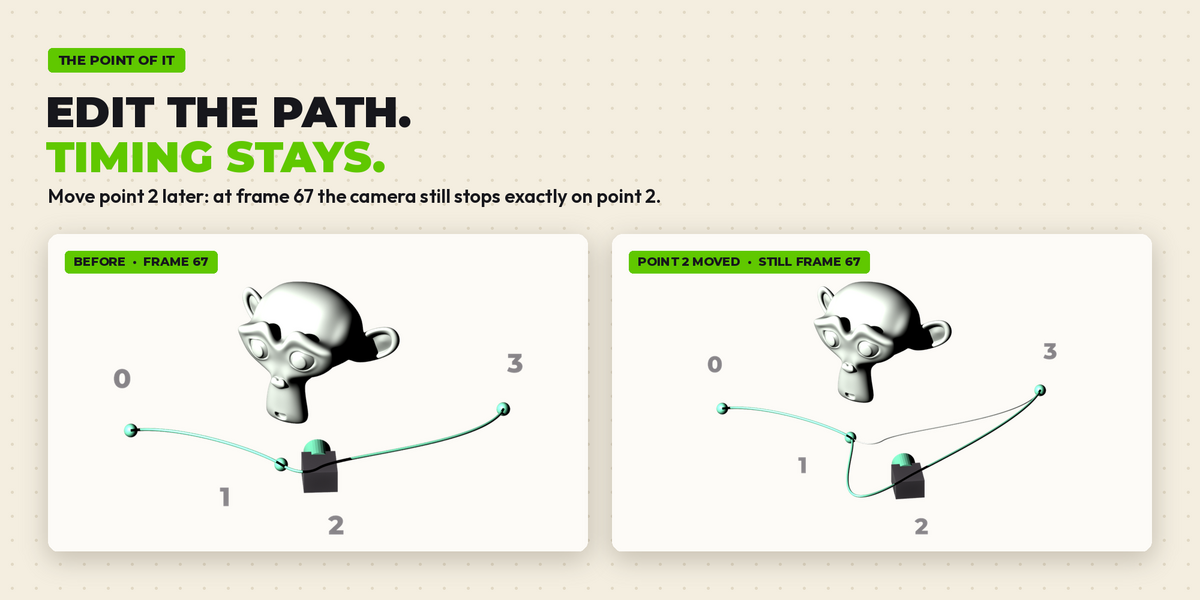
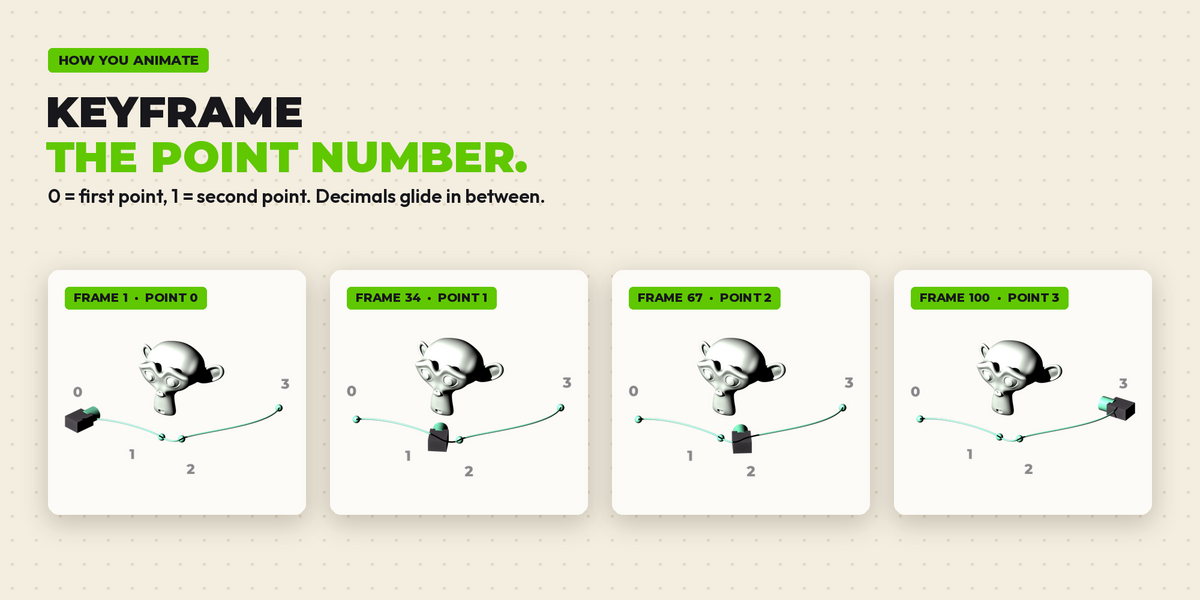
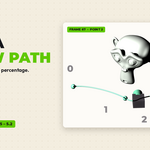
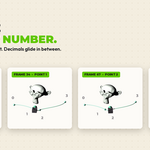
- Keyframe Curve Index Position: 0 on the first point, 1 on the second, and so on. Decimals glide in between.
- The camera CAM looks at its Track To target (the monkey in the demo): set your own target.
Settings
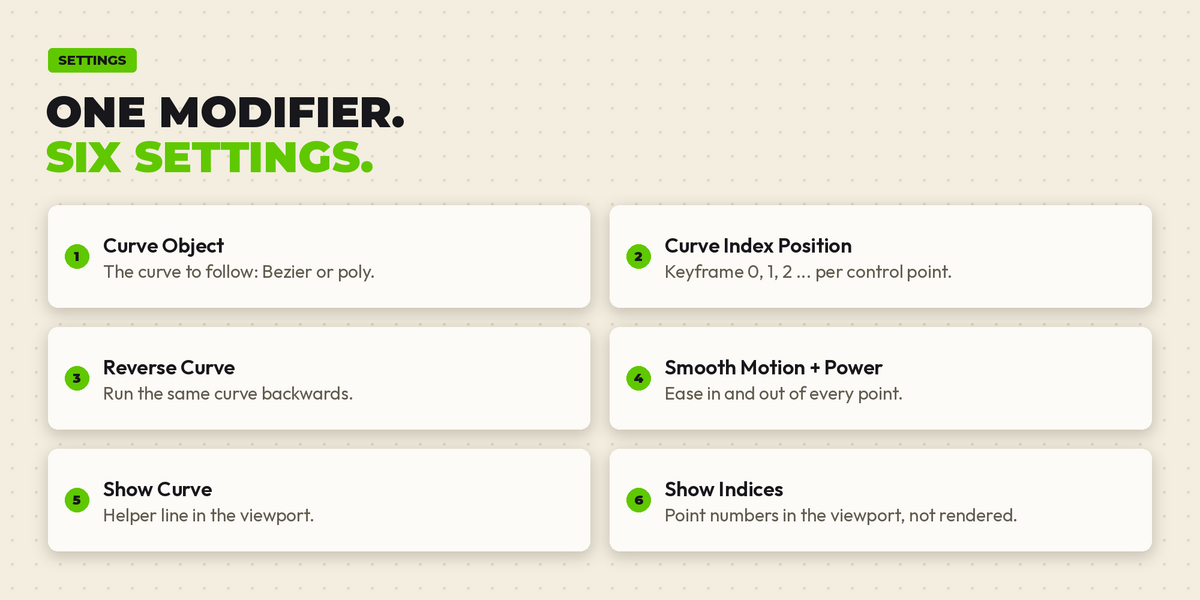
- Curve Object: the curve to follow (Bezier or poly).
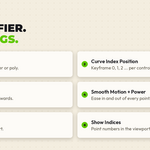
- Curve Index Position: 0, 1, 2 ... one number per control point.
- Reverse Curve: run the curve backwards.
- Smooth Motion / Smooth Power: ease in and out of every point.
- Show Curve / Show Indices: helper display in the viewport, not rendered.
Tips
- Do not add a Bevel to the followed curve itself: use a copy if you want to render the path.
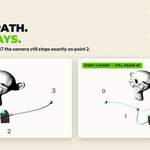
- Want a pause on a point? Keyframe the same index twice.
Compatibility
Tested in Blender 4.5 LTS, 5.1 and 5.2 LTS. Saved in 4.5, so it opens in 4.5 and newer.
Have questions about this product?
Login to message
Includes an Asset Library
2 drag-and-drop assets for Blender’s Asset Browser.
Browse included assets| Dev Fund Contributor | |
| Published | 1 day ago |
| Blender Version | 4.5 - 5.2 |
| Render Engine Used | Cycles |
| License | Royalty Free |
Discover more products like this
ArchViz keyframe walkthrough animation camera animation curve Follow Path camera rig fly-through geometry nodes motion graphics camera