 Catra
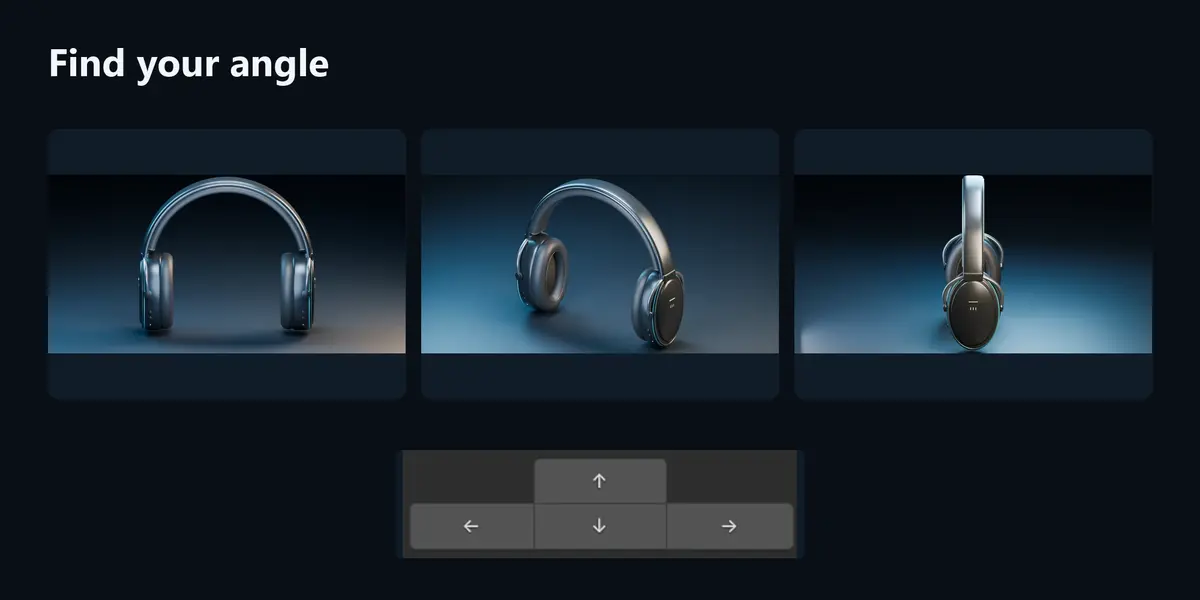
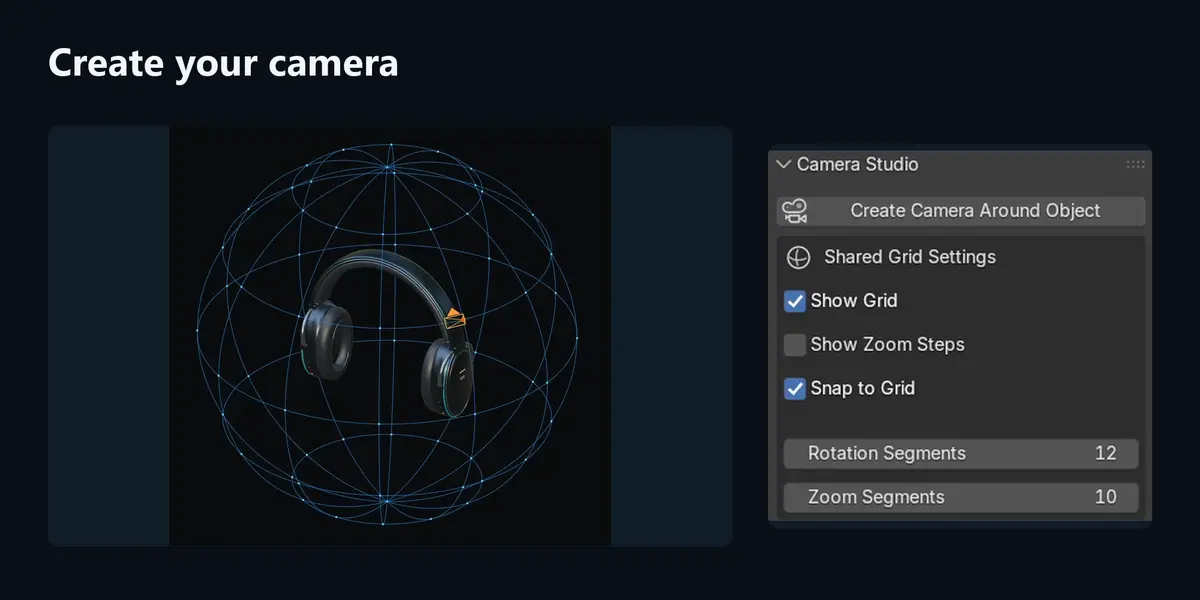
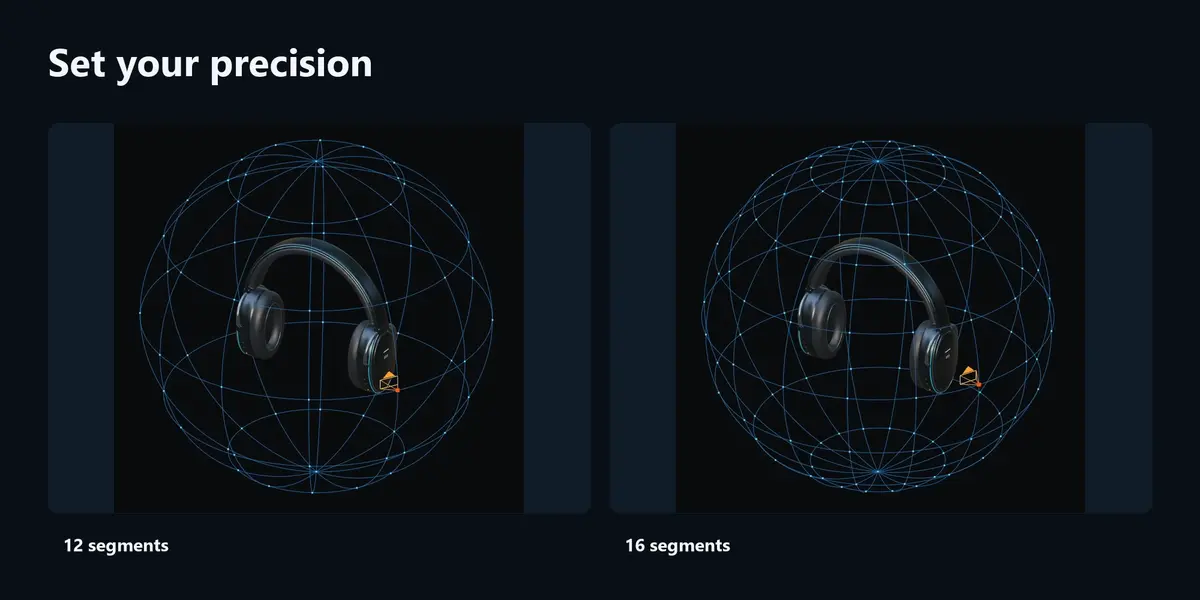
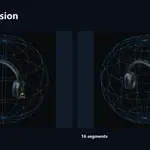
No. The grid is a viewport guide only.
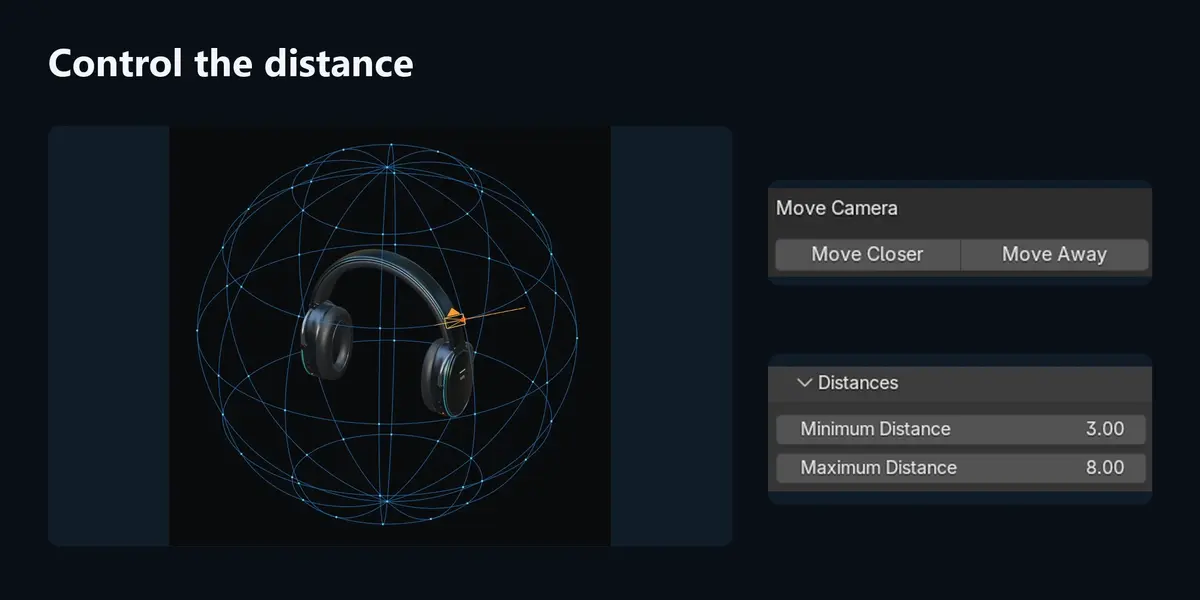
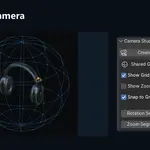
It aligns angles and distance to grid points. Segment changes resnap studio cameras and lights, except objects linked to multiple scenes. With snapping off, segment changes preserve positions. Distance limits still apply.
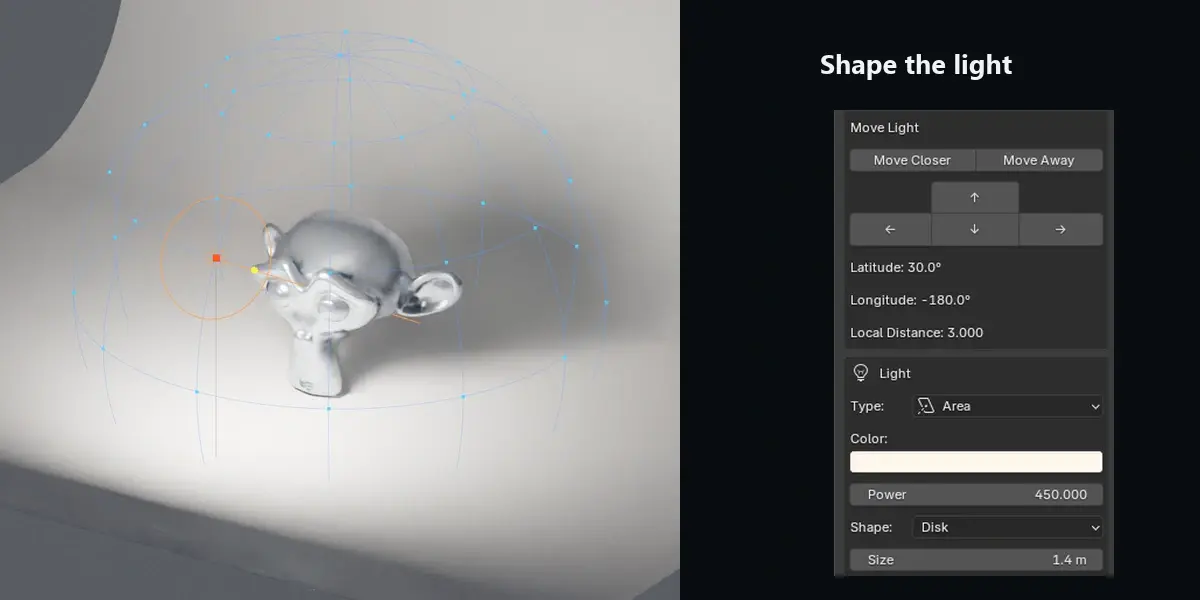
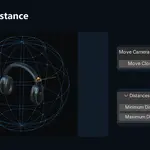
No keyframes are created automatically. Distance controls move the selected camera or light. Set focal length in Blender’s camera settings.
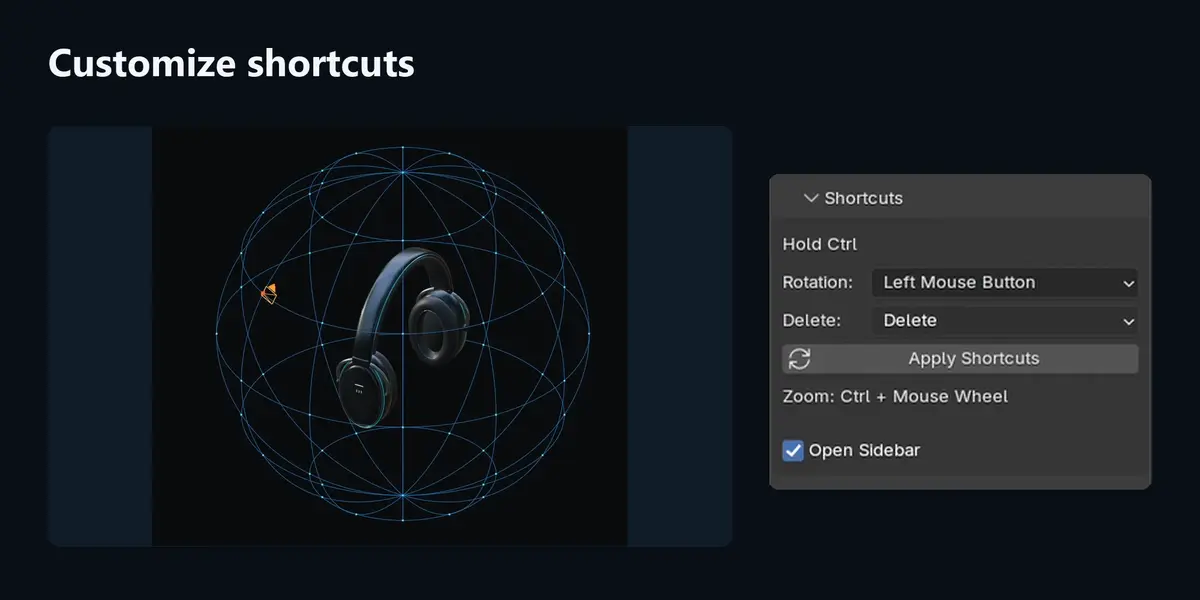
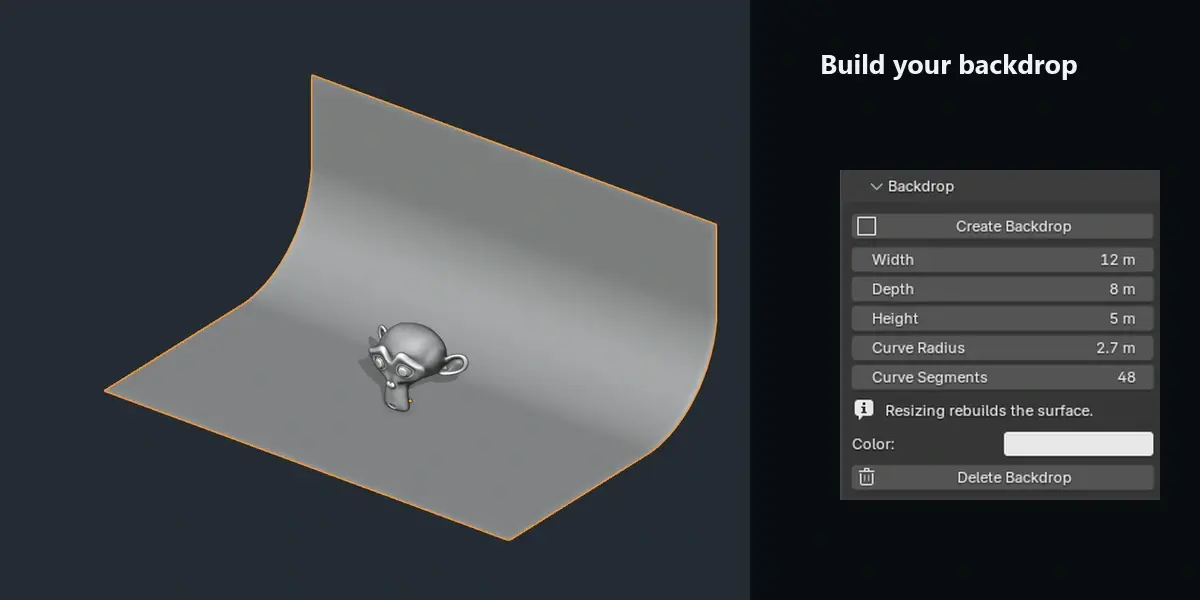
Use Delete Camera, Delete Light or Delete Backdrop. After regular Blender deletion, use Maintenance → Clean Up Unused Pivots. Shared or referenced data is protected.
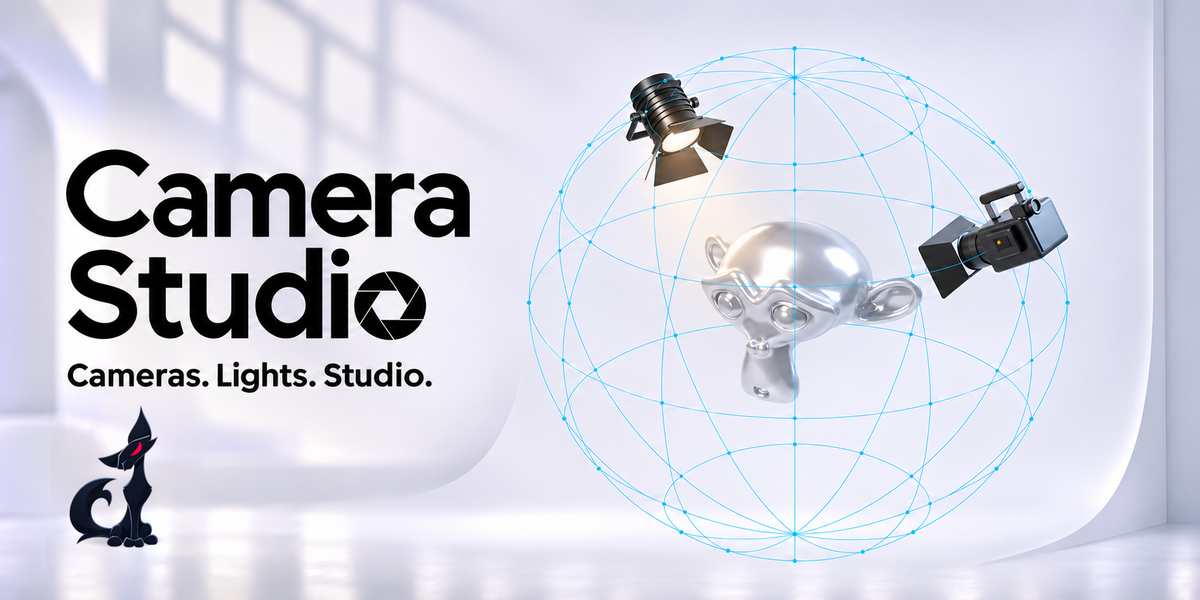
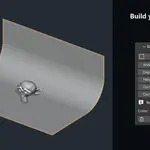
Both addon ZIPs, English documentation and a studio demo scene: Suzanne, three Area lights, a camera and a curved backdrop. The decorative cinema-camera model on the cover is not included.
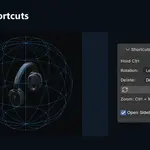
Select a CS camera or light, then enable Show Grid and Blender’s Viewport Overlays. Show Zoom Steps adds the distance guide.
Have questions about this product?
Login to message
| Blender Extension Compatible | Yes |
| Published | 3 days ago |
| Blender Version | 3.6 - 5.2 |
| Extension Type | Add-on |
| License | GPL |
Discover more products like this
camera rig Lighting camera backdrop snapping grid orbit camera product-visualization light rig camera controls Studio Lighting cyclorama