CamSeq - Camera Choreography
 3DGrid Studio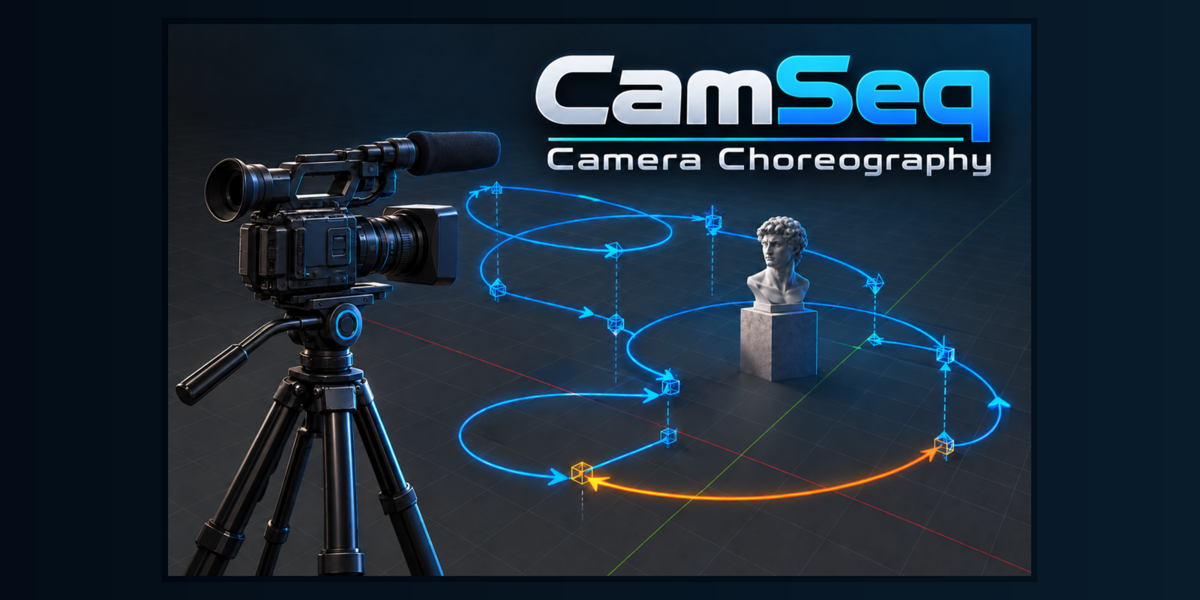
Where can I find the complete documentation?
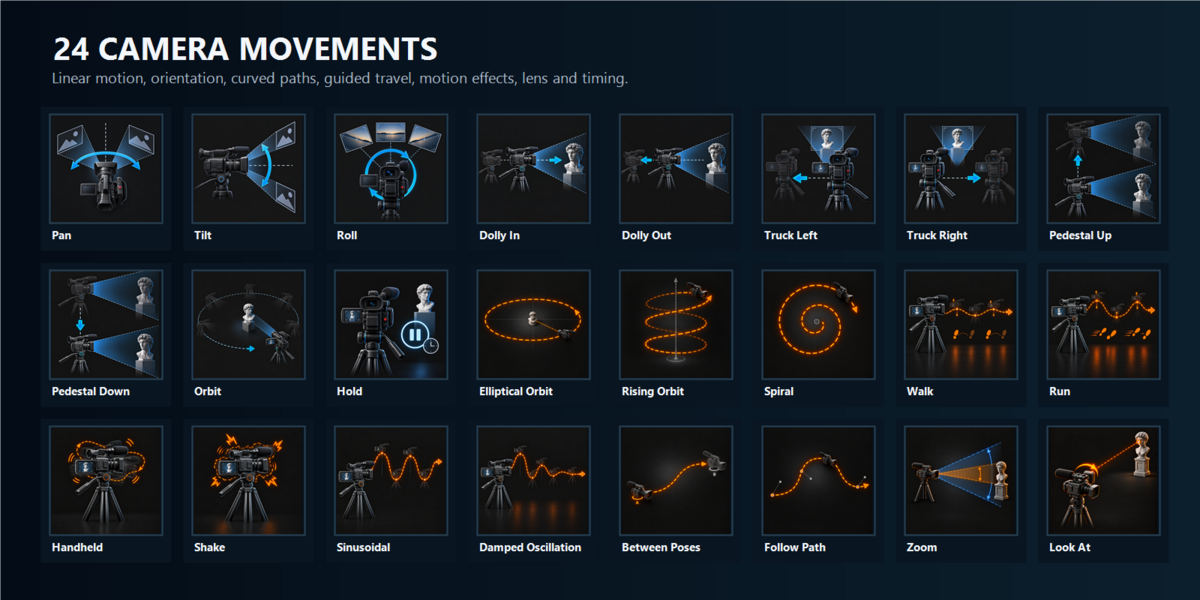
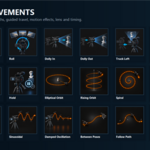
The complete illustrated manual, including all 24 movement types, Camera Track, previews, animation, troubleshooting and compatibility information, is available at:
https://3dgridstudio.com/camseq/manual/
Does CamSeq create camera cuts or configure rendering?
No. CamSeq creates independent camera movement sequences and generates camera animation. Camera cuts, scene-camera switching, render settings and final editing remain under Blender or the user’s production pipeline.
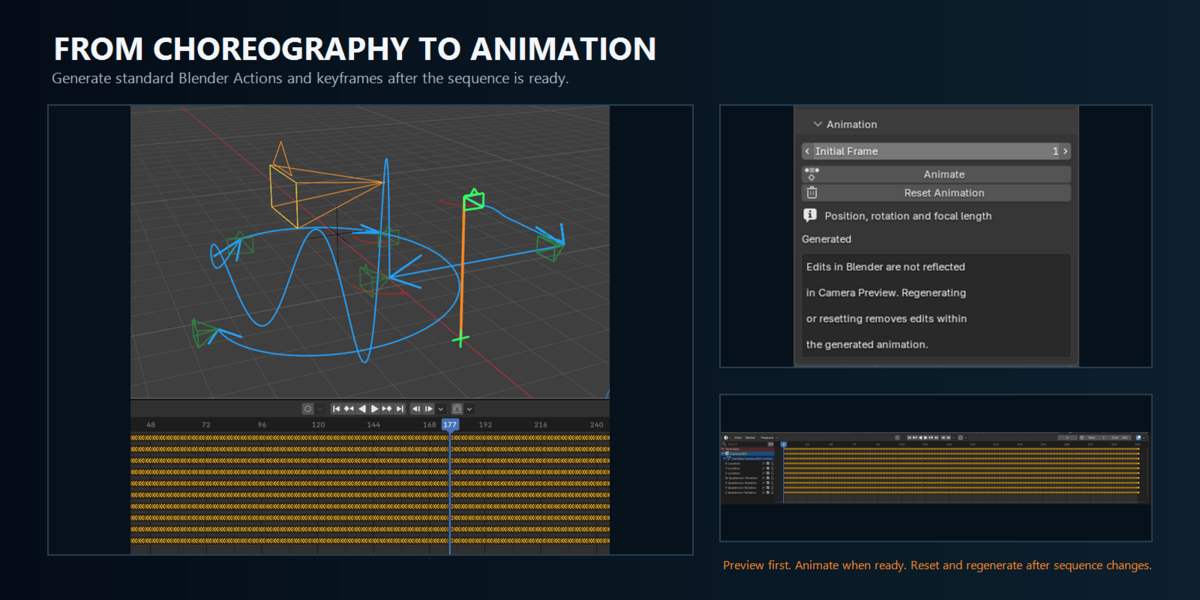
I changed a movement after using Animate. Why does the camera still follow the old motion?
Generated animation is a snapshot, not a live connection. Preview the revised sequence, use Reset Animation to remove the previous generated result, and then click Animate again.
Does Camera Preview move the real camera or create keyframes?
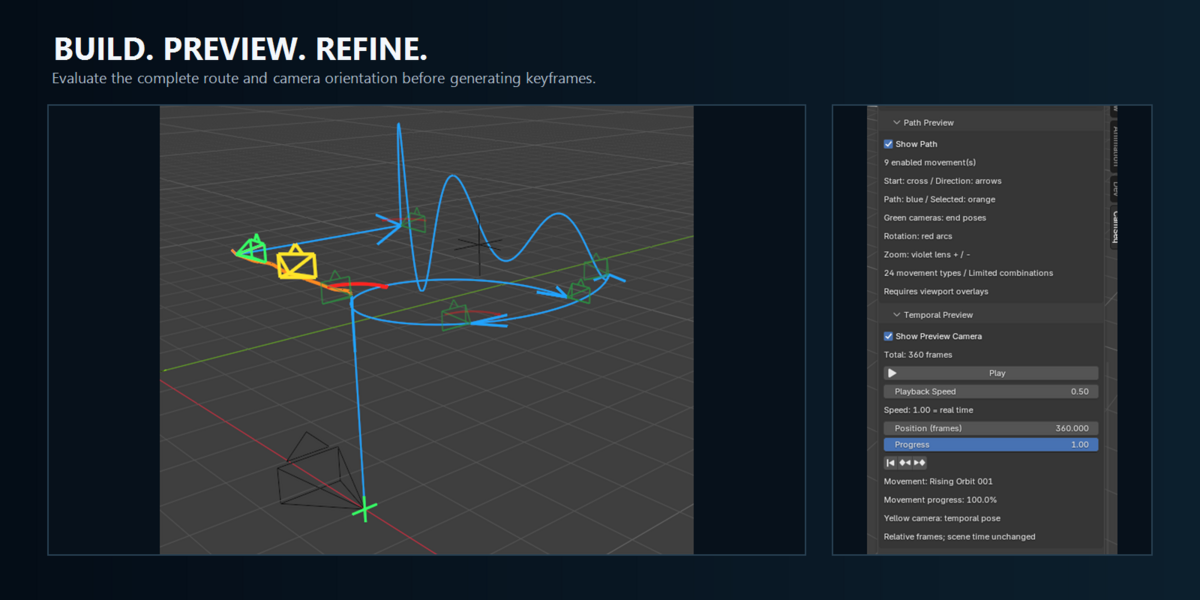
No. Camera Preview is non-destructive and uses a virtual camera evaluated in relative sequence time. It does not transform the real Camera object, change Blender’s current frame or create keyframes.
Why is the path or preview camera not visible?
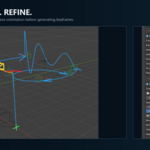
Confirm that the active Working Camera has a captured starting pose and at least one enabled movement. Enable Show Path for the blue route and Show Preview Camera for the yellow temporal camera. Blender viewport overlays must also be enabled.
Why is my selected camera not listed as a Working Camera?
Selecting a Camera object does not register it. Click the adjacent + button and confirm that the camera appears in the Working Cameras list.
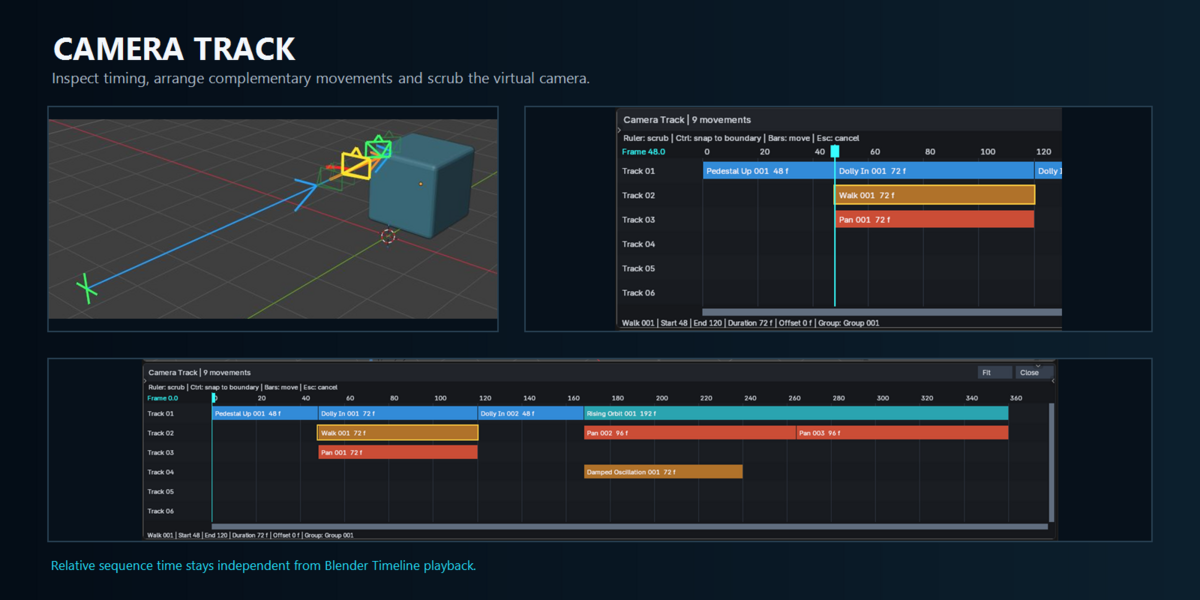
What does Camera Track do?
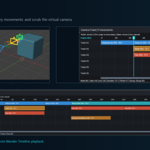
Camera Track displays the sequence as timed movement bars. It allows you to inspect movement timing, arrange complementary movements, adjust their offsets and scrub the virtual camera preview without changing Blender’s Timeline or creating keyframes.
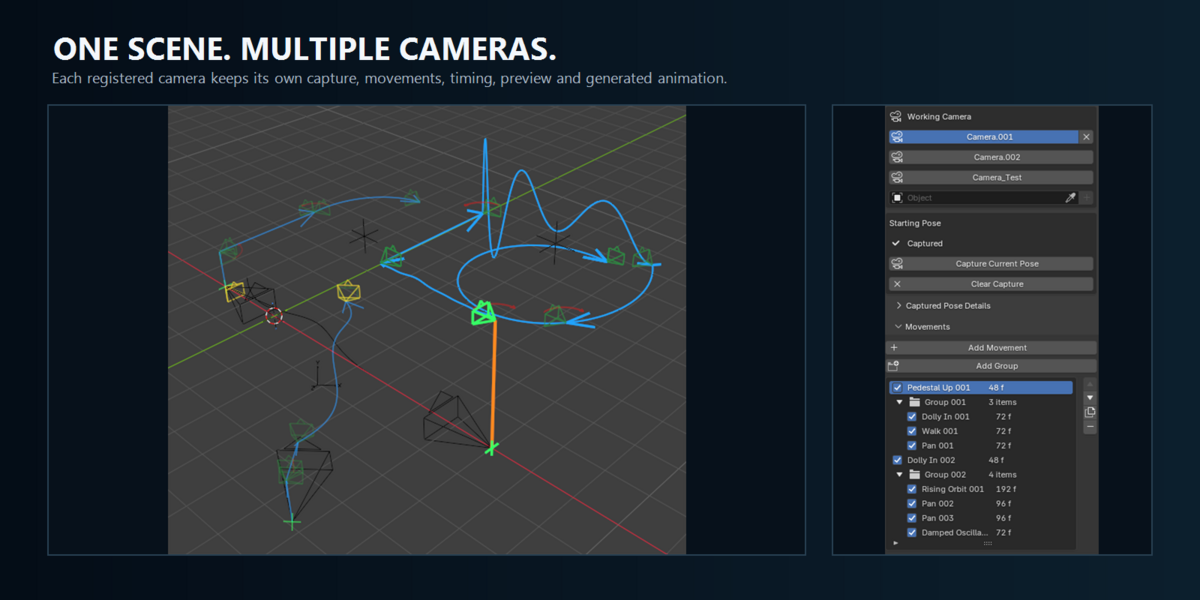
Can I create independent sequences for multiple cameras?
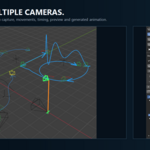
Yes. Each registered camera retains its own starting pose, movements, groups, timing, Camera Track state, preview position and generated animation.
Which camera types are supported?
Perspective cameras provide the complete CamSeq workflow. Orthographic and Panoramic cameras have limited transform support; projection-specific Zoom, optical controls and accurate virtual framing are not supported for those camera types.
Which Blender versions are supported?
CamSeq supports Blender 5.2.0 through 5.2.2 LTS. Blender 5.2.2 LTS for Windows is the primary development and validation environment.
 Included
Includes 12 months of
- Support from 3DGrid Studio
- Product updates
Extend this product’s Support Period +12 months: 50% of product price
Have questions before purchasing?
Login to message
| Blender Extension Compatible | Yes |
| Published | about 5 hours ago |
| Blender Version | 5.2 |
| Extension Type | Add-on |
| Render Engine Used | Cycles, Eevee |
| License | GPL |
Discover more products like this
camera movement camera choreography cinematic camera camera path multi-camera Camera animations