 CG-Mechanics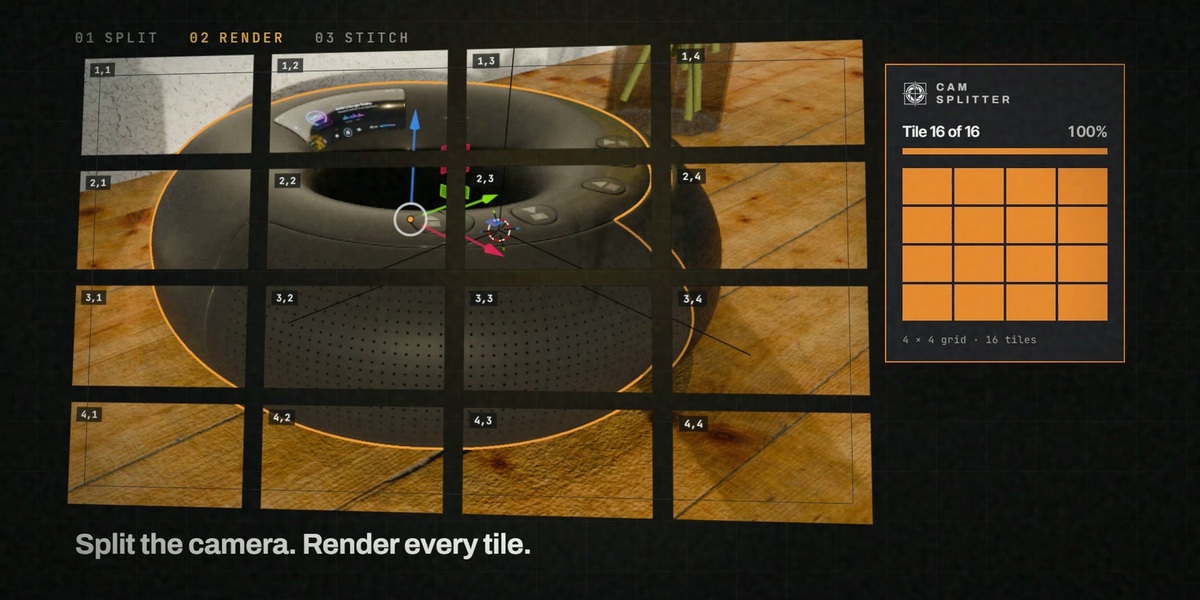
CamSplitter 2
Blender 4.3 – 5.2Cycles + EeveeAdd-on & ExtensionGPL — commercial use OKNew: v2.2
What's new in v2.2
Always know where your render stands. Version 2.2 brings a brand-new stitching engine and a reworked panel: every tile shows its state, you can stop at any moment, and gigapixel images no longer eat your RAM.
- NEW — Esc stops the running tile immediately: the current tile ends right away, every finished tile stays saved, and "Render N Missing" picks up exactly where you stopped.
- NEW — Tile states at a glance: every tile in the grid shows done, unclear, failed or still open — with the reason right in the panel and a one-click button to render it again.
- NEW — Re-render only what changed: changed the garden, a light, one corner of the image? Click the affected tiles and render just those — no need to render the whole image again. "Re-render All" is there when you do want everything fresh.
- NEW — Live progress and a finish card: the rendering tile pulses in the grid, a small progress card with remaining time sits in the corner of the viewport, and when it's done you get "Your image is ready" with a preview and buttons to open the image or its folder.
- NEW — Stitching engine in pure Python: tiles are combined with OpenImageIO and OpenColorIO (already part of Blender). Your compositor, resolution and color management are never touched during stitching, and tile placement stays pixel-identical.
- Gigapixel output streams straight to disk: a 40,960 × 40,960 image (1.68 gigapixels, 400 tiles) was stitched in 3 minutes 21 seconds with about 470 MB of extra memory — memory use no longer grows with the image.
- Your compositor nodes, applied once to the whole image: vignettes, glare, lens distortion and film grain now run on the full frame instead of on every tile. Optional "Keep Linear EXR Master" writes a 32-bit linear EXR for grading without rendering again.
- Heaviest tiles: after a heatmap scan, the most expensive tiles get a glow dot and a "Test heaviest" button for a quick test render.
- Cleaner transparent edges, and your scene is always restored: semi-transparent edges no longer come out too dark, and resolution settings are restored after every run, finished or cancelled.
Zoom into 132 megapixels
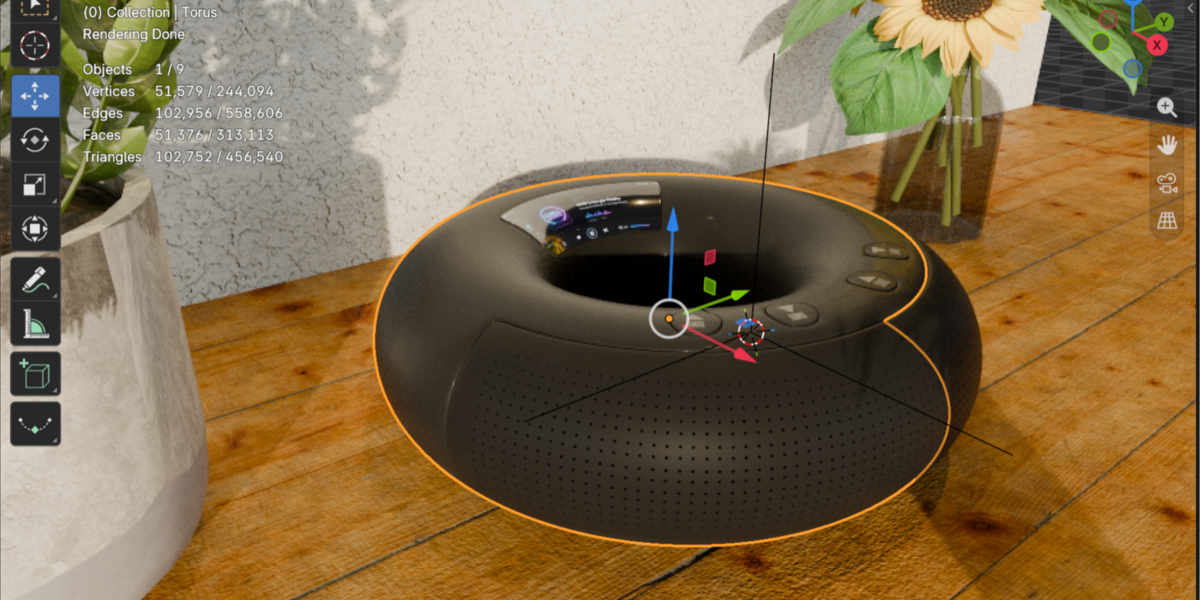
This image was rendered at 15,360 × 8,640 pixels with CamSplitter, split into 100 tiles. Because every tile is independent, a change in one area — the garden, say — only needs the affected tiles rendered again, not the whole image. Zoom into the full-resolution showcase →
Break through GPU limits
Rendering ultra-high-resolution images in Blender can be limited by your GPU memory, often forcing compromises on quality or requiring costly upgrades. CamSplitter changes that forever.
With CamSplitter, break through these GPU limits and create stunning 8K, 16K, or even higher resolution renders on your standard hardware. The addon splits your camera view into manageable tiles, renders each one individually, and seamlessly reassembles them into a flawless final image – without visible seams or quality loss. Perfect for pushing creative limits.
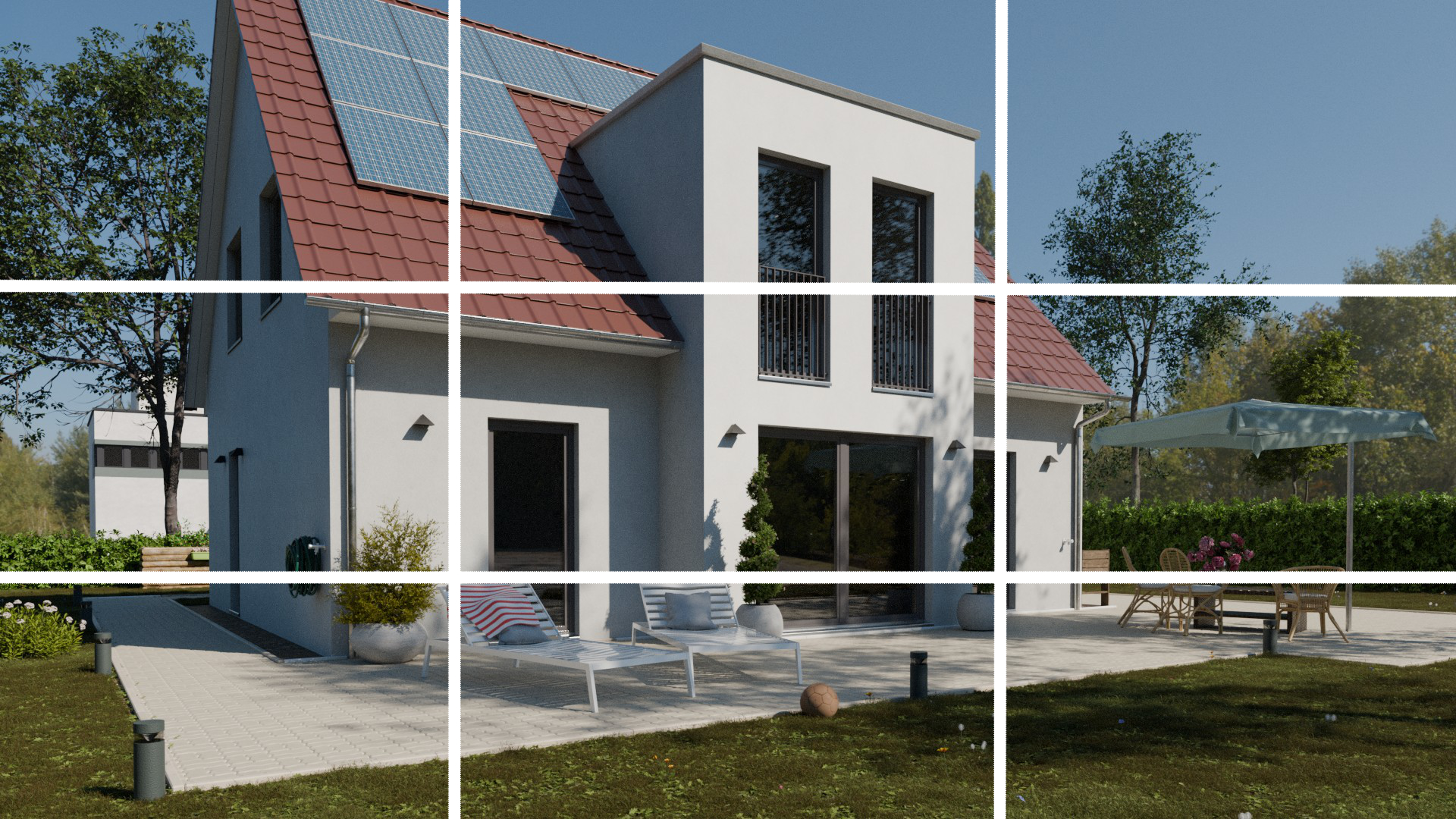
See where the render load sits
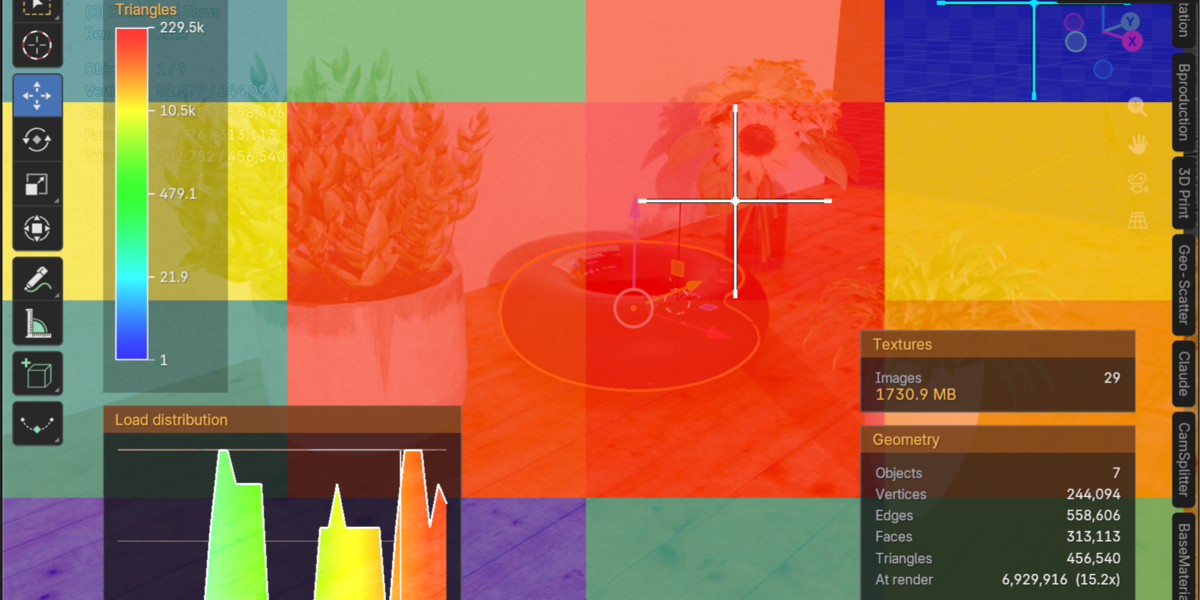
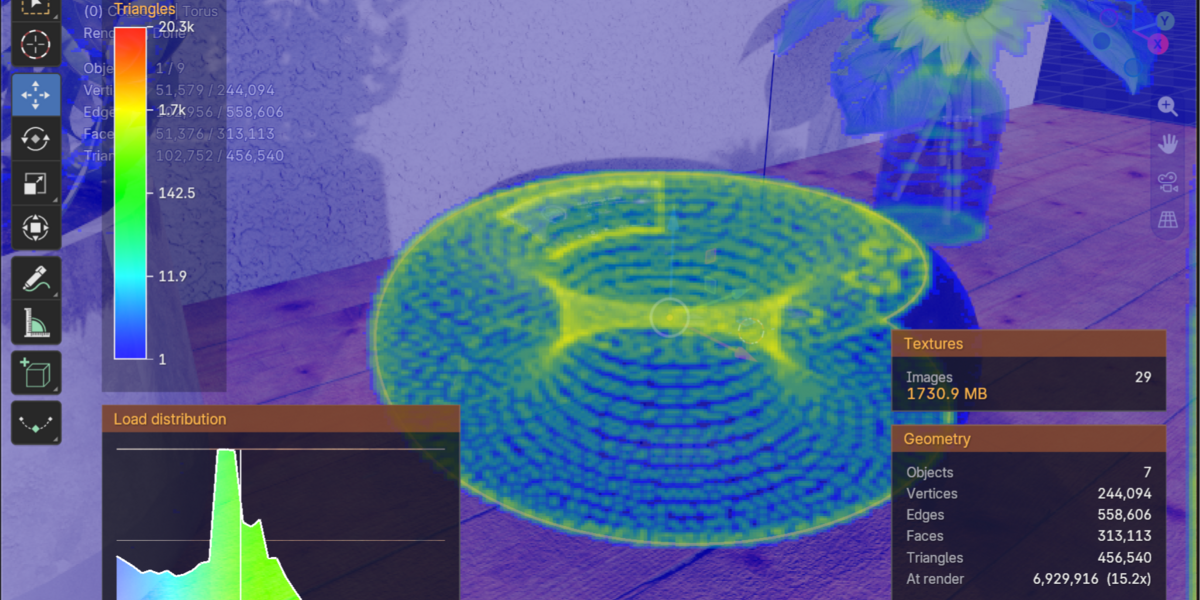
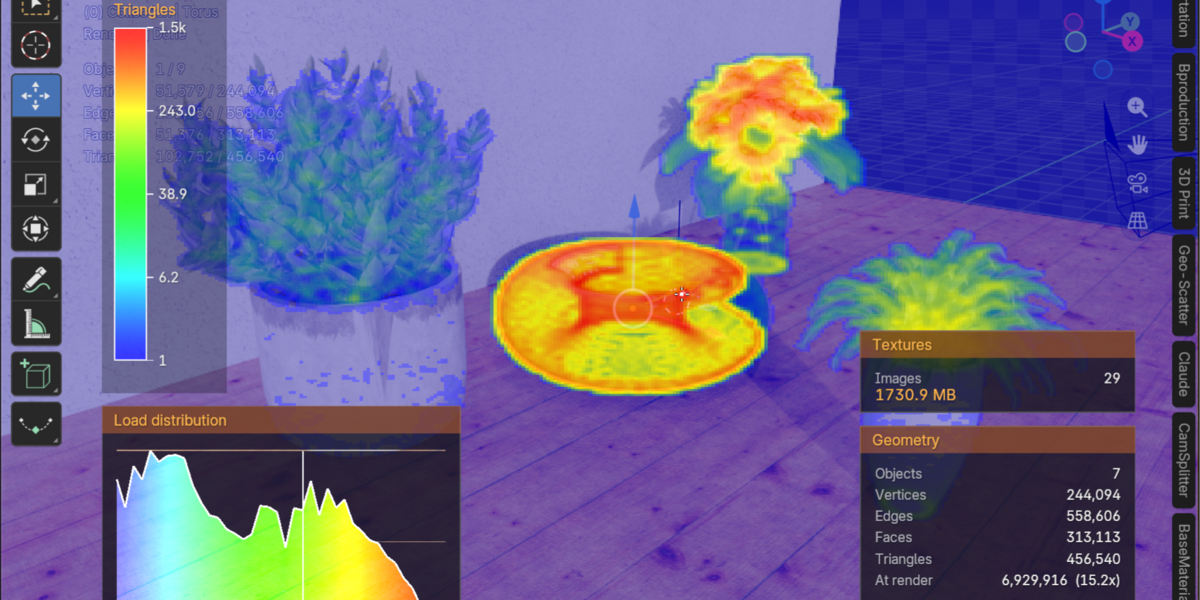
Visually analyze your 3D scene with professional tools that reveal the geometry complexity in your project. Identify heavy objects with polygon counts and optimize efficiently. CamSplitter's heatmaps provide real-time insights for smarter rendering decisions.
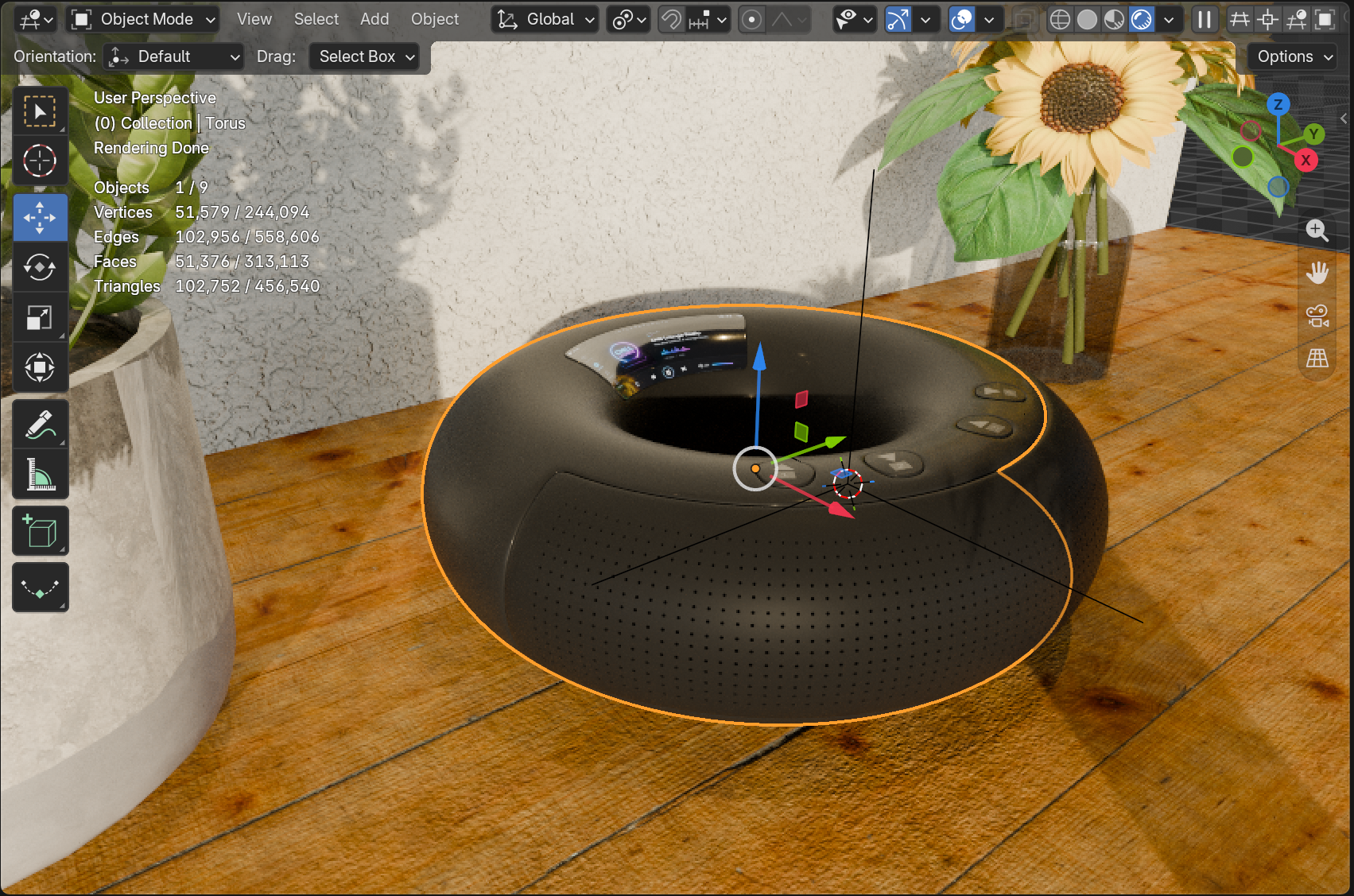
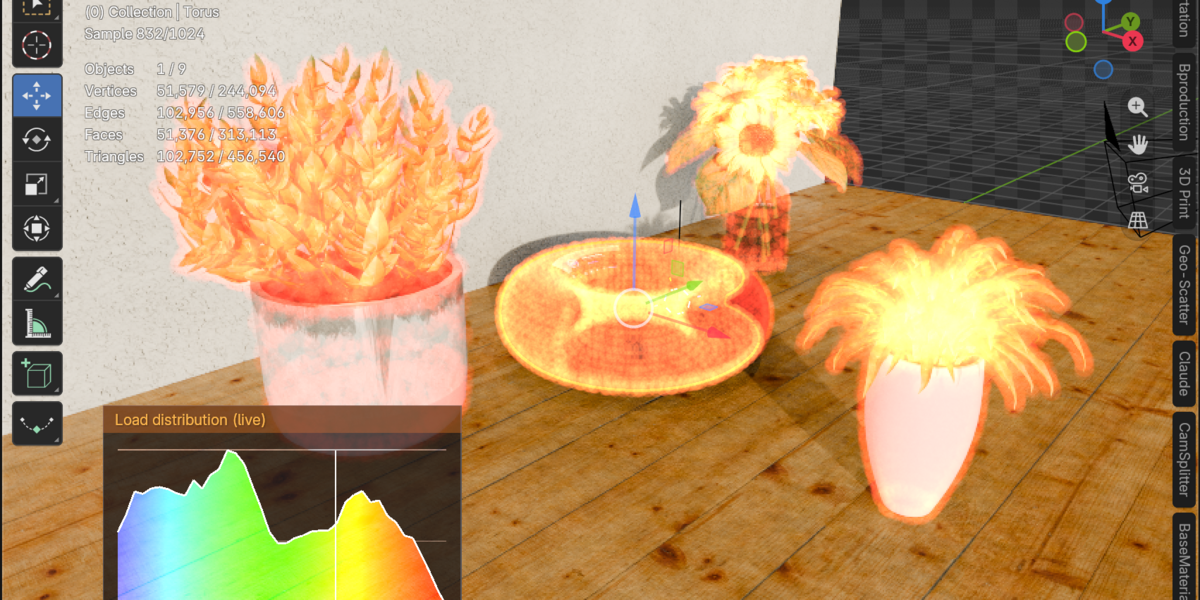
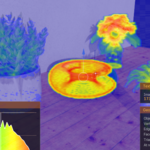
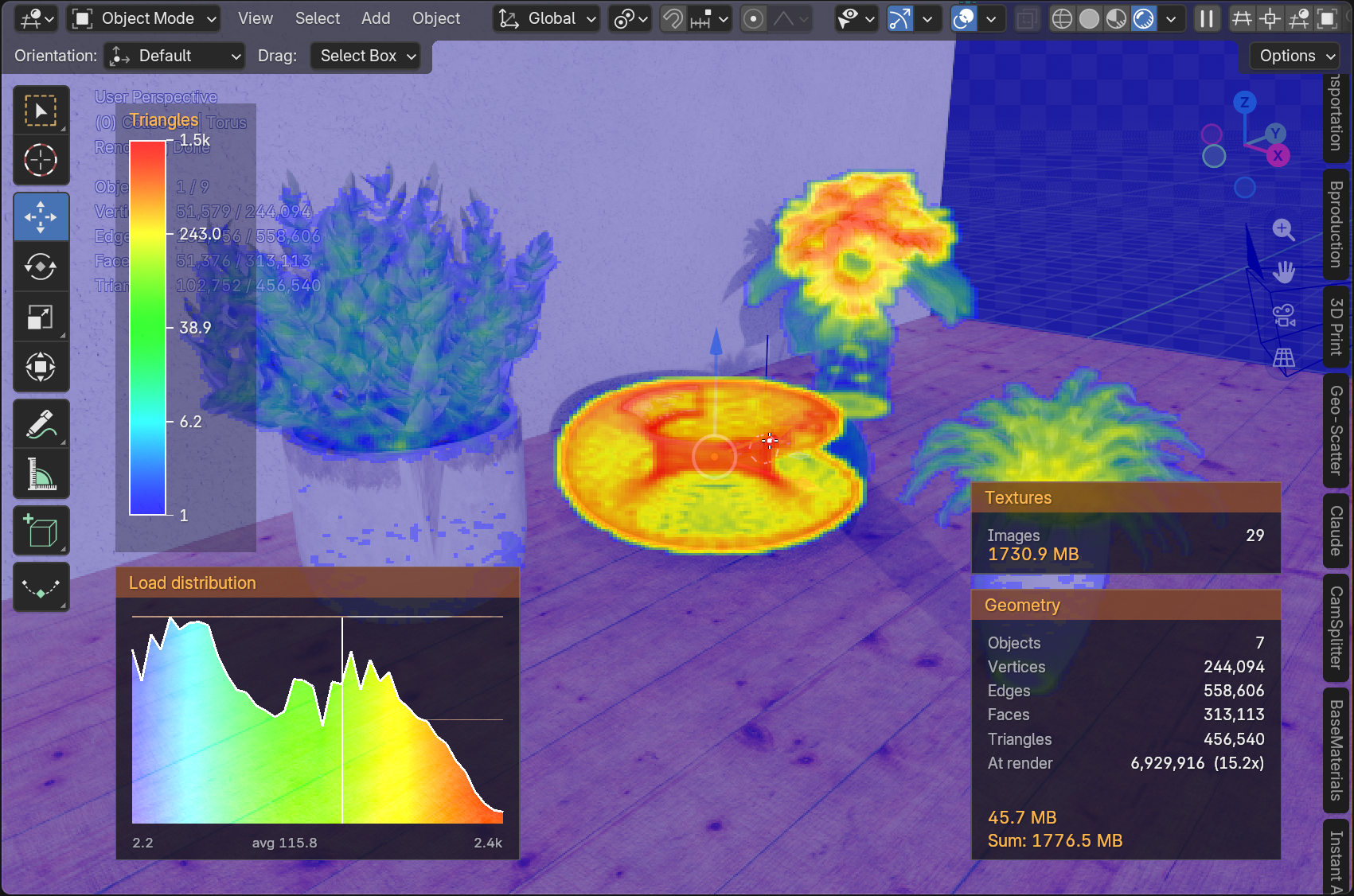
The high-resolution heatmap shows you exactly where memory consumption hides inside your models. It paints the hotspots right onto your viewport - down to fine detail - so heavy geometry has nowhere to hide.
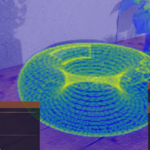
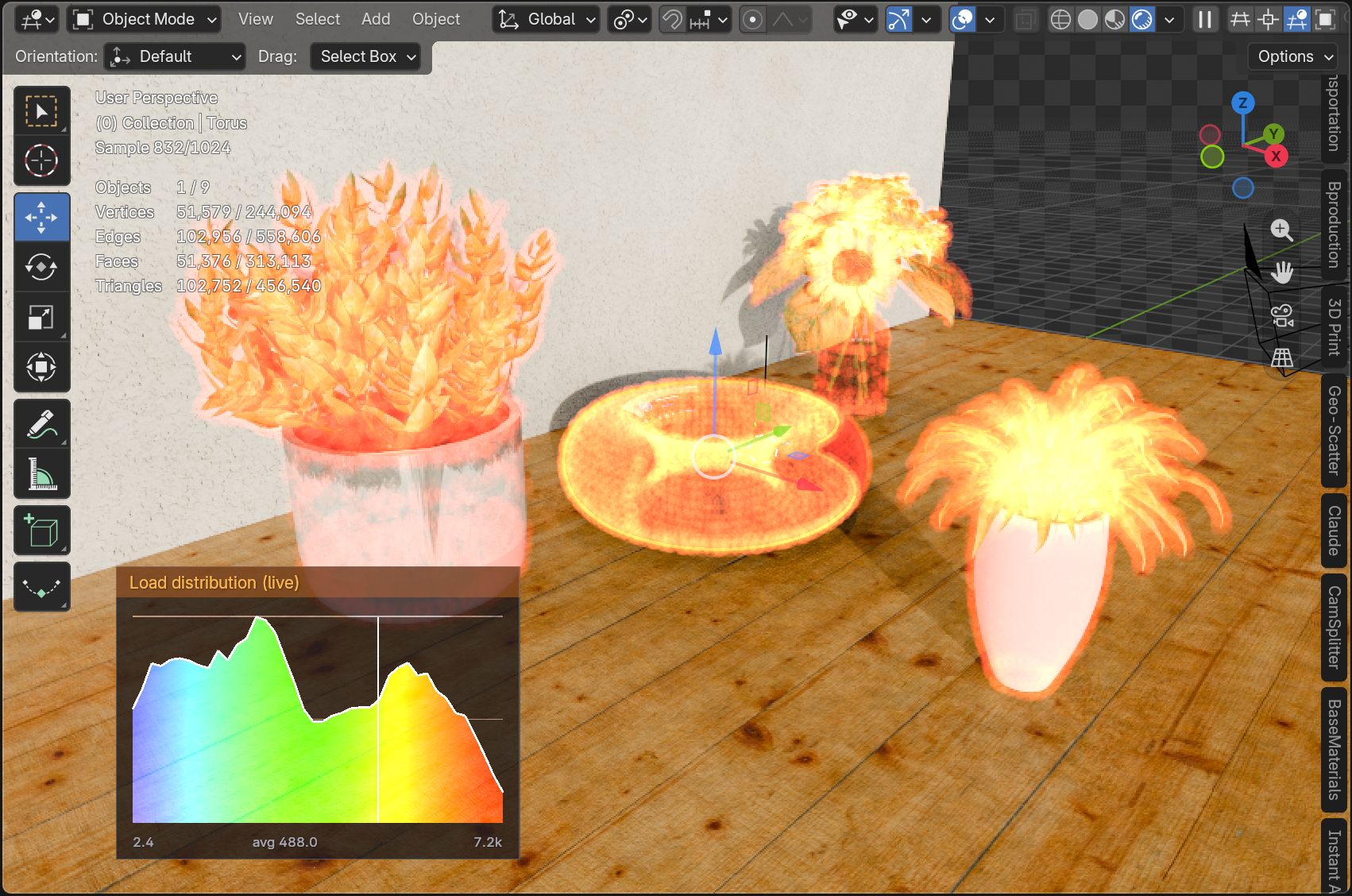
With the real-time 3D heatmap you can move freely through the viewport while the analysis is live. Orbit, pan and zoom around your scene - the glowing point cloud stays locked in place, and the live histogram follows your every move.
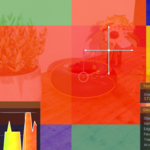
Split your high-resolution render into a grid of tiles - 4x4, for example - and render each tile on its own. The heatmap shows you in advance which tiles will consume the most memory and contain the heaviest geometry, so you know exactly where the render load sits before you start.
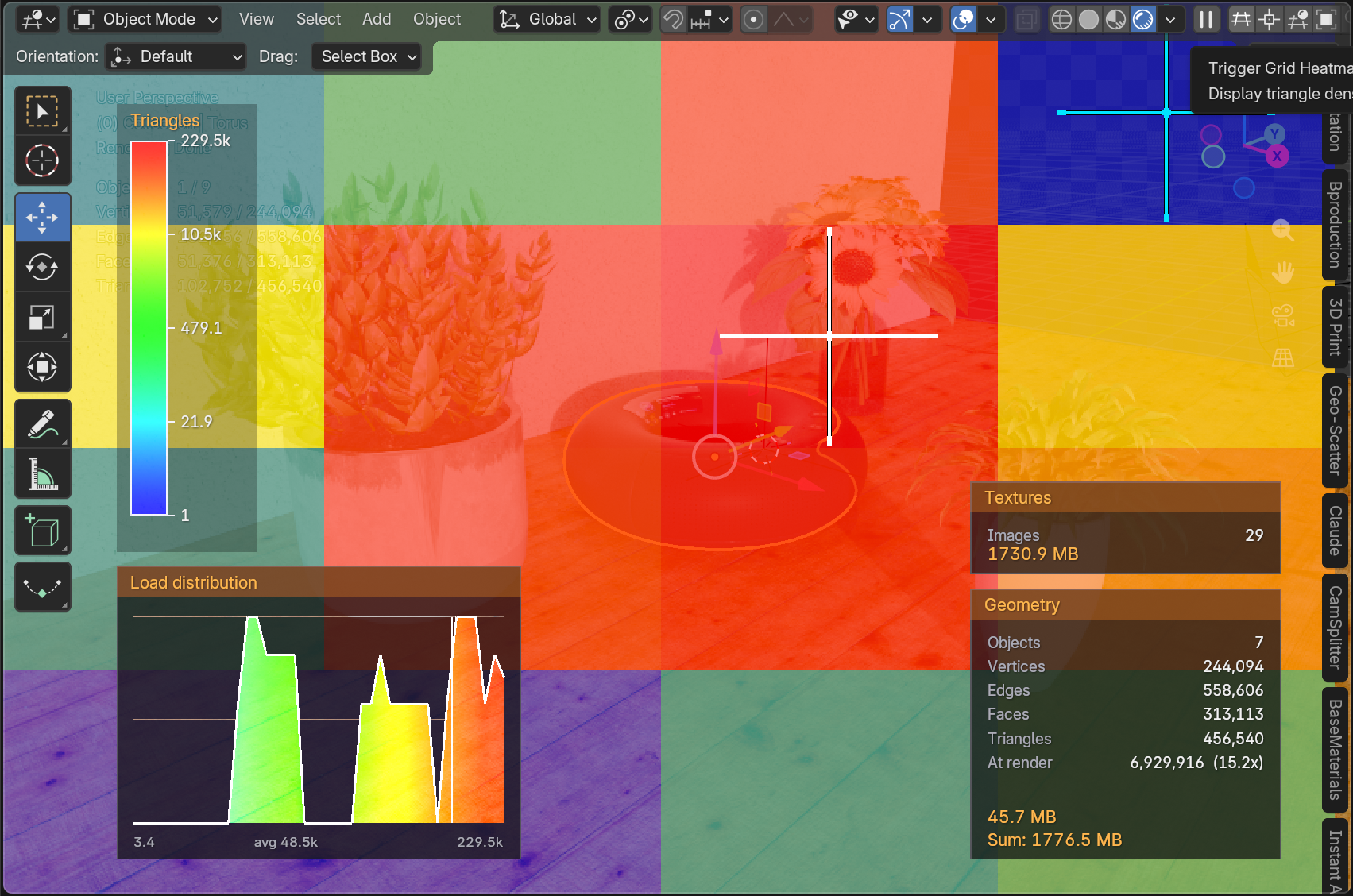
Elevate your Blender workflow with CamSplitter, combining high-resolution rendering and advanced scene diagnostics. Visualize resource usage with Tile Heatmap, High-Res Heatmap, Object HUD, and Memory/Polygon Analyzer for precise insights. Eliminate crashes and guesswork with stable, intelligent rendering.
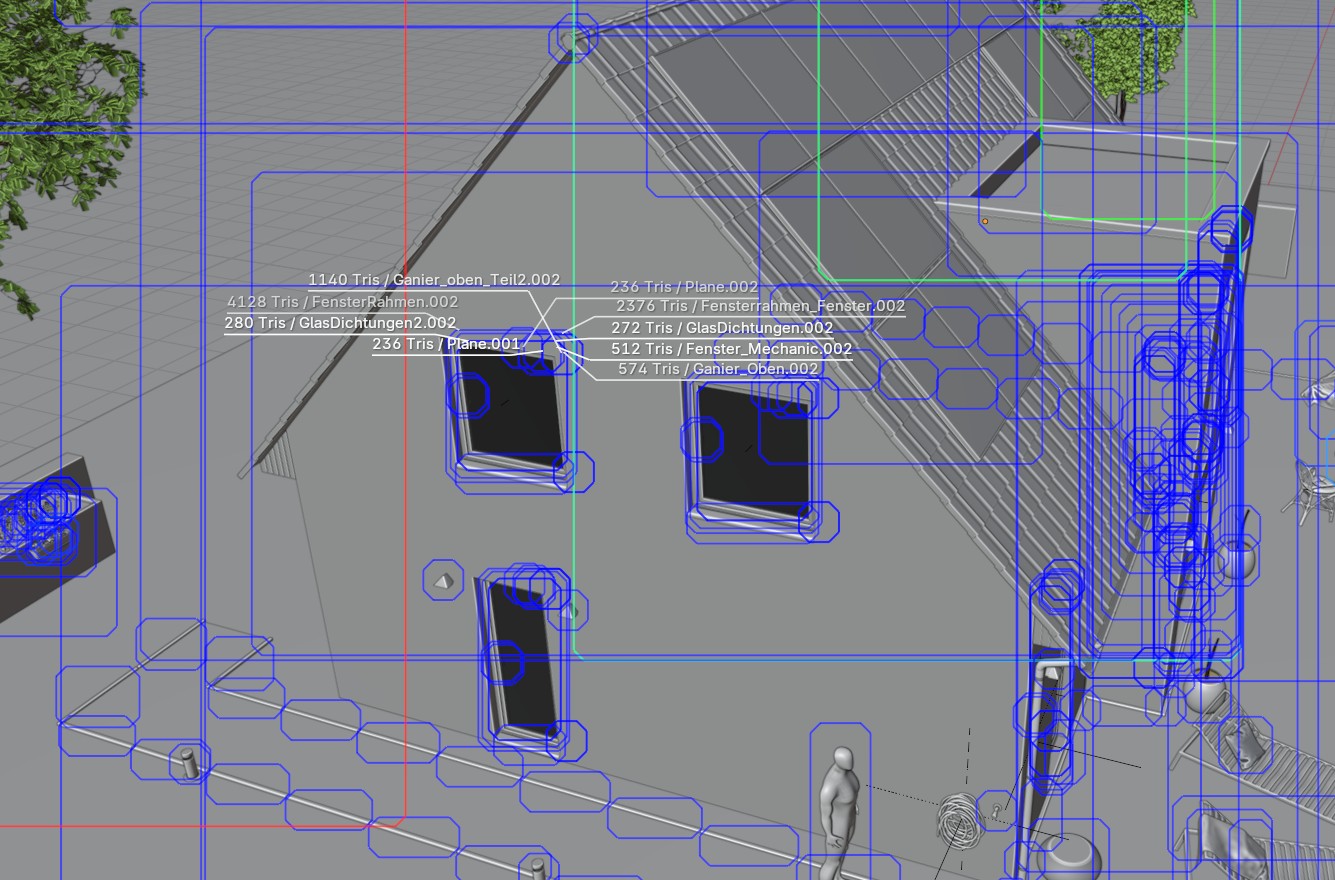
Empower your workflow with smart analysis tools like grid heatmaps for triangle density visualization and object heatmaps to identify memory-heavy elements. These tools help you optimize your scene before rendering, saving time and preventing crashes on complex areas. Real-time HUD overlays provide live insights during viewport navigation.
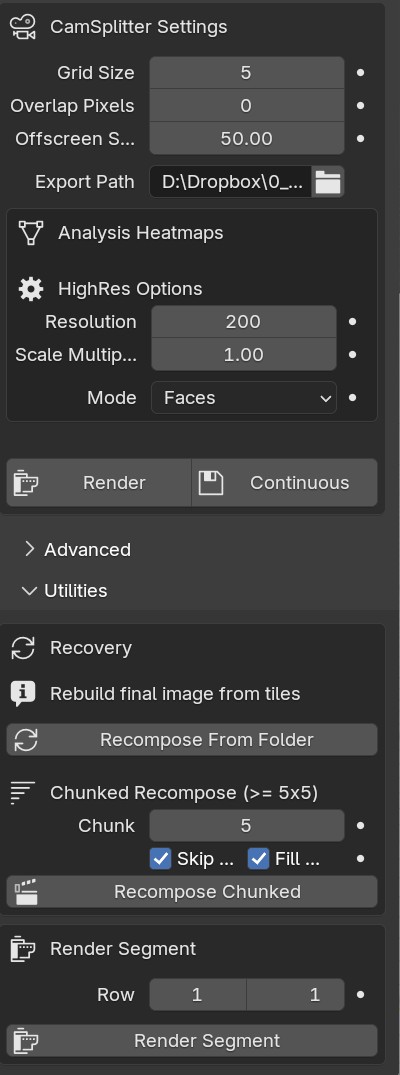
CamSplitter 2 is available right here on Superhive. Unlimited resolution, time-saving workflows, and advanced controls — grab it now and push your creative limits. Supports Blender 4.3 – 5.2. Full documentation: cg-mechanics.de/camsplitter