CamSplitter 2
 CG-Mechanics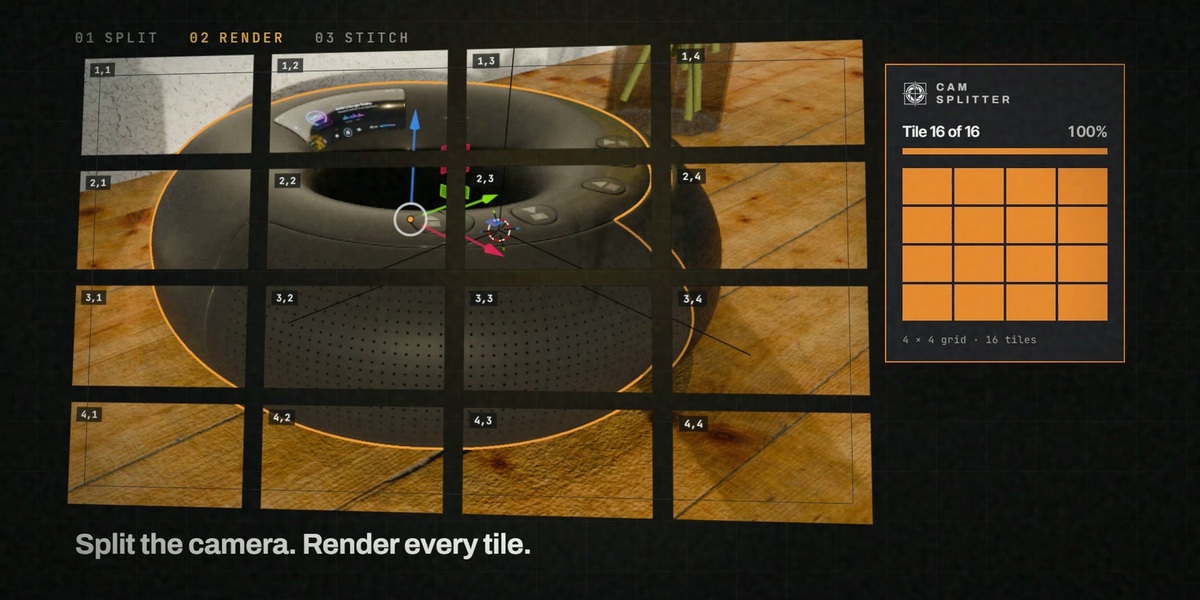
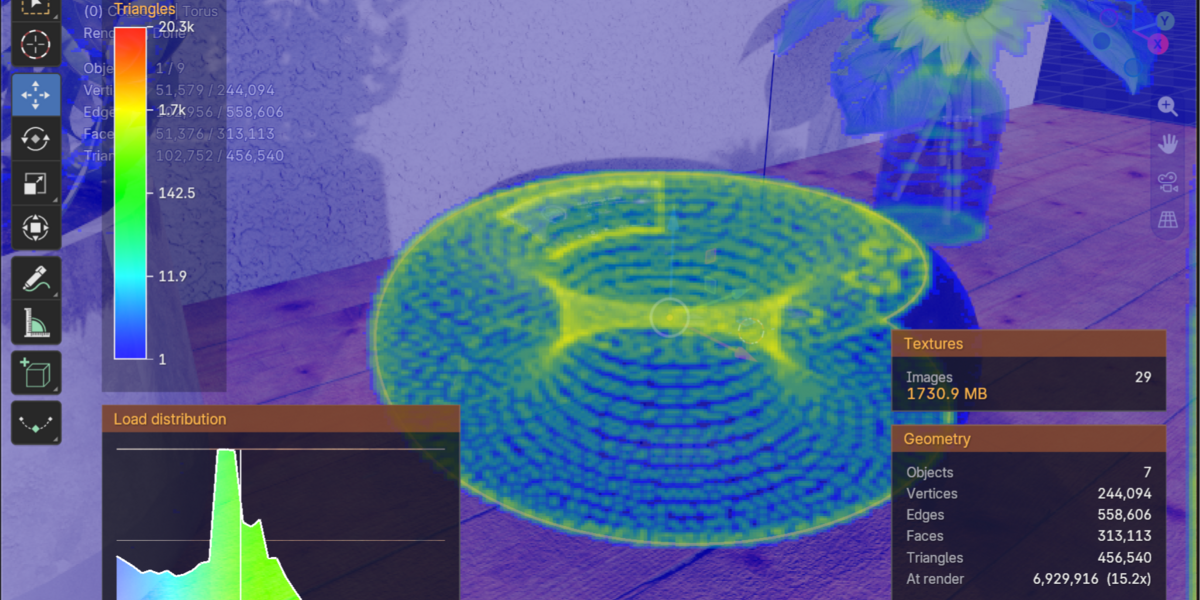
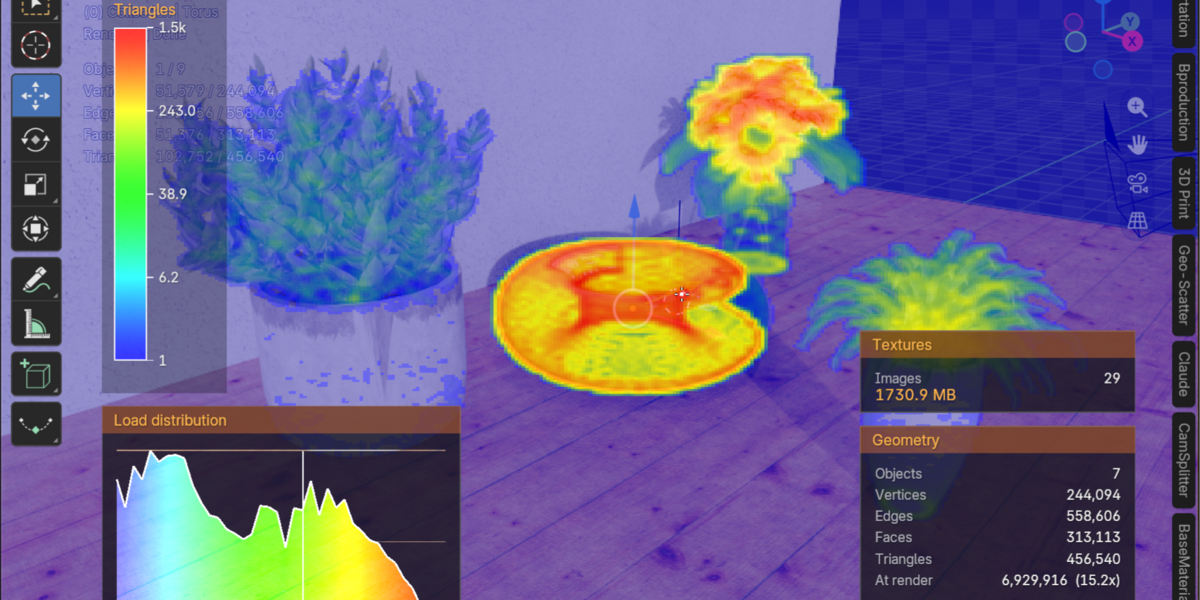
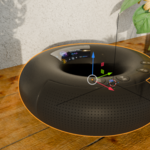
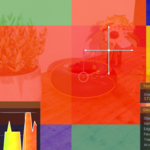
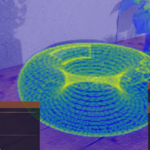
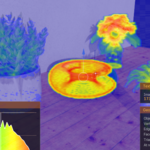
What is the new 3D heatmap (v1.42)?
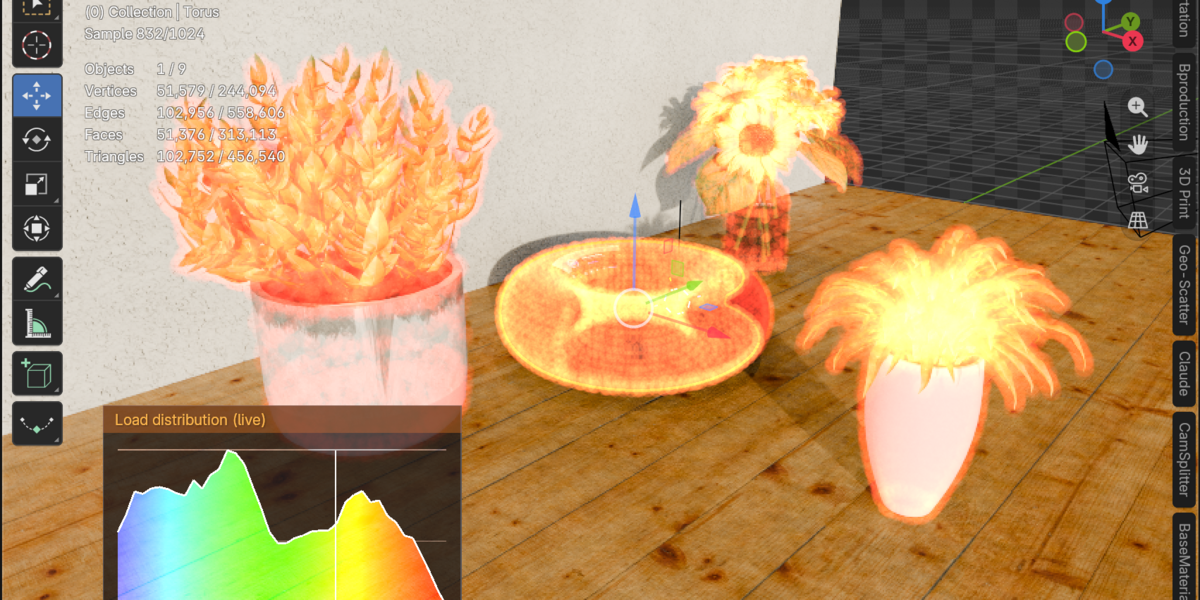
Toggle it with one click in the viewport header and your render load appears as a glowing point cloud in 3D space. The points sit on actually scanned surface positions, stay in place while you orbit and zoom, and work in every shading mode (even Solid) — like an X-ray film drawn on top of your scene. Choose an additive look (denser = brighter glow) or absorption (denser = darker red). Halos have a real-world size in Blender units, a live histogram shows the load distribution of your current view, and everything is computed once per scan and drawn as a single GPU batch — nothing is added to your scene, outliner or renders.
What exactly is CamSplitter?
CamSplitter is a professional Blender add-on developed by CG-Mechanics.de that allows you to render extremely high-resolution images by splitting your camera view into smaller tiles.
Each tile is rendered individually and later automatically reassembled into a seamless final image — giving you stable, memory-efficient rendering even for ultra-large projects.
Is it available for commercial use?
Yes. You can use CamSplitter freely in both personal and commercial projects.
It was built by professionals, for professionals.
How can I see which objects cause performance issues?
Activate the Object HUD or Memory/Polygon Analyzer.
They overlay information directly in the 3D viewport, highlighting which meshes or materials consume the most resources.
It’s like having a live performance dashboard inside Blender.
What happens if Blender crashes during a tile render?
That’s where the Continuous Mode comes in.
CamSplitter automatically detects which tiles are already rendered and continues from the exact point of interruption.
No time lost — no manual tracking.
How does the Heatmap work?
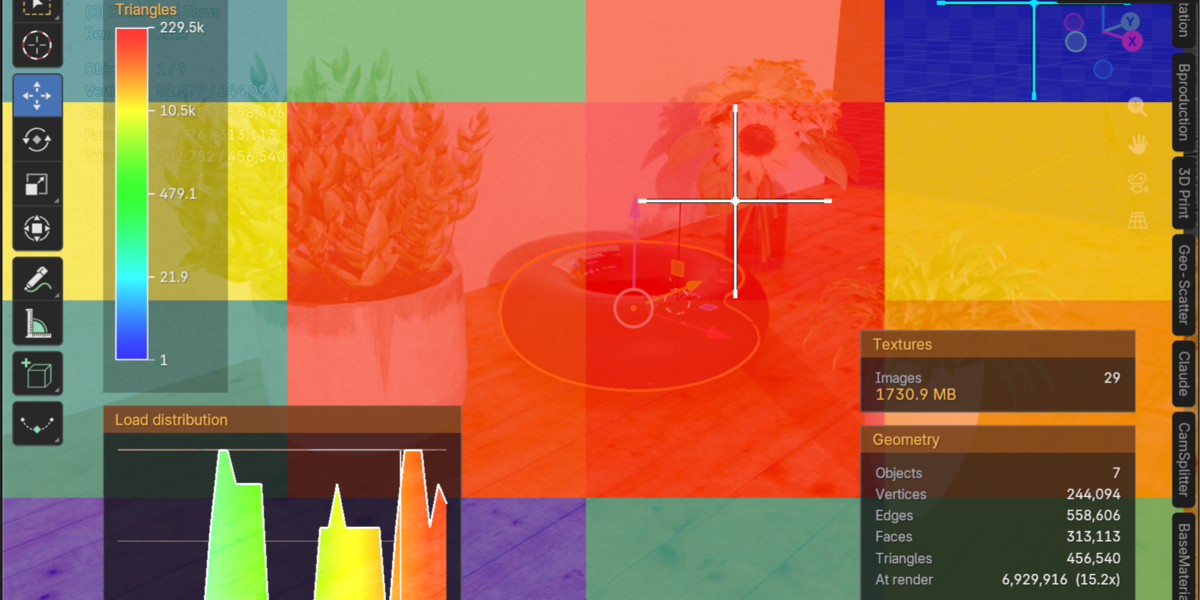
CamSplitter’s Heatmap system analyzes your scene mathematically:
It projects all visible objects from current view, measures their screen coverage, and estimates their contribution to polygon density and texture memory.
The result is displayed as a color-coded heatmap — from blue (light) to red (heavy) — that lets you see where most of your render time and memory go.
Does CamSplitter work with Cycles and Eevee?
Yes. CamSplitter is fully compatible with Cycles and Eevee, including Adaptive Subdivision and Displacement workflows.
Both CPU and GPU rendering are supported, as long as Blender’s own settings allow it.
What are the four visualizers?
CamSplitter includes a suite of built-in visualization tools:
🟠 Tile Heatmap – Shows which camera tiles are the most render-heavy
🔵 High-Res Heatmap – A detailed view of render effort within each tile
🟣 Object HUD – Displays object info directly in the 3D viewport
🟢 Memory & Polygon Analyzer – Calculates relative memory usage and geometry density per object
How is it different from existing tile-render scripts?
Most tile-render solutions stop at splitting the camera.
CamSplitter goes much further:
It automatically resumes interrupted renders (Continuous Mode)
It reassembles tiles automatically in Blender’s compositor
It integrates a full performance heatmap system
It provides four powerful visualizers for analysis and optimization
Why do I need it?
If you’ve ever experienced Blender crashes, memory overloads, or long render times when working with 10K–40K resolutions, you need CamSplitter.
It prevents memory issues by dividing your scene into manageable pieces and adds intelligent tools like heatmap analysis and object visualization to identify performance bottlenecks.
Discover more products like this
GPU Optimization Heatmap Analysis Seamless Composition Chunked Composition Architectural Viz Product Renders high resolution Tile Rendering Continuous Mode blender addon