 ASHISH KUMAR MAURYA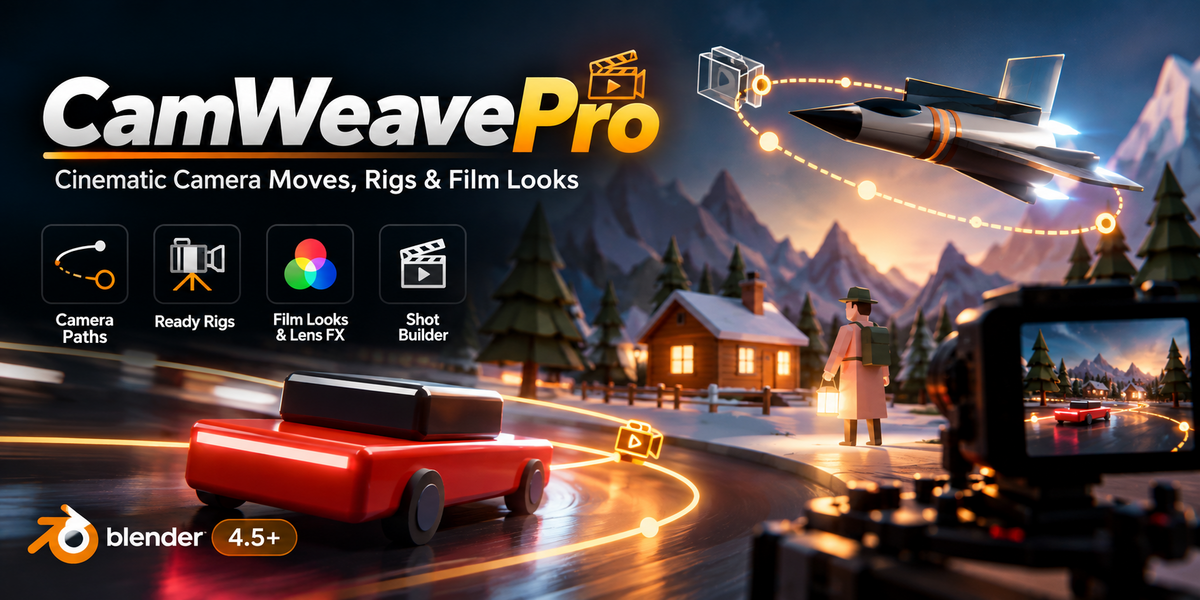
Promo- CamWeave Pro – Cinematic Camera Moves for Blender | Drone, Crane, Follow-Cam & Film Looks
Cinematic camera moves in Blender, without keyframing a thing
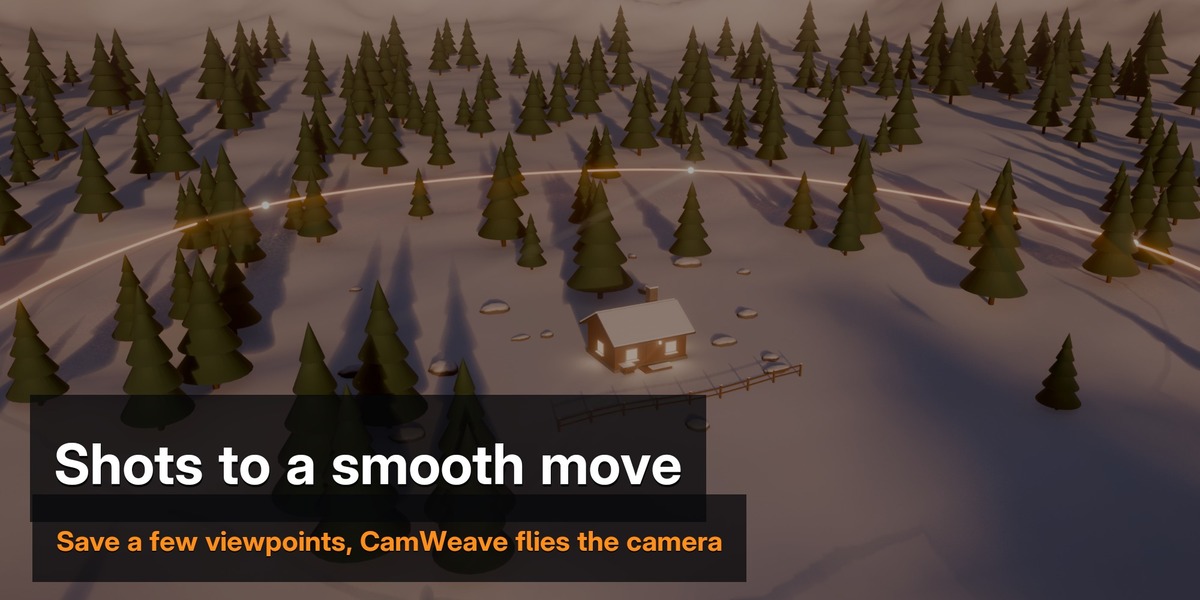
CamWeave Pro turns a few saved viewpoints into smooth, film-quality camera moves. Chase cams that follow a car, drones and cranes that move like real equipment, camera shake, film looks and atmosphere, all from one sidebar panel (3D Viewport > Sidebar > CamWeave).
Full tutorial: every feature, step by step
Shots
- Add a shot from the current view, or from selected cameras
- Per-shot aim: Free, Target (Keep or Center framing) or Path
- Per-shot lens, shift, roll, focus and f-stop, blended smoothly between shots
- Copy aim, lens, focus or timing to all shots in one click
Motion
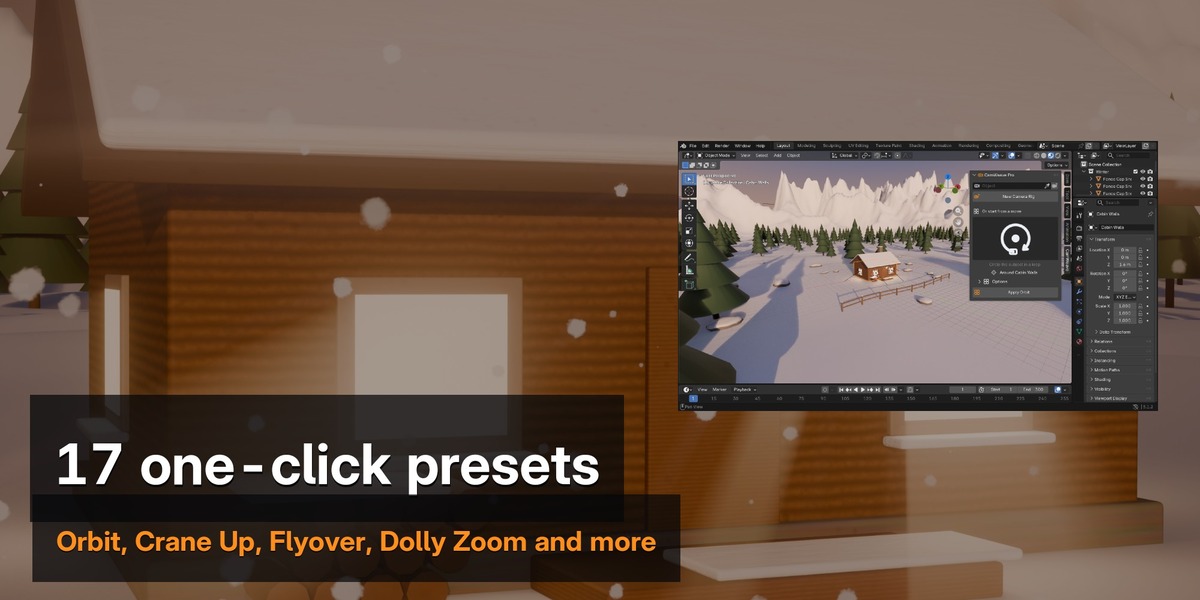
- 17 one-click move presets: Orbit, Arc, Spiral, Reveal, Push In, Pull Back, Crane Up, Pedestal, Truck, Top-Down, Flyover, FPV Dive, plus signature moves Dolly Zoom, Whip Pan, Crash Zoom, Snap Zoom and Dutch Tilt
- Continuous or per-shot timing, easing, holds, path types, loops and Dolly Zoom Lock
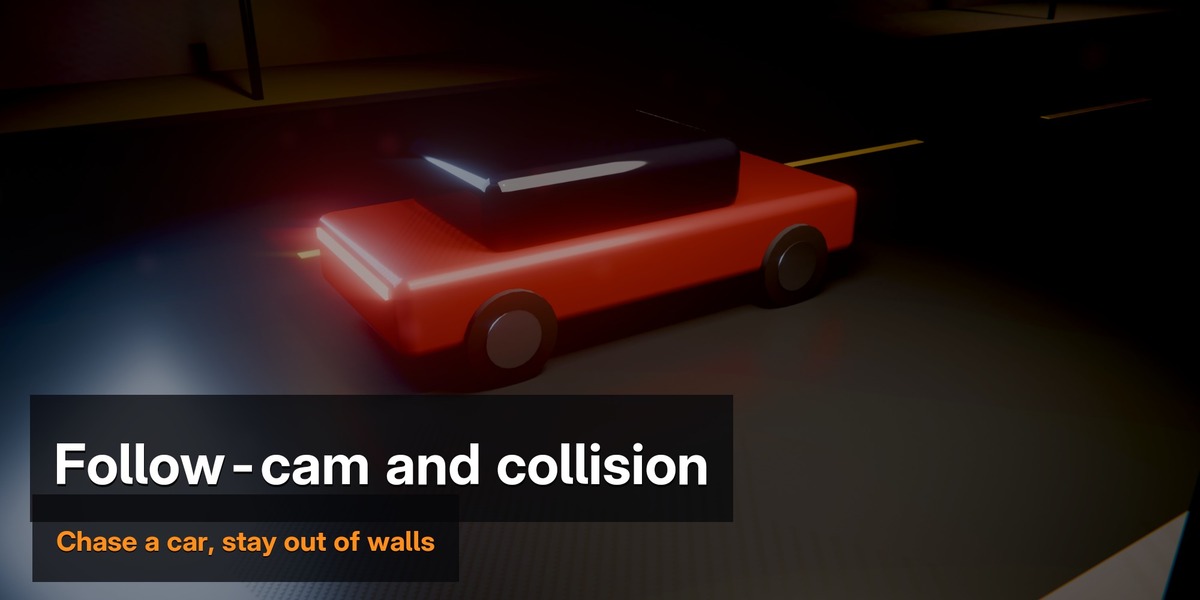
- Follow Subject: the whole move drives with a car, character, drone or bone (Position, Heading or Full; chase lag, look ahead, lean)
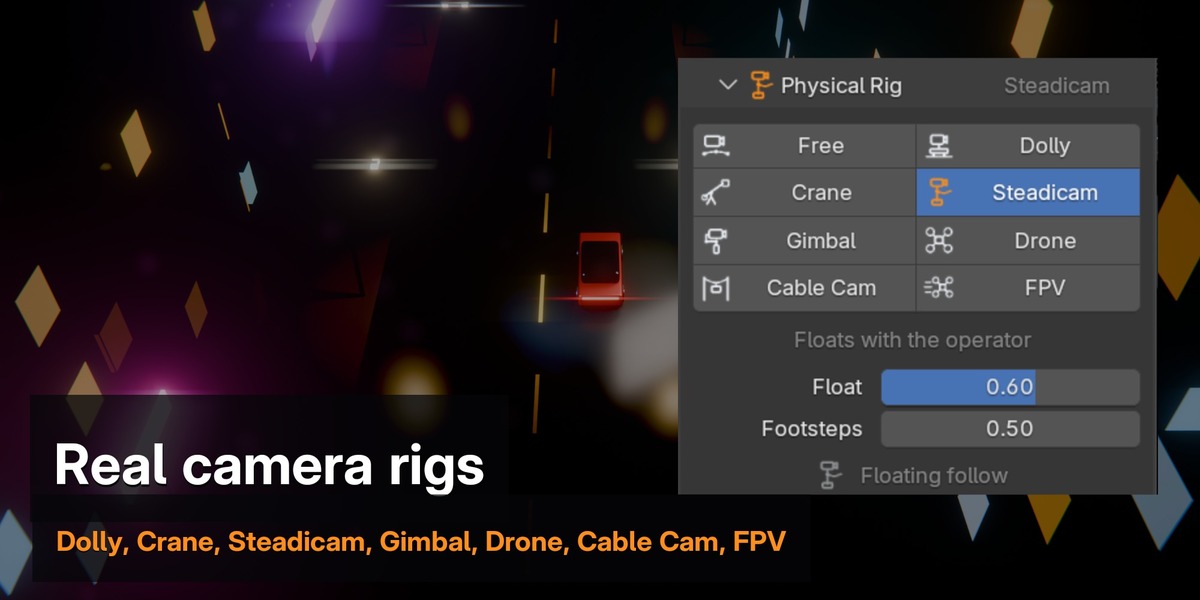
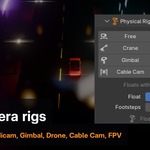
- Physical rigs that move like real equipment: Dolly, Crane, Steadicam, Gimbal, Drone, Cable Cam and FPV
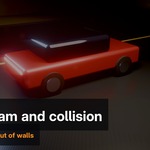
- Collision: keeps the camera out of walls, trees and floors, with an ignore collection
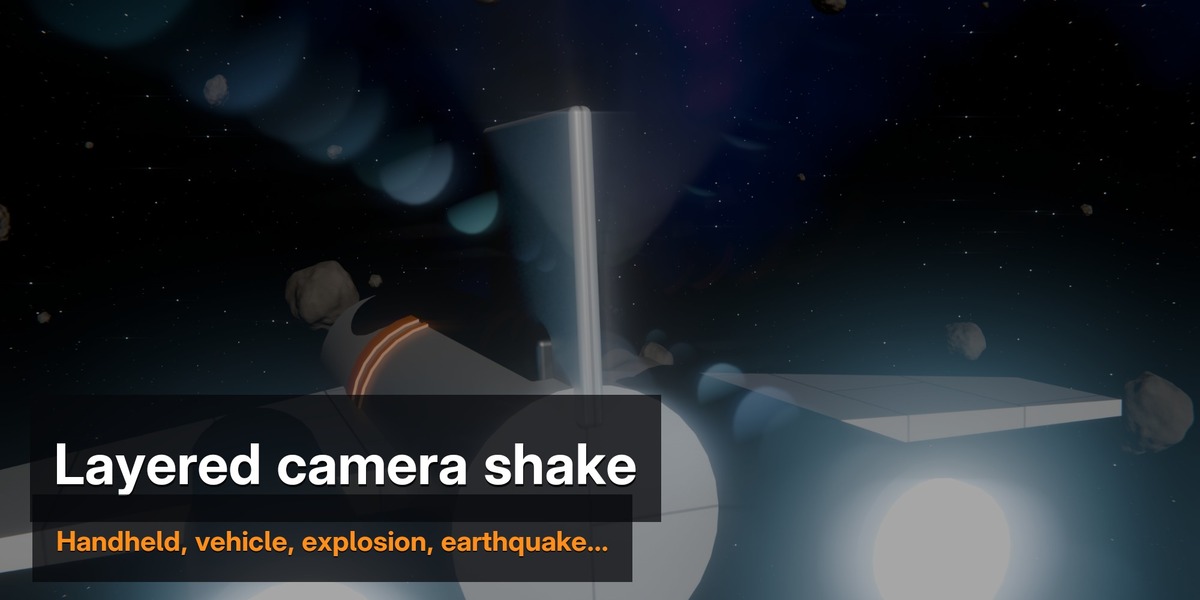
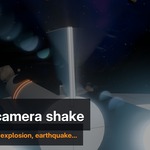
- Layered camera shake: Handheld, Walk, Run, Vehicle, Explosion, Earthquake, Float
Look
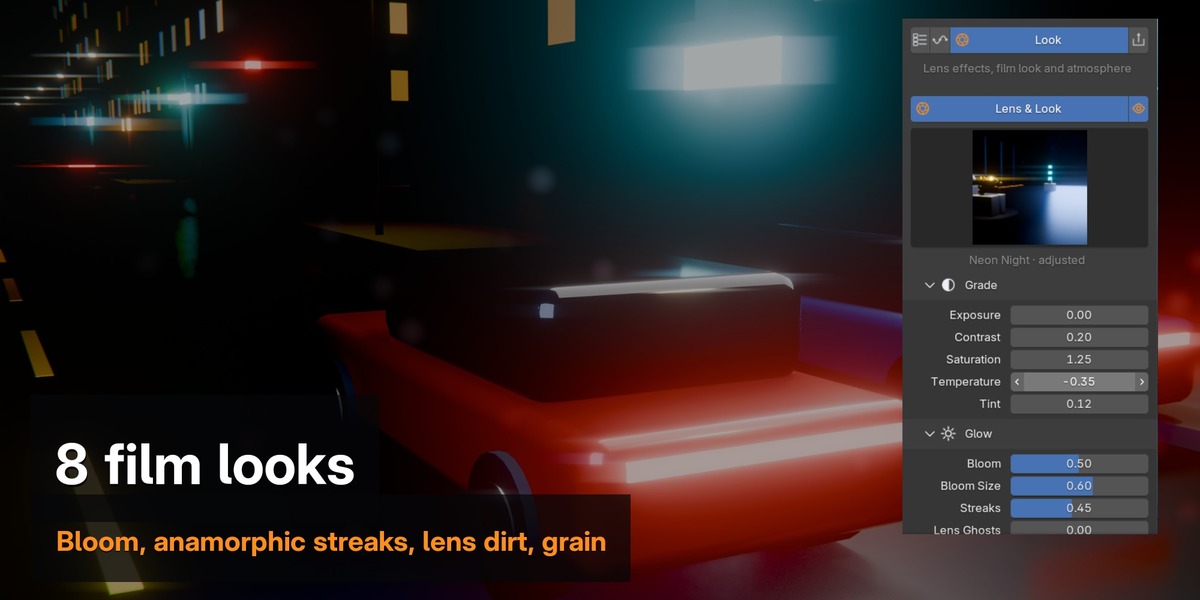
- 8 film looks: Clean, Cinematic, Anamorphic, Vintage Film, Dreamy, Neon Night, Golden Hour, Noir
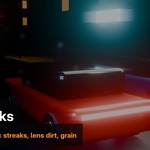
- Grade, bloom, anamorphic streaks, lens ghosts, halation, god rays, chromatic aberration, lens dirt, vignette, light leaks and film grain
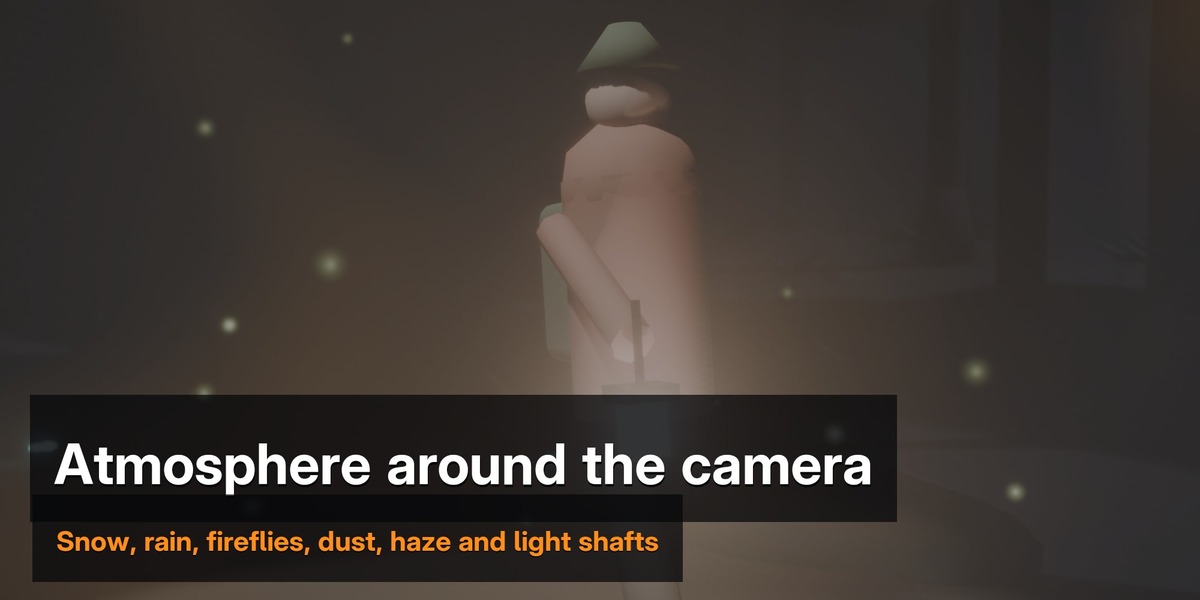
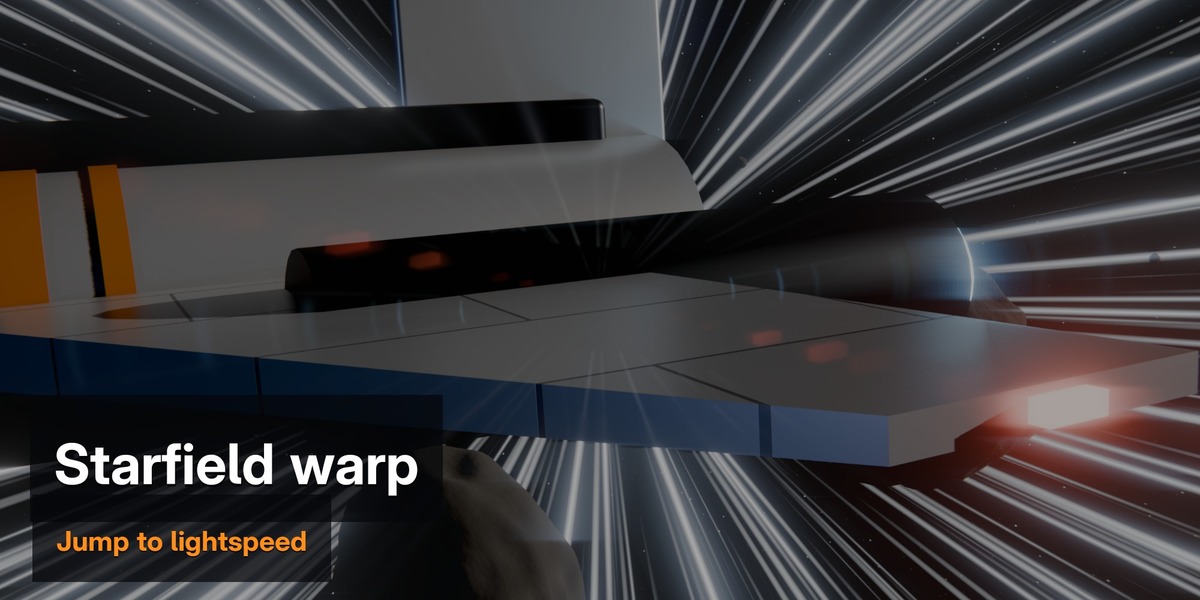
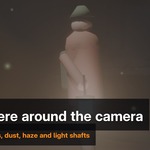
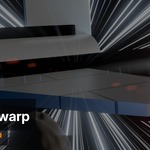
- Atmosphere around the camera: Dust, Sparkles, Fireflies, Snow, Rain, Ash & Embers, Underwater and a Starfield with warp
- Haze and one-click light shafts
Output
- Depth of field, auto update and key step
- Path, frustum and frame-dot overlays
- Director's Monitor: thirds grid, shot and lens info, timecode
- Detach the rig and keep a normal animated camera
Renders anywhere
Moves bake to normal keyframes, looks are standard compositor nodes and atmosphere is Geometry Nodes, so your .blend files render on any machine, even without the add-on. Works in EEVEE and Cycles.
Compatibility
Blender 4.5 LTS, 5.0 and 5.1.
Install
Edit > Preferences > Get Extensions > (dropdown) > Install from Disk, and choose the zip. Then press N in the 3D Viewport and open the CamWeave tab.
Using the free CamWeave? Disable or uninstall it before installing Pro.
