 Flidoh Animations


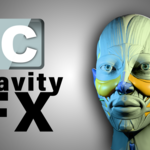




Cavity FX – Give Your Renders a Bold, Stylized Look.
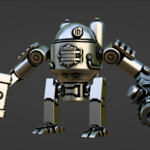
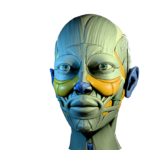
Whether you're working in EEVEE or CYCLES, Cavity FX translates the dramatic ridges and valleys you see in solid mode straight into your material render — effortlessly.
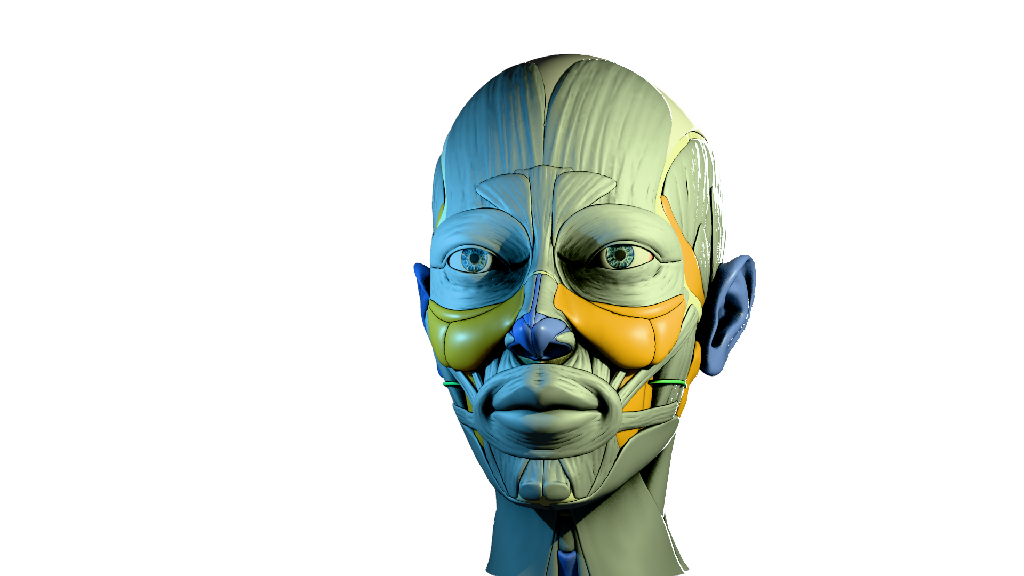
Why Artists Love It
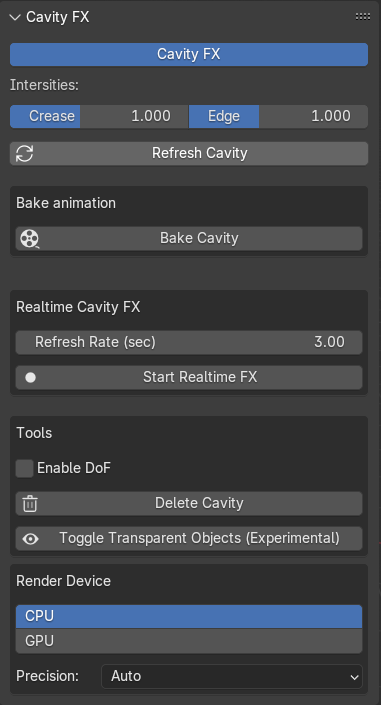
Highlights
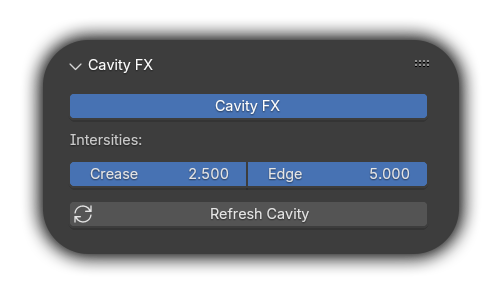
Plug-and-play - Everything is all setup from the box, Just install and Click the Cavity FX button to see the Cavity Effect - Instant Feedback. (Adjust the intensity sliders “Crease” and ”Edge” to see effect ).
Preview or Bake to animation - your timeline, your style.
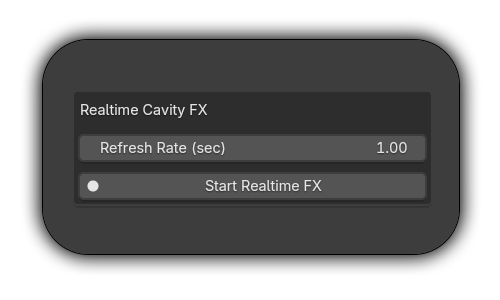
Realtime FX mode — updates every second for live demos or manually setup the time the viewport should update.
lWorld + Screen space support — tweak both for perfect balance.
lCompositor-ready — includes a custom node group that just works.
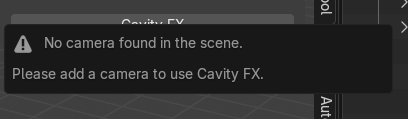
l Smart UI — knows when your scene is missing key elements and helps you fix it.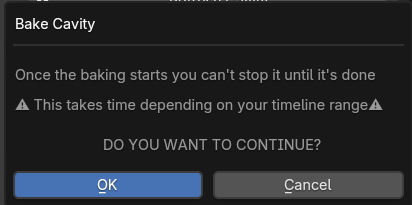
Built For...
üStylized renders and toon shading
üQuick turnarounds in concept art or client previews
üLayered compositing workflows
üArtists who like sharp tools, not slow workarounds
Heads Up
lCavity FX is SCREENSPACE-BASED — it works with what your camera sees.
lYou must render from full camera view for best results. If Cavity gets misaligned, just press HOME to reset your camera view.
lPNG’s / Alpha objects don’t respond to Cavity.
System Requirements
lBlender 4.4+
lWindows 11 recommended (Linux/macOS partially supported).
lCavitylib.blend (included in download).
l3.5Ghz+ processor suggested for Realtime best performance.
Get That Cavity Look — Without the Hassle.
You’ve seen it in your solid viewport, Why not in material viewport ?
Level up your style — grab Cavity FX today.