 Polygoningenieur






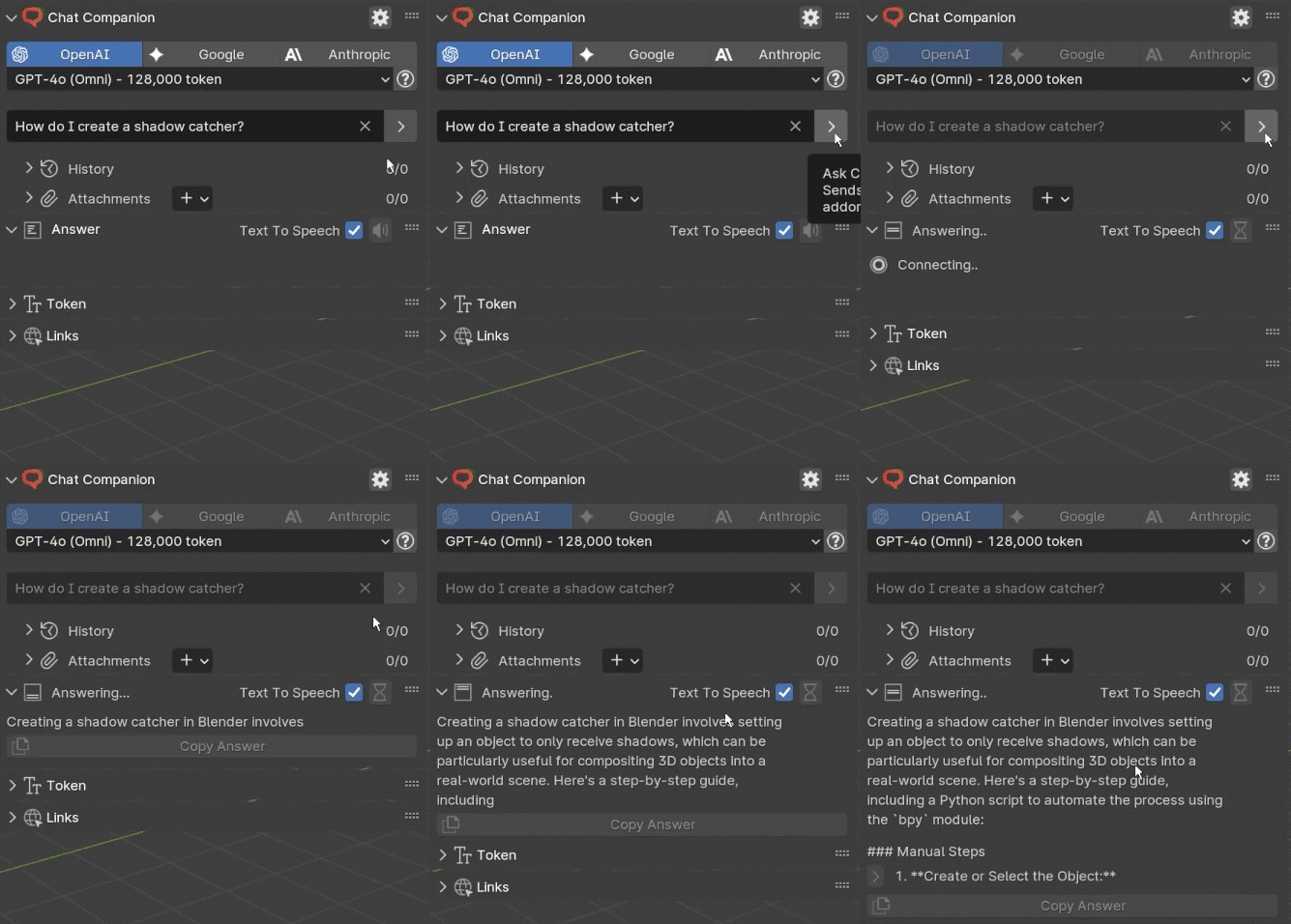
Ask Anything
Ask any question about Blender, scripting with Python or really anything else...
Chat with models from

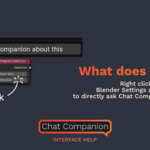
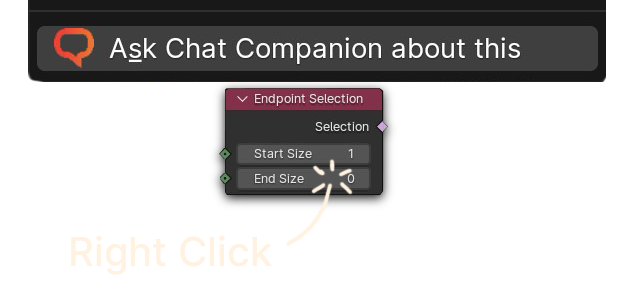
What does that do?
Right click on Blender settings and buttons to directly ask Chat Companion about them.
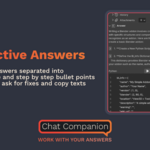
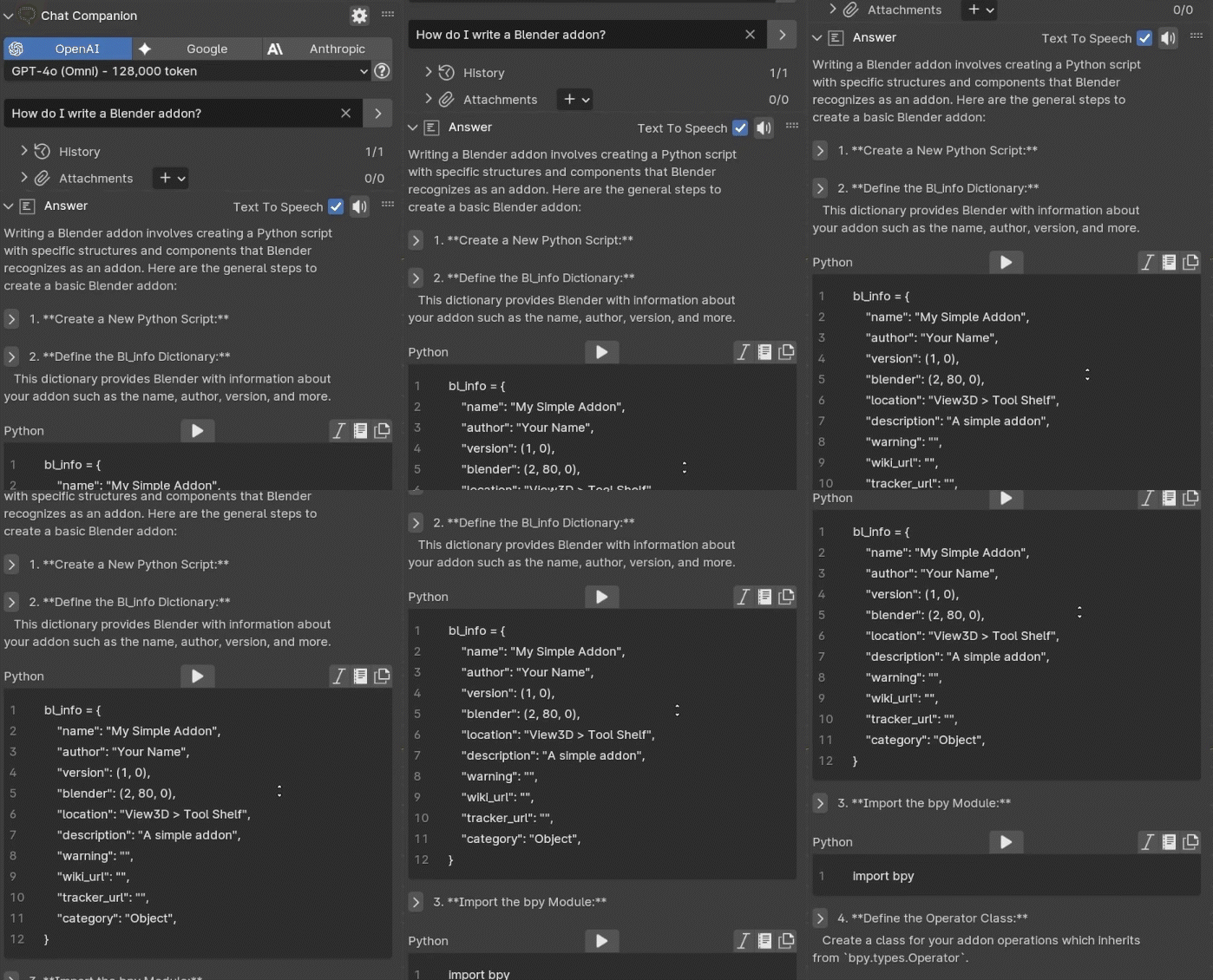
Interactive Answers
Get answers separated into paragraphs, code and lists - execute code, copy text and listen to the answers with text-to-speech.
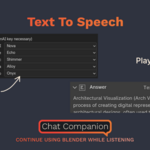
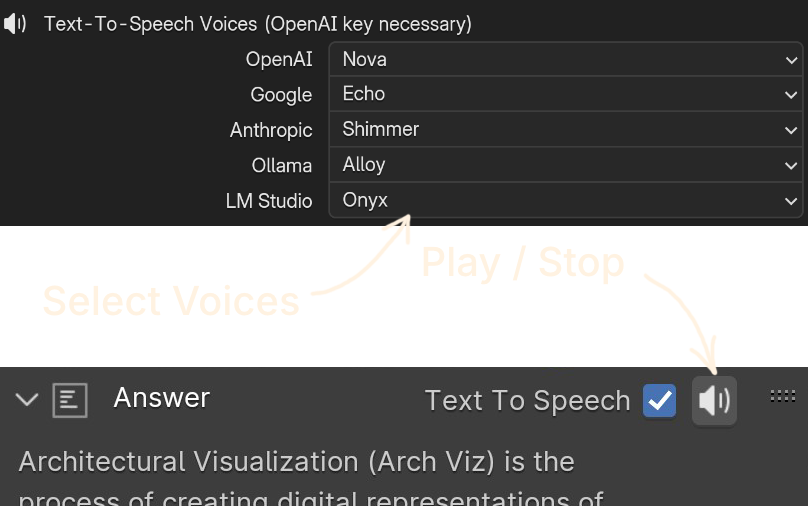
Text To Speech
Chat Companion reads the answers out loud to you.
Code Completion
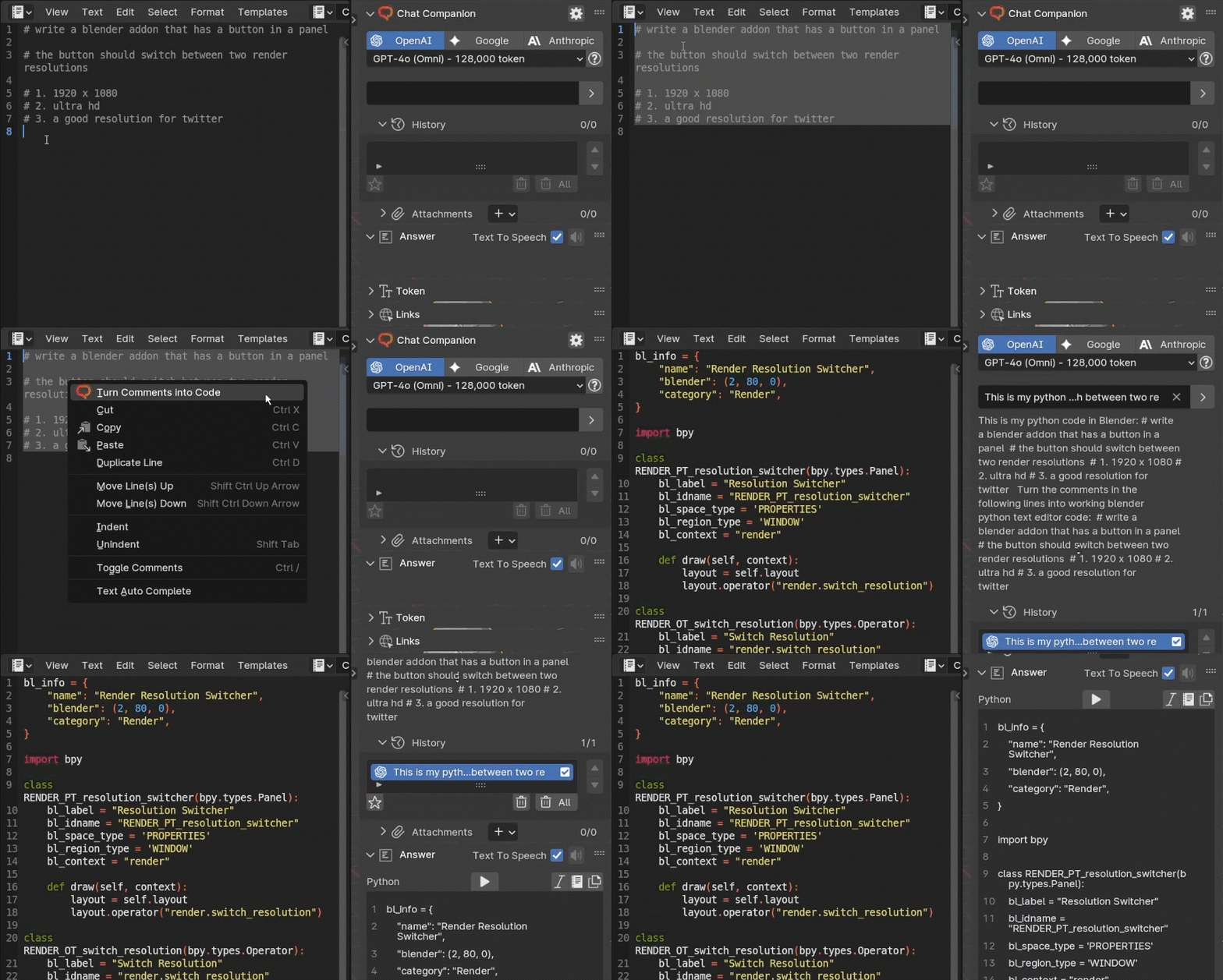
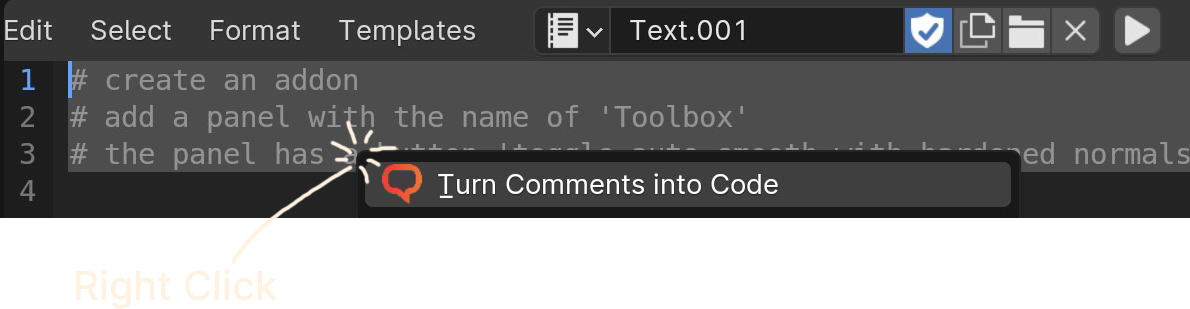
Select your pseudo code and ask for Code Completion!
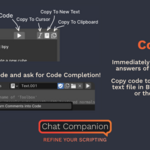
Coding
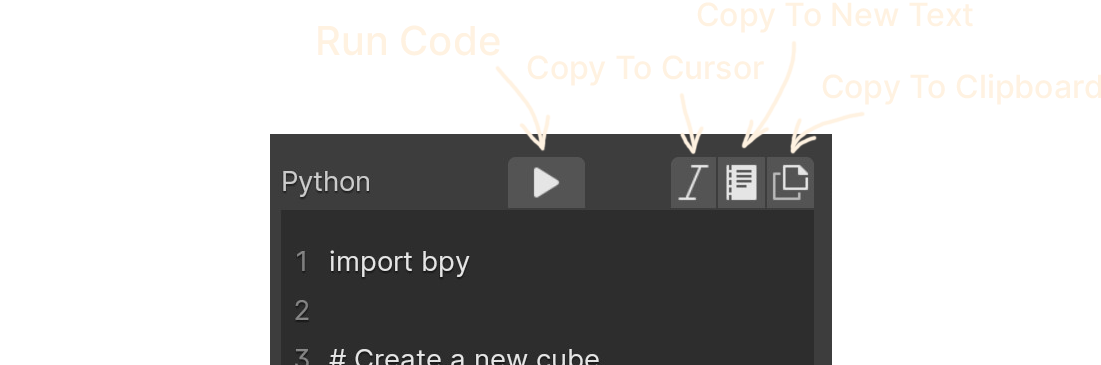
Immediately run code from the answers of Chat Companion.
Copy code to anywhere - a new text file in Blender, your cursor or the clipboard.
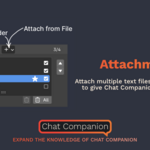
Attachments
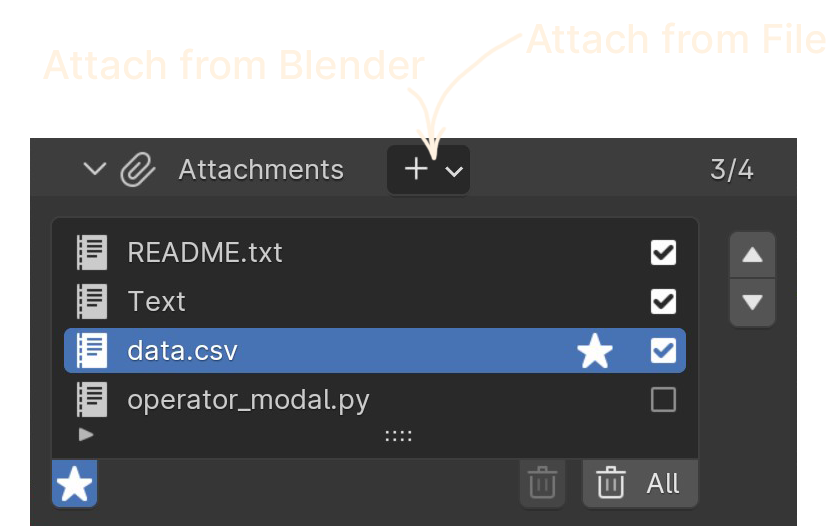
Attach multiple text files to your question to give Chat Companion more context.
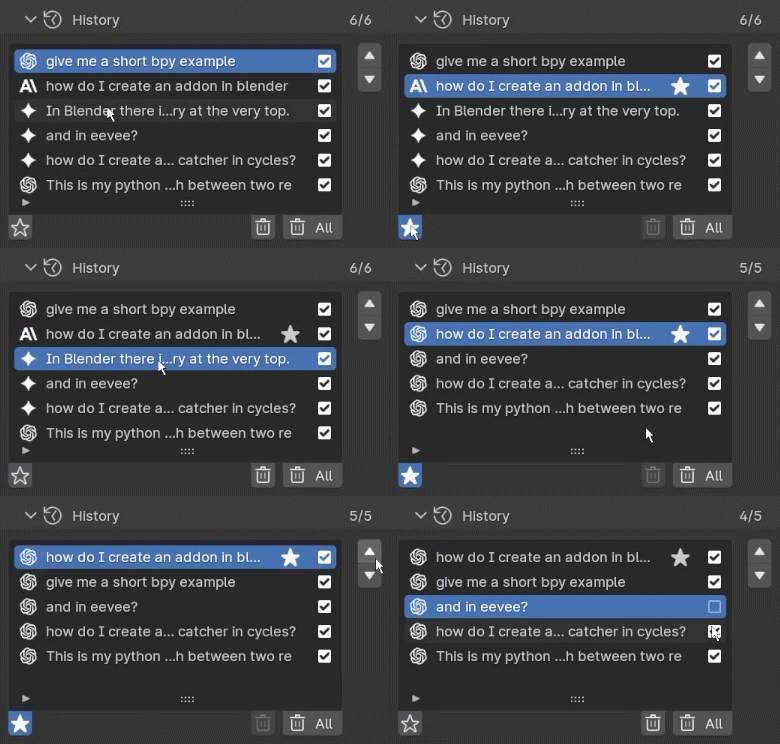
History
A history panel makes it easy to track conversations and customize the context for your questions.
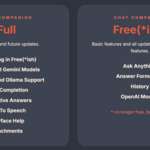
Full
All features and future updates.
Everything in Free(*ish)
Claude and Gemini Models
LM Studio and Ollama Support
Code Completion
Interactive Answers
Text To Speech
Interface Help
Attachments
Free(*ish)
Basic features and all updates for future basic features.
Ask Anything
Answer Formatting
History
OpenAI Models
* no longer free, but only $1




Updates
Make sure to uninstall the current version and restart Blender before installing the new one!
- Dropdown to specify automatic history context to be sent along with prompt (for example first and last prompt)
- Keep prompt text when error occurs
- Reset internal properties on Blender start
- Bug fixes and cleanup
- Support for Blender 5.0
- Added support for LM Studio (download and install LM Studio, load models, and use them in Blender)
- Added Google Gemini 3 Pro Preview
- Updated Anthropic Model Opus to Version 4.5
- Added OpenAI Models
GPT 5.1
GPT 5 Mini
GPT 5 Nano
GPT 5 - Bug fixes and cleanup
- Support for Blender 4.5
- Added support for Ollama (download and install Ollama, pull models, and use them in Blender)
- Updated Google Models
Gemini 2.5 Flash
Gemini 2.0 Flash Light
Gemini 2.5 Pro - Updated Anthropic Models
Claude Sonnet 4.5
Claude Haiku 4.5
Claude Opus 4.1 - Press Ctrl-Enter to send your prompt while in the textfield
- User can now send Blender version along, to get more detailed answers (see addon preferences)
- Bug fixes and cleanup
- Updated OpenAI Models
GPT-4.1
GPT-4o Omni
o4-mini - Updated Google Models
Gemini 2.0 Flash
Gemini 1.5 Flash
Gemini 1.5 Pro - Updated Anthropic Models
Claude Opus 4
Claude Sonnet 4
Claude Haiku 3.5
- Added Support for Blender 4.4
- Bug fixes
- Added Support for Blender 4.3
- Bug fixes
- Added Support for Blender 4.2 LTS
- Updated AI models
- Bug fixes
- Added new OpenAI GPT-4o (Omni) model
- Added Google Gemini models
- Added Anthropic Claude 3 models
- Added Text-To-Speech with voice selection
- Support for Blender 4.1
- UI updates
- Bug fixes
- Added Support for Blender 4.0
- Attachments can now be added to a prompt
- Added ChatGPT 3.5
- Added GPT-4
- History entries can be enabled/disabled
- Token for the next prompt are now displayed
- UI improvements
- Support for Blender 3.6 LTS
- Better Error Message if your OpenAI account isn't approved for GPT-4
- Streaming for all Blender versions
- Better dependency Installation
- Bug fixes and clean up
- Fixed a bug in Code Completion
- Added Code Completion
- You can now ask for error fixes if a script from the AI throws an error
- Added history of all prompt/answers
- Steps in an answer can be clicked on
- Answers can now streamed word by word
- More User Interface Help interactions
- Many smaller improvements and bug fixes
- Support for Blender Version 3.3.5 LTS, 3.4 and 3.5
- User Interface Help gives better answer
- More descriptive error displays
- Added ability to change connection timeout
- Initial release