 one99addons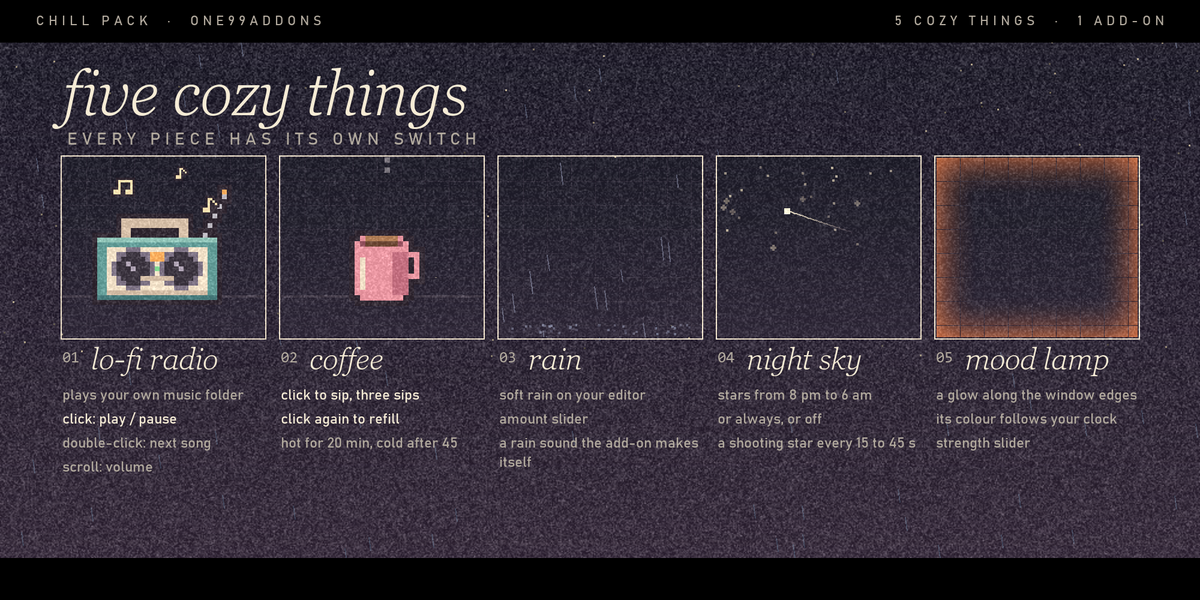
📻 Chill Pack
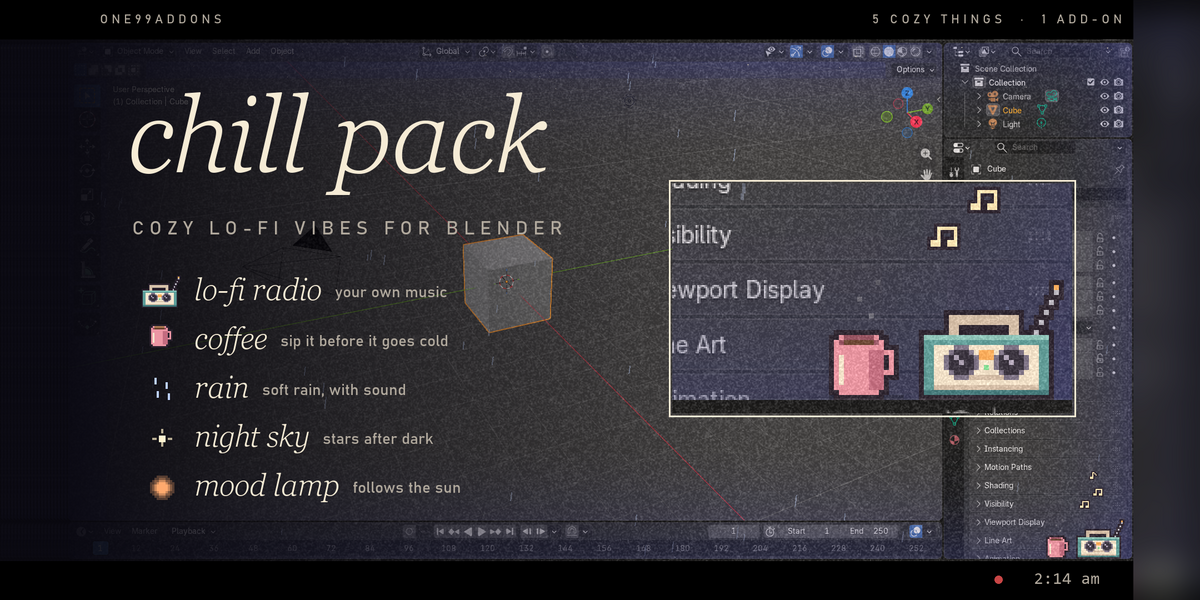
Cozy lo-fi vibes for Blender: a radio for your own music, rain, a mood lamp, stars at night and a coffee.
A little pixel corner for long sessions. Click the radio to play your music, watch the rain fall across the window, sip your coffee, and see the light change from sunset to starry night.
The problem
Blender sessions are long, the interface is grey, and your music lives in another app you keep switching to. It's 2 am and you're still blendering.
What it does
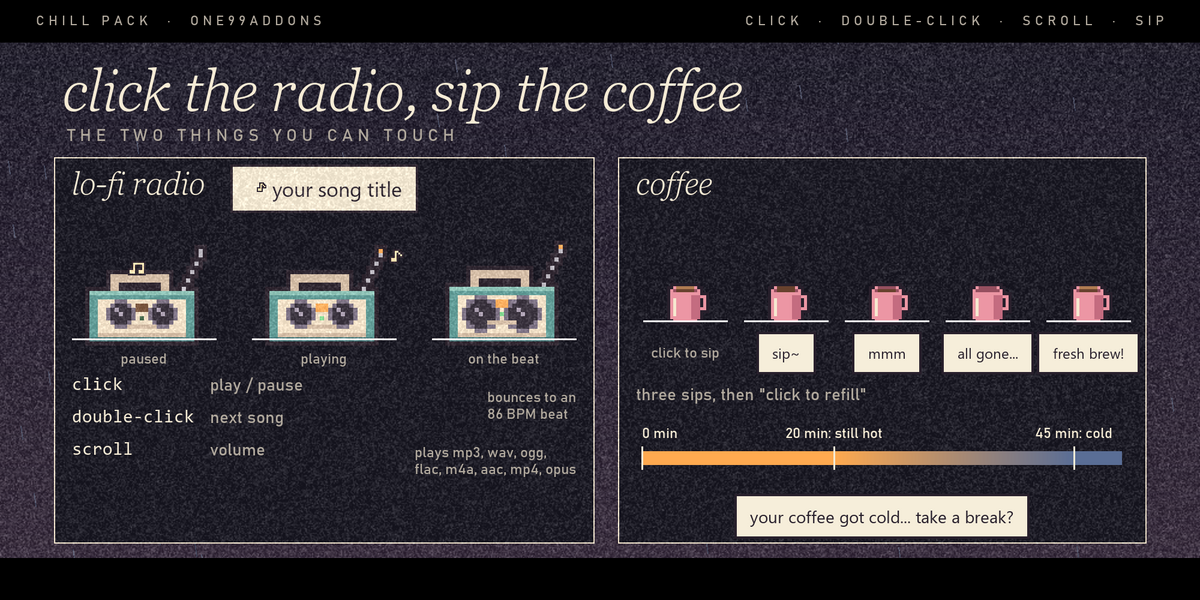
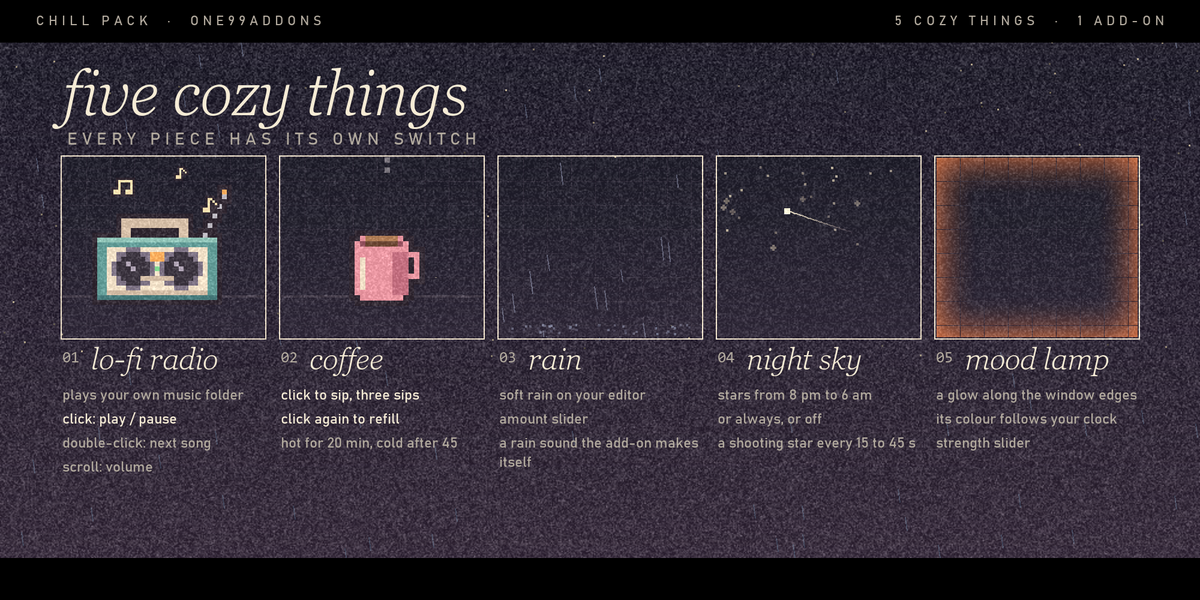
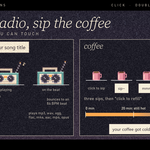
- A radio for your music. It plays the songs in your Music Folder. Click = play or pause, double-click = next song, mouse wheel over it = volume. It bounces to the beat with little notes floating up and shows the song name. When a song ends, the next one starts.
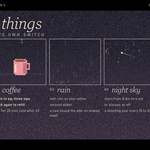
- Rain. Pixel raindrops fall across the window and splash at the bottom, with a soft looping rain sound.
- Mood lamp. A soft glow from the window edges that follows your local time: deep blue at night, warm pink at sunrise, barely there at midday, orange at sunset, purple in the evening.
- Night sky. From 8 pm to 6 am, stars twinkle along the top of the window and a shooting star crosses every 15 to 45 seconds.
- Coffee. A pixel mug next to the radio. It steams while it's hot: fresh for 20 minutes, cold after 45 ("your coffee got cold... take a break?"). Click to sip, three sips per cup, click the empty mug for a fresh brew.
- Stays out of your way. Rain and stars pause while you render or play an animation. Nothing is written into your .blend, and autosave keeps working.
Settings
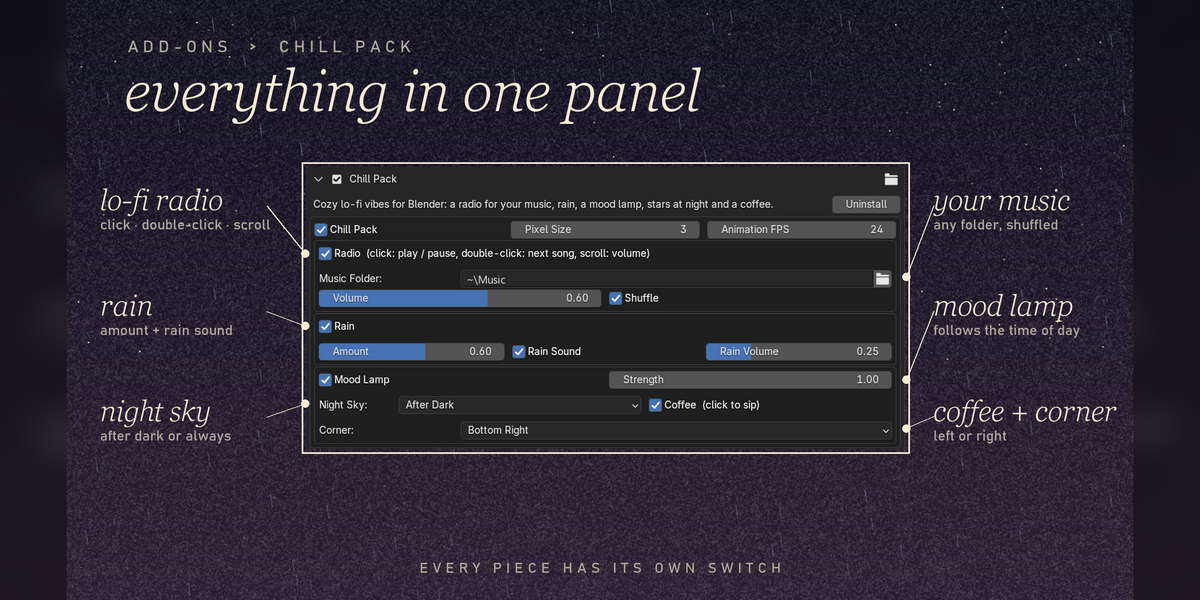
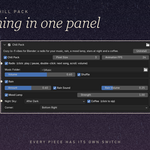
Settings are in Edit > Preferences > Add-ons > Chill Pack (expand it), with a quick on/off in the Window menu.
- Chill Pack: everything on or off.
- Pixel Size 1 to 6 (default 3) and Animation FPS 8 to 30 (default 24).
- Radio: Music Folder (default your user Music folder), Volume, Shuffle (on by default).
- Rain: Amount, Rain Sound, Rain Volume.
- Mood Lamp: on or off, Strength 0.1 to 2.
- Night Sky: After Dark, Always or Off.
- Coffee and Corner: the radio and mug sit bottom right or bottom left.
Good to know
- The radio plays .mp3, .wav, .ogg, .flac, .m4a, .aac, .opus and .mp4 files from the folder you pick, through Blender's own audio.
- The rain sound is made by the add-on itself, no sound files are shipped or downloaded.
- Hand-made pixel sprites: a radio with a beat bounce, a mug with 4 fill levels, and music notes.
- Nothing is saved in your .blend files: your settings live in Blender's preferences.
Tips
- Make a folder just for your Blender playlist and point Music Folder at it.
- Heavy scene feels sluggish while it rains? Lower Animation FPS or the rain Amount.
- Want stars during the day too? Set Night Sky to Always.
Requirements and install
Blender 5.2 or newer (tested on 5.2, Windows). No internet, no external libraries. You bring the music.
- Download chill_pack_v1.0.0.zip (do not unzip it).
- In Blender: Edit > Preferences > Add-ons, open the drop-down arrow at the top right, choose Install from Disk... and pick the zip.
- Tick Chill Pack. Then pick your Music Folder in its preferences.
Limits
It lives in the first (main) Blender window. It plays the files directly inside the Music Folder, not subfolders, and has no previous or seek button. While your mouse is right over the radio or the mug, they get the click; everywhere else Blender works as usual. Turning Chill Pack off stops the music and the rain sound.
Made by one99addons.