 gonextaz
MAKE BLENDER FEEL LIKE YOUR WORKSPACE.
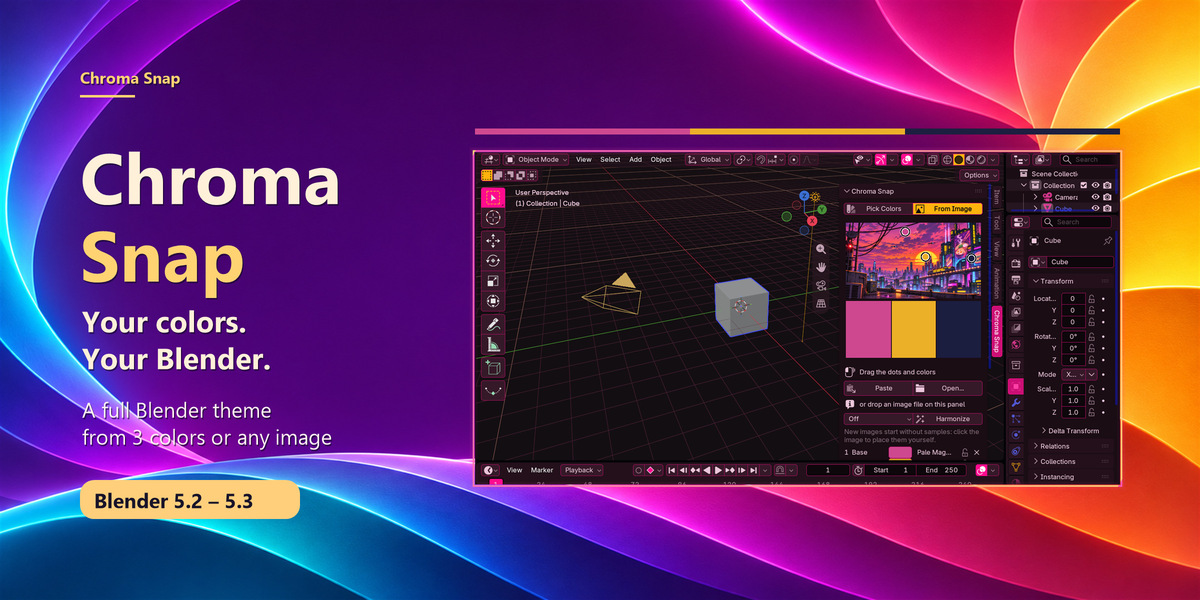
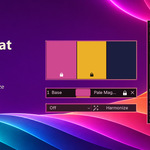
Chroma Snap turns a few colors into a complete Blender interface theme. Start with three colors, sample an image you love, or let Random suggest a combination. Backgrounds, buttons, selections, sliders and every other theme color follow along as you explore, right from the 3D Viewport sidebar.
START WITH COLORS — OR AN IMAGE
Work with 1–7 colors. Base tints the backgrounds and selections, Accent colors active buttons and toggles, and Highlight shapes sliders and the active object. Extra colors bring variety to node headers, color tags and code colors.
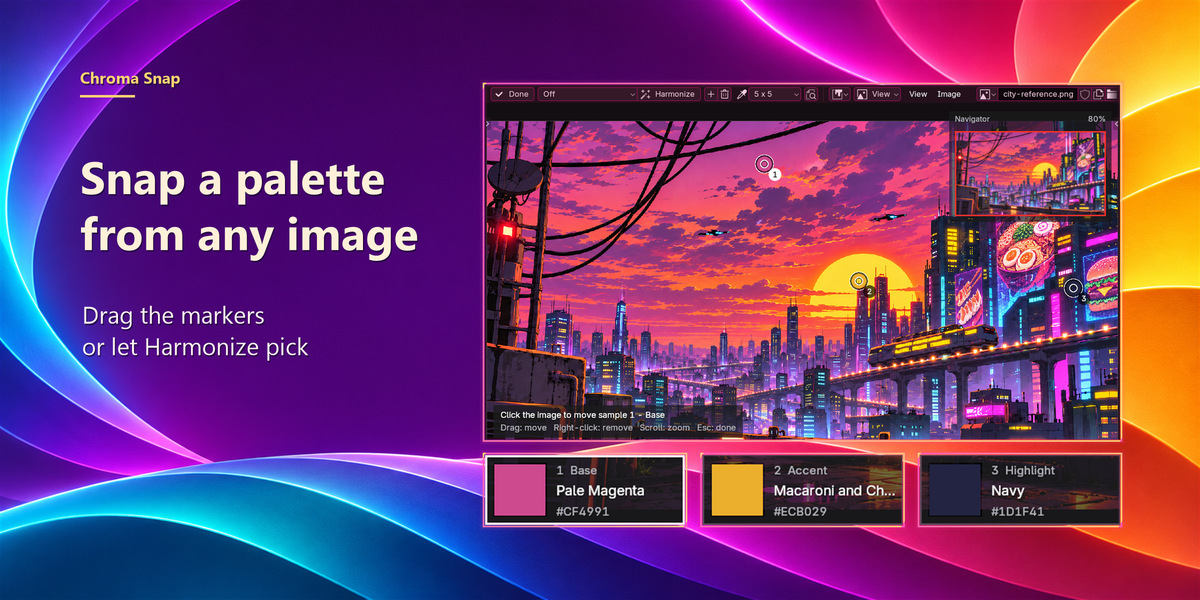
Prefer a picture? Open, paste or drop an image into Chroma Snap. Drag the sample markers to the colors you like, or press Harmonize and let it pick a palette for you. Fine-tune samples on the sidebar card, or open the larger navigator to zoom and pan.
SEVEN STYLES
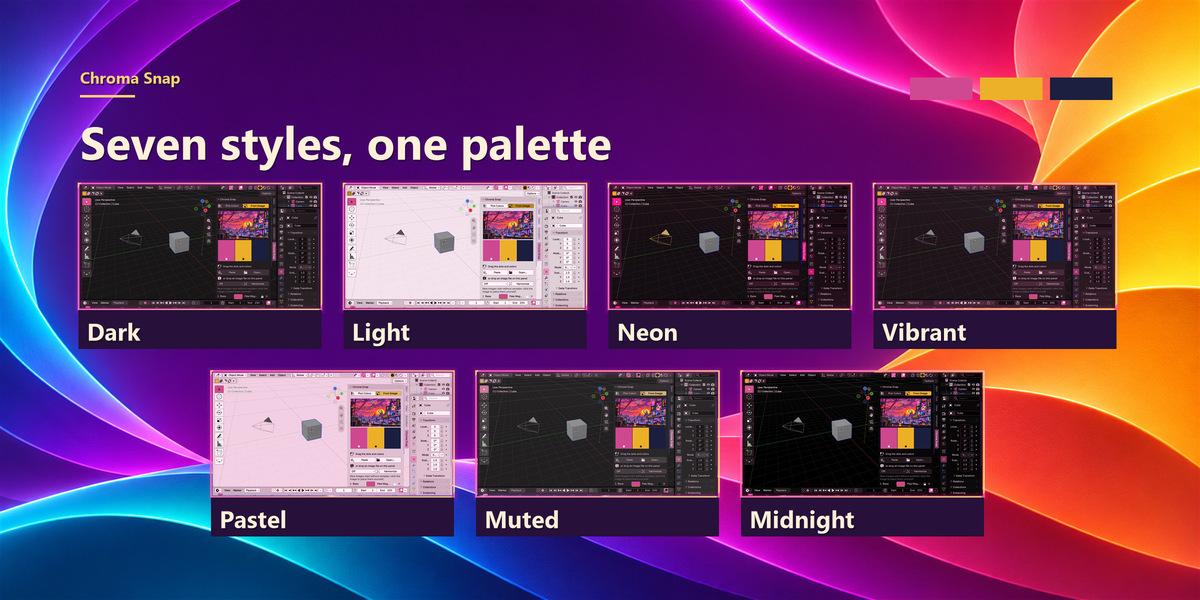
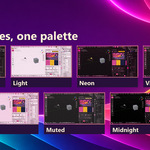
Dark, Light, Neon, Vibrant, Pastel, Muted and Midnight give the same colors different moods. Switch styles without losing your palette, and use Tint to set how strongly your base color shows in the backgrounds.
LOCK WHAT WORKS
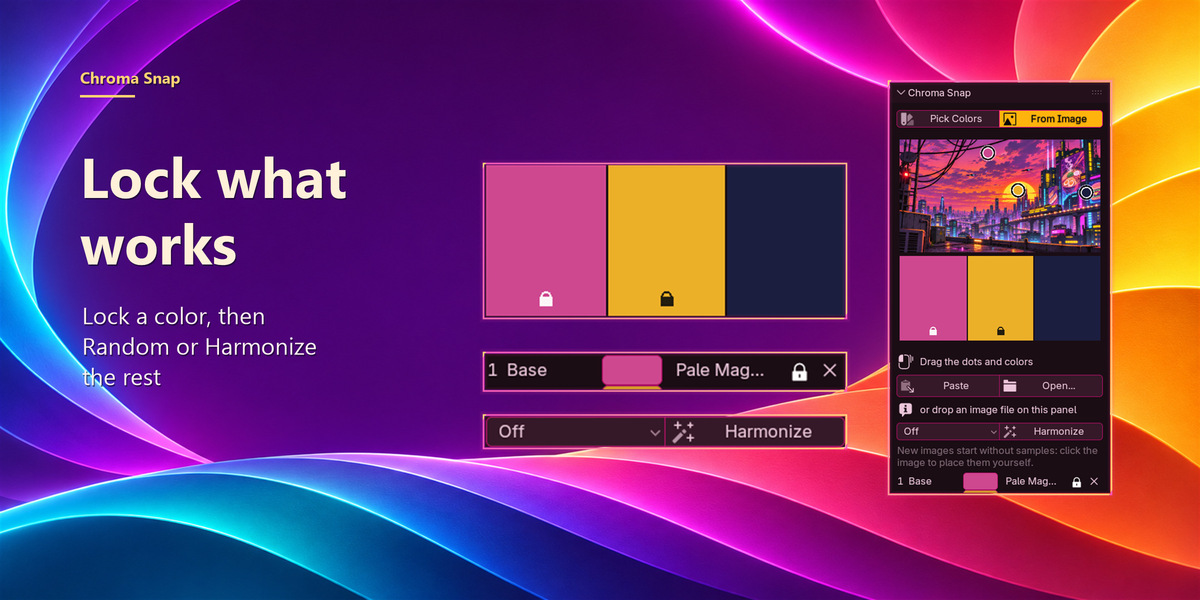
Lock a favorite color, then press Random or Harmonize: the unlocked colors change around it. Shuffle swaps color roles, and locks travel with their colors.
HARMONY WHEN YOU WANT IT
Auto, Complementary, Analogous, Triadic, Split Complementary or Dominant. Press Harmonize again to explore another set of colors from the same image, or choose Off to place samples yourself.
EVERY COLOR HAS A NAME
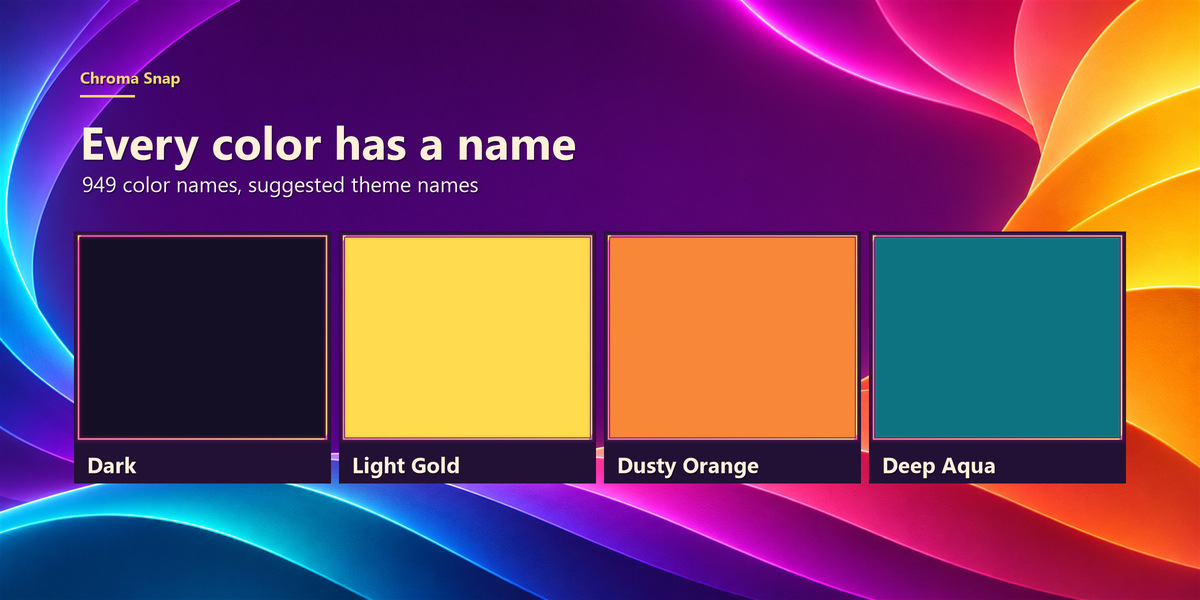
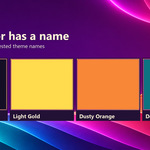
Every swatch gets a name from 949 color names, all offline. Saved themes get a suggested name like “Midnight & Light Gold”.
UNDO, REDO AND SAVED THEMES
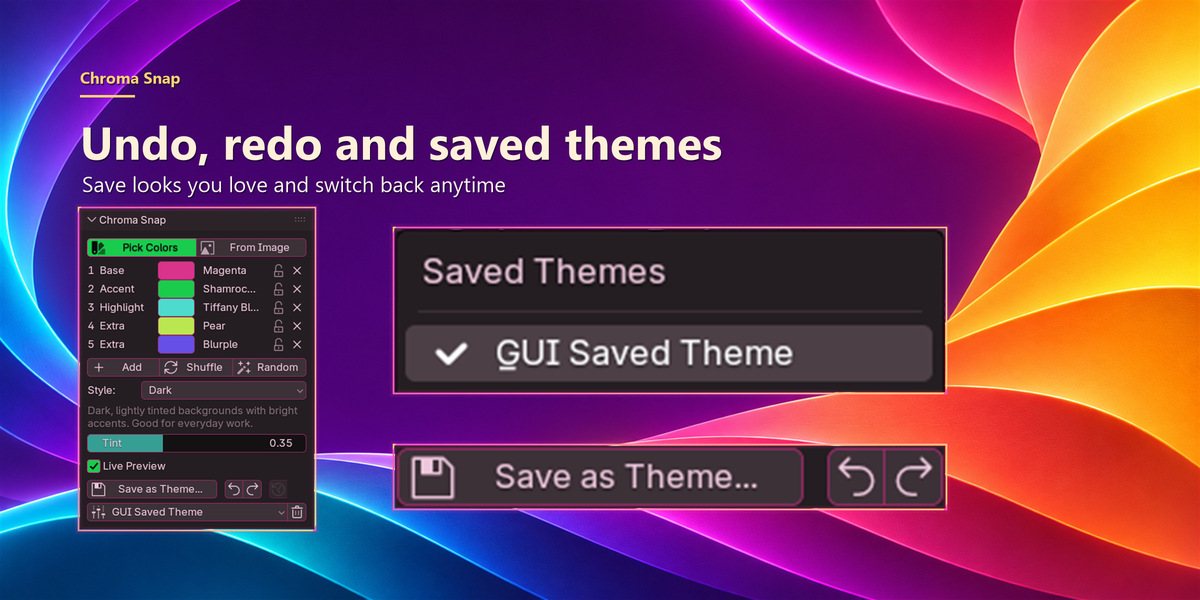
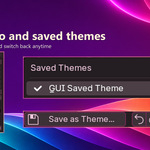
Chroma Snap has its own Undo and Redo for every palette, sample and style change. Save looks you love as Blender theme presets (shareable XML files) and switch between them from the Saved Themes list. Themes made with Chroma Snap bring back their palette and settings, so you can keep editing.
SAFE TO EXPERIMENT
Your current theme is backed up before the first change, and Revert brings it back, even after a restart. Live Preview updates Blender as you go, or turn it off and press Apply when you’re ready.
WHAT YOU NEED
Blender 5.2 or newer, tested on Blender 5.2 and 5.3.
Tested on Windows.
Pure Python, no extra downloads.
Licensed under GPL-3.0-or-later.
INSTALL
- Open Edit → Preferences → Get Extensions.
- Open the drop-down menu at the top right and choose Install from Disk.
- Select chroma_snap-1.0.2.zip.
- In the 3D Viewport, press N and open the Chroma Snap tab.
Color names come from the xkcd color survey (CC0). Store images were made with AI assistance to illustrate the add-on; they are not unedited screenshots.