 gonextaz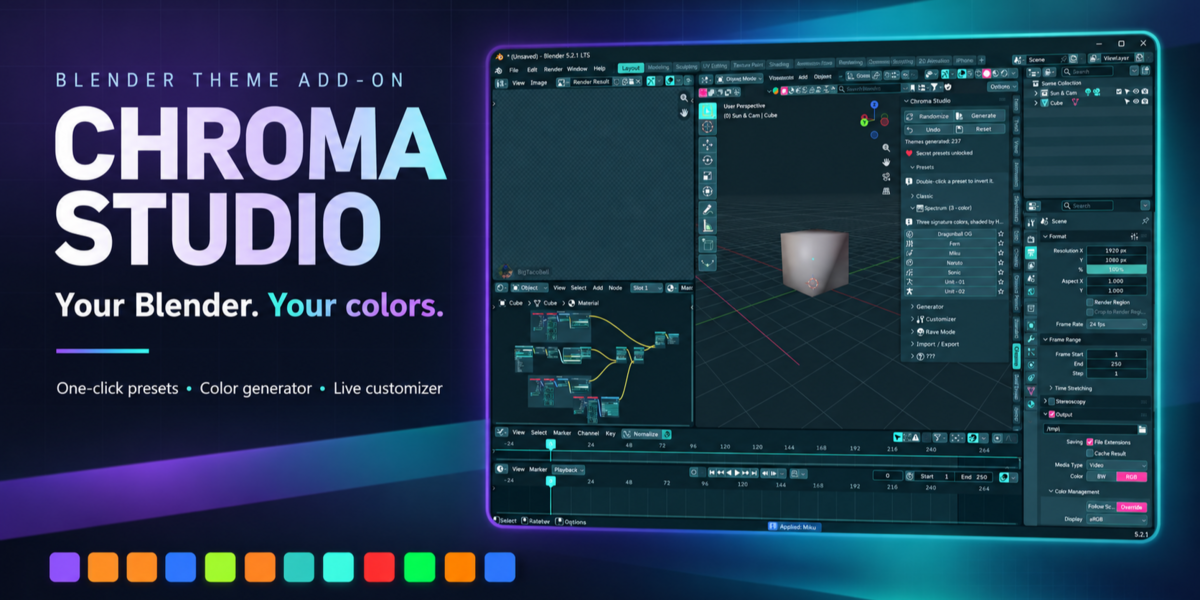
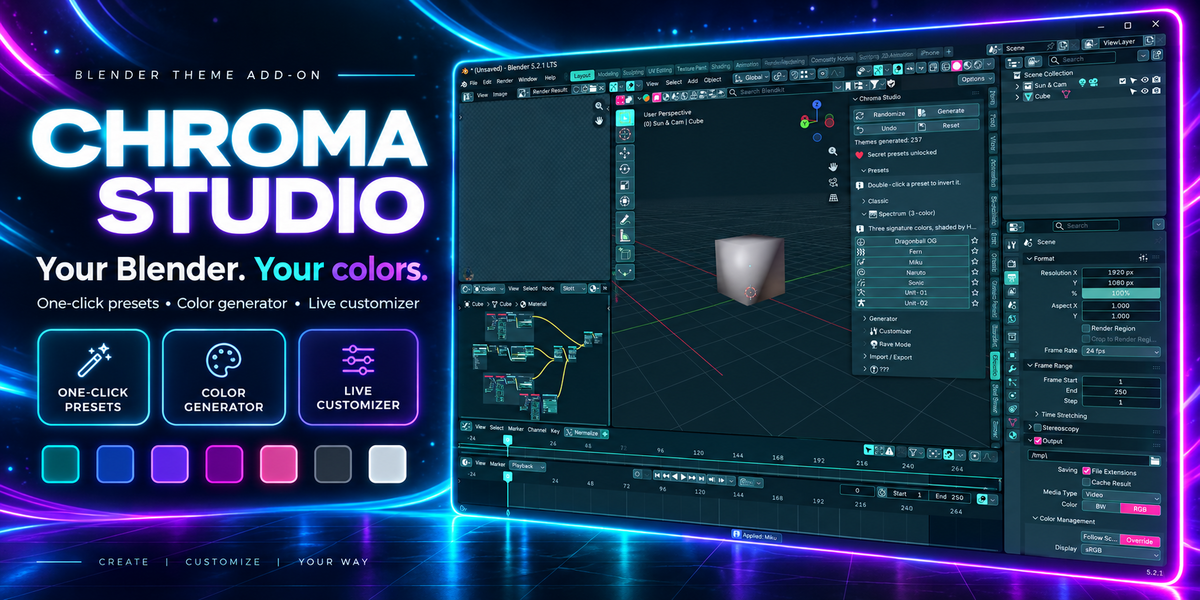
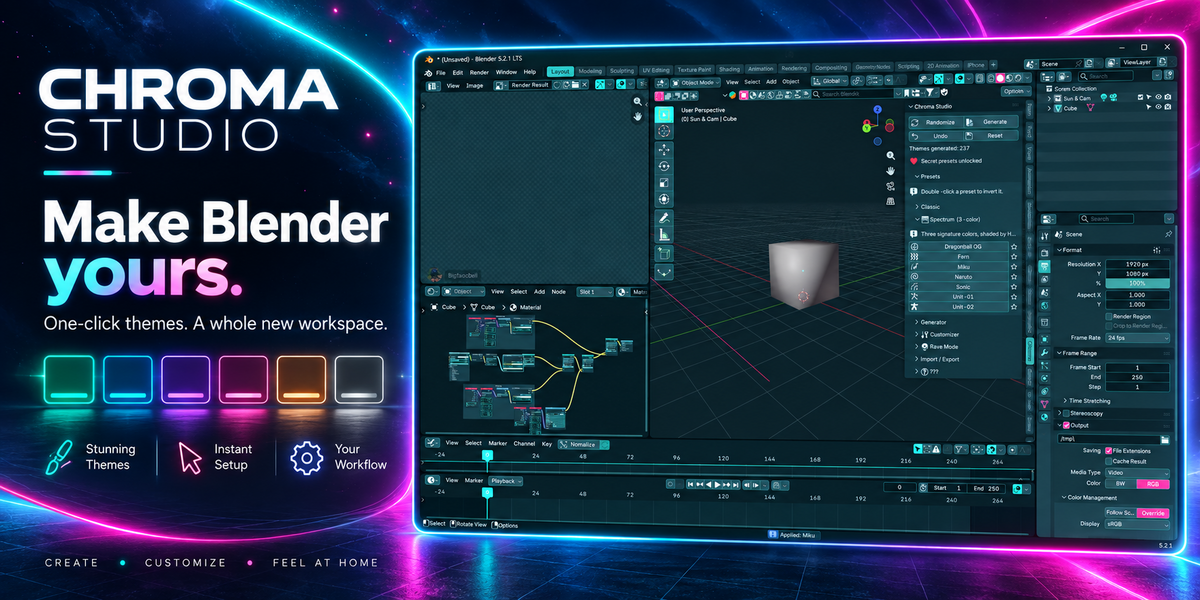
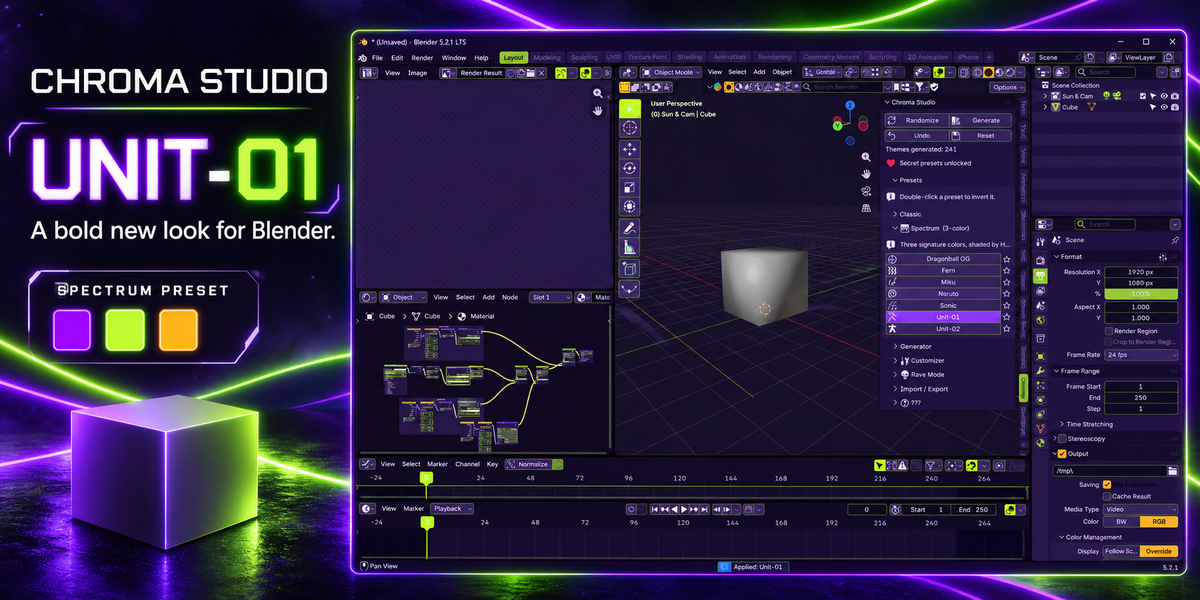
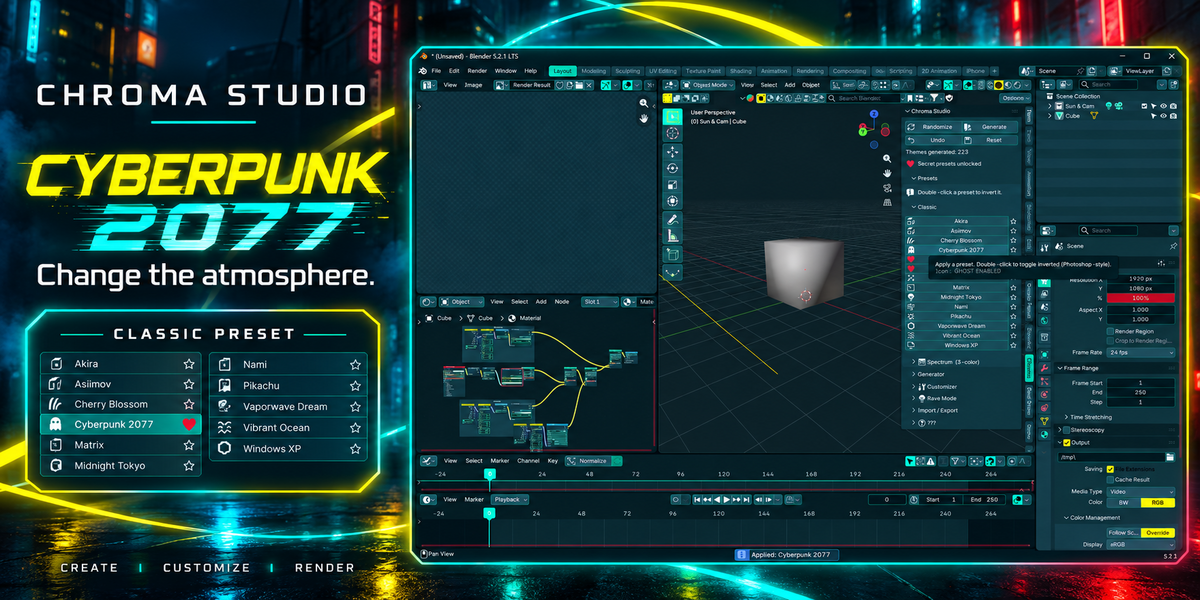
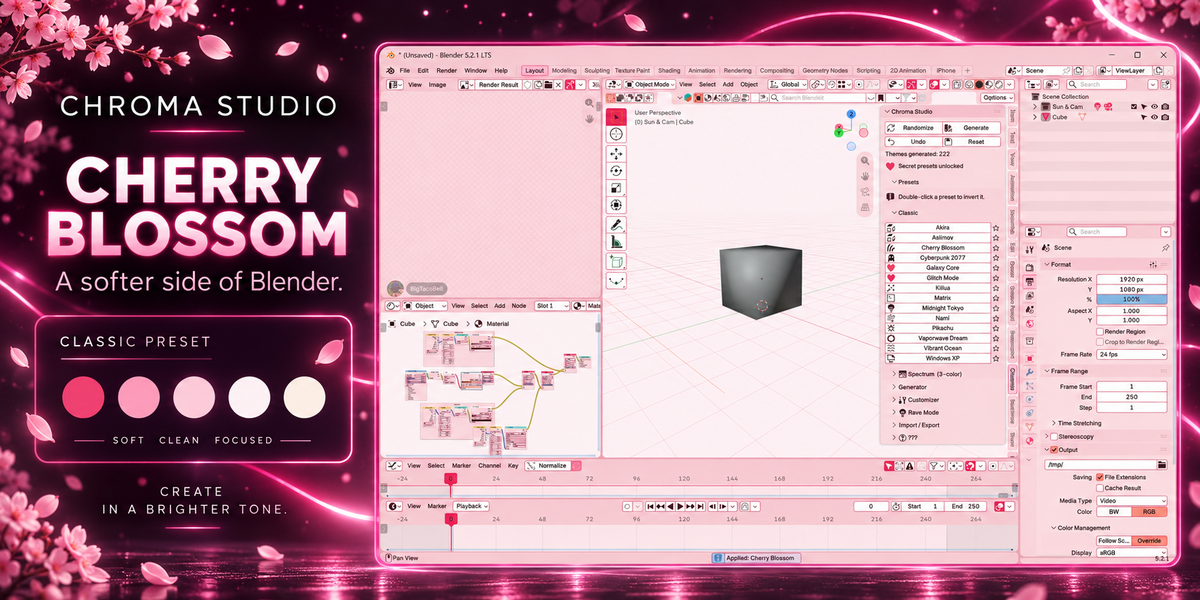
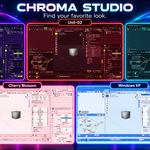
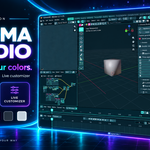
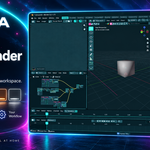
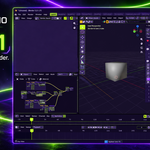
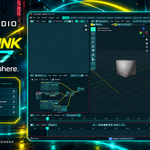
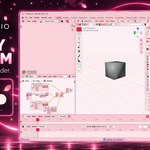
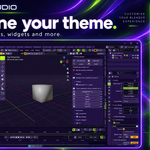
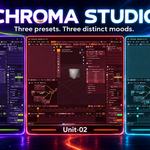
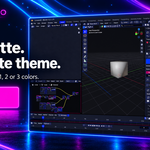
Chroma Studio recolors 100% of Blender's interface from one panel in the sidebar. Not a few buttons. Every editor, every widget, every node, every viewport. One click.
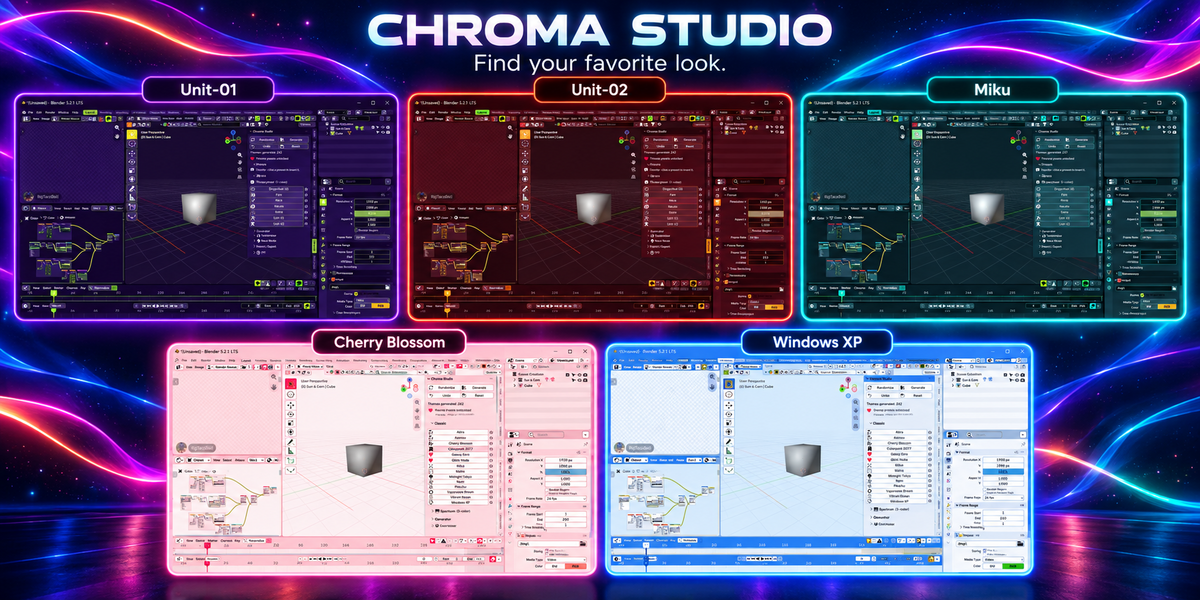
19 THEMES, ONE CLICK EACH
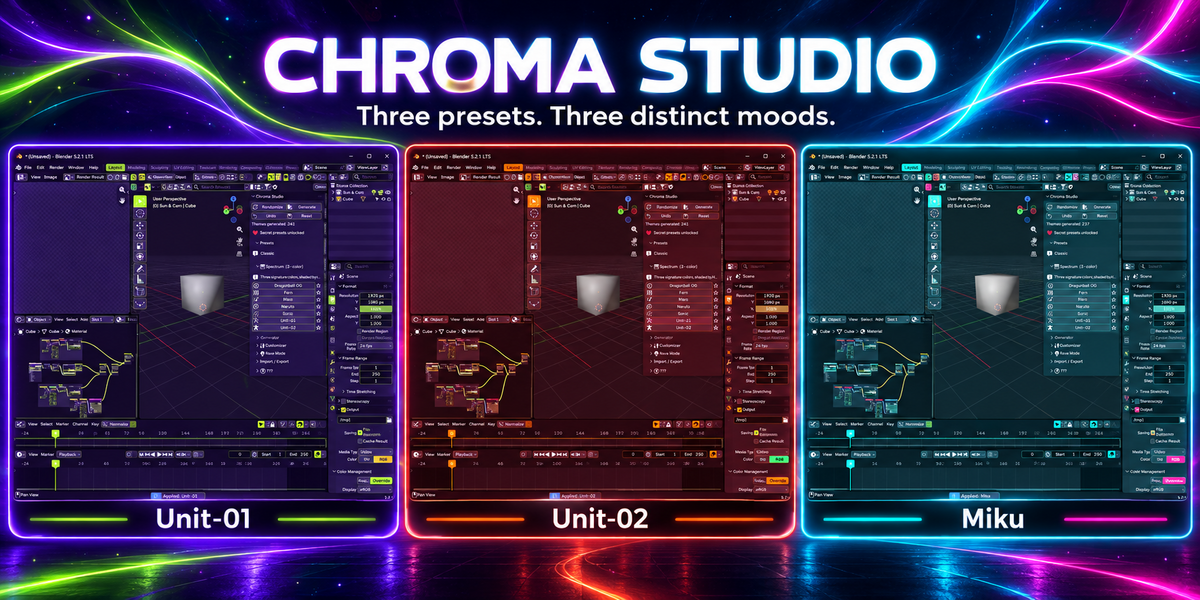
12 Classic themes and 7 Spectrum themes built from three signature colors apiece. Double-click any preset to invert it. Star the ones you love and they float to the top.
PICK A COLOR, GET A WHOLE THEME
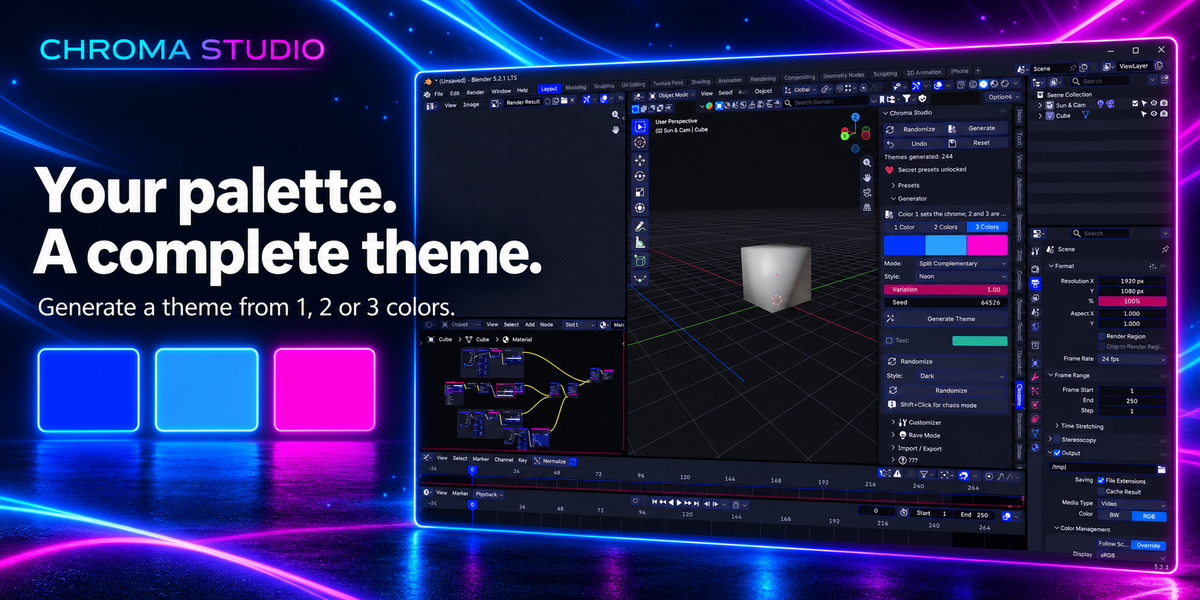
Feed the generator one, two or three colors and it builds a complete, matching theme around them. Choose the harmony, pick a style (dark, light, neon, pastel) and dial in how far the accents spread. Hit Randomize when you want a surprise. Shift-click it when you want chaos.
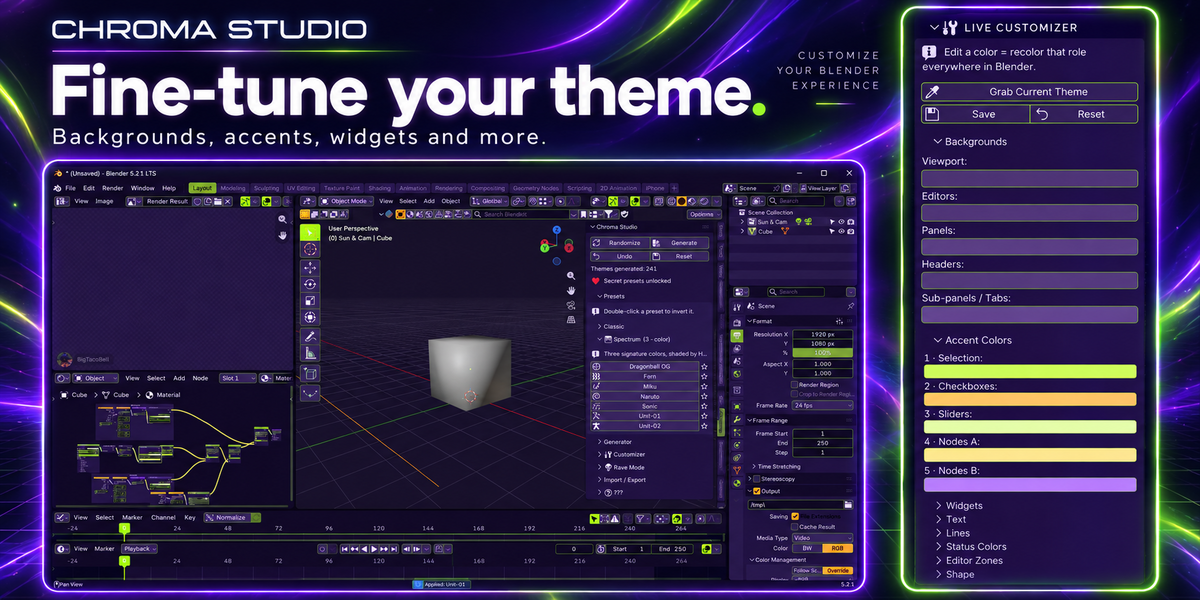
TUNE EVERY LAST DETAIL
Backgrounds, five accents, widgets, text, lines, status colors, per-editor zones, corner roundness, menu shadow. Change one slot and that role updates everywhere in Blender, live. Already have a theme you like? Grab it into the customizer and build from there.
NO GRAY LEFTOVERS
Most themes stop at the viewport. Chroma sets every color property Blender has: node editors, animation editors, image, sequencer and clip editors, text editor, console, info, outliner, properties, file browser, spreadsheet, top and status bars, gizmos, icons, bone, collection and strip colors.
RAVE MODE
Five motion modes. Six color schemes. One OLED pitch-black option. Your interface, animated. Perfect for streams and demos, or for 2am.
YOURS TO KEEP
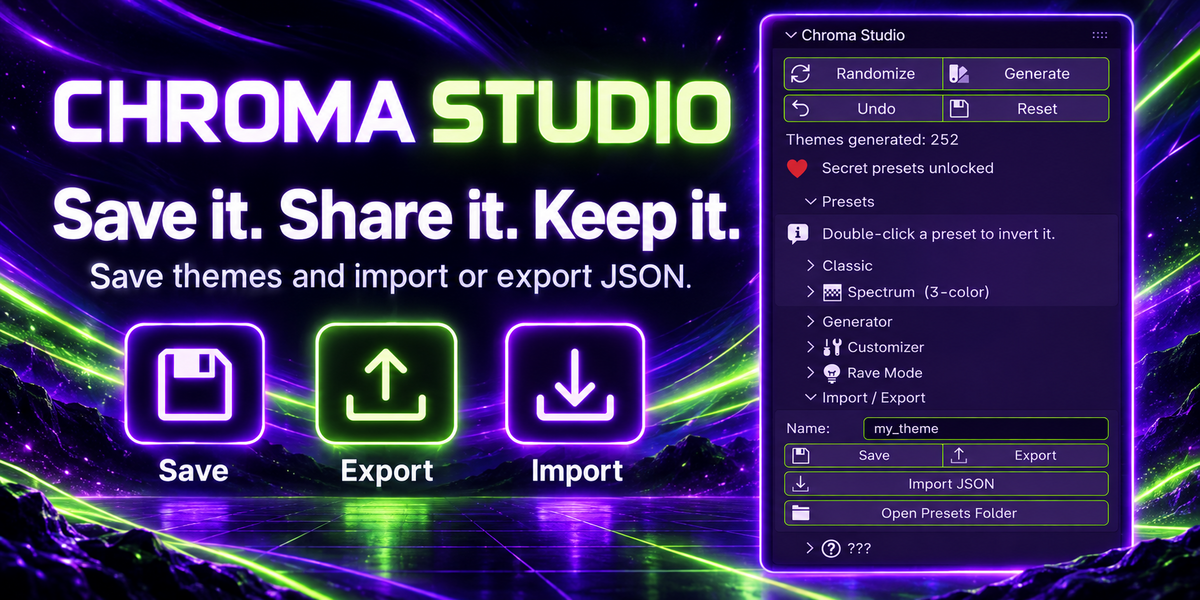
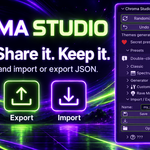
Save themes as JSON, export them, import them, send them to a friend. Undo steps back through anything you've applied. Reset restores Blender's default instantly. Settings follow you across files and sessions.
Three secrets are hidden inside. Have fun finding them.
WHAT YOU NEED
Blender 5.1 or newer, tested on 5.2 LTS. Windows, macOS and Linux. Pure Python, no dependencies. GPL-3.0-or-later.
INSTALL
Edit > Preferences > Get Extensions > drop-down > Install from Disk, then pick the zip. Open the sidebar with N and click the Chroma tab.
QUESTIONS
Does it touch my .blend files? No. Themes live in Blender's preferences.
Can I go back? Undo steps back through applied themes, Reset restores the default.
Will it slow Blender down? No. Applying a theme is a single write to preferences.
Preset names are color inspirations only and imply no affiliation with any franchise or brand.