 gonextaz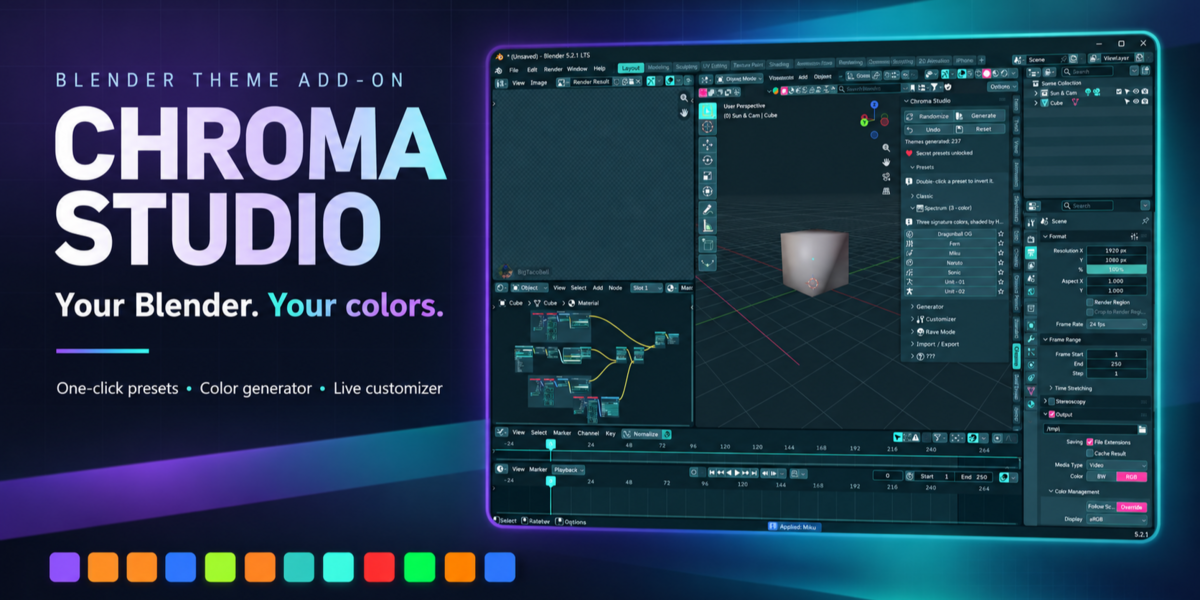
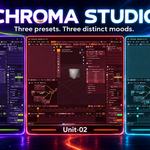
Here’s the updated full description, ready to paste into Superhive:
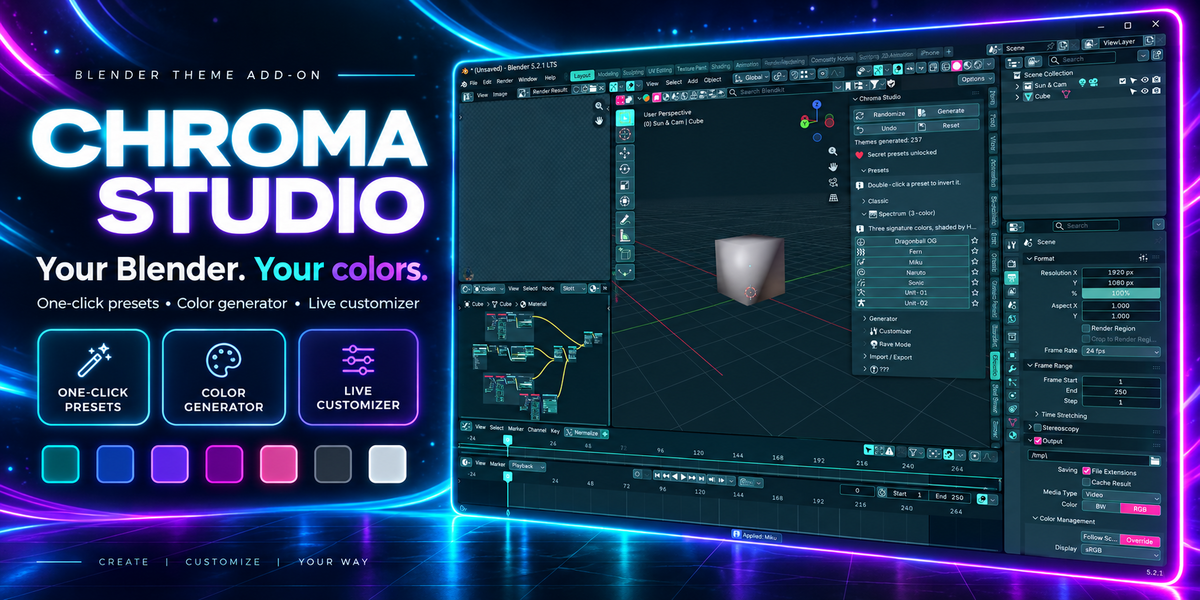
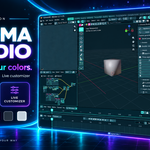
YOUR BLENDER. YOUR COLORS.
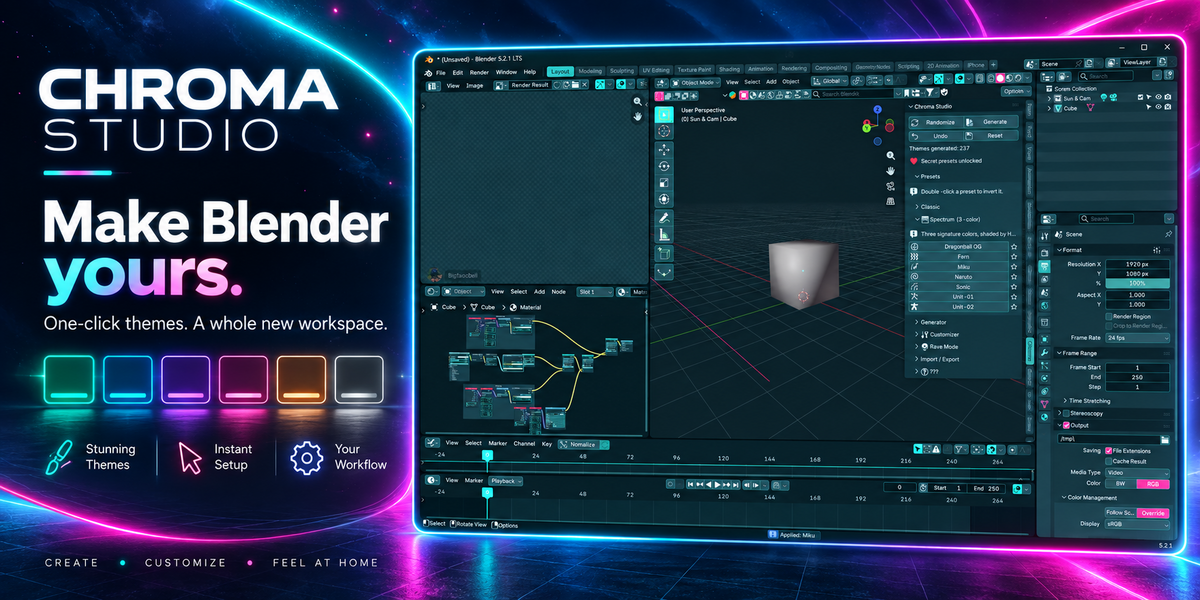
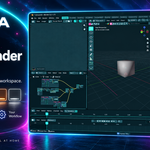
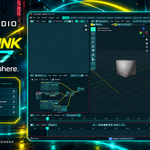
Chroma Studio transforms Blender’s interface from one panel in the sidebar. Give your viewport, nodes, timeline, menus, and editors a matching look with one click—or build a theme that feels like yours.
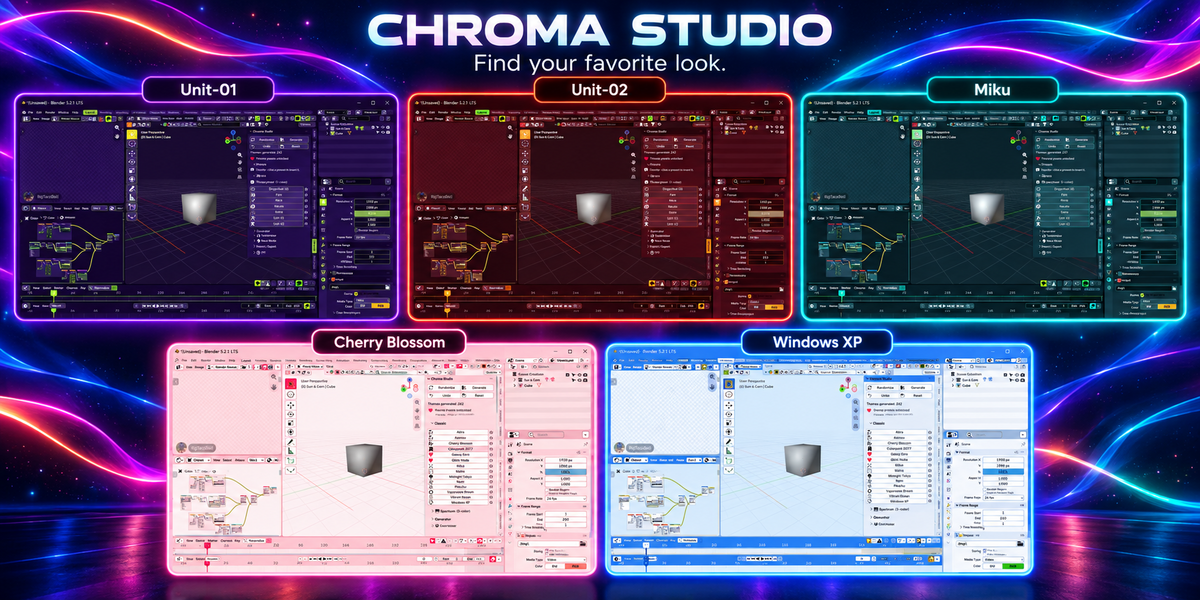
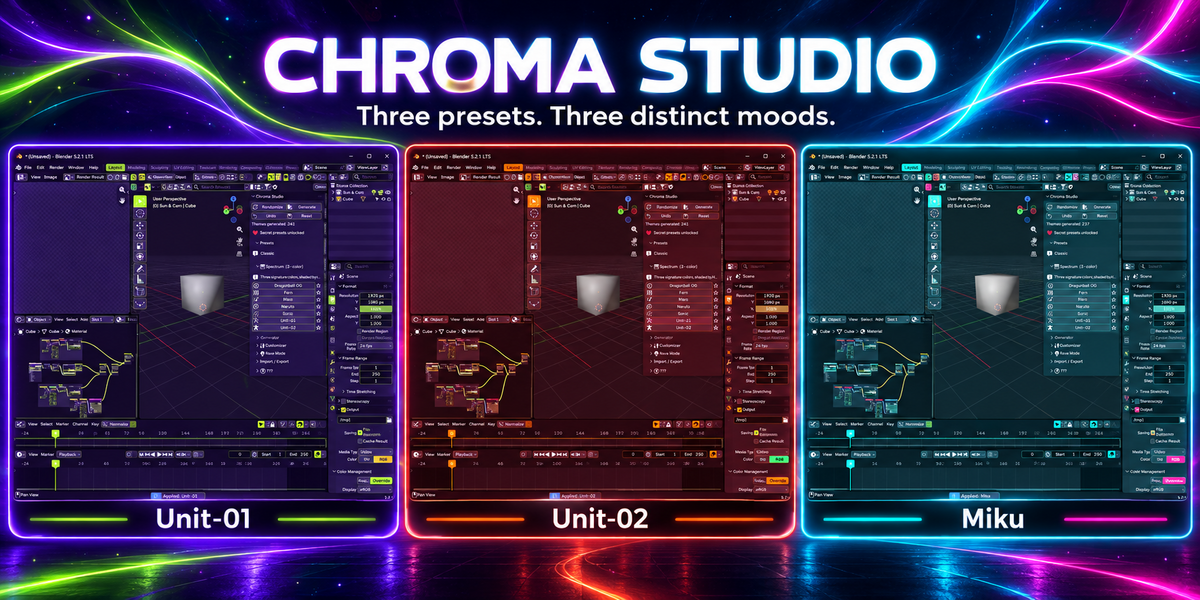
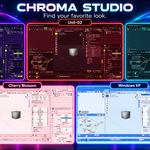
27 THEMES. ONE CLICK EACH.
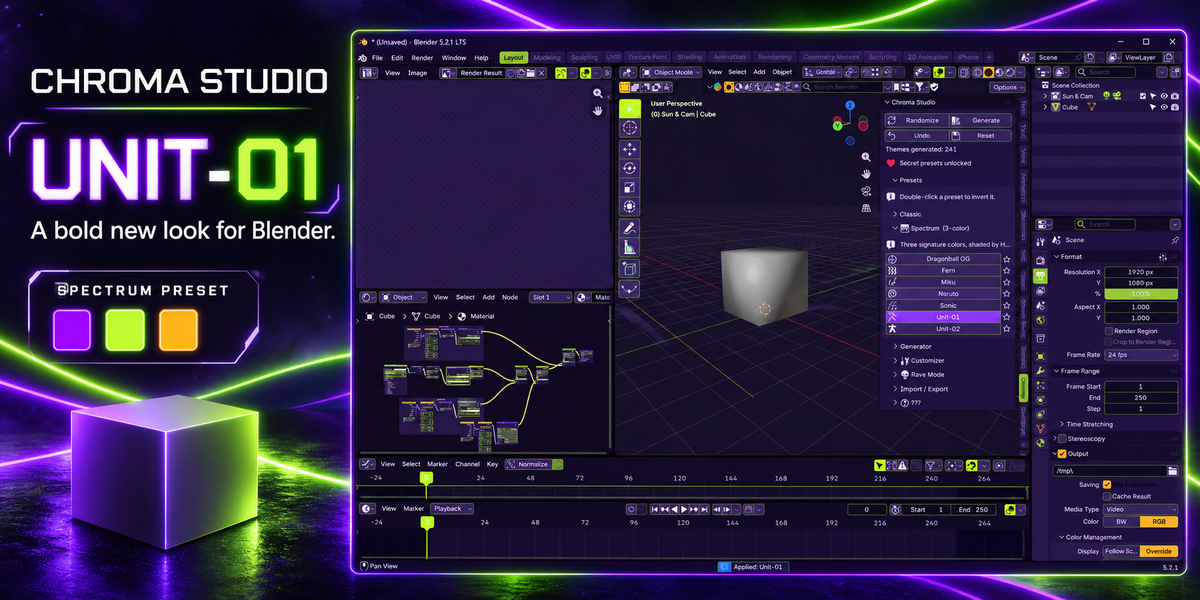
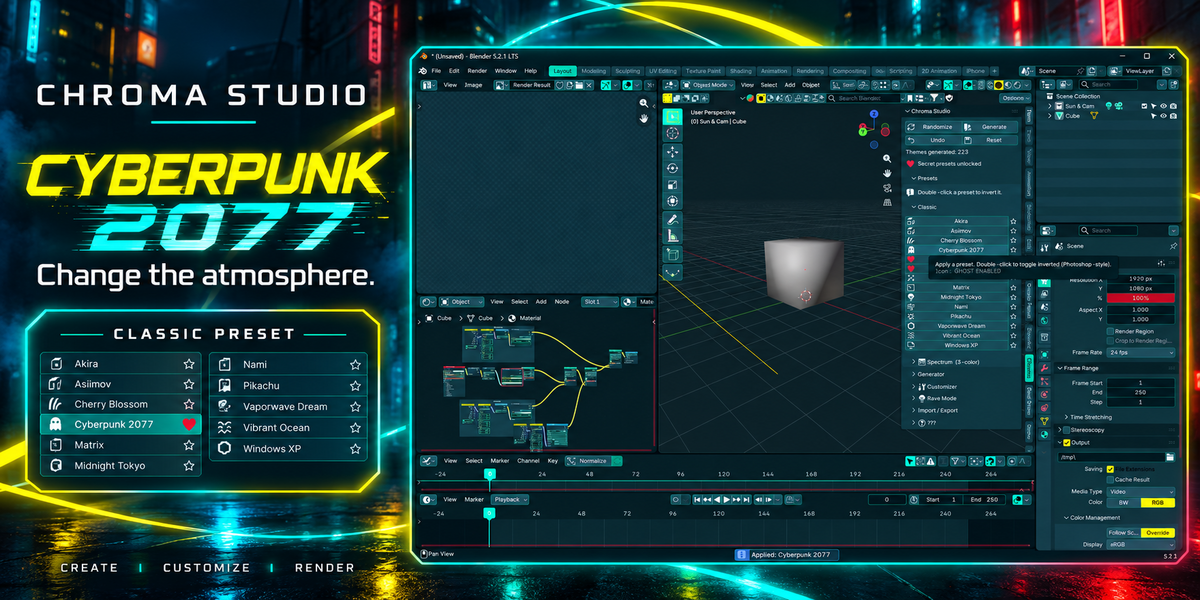
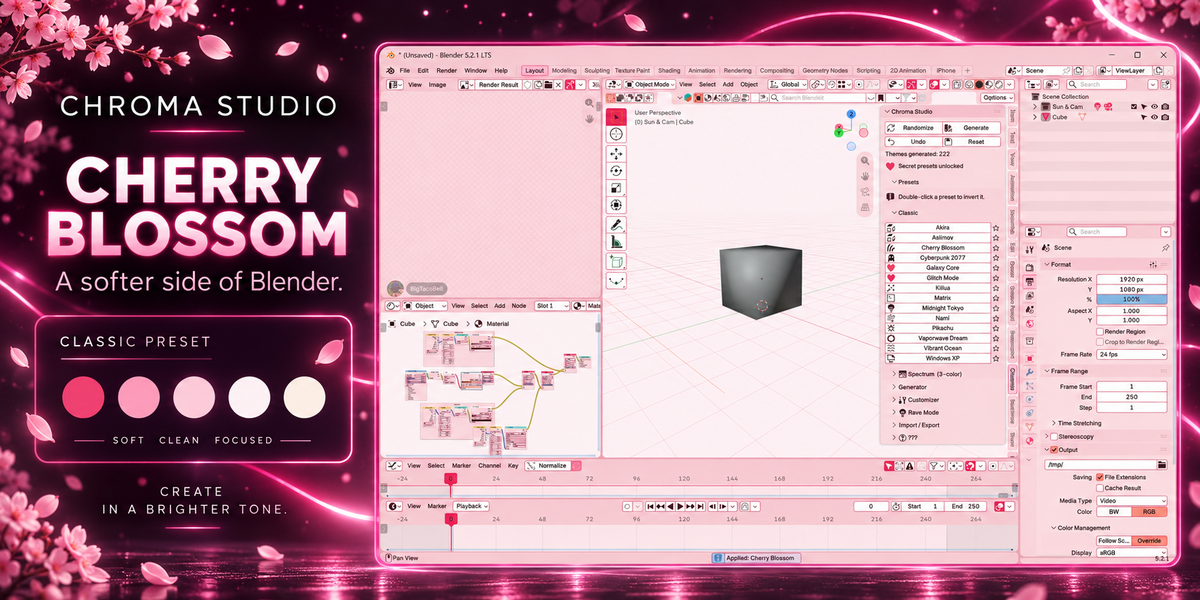
Explore 12 Classic themes, 7 Spectrum themes, and 8 new seasonal and Pokémon-inspired presets. Double-click a preset to invert it. Star your favorites to keep them at the top.
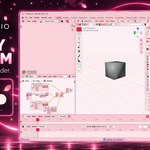
NEW: SPOOKY SEASON
Give your workspace a Halloween makeover with five seasonal themes:
• Pumpkin Patch
• Jack Skellington
• Blood Moon
• Ectoplasm
• Candy Corn
From your viewport to your nodes and timeline, bring a little Spooky Season into every project.
NEW: POKÉMON 30TH ANNIVERSARY
Three Pokémon-inspired palettes join the collection:
• Jirachi
• Rayquaza
• Suicune
Pick your favorite and give your everyday workspace a fresh look.
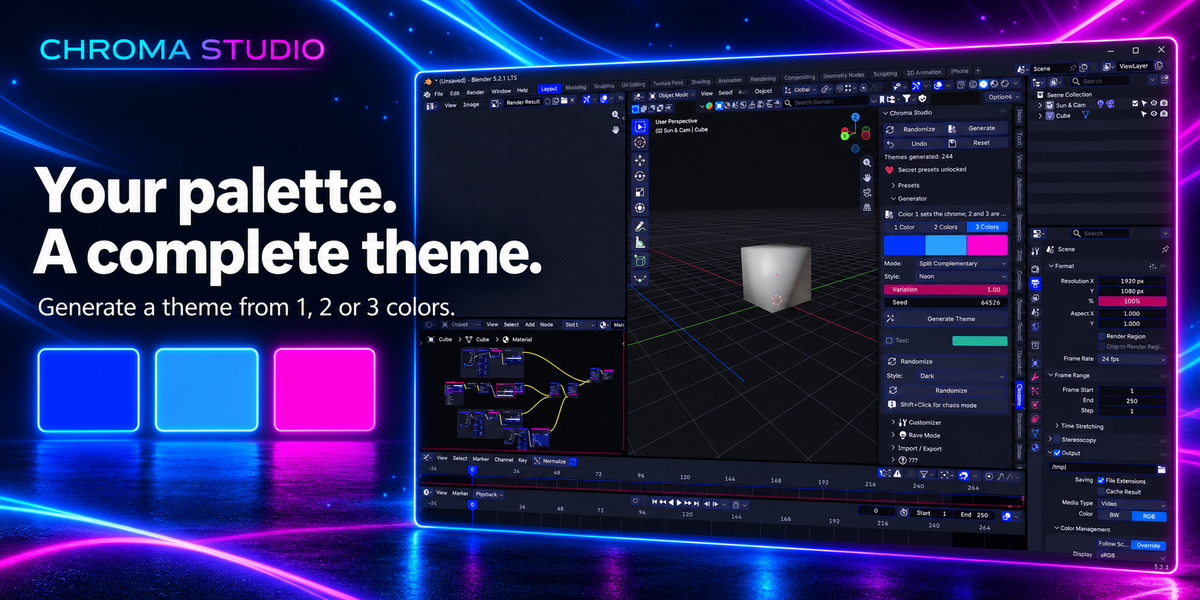
PICK A COLOR. GET A WHOLE THEME.
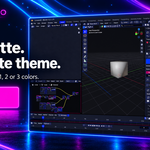
Give the generator one, two, or three colors and it builds a coordinated theme around them. Choose a harmony, select a style—dark, light, neon, or pastel—and control how far the accents spread.
Hit Randomize for a surprise. Shift-click it when you want chaos.
The refreshed theme creation interface makes it easy to choose your colors, generate a look, and start refining it.
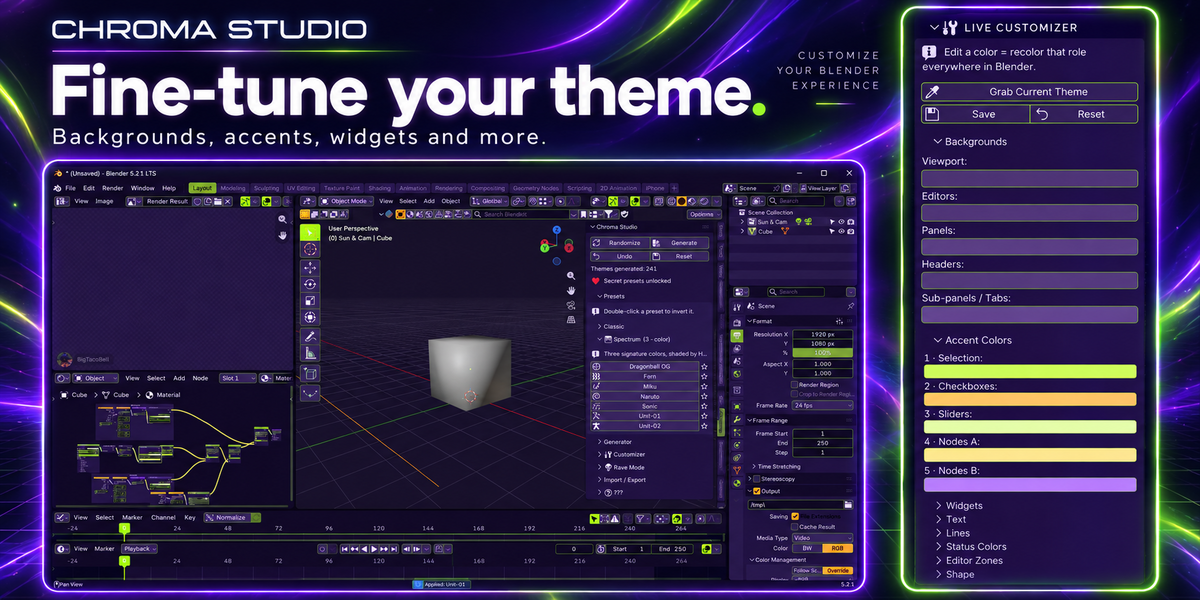
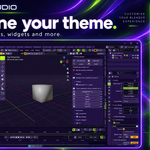
TUNE EVERY LAST DETAIL
Customize backgrounds, five accents, widgets, text, lines, status colors, per-editor zones, corner roundness, and menu shadows.
Change a color slot and that role updates throughout Blender, live. Already have a theme you like? Grab it into the customizer and build from there.
BEYOND THE VIEWPORT
Chroma Studio brings your palette across Blender’s workspace:
• Node and animation editors
• Image, sequencer, and clip editors
• Text editor, console, and info editor
• Outliner, properties, and file browser
• Spreadsheet, top bar, and status bar
• Widgets, gizmos, and themeable icons
• Bone, collection, and strip colors
Your theme follows you from modeling to materials, animation, and editing.
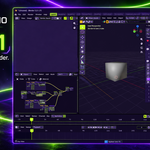
RAVE MODE
Five motion modes. Six color schemes. An OLED pitch-black option.
Animate your interface for streams, demos, or a late-night creative session.
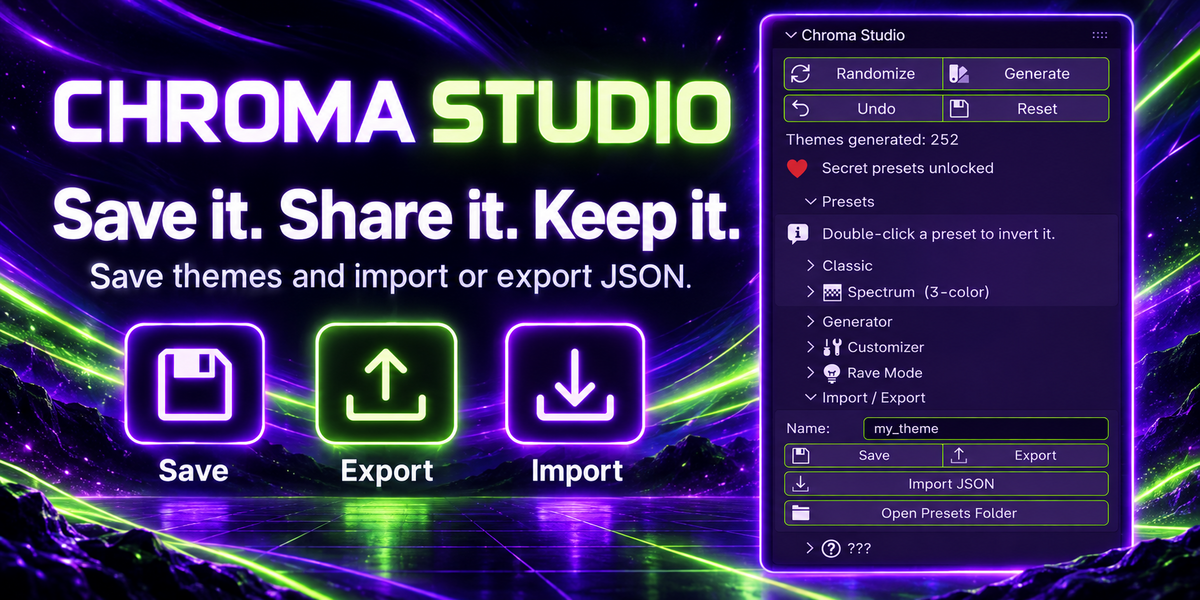
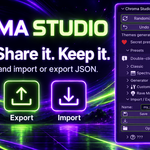
SAVE IT. SHARE IT. MAKE IT YOURS.
Save themes as JSON, export them, import them, or send them to a friend. This update fixes issues with saving your favorites, so you can return to the looks you create.
Undo steps back through applied themes. Reset restores Blender’s default theme. Settings follow you across files and sessions.
Three secrets are hidden inside. Have fun finding them.
WHAT’S NEW IN THIS UPDATE
• Seasonal Themes collection with five Halloween presets
• Pokémon 30th Anniversary collection with three inspired palettes
• Refreshed theme creation interface
• Fixes for saving favorite themes
WHAT YOU NEED
Blender 5.1 or newer, tested on 5.2 LTS.
Windows, macOS, and Linux.
Pure Python. No additional dependencies.
Licensed under GPL-3.0-or-later.
INSTALL
- Open Edit → Preferences → Get Extensions.
- Open the drop-down menu and choose Install from Disk.
- Select the Chroma Studio ZIP file.
- Open the sidebar with N and select the Chroma tab.
QUESTIONS
Does it change my .blend files?
No. Themes live in Blender’s preferences.
Can I go back to my previous look?
Yes. Undo steps back through applied themes, and Reset restores Blender’s default theme.
Does applying a theme affect my scene or renders?
Chroma Studio changes interface colors, rather than your scene’s materials, lighting, or render settings.
Can I share a custom theme?
Yes. Export it as JSON and send it to another Chroma Studio user to import.
Have an idea for another theme?
Leave a comment! Tell me what you’d like to see in a future update.
Preset names are color inspirations only. Chroma Studio is not affiliated with or endorsed by the referenced franchises or brands.