Cid - Color IDs Simple
 ParametrStudio
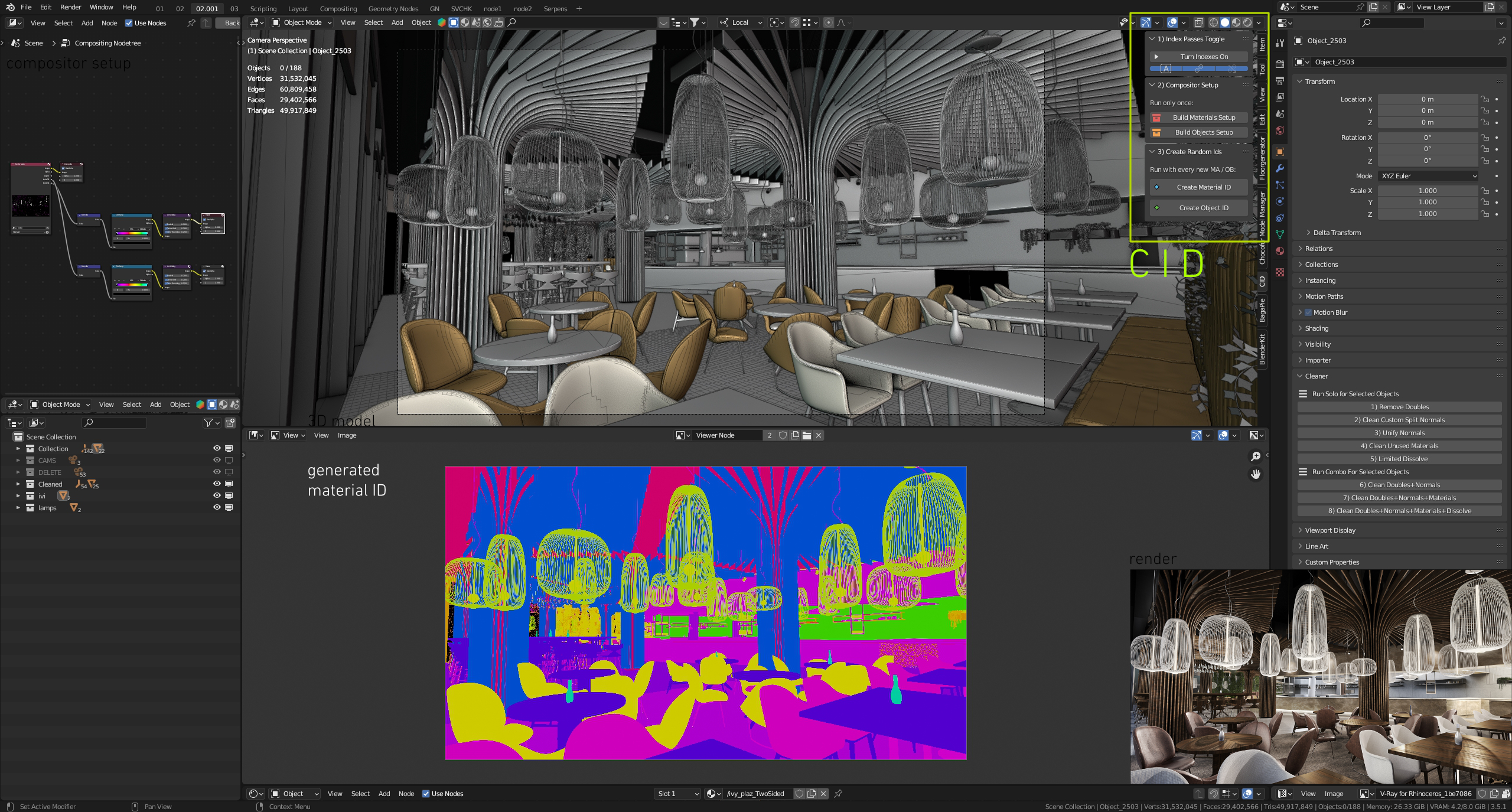
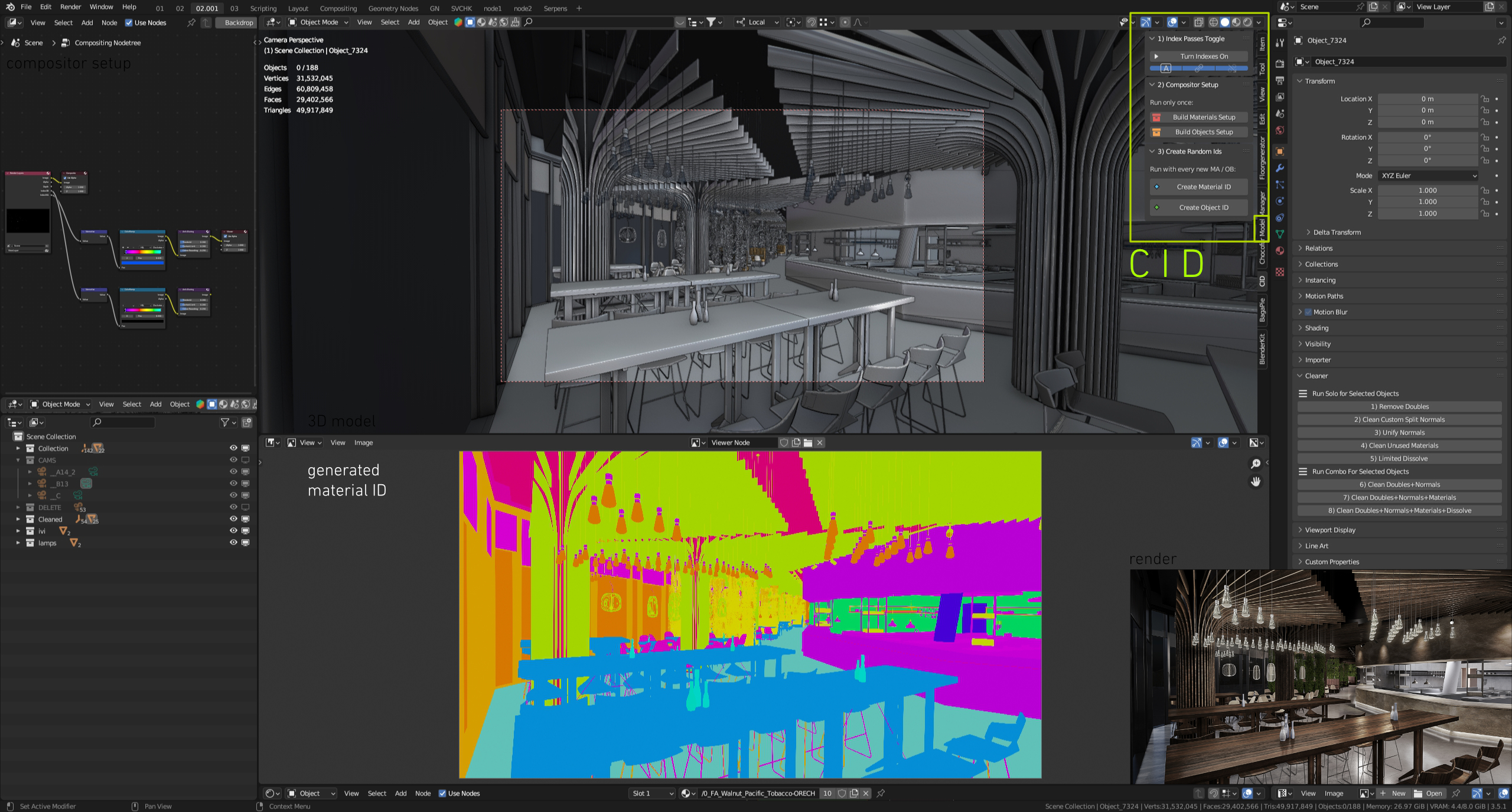
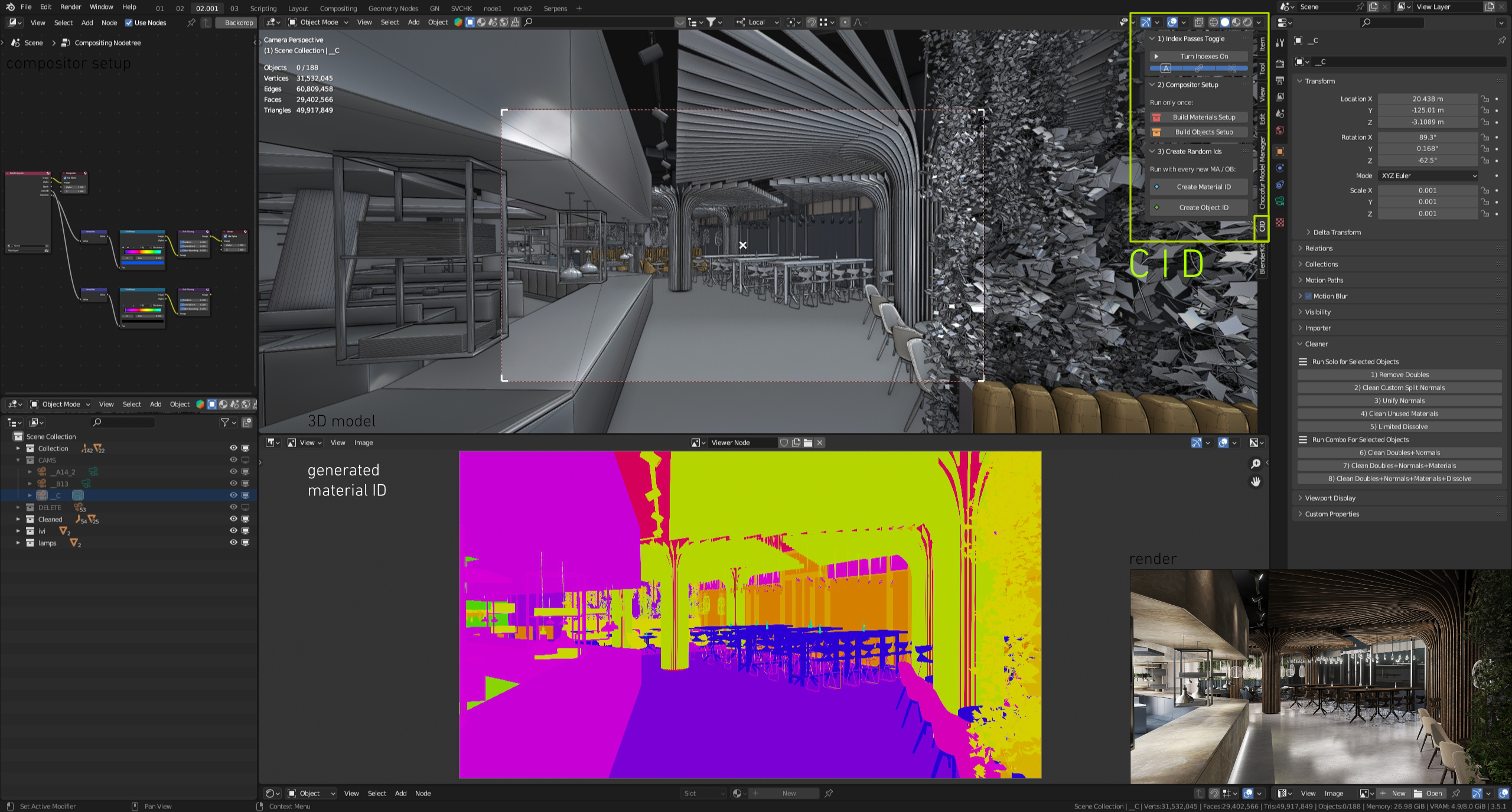
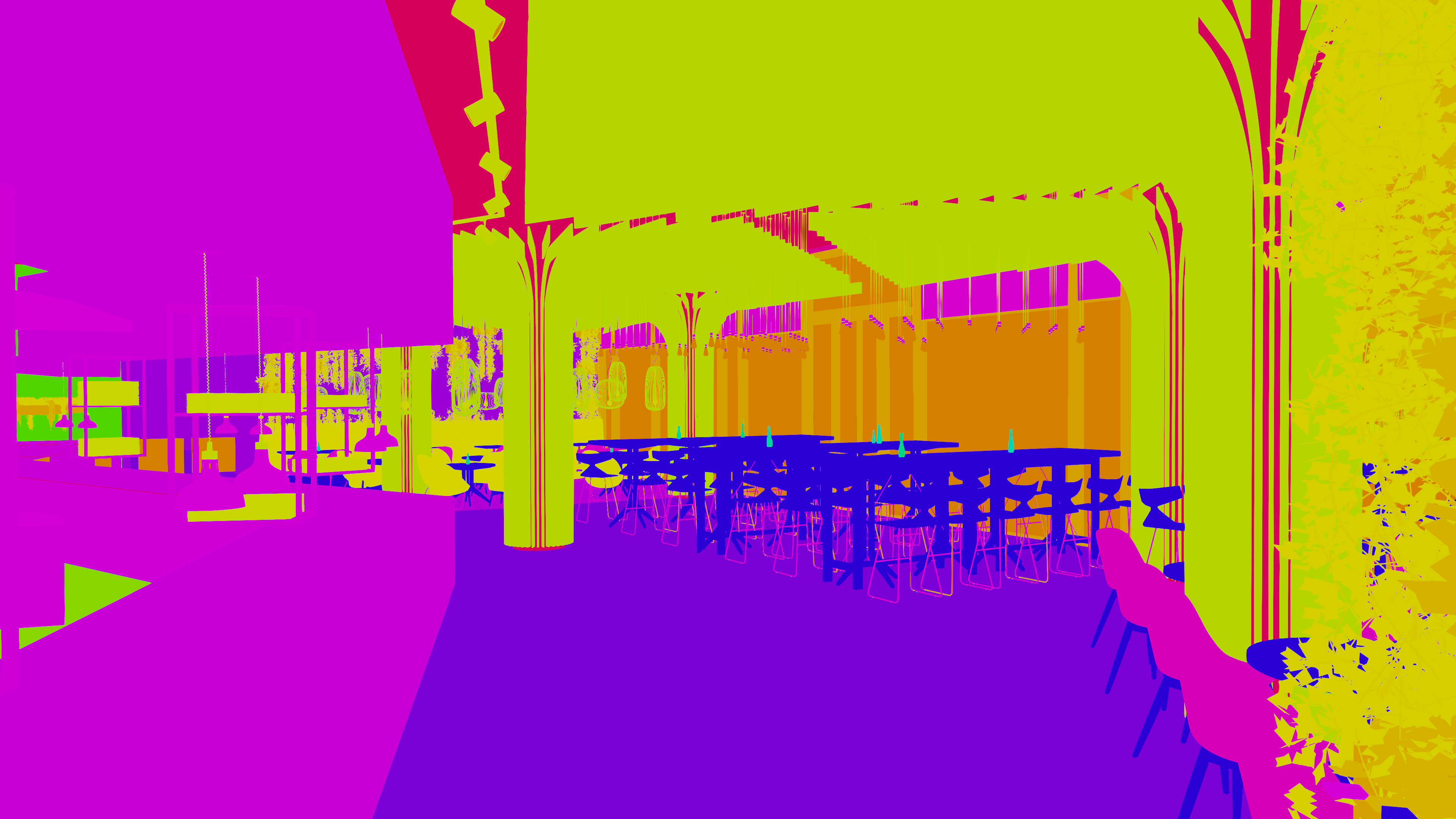
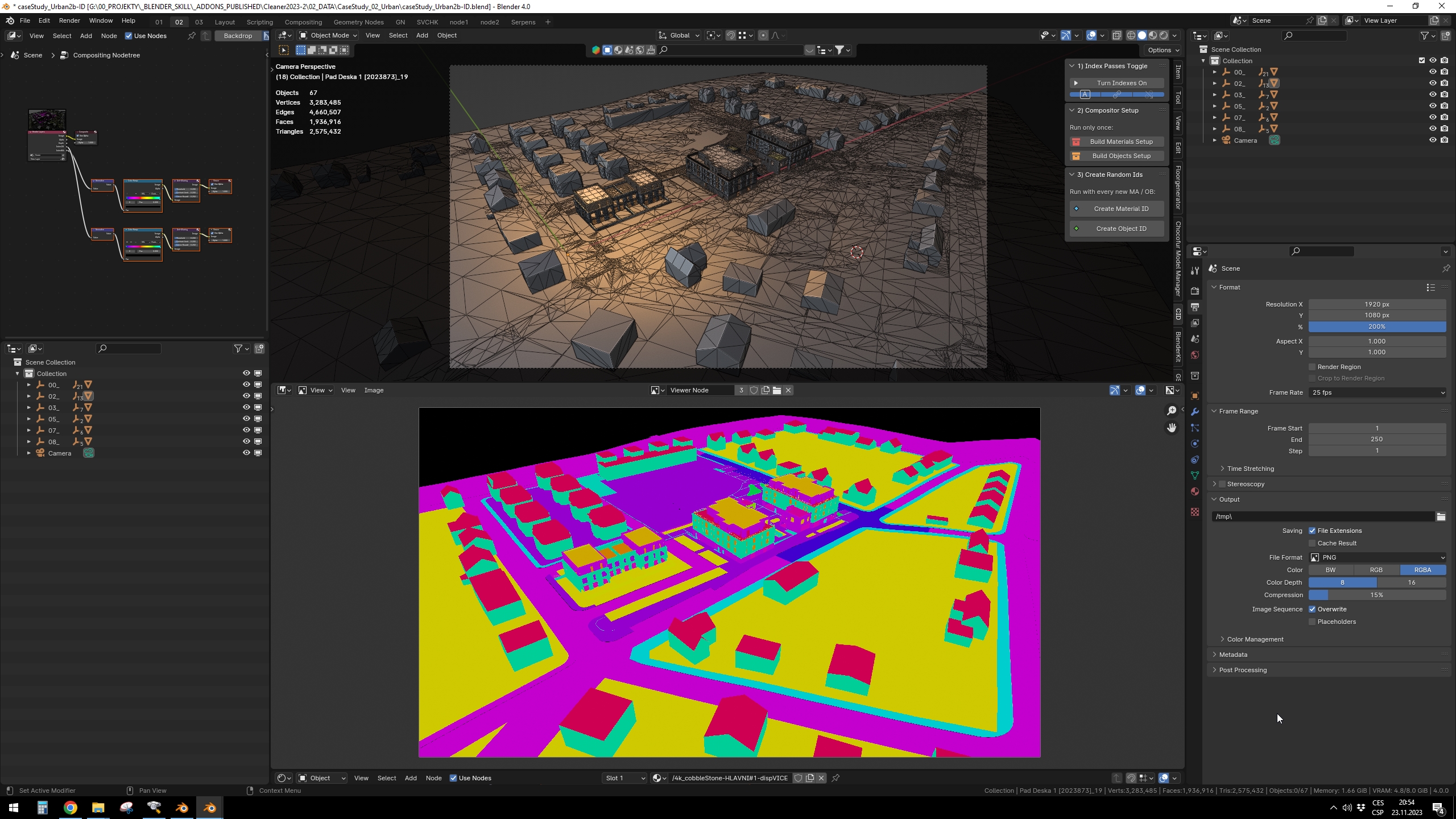
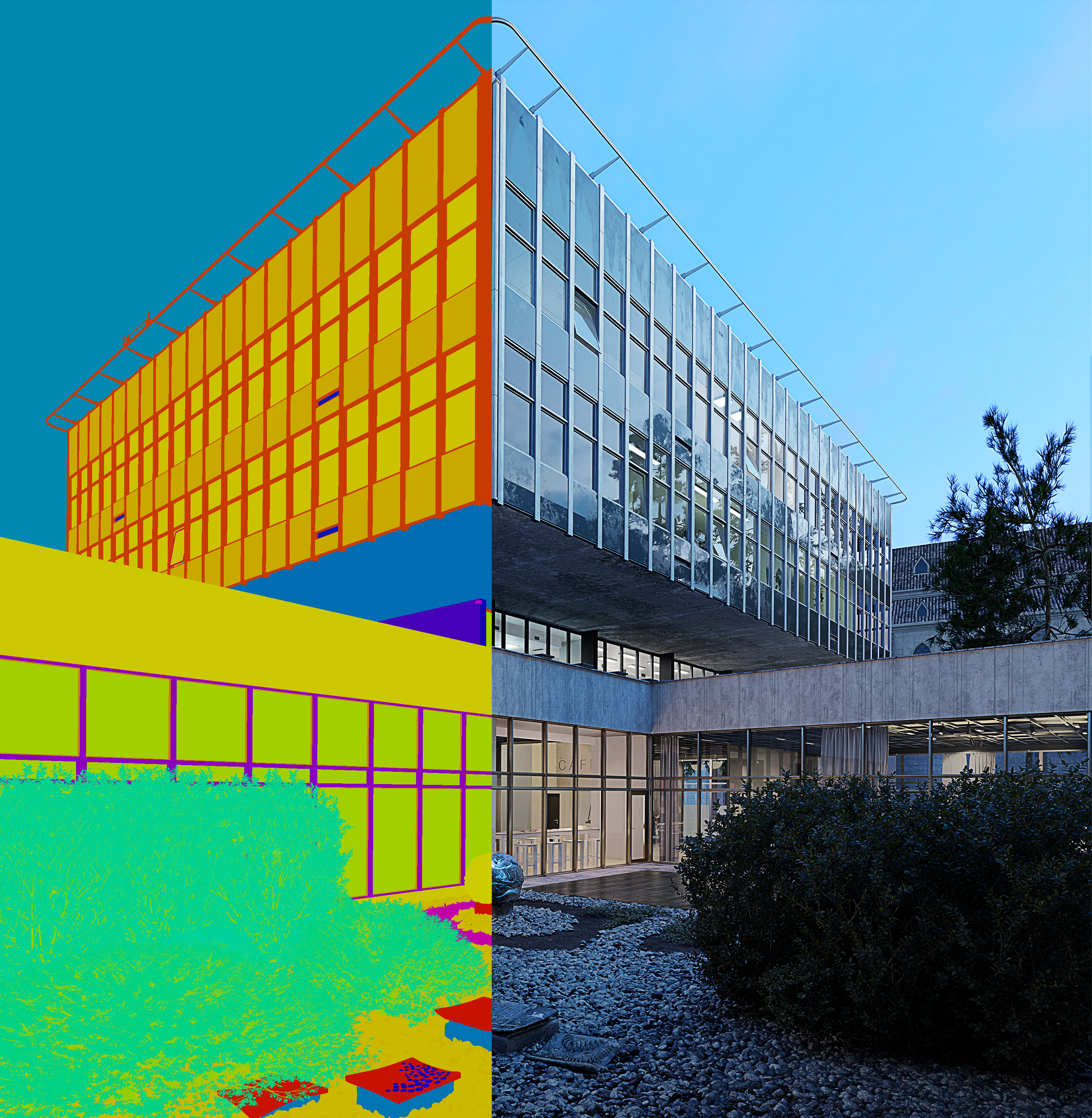
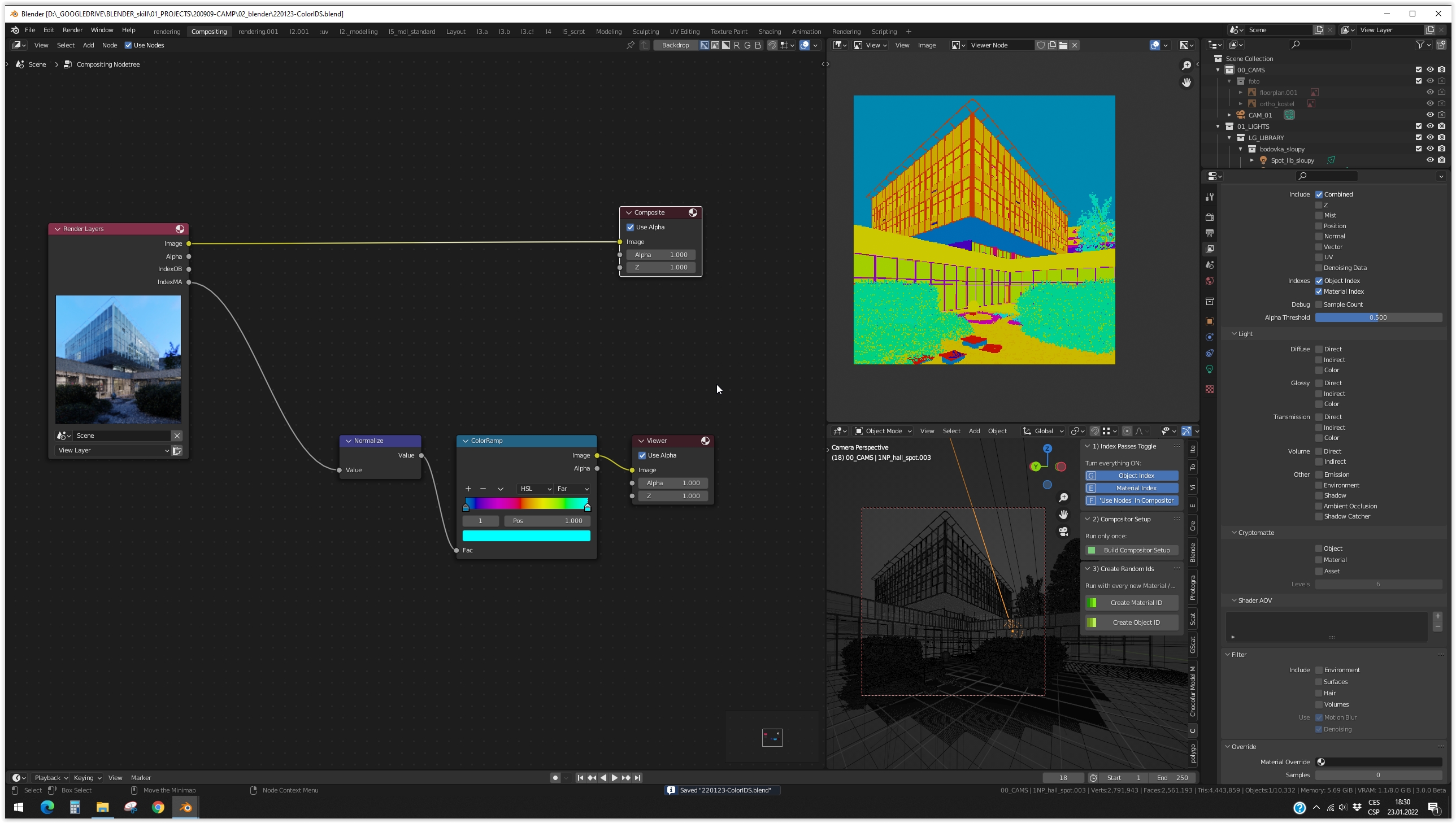
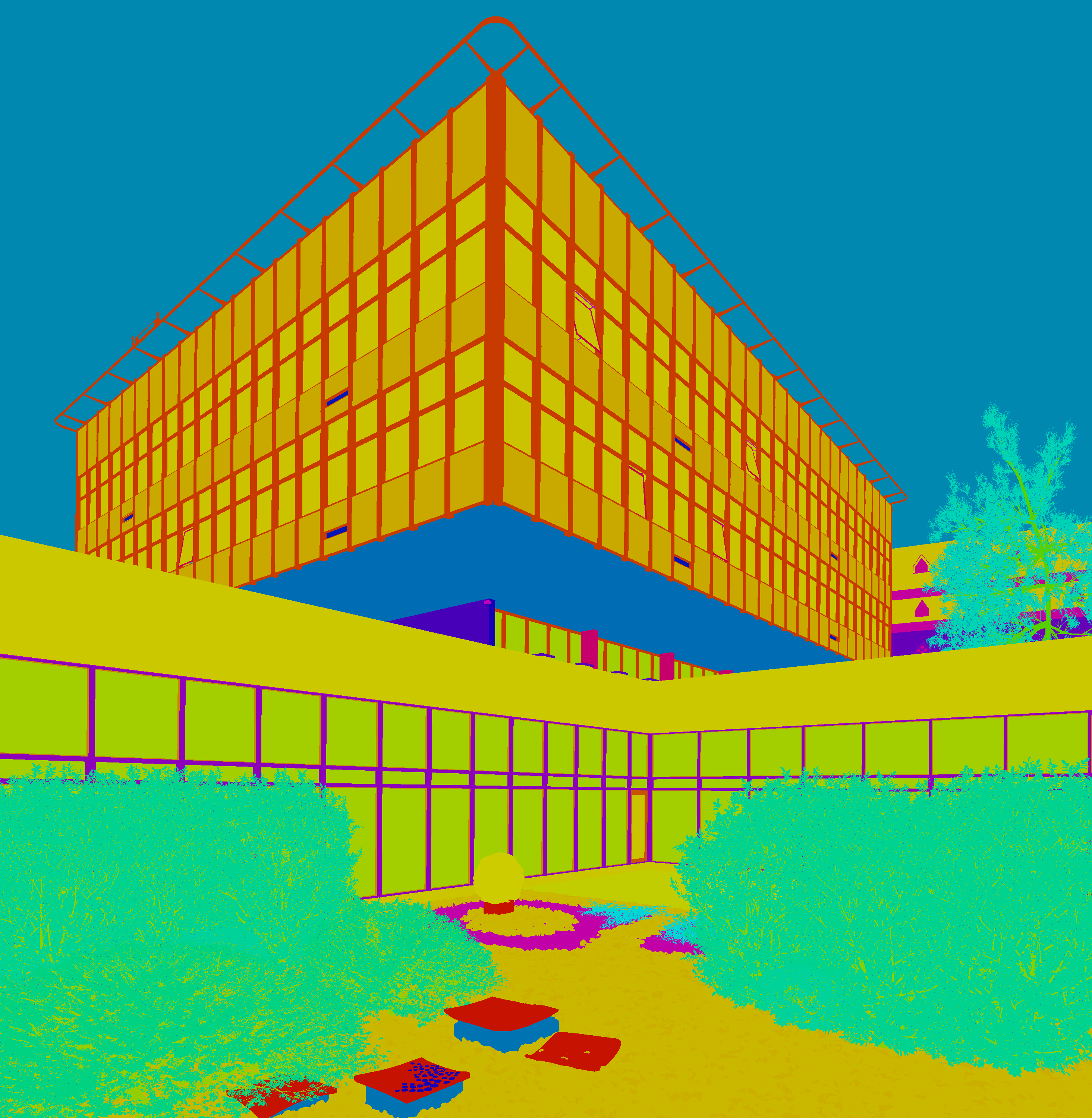
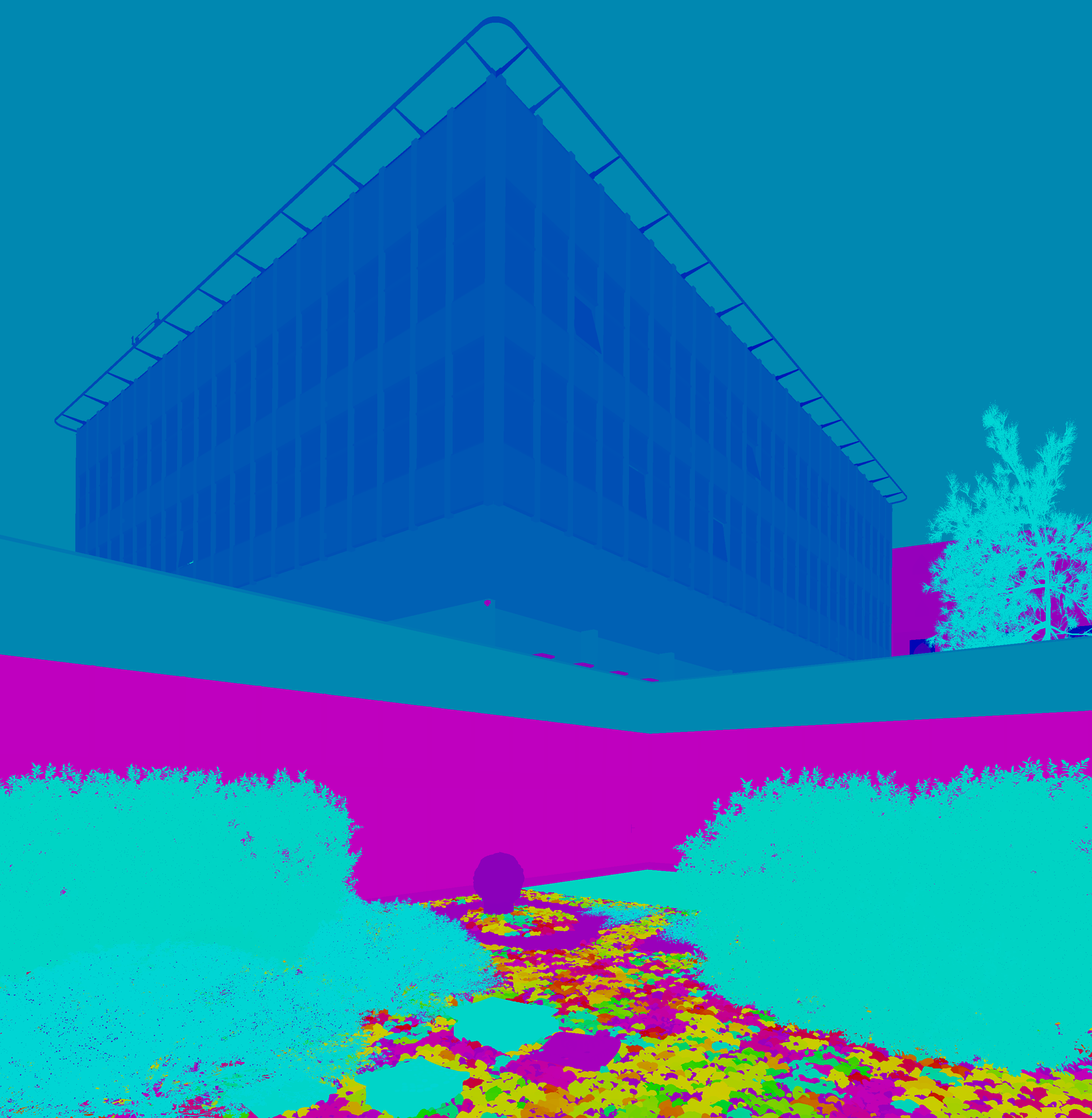

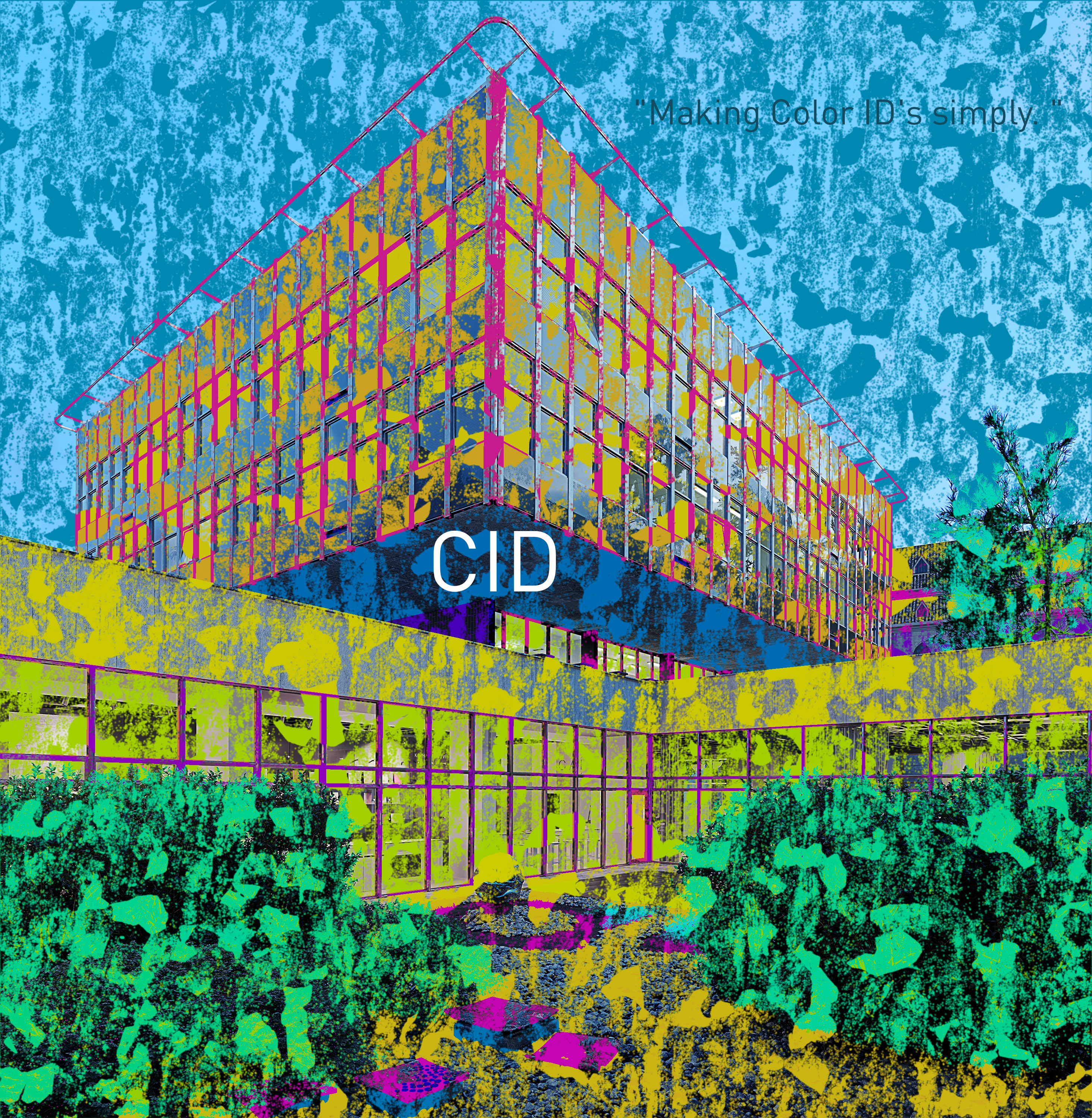

INSTRUCTIONS:
0) Import Add-on to Blender.
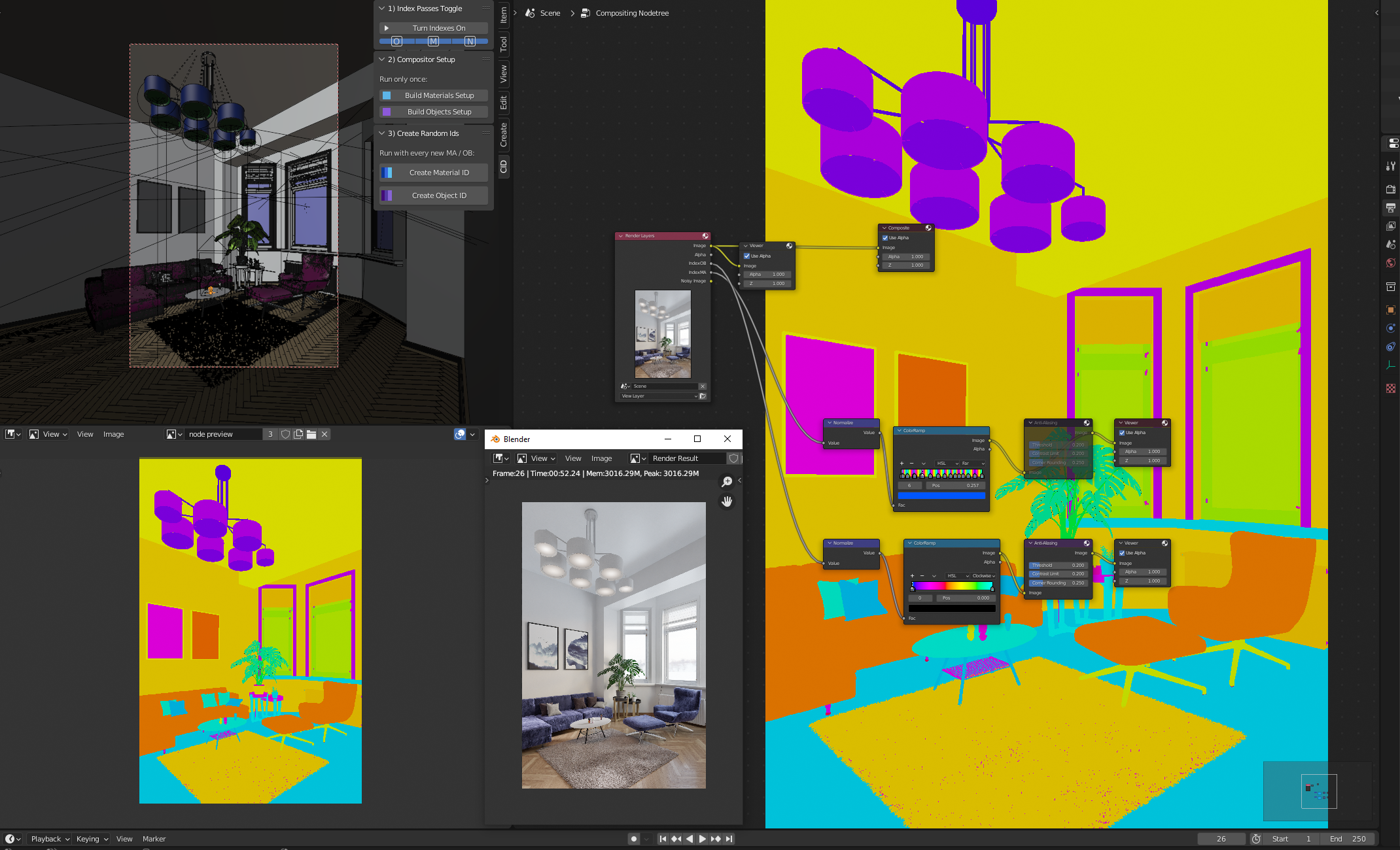
You will find the addon under the N panel in the 3d viewport. It is named CID.
1) Index Passes Toggle.
Turn Button for indexes to ON. It will run all the required items in the Blender interface.
2) Compositor Setup.
Click once on the button. It will generate the setup in the compositor. Every other click will make an undesirable duplicate.
3) Create Random IDs
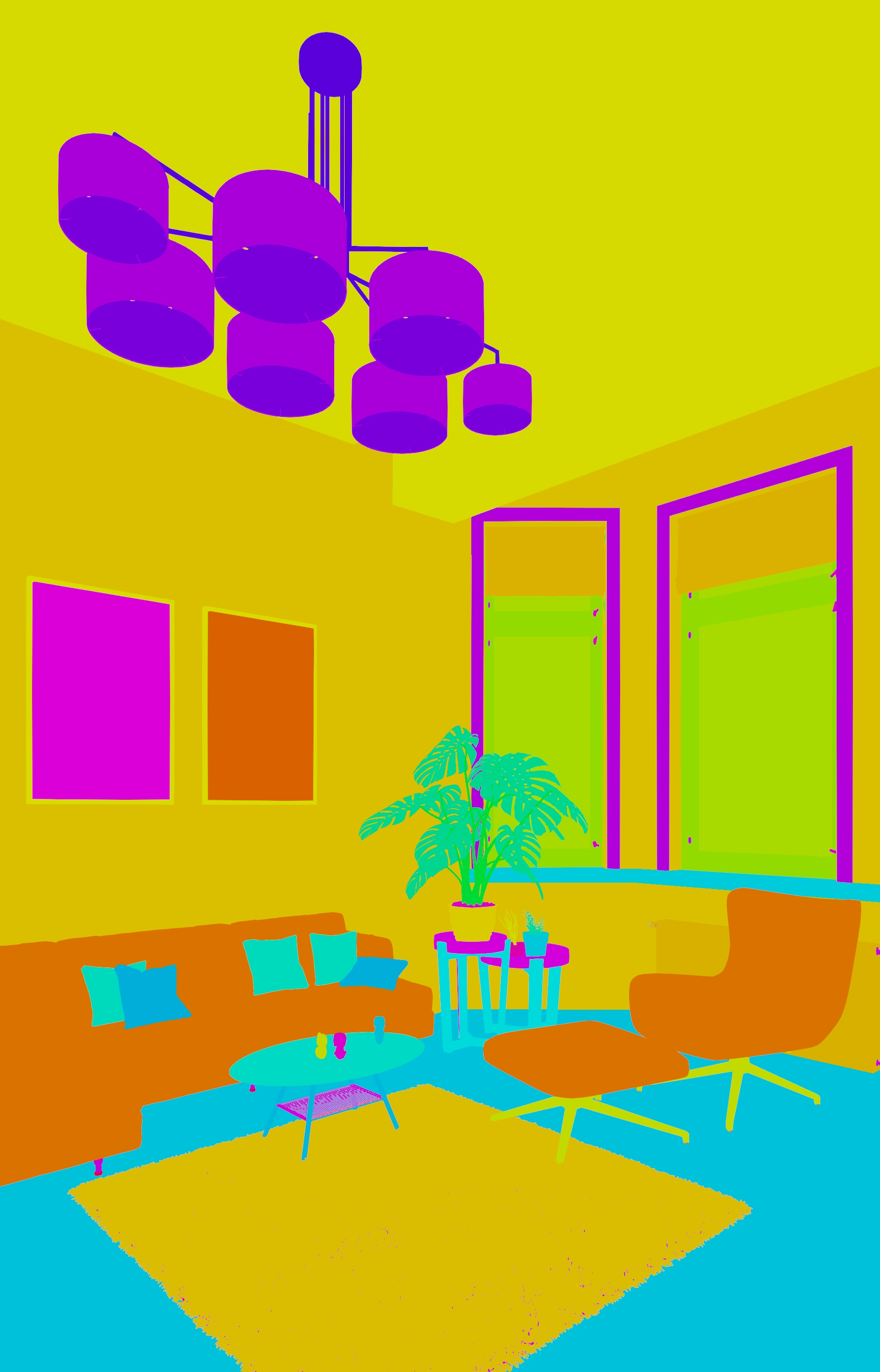
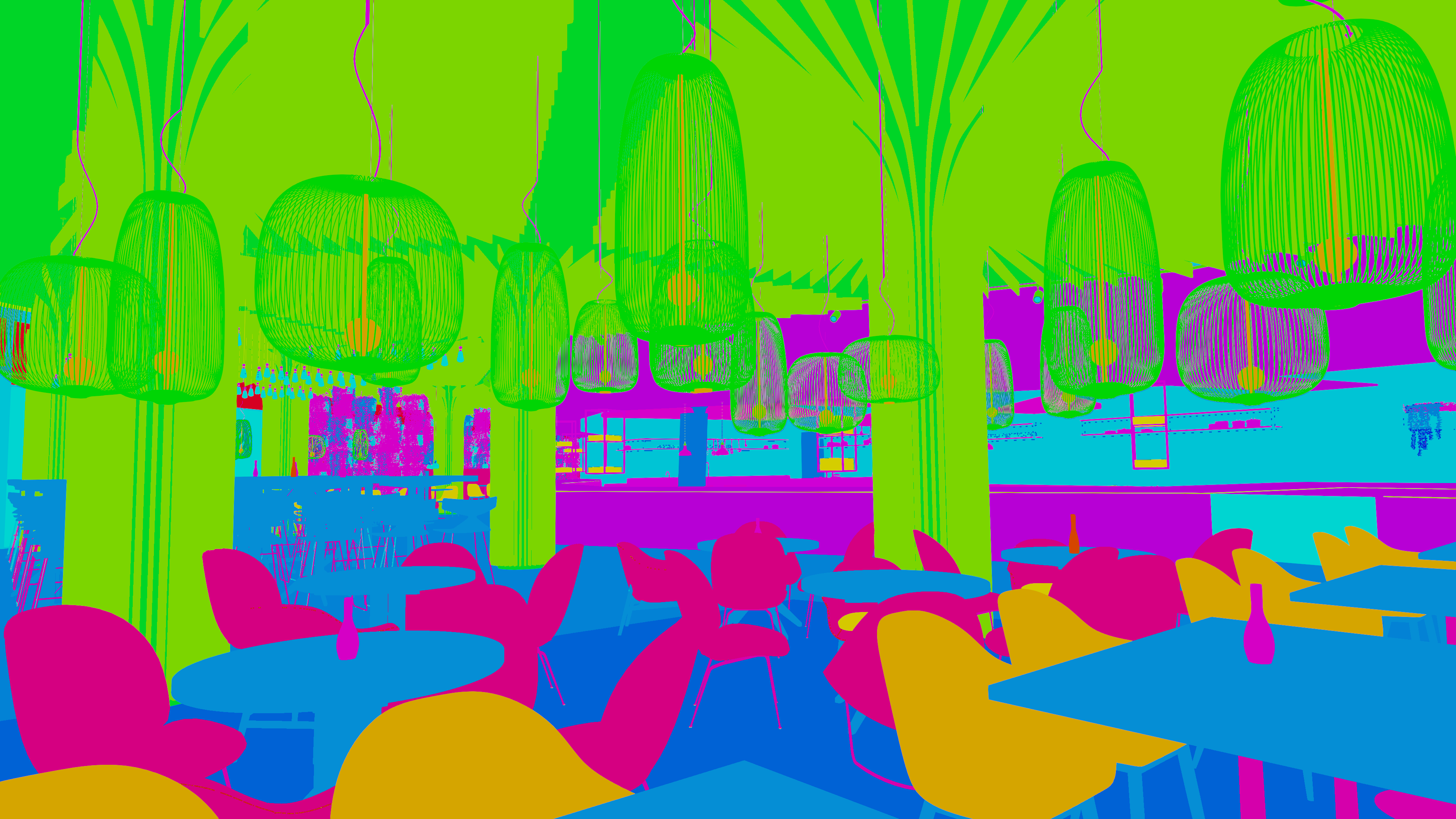
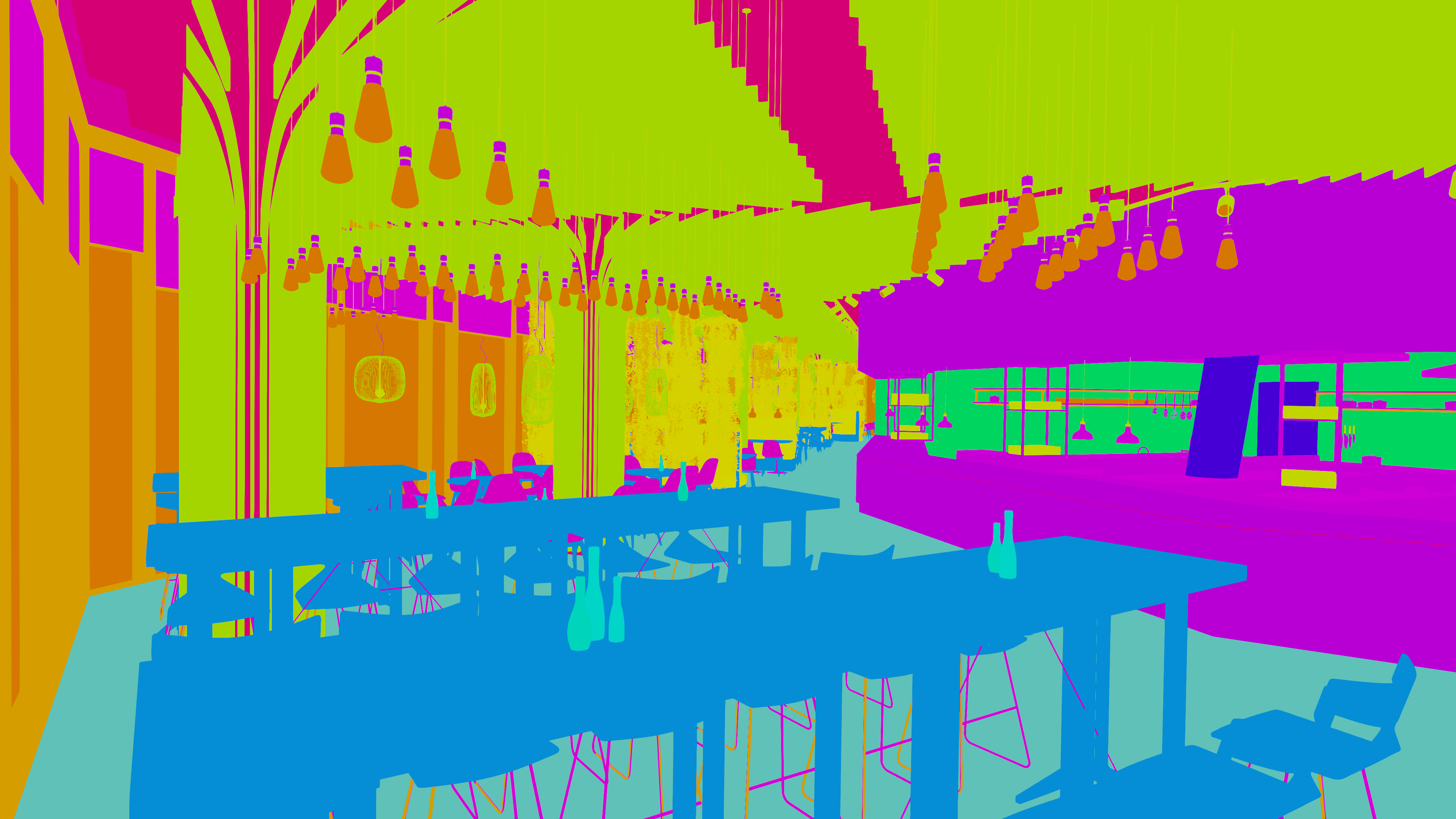
As the name suggests, these buttons are the most important. Each time you click, it generates a number series for all material and object indexes. If you add more objects or materials, you need to run the display again to generate additional numeric indexes for the new materials and objects.
Discover more products like this
blender-compositor render pass color id material id object id blender addon post-production cryptomatte alternative Compositing mask generator ArchViz photoshop workflow