 Jela331
Parametr Studio
over 2 years ago
Absolutely amazing. Thank you! :)

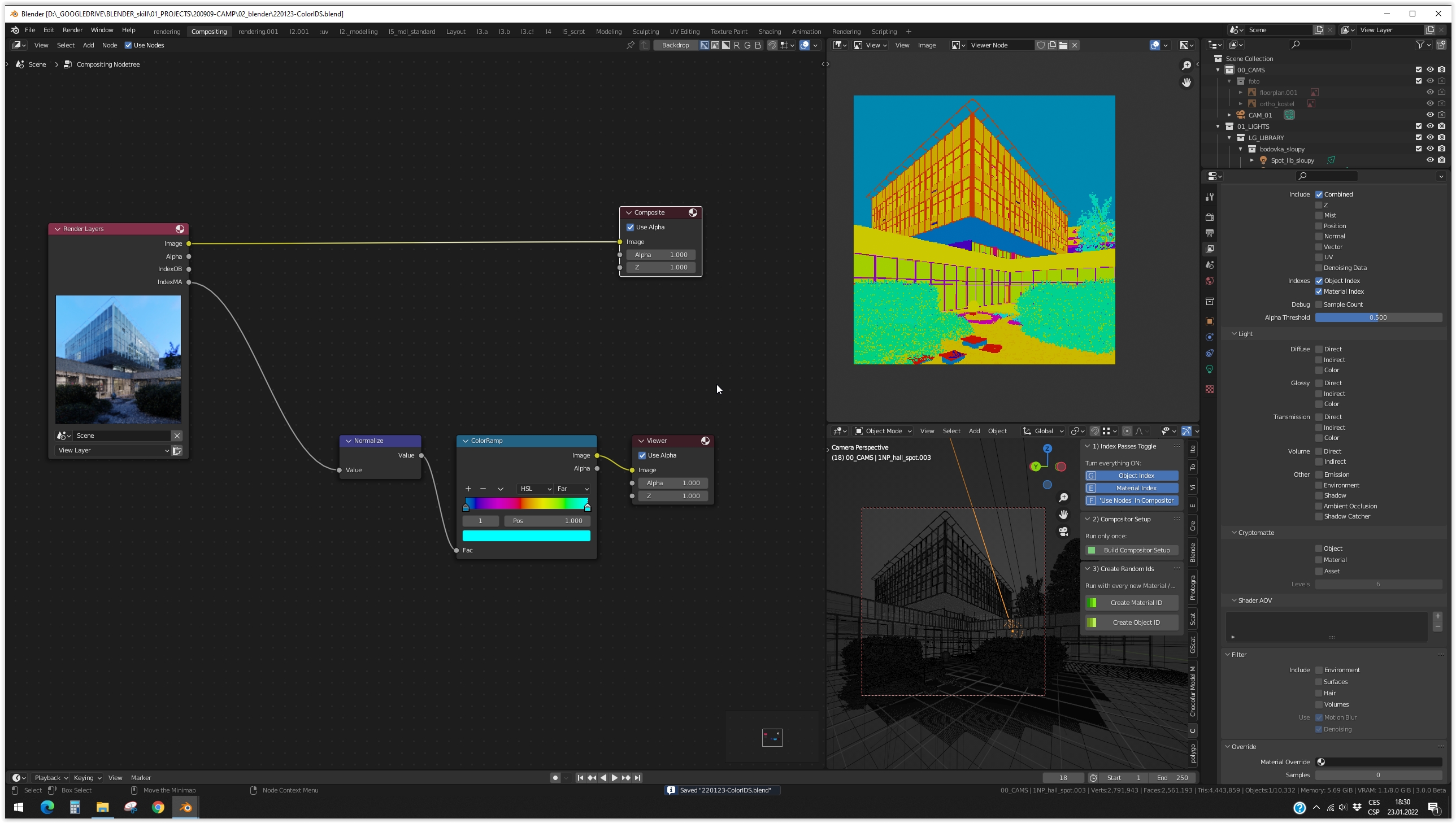
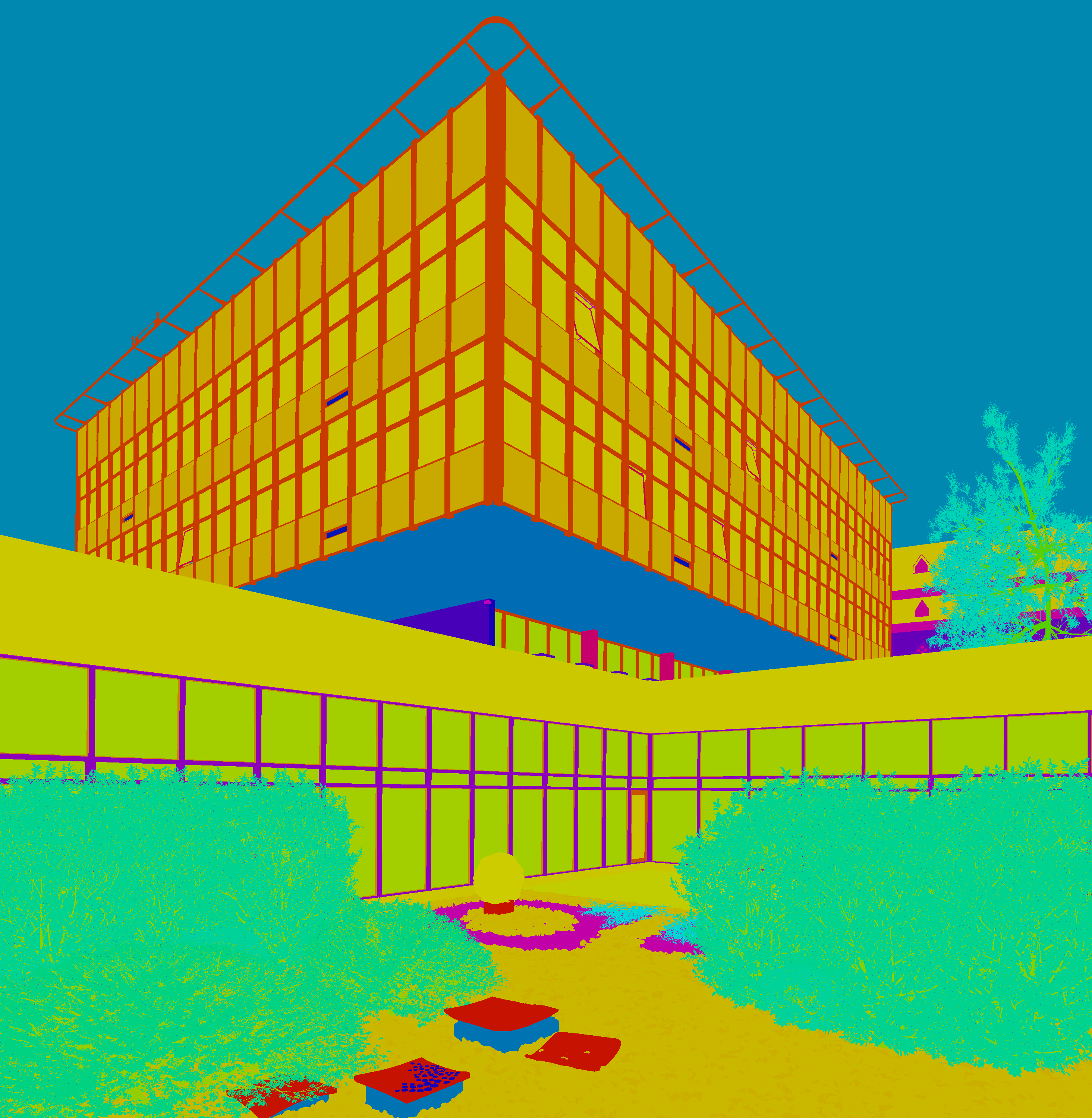
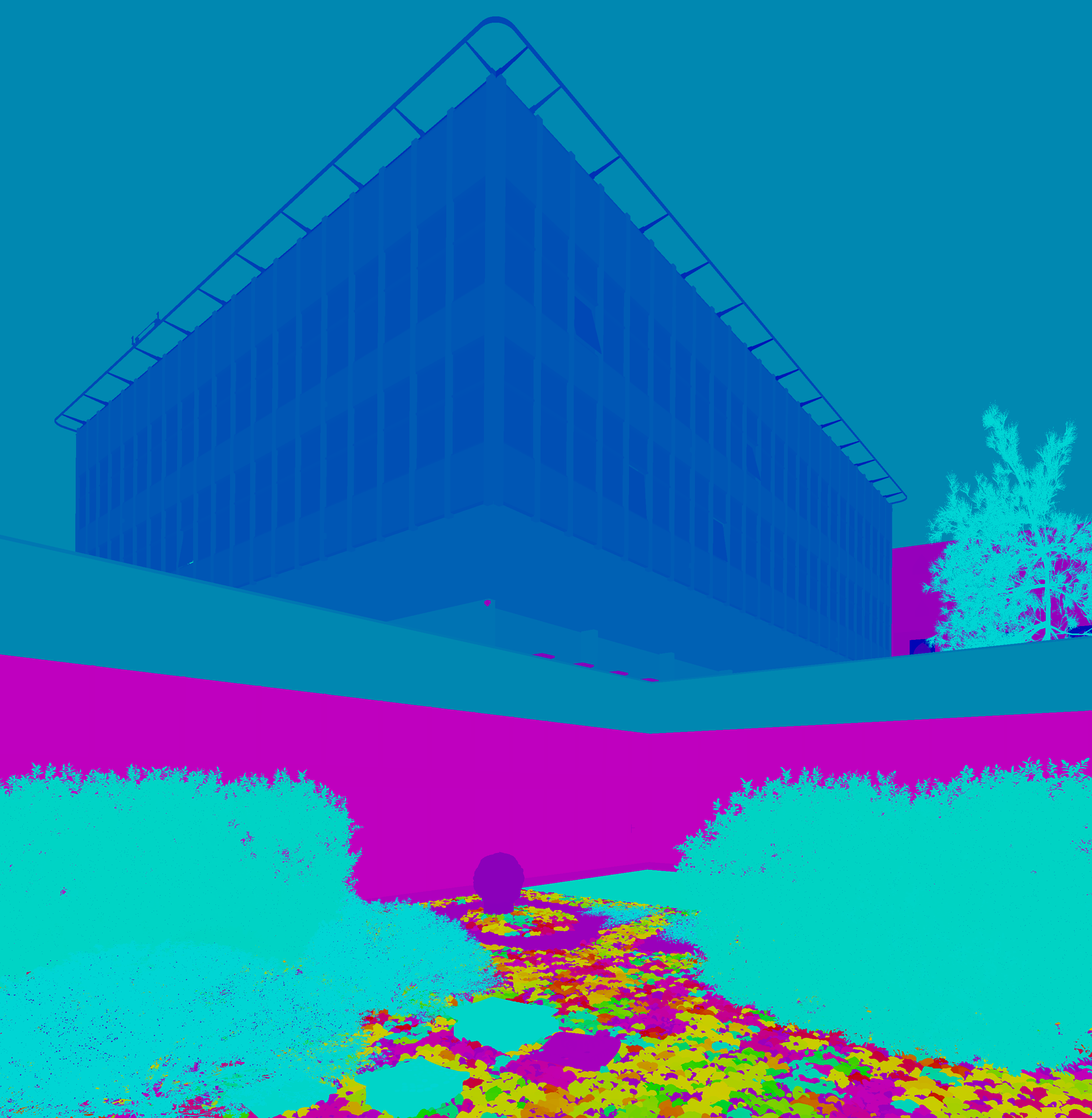
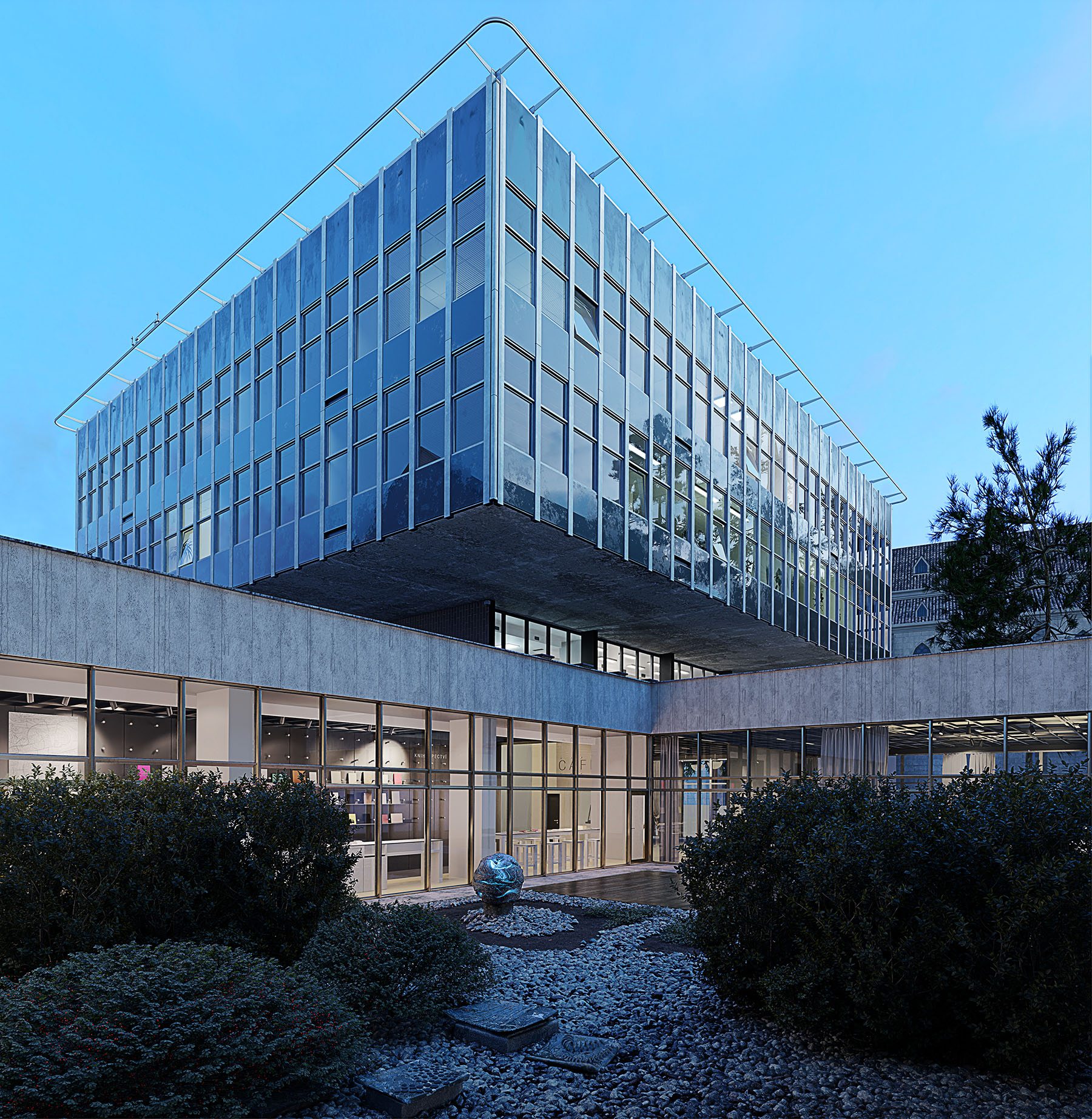
This item has an average rating of 4 from 6 ratings by the community.
Purchase this item to leave a review!
Parametr Studio
over 2 years ago
Absolutely amazing. Thank you! :)
Parametr Studio
over 2 years ago
Huge thanks for such a nice comment :)
Parametr Studio
over 2 years ago
Thank You ;)
Parametr Studio
over 2 years ago
That's really nice. We greatly appreciate it. :)
Parametr Studio
almost 2 years ago
Good morning,
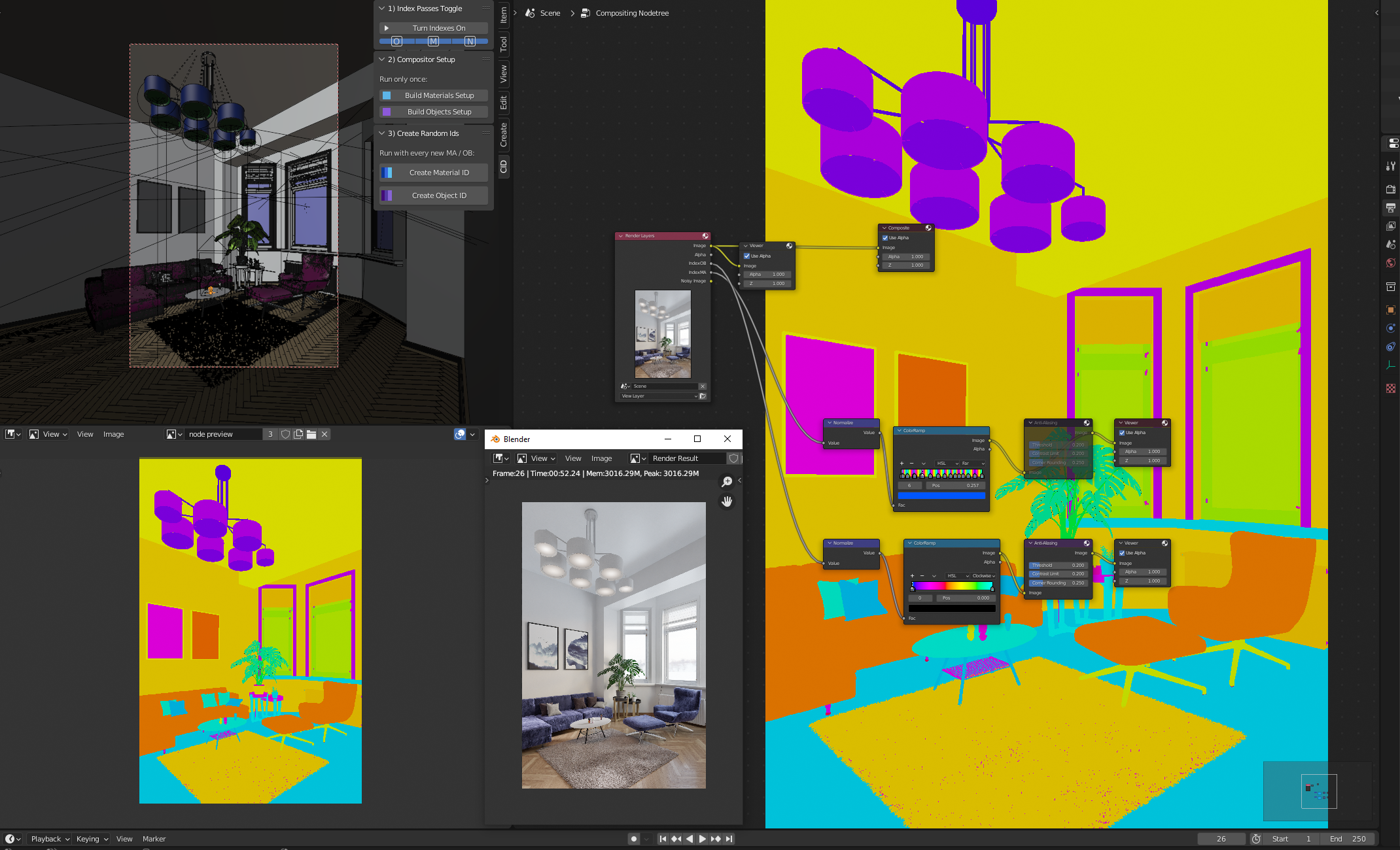
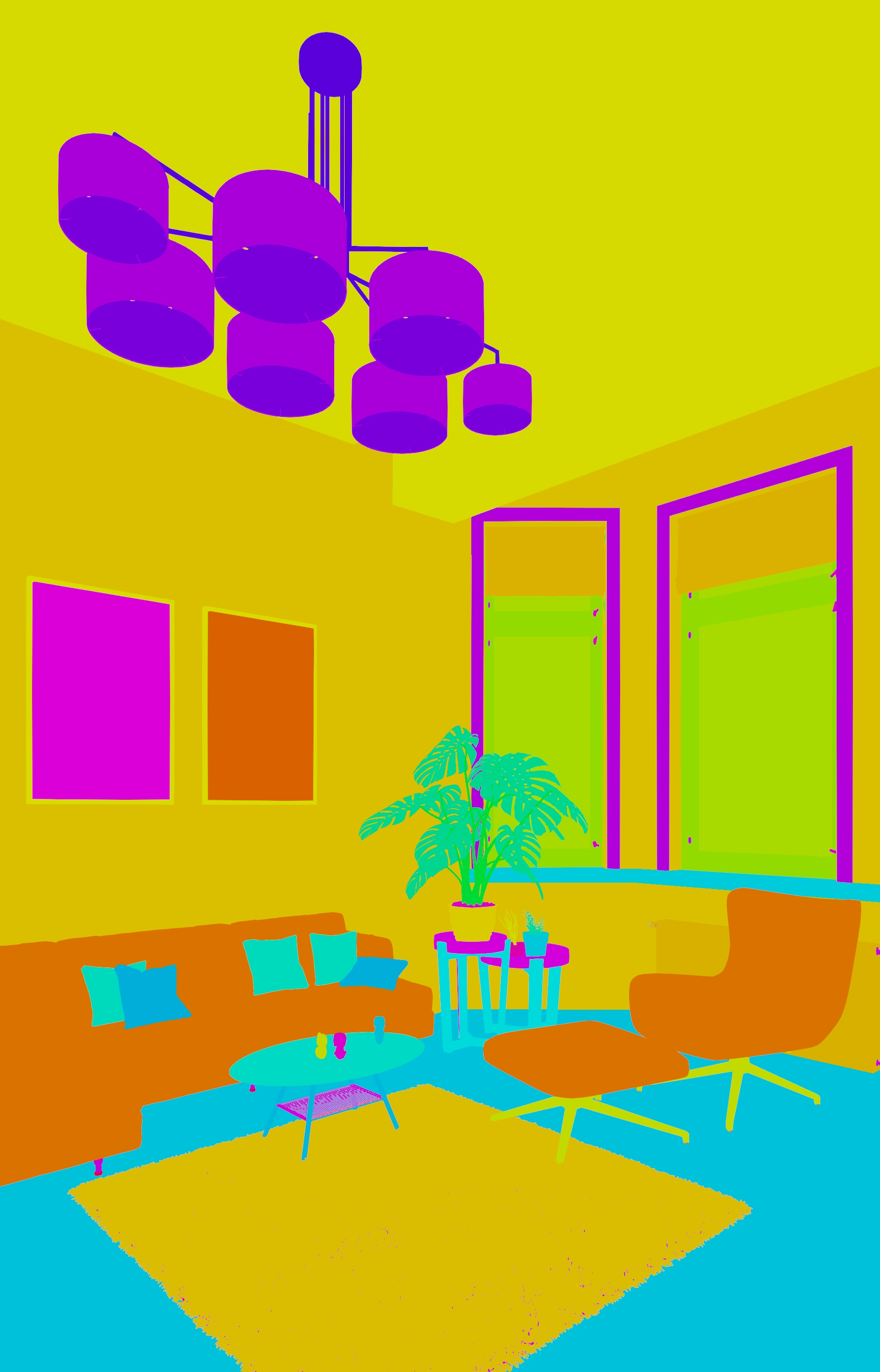
thank you very much for your comments. Most of them are factual and only thanks to them we have the incentive to improve the Addon, so I'm really happy for them and thank you. Could I ask you to contact us in a message? I would like to ask some details what was causing the problem and we will try to adjust the addon. Moving the addon is a good idea. Likewise file output. The 2nd point with View layers and alpha is at my request. You probably use workflow more for product design or other purposes, and I would like to learn more about that - because we don't use it like that in architecture, and I don't know what exactly is meant by that. We didn't have this problem. Color randomness - always arises from one color and goes through all 255 values clockwise to the same color across the entire spectrum. Thanks to this, there are 1275 different colors in the interval - I wouldn't change that. I am open to discussion and we will try to improve as much as possible. Thanks again ;) Have a nice day
Parametr Studio
almost 3 years ago
Hello, thank you for the notice.
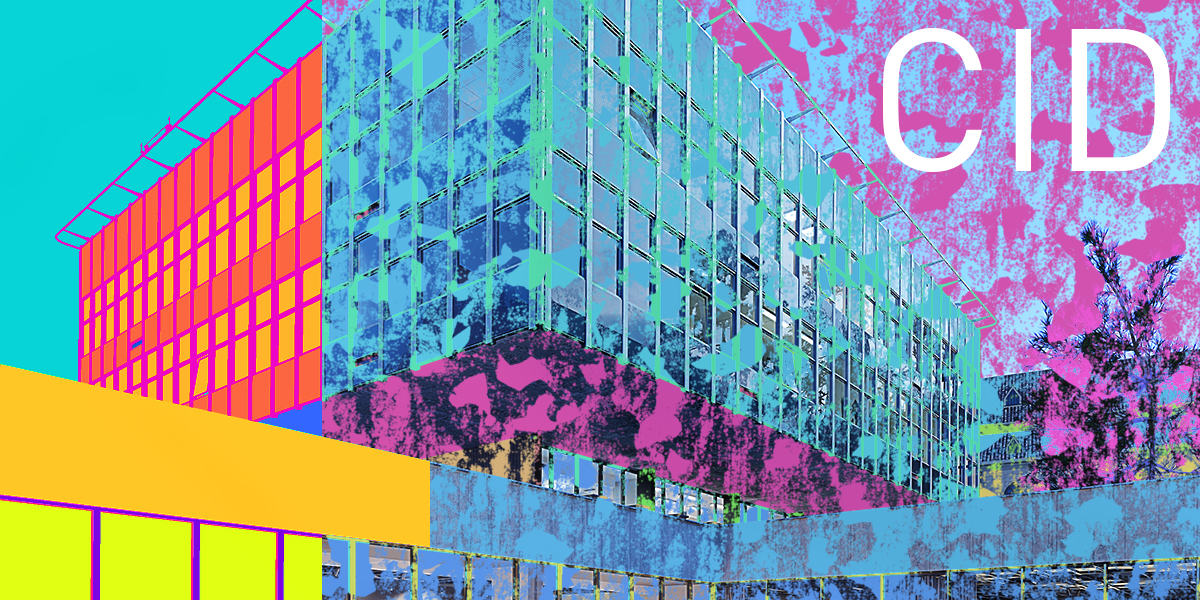
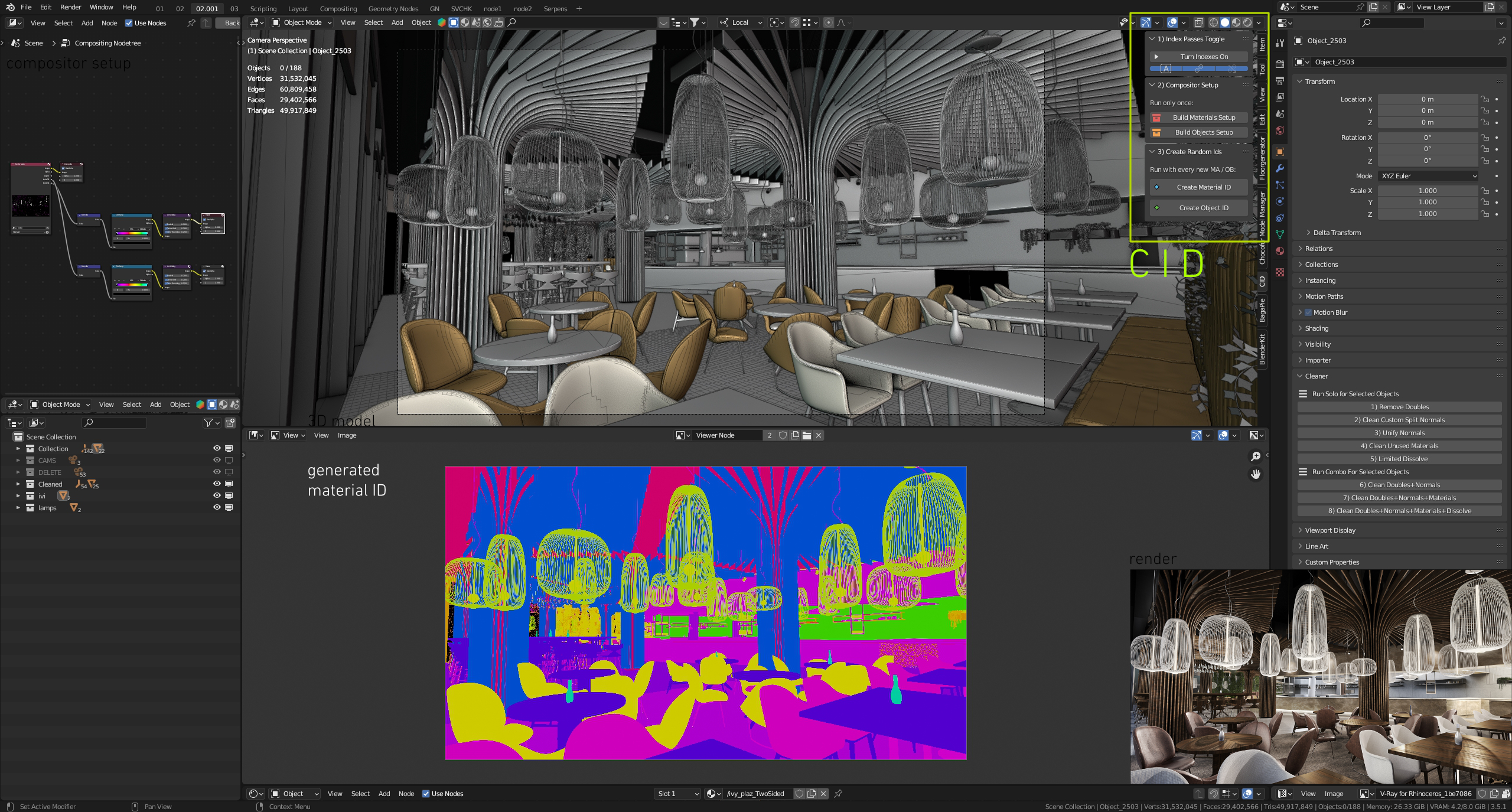
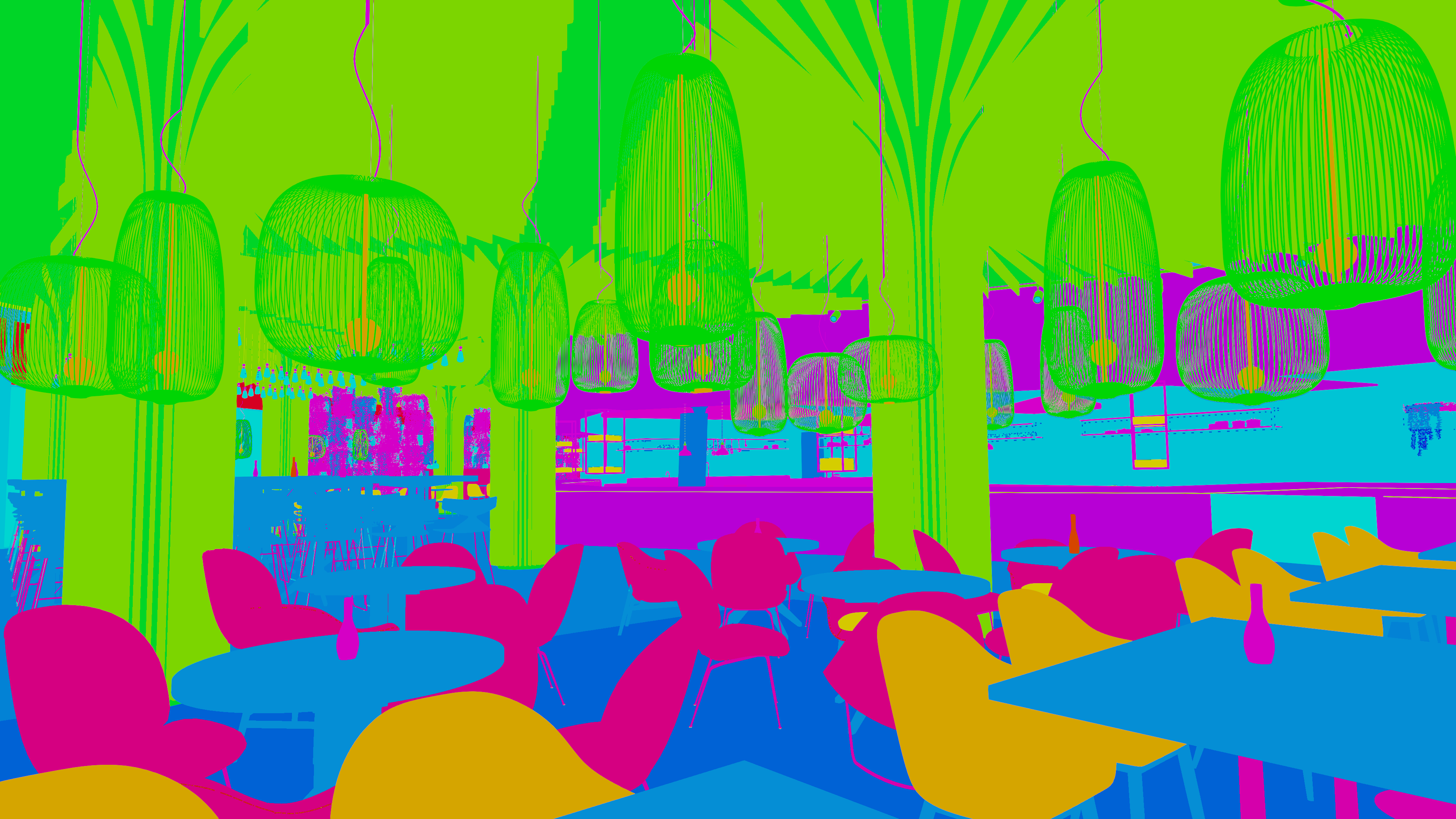
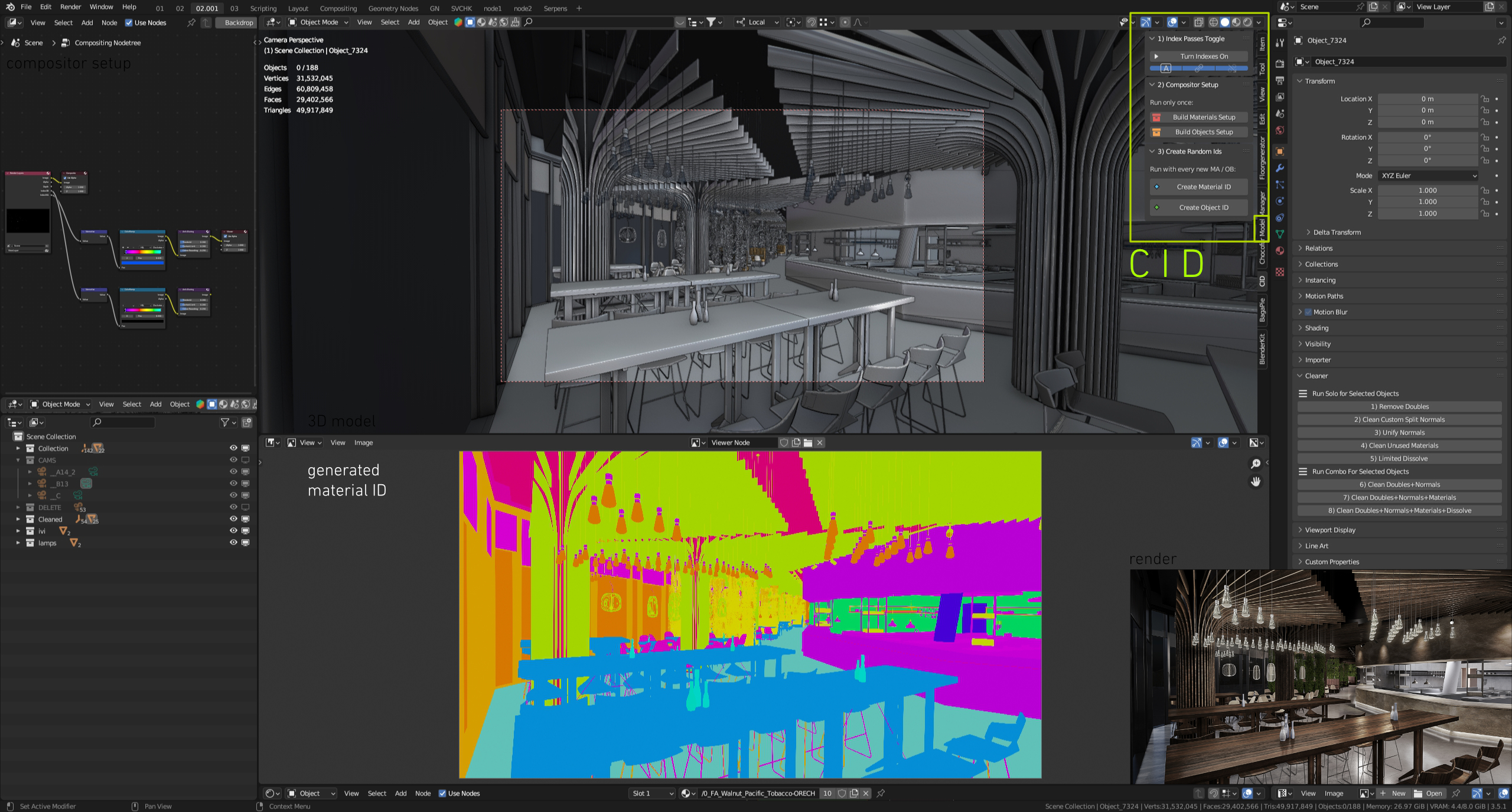
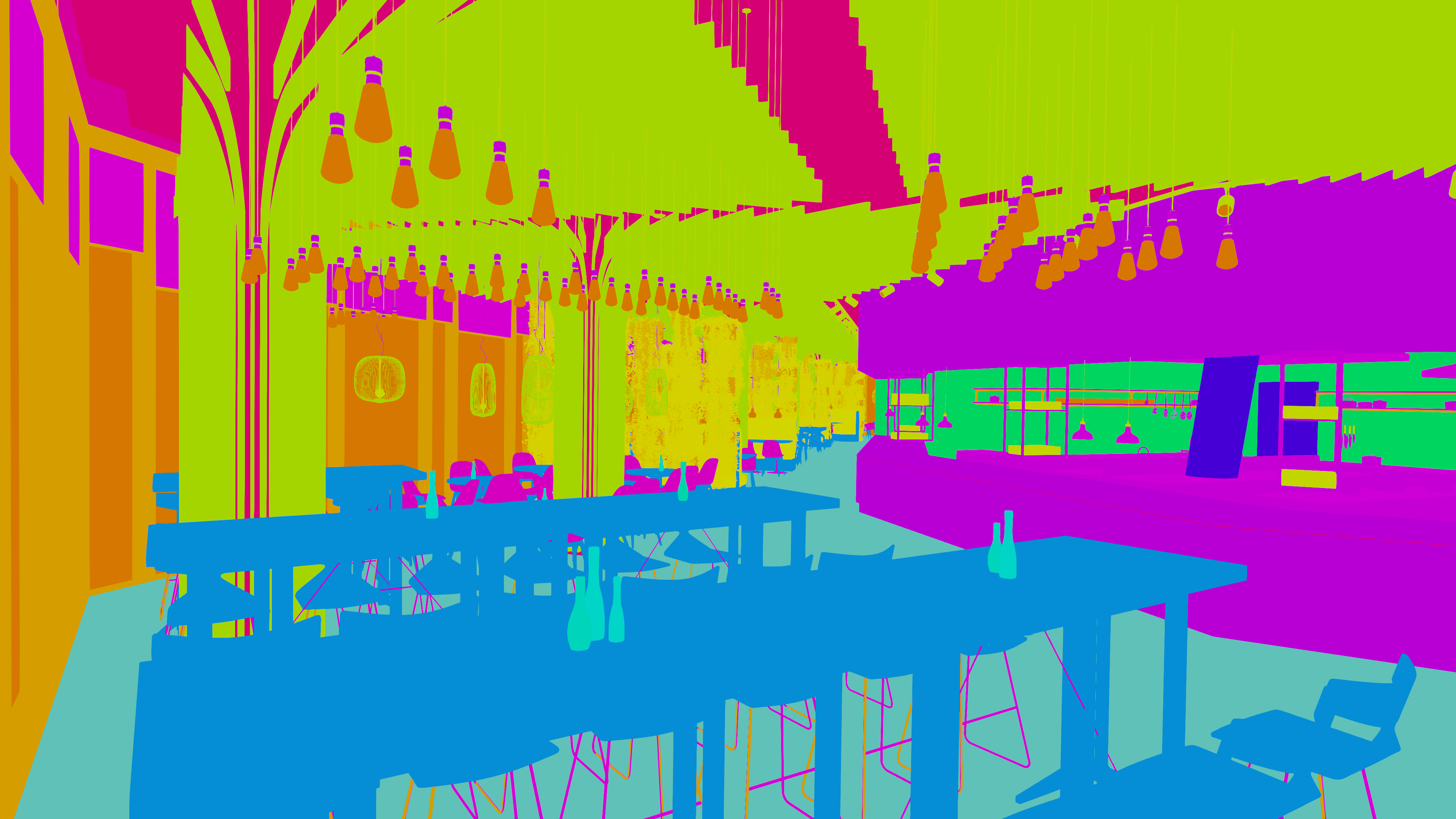
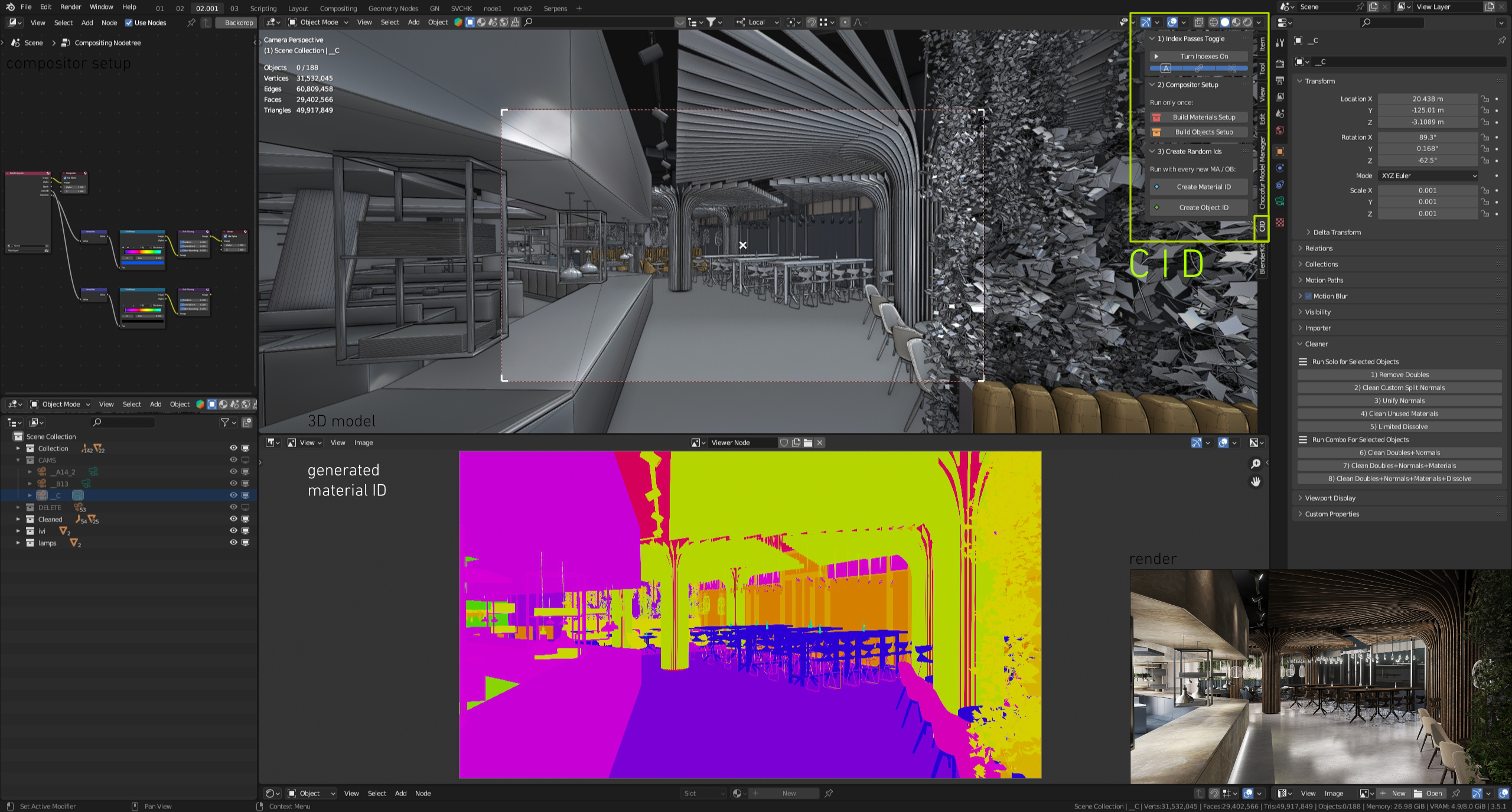
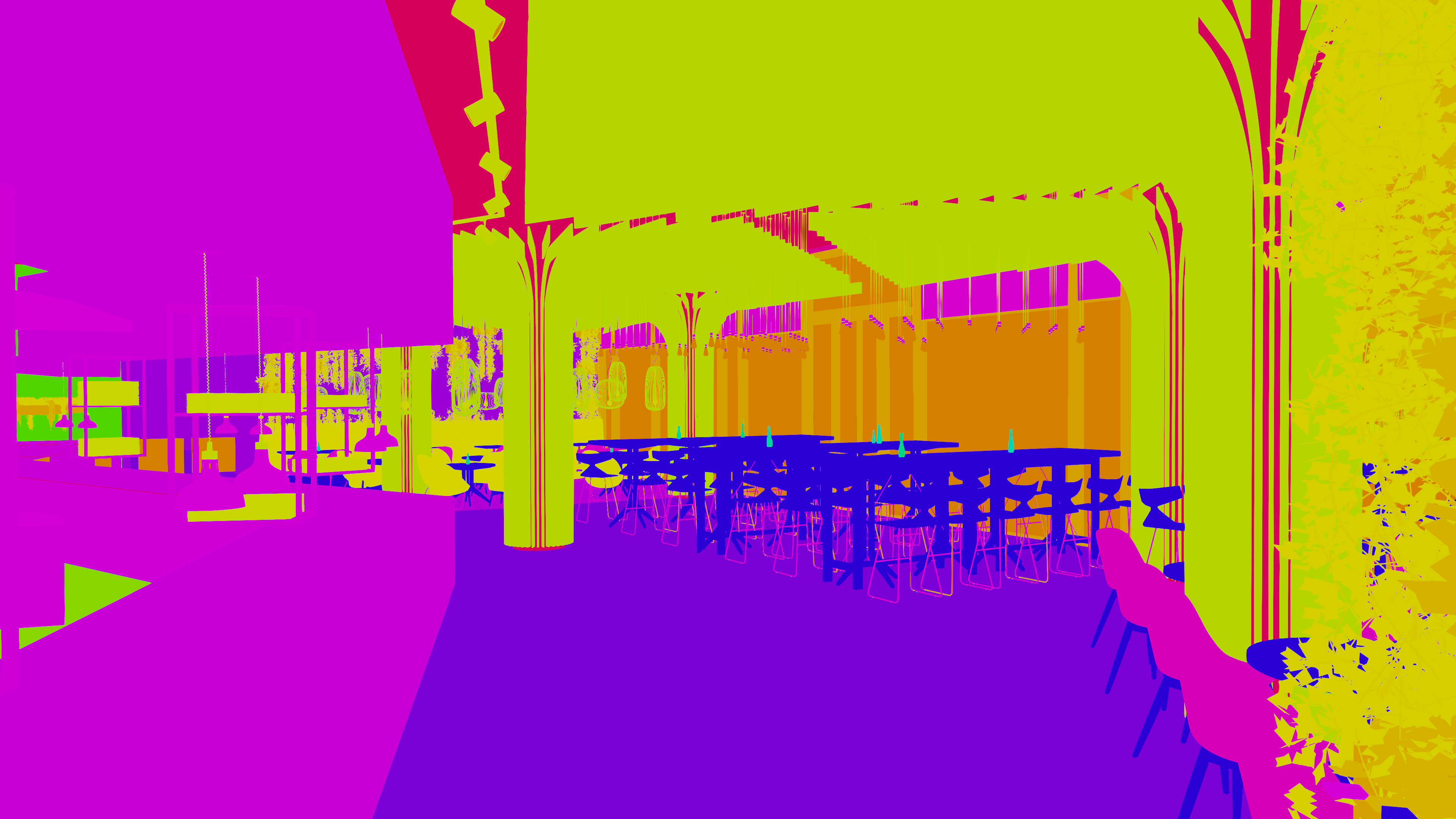
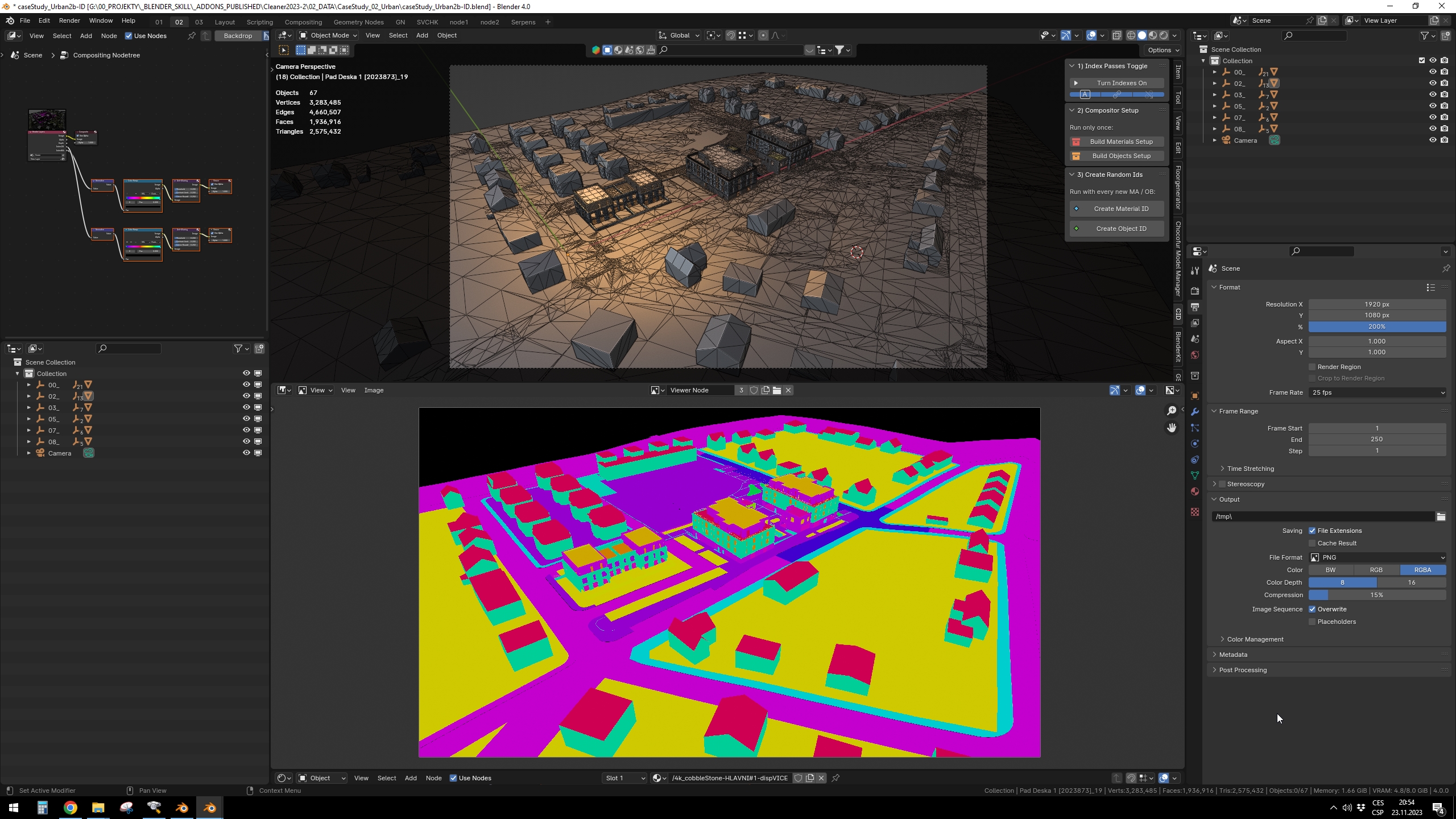
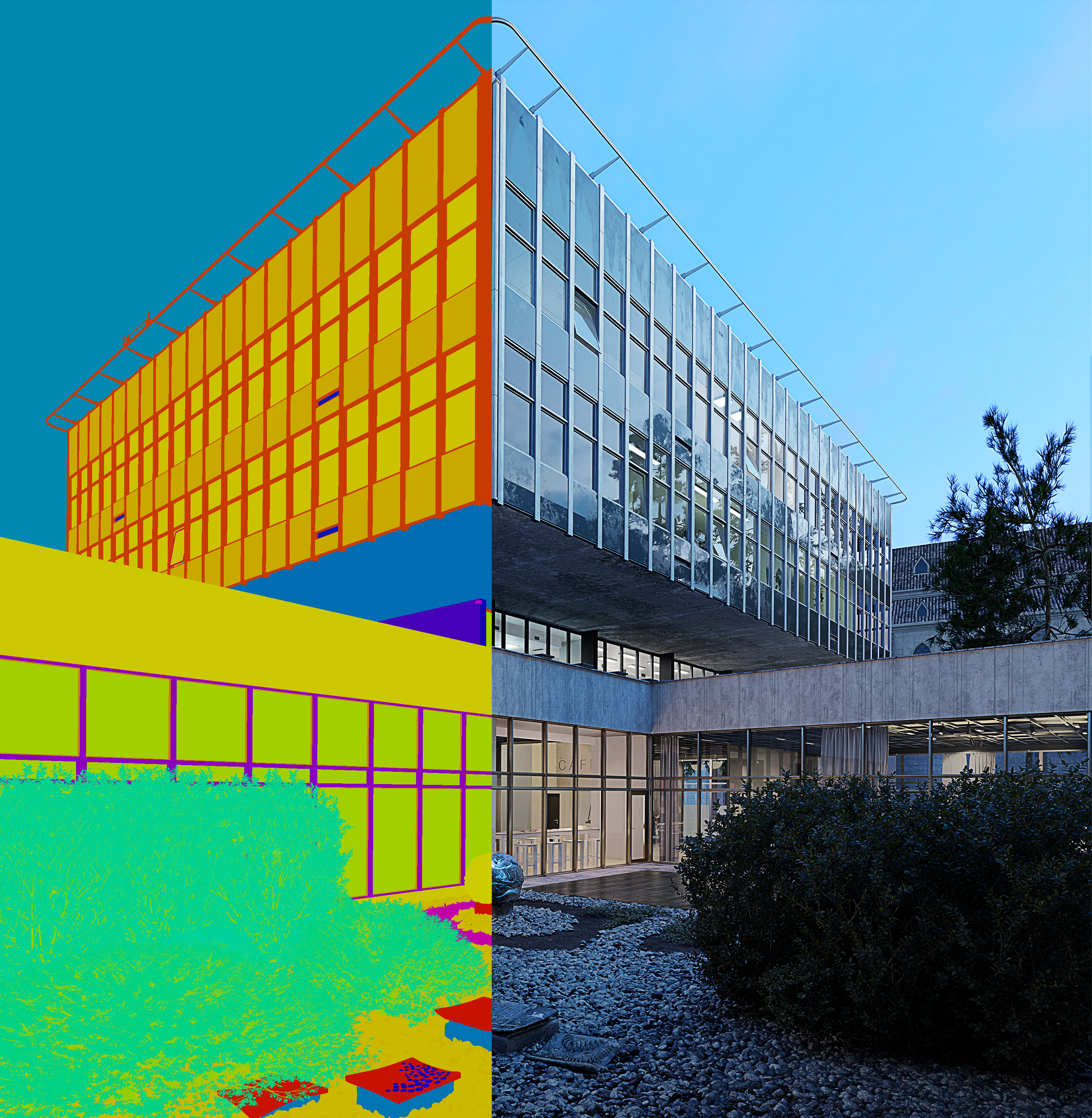
We highlight in the text that CID runs on Cycles. The output produced by CID is exclusively for use by external software - such as Photoshop. Therefore, it doesn't really matter if you use Cycles, Eevee, or Octane for modeling or rendering. To get a Color Id map for Photoshop, just switch to Cycles. Thank you and have a nice day.
render pass blender-compositor object id post-production ArchViz cryptomatte alternative photoshop workflow Compositing blender addon mask generator material id color id
 Benjamin
 Glauco
 jiho
jiho
 Hes
Hes
 funksy