 creativeflowtools

CLAYO — Every Brush at Your Fingertip
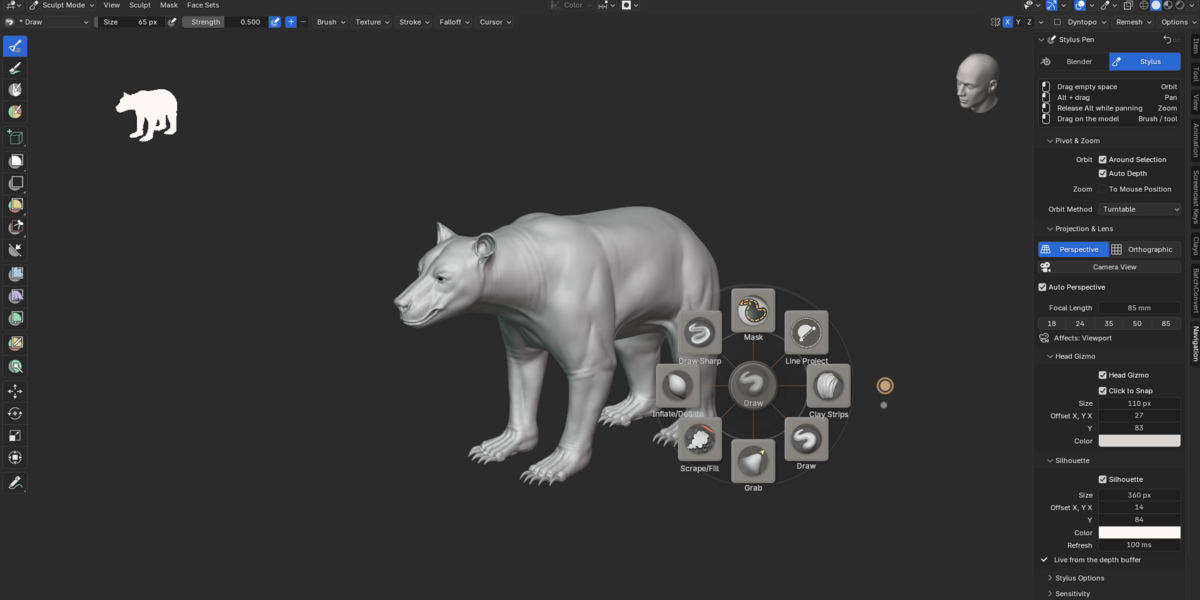
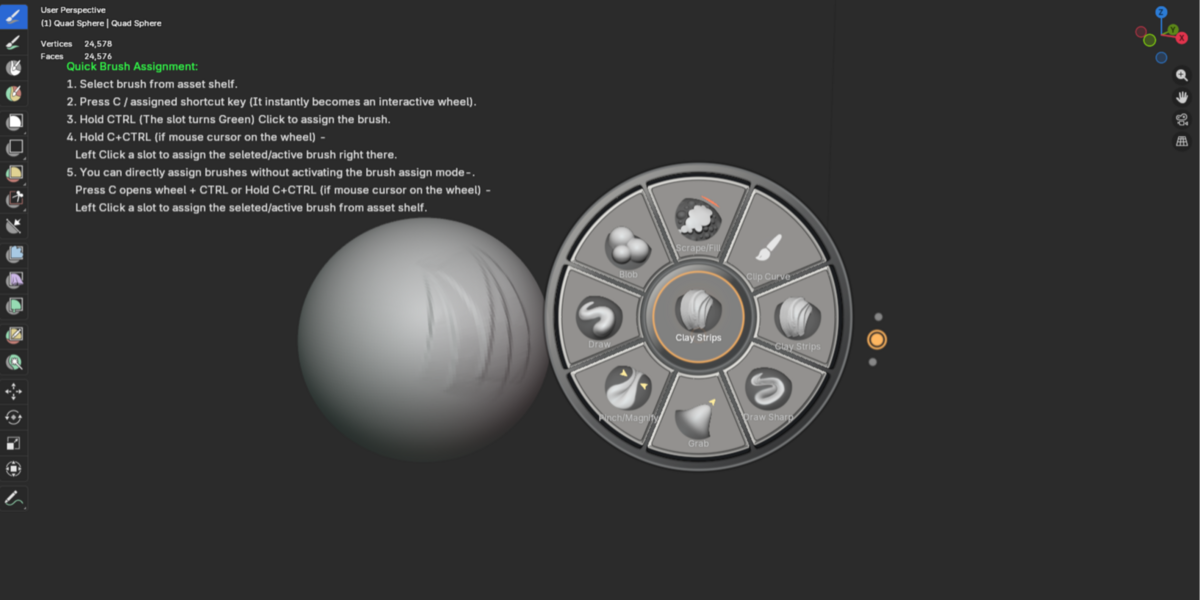
Clayo is a customizable brush wheel for Blender Sculpt Mode that keeps your most-used brushes and sculpting tools close to your cursor.
Open the wheel, choose the brush you need, and keep sculpting.
Clayo is designed to make brush access faster, more organized, and more comfortable during long sculpting sessions.
Sculpt Without Breaking Your Flow
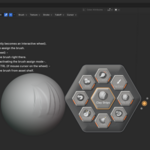
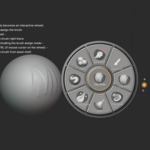
Press C in Sculpt Mode and Clayo opens directly around your cursor.
Your most important brushes are immediately available where you're already working.
Hover over a brush and release the shortcut, or click a brush directly to activate it.

The goal is simple:
less time navigating Blender, more time sculpting.
Build Your Own Sculpting Workflow
Every sculptor works differently.
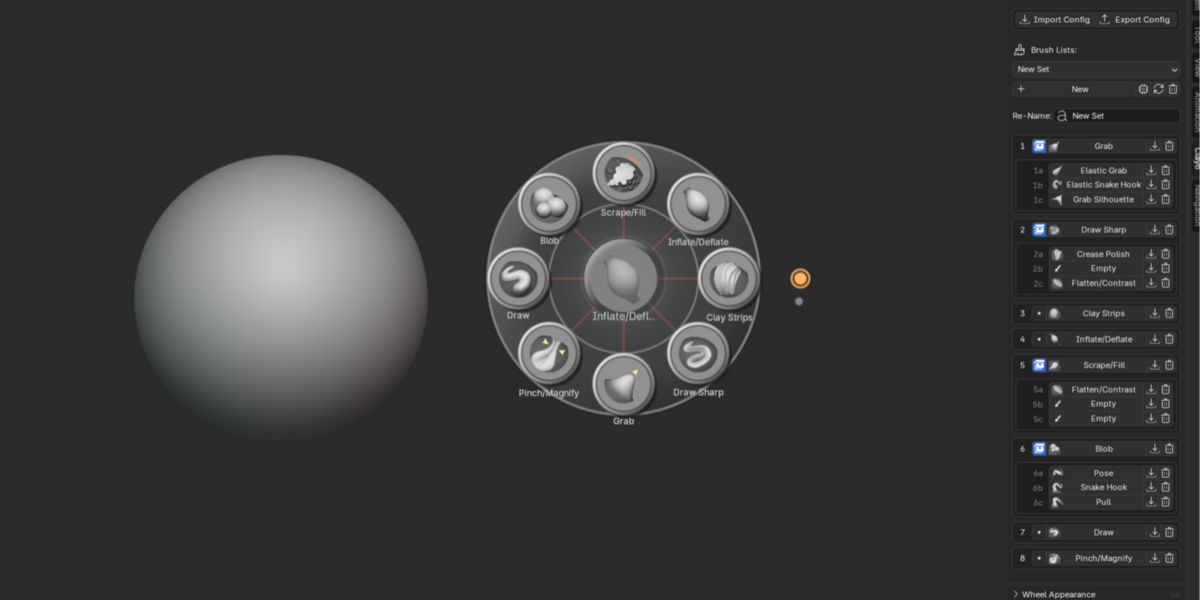
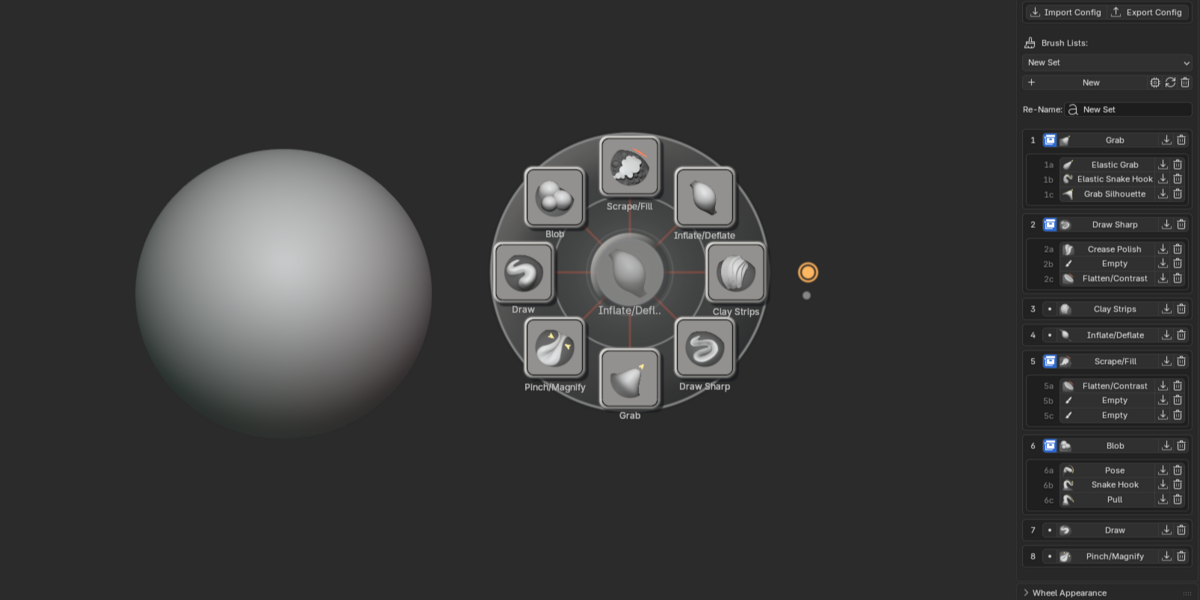
Clayo lets you create your own brush sets instead of forcing you into a fixed layout.
You can build separate setups for:
- Blocking
- Organic sculpting
- Hard-surface work
- Detailing
- Creature sculpting
- Cloth
- Face sculpting
- Personal brush collections
Switch between your saved brush sets whenever your workflow changes.
Your wheel becomes part of your sculpting process instead of just another menu.
Four Wheel Layouts
Choose the layout that feels most natural to you:
Circle
Square
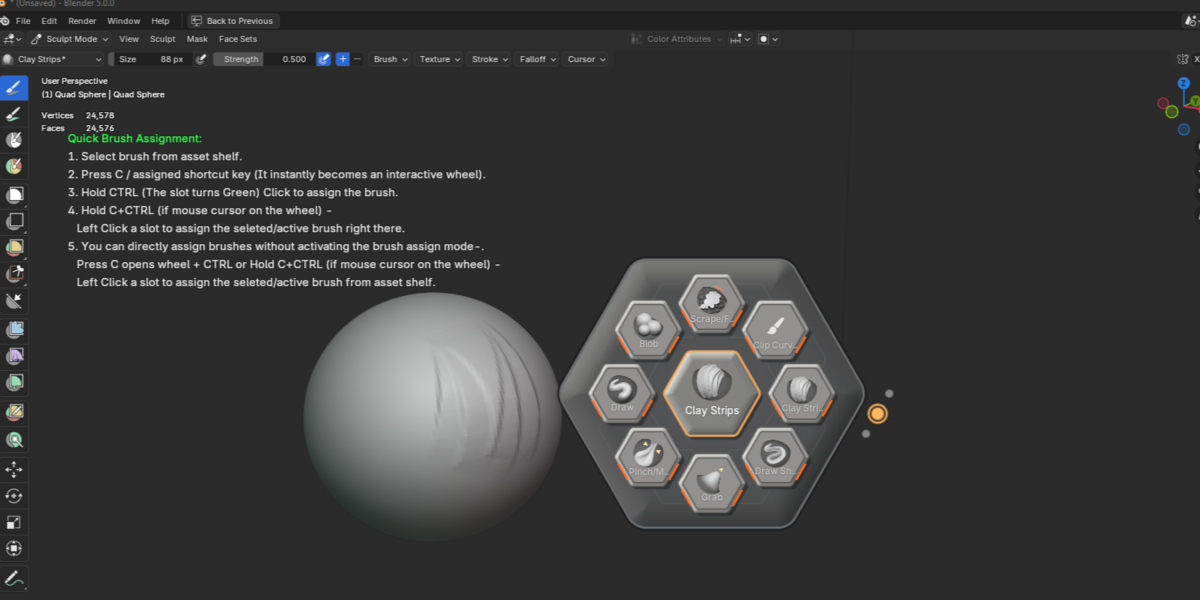
Hexagon
Segmented Wheel
Different layouts work better for different screen sizes, tablets, and personal workflows.
You can also adjust the wheel's size, spacing, text, colors, and visual style.
Keep More Brushes Without Making the Wheel Crowded
Sometimes one wheel slot is not enough.
Clayo supports expandable folder slots, allowing you to place three additional brushes behind a single slot.
For example, one slot could contain:
Crease
Draw Sharp
Pinch
Scrape
This lets you keep related brushes together without filling the entire wheel.
You get more tools while keeping the interface clean.
Your Setup Stays With You
Creating a useful brush setup takes time.
Clayo is designed to keep your:
- Brush sets
- Wheel layouts
- Appearance settings
- Themes
available across Blender sessions.
Your workflow stays ready when you come back to your project.
Designed for Pen and Tablet Workflows
Clayo is especially useful when sculpting with a pen tablet or pen display.
Instead of repeatedly moving your hand across the screen to reach Blender's interface, you can keep frequently used brushes near your current sculpting area.
The wheel is designed to become a quick extension of your sculpting workflow.
Clayo v1.0.0
Compatibility: Blender 5.0 and newer.
Tutorials and Updates
Watch Clayo demonstrations, tutorials, workflow examples, and future feature updates on the – CreativeFlowTools - YouTube.
Support
If you find a bug, have a question, or need help using Clayo:
