 Cobox
Cobox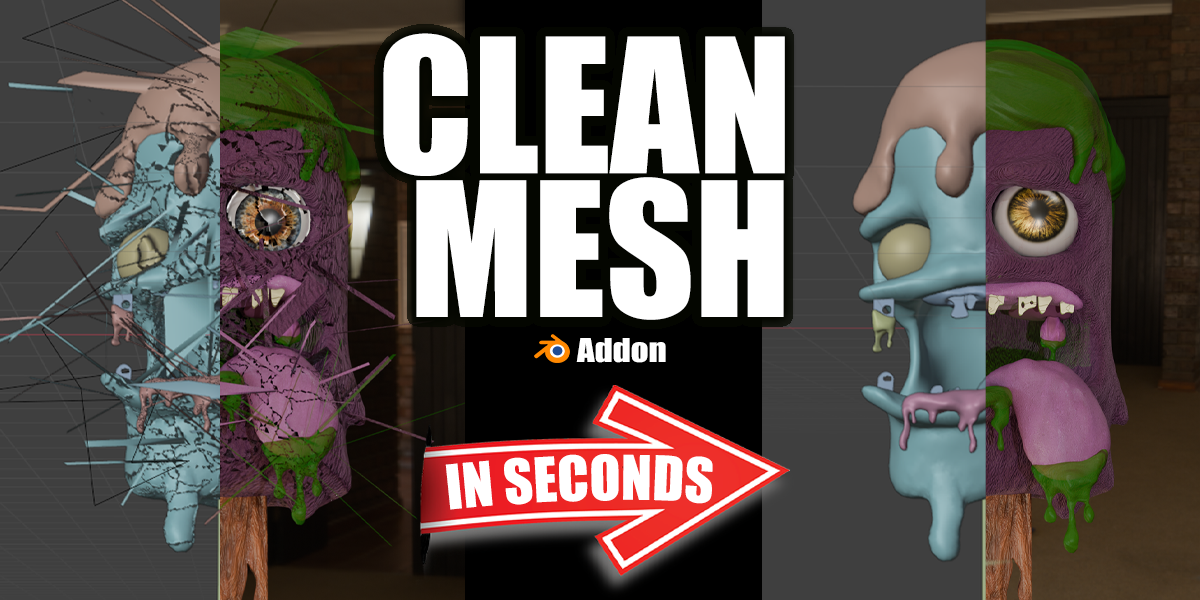

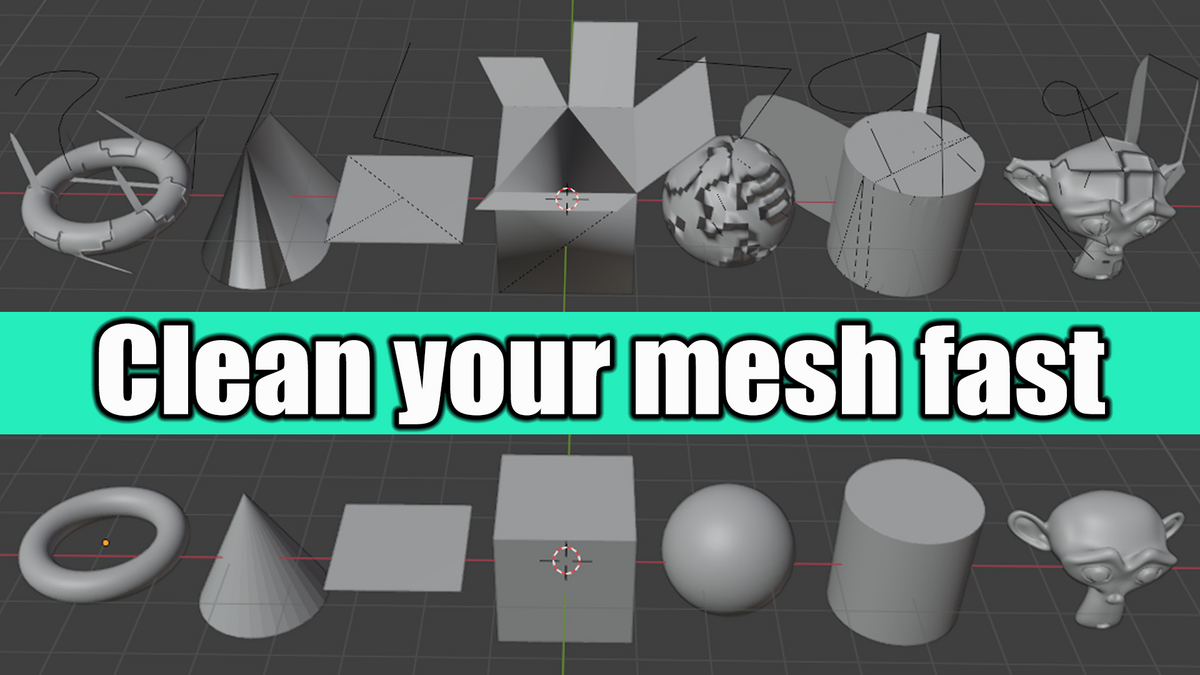
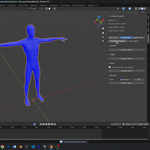
Clean Mesh: The Essential Tool for Flawless 3D Models
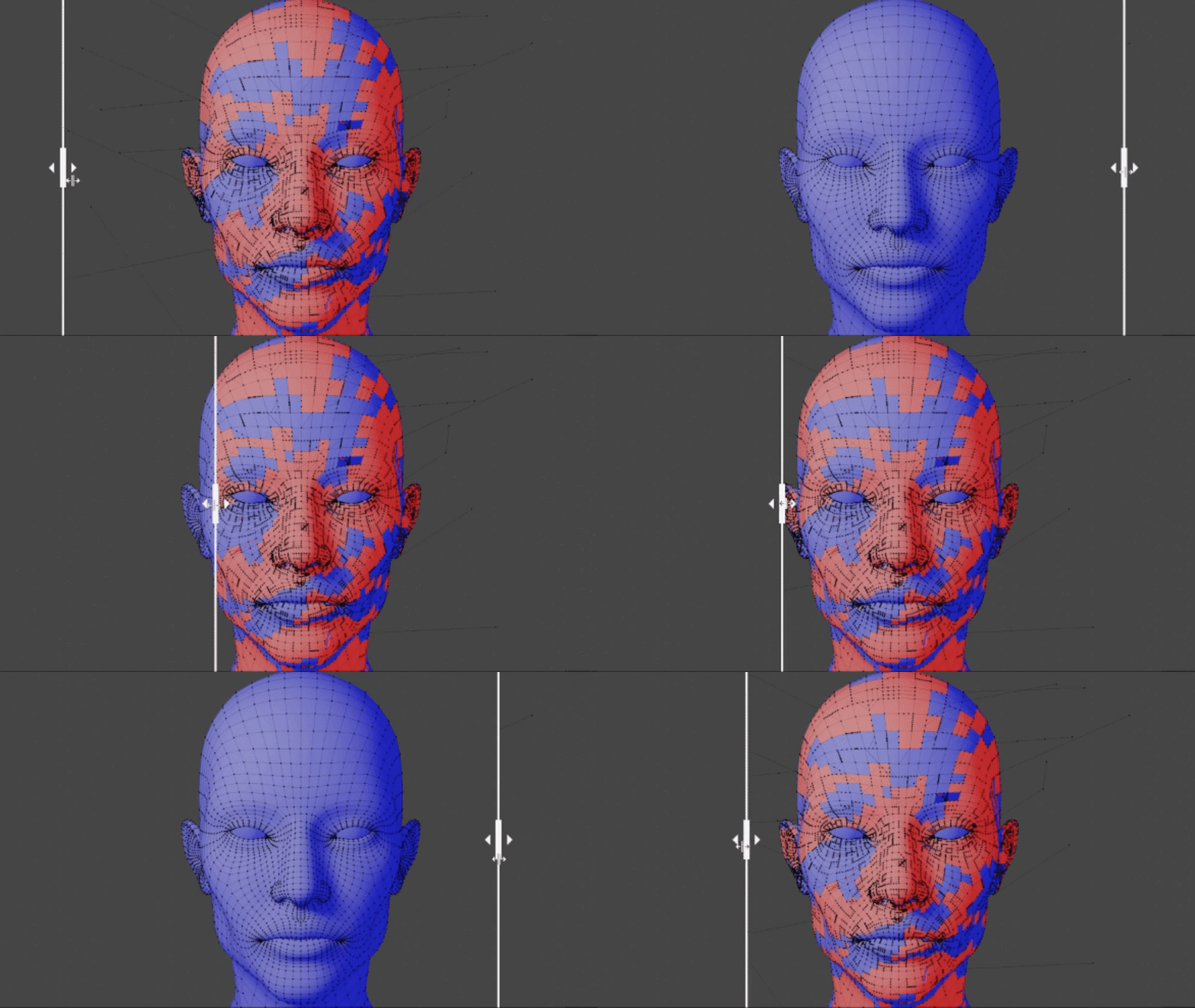
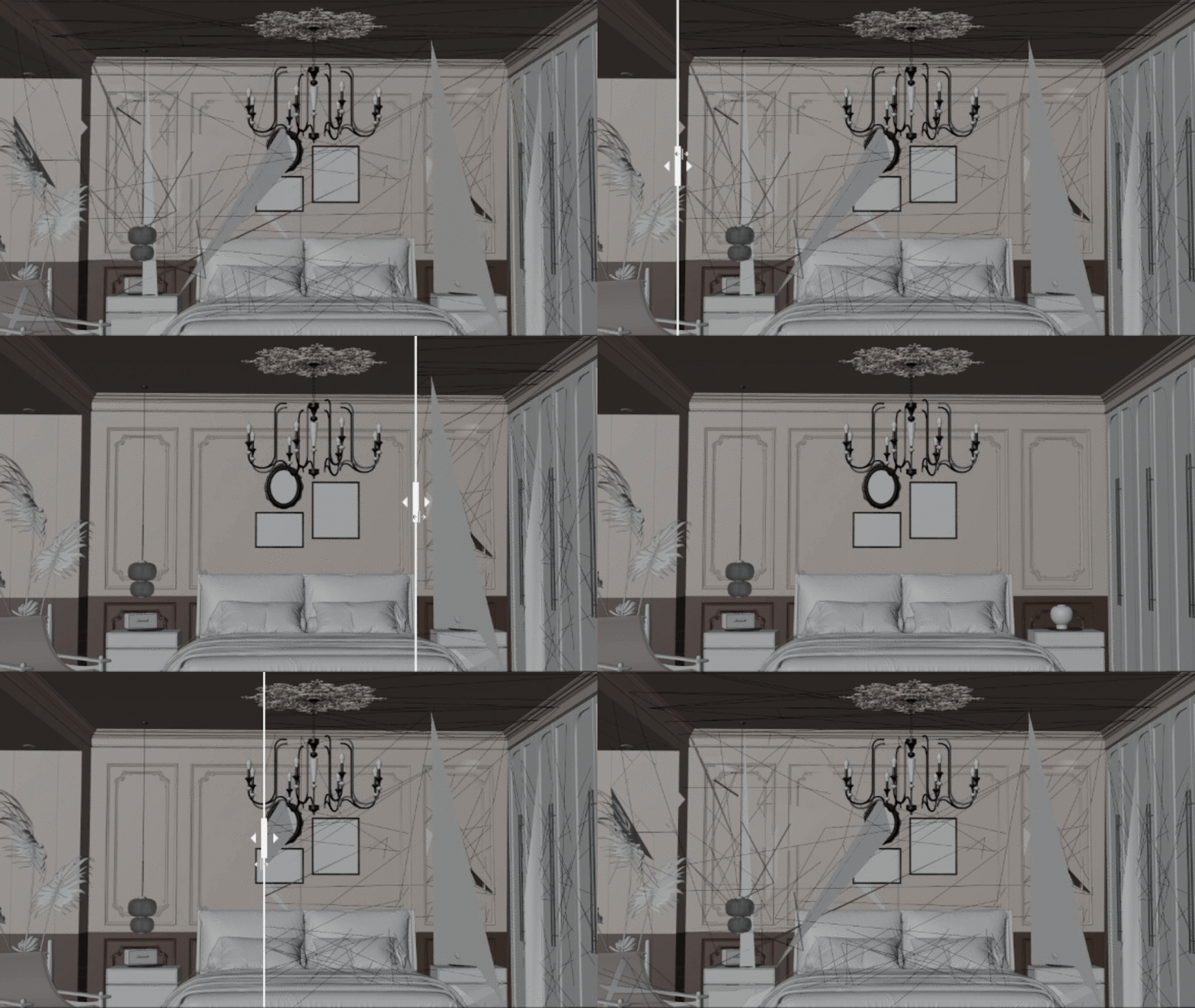
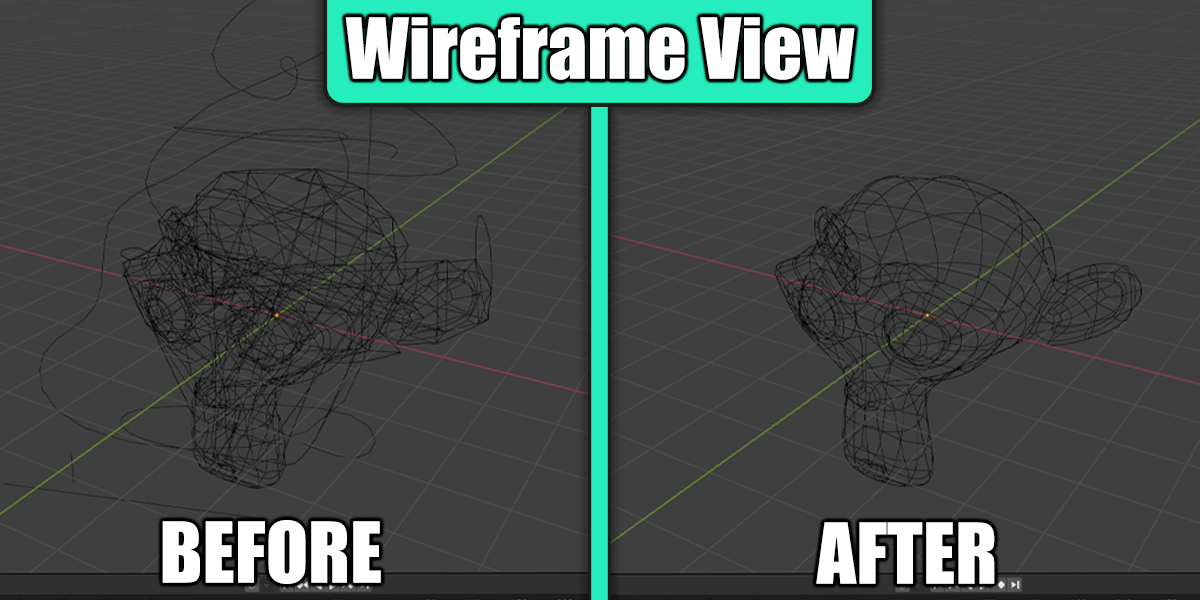
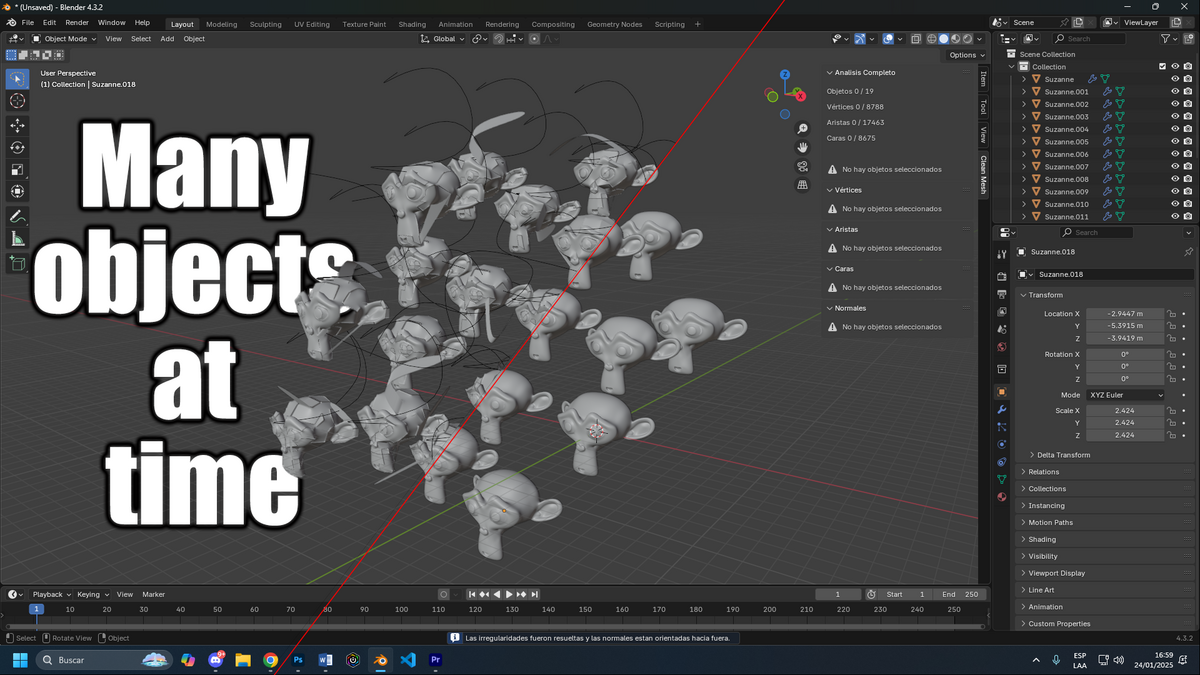
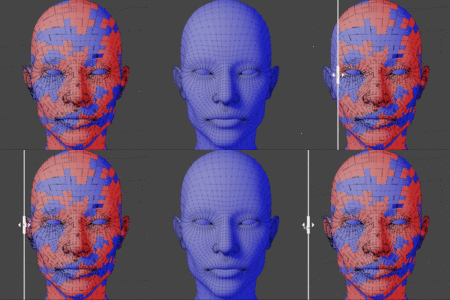
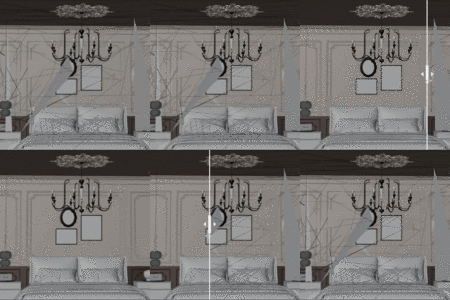
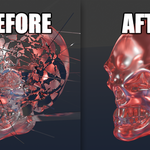
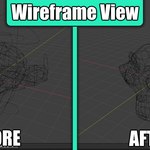
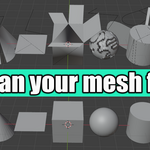
Clean Mesh is a Blender add-on designed to simplify and refine your 3D projects. Perfect for artists and modelers, this tool removes unnecessary vertices, edges, and faces, fixes misaligned normals, and ensures clean, efficient geometry for all type of mesh (Characters, environments, etc).
Why Choose Clean Mesh?
- Automatic Optimization: Simplify complex models by removing redundant geometry without sacrificing essential details.
- Normal Correction: Achieve accurate lighting and shading by aligning inconsistent normals.
- Efficient Geometry: Improve performance and reduce rendering times with perfectly optimized models.
- User-Friendly: Intuitive tools seamlessly integrated into Blender’s workflow.
Menus
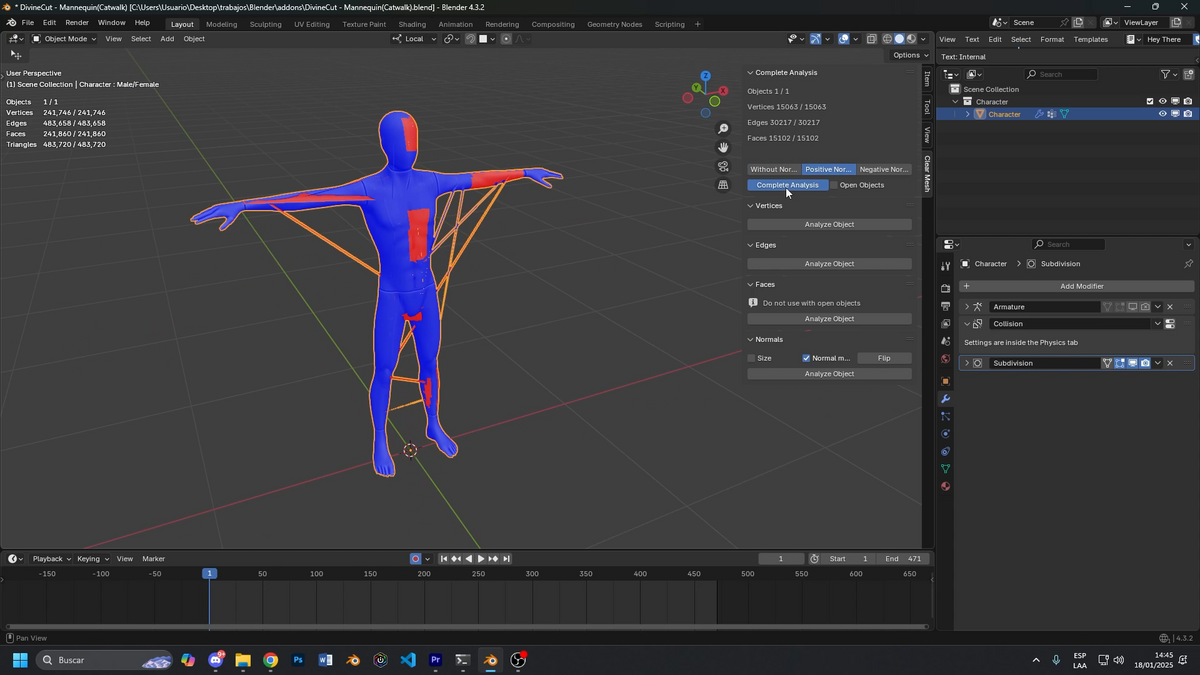
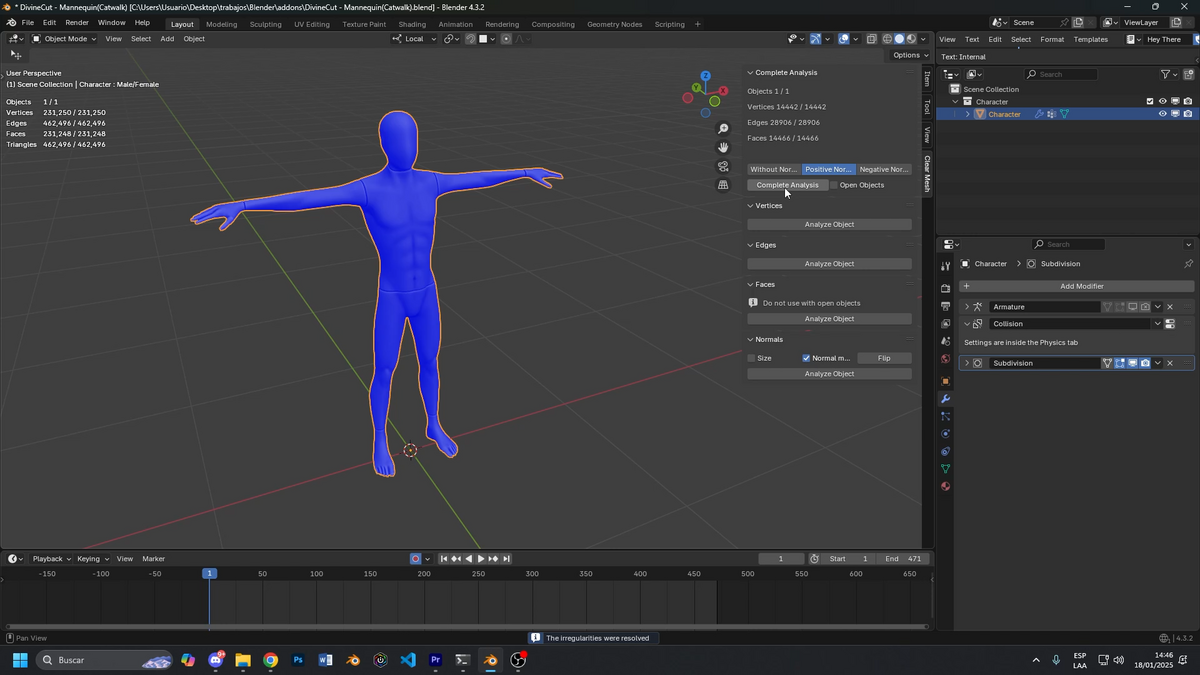
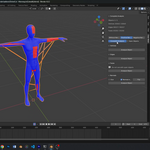
- Full Analyze: Eliminate all errors with a single click based on certain configured preferences
- Vertex: Removes vertices that are in mid-air or that have been accidentally extruded and are not visible to the naked eye, etc.
- Edges: Removes accidentally extruded edges, vertices in the middle of edges that don't have a defined end, etc.
- Face: Removes open faces that don't close on any side, such as extruded faces or loops that aren't fully closed, etc.
- Normals: Reorients the direction of normals as desired and adjusts their size.
All this without corrupting the original mesh; it only optimizes by removing errors.
Options
-
Full Analyze: Eliminates absolutely all errors.
Mesh Only: Corrects only mesh errors without affecting normals.
Positive Normals: Corrects the mesh and shifts all normals to the positive side.
Negative Normals: Corrects the mesh and shifts all normals to the negative side.
Open objects: Corrects only vertices and edges; it does not correct faces if there is an open object that is not completely closed. This is because the . . . program considers an open object an error and deletes it. example (https://www.youtube.com/watch?v=lWTq132tMME)
- Analyze object: Checks for errors in the mesh
- Correct: Removes the imperfections found
- View: Allows you to visualize the mesh problems before removing them
IMPORTANT
Once it starts correcting the mesh, it may take some time depending on the number of vertices in the model and the power of your PC. Be patient once it starts correcting.
Blender may freeze during the mesh correction process. Just wait; the add-on is doing all the work. Don't close Blender.
Imagine having a clean, functional 3D model in seconds, free of mesh errors. Clean Mesh turns tedious processes into quick tasks, giving you more time to focus on your creativity.
Make Clean Mesh your go-to tool for every project and take your models to a professional level with ease. Transform your meshes today!