Clean Mesh
 Cobox
Cobox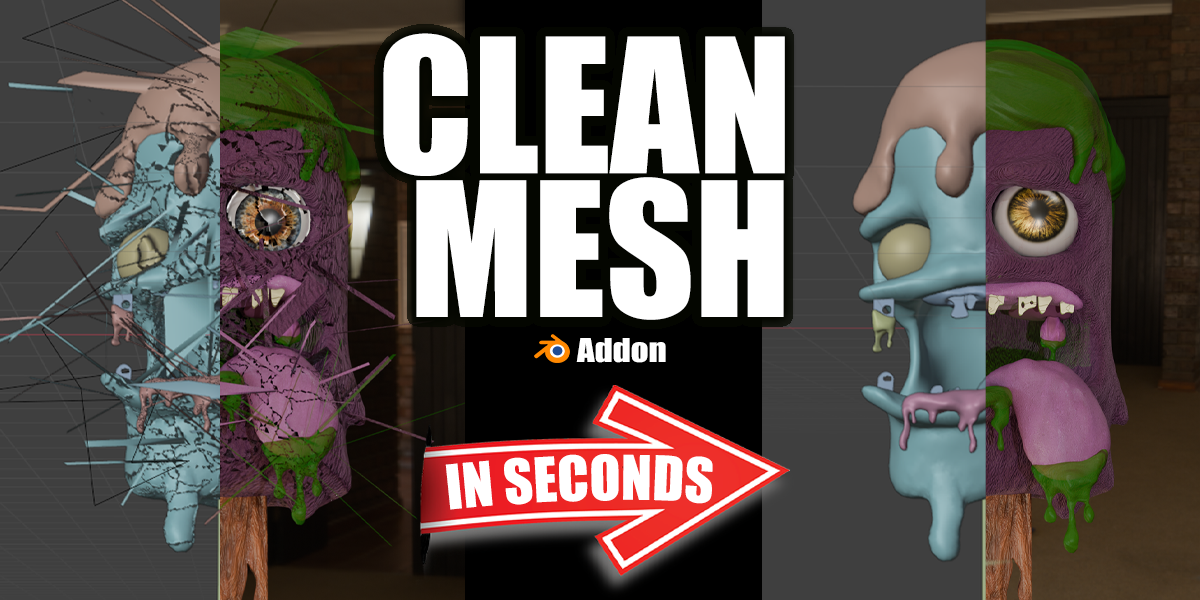
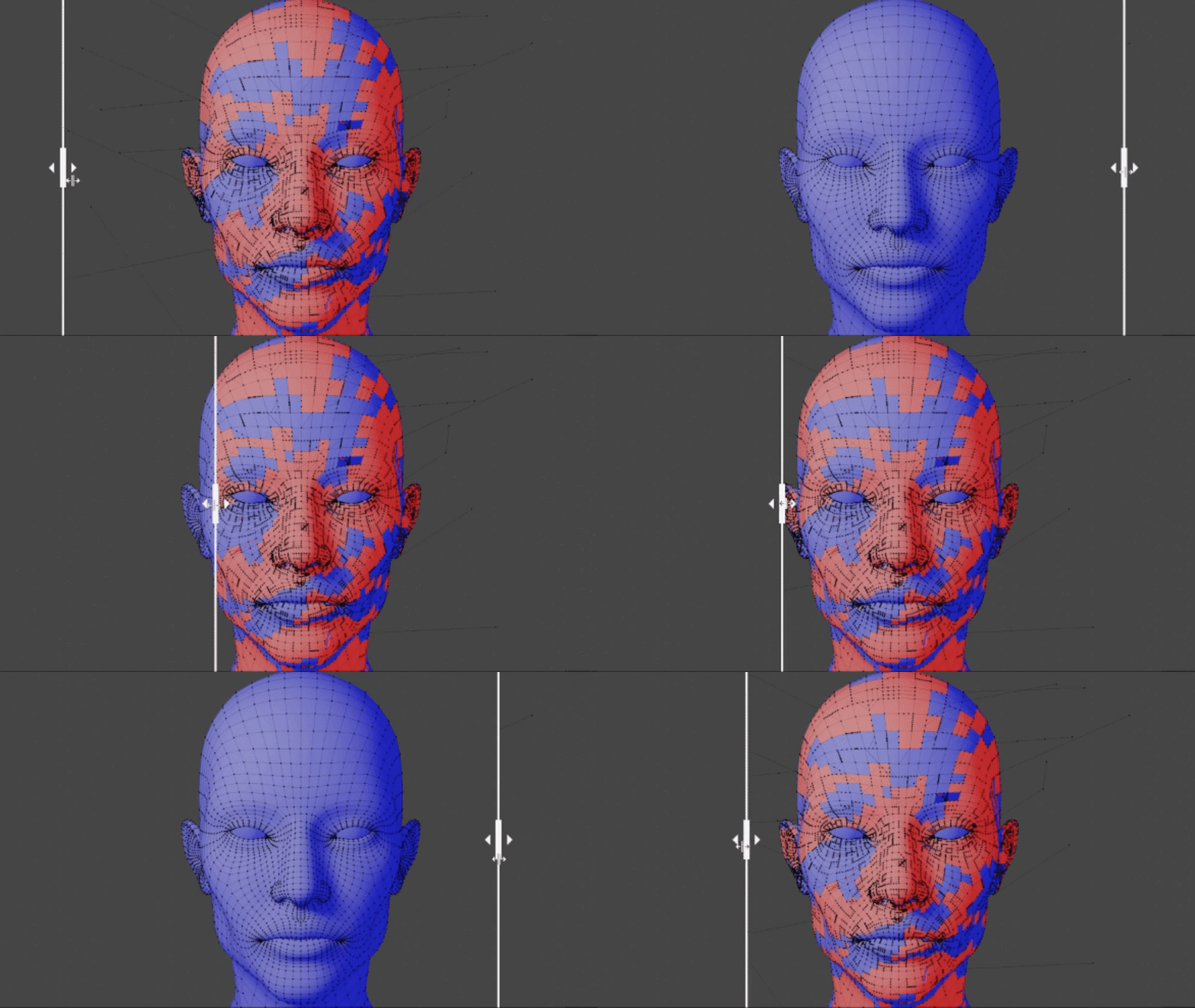
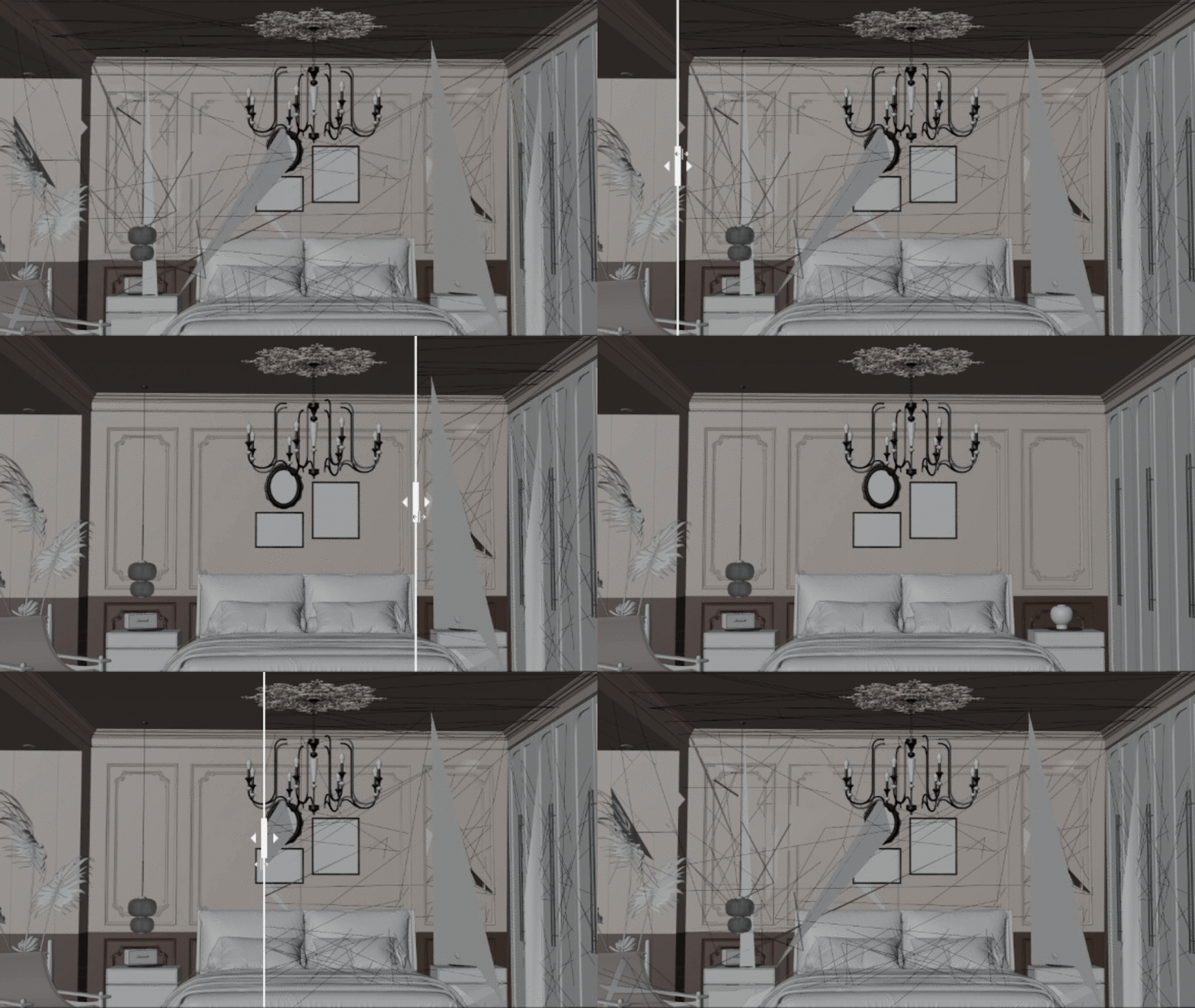

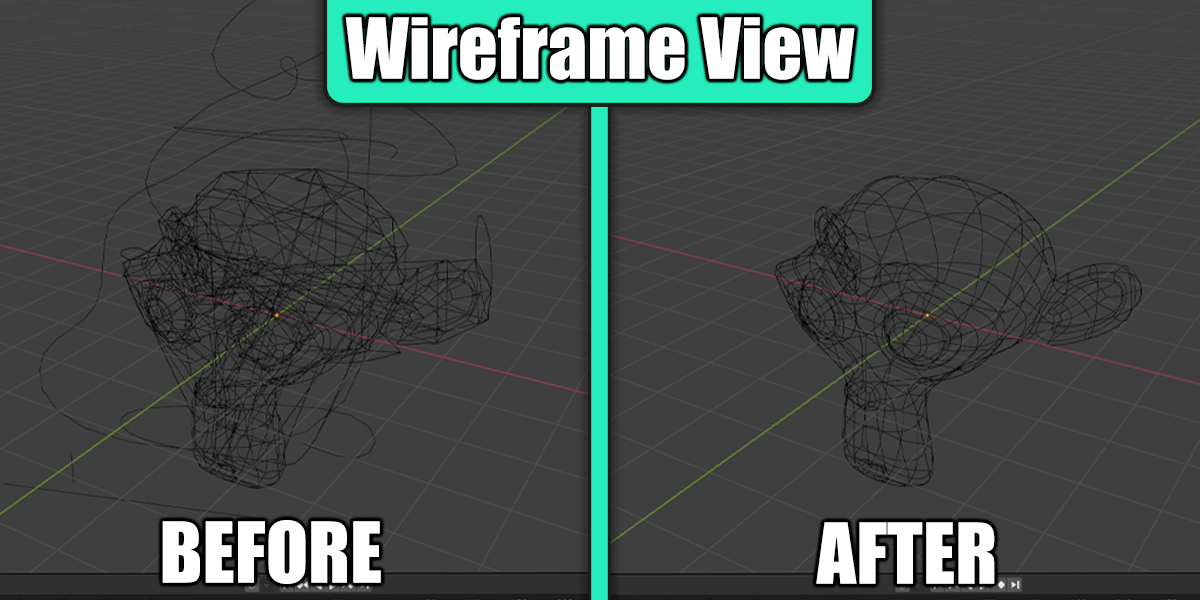
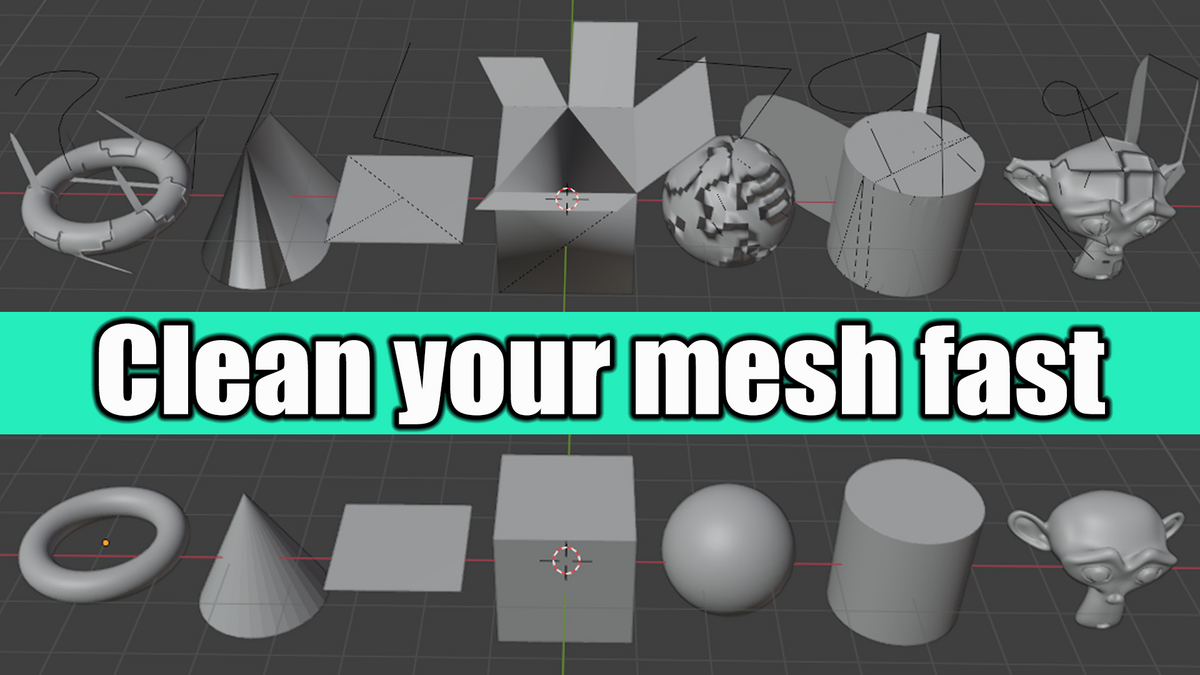
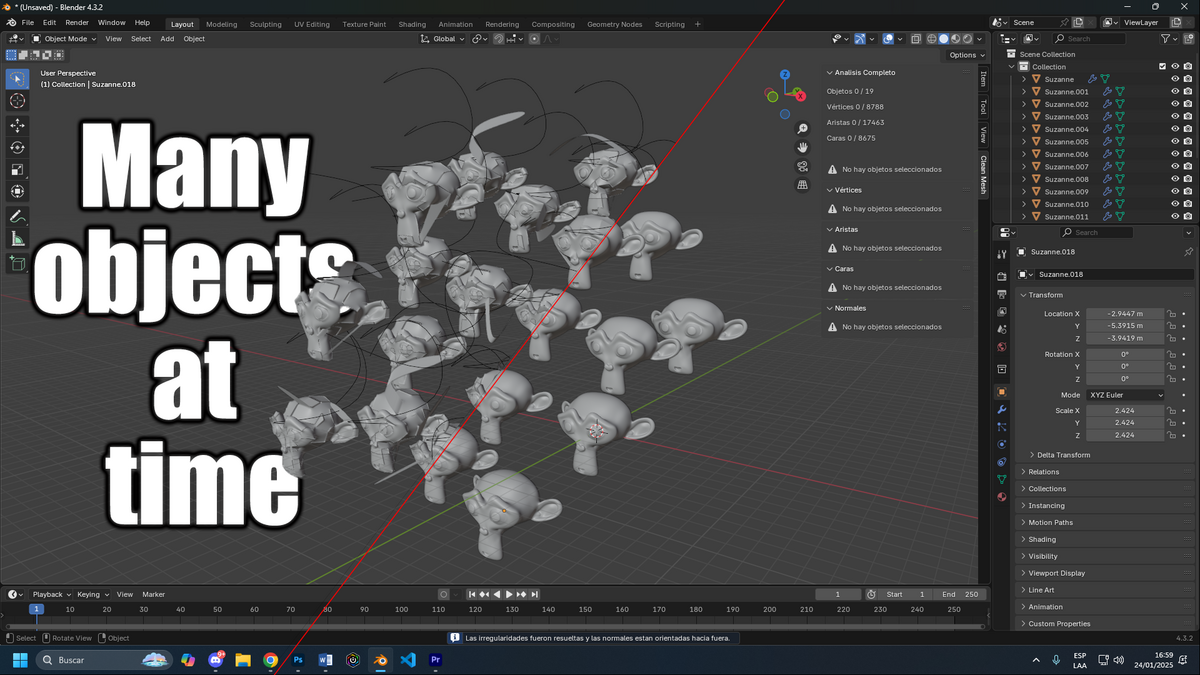
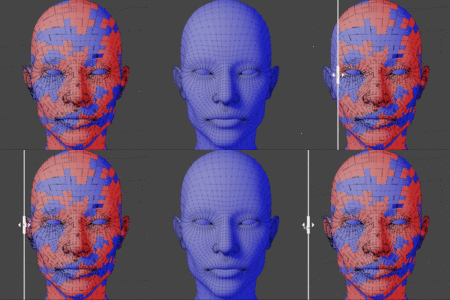

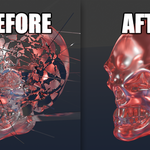
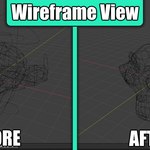
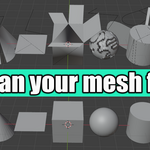
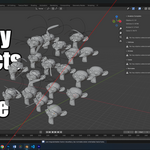
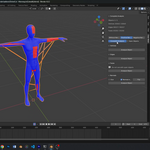
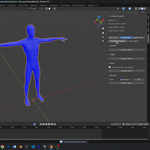
Thank you for choosing Clean Mesh! This Blender add-on is designed to help you keep your 3D models clean and optimized. Below, you'll find everything you need to install, configure, and use Clean Mesh.
Installation
- Download the ZIP file of the add-on from your account.
- Open Blender and navigate to Edit > Preferences > Add-ons.
- Click Install and select the downloaded ZIP file.
- Activate the add-on by checking the box next to "Clean Mesh."
- Save your preferences by clicking Save Preferences so the add-on loads automatically in future sessions.
Key Features
- Remove Unnecessary Geometry: Clean redundant vertices, edges, and faces with a single click.
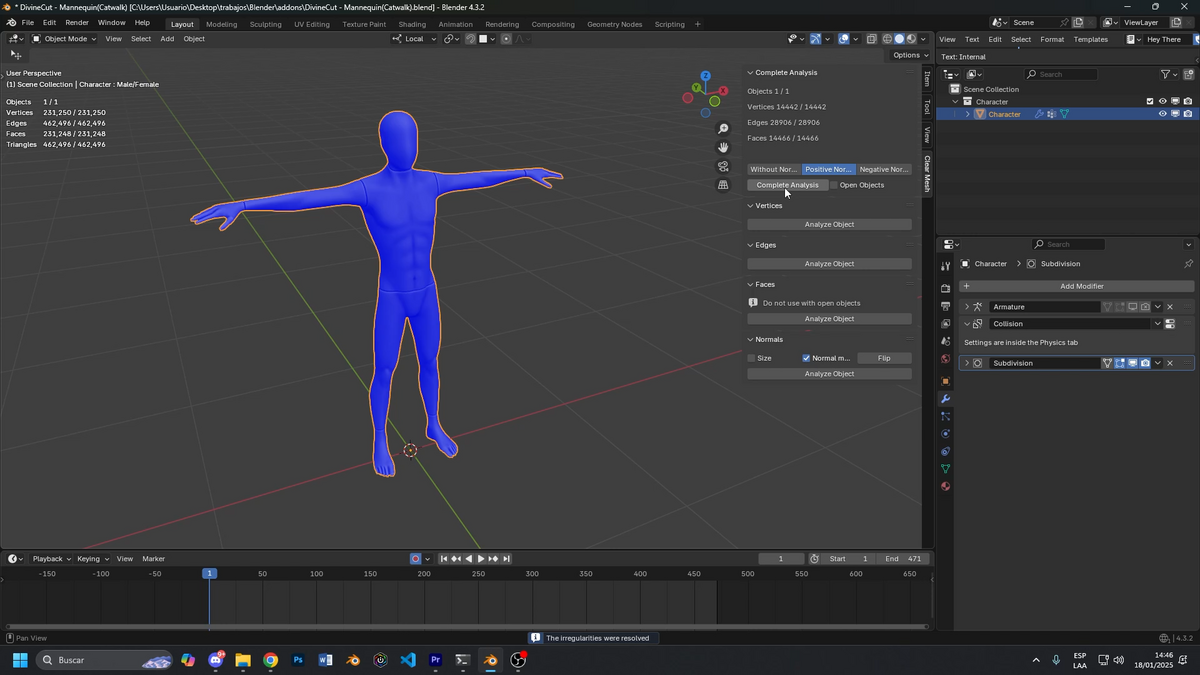
- Fix Normals: Detect and correct inconsistent normals to ensure perfect shading.
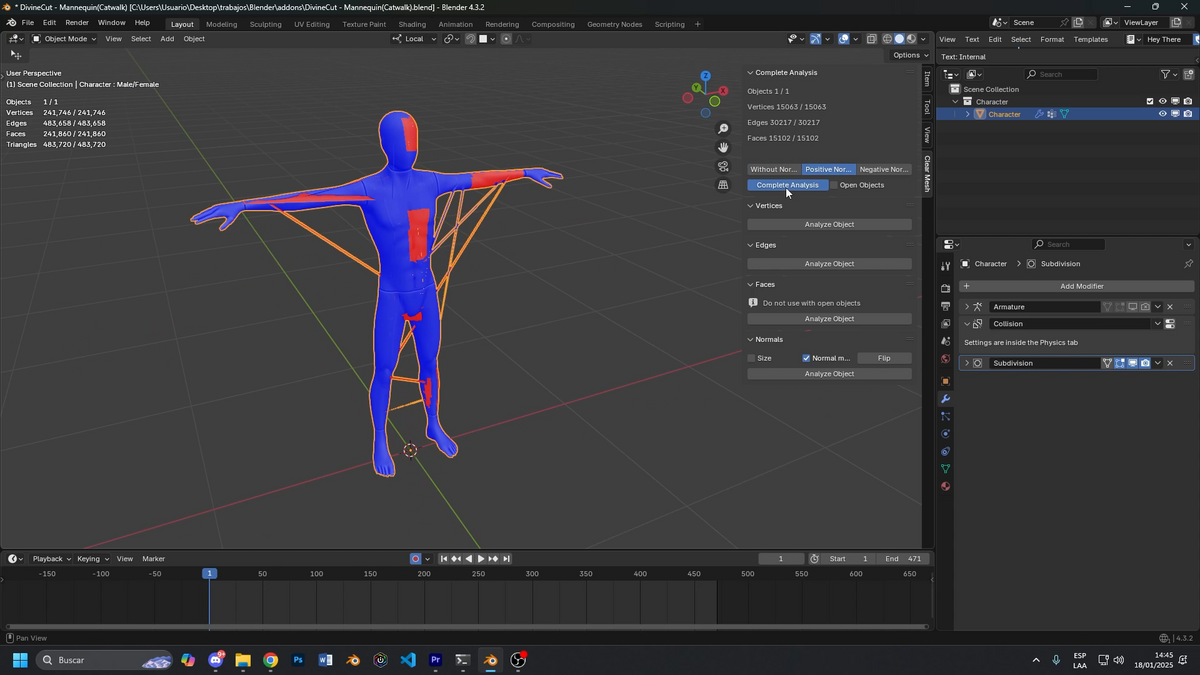
- Interactive Panels: Some panels include options to preview errors before fixing them, if needed.
- Geometry Optimization: Enhance performance by reducing unnecessary polygons.
- Intuitive Interface: All tools are integrated directly into Blender's tool panel for quick access.
How to Use Clean Mesh
- Select the object you want to optimize in the 3D viewport.
- Open the side panel (shortcut: N) and navigate to the Clean Mesh tab.
- Explore the following options:
- One-Click Optimization: If you're looking for a quick solution, simply click the general optimization button to clean the entire mesh automatically.
-
Individual Action Panels: For more detailed control, explore these options:
- Analyze: Check for issues present in the mesh.
- View: Inspect detected issues before applying changes.
- Fix: Correct identified errors and optimize the mesh.
Useful Tips
- Always save a backup of your file before applying changes to avoid accidental data loss.
- Use Fix Normals after combining multiple objects or applying boolean operations to prevent shading errors.
- Try Clean Mesh on complex models to reduce rendering times without sacrificing detail.
Compatibility
- Compatible with Blender 2.8 and later versions.
- Works on Windows, macOS, and Linux.
Support
If you have any questions, technical issues, or suggestions, feel free to contact us. We provide support through:
-
Email: [email protected]
Have questions about this product?
Login to message
Discover more products like this
clean mesh bmesh clean 3d head model clean topology meshy bmesh