 Anthony Vasseur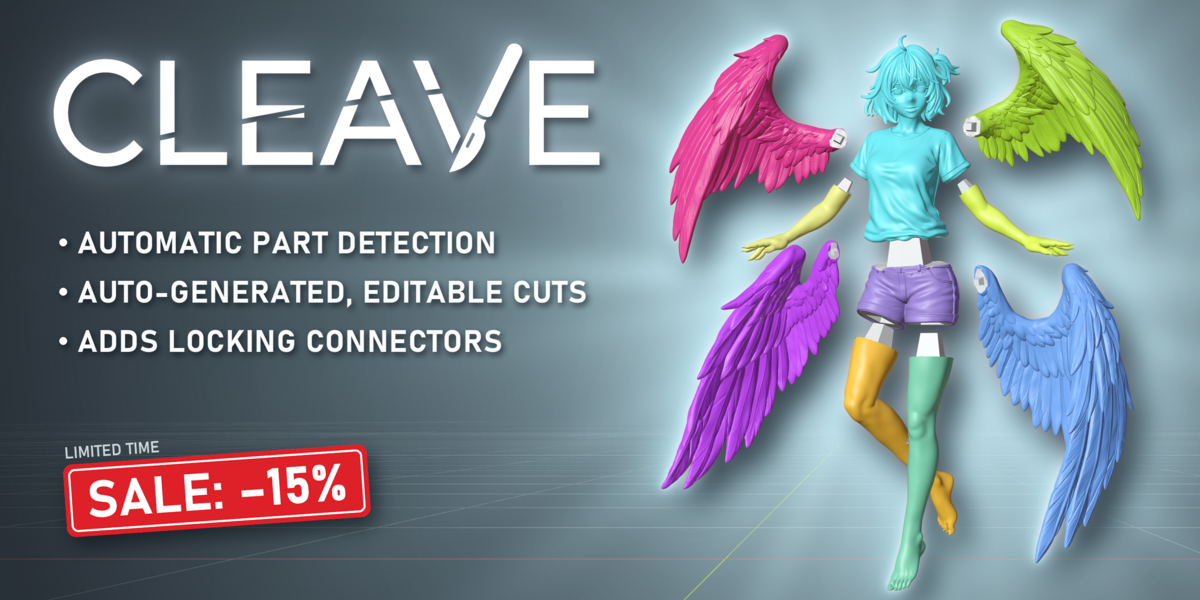


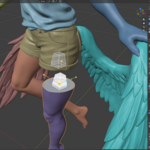

Cut oversized models and rejoin them with locking connectors
Your model is too big for your printer? Or you just want it in logical parts? Cleave finds where it should come apart, cuts it, and fits the pieces with connectors that actually mate.
For miniatures, busts, cosplay props, terrain and statues, anything that comes off the plate in more than one piece.
Why not just bisect it by hand?
You can. Blender's Bisect gives you a flat cut and two loose halves. Then you align the pins by eye, boolean them in one at a time, and find out the fit was wrong after a six hour print. Move the cut and you do all of it again.
Cleave keeps the cut line editable until you commit, fits the joints for you, and lets you check they seat before anything reaches your slicer.
A typical session
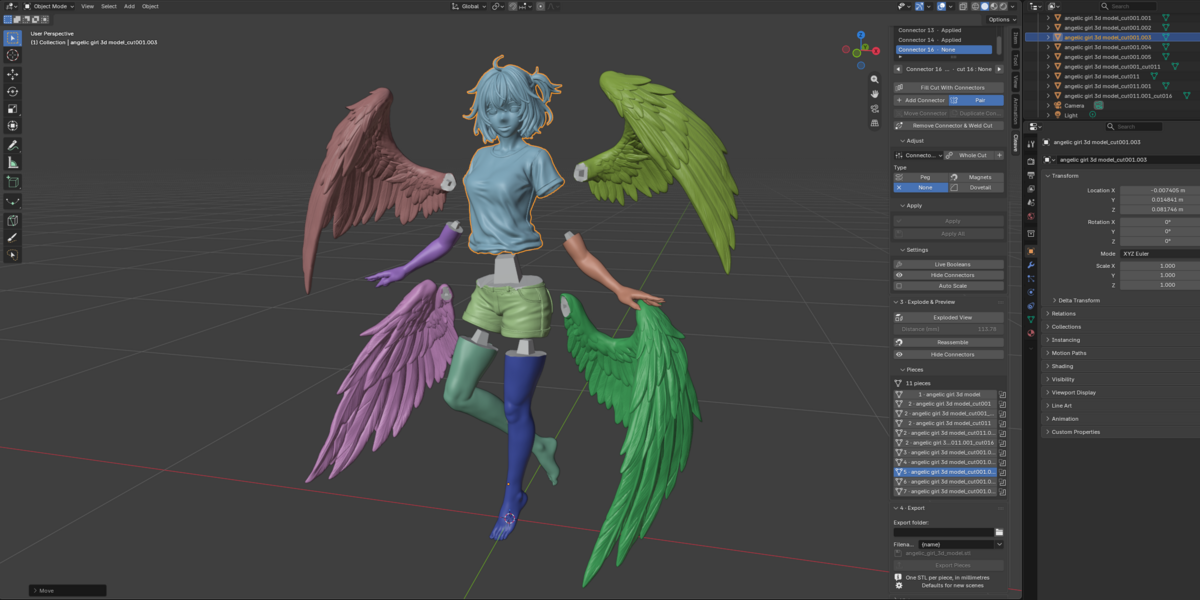
One sidebar tab, four stages: model, seams, connectors, export. Seven steps, start to finish:
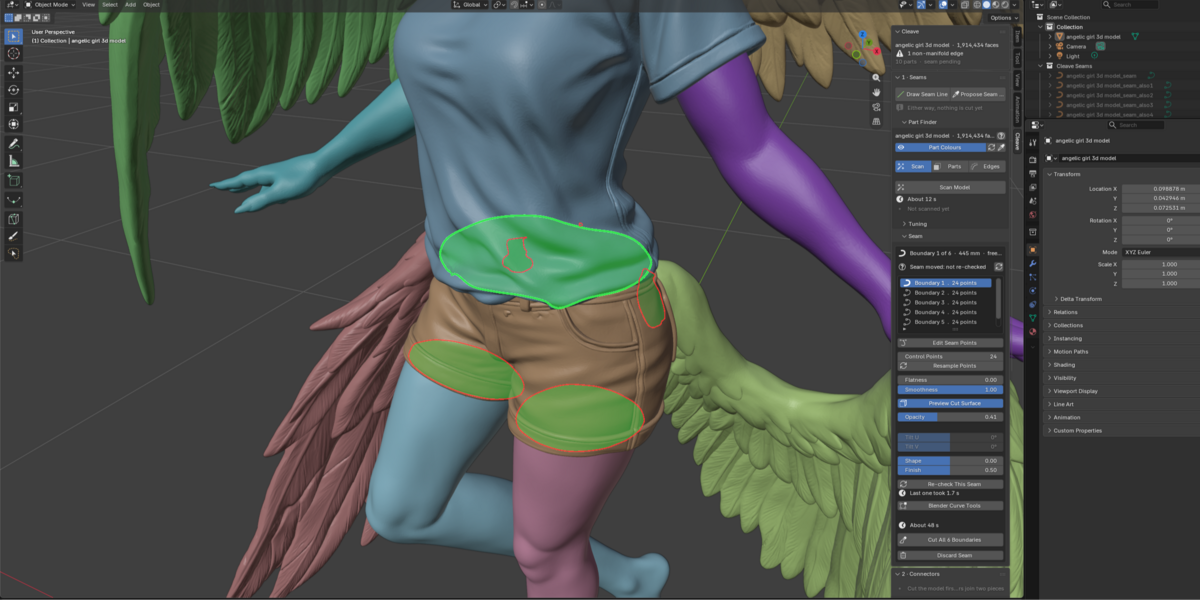
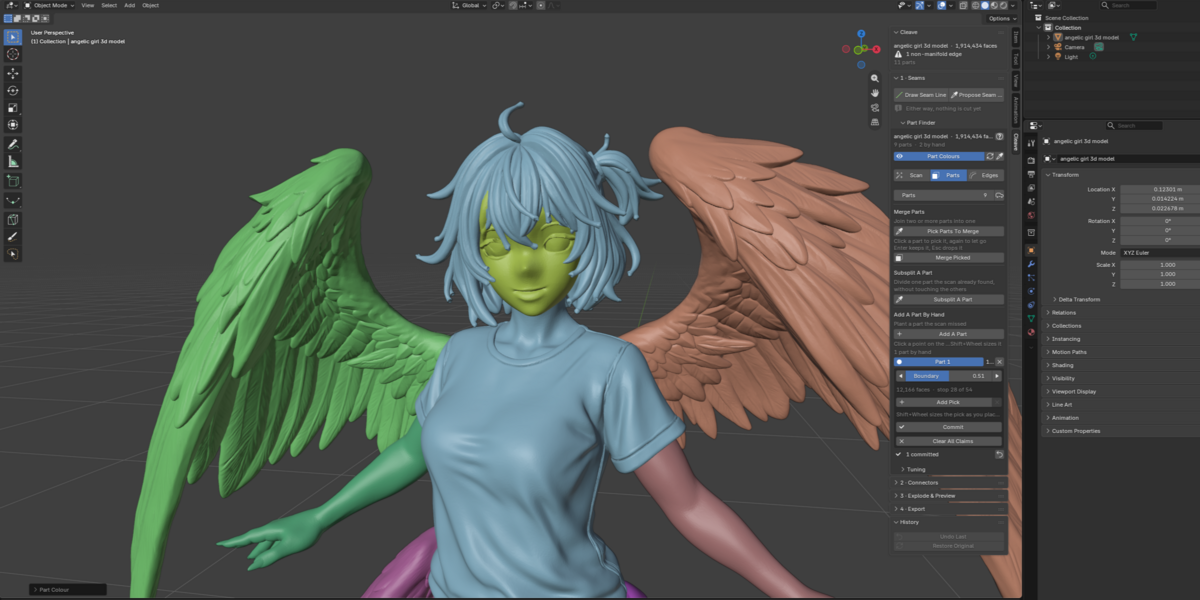
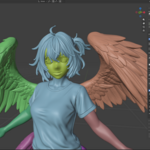
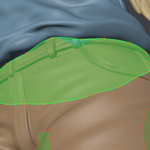
Analyse your model, then choose how many parts. Drag the Parts slider. Cleave paints the model into coloured regions called parts, following the shape: a figurine breaks at the neck and shoulders, not across the face. Nothing is cut yet.
Fix the regions, if you want. Merge parts, fine tune with the brush, subsplit one part or pick a brand new zone.
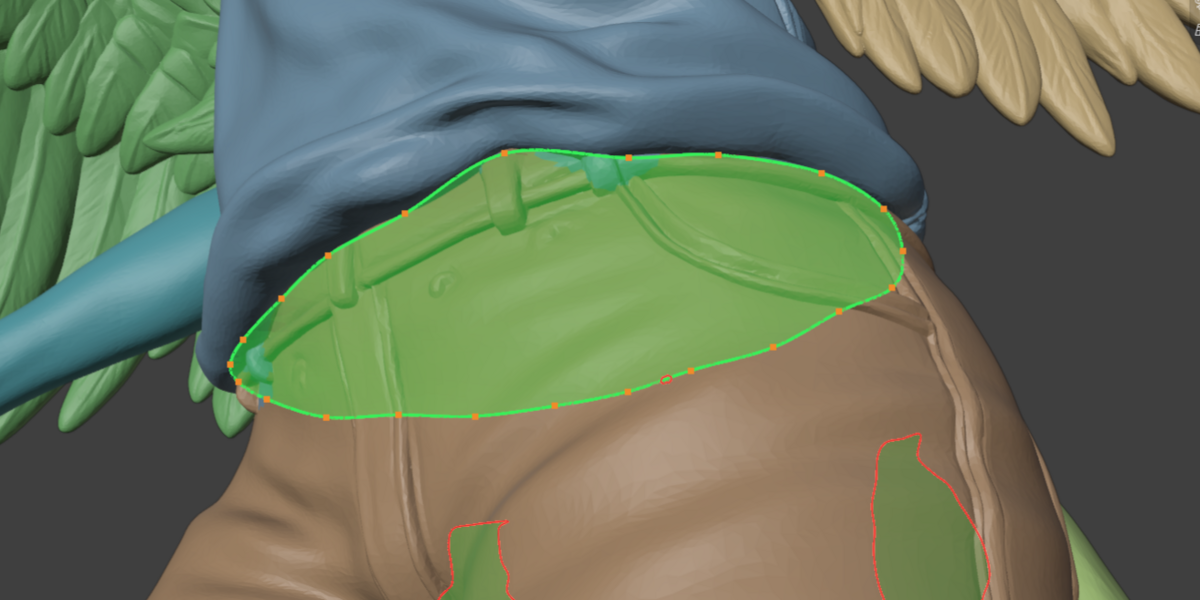
Turn any boundary into a seam. Press Propose Seam, then select the coloured part. A seam is the path the cut will follow, drawn as a curve with points you can drag: add one where you need it, drop one you do not. Preview the cut surface before you commit to anything.
Commit the cut. Press Cut Seam. Parts were a proposal; pieces are real separate meshes, the default connectors appear.
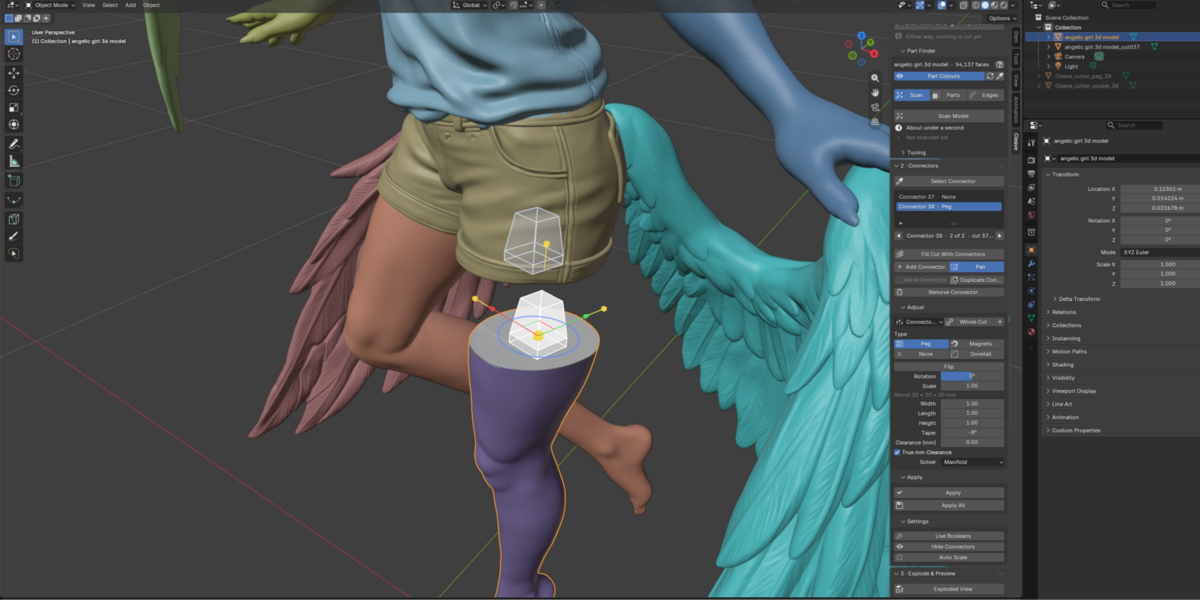
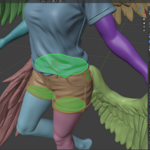
Add the joints. A connector is the peg, dovetail or magnet pocket that holds two pieces together after printing. Play with parameters like sizing, clearance and more. You do not have to Apply them: preview connectors are baked into the model on export either way.
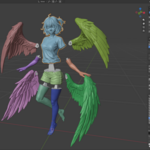
Check the fit. Exploded View pulls the pieces apart. Reassemble puts them back from the cut surfaces, which is the check that shows the joints seat.
Export. One STL per piece, in millimetres, named by a template.
Full workflow:
The connectors
Tapered peg and socket. A pin on one piece, a matching hole on the other.
Dovetail. A wedge shaped tongue and groove.
Magnet pockets. Recesses sized for standard disc magnets, from 5×2 mm to 10×3 mm, or your own diameter and height.
None. For a cut that wants a plain flat seam and nothing else.
Every joint is listed, one row per mated pair. Select one and it grows handles in the viewport, so you can slide it along the cut face, turn it, or resize it without going back to a panel.
It does not choke on a real sculpt
On a 414,000 face model: about 6.5 seconds to analyse, 2 seconds to propose a seam, 3.3 seconds to cut. Tested up to 2 million faces.
The panel quotes the expected time for a propose and a cut on your model, measured on your own machine. Every long operation takes Esc.
One STL per piece, in millimetres, with a filename template. Undo any cut. Everything survives saving the .blend, so you can reopen the file tomorrow and carry on.
What You Get
The add-on as a .zip archive.
Full Python source - GPL-3.0 or later
Free future updates.
Support & Updates
Support is best-effort, I answer as I can. Free updates for the 1.x line.
Report a bug or ask for a feature with a message through the store. (Include your Blender version, your OS, and what the panel header said for bugs).