 V4SS3UR
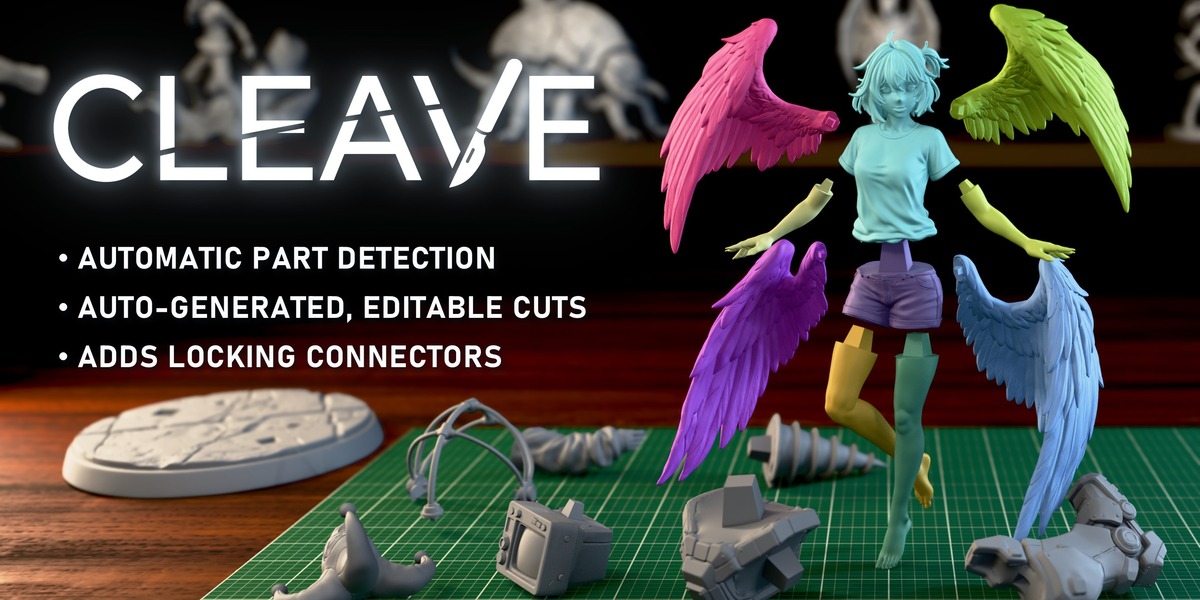
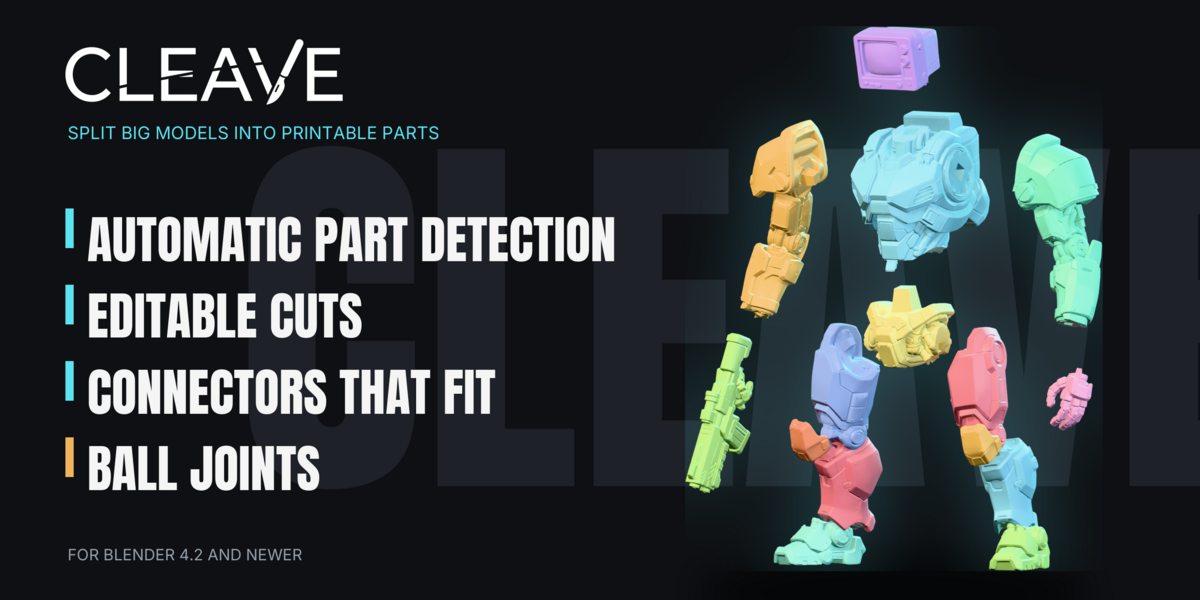

Improvements
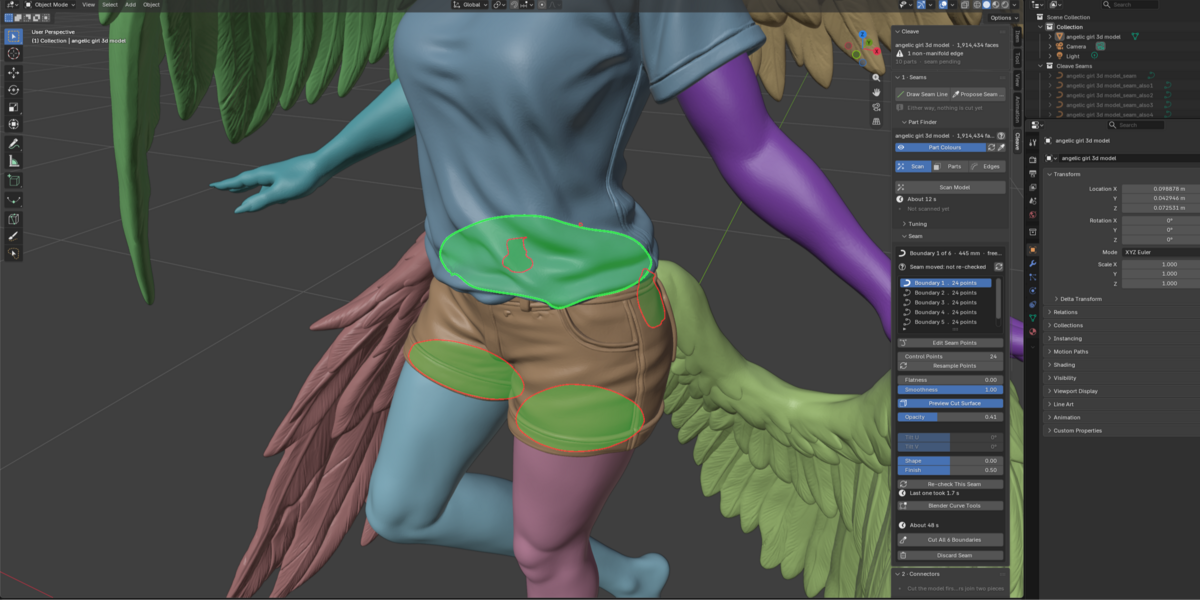
- Seams: when Extrude says it breaks out, yellow dots show where.
Fixes
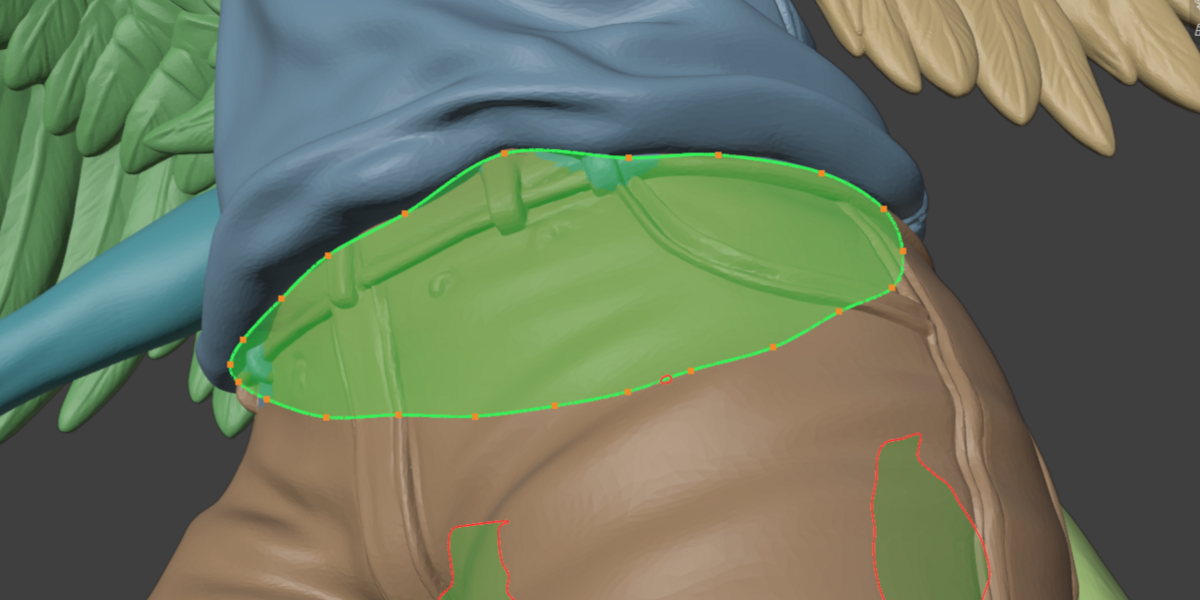
- Seams: a point dragged in Edit Seam Points stays on the model's surface, even from behind it.
Features
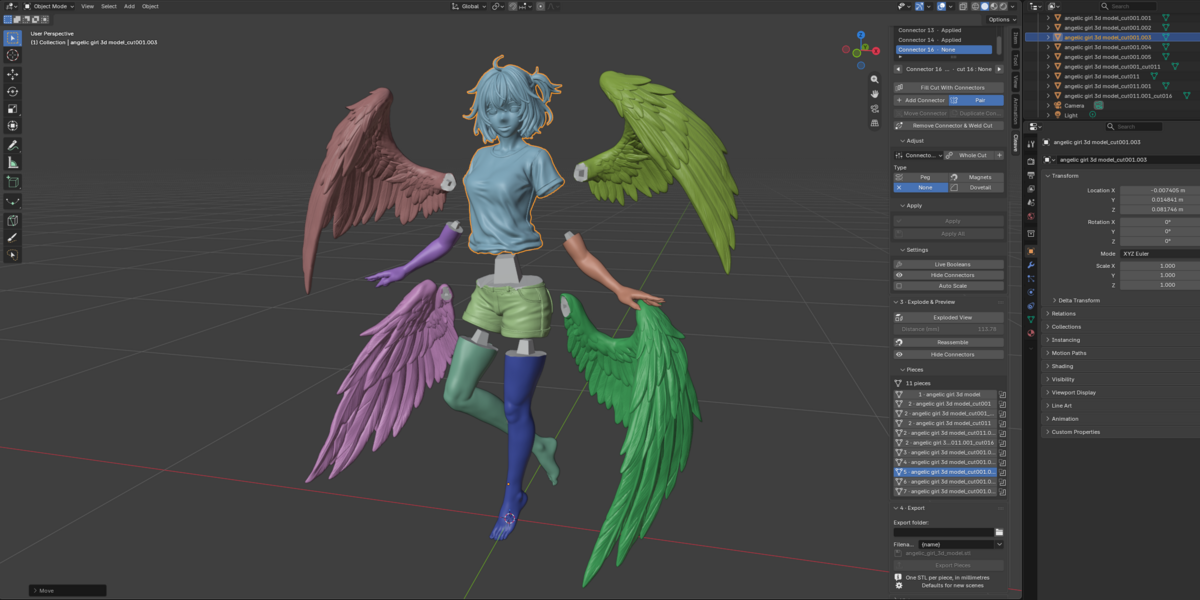
- Ball joints: A new connector for posable figures. The parts move and hold their pose. See where a part will sit once assembled.
- Seams: Copy a hand-made joint. Leave a cut open, model the cap by hand on one side, and one click copies it into the other side and closes the cut.
Features
- Seams: Leave Open cuts without a cut face, leaving one clean edge loop on each piece to model the joint by hand.
Improvements
- Seams: Extrude has no depth limit, says why a depth does not fit, and previews faster.
Fixes
- Seams: Extrude accepts jagged and steep seams that fit, a plug it cannot build is refused before the cut.
Features
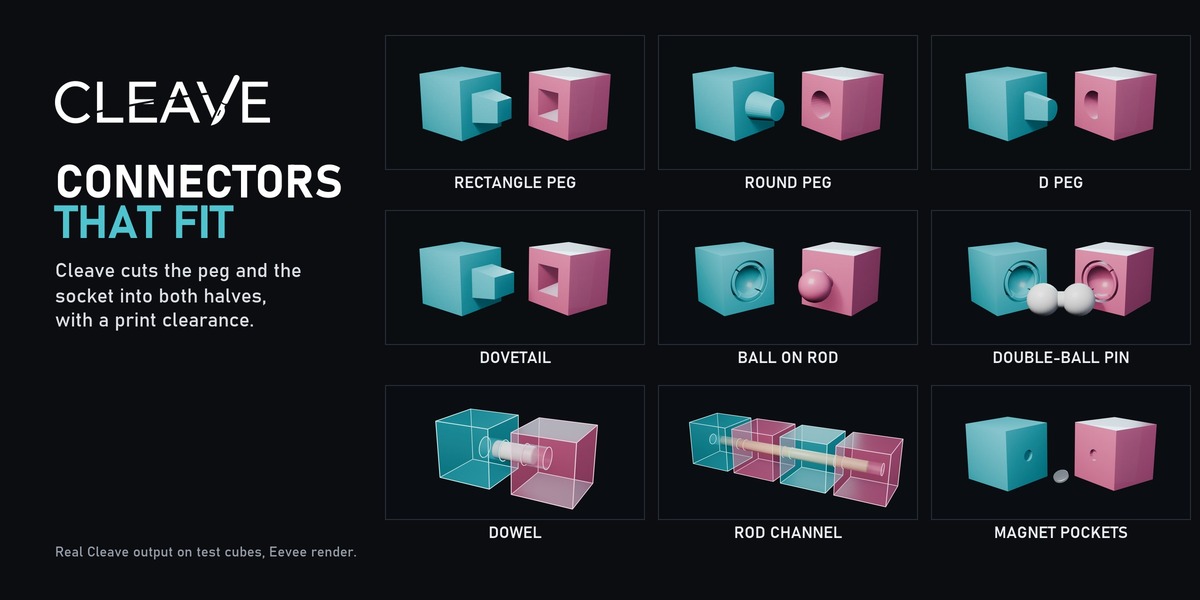
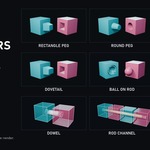
- Connectors: Dowel (round hole per piece for a separately printed pin; Export writes pins beside the pieces or into the 3MF).
- Connectors: Rod Channel (hole for a reinforcing rod through every piece it crosses; the panel gives the rod length to cut).
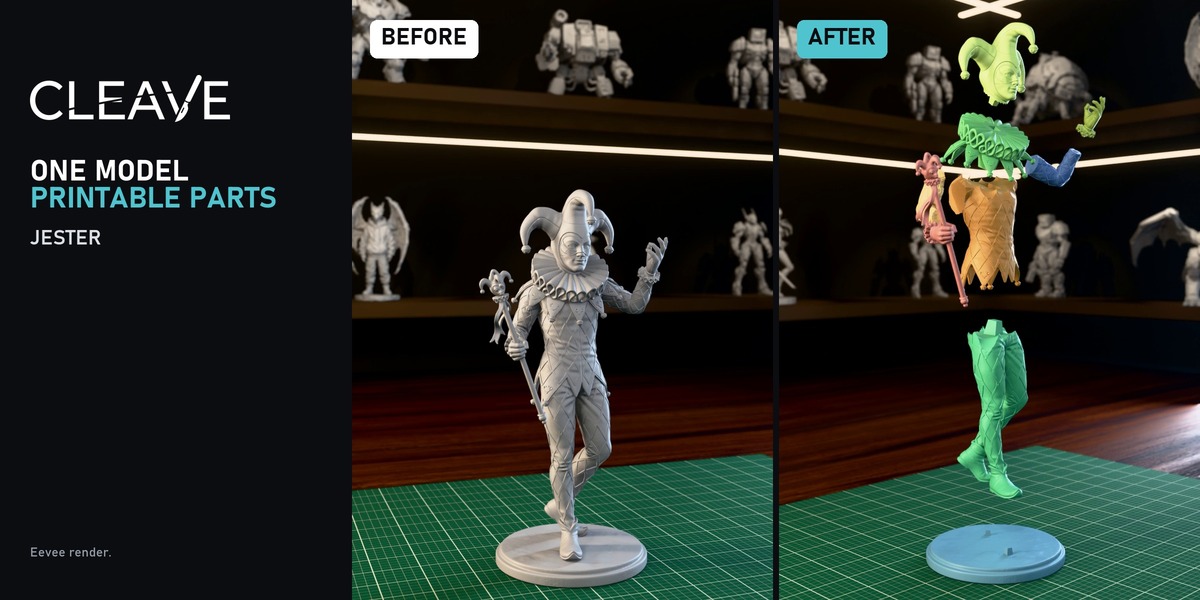
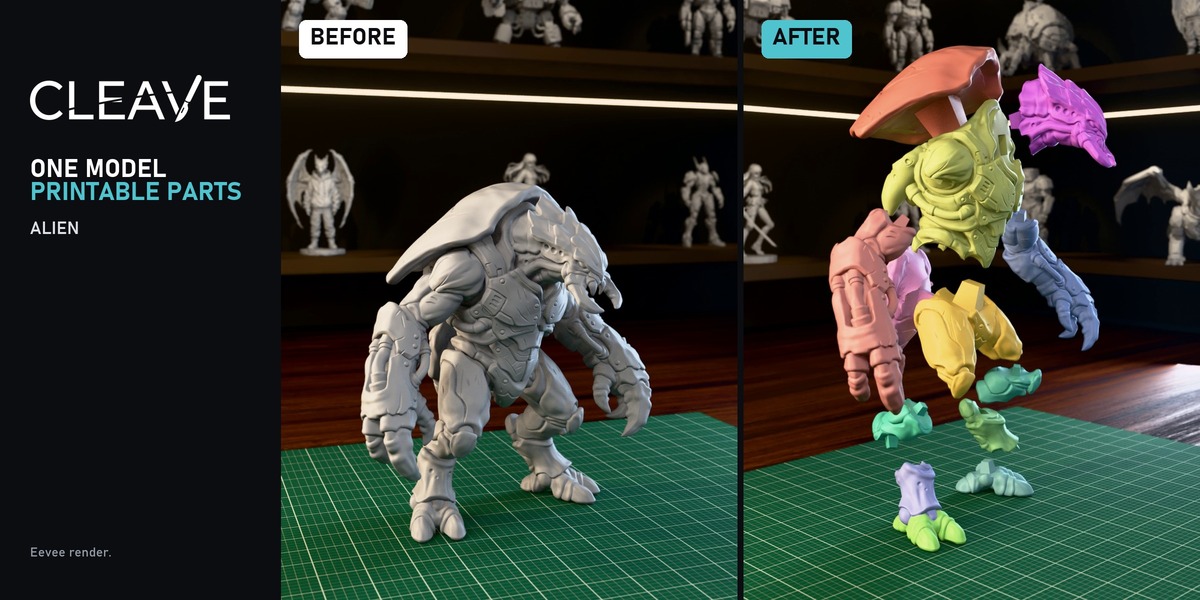
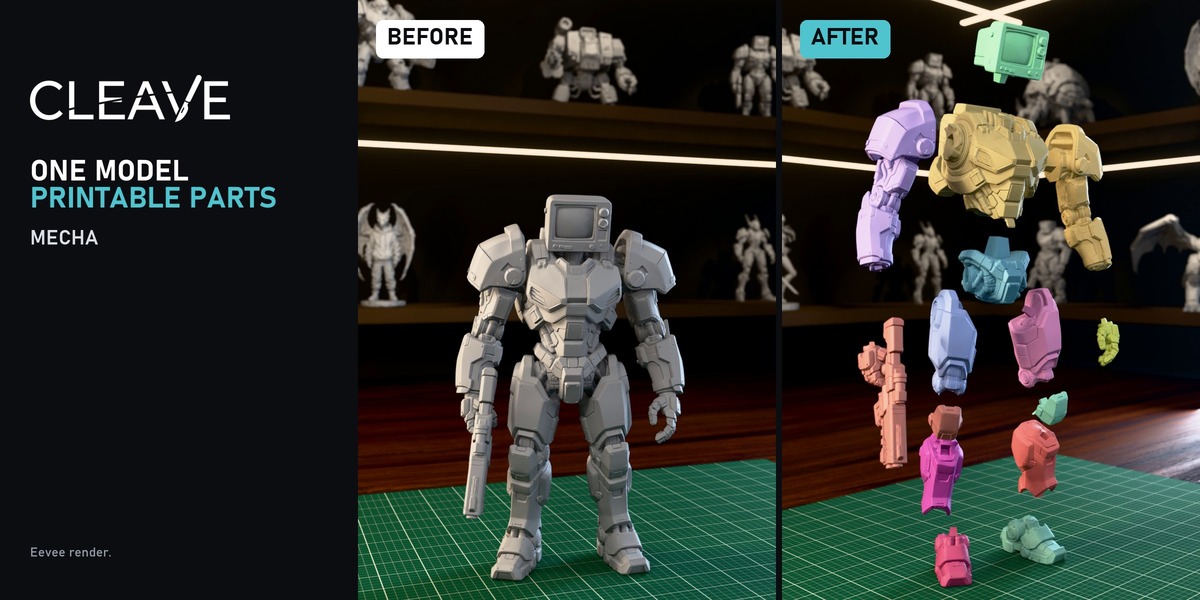
- Printer: Print View packs pieces onto as few plates as needed; One 3MF writes one file per plate.
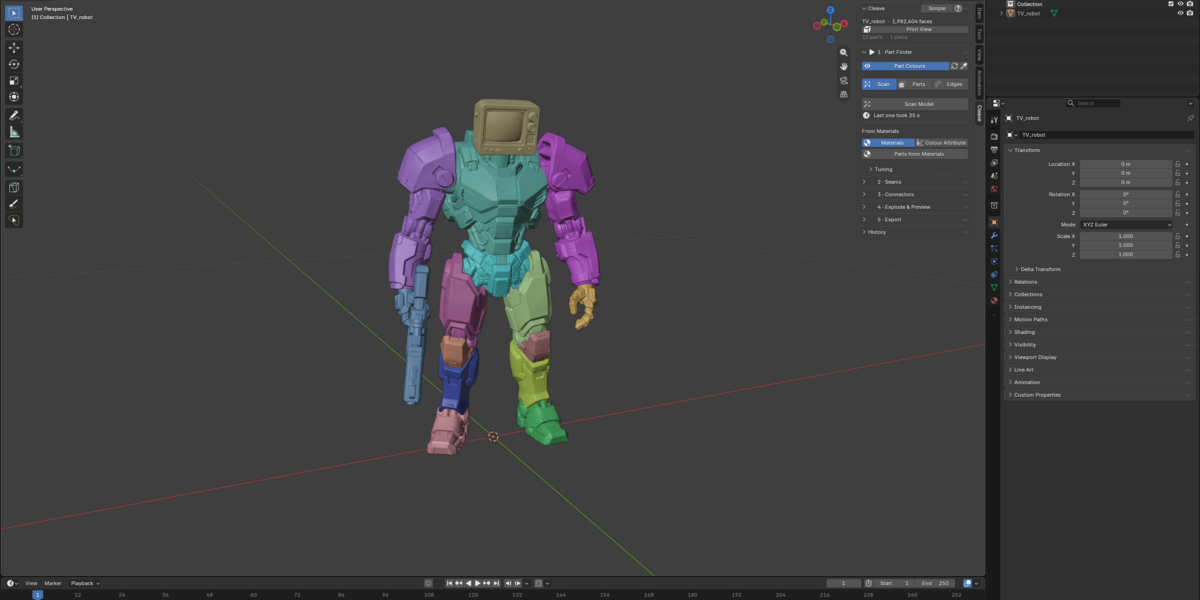
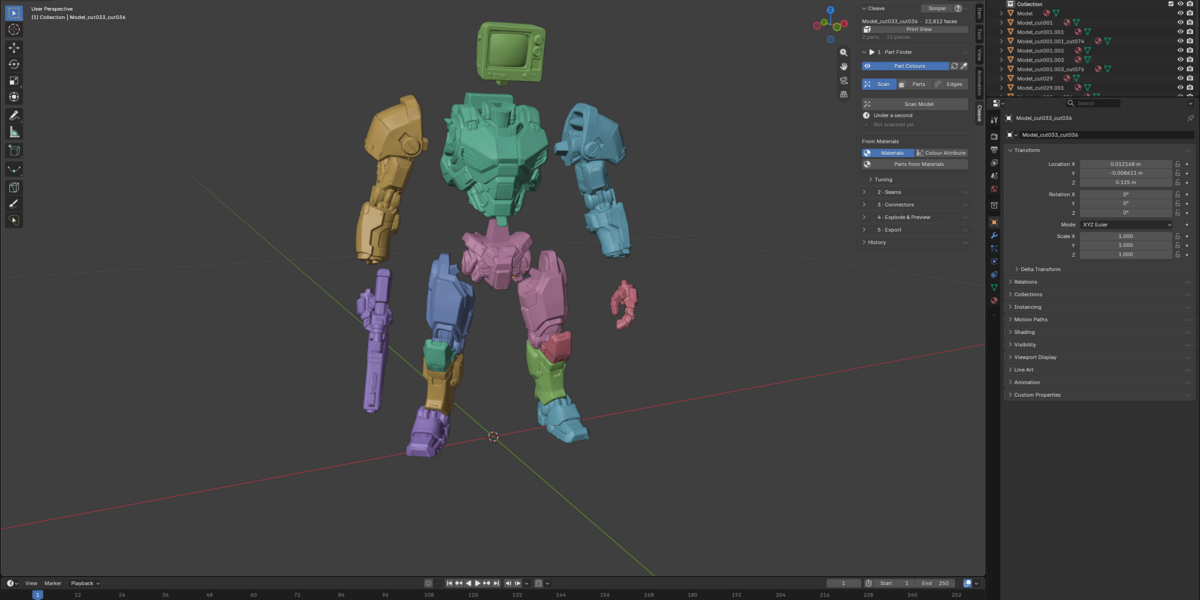
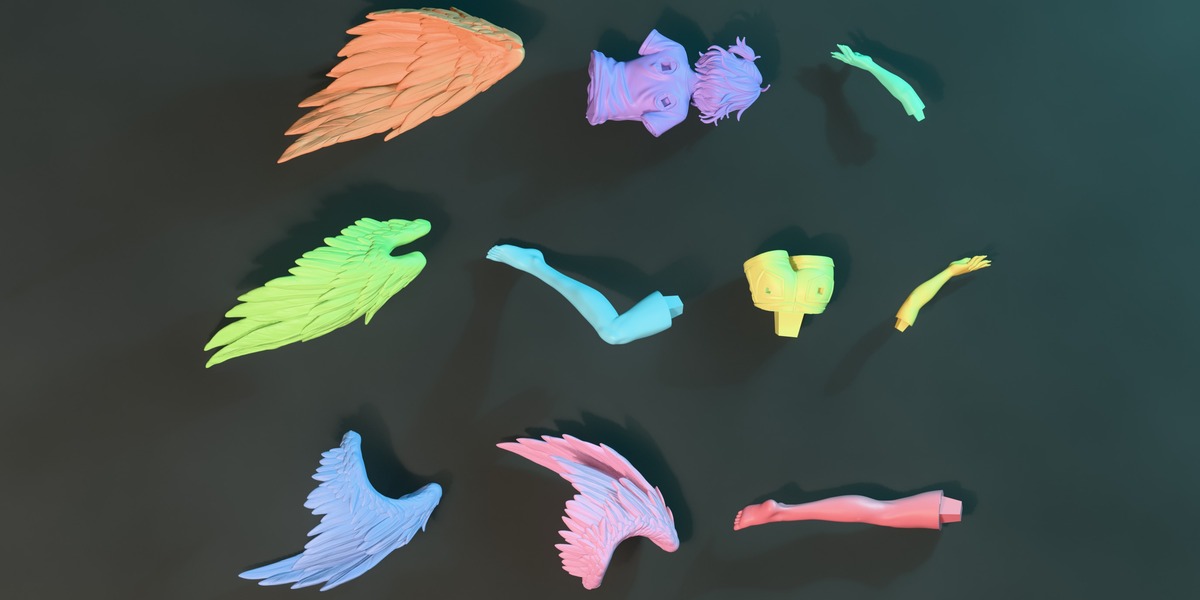
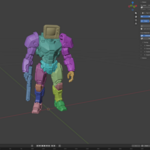
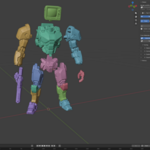
- Parts: Parts From Materials splits by the model's materials or a colour attribute.
Improvements
- Paint: Shift+Wheel resizes the brush; smoother on dense models.
- Seams: Seam From Loop follows the cursor live on dense models; faster cutting.
- Connectors: smoother move/resize, live booleans stay in place until release, faster Apply.
- Parts: faster Scan on dense models; Split All Parts at Once moved to the foot of the Part Finder.
- Interface: light sidebar redesign, plus a Simple mode with every stage's basic controls in one panel.
Features
- Seams: Extrude pushes the cut face into a plug and the pocket it fits, with a draft angle and a clearance, so a nearly flat part such as an eye comes off thick enough to print and glue back.
Features
- Seams: Seam From Loop lays a seam on the ring you hover round a part; Shift+Wheel turns it, Ctrl+Shift+Wheel leans it, G follows the groove, S toggles Snap to groove.
- Connectors: the peg has a Profile: Rectangle, Round (cylinder or cone), D, which fits only one way, or Dovetail.
- Printer: choose your printer in the preferences to see which pieces fit, and Print View shows each one on its own plate, in its print pose.
- Export: every piece in one 3MF, pieces laid flat on their cut or in their print pose, and a warning for pieces too big for the printer.
Fixes
- Connectors: the dovetail is a peg straight on two sides again.
Highlights: new Paint options (Through, Fill Gaps), plus a big round of reliability fixes for seams, connectors, pieces and export.
New
- Paint › Through: paints faces hidden behind the model, no X-ray needed.
- Paint › Fill Gaps: automatically paints faces a stroke missed.
- Connectors: deselect with the ✕ button or by clicking empty space.
Important
- Apply shape modifiers before running Scan or Cut.
Fixed
Scan & Parts
- Tiny specks are no longer listed as parts.
Seams
- An uncut seam now stays on the model when you reopen the file.
Connectors
- A connector that doesn't fit its section is now reported instead of being exported broken.
Pieces
- Renamed, duplicated, separated or joined pieces keep their connectors and history.
- A Shift+D copy is no longer exported.
Make Manifold
- Hollow models stay hollow.
- It now stops before rebuilding more than 3 % of a piece, to protect your geometry.
Export
- Pieces in excluded collections are now exported.
- Names that differ only in case no longer overwrite each other.
- Numbering restarts for each model.
Features
- Slide a flat cut surface along the part.
- Slide and the tilts have < > arrows that step by 0.1.
- Propose a seam between two parts.
- Make Manifold closes a piece so booleans take it.
Fixes
- A cut repaints its pieces in their parts colours, caps included.
- A connector that cannot be cut into both pieces is not applied at all.
- Auto Scale is off by default.
- A fully flattened seam gives a flat, evenly woven cut face.
Improvements
- Seams: when Extrude says it breaks out, yellow dots show where.
Fixes
- Seams: a point dragged in Edit Seam Points stays on the model's surface, even from behind it.
Features
- Ball joints: A new connector for posable figures. The parts move and hold their pose. See where a part will sit once assembled.
- Seams: Copy a hand-made joint. Leave a cut open, model the cap by hand on one side, and one click copies it into the other side and closes the cut.
Features
- Seams: Leave Open cuts without a cut face, leaving one clean edge loop on each piece to model the joint by hand.
Improvements
- Seams: Extrude has no depth limit, says why a depth does not fit, and previews faster.
Fixes
- Seams: Extrude accepts jagged and steep seams that fit, a plug it cannot build is refused before the cut.
Features
- Connectors: Dowel (round hole per piece for a separately printed pin; Export writes pins beside the pieces or into the 3MF).
- Connectors: Rod Channel (hole for a reinforcing rod through every piece it crosses; the panel gives the rod length to cut).
- Printer: Print View packs pieces onto as few plates as needed; One 3MF writes one file per plate.
- Parts: Parts From Materials splits by the model's materials or a colour attribute.
Improvements
- Paint: Shift+Wheel resizes the brush; smoother on dense models.
- Seams: Seam From Loop follows the cursor live on dense models; faster cutting.
- Connectors: smoother move/resize, live booleans stay in place until release, faster Apply.
- Parts: faster Scan on dense models; Split All Parts at Once moved to the foot of the Part Finder.
- Interface: light sidebar redesign, plus a Simple mode with every stage's basic controls in one panel.
Features
- Seams: Extrude pushes the cut face into a plug and the pocket it fits, with a draft angle and a clearance, so a nearly flat part such as an eye comes off thick enough to print and glue back.
Features
- Seams: Seam From Loop lays a seam on the ring you hover round a part; Shift+Wheel turns it, Ctrl+Shift+Wheel leans it, G follows the groove, S toggles Snap to groove.
- Connectors: the peg has a Profile: Rectangle, Round (cylinder or cone), D, which fits only one way, or Dovetail.
- Printer: choose your printer in the preferences to see which pieces fit, and Print View shows each one on its own plate, in its print pose.
- Export: every piece in one 3MF, pieces laid flat on their cut or in their print pose, and a warning for pieces too big for the printer.
Fixes
- Connectors: the dovetail is a peg straight on two sides again.
Highlights: new Paint options (Through, Fill Gaps), plus a big round of reliability fixes for seams, connectors, pieces and export.
New
- Paint › Through: paints faces hidden behind the model, no X-ray needed.
- Paint › Fill Gaps: automatically paints faces a stroke missed.
- Connectors: deselect with the ✕ button or by clicking empty space.
Important
- Apply shape modifiers before running Scan or Cut.
Fixed
Scan & Parts
- Tiny specks are no longer listed as parts.
Seams
- An uncut seam now stays on the model when you reopen the file.
Connectors
- A connector that doesn't fit its section is now reported instead of being exported broken.
Pieces
- Renamed, duplicated, separated or joined pieces keep their connectors and history.
- A Shift+D copy is no longer exported.
Make Manifold
- Hollow models stay hollow.
- It now stops before rebuilding more than 3 % of a piece, to protect your geometry.
Export
- Pieces in excluded collections are now exported.
- Names that differ only in case no longer overwrite each other.
- Numbering restarts for each model.
Features
- Slide a flat cut surface along the part.
- Slide and the tilts have < > arrows that step by 0.1.
- Propose a seam between two parts.
- Make Manifold closes a piece so booleans take it.
Fixes
- A cut repaints its pieces in their parts colours, caps included.
- A connector that cannot be cut into both pieces is not applied at all.
- Auto Scale is off by default.
- A fully flattened seam gives a flat, evenly woven cut face.
Discover more products like this
connectors split model 3d printing dovetail STL export magnet ball joints split miniature joint figurine press fit