 Dortus
Click Joints Pro 1.2.8
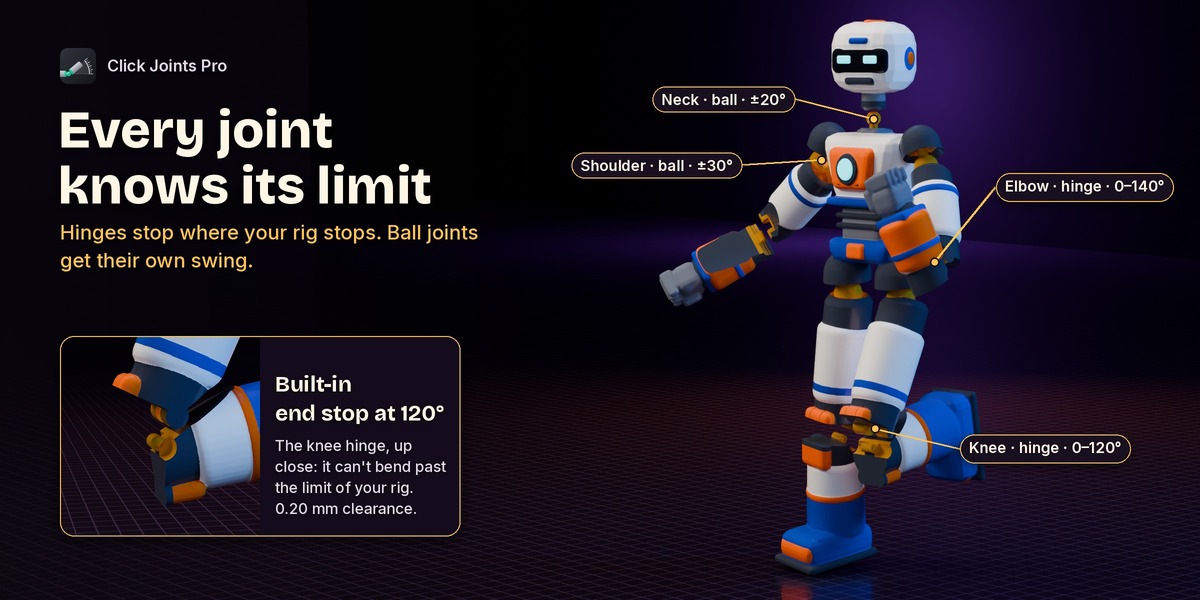
- "More bones" now gives ankles: a hinge from shin to foot that bends 0 to 90 degrees, while the knees keep their own range. Works on human figures and on blocky feet, like a robot. Needs Blender 5.2 or newer for both ankles; in 4.2 one or both may be skipped, each with the reason shown.
- Shift + right click on the skin now works with Knee, Elbow, Ankle and the hinge buttons.
- A knee with a kneecap, like the robot's, now gets a hinge with a good fit right in the middle of the knee. Before, it said Tight there.
- When Figure from rig cannot cut a joint, the list now shows the real reason and what you can do, instead of "Try a spot further from the end".
- Figure from rig on Blender 4.2 LTS now needs far less memory. Before, on some figures it could fill all memory at the elbow and freeze Blender.
- Tested on Blender 4.2 LTS, 5.2 LTS and 5.3.
Click Joints Pro 1.2.3
- Figure from rig is more reliable on figures with arms or legs close to the body. On our test figures in Blender 5.2 and 5.3 it placed every joint, and the same mesh gave the same joints every time we ran it.
- When Figure from rig skips a joint, the list now says why and what you can do.
- Blender 4.2 also skips fewer joints, but can still skip some joints and is slower on light figures. Blender 5.2 and 5.3 cut best.
- Tested on Blender 4.2 LTS, 5.2 LTS and 5.3.
Click Joints Pro 1.2.2
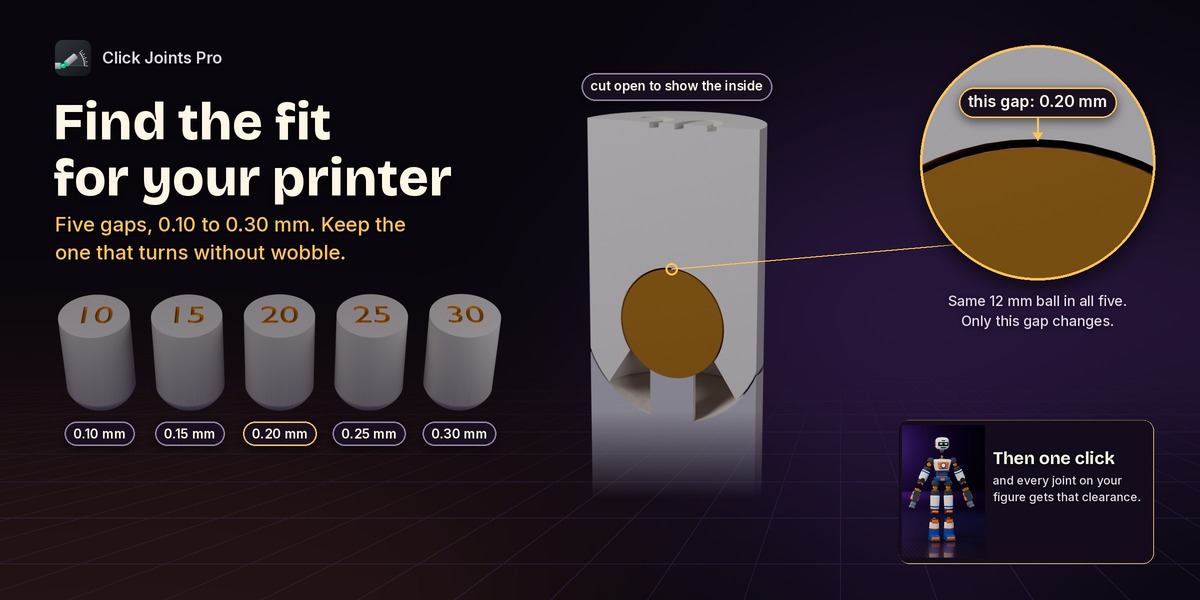
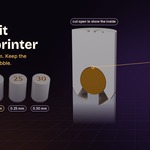
- Fewer failed cuts: if a cut with the fast solver leaves a part that is not watertight, Click Joints Pro cuts once more with the Exact solver before giving up.
- Figure from rig: when a cut fails at one spot, it now tries the next spot on that bone instead of skipping the joint.
- Tested on Blender 4.2 LTS, 5.2 LTS and 5.3.
Click Joints Pro 1.1.0 "Rig to Figure"
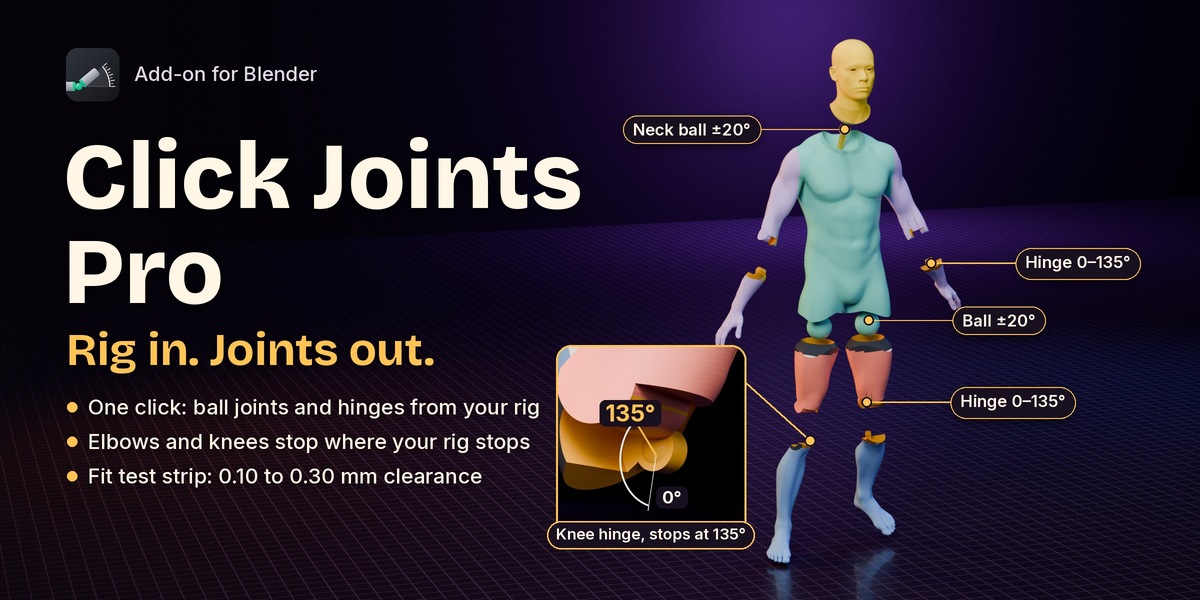
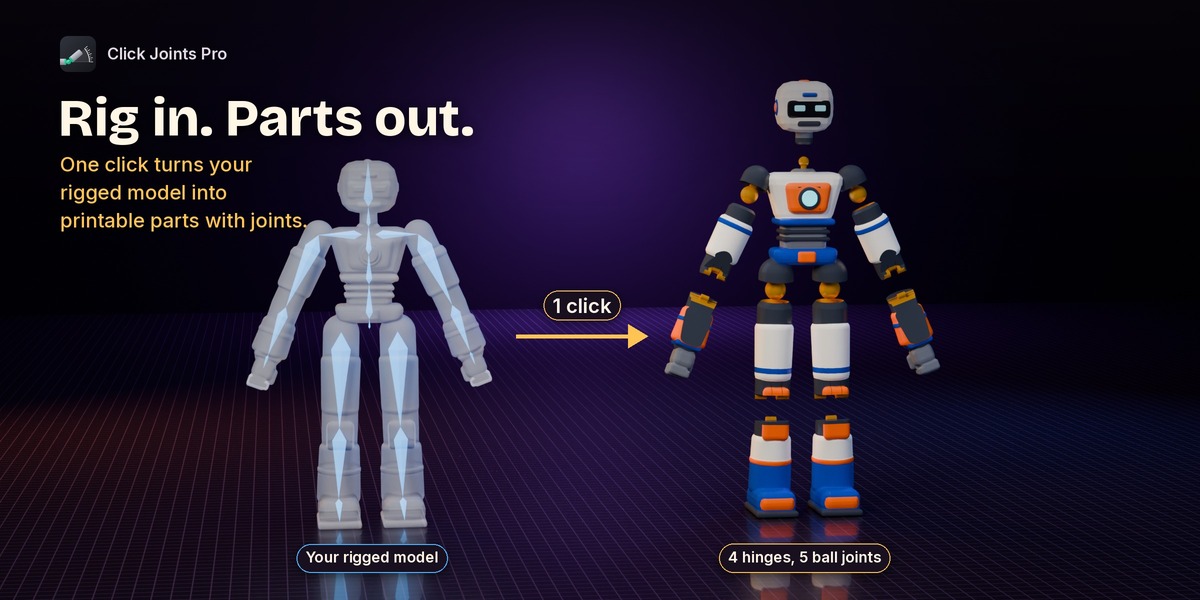
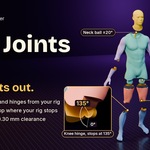
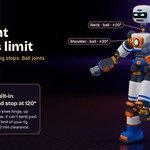
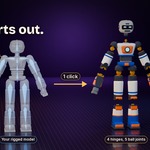
- New: Figure from rig. One button turns a rigged figure into printable parts: hinges with an end stop at elbows and knees, ball joints at shoulders, hips and neck.
- New: the end stop comes from Limit Rotation in your rig (30° to 150°); a side without a limit takes the other side.
- New: a degree arc and number at every joint, and a joint list with where each range came from.
- New: six body-part presets with icons for figures without a rig.
- New: recognises Rigify, Mixamo, Auto-Rig Pro, Unreal, Character Creator, VRoid, Biped and Daz bone names.
- Fixed: a hinge on a one-piece figure no longer leaves the rest of the limb behind as a loose piece.
- Tested on Blender 4.2 LTS, 5.2 LTS and 5.3.
Click Joints 0.1.1, the same zip as the free version on extensions.blender.org.
 Included
Includes 12 months of
- Support from Dortus
- Product updates
Extend this product’s Support Period +12 months: 25% of product price
Have questions before purchasing?
Login to message
| Blender Extension Compatible | Yes |
| Published | 9 days ago |
| Blender Version | 4.2 - 5.3 |
| Extension Type | Add-on |
| Render Engine Used | Cycles |
| License | GPL |
Discover more products like this
3d print joints articulated figure Articulated action figure hinge blender addon posable 3d printing Articulation poseable rig-to-print ball-joint