 POPREQ




Faster Bone Selection for Animators
Close Bone Picker is an addon designed to streamline bone selection during character animation.
Character animation in 3D consists of three actions repeated endlessly:
selecting bones, transforming them, and setting keyframes.
Bone selection is a simple action, yet it quietly drains your focus. Repeated thousands of times, that drain builds into fatigue heavy enough to make you close Blender.
I created this addon to make bone selection more efficient during animation work.
Select Bone With Shortcut
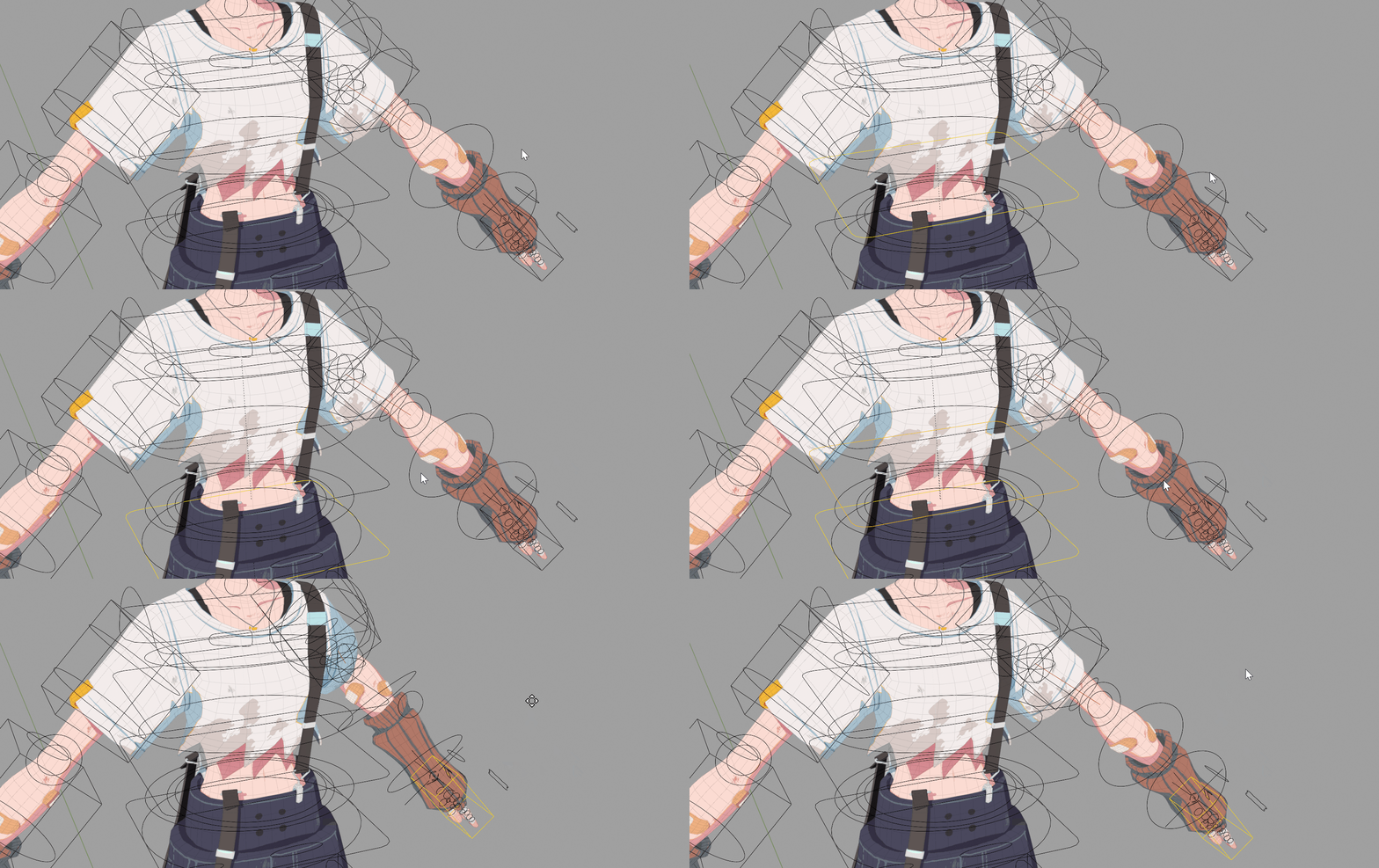
Close Bone Picker
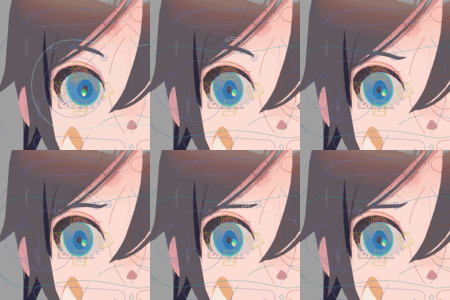
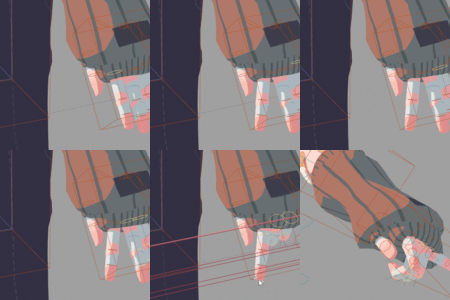
Access the bones you need efficiently using keyboard shortcuts.
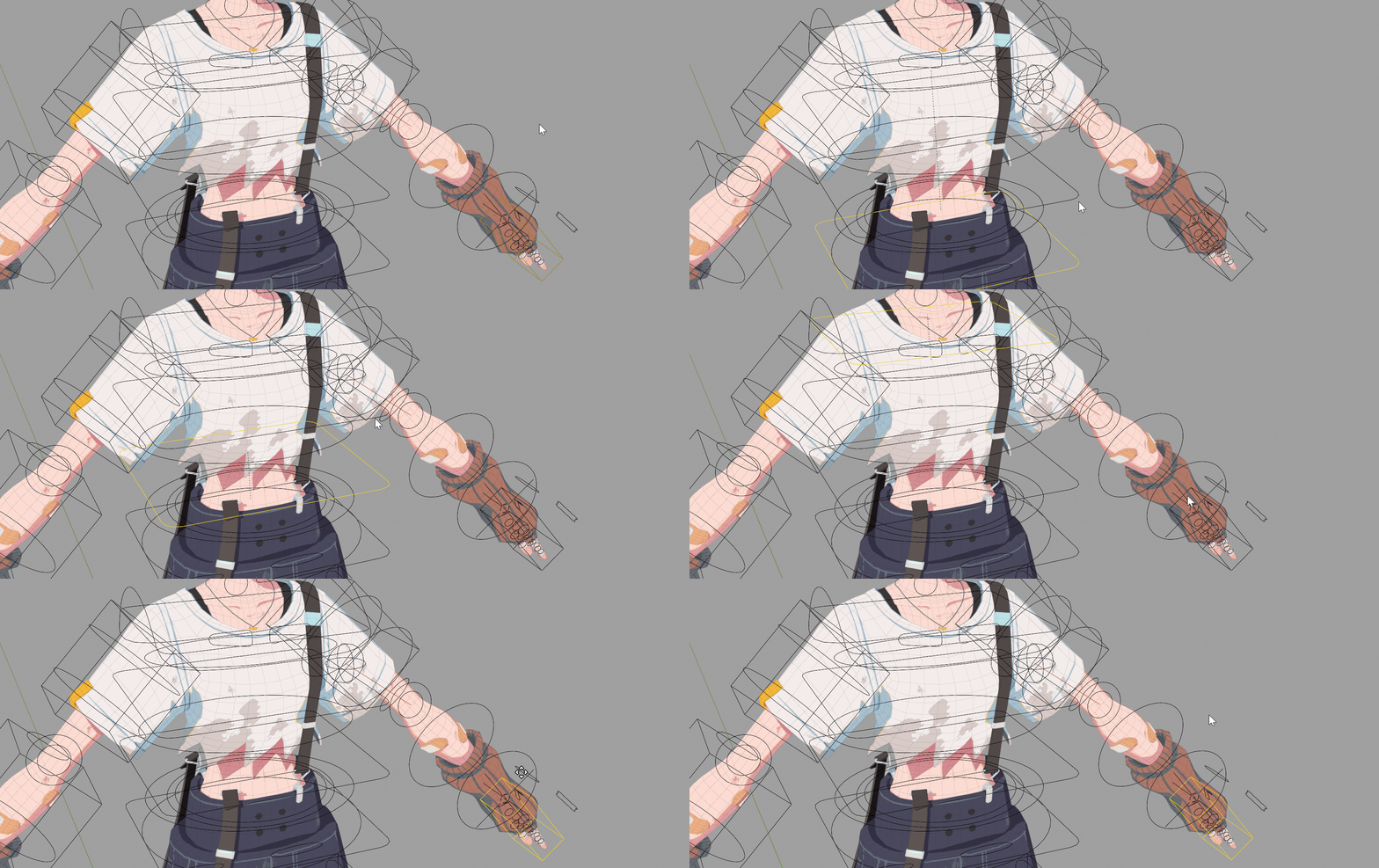
Normal select
Compare the speed with traditional mouse selection.
Select Bones by Custom Hierarchy
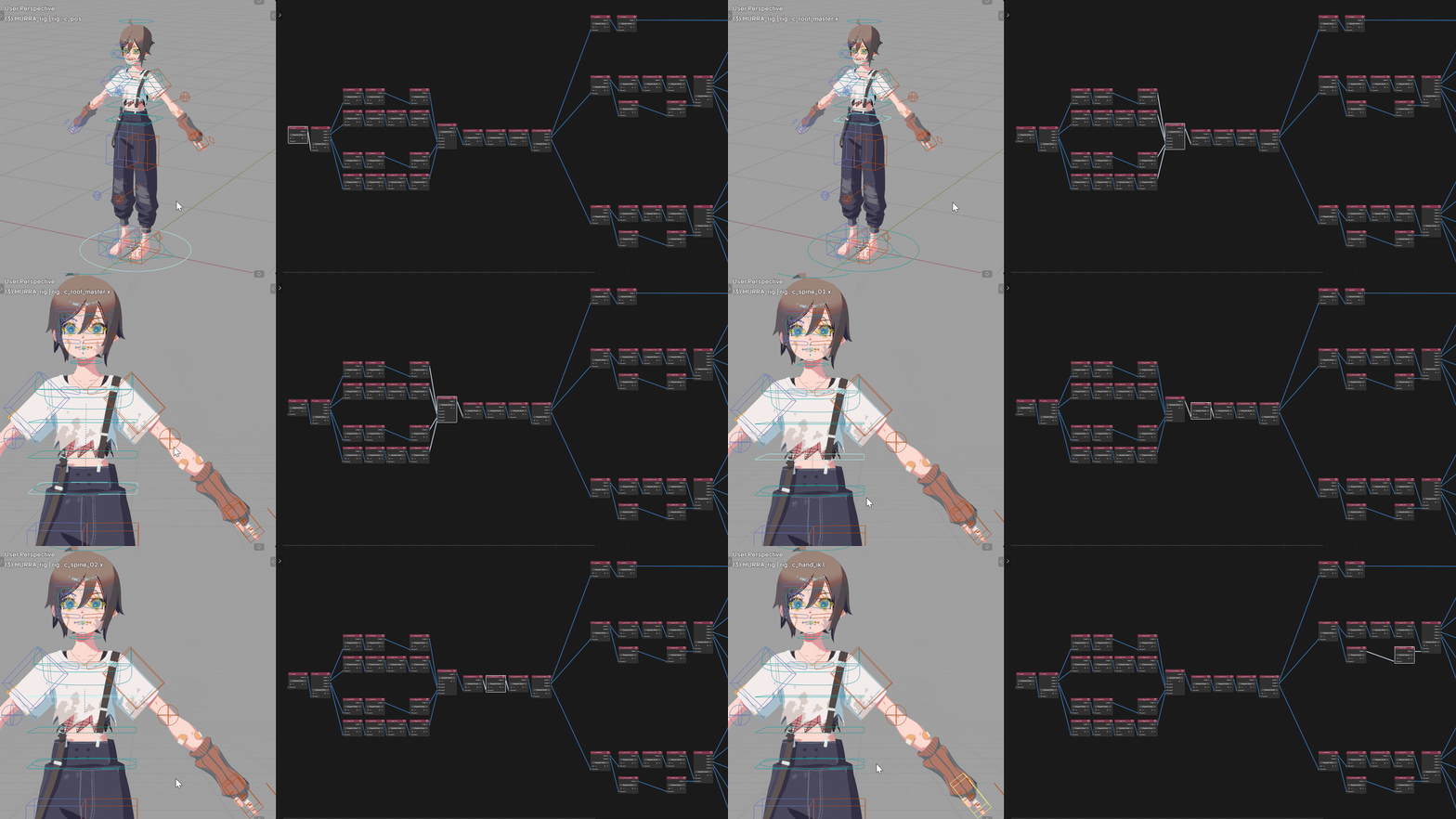
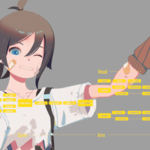
This is Close Bone Picker's core feature. Design a custom bone hierarchy that fits your animation needs, then navigate through it with shortcuts.
Or Direct Access via Pie Menu
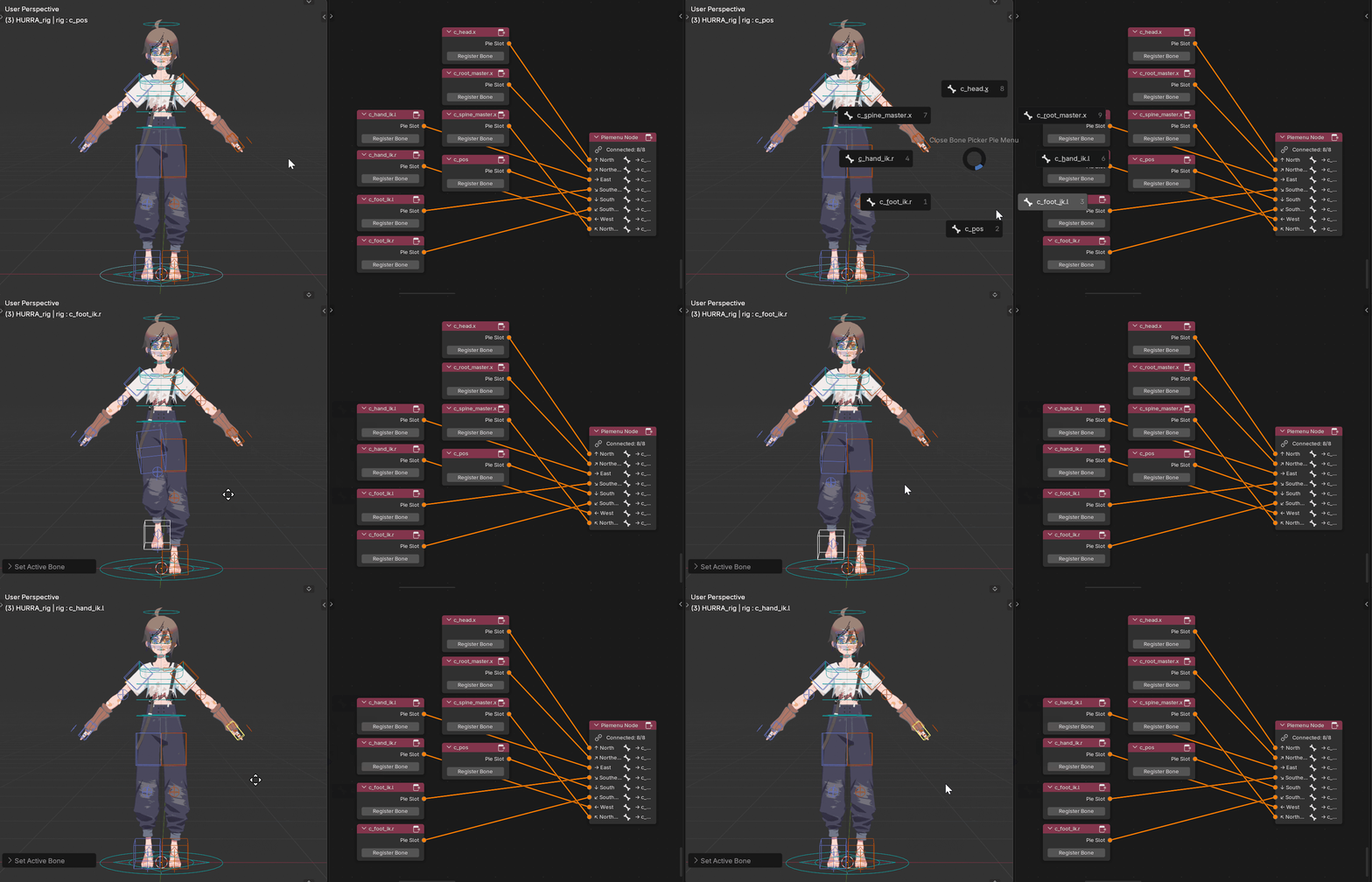
Beyond hierarchical navigation, you can register frequently-used bones for instant access.
Select any bone directly with intuitive pie menus.
Control Bone Collections in 3D View
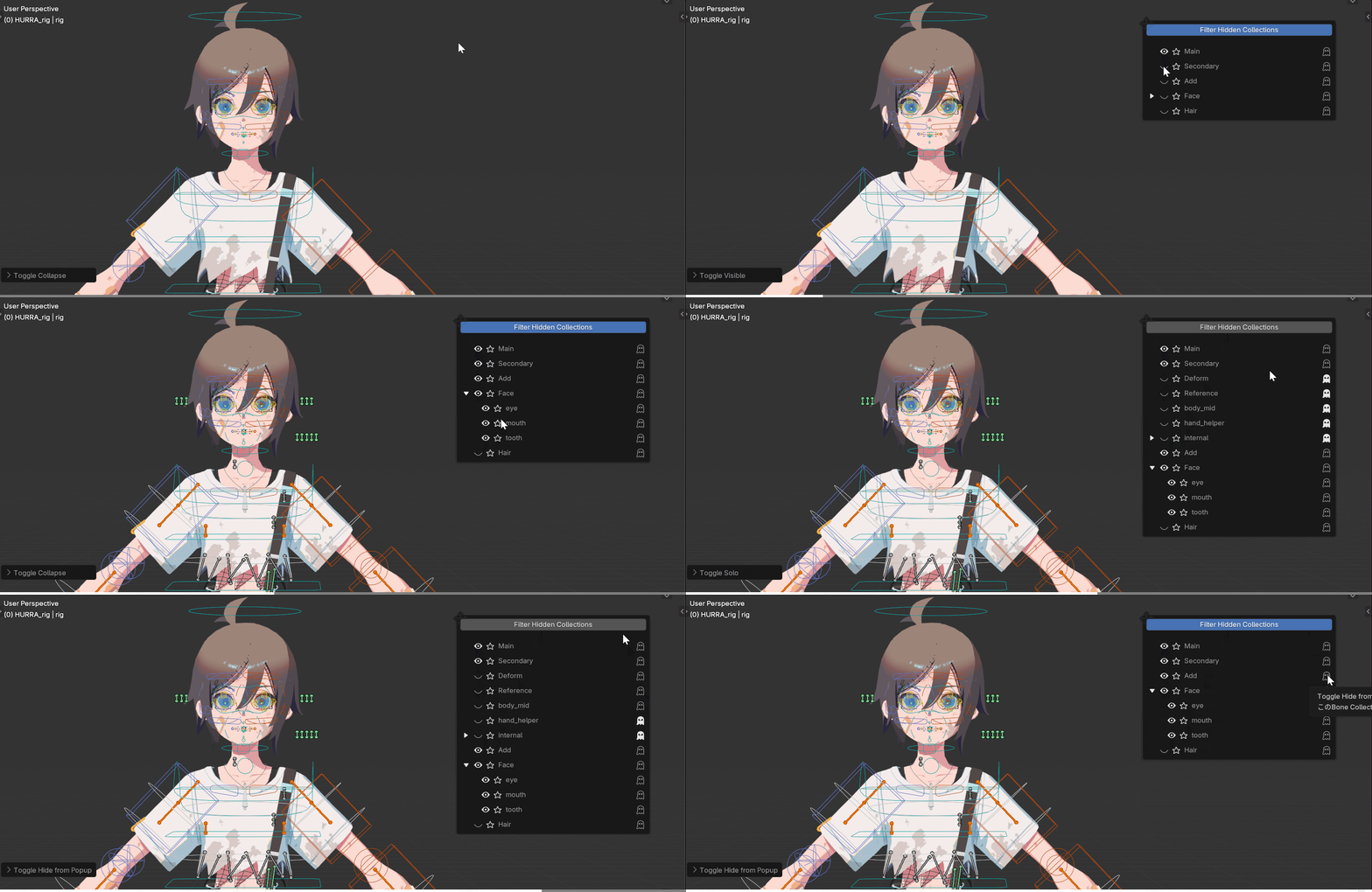
Managing visible bones is essential for clean animation. Toggling bone collections is important—but moving your mouse to the Properties Editor every time is tedious. Now you can switch bone collections directly in the 3D View. Filtering is included too. Keep animation-irrelevant layers hidden.
Jump to Pose Mode Instantly
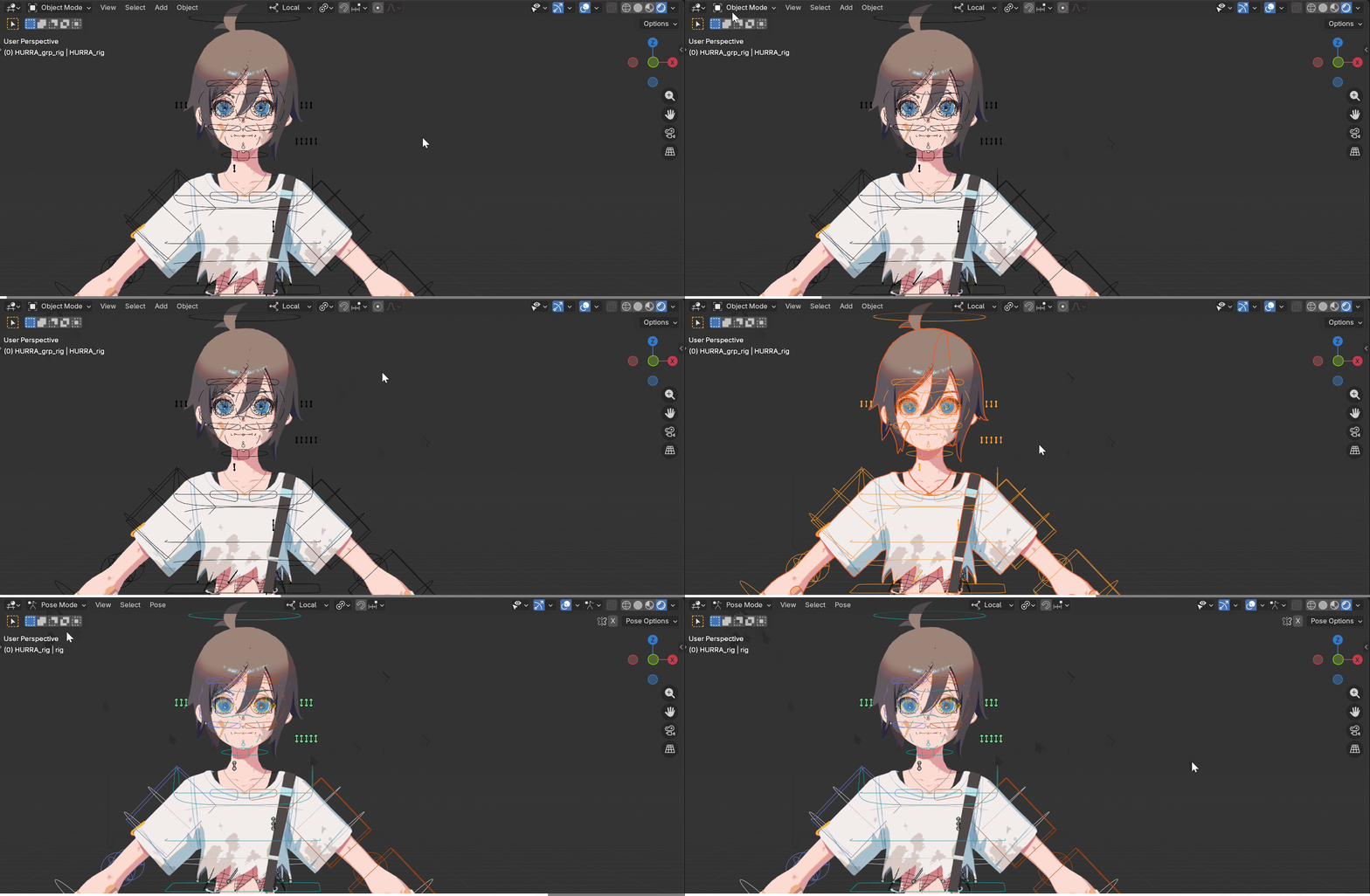
Starting character animation by selecting "only" the armature and entering Pose Mode was frustratingly tedious. With this addon, you can enter Pose Mode correctly even when other objects are selected.
Works with Any Armature
Rigify, Auto Rig Pro, or your custom rig—if it works in Blender, Close Bone Picker works with it.
Visual Node-Based Setup

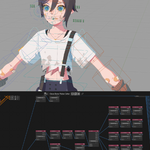
Design your custom bone hierarchy in a dedicated node editor.
To keep things simple, there's only one node type to learn.
Switch seamlessly between the 3D View and CBP Node Editor for intuitive, efficient setup.
Flexible Pie Menu Design
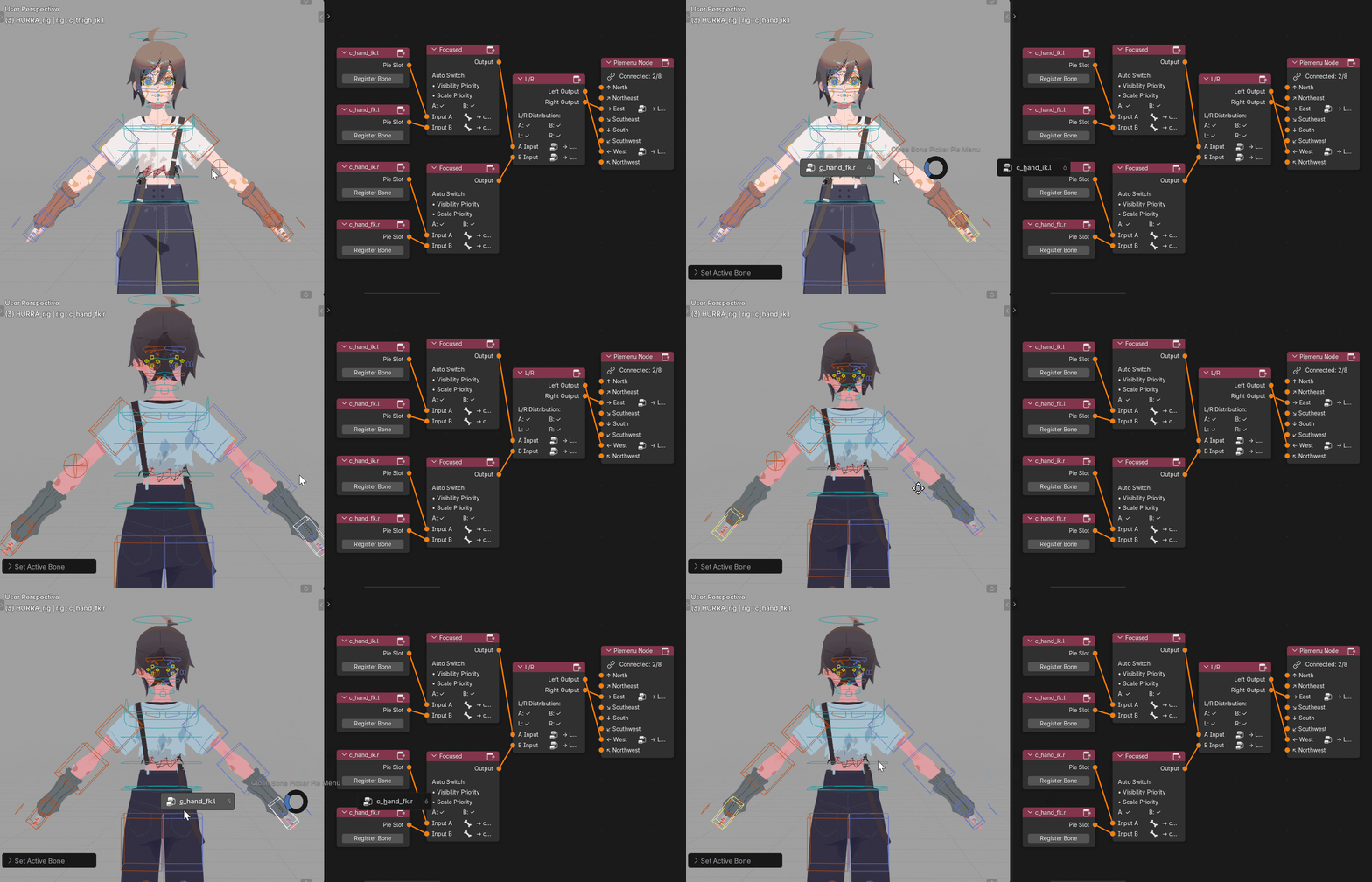
Design your pie menus in the same dedicated editor. You can create simple menus, or combine multiple conditional nodes for flexible bone selection—like "pick the bone on the right in the 3D View" or "choose the bone with larger scale.