 Polyworks



What should I include when requesting support?
Please include your Blender version, Cloth NeXt version, solver version, graphics card, error message and a description of the setup.
Screenshots, logs and simplified project files can make problems easier to reproduce and resolve.
Are simulation results stored inside the Blender file?
Simulation output is created through the external solver and then imported into Blender.
Do not move or delete simulation files before the result has been imported and verified.
Can Cloth NeXt fix bad topology automatically?
No. Simulation quality still depends heavily on the source geometry.
Meshes should have clean topology, consistent density, applied scale, correct normals and as few starting intersections as possible.
How long does a simulation take?
Simulation time depends on mesh resolution, frame range, collision quality, self collision, the number of objects and available hardware.
Lower quality settings are recommended for testing before starting a final simulation.
Do I need an NVIDIA graphics card?
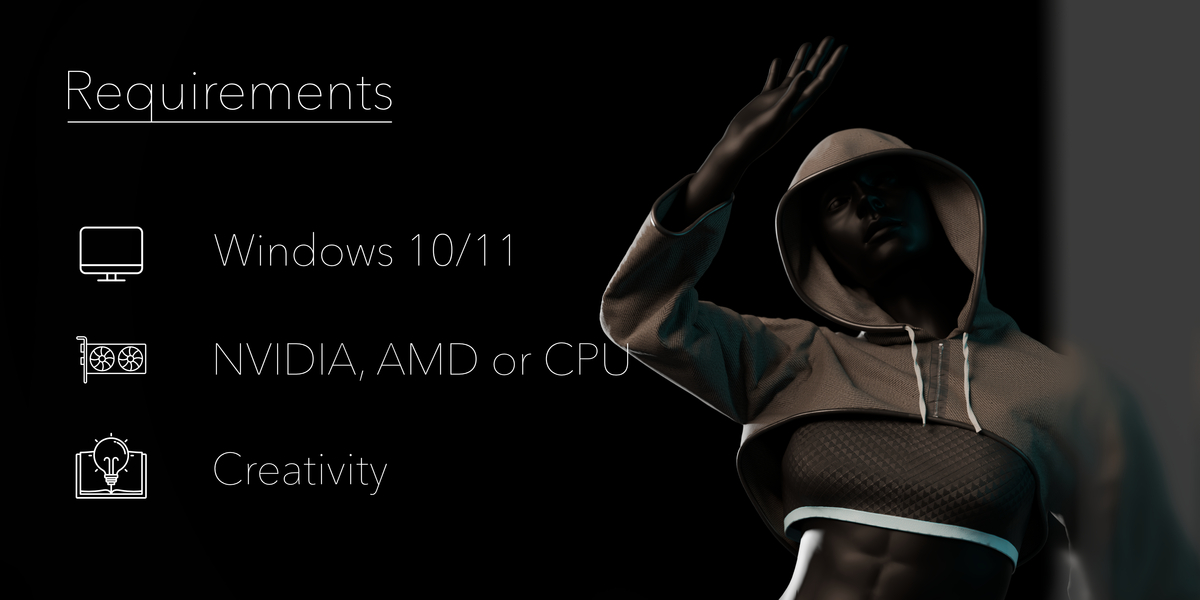
The intended workflow uses a GPU accelerated Solver. Hardware requirements therefore depend on the solver version and its supported environment. CPU and AMD are supported though AMD has limited validation due to missing testing hardware.
Does Cloth NeXt work with animated characters?
Yes. Animated characters can be used as colliders.
For reliable results, the character should use clean collider geometry and stable animation without severe starting intersections.
Are material presets included?
Cloth NeXt includes 75 material presets intended to provide useful starting points for common fabric types.
Presets may still require adjustment depending on scene scale, mesh density and the desired result.
Can I pin parts of the cloth?
Yes. Vertex groups can be used to constrain selected areas of a garment.
This is useful for waistbands, shoulders, sleeves, straps and other areas that should remain attached or follow an animated object.
Can separate cloth objects collide with each other?
Yes. Cloth interaction can be used for simulations involving multiple fabric objects.
Layered garments should begin with enough space between surfaces to avoid immediate collision conflicts.
Does it support self collision?
Yes. Self collision can be enabled to reduce intersections between different areas of the same cloth object.
Self collision increases the simulation cost, especially on dense meshes.
Does it support multiple cloth objects?
Yes. Multiple cloth objects can be included in a simulation.
This is useful for layered clothing, separate fabric pieces and scenes where several garments need to interact.
What types of simulations can I create?
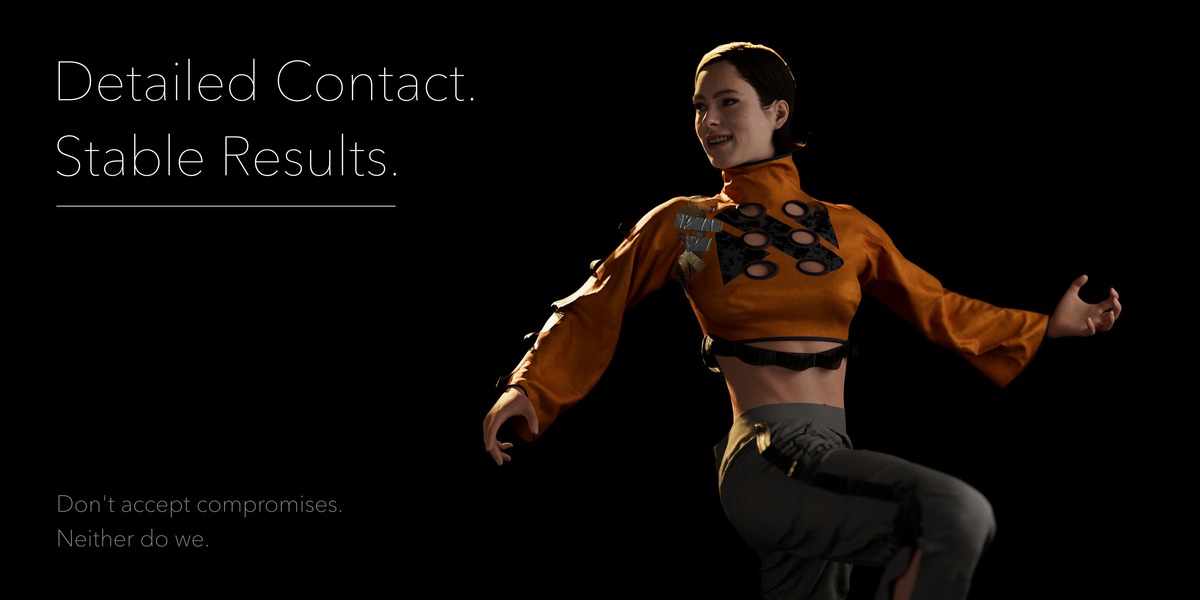
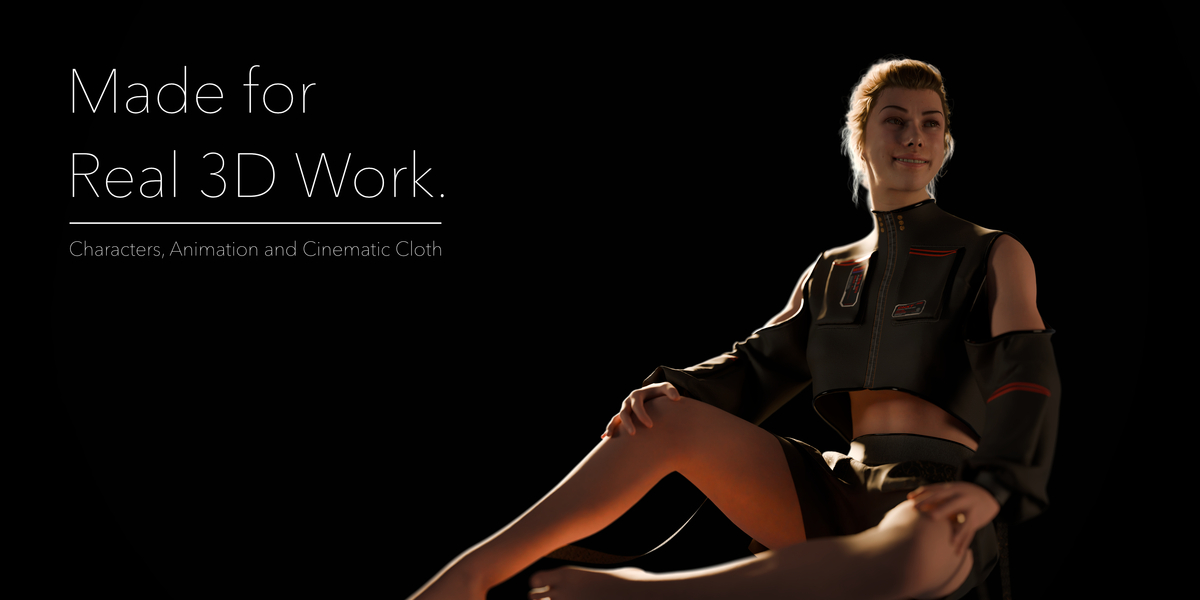
Cloth NeXt can be used for character clothing, layered garments, fabric props, cinematic simulations and other scenes that require detailed cloth motion and collision handling.
The final result depends on the mesh, animation, collision setup and simulation settings.
Does Cloth NeXt replace the native Blender cloth system?
Cloth NeXt provides an alternative workflow for artists who want to use GPU Accelerated Cloth Simulation.
It does not remove or modify the native Blender cloth tools, so both workflows can be used in the same Blender installation.
Do I need technical knowledge to use it?
Basic knowledge of Blender cloth preparation is helpful, but command line experience is not required.
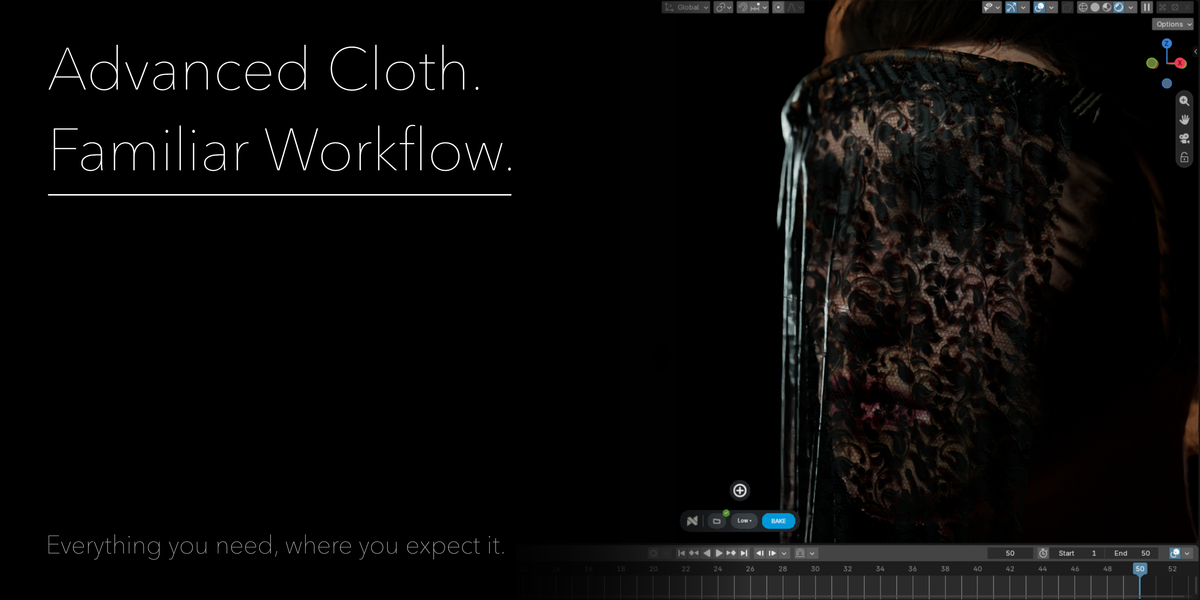
Cloth NeXt is designed to hide most of the technical file preparation behind a clear Blender workflow.
What do I receive when purchasing Cloth NeXt?
You receive the Blender integration used to prepare cloth objects, colliders, material settings, constraints and simulation data. Cloth NeXt also manages the connection to the configured solver and imports completed results back into Blender.
What is Cloth NeXt?
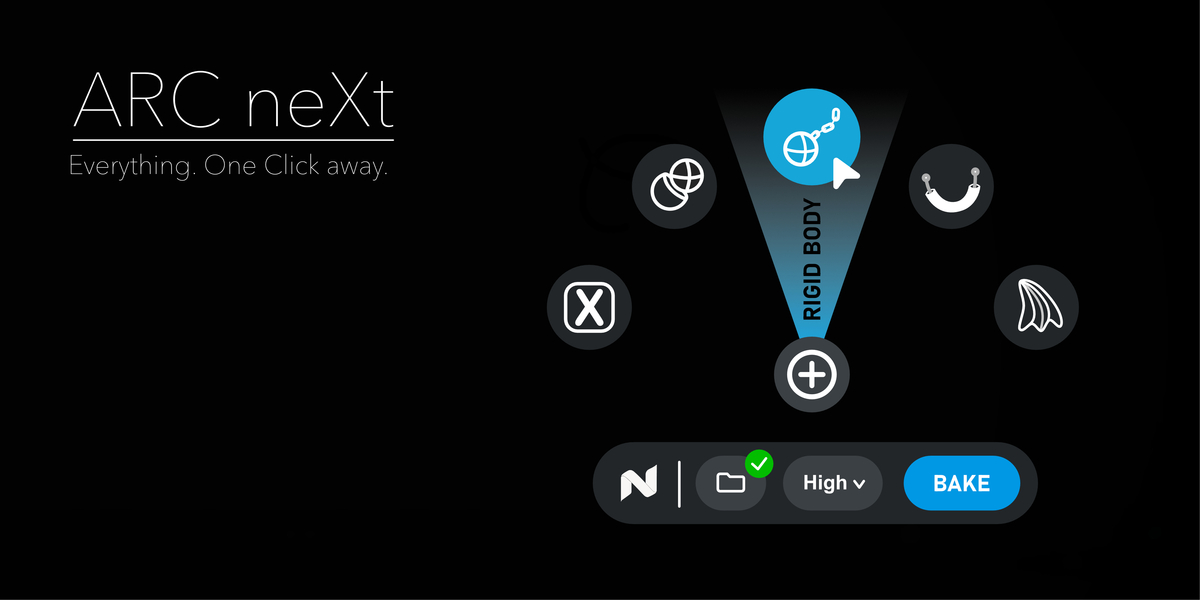
Cloth NeXt is a Blender add on that connects Blender with extremely powerful GPU Cloth Simulation. It provides an artist focused workflow for preparing, running and importing cloth simulations without manually managing command line jobs and simulation files.
Discover more products like this
cloth solver cloth simulation cloth collision GPU cloth cloth-physics physics addon