Recta3D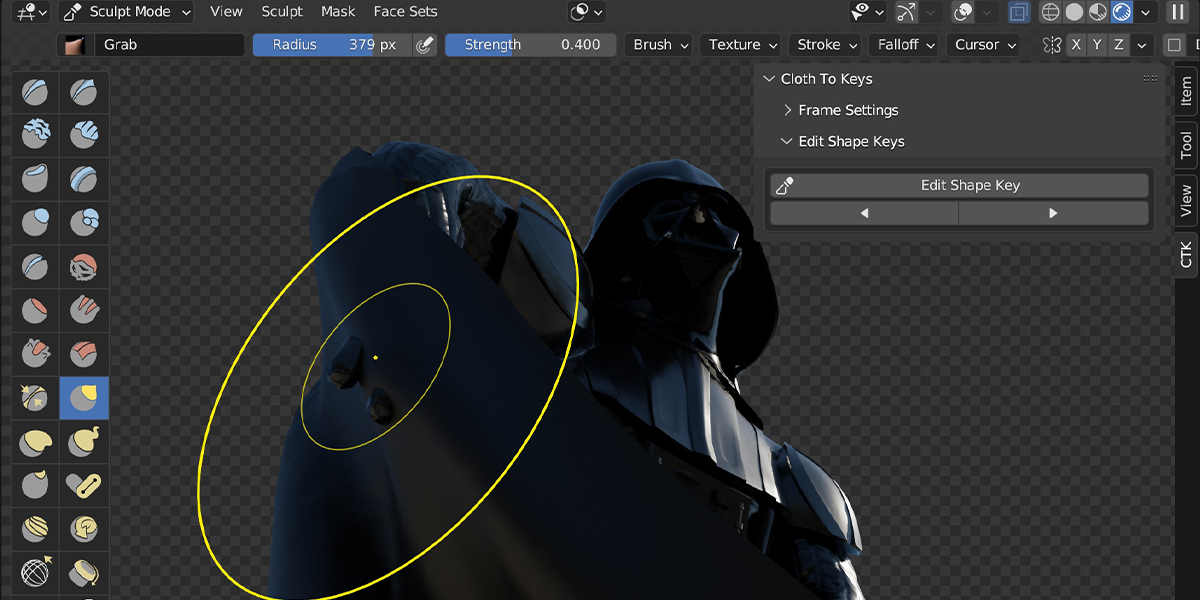
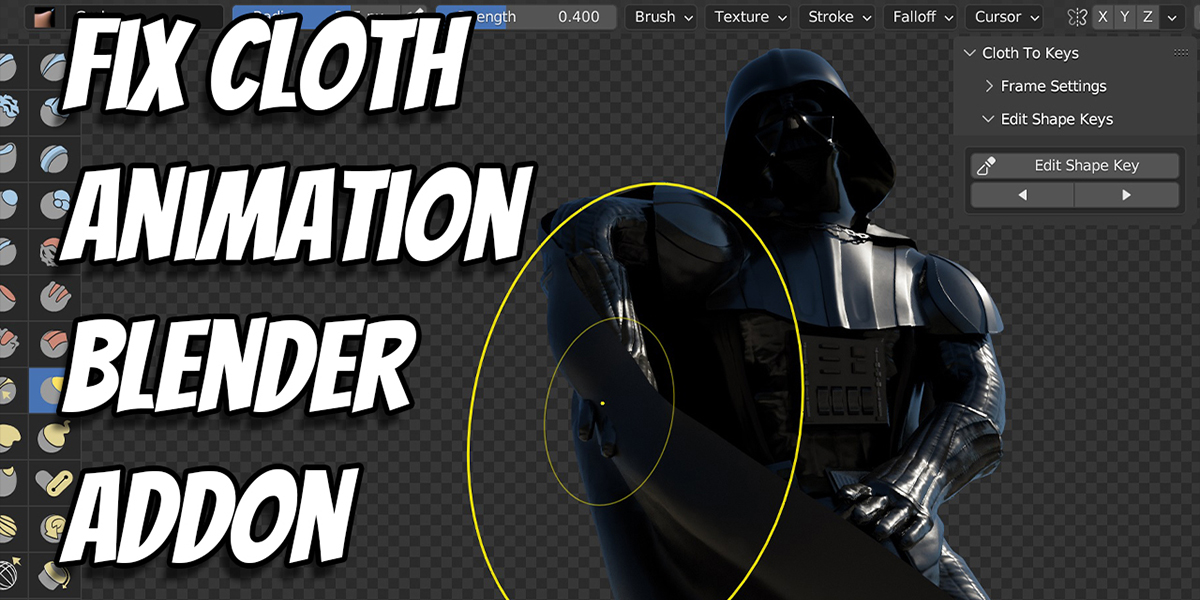

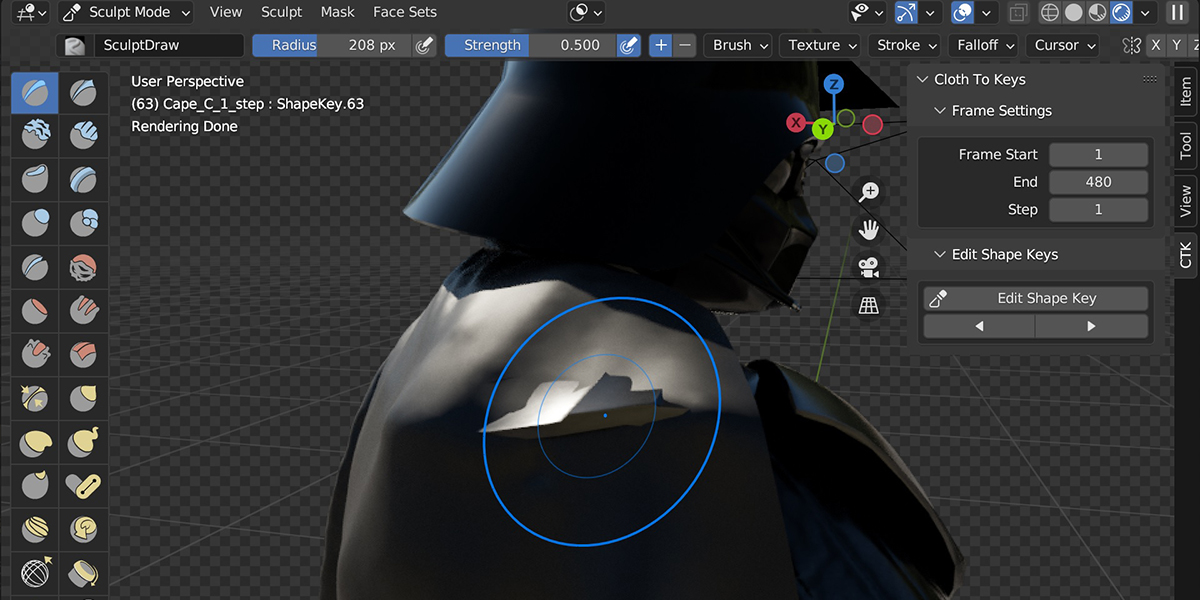
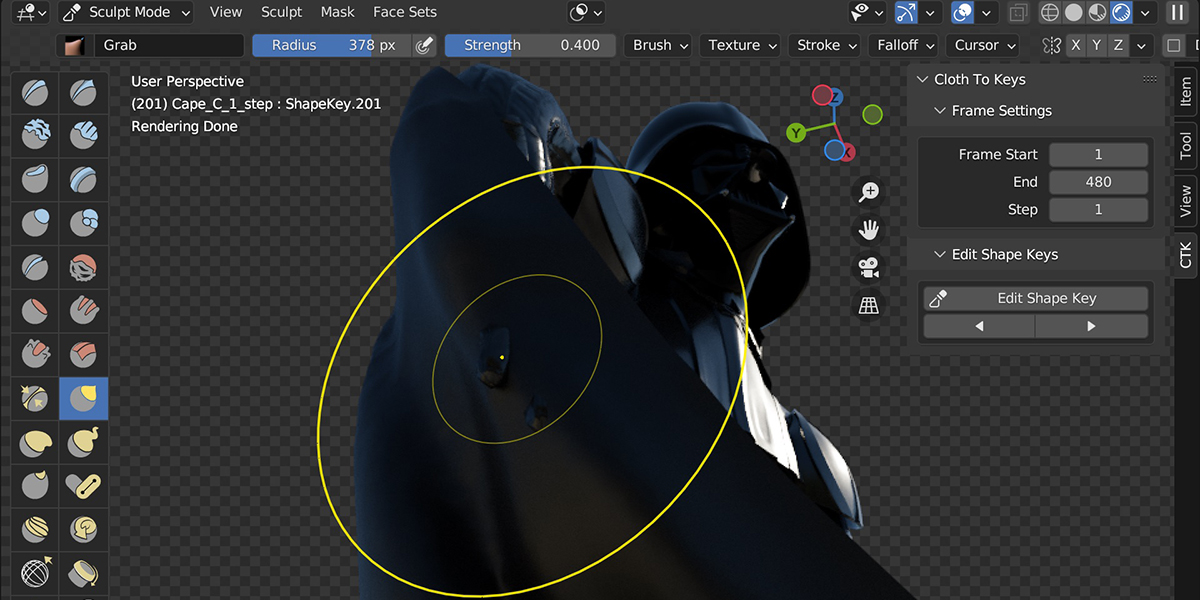
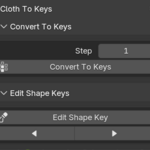
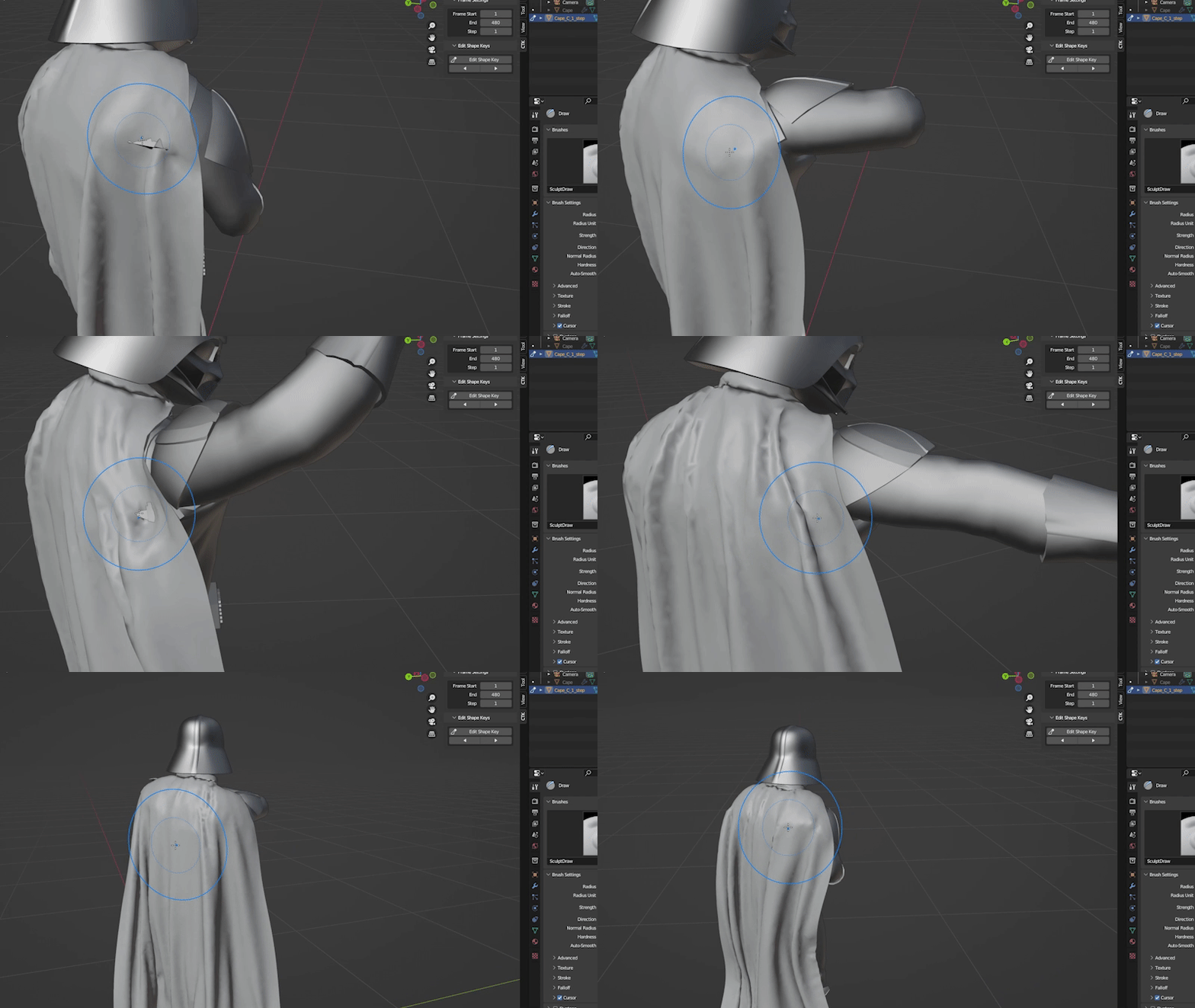
Fix Cloth Animation by converting it to Shape Keys and then sculpting.
How it Works:
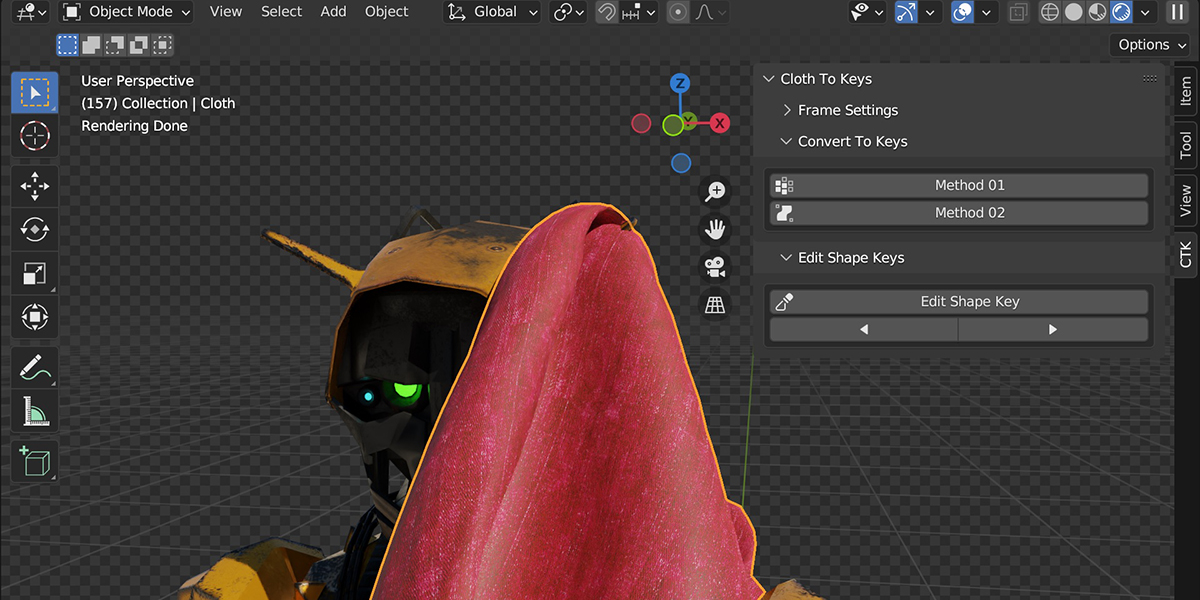
The Addon converts your animation to shape keys. In other words, it converts the Cloth, Softbody, or MeshSequenceCache modifier to shape Keys.
So these 3 modifiers:
-Cloth
-Softbody
-MeshSequenceCache (When Importing Alembic)(Marvelous Designer)
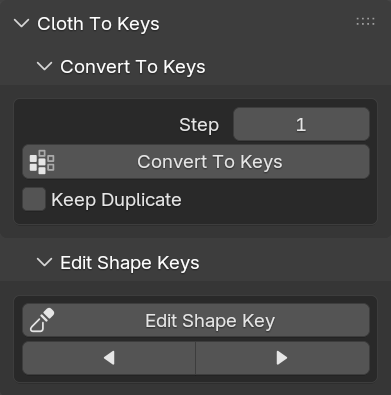
It will DUPLICATE your object (so you Hide/Remove the original mesh).
You can edit shape keys in Sculpt Mode or Edit Mode.
Hotkeys: (You can change them)
Mouse Button4 -> previous shape key
Mouse Button5 -> next shape key
Bonus Features:
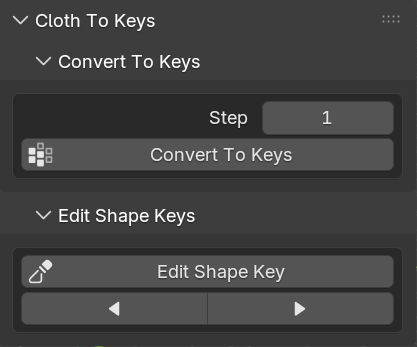
-Using the step value, you can skip frames (Stepping).
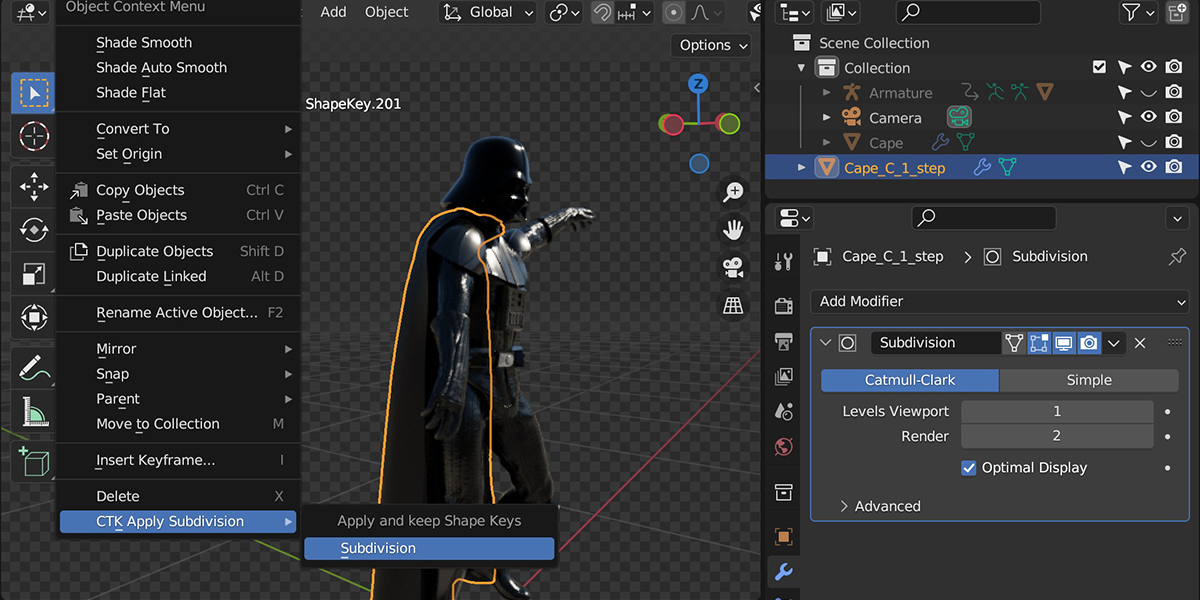
-You can apply the Subdivision Surface modifier to your converted mesh and keep shape keys with the animation. (Note: the more levels of subdivision and the number of shape keys, the longer it takes to apply)(Also, Blender might stop responding, so wait.)