 Recta3D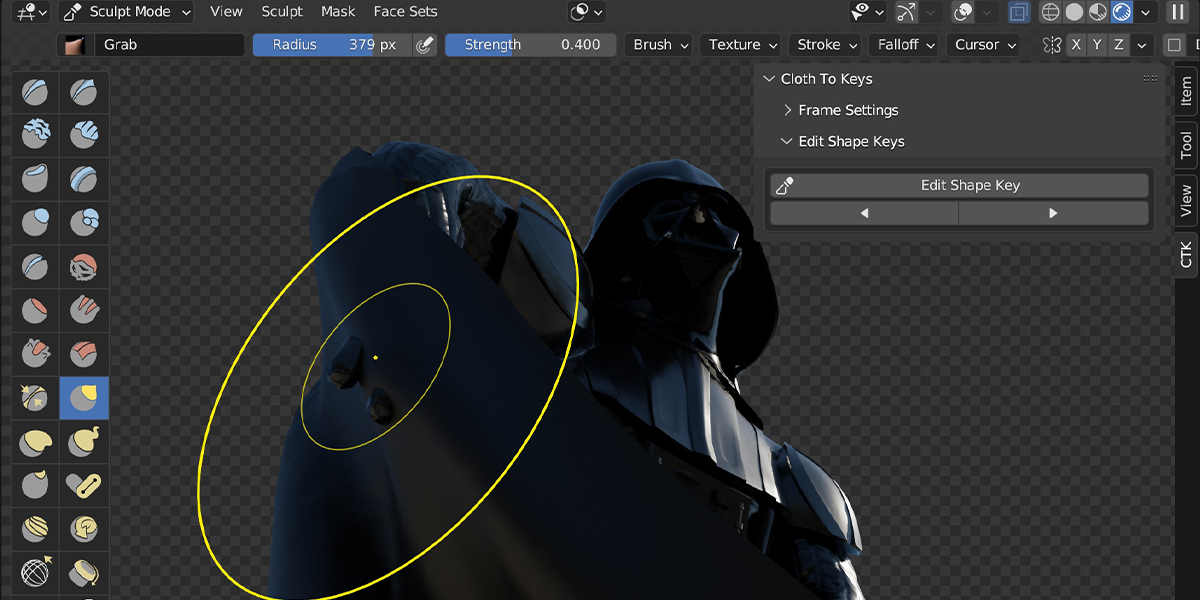
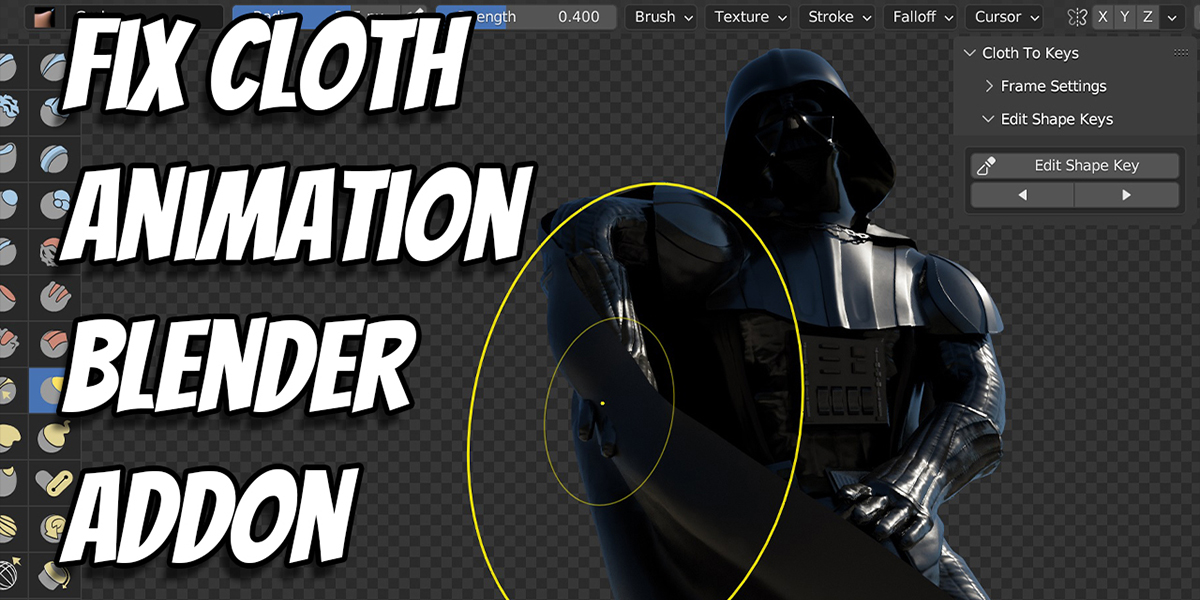

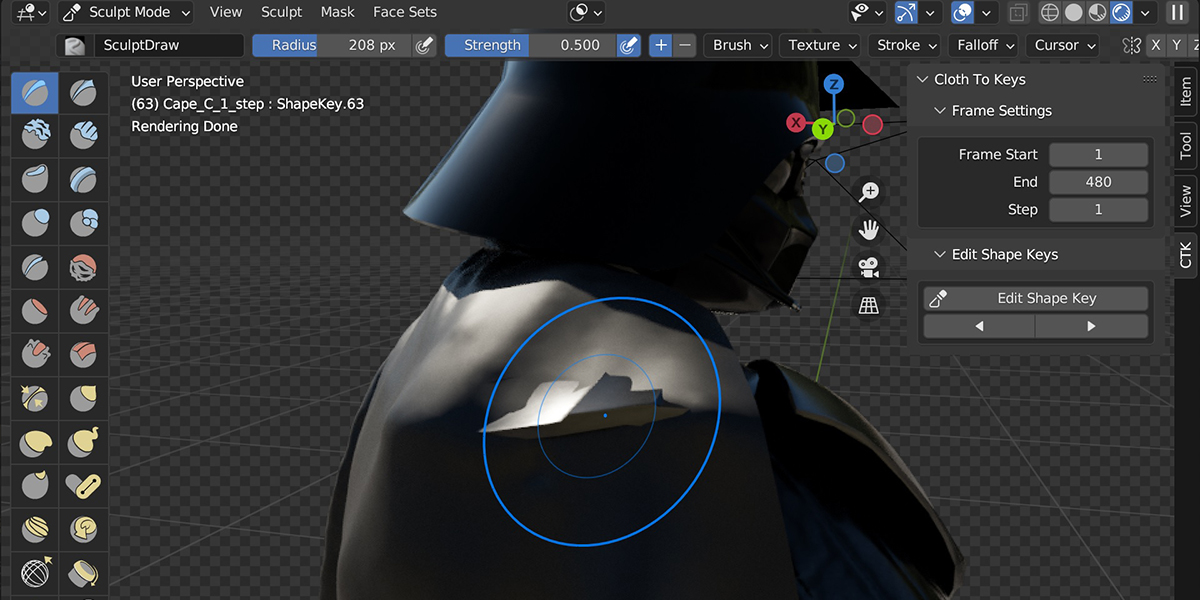
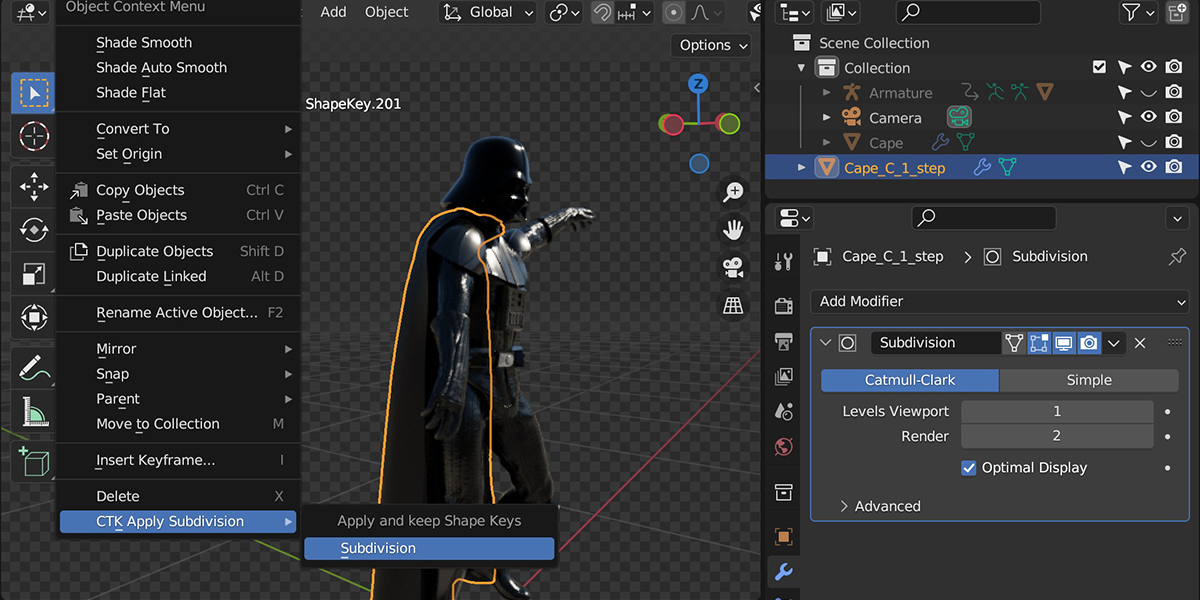
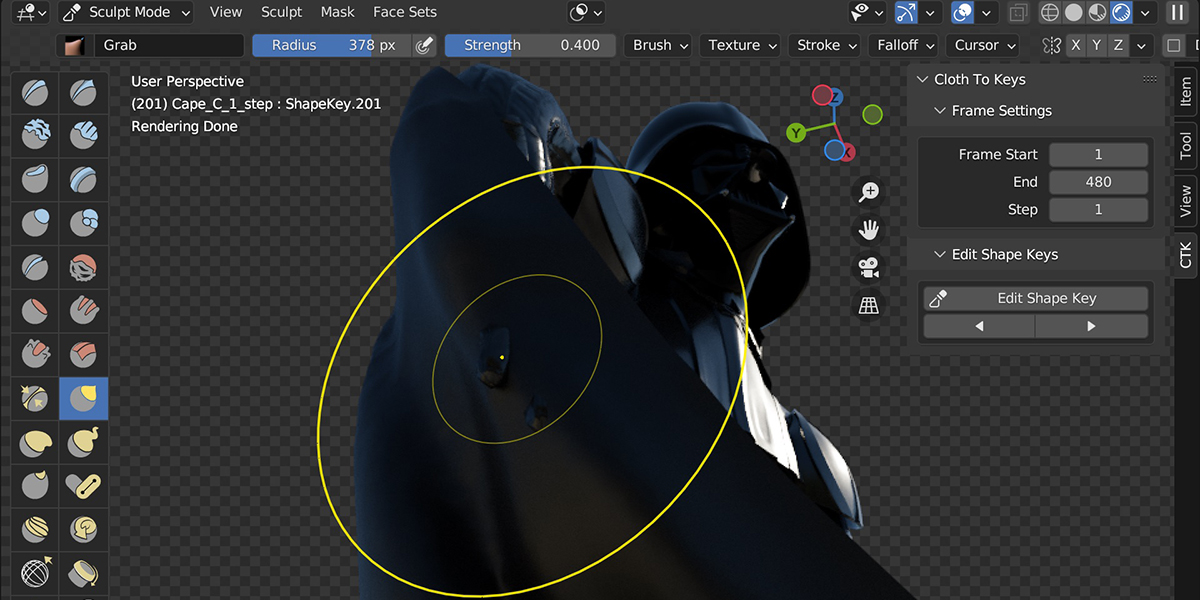
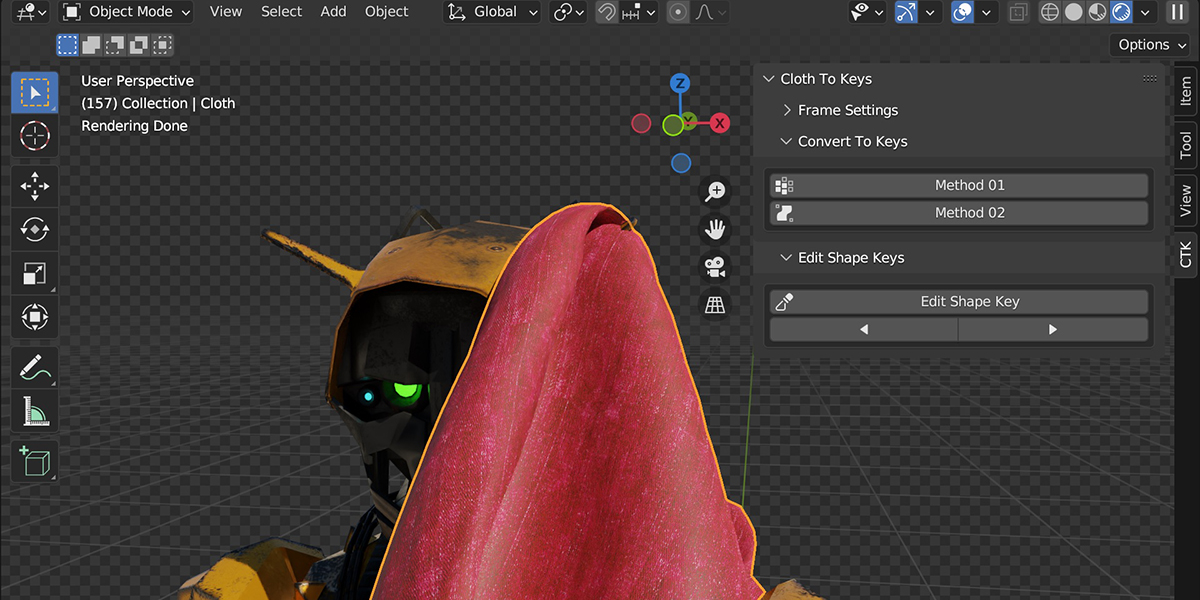
This addon converts your Cloth animation/simulation to shape keys so you can fix your animation.
Step-by-step guide For Newbies:
- You must have a Cloth Simulation or Softbody simulation or a MeshSequenceCache (Alembic) in your scene.
- Select your Cloth object.
- Click Method 01 button.
- Jump to a frame that has an issue.
- Click Edit Shape key button.
- edit/sculpt your mesh.
- repeat steps 4-6 until you are satisfied.
Have questions about this product?
Login to message

Discover more products like this
animation clothes fashion Fix Clothes shape keys marvelous-designer