 AlbertoFX










ClothFX Add-on Documentation
Version 4.6 for Blender 5.0+
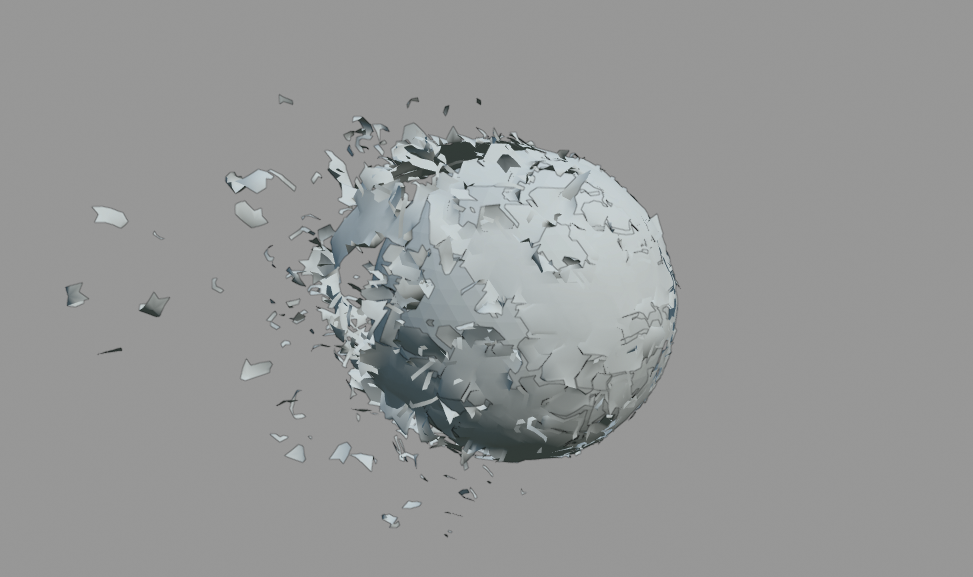
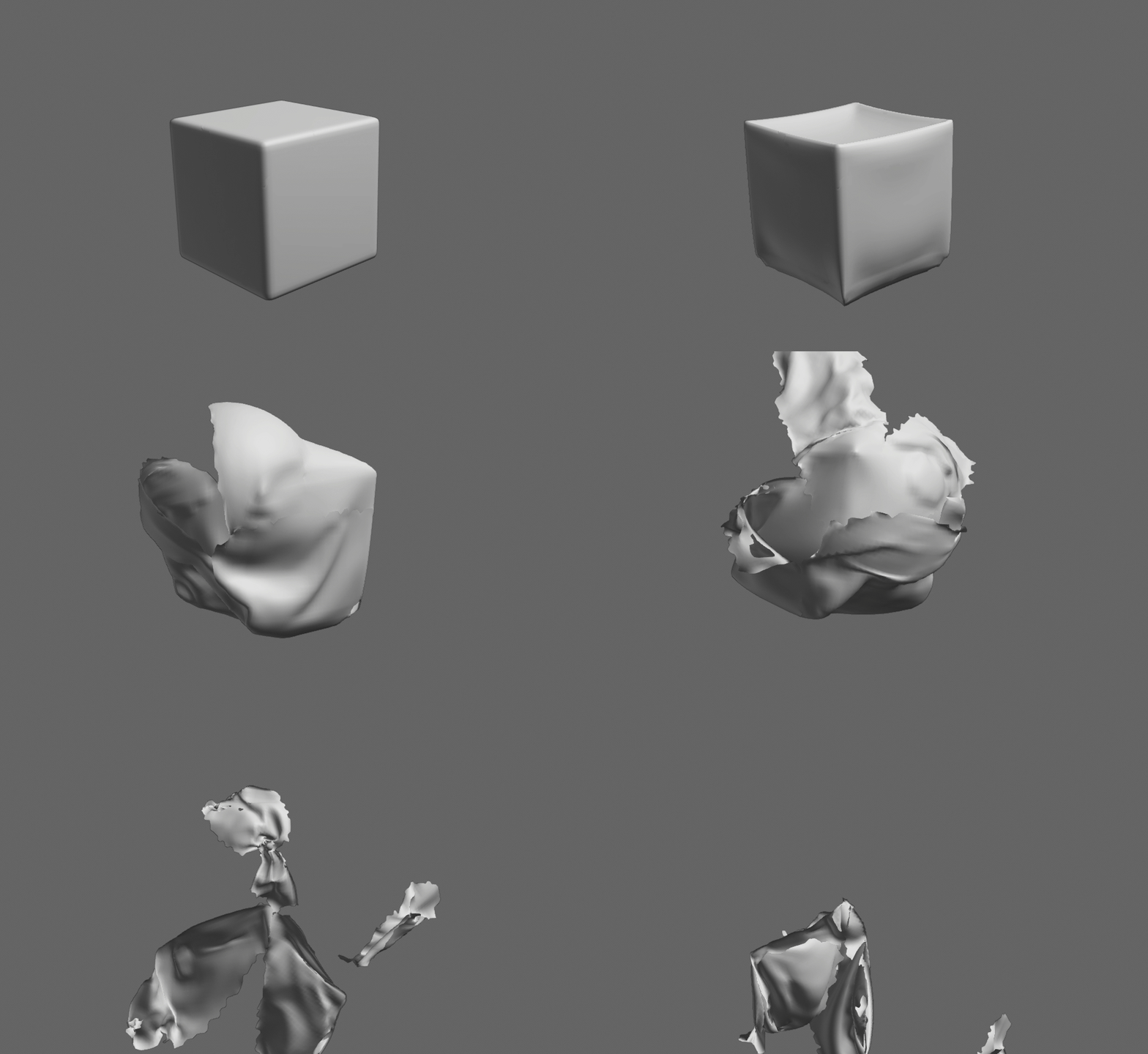
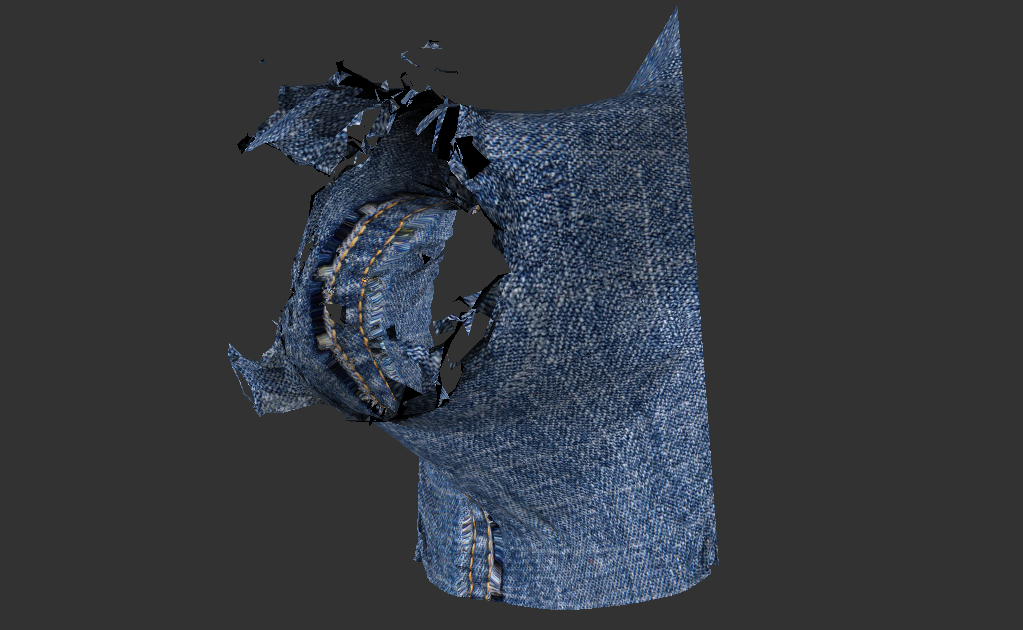
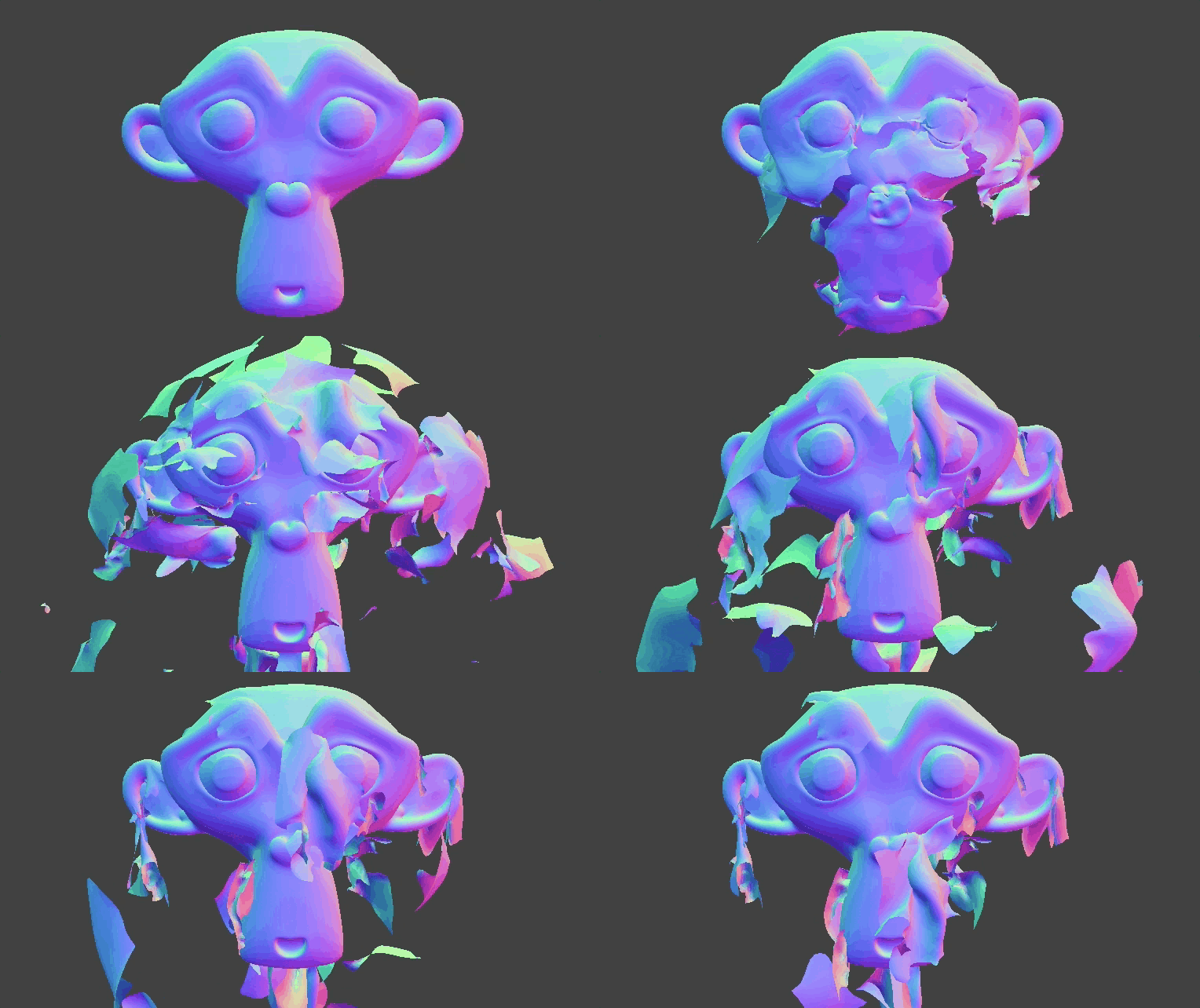
ClothFX is a powerful Blender add-on designed to create realistic cloth tearing, inflation effects, and dynamic simulations.
It provides two main workflows:
- Generated tearing
- Custom tearing
Installation
- Download the latest version from your SuperHive order downloads
- In Blender:
- Edit → Preferences → Add-ons → Install from disk
- Select the .zip file → Install Add-on
- Enable ClothFX in the add-ons list.
- Find the ClothFX panel in the Physics tab of the 3D Viewport sidebar (N-panel).
Quick Start
Cloth tearing is done in real-time during playback. It includes two modes for tearing apart your mesh:
Generated Tearing (Fast & Automatic)
- Select your cloth mesh.
- Press Generated button in the ClothFX panel.
- Adjust Cut Count and Seed (in General tab) as well as other cloth settings
- (Optional) Enable Jagged Edges and Edge Detail.
- Add a collider object or make any object a collider. (Make Collider button)
- Play the animation and rip apart mesh with collider.
Custom Tearing (Manual Control)
- Select your cloth mesh.
- Press Custom button.
- Use Knife Tool (Pencil icon) to draw custom tearing map.
- Add a collider object or make any object a collider. (Make Collider button)
- Play the animation and rip apart mesh with collider.
Generated settings:
- Cut Count: How many tear pieces.
- Cut Seed: Randomize tear pattern.
- Jagged Edges: Enable irregular tear edges
- Edge Detail: Extra explode modifier for finer edge detail.
Custom settings:
- Knife Tool: Draw tears directly in Edit mode (LMB to start, SPACE to confirm map, ESC to exit).
- Pin Editor: Select vertices to pin → press TAB to confirm selection
Collider Objects:
- Add sphere/cube → enable Make Collider button.
- Set Proximity distance (how close to trigger tearing).
- Can use Volume Distance or Particle System as triggering source.
Effects:
ClothFX offers two powerful effects that make your cloth simulations more dynamic and interactive:
- Particle Triggering (Self-Triggering Particles)
- Dynamic Inflate (Explode/Popping Effect)
These features are accessible in the Effects section of the ClothFX panel.
1. Particle Triggering (Self-Triggering Tears)
Allows cloth to tear or react when particles emitted from the cloth itself come close enough (proximity-based trigger). Perfect for self-tearing effects.
How to Enable
- In the Effects box → check Particle Triggering.
Settings:
| Setting | Description |
|---|---|
| Particle Count | Number of particles emitted (higher = denser trigger zone). |
| Start / End Frame | When particles start and stop emitting. |
| Emit From | Face / Volume / Edges |
| Proximity | Distance at which particles trigger tearing. |
| Smooth Radius | Softens the trigger edge (higher = more gradual tearing). |
Tips:
- Start with Proximity = 0.2–0.5 and adjust based on cloth scale.
- Use Smooth Radius to avoid sharp, unnatural tears.
2. Dynamic Inflate (Inflate & Explode Effect)
Creates an inflation → explosion effect, like a balloon or airbag popping.
How to Enable
- In the Effects box → check Dynamic Inflate.
Settings:
| Setting | Description |
|---|---|
| Pressure | Pressure count of the inflate system (higher = stronger pressure). |
| Frame | The exact frame when the "tearing/explosion" happens |
| Strength | Force field strength (higher = stronger explosion) |
| Distance | Affects how much area is triggered. |
| Start / End Frame | When pressure will begin and stop emitting. |
| Lifetime | Pressure/Explosion duration |
| Seed | Randomize pressure emission pattern. |
Baking & Caching
| Button | Action |
|---|---|
| Bake | Bakes simulation at current frame. |
| Clear Bake | Free all bake caches. |
| Animated Bake | Bake animation sequence (Start/End Frame) |
Advanced Cloth Settings
| Category | Properties |
|---|---|
| Stiffness | Tension, Compression, Shear, Bending |
| Damping | Tension, Compression, Shear, Bending |
| Collisions | Self Collision, Distance, Friction, Impulse Clamp |
Tips
- Frame should be set slightly before the cloth would naturally tear from pressure.
- Use Preview Tears to see the tearing pattern before baking.
- If the pop is too weak, increase Pressure and Strength together.
-
$20
Version: 4.6
 Included
Includes 12 months of
- Support from AlbertoFX
- Product updates
Extend this product’s Support Period +12 months: 75% of product price
Have questions before purchasing?
Login to message
Discover more products like this
cloth clothfx cloth tearing ripping simulation destruction effects destruction VFX tools FX effects tearing