◆ VOYDE PROCEDURAL / ADD-ON / BLENDER 5.0–5.2
Cloud Sketch
Draw Volumetric Clouds
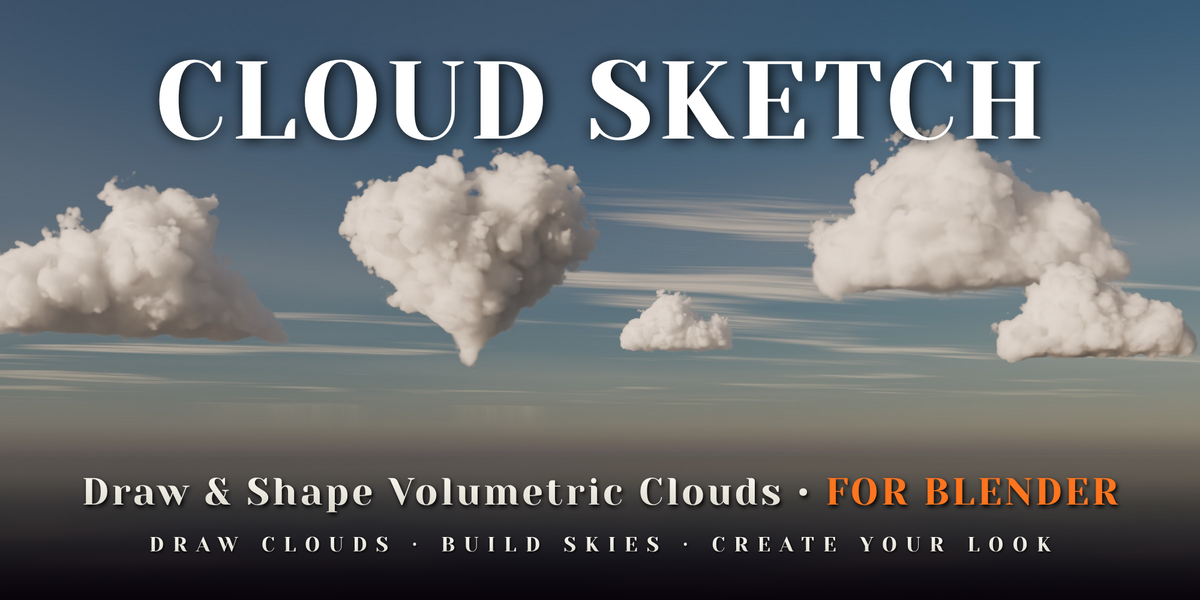
Draw a shape in the 3D viewport and it becomes a volumetric cloud.
Cloud Sketch turns the outline you draw into a volumetric cloud. It can also turn any 3D model into a cloud, add one of 68 library clouds, or fill the whole sky in one click.
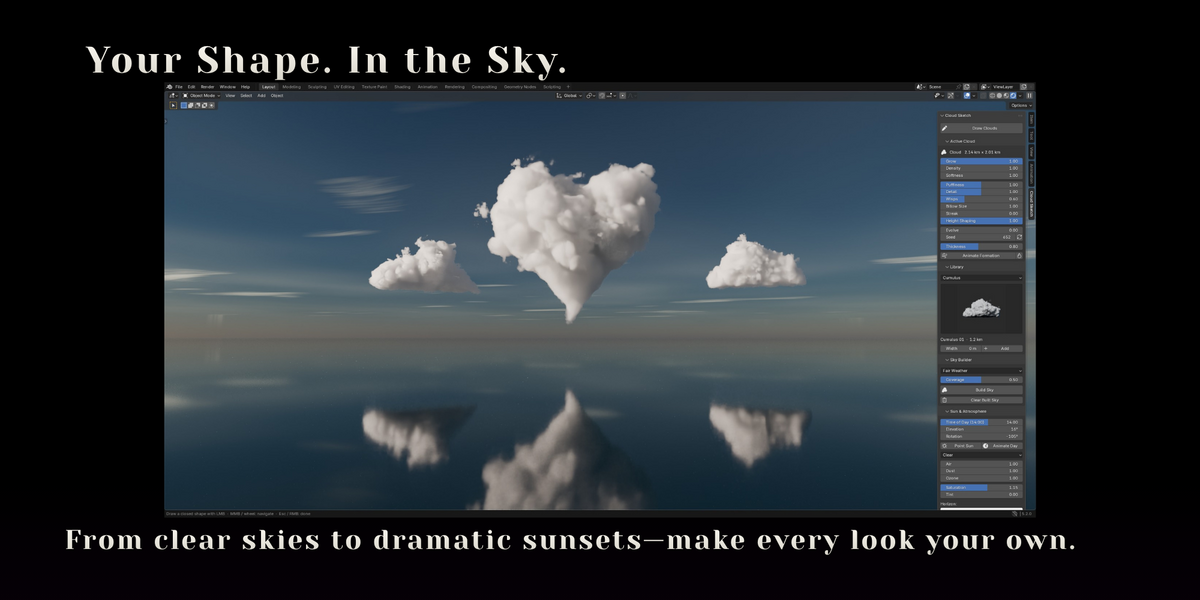
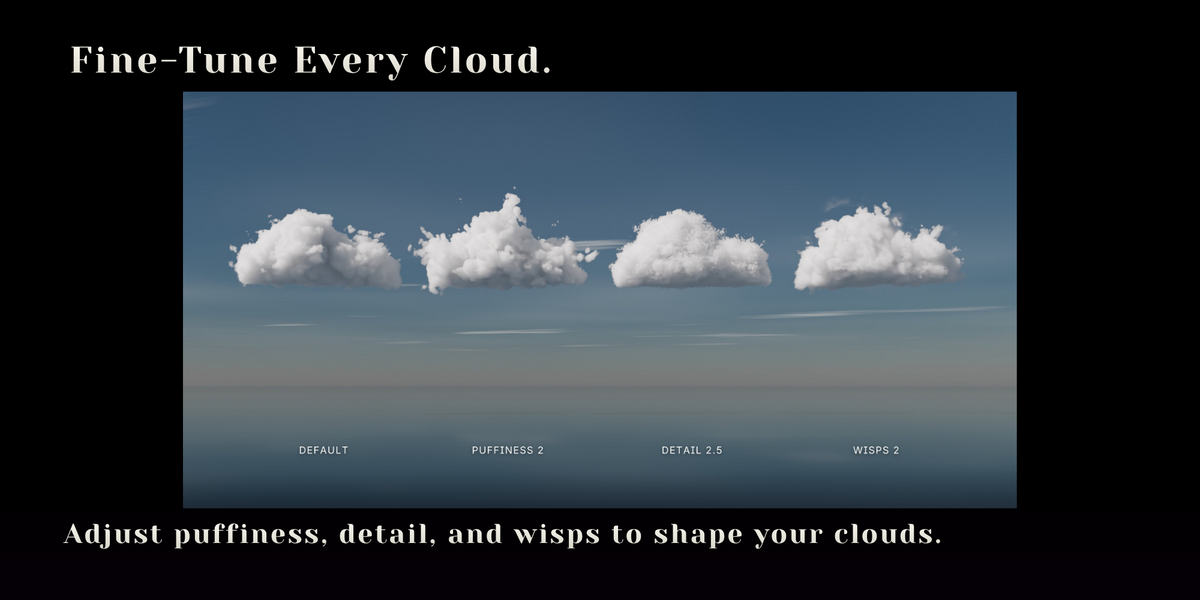
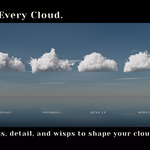
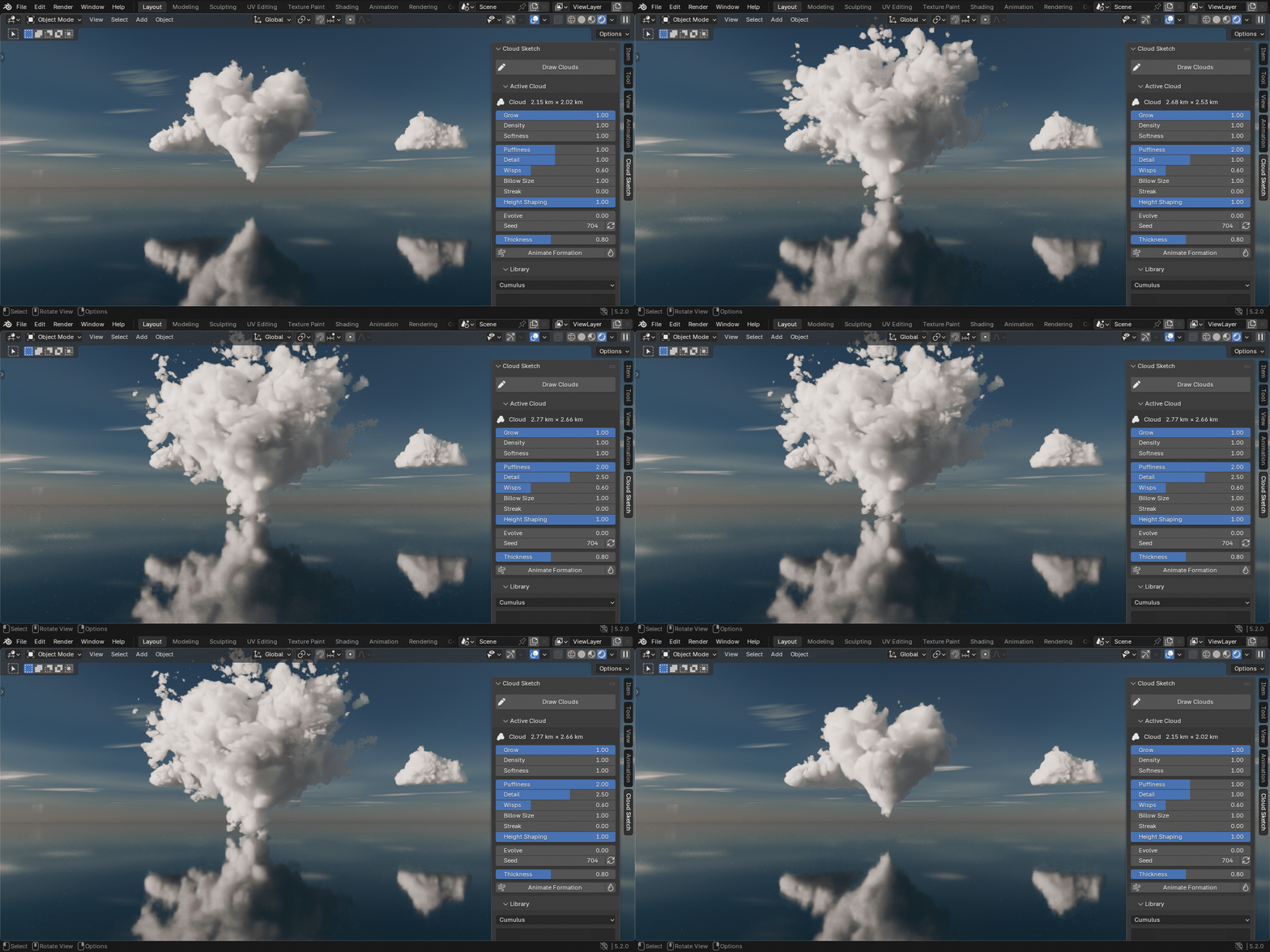
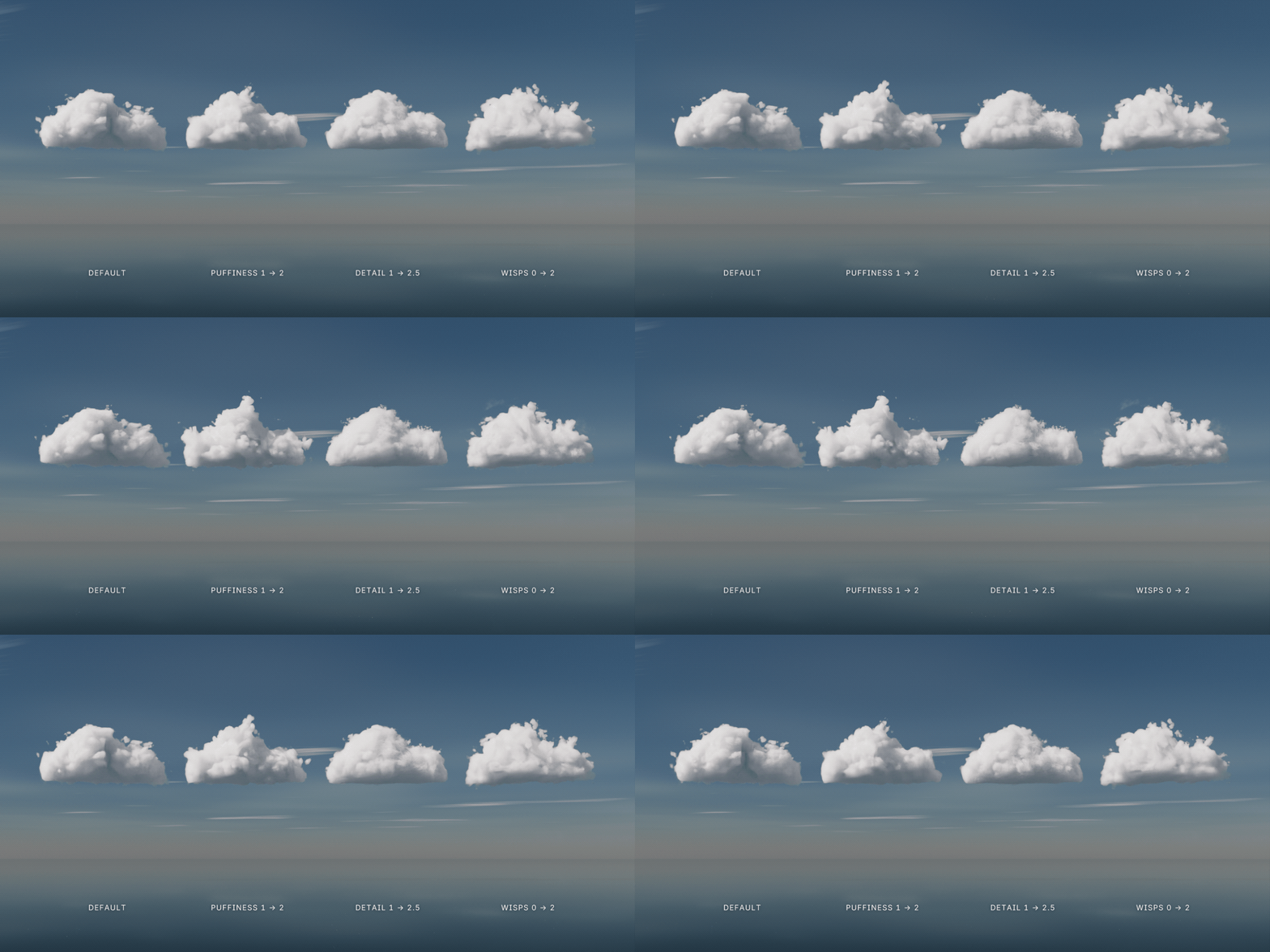
Puffiness, detail, wisps, softness and density update live in the viewport, and every one of them can be keyframed. No baking, no VDBs.
CYCLES & EEVEENO BAKING OR VDBSEVERYTHING KEYFRAMABLELIVE IN THE VIEWPORT
01 — DRAW CLOUDS
If you can draw it, you can render it
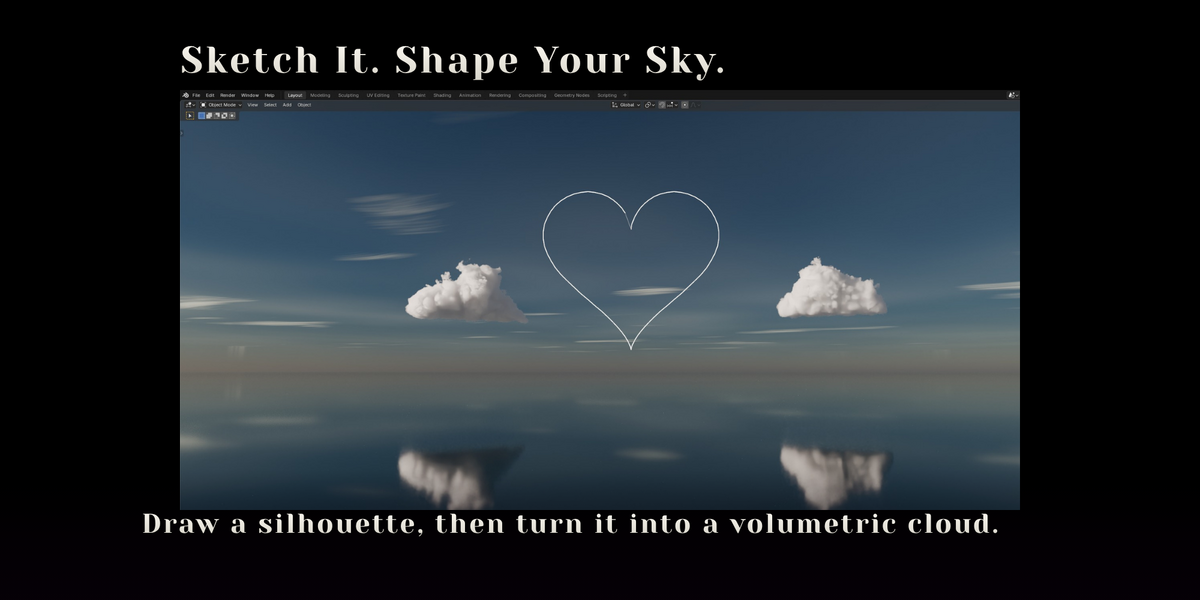
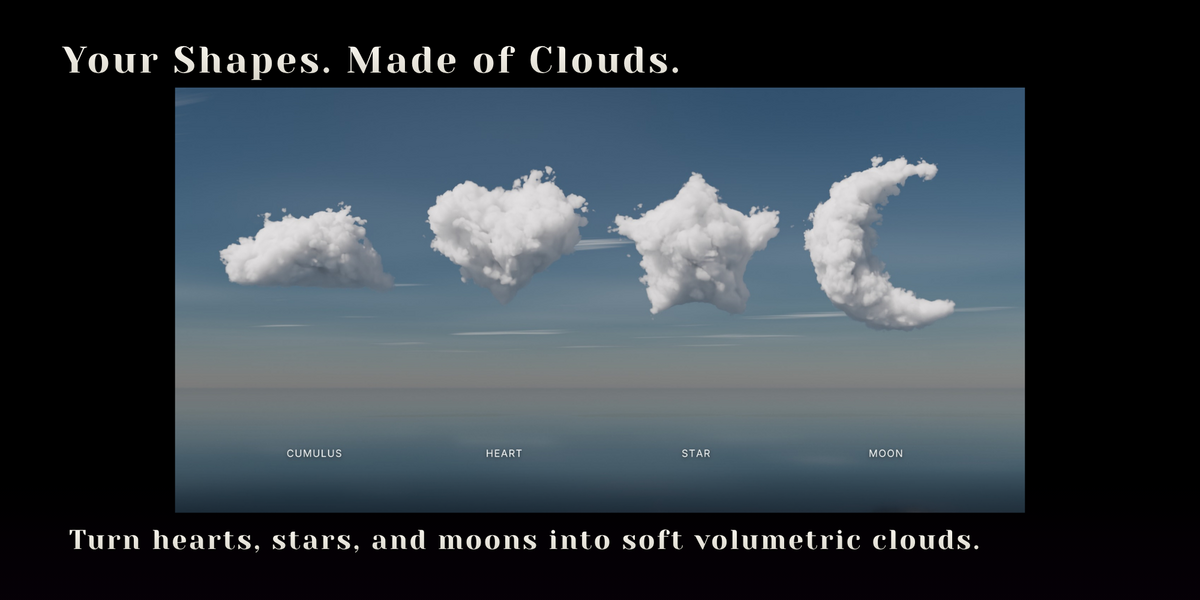
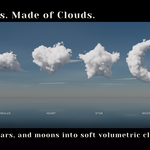
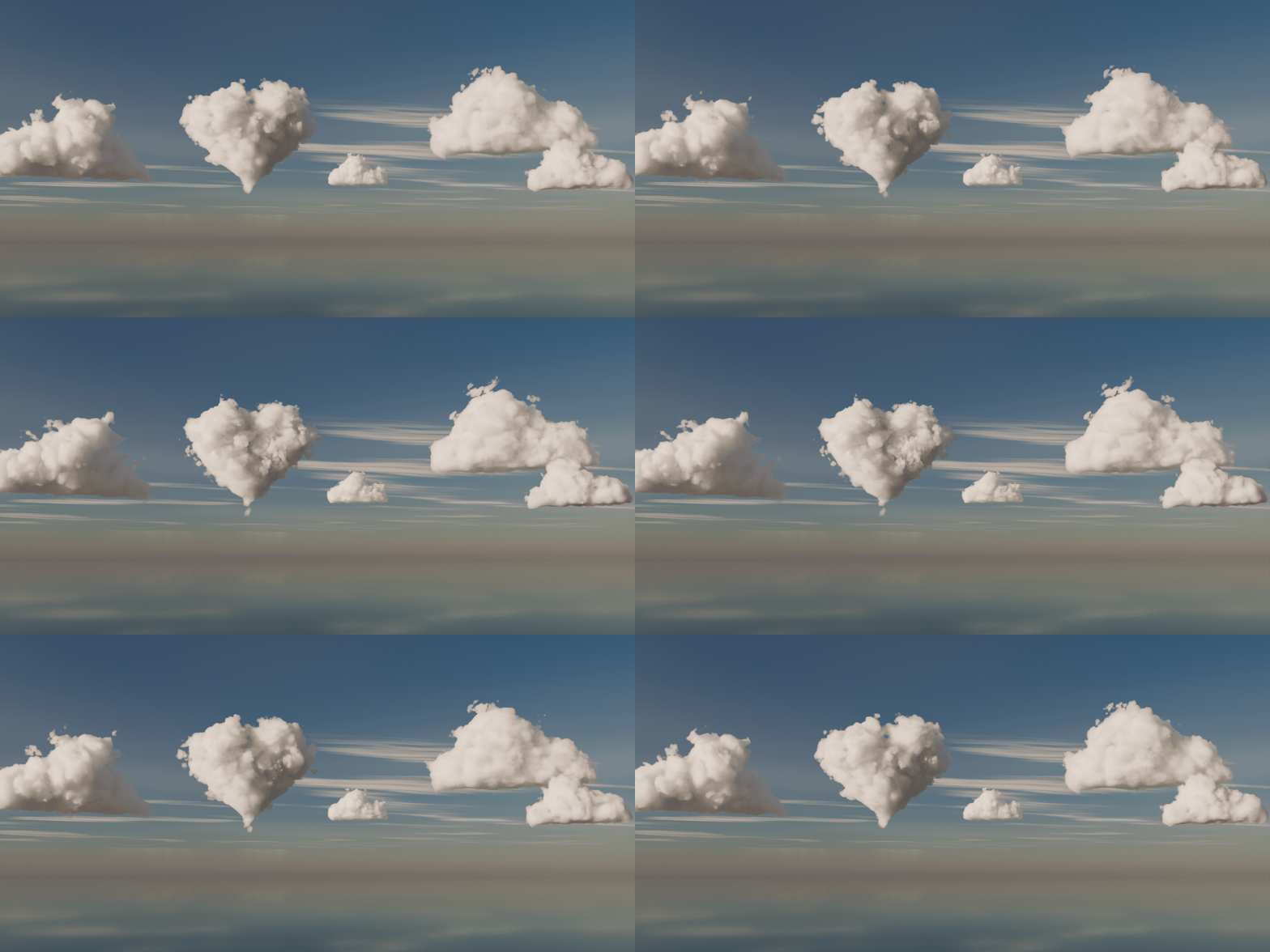
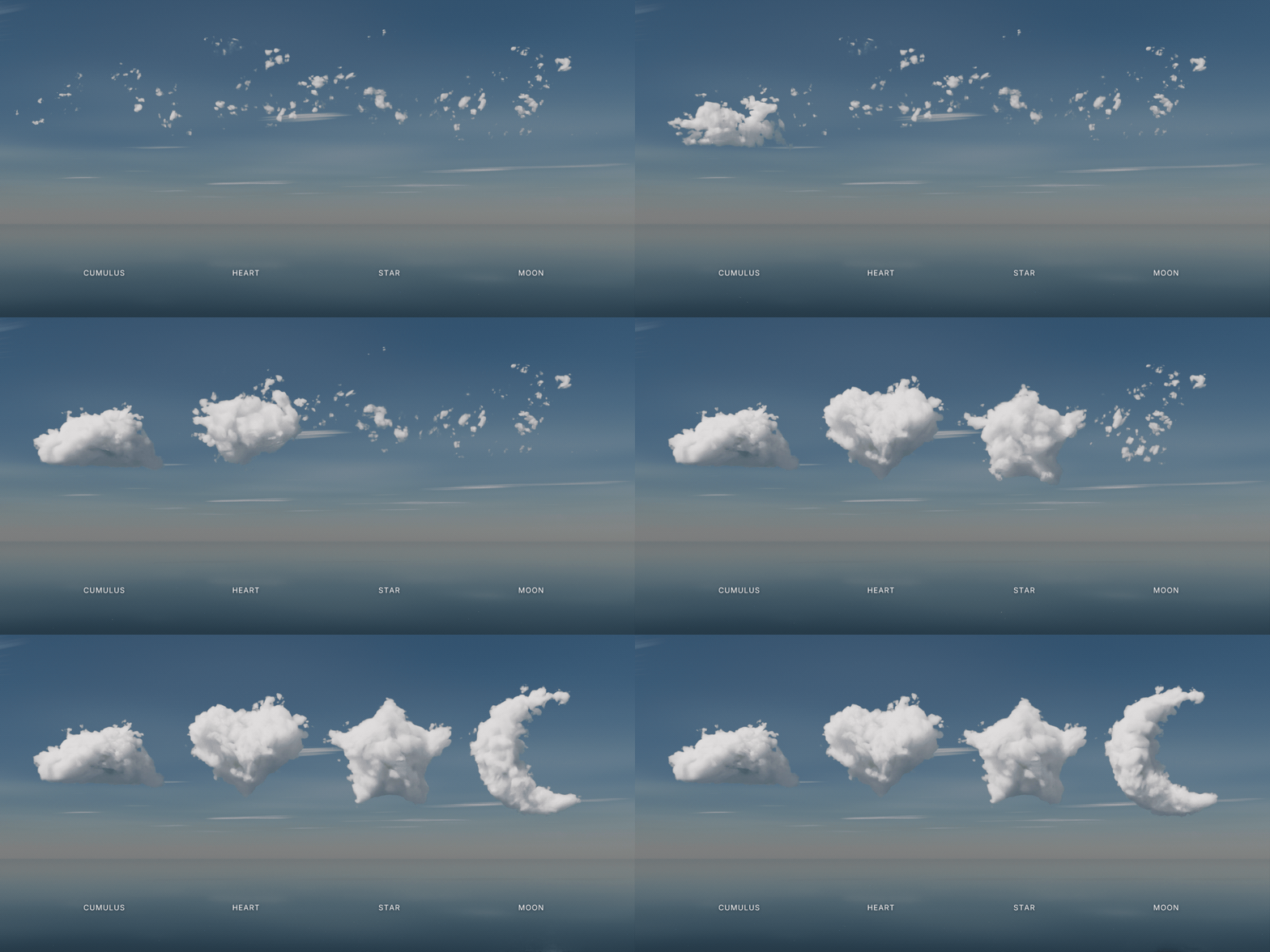
Most cloud tools hand you someone else's shapes. Cloud Sketch lets you draw the silhouette you actually want: a heart for a wedding shot, a rabbit for a children's film, a towering cumulus to frame a mountain.
02 — HOW IT WORKS
Draw, release, tweak
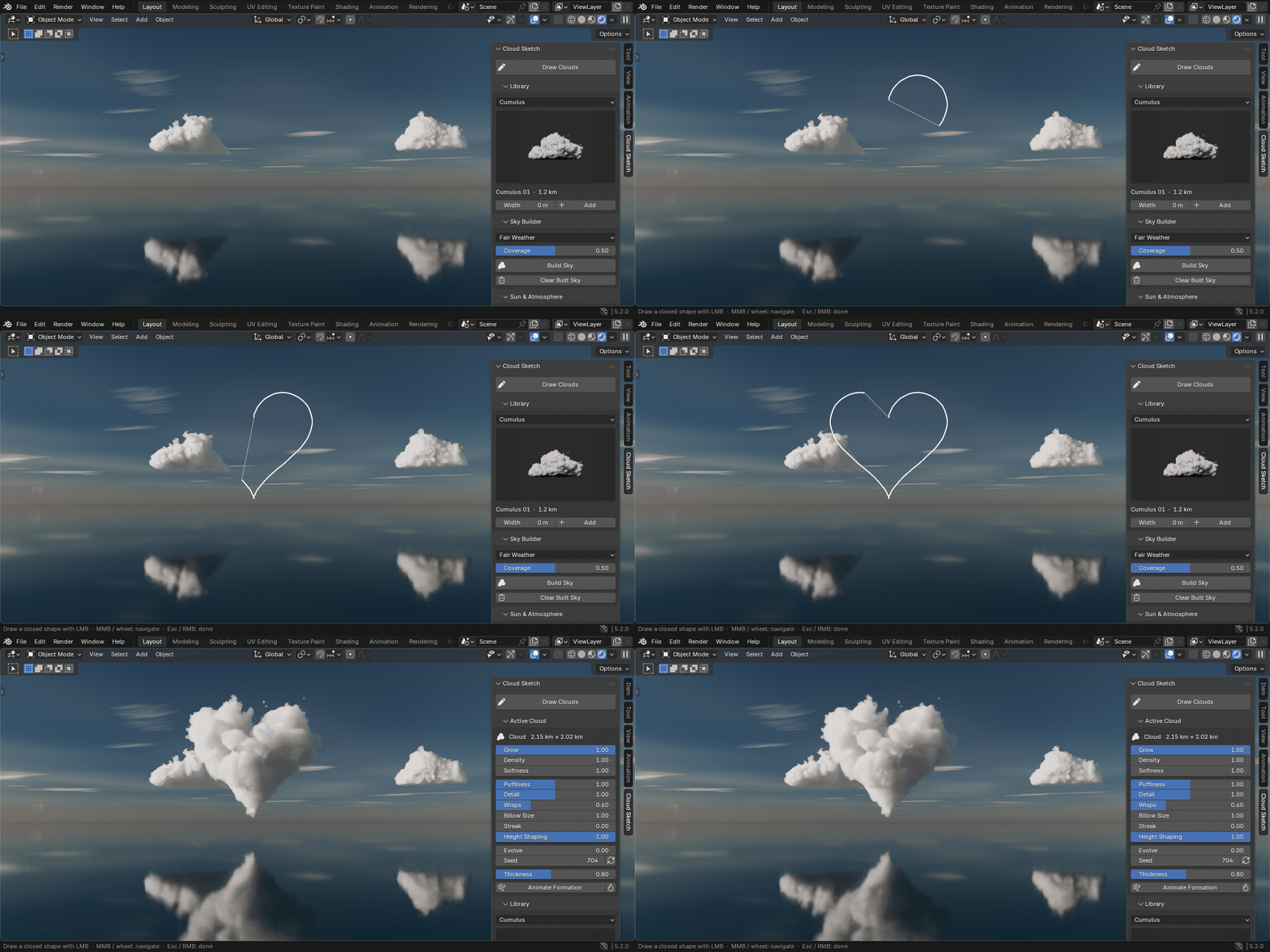
1Draw. Click Draw Clouds and sketch a closed shape over your scene. Orbit or zoom between strokes and keep drawing.
2Release. The outline is inflated into 3D. Wide areas get deep and round, thin parts stay slender, the way real clouds read.
3Tweak. Puffiness, detail, wisps, softness and density update live in the viewport, and every one can be keyframed.
03 — MODEL TO CLOUD
Turn any 3D model into a cloud
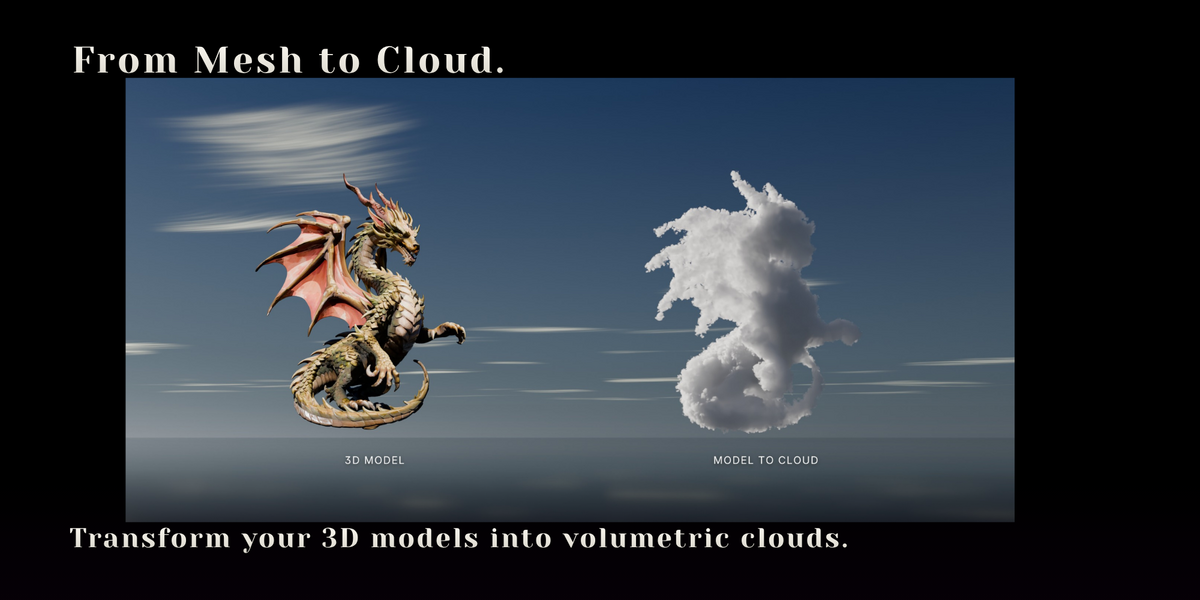
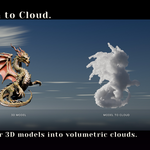
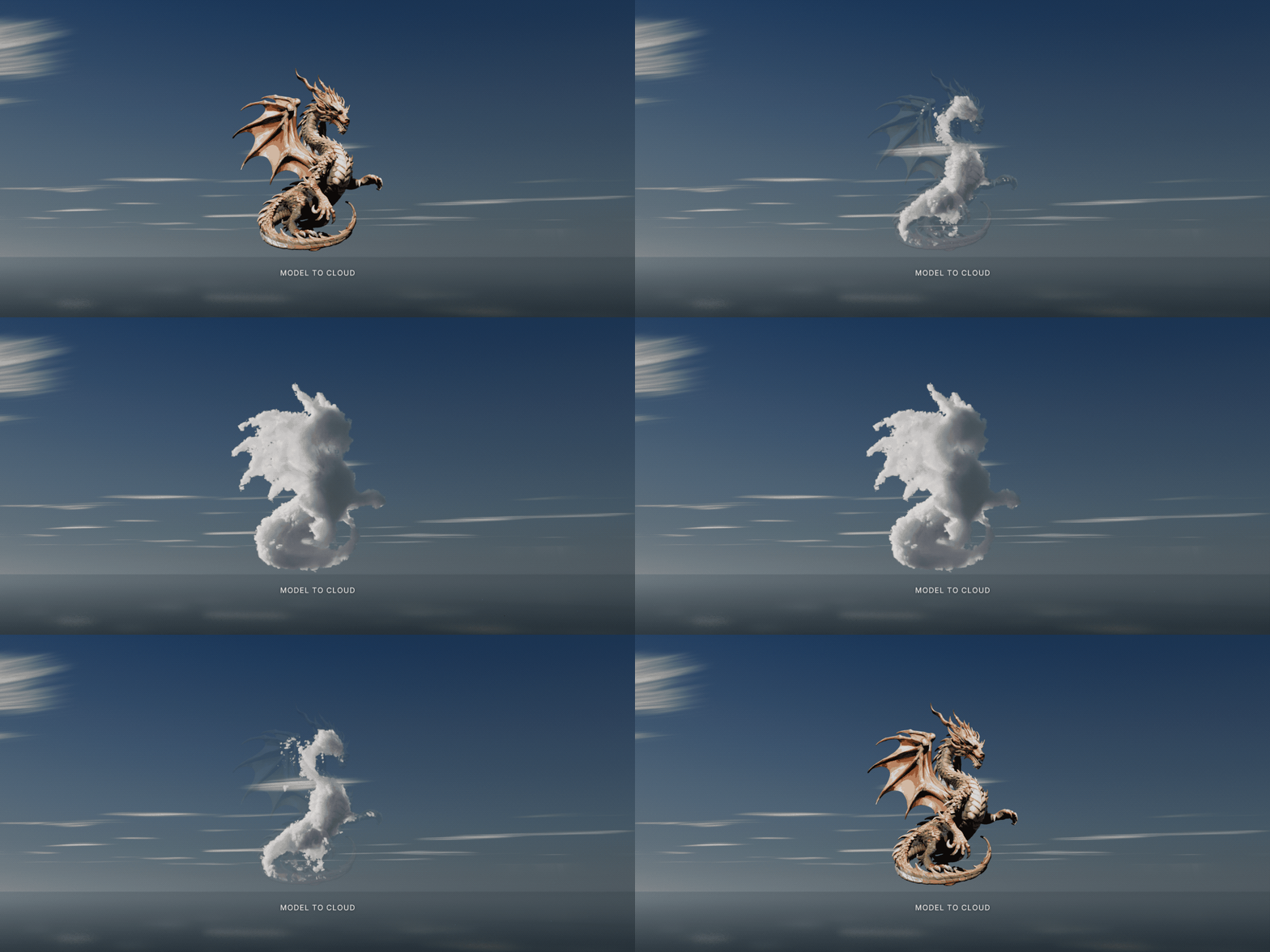
Select meshes, text objects or curves and click Model to Cloud. Each model is hidden and a cloud of its shape takes its place.
Stays linked. The cloud follows the model when you edit, pose or animate it. Swell keeps thin parts from breaking up, and Resolution keeps small parts from going missing.
Works for logos and lettering, characters, creatures and props.
04 — SKY BUILDER
Fill the whole sky in one click
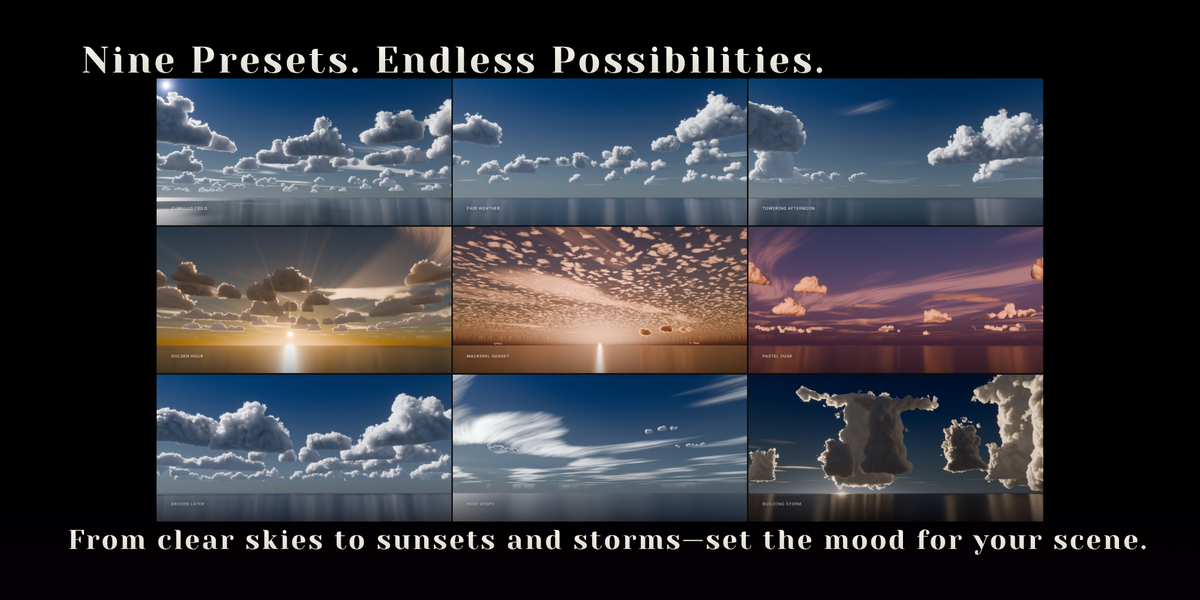
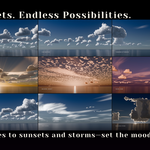
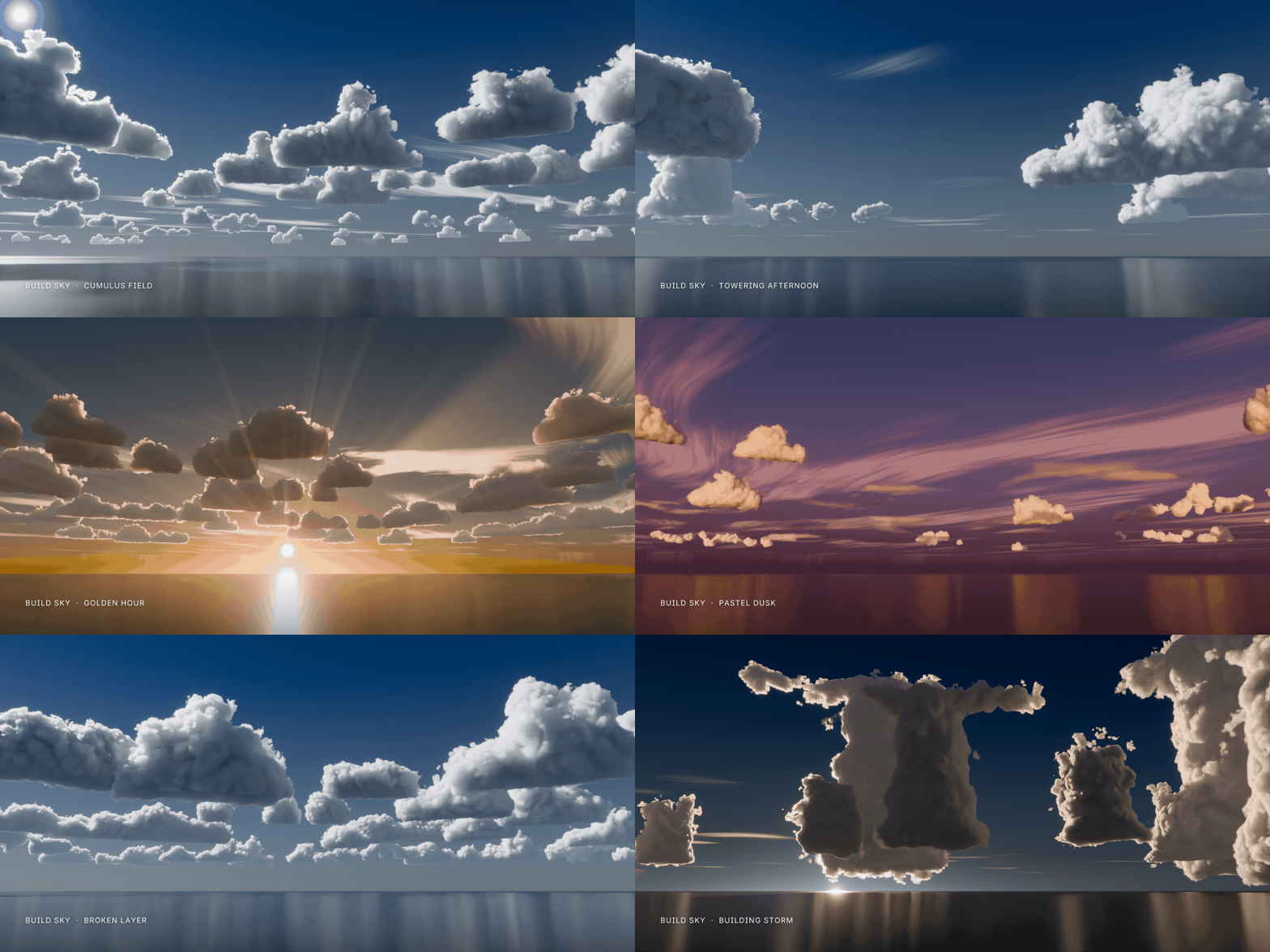
Pick a weather, set Coverage and click Build Sky. Clouds, sun, atmosphere and haze are set up around your active camera.
Nine weather presets - Fair Weather, Cumulus Field, Towering Afternoon, Golden Hour, Mackerel Sunset, Pastel Dusk, Broken Layer, High Wisps and Building Storm.
05 — CLOUD LIBRARY
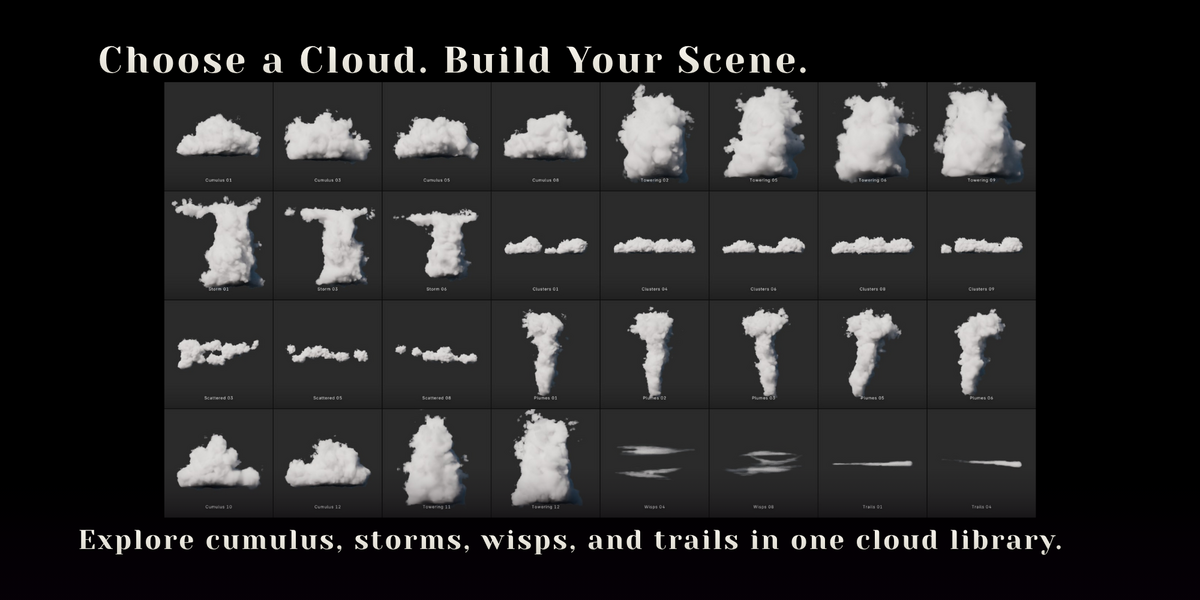
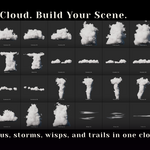
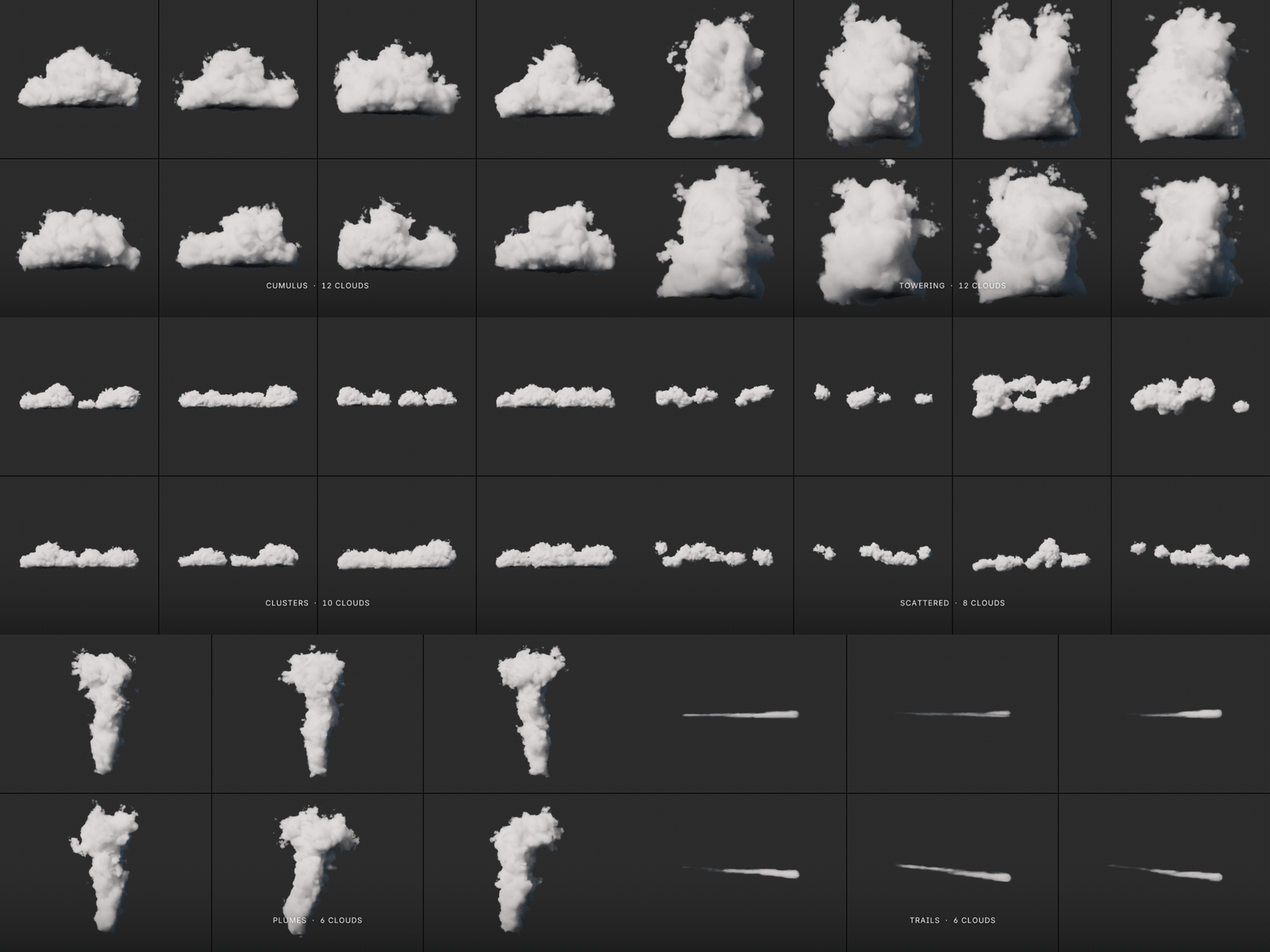
68 ready-made clouds
Choose a category, click a preview and press Add. The cloud appears at the 3D cursor, facing the view, at a real-world size you can change.
◆12 Cumulus◆12 Towering◆10 Clusters◆8 Scattered◆8 Wisps◆6 Storm◆6 Plumes◆6 Trails
06 — ANY SHAPE
Your silhouette, kept
Concave, spiky or round, the cloud keeps the outline you drew. Shapes are inflated with a Poisson solve instead of a flat extrusion, so a circle becomes a sphere and a long limb becomes a tube.
07 — LIVE CONTROLS
Art-direct every cloud
The shader reads each value straight away, so nothing needs rebaking.
Shape
Puffiness, Detail, Wisps, Billow Size, Streak, Height Shaping.
Look
Density, Softness, Seed.
Motion
Grow and Evolve, keyframable like everything else.
08 — ANIMATION
Clouds that form, boil and drift
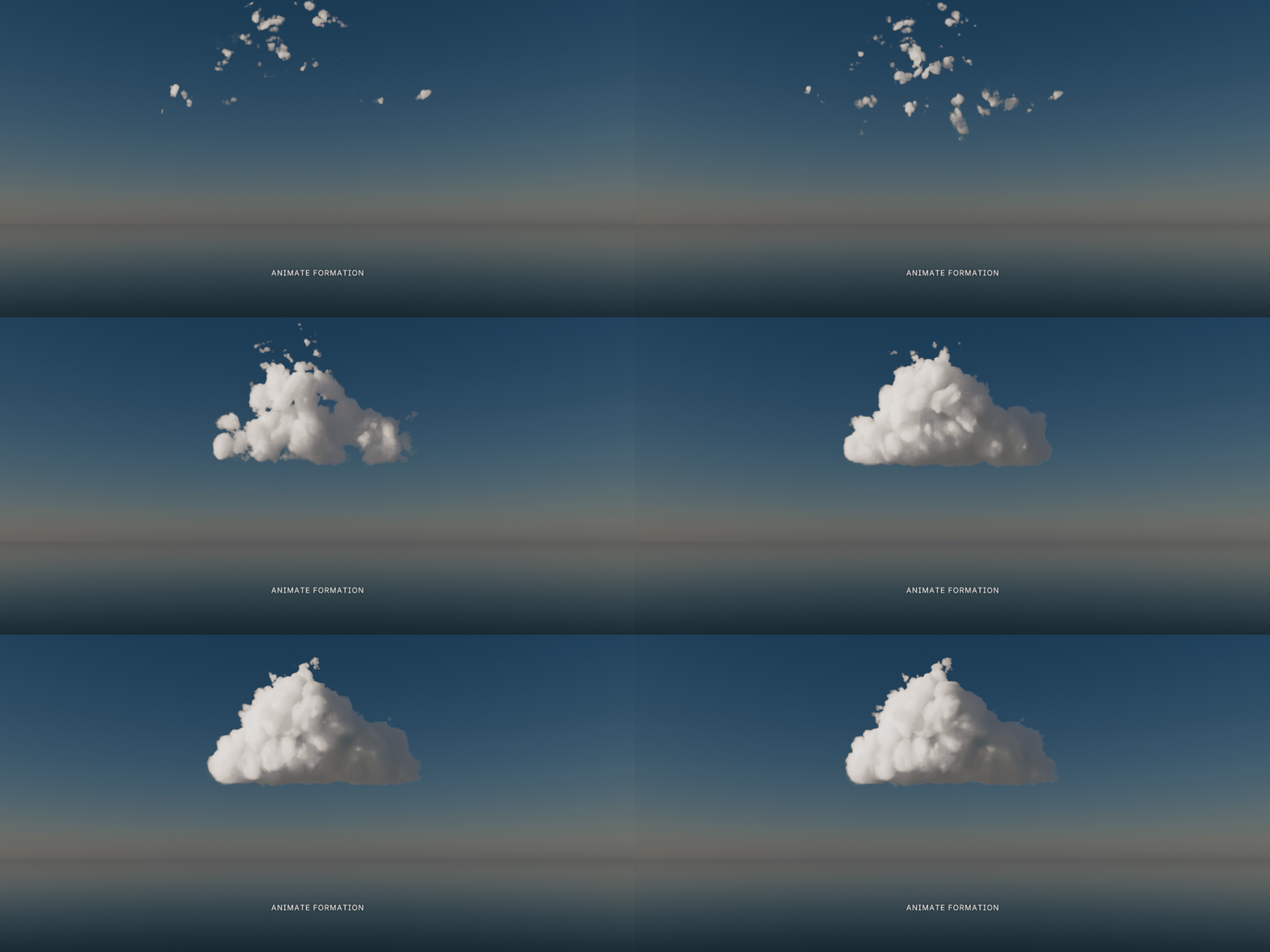
◆Animate Formation
Keyframes selected clouds growing out of thin air, with an optional stagger.
◆Evolve
Makes the billows slowly boil.
◆Drift
Slides the high cloud layers with the wind.
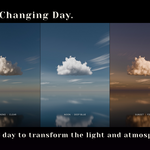
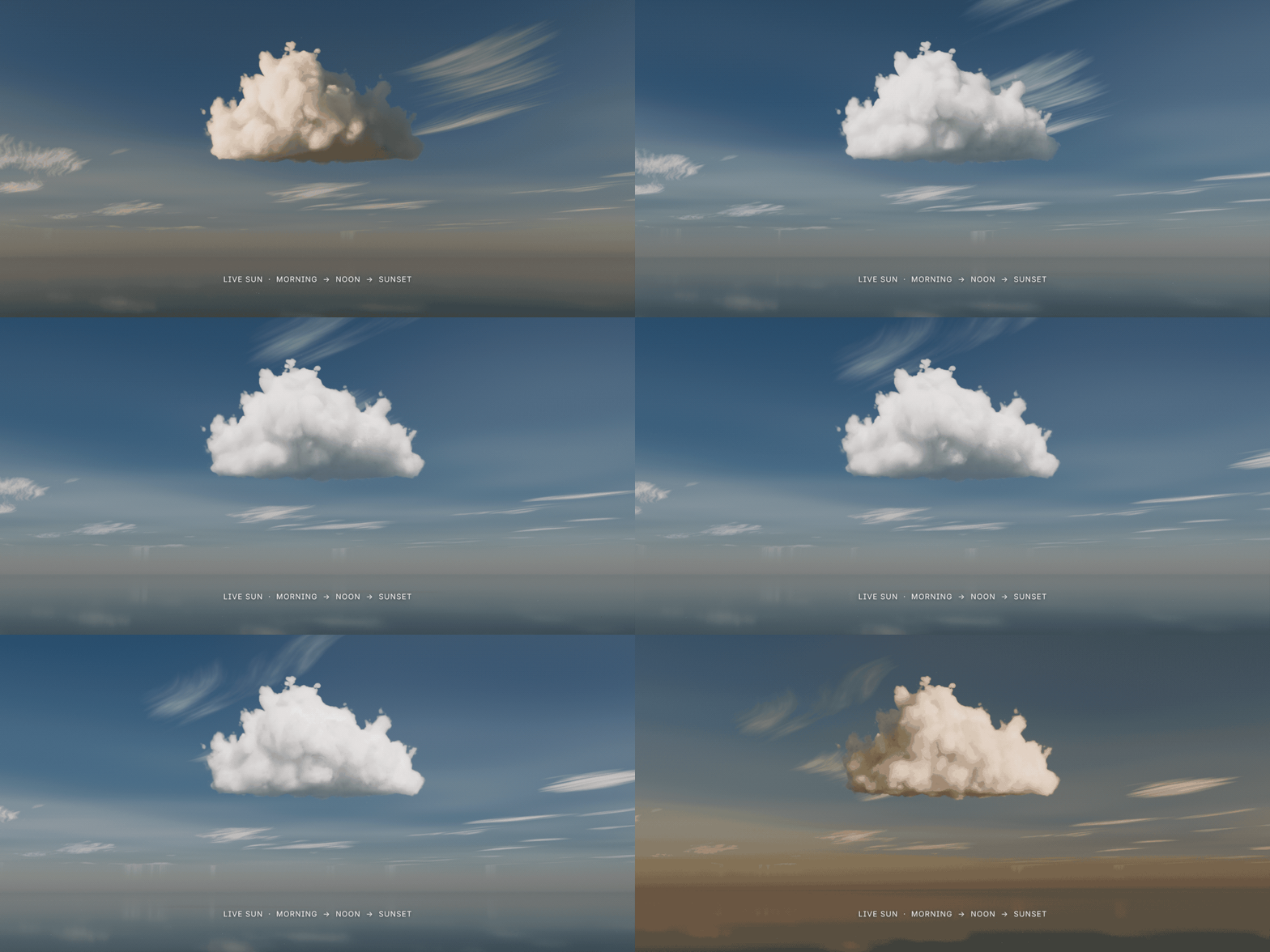
◆Animate Day
Moves the sun from sunrise to sunset over the frame range.
09 — SUN & ATMOSPHERE
Light the sky live
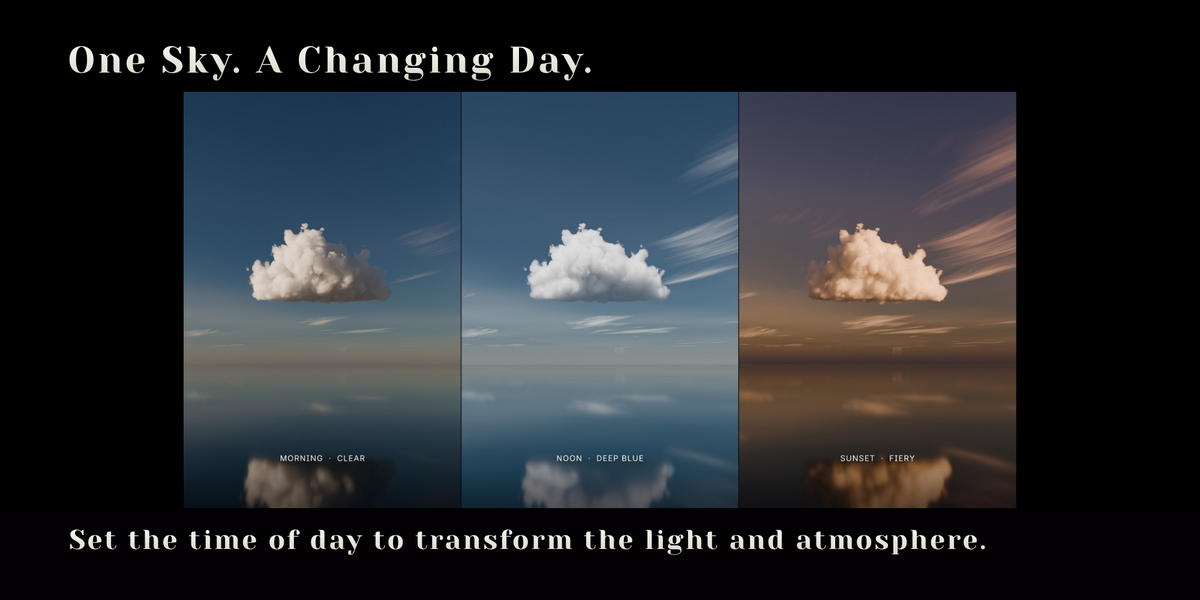
Everything updates live in the Rendered viewport. Your own HDRI and lights work too.
Time of Day
Moves the sun along its daily path.
Point Sun
Click it and the sun follows your mouse.
Atmosphere presets
Clear, Deep Blue, Hazy, Fiery and Pastel, with Air, Dust, Ozone and colour tint controls.
High Clouds
Fibrous cirrus and small cloudlets high above the rest.
Haze
Fades distant clouds into the horizon, with an automatic colour.
10 — BUILT FOR PRODUCTION
Light on your scene
◆Fast to render
Each cloud sits in a tight bounding mesh, so Cycles only marches where the cloud can be.
◆Nothing to cache
No VDB files or bakes to keep track of. The shader calculates everything at render time.
◆Any scale
Draw a 5 m cloud for a tabletop shot or a 2 km one for a landscape. Density adapts to the size.
◆Readable in Solid mode
Each cloud shows as a soft white pillow, so you can lay out a sky without rendering.
◆Cycles and EEVEE
Cycles gives the softest light; EEVEE works for previews and stylised shots.
◆One-click setup
Set Up Sky adds a physical sky and sun, and sets volume bounces and EEVEE volume quality for you.
11 — INSTALL
Install from disk
1In Blender, go to Edit > Preferences > Get Extensions > Install from Disk and pick cloud_sketch-0.3.0.zip. No need to unzip it.
2Press N in the 3D viewport and open the Cloud Sketch tab.
12 — DETAILS
What you get
Included
◆cloud_sketch-0.3.0.zip - the extension, with the cloud library
◆Cloud_Sketch_0.3.0_Demo_and_Docs.zip - the scene from the featured image (packed and ready to render), a quick-start guide and the license
Requirements
◆Blender 5.0 or newer (tested on 5.0, 5.1 and 5.2 LTS)
◆Cycles is recommended for final renders
◆A GPU (OptiX, CUDA, HIP or Metal) makes volumes much faster
 Voyde Procedural
 VOYDE.PROCEDURALVOYDEPROCEDURAL.COM / ALL PRODUCTS / X / INSTAGRAM