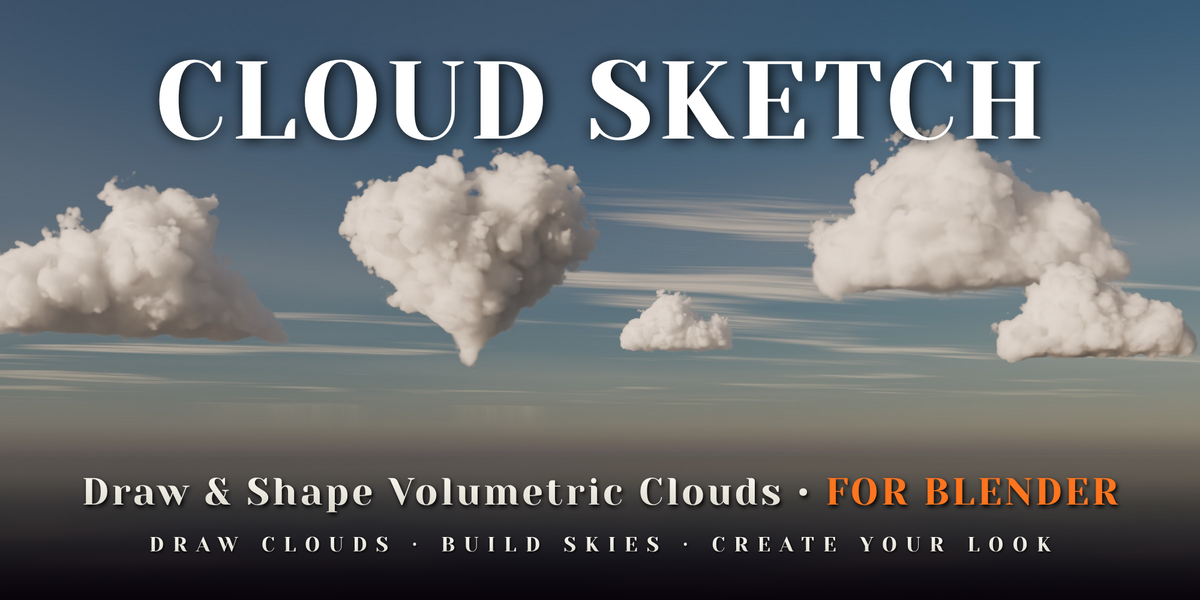
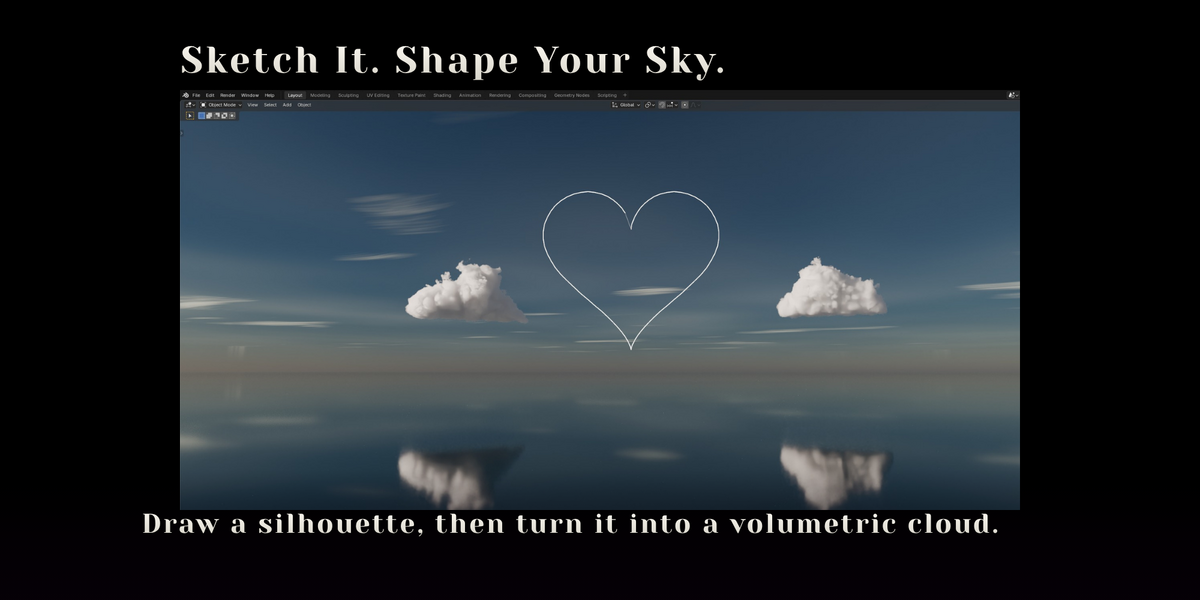
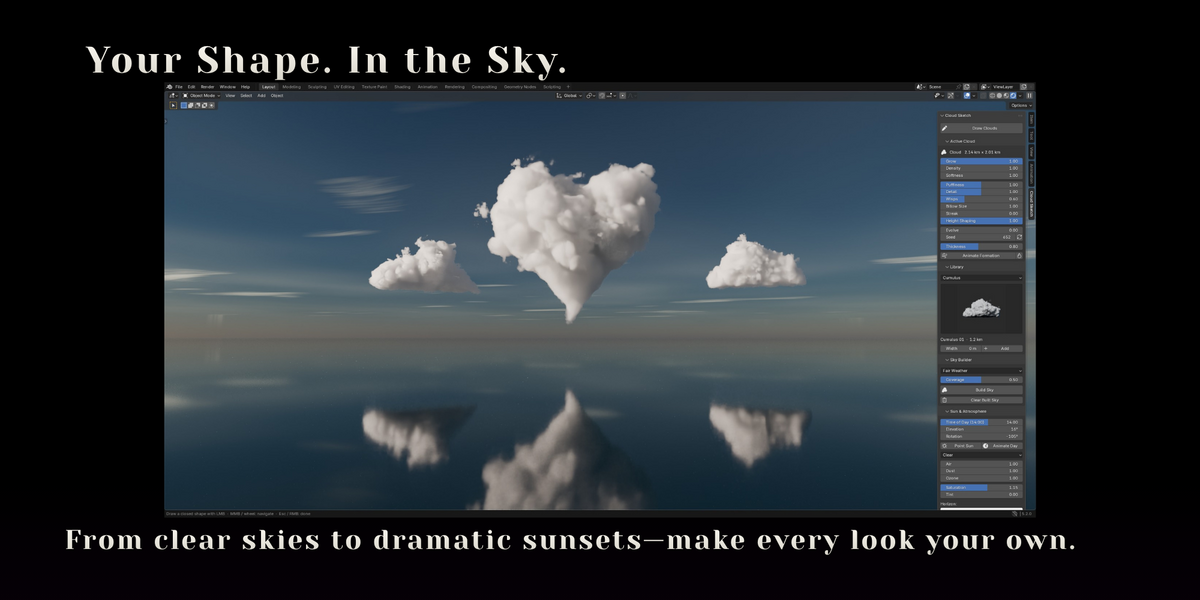
Cloud Sketch — Draw Volumetric Clouds in Blender
 Voyde Procedural
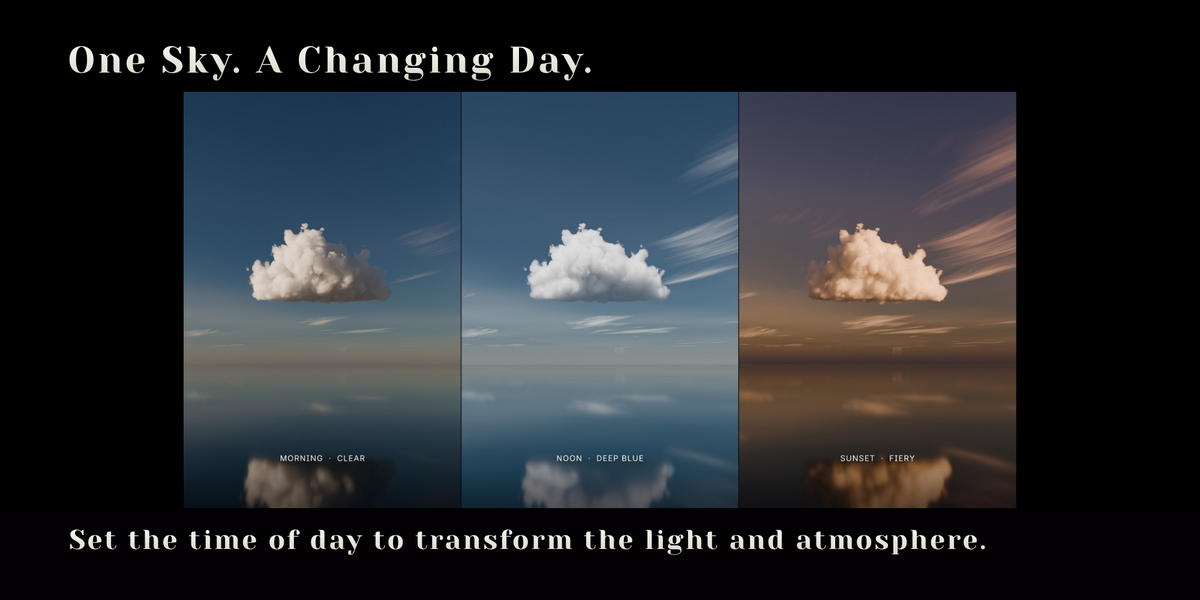

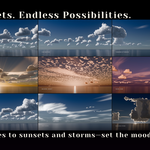
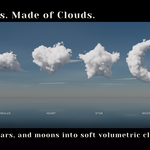
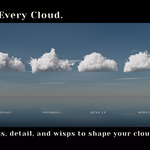
Yes. Clouds render in EEVEE and Material Preview, but EEVEE's volume grid makes them softer and blurrier than in Cycles. Cycles is recommended for final images.
No. A cloud's shape is a small image packed into the .blend, and everything else is calculated by the shader at render time.
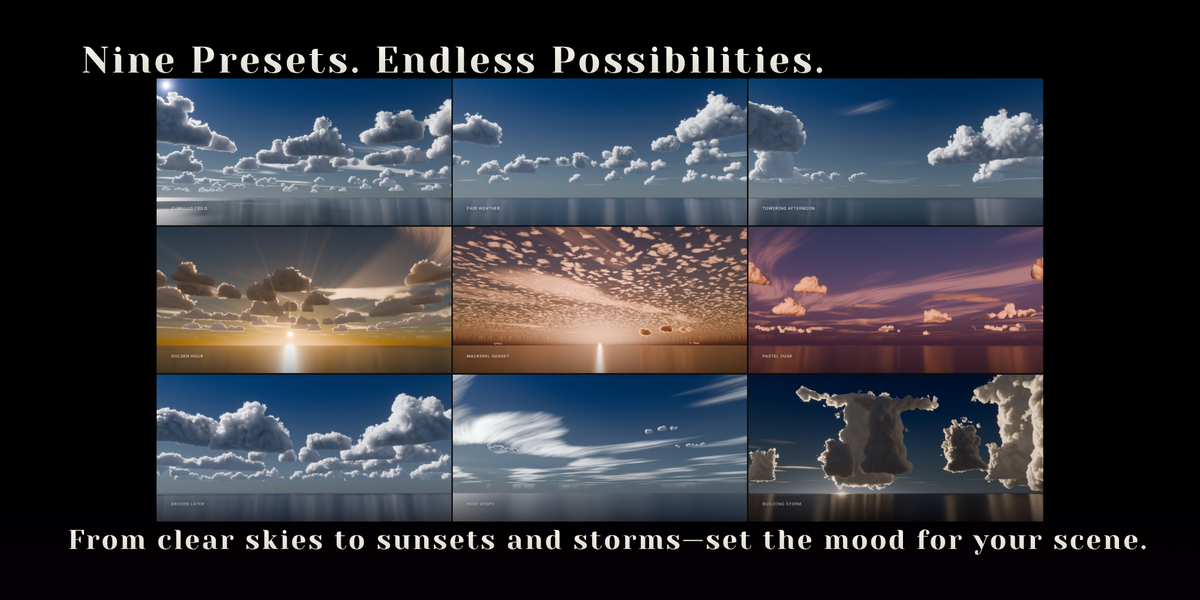
On an RTX 4060 with OptiX and 32 volume bounces, a 52-cloud Cumulus Field renders at 1280×720 with 48 samples in about 3 minutes, and the demo scene (six clouds) at 960×540 with 128 samples in about 3½ minutes. With the denoiser, 48 to 64 samples is usually enough. Building Storm, with its dense towers, is the slowest weather to render; Mackerel Sunset, mostly drawn on the sky, is one of the fastest. Volumes are much slower on CPU. Building a cloud, or a whole sky with Sky Builder, takes a few seconds.
Yes. Clouds react to any lighting. Set Up Sky and Sky Builder's sky are only a convenient starting point; untick Set Up Sky and Sun in Build Sky's operator panel to keep your own world.
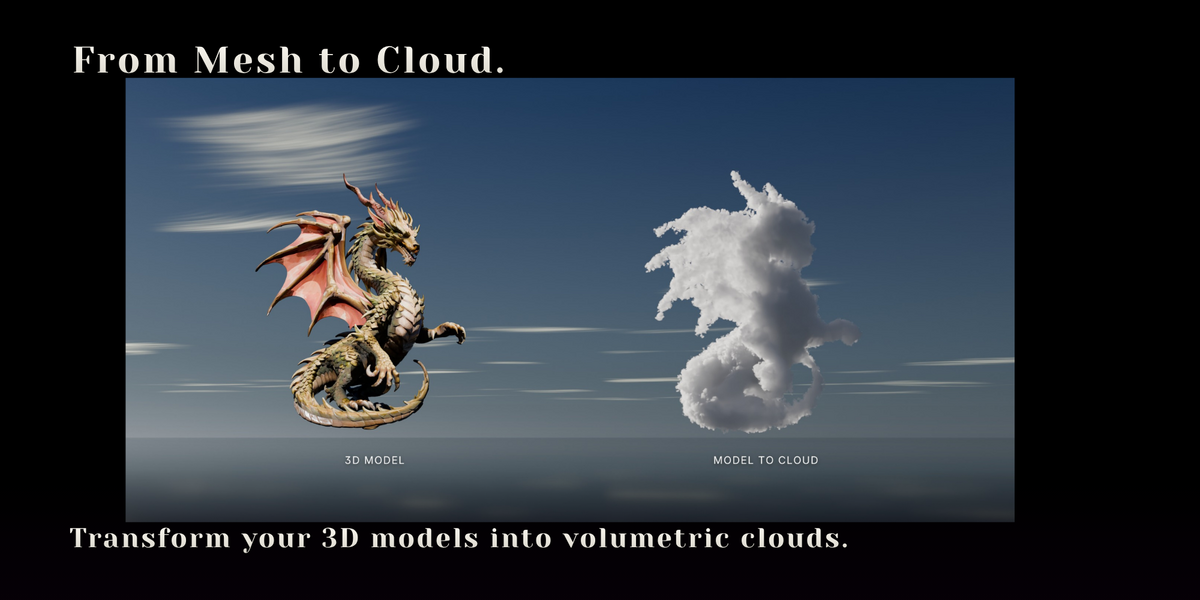
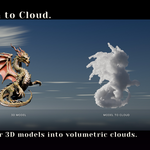
Yes. Select it and click Model to Cloud. Meshes, text and curves work, including imported models that are not watertight. The original is hidden and the cloud follows it: move, pose or animate the model and the cloud updates. Text makes a word written in clouds.
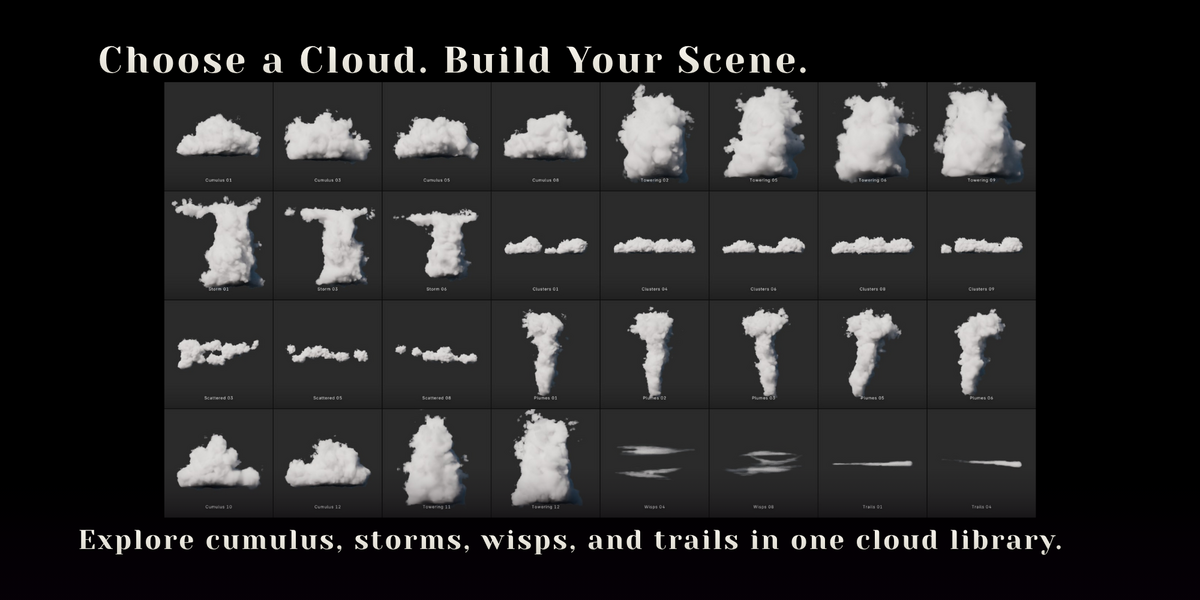
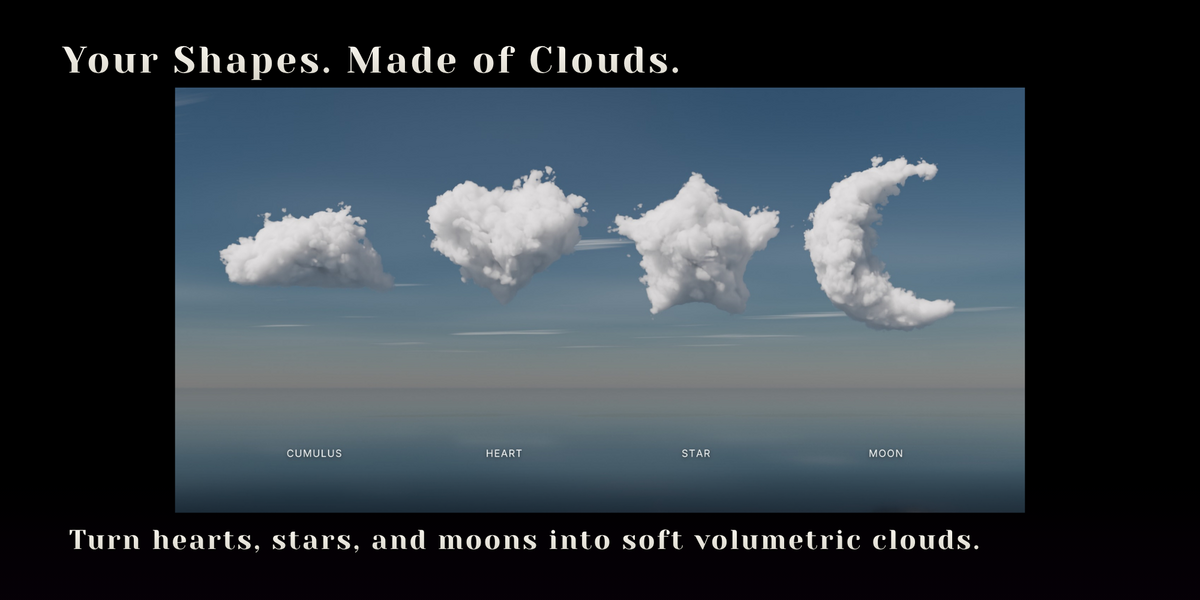
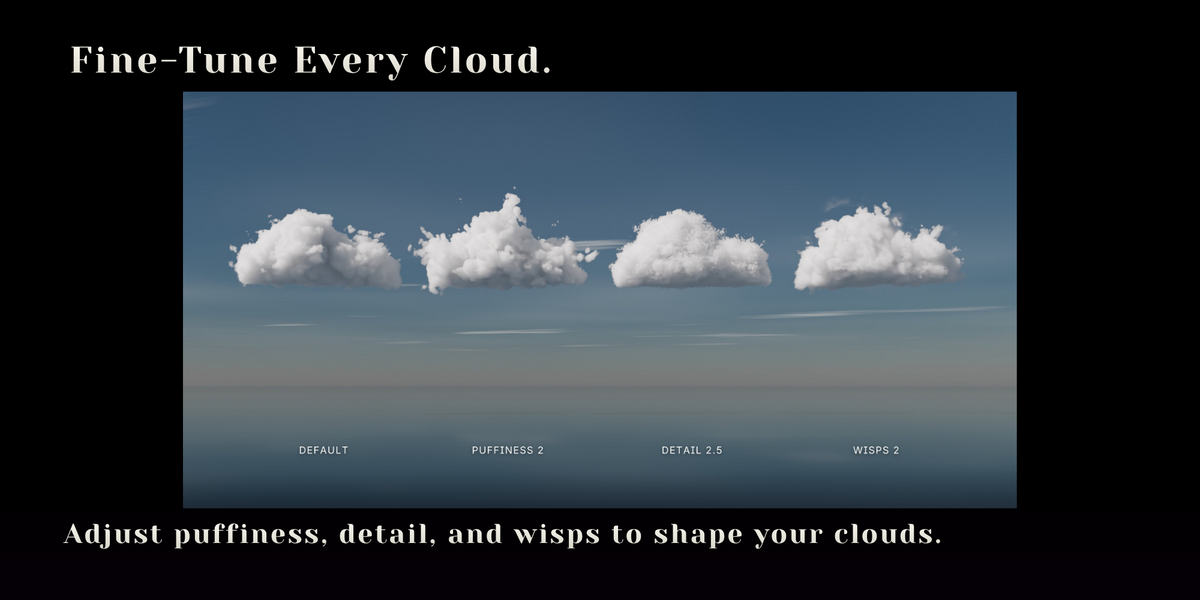
No. Each one is a recipe: a shape plus its settings, rebuilt when you add it. That keeps the download small and lets you change every cloud like one you drew.
That is Solid mode, which shows each cloud's bounding pillow. Switch to Material Preview or Rendered to see the volume.
Shapes that are very small on screen are ignored. Draw larger, or zoom in before drawing.
Sky Builder fills the active camera's view. Without a camera it places clouds all around the 3D cursor instead; add a camera and build again for a framed sky.
Any. Density adapts to each cloud's size, so a 10 m cloud and a 2 km cloud look alike. Sky Builder assumes metres; use its Scale option for other units.
Blender 5.0 and newer. It was tested on 5.0, 5.1 and 5.2 LTS.
Send me a message on Superhive or email [email protected]. I usually reply within two business days.
Have questions about this product?
Login to message
| Blender Extension Compatible | Yes |
| Published | 6 days ago |
| Blender Version | 5.0 - 5.2 |
| Extension Type | Add-on |
| Render Engine Used | Cycles, Eevee |
| License | GPL |
Discover more products like this
sky builder procedural weather clouds environment cumulus model to cloud sky cloud library Cycles volumetric-clouds eevee