 Mark Kingsnorth



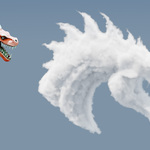
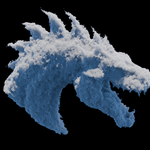
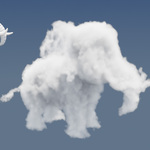
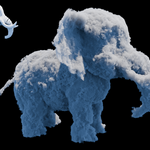
Blender 5+ only!
What is Cloudify?
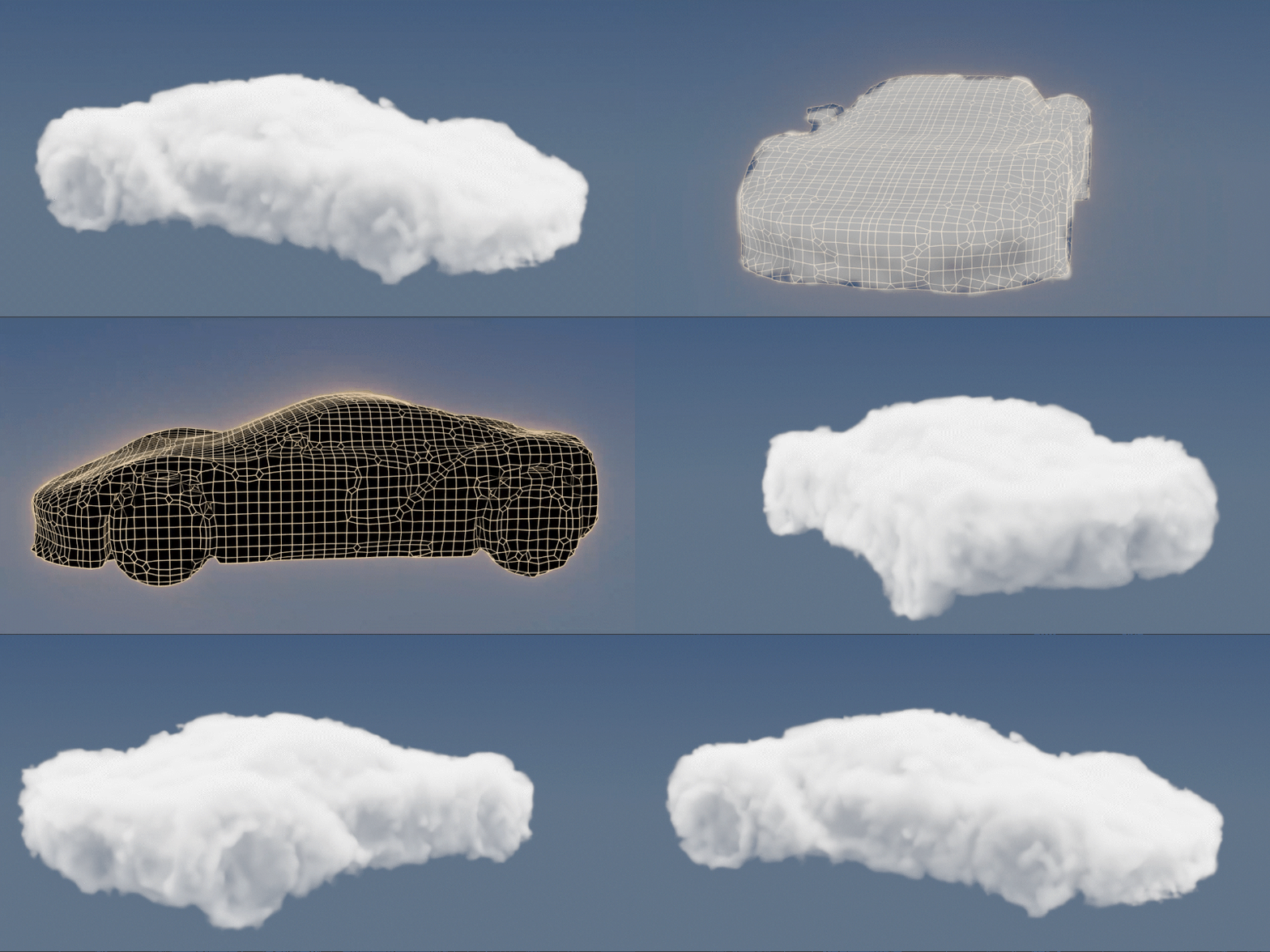
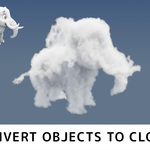
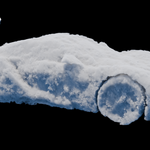
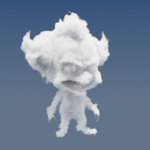
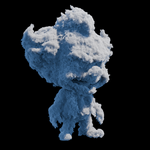
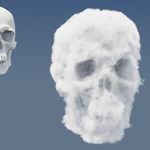
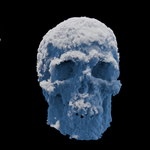
Cloudify gives you direct, hands-on control over volumetric clouds in Blender 5 using your own mesh shapes as the foundation.
Sculpt or model the form you want, and Cloudify converts it into a fully volumetric cloud. The shape is yours from the start.
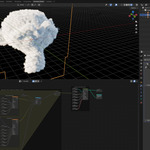
Built as a non-destructive modifier using Geometry Nodes, Cloudify can fit naturally into your existing workflow. Combine it with Subdivision, Displace, Remesh, and more, and adjust voxel density and noise displacement to dial in the detail. It's also a transparent, fully editable setup, making it a practical resource for anyone wanting to understand how Blender 5's volumetric tools work under the hood.
🎥 Watch the Overview Video
📘 Read the Documentation
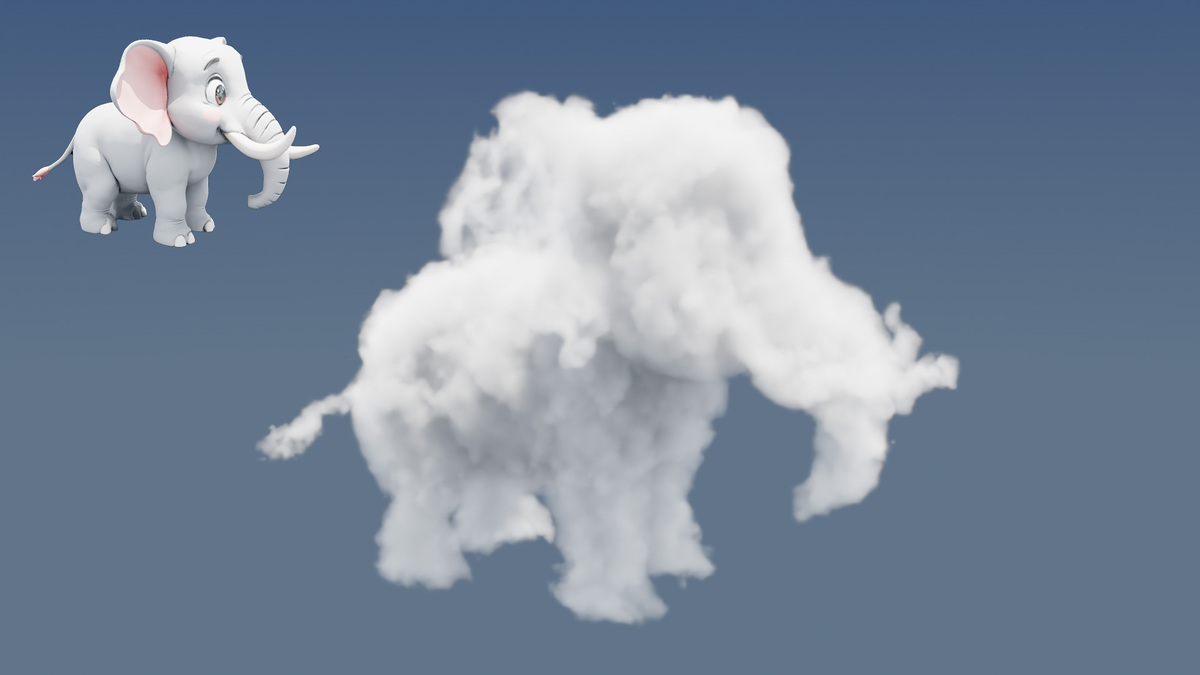
See this great video as recommended by CG Vortex:
Features
Mesh-driven volume: Your mesh defines the cloud shape giving you control.
Non-destructive modifier: Slots into your modifier stack alongside Subdivision, Displace, Remesh, and others.
Fully editable nodes: Tweak voxel size and noise functions, or customise the node tree entirely for your own variations.
VDB Export: Bake and export your volume as a VDB for use in other applications.
Learning resource: A transparent, well-structured setup for anyone exploring Blender's next-generation volumetric capabilities.
Watch the Tutorial
Read the Documentation
Available at https://cloudify.readthedocs.io/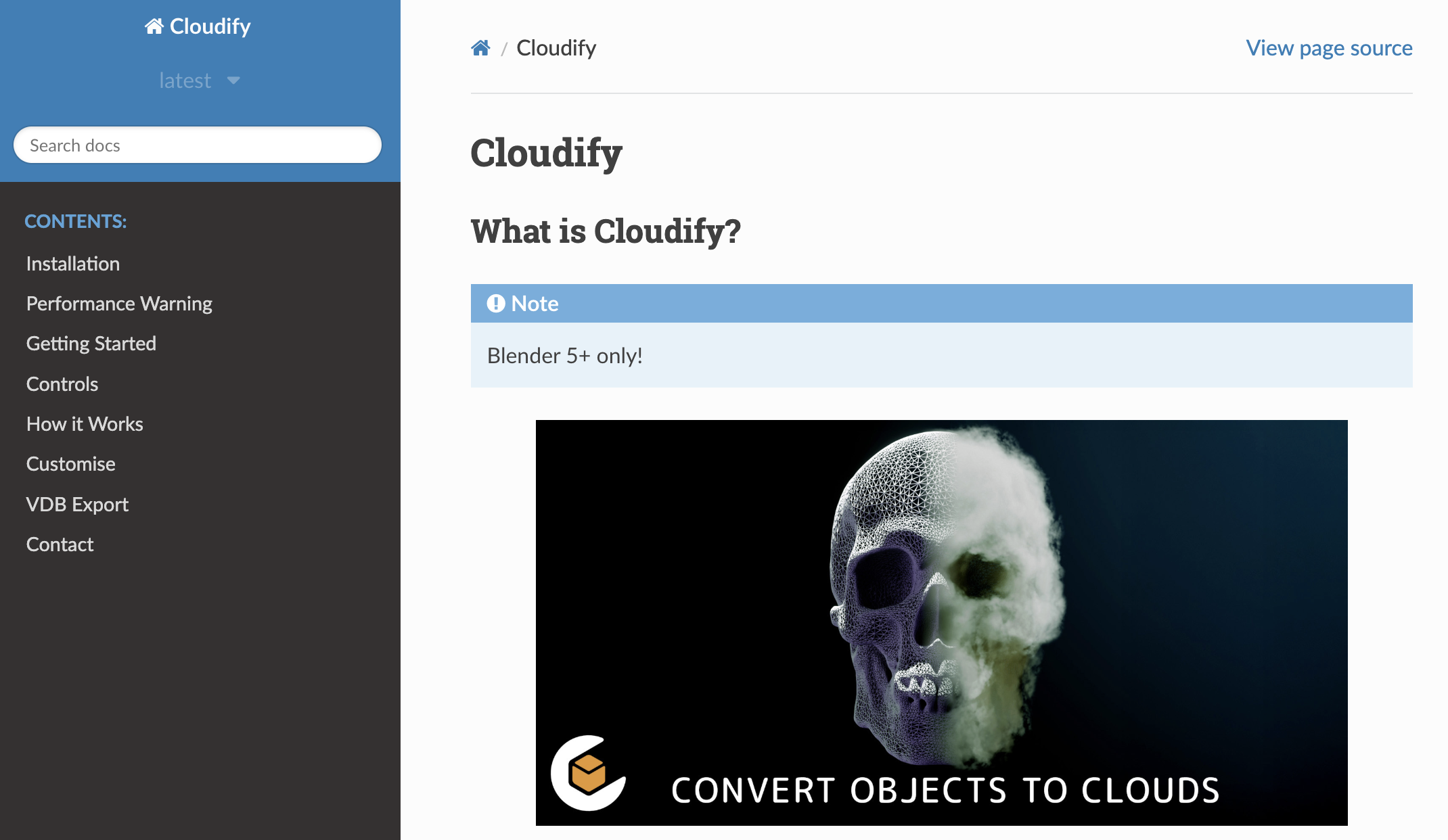
How it works
To understand how Cloudify works and get the most out of it, take a look at this YouTube Video explaining the full setup, theory, and workflow behind this modifier.
The video covers:
How Blender's Grid system enables controllable volumetric displacement
Step-by-step setup of volume displacement in Geometry Nodes
Tips for performance and rendering
System Requirements: please read before purchasing
Blender 5.0 or later (required)
Cycles renderer (recommended)
32 GB RAM or more strongly recommended
Dedicated NVIDIA GPU (RTX-class preferred)
Lower-spec systems can open the files, but expect slower renders, longer bake times, and possible instability at smaller voxel sizes. The included example files use larger voxel sizes for performance, treat them as a starting point and reduce voxel size carefully.
Tips for best results
Scale your object up to around 2–10 m before adding the modifier.
Always apply scale (Ctrl+A) first.
Meshes must be watertight: a Remesh Modifier is a reliable way to achieve this and let us know if you have any questions.
What's included
.blendfile with the Cloudify modifier set up as a reusable Blender AssetExample
.blendfrom the free volumetric displacement tutorial videoExample scenes and test objects
Need help?
Questions or issues? Email [email protected]: always happy to help.