 Christian Aufderheide






Changelog
Update V1.2
Grass Striper
- Create a clean, mowed lawn look in seconds, including perimeter passes around yards and objects.
- True blade tilt instead of fake shading, with tire pressure details along the edges of passes.
- Presets based on real mowers, compatibility with common grass assets (Geo Scatter, Botanica), plus trimmed and untrimmed grass.
- Viewport optimization and camera-quality controls built in.
Update V1.1
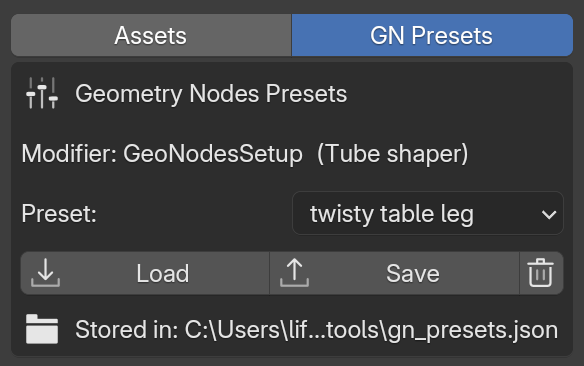
Geometry node preset saving and loading
There is a brand new GN presets section.
While selecting any geometry nodes group, you can save the values in any inputs and load them later. This works with any geometry node group (not just the ones in the add-on), so you can store and reuse presets for your own node groups too.
Camera optimization node
- Added a camera culling geometry node with frustum culling and distance culling.
- Choose between points, faces, and instances to delete, plus padding for the culling planes and an angle to widen the culling FOV.
- Distance culling includes a simple threshold value and a dither slider to make transitions less abrupt.
Plane Remesher
- Added a simple plane remesher.
- Choose a resolution manually or set a grid size for the resolution.
- Suitable for landscapes with minimal overhangs. Great for quickly remeshing sculpted landscapes or keeping distant terrain lightweight.
Updates
- Updated Warp to Surface to include an object offset amount. Offset along your warp axis or the surface normal.
- Added a search box for geometry node groups.
- Reorganized many settings and added more descriptive names.
Grass Striper
Grass Striper makes it easy to get a mowed lawn look in seconds, including the couple of mowing passes around the perimeter of the yard and around objects.
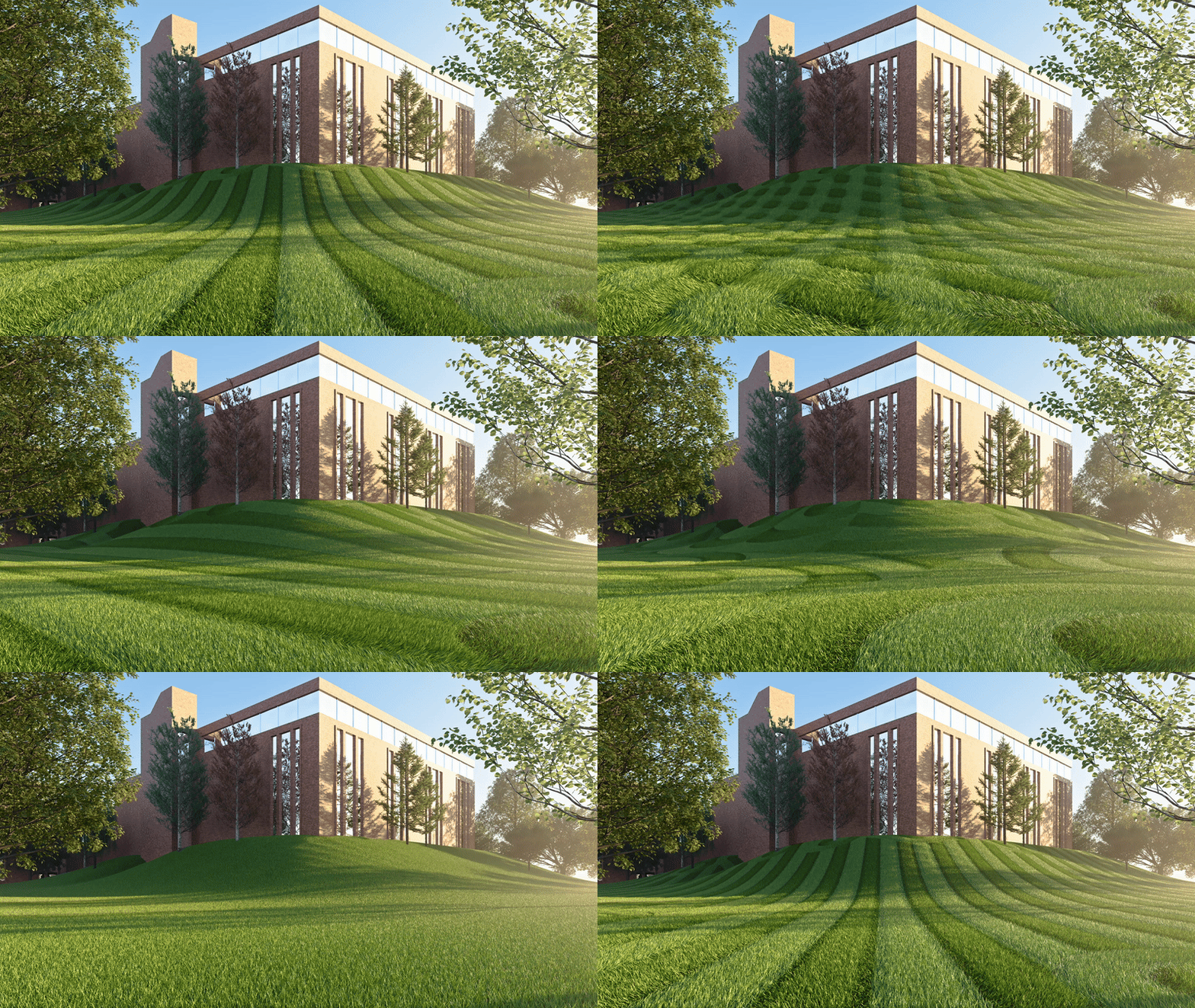
Includeds: Viewport optimization and camera-quality controls for fast previews and final renders.
Tube Shaper
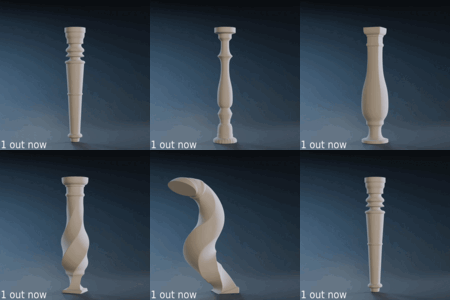
Quickly sculpt Table legs, Railing supports, pipes, columns, and any kind of tubular detail. Draw a curve once, and iterate through dozens of profile variations without rebuilding your setup.

Blend between profiles in real time
Morph smoothly between built-in profiles or your own custom shapes. Create unique shapes, Radius and blend instead of manually modeling every step.
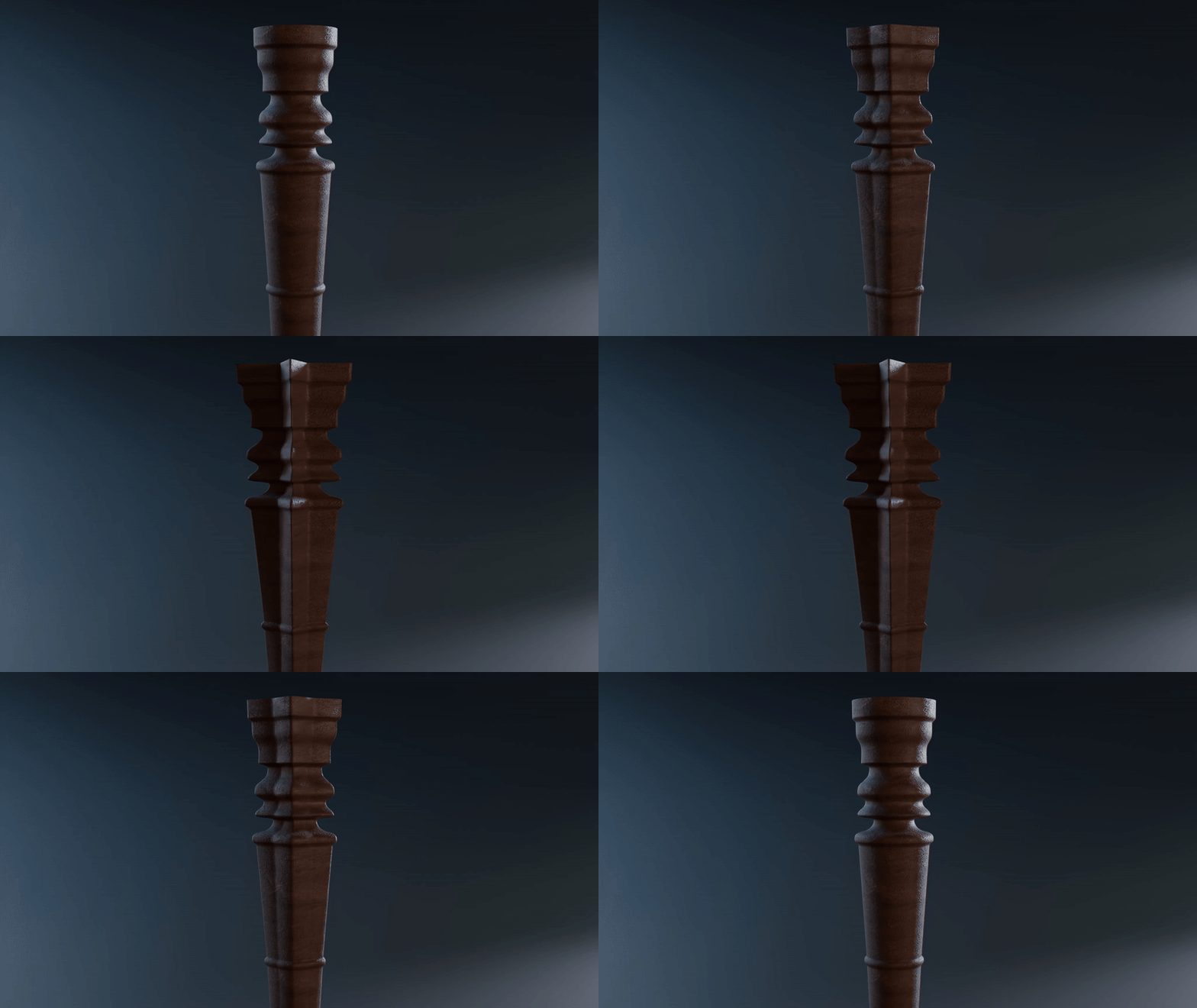
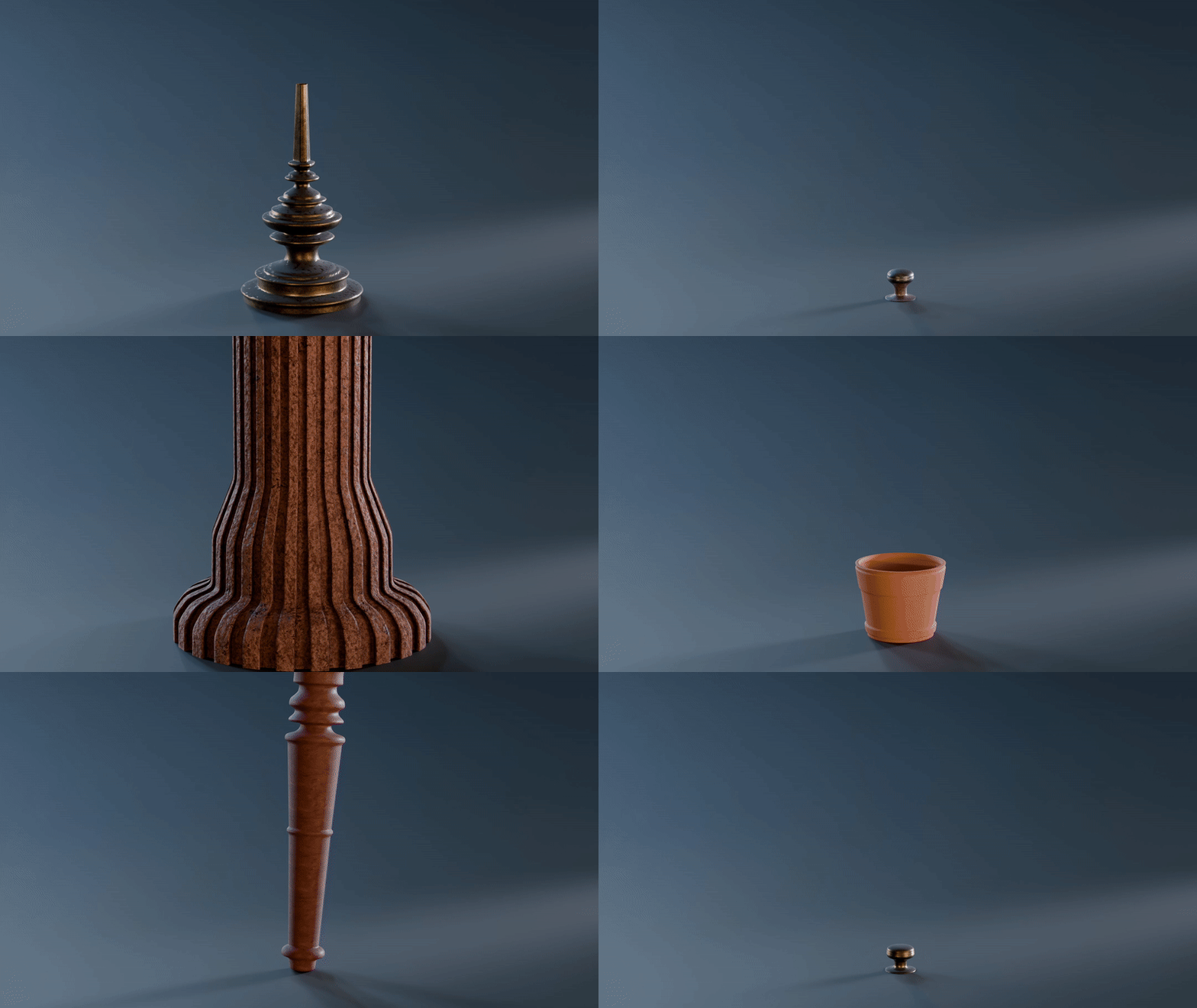
Included: 20+ starting presets, with additional presets arriving in future free updates.
GN Preset Saving & Loading
Save and reload geometry node input values from the CMA's Tools tab in the viewport side panel. Works with any geometry node group, including your own custom setups.
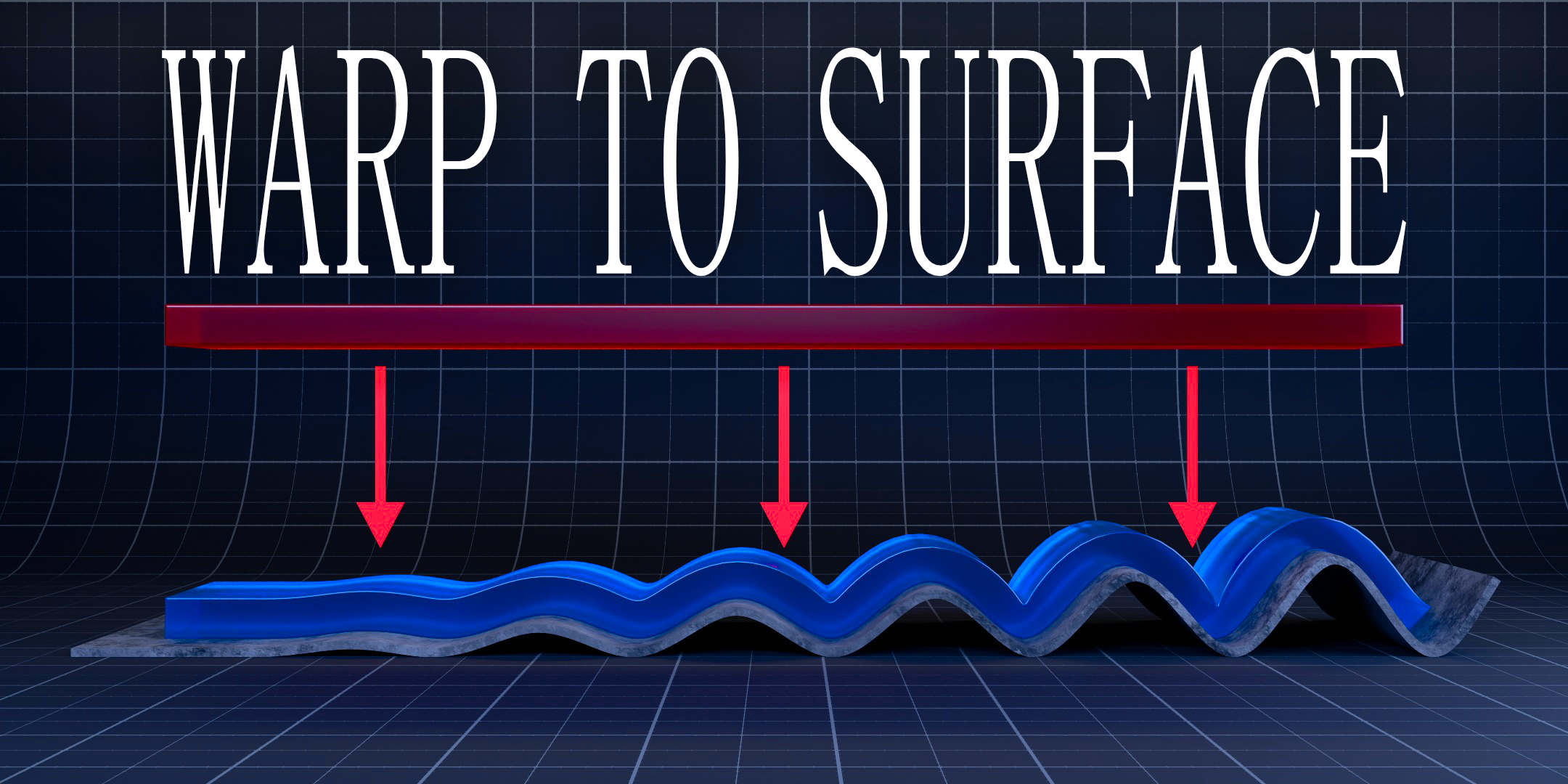
Warp to Surface
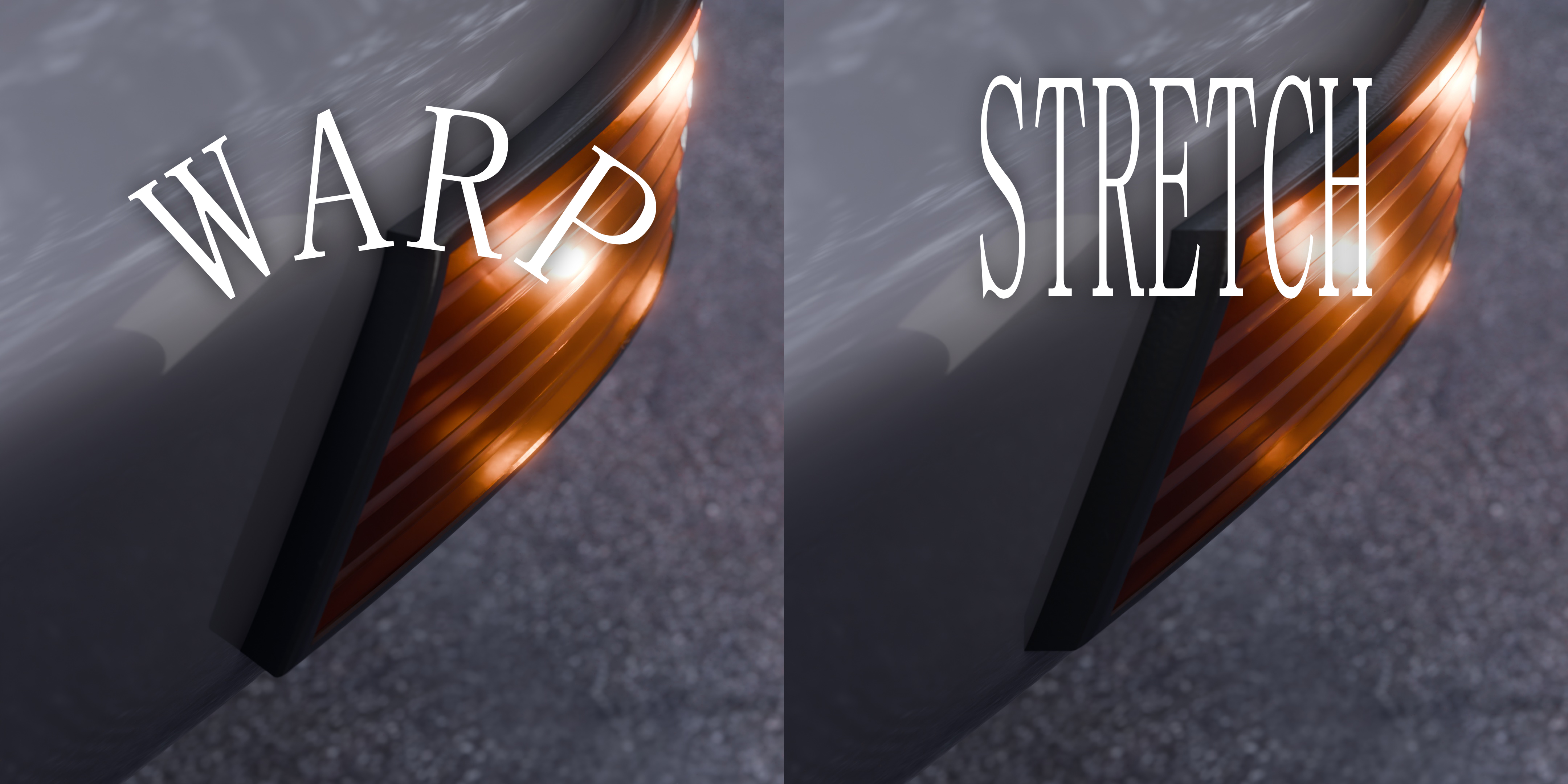
Bend meshes cleanly onto any target object. Wrap decals, panels, cables, and other details onto curved forms without the usual stretching and unintuitive setup.
Warp to Surface (Snap Mode)
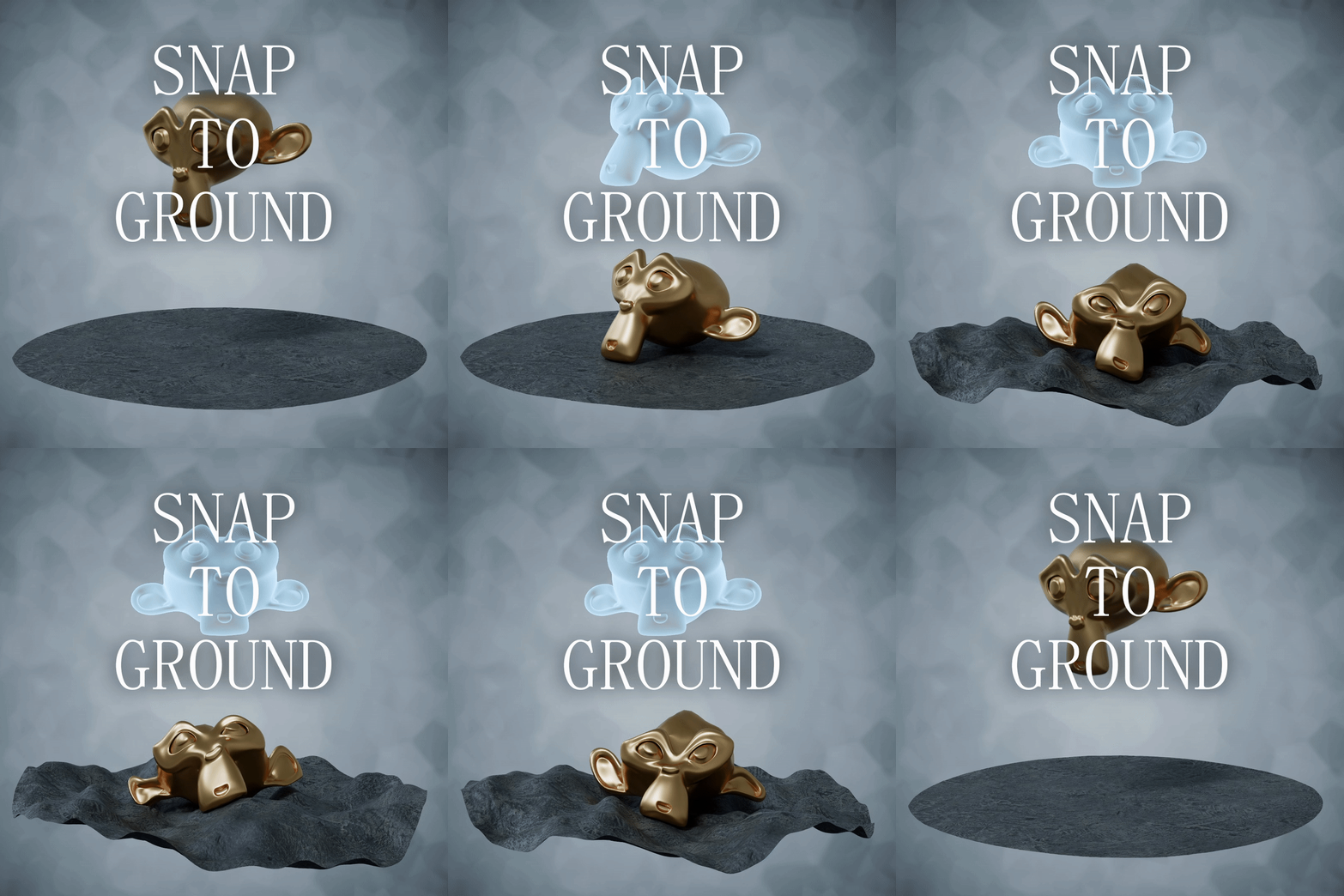
Place objects onto any surface along a chosen axis and keep them locked to the underlying contours. Great for scattering Objects, Just getting an object to finally stick to the ground. Or as an example, having tree roots crawl along a ground that has bends and warps to it.
Vector Viewer
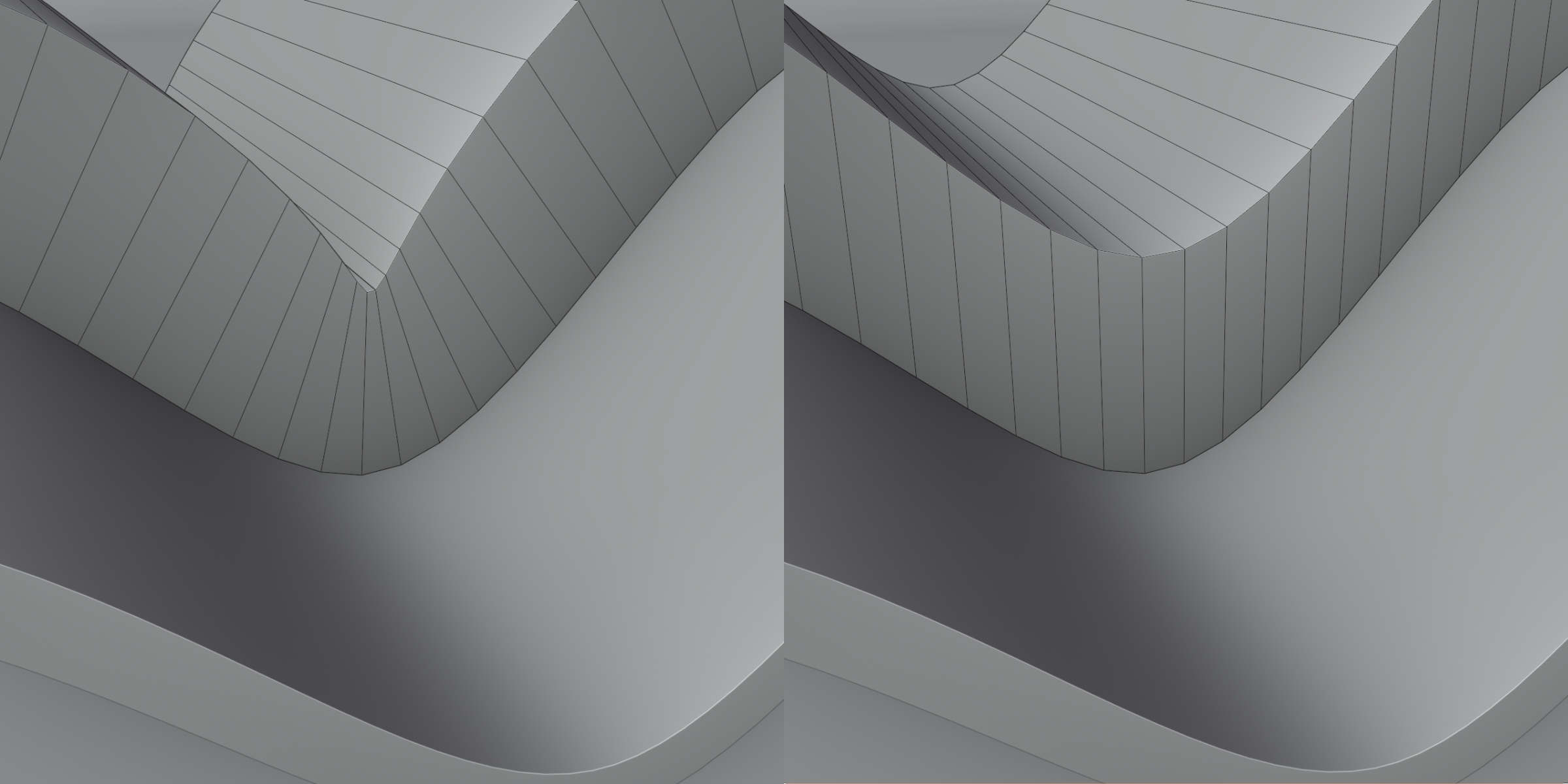
A visual debugger for your geometry nodes. See any vector attribute directly in the viewport as arrows, so you can instantly understand direction and magnitude.
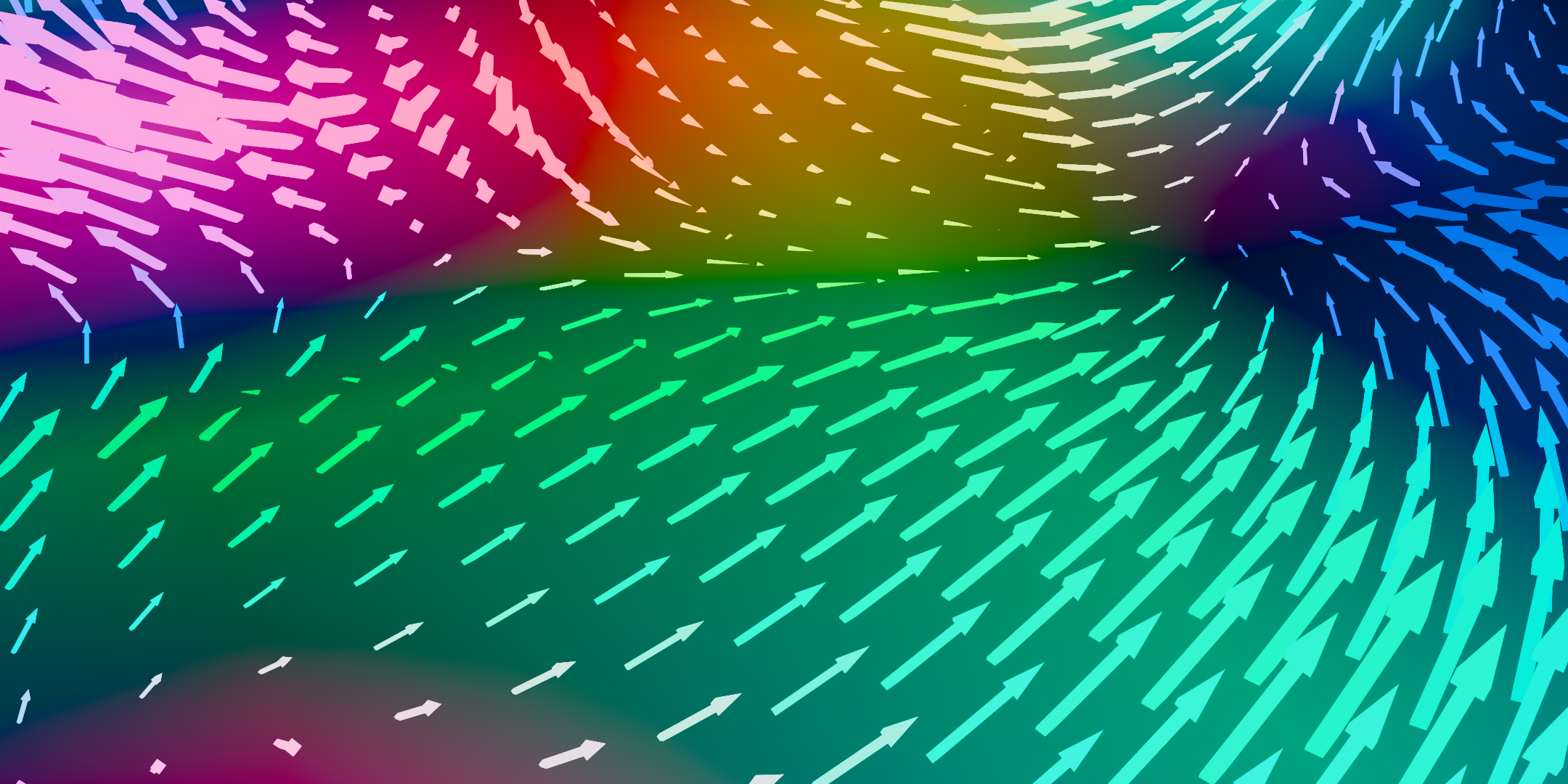
Camera Optimization (Culling Node)
Cull geometry outside the camera frustum or beyond a distance threshold. Choose points, faces, or instances to delete, with padding and FOV angle controls plus a dither slider for smoother transitions.
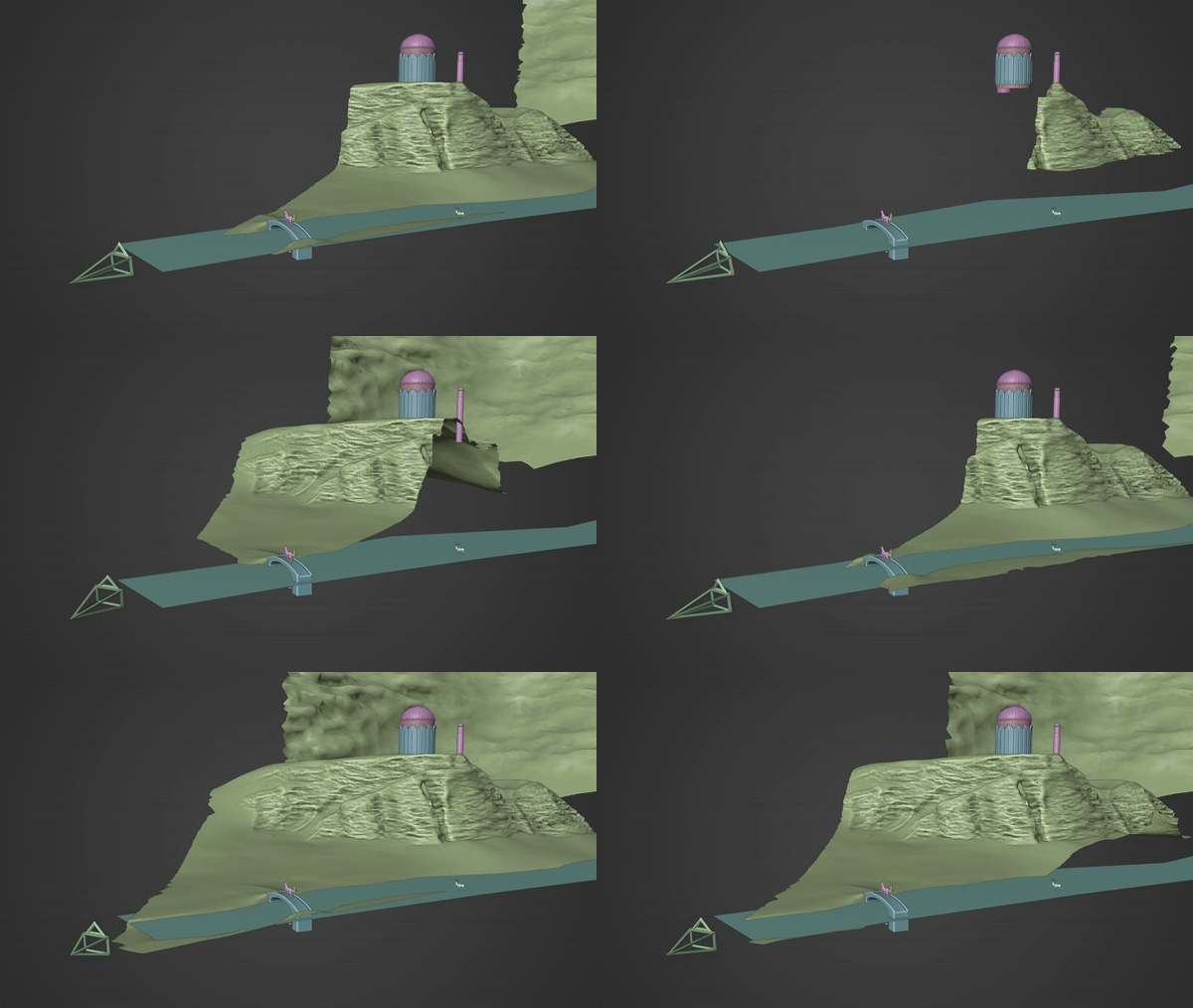
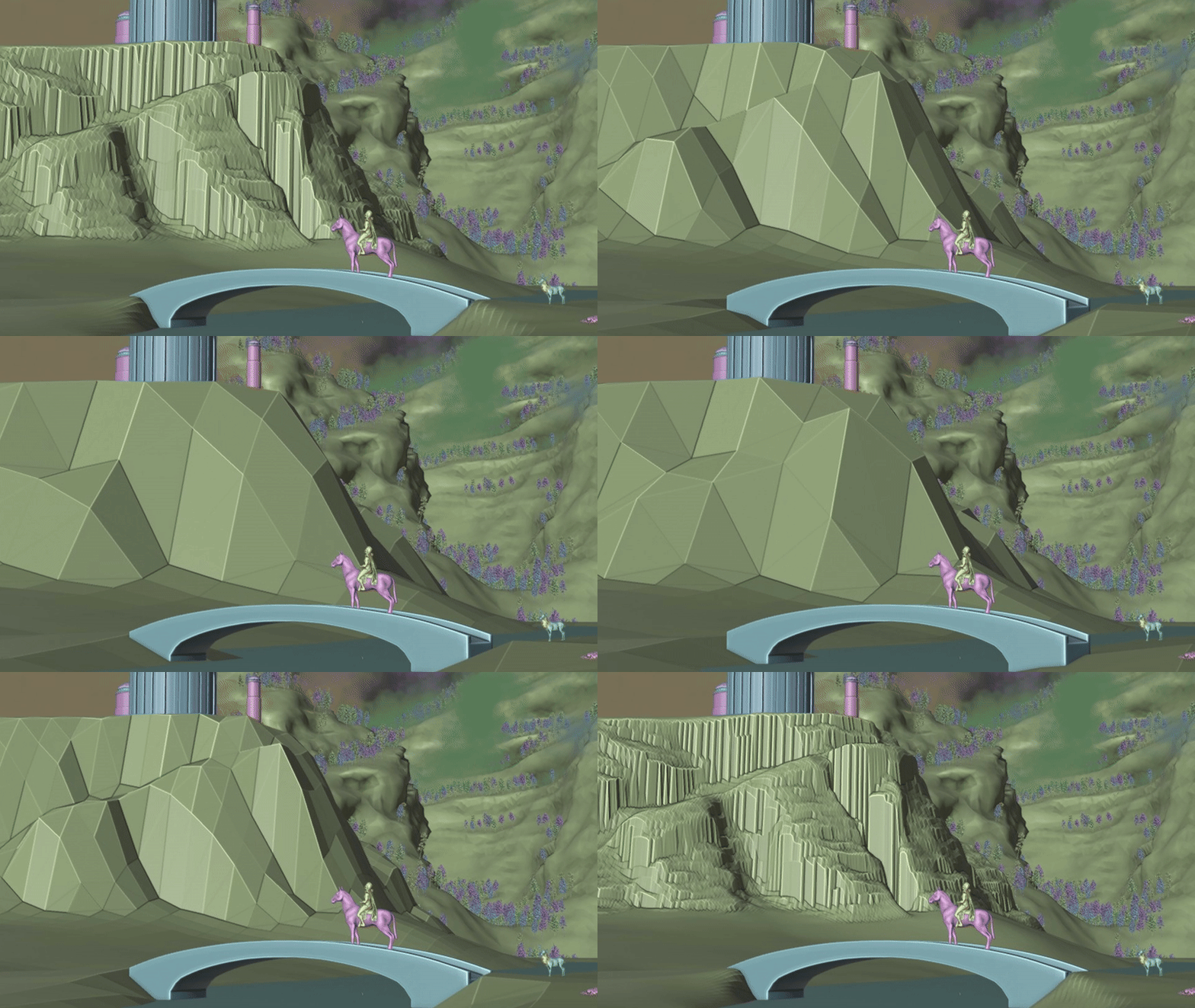
Plane Remesher
A simple remesher for landscape-style meshes with minimal overhangs. Set resolution manually or define a grid size for fast, lightweight terrain.
Get all my tools, for less
CMA's Tools bundles my current node groups into a single, discounted toolkit, with new utilities added over time as free updates. Buy once, keep building faster.
GET IT TODAY AND SAVE!! Free lifetime updates • Commercial use allowed (see license)