Cma's Tools
 Christian Aufderheide


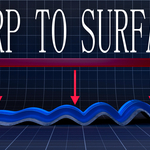

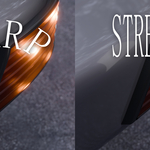
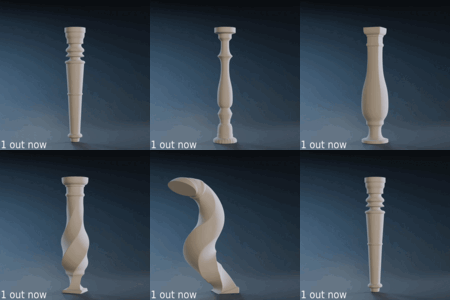


Warp to surface
drag and drop .zip file over blender to install and click OK.
open the side penal and under CMA tools you can will fine the warp to surface modifier.
select a surface and start warping away.
Tube shaper
Gizmos
- Starting at the top, the three colored arrows are for the end point of the Curve click and drag to change the ending position.
- The circle at the top is to control the twist of the profile click and drag it to change the twist amount.
- The blue line with a box at the end on the side of the object is to
change the outer radius scale click and drag to expand or contract the
radius.
- Circle at the bottom of the object is to control the radial
resolution and the yellow line with a box at the end is to control the
vertical resolution.
Modifier options
Most of the modifier options are self explanatory but there's a few things you may want to know.
- Flip Curve will do nothing if the curve is symmetrical
- If you're using the second profile, make sure it's enabled and set to a different value than the first profile. Otherwise, it may seem like it's not working
- Changing the twist option when the profile is a circle will appear not to work, As a circle is rotationally identical.
-
$1
Commercial License with ALL assets and features
Have questions about this product?
Login to message
| Sales | 20+ |
| Dev Fund Contributor | |
| Published | 10 months ago |
| Blender Version | 4.4 - 5.1 |
| Extension Type | N/A |
| Render Engine Used | Cycles, Eevee |
| License | GPL |
Discover more products like this
advanced geometry nodes blender 3d_hard_surface auto snapping 3d-mesh-wrapping #BlenderUtility addons helper 3dprintable Procedural Generators 3DDecals bend