Procedural Cobwebs (Halloween Special)
 one99addons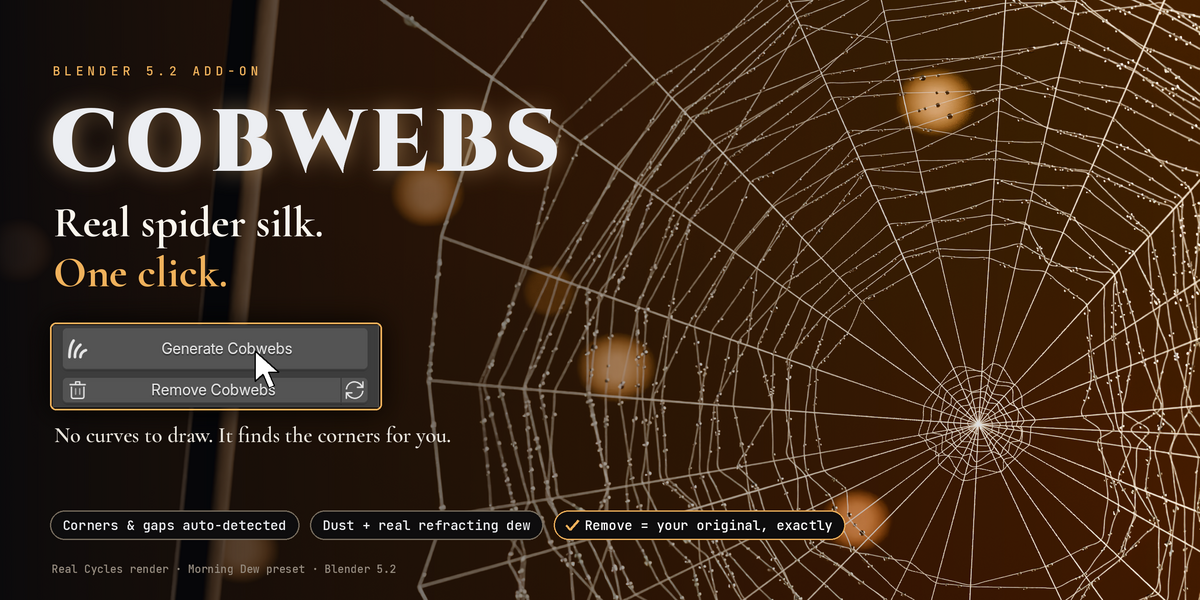

Quick start
- Install the zip (Edit > Preferences > Add-ons > Install from Disk) and enable Cobwebs.
- In the 3D View press N and open the Cobwebs tab.
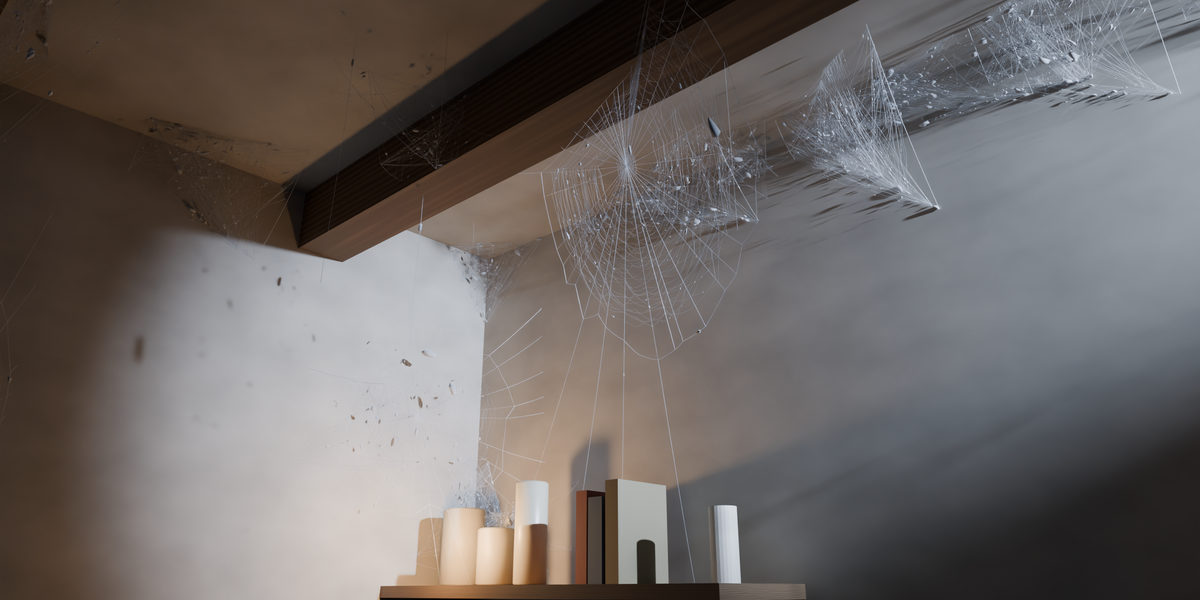
- Click Generate Cobwebs. That's it. Click New Seed (arrows icon) for another layout.
- Click Remove Cobwebs to get your exact original scene back.
Settings
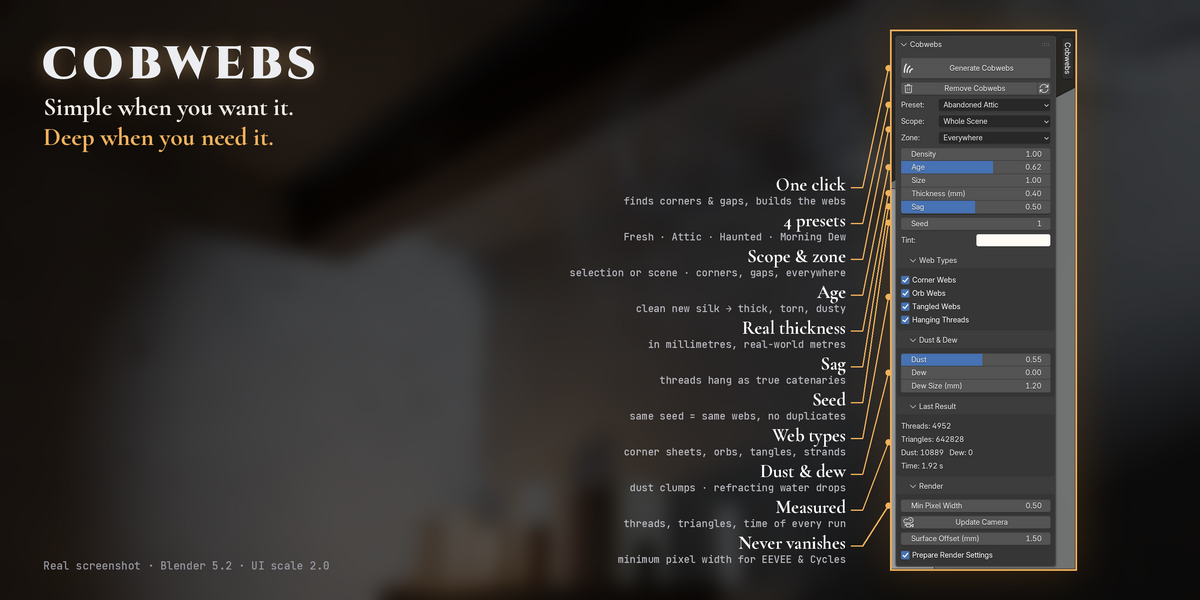
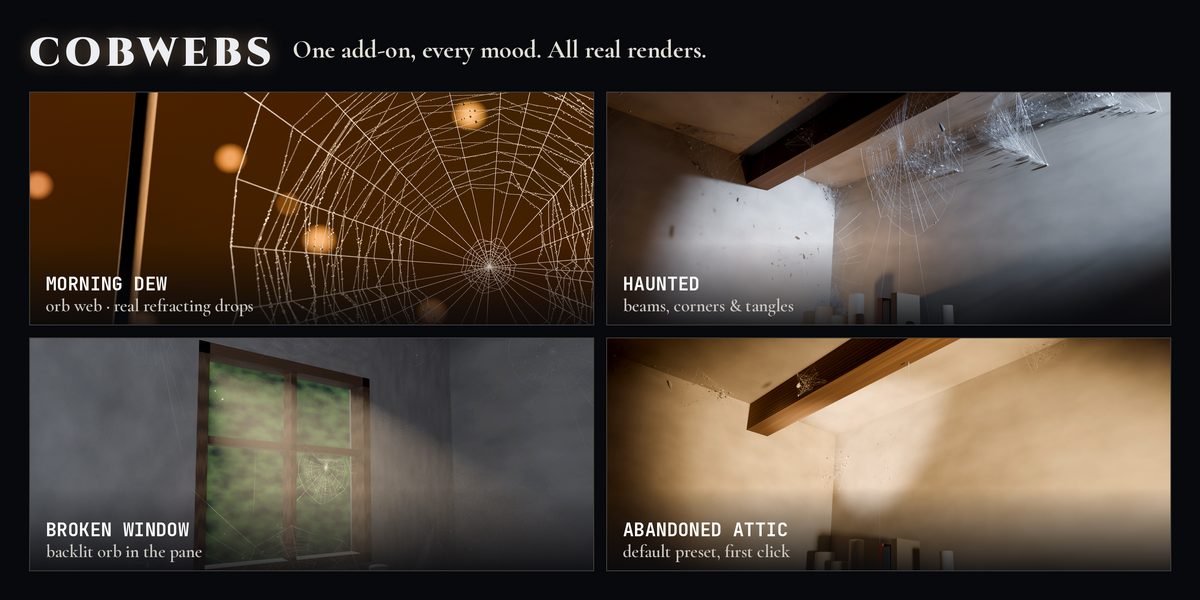
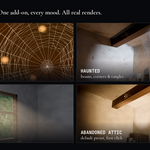
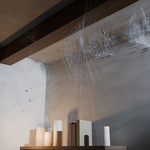
- Preset: Fresh, Abandoned Attic (default), Haunted, Morning Dew. Changing a value switches to Custom.
- Scope: whole scene, or only the selected objects (unselected objects still block threads).
- Zone: everywhere, corners only, or between objects only.
- Density (0-3), Age (fresh to old and dusty), Size (1 = webs of about 20-30 cm), Thickness (real diameter in mm), Sag, Seed, Tint.
- Web Types: corner webs, orb webs, tangled webs, hanging threads.
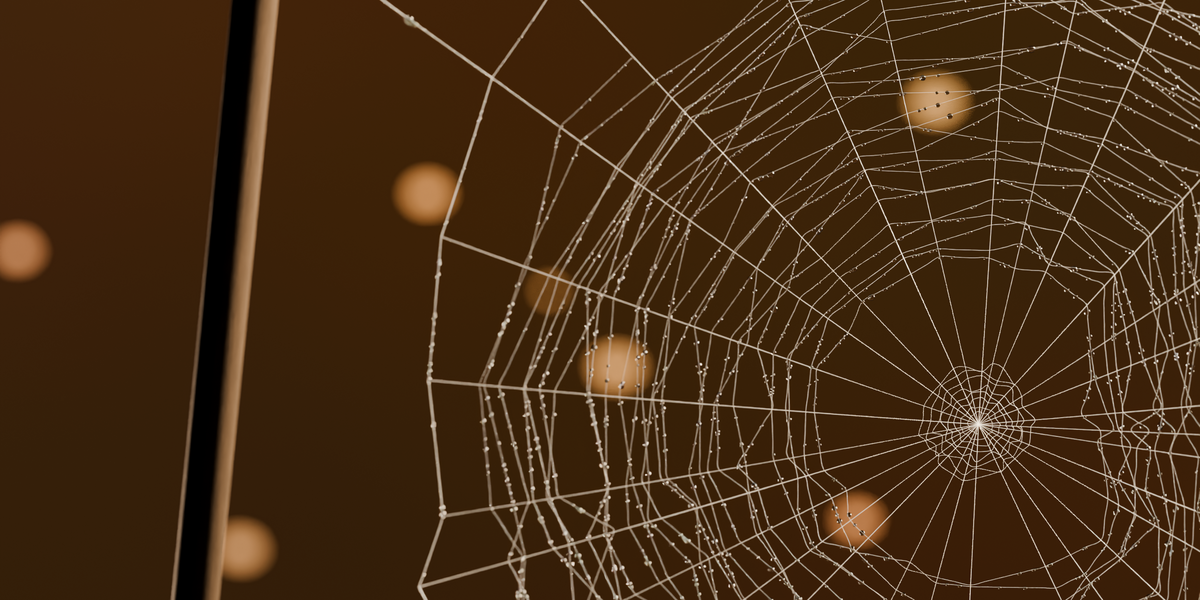
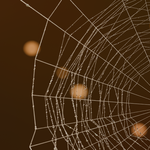
- Dust & Dew: dust clumps on the threads, refracting water drops and their size.
- Render: minimum pixel width (threads never vanish), Update Camera, surface offset, and Prepare Render Settings (EEVEE ray tracing for dew, round Cycles curves, 64 transparent bounces; Remove restores your values).
Tips
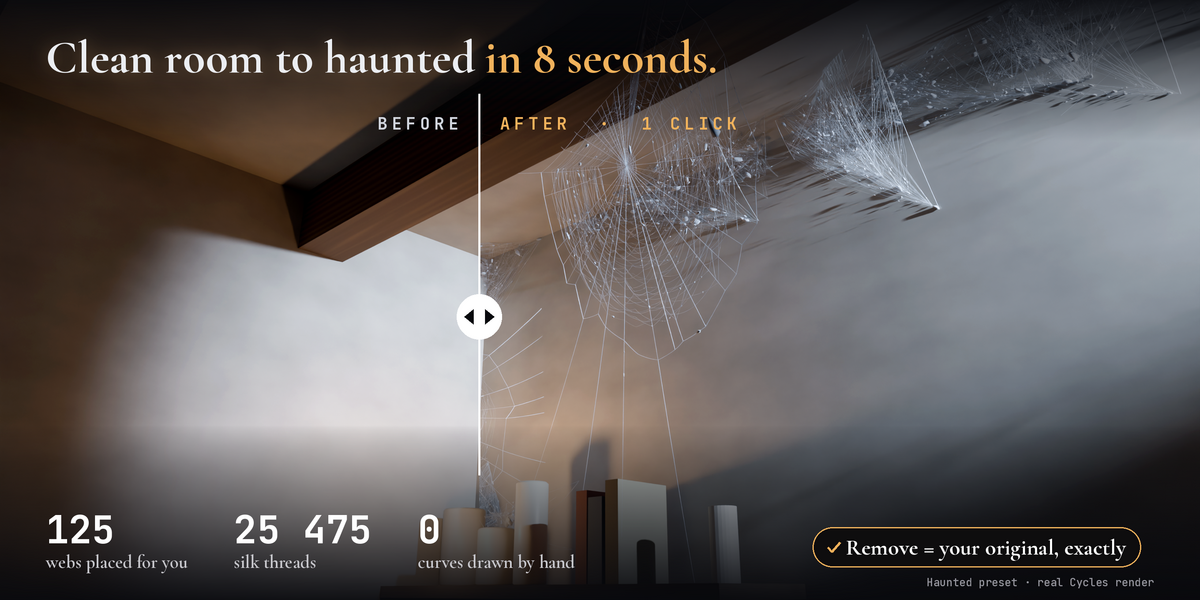
- Webs read best against darker areas with light grazing them or coming from behind.
- For macro shots use Morning Dew with a bigger Dew Size.
- After changing camera or resolution, click Update Camera.
- If the viewport gets slow, lower Density, Dust or Dew.
Limits
- Webs are static (no physics or wind) and do not follow objects moved afterwards: just Generate again.
- Corners come from the geometry, so surfaces need sensible normals. Closed box rooms with outward normals are handled automatically.
Have questions about this product?
Login to message
| Published | about 3 hours ago |
| Blender Version | 5.0 - 5.2 |
| Extension Type | N/A |
| Render Engine Used | Cycles, Eevee |
| License | GPL |
Discover more products like this
dew abandoned environment horror Cobweb cobwebs haunted dust spider web halloween ArchViz procedural