 one99addons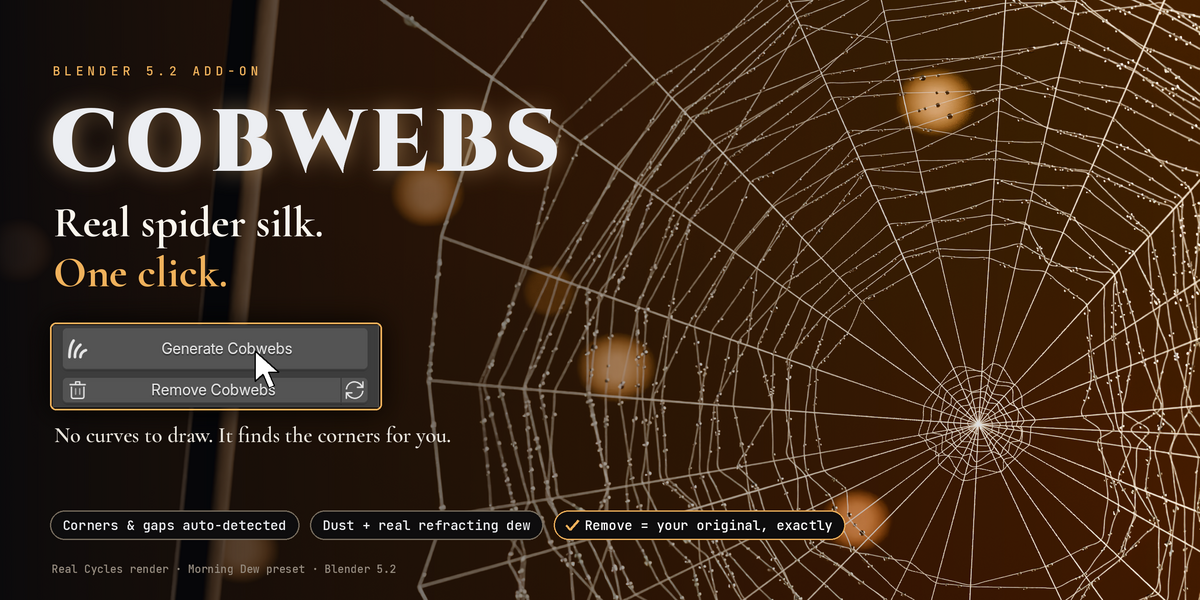

BLENDER 5.2 ADD-ON · ONE99ADDONS
COBWEBS
Real spider silk. One click. No curves to draw.
AUTO CORNERS & GAPSDUST + REAL DEW4 PRESETSCYCLES & EEVEEREMOVE = ORIGINAL
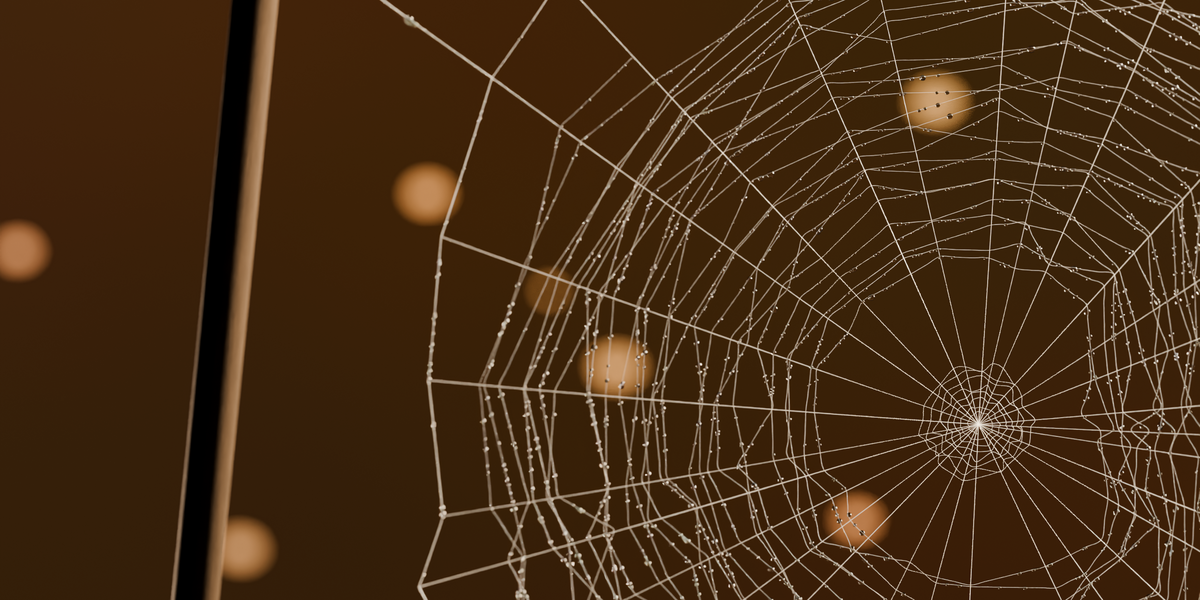
Abandoned houses, haunted attics, Halloween shots, aged archviz: they all need cobwebs, and drawing them thread by thread takes hours. Cobwebs looks at your scene, finds where spiders would build, and fills it with real silk.
HOW IT WORKS
Three steps. You only do the first one.
1 Click Generate One button in the sidebar. Pick a preset first if you want: Fresh, Abandoned Attic, Haunted or Morning Dew. |
2 It finds the spots Inside corners, beams going into walls, shelves against walls, gaps between objects, ceilings for hanging threads. |
3 It spins real silk Corner sheets, orb webs with radials and an irregular spiral, tangles and strands, all hanging as true catenaries. |
BEFORE / AFTER
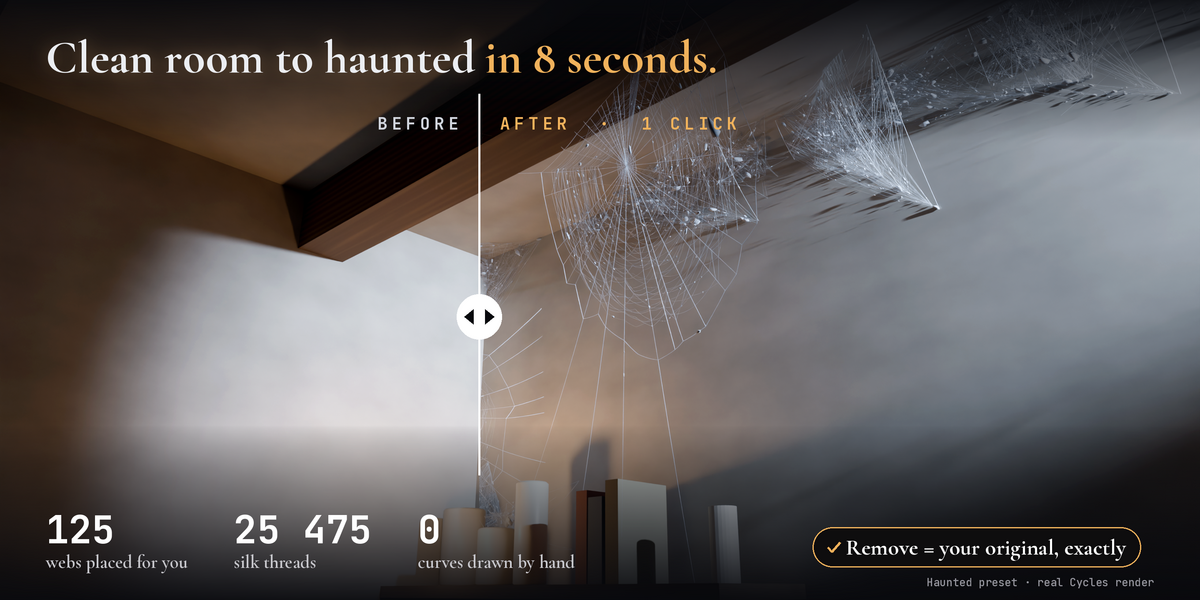
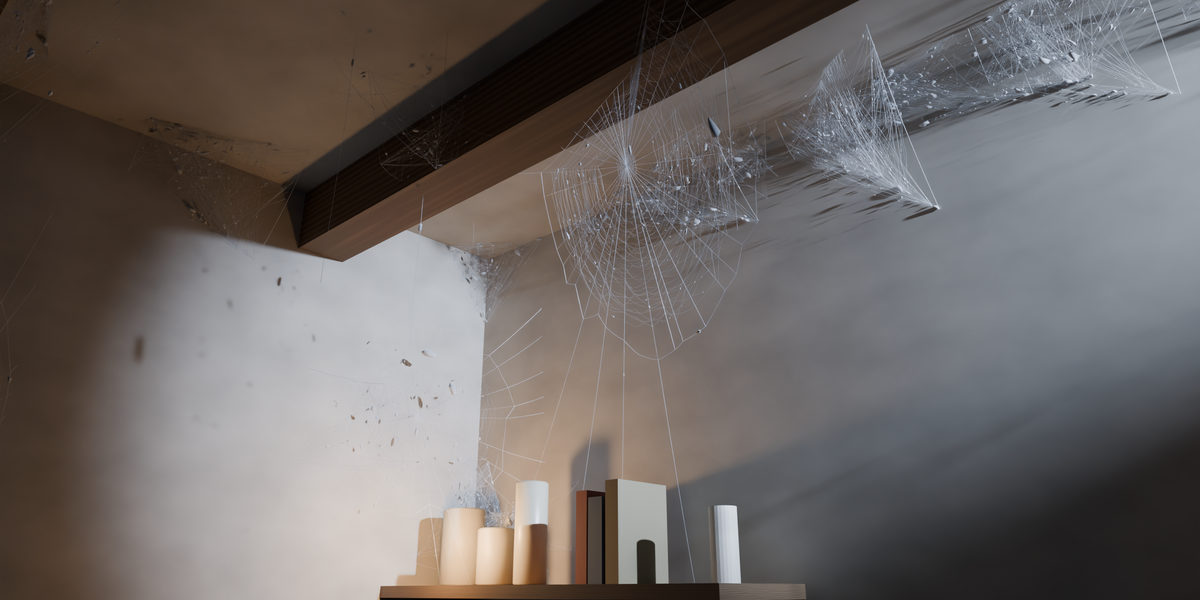
One click on a real scene
|
125 webs placed |
25 475 silk threads |
8.5 s one click, measured |
0 curves drawn by hand |
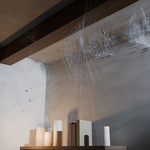
Haunted preset · Blender 5.2 · real Cycles render, no paint-over
THE PROMISE
✓ Remove = your original, exactly.
Everything lives in one collection. Remove deletes every object, curve, mesh, material and node group Cobwebs made and restores the render settings it changed. Tested: 0 differences in the scene data, even after saving and reopening the file. Generate again with the same seed: same webs, never duplicates.
PRESETS
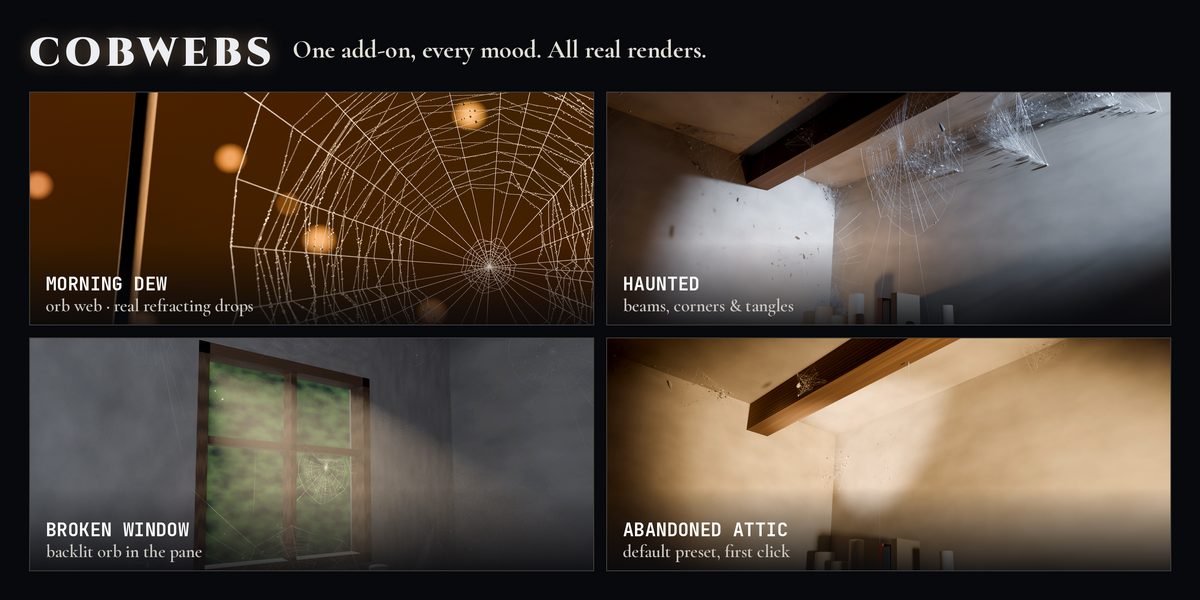
From fresh silk to a haunted house
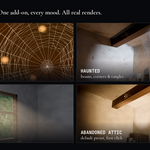
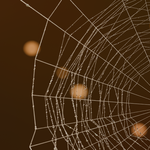
FRESHABANDONED ATTIC · DEFAULTHAUNTEDMORNING DEW
FEATURES
Made to look real, built to be safe
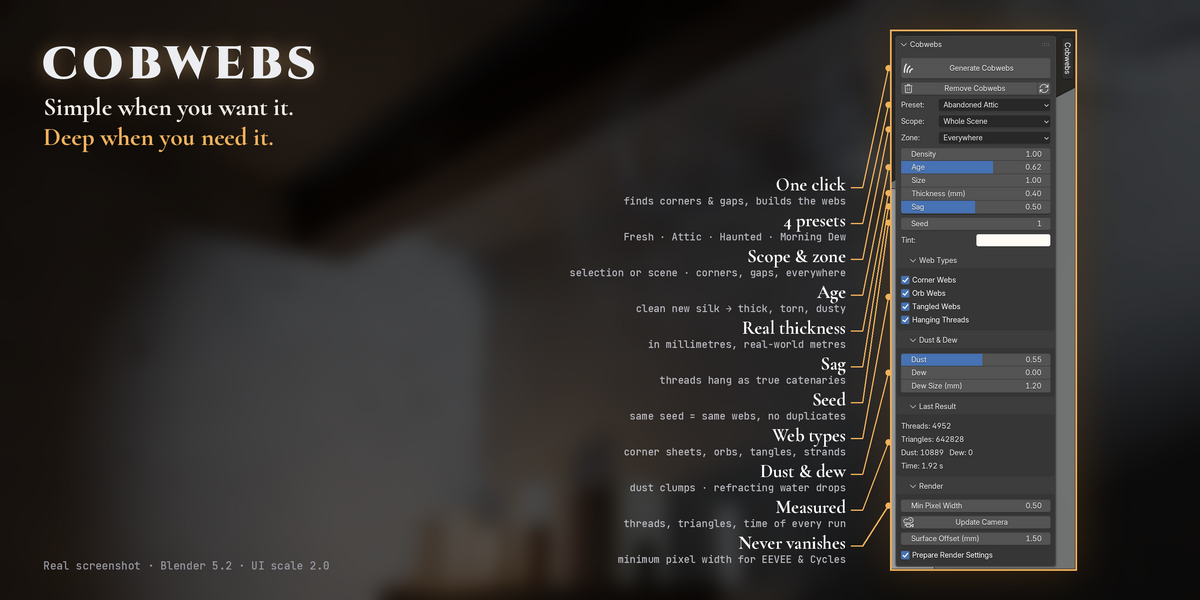
✦ Real spider construction Orb webs with hub, radials, frame, anchor lines and an irregular capture spiral. Gauzy sheets in corners. Every thread sags as a catenary. |
◈ Finds the corners for you Concave corners inside a mesh and between separate objects: beams, shelves, crates, window frames. |
❖ Dust and real dew Grey dust clumps on old threads. Water drops with real refraction (IOR 1.33), strung like beads. |
◯ Never through geometry Every thread segment is ray-tested: 0 crossings out of 257 000+ segments in our tests. |
⚙ Full control Density, age, size, thickness in mm, sag, seed, tint, zone, scope, web types, dust, dew and drop size. |
◉ Never vanishes Minimum pixel width so thin silk does not flicker or disappear in EEVEE or Cycles. |
▢ Any scene Real metres, unapplied or negative scale, modifiers, linked duplicates, collection and Geometry Nodes instances. |
★ 100% procedural No textures, no external files. English and French interface. Undo everywhere. |
INSTALL
Ready in 30 seconds
01 Edit > Preferences > Add-ons |
02 Arrow menu > Install from Disk |
03 Choose the zip, enable Cobwebs |
04 Press N in the 3D View > Cobwebs tab |
Requirements: Blender 5.2 LTS (also tested on 5.0 and 5.1) · Cycles (CPU / GPU) and EEVEE.
GOOD TO KNOW
• Webs are static: no physics or wind, and they do not follow objects moved afterwards (just Generate again).
• Corners are found from the geometry, so surfaces need sensible normals. Closed box rooms with outward normals are handled automatically.
• Heavy settings on big scenes can create millions of triangles: lower Density, Dust or Dew if the viewport slows down.
• Dew glitters most against bright or backlit backgrounds.
MADE WITH CARE BY ONE99ADDONS · BLENDER ADD-ONS & ASSET PACKS