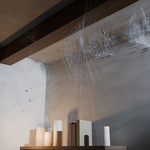
 nice mesh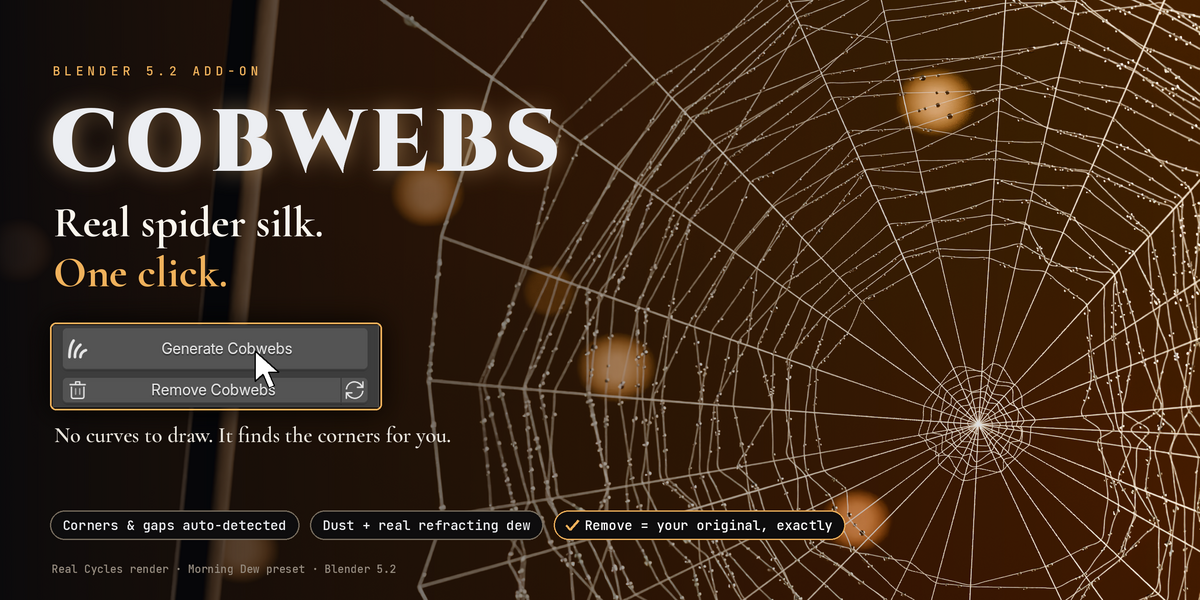



BLENDER 5.2 ADD-ON · ONE99ADDONS
COBWEBS
Real spider silk. One click. No curves to draw.
AUTO CORNERS & GAPSDUST + REAL DEW4 PRESETSCYCLES & EEVEEREMOVE = ORIGINAL
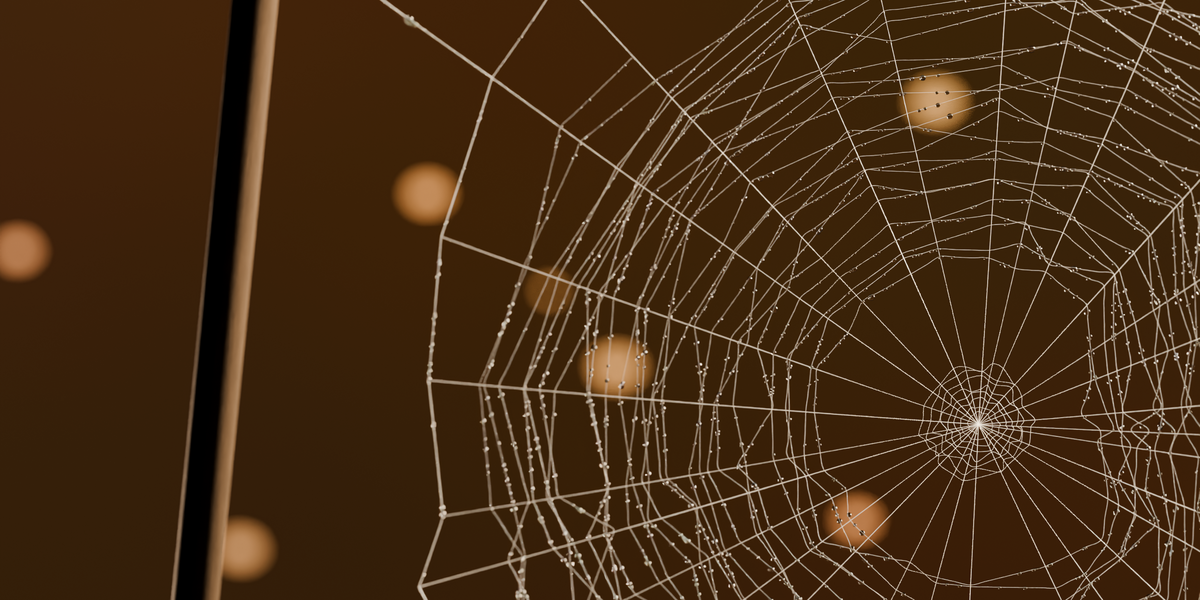
Abandoned houses, haunted attics, Halloween shots, aged archviz: they all need cobwebs, and drawing them thread by thread takes hours. Cobwebs looks at your scene, finds where spiders would build, and fills it with real silk.
▶ Watch the demo video: youtu.be/DXk7HnRh0PM
HOW IT WORKS
Three steps. You only do the first one.
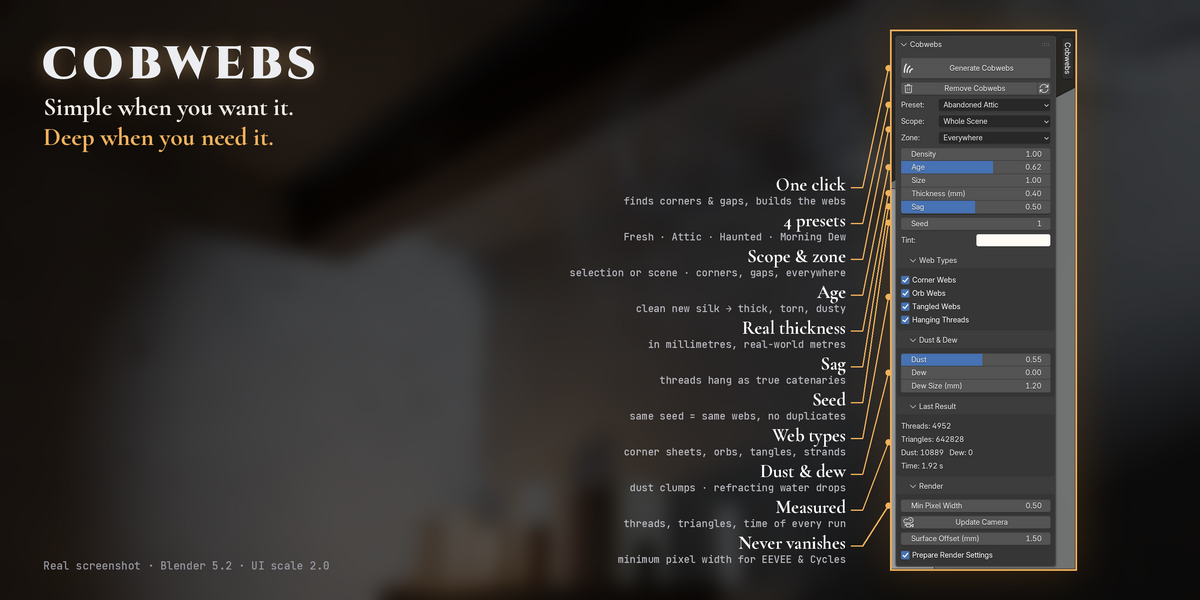
1 Click Generate One button in the sidebar. Pick a preset first if you want: Fresh, Abandoned Attic, Haunted or Morning Dew. |
2 It finds the spots Inside corners, beams going into walls, shelves against walls, gaps between objects, ceilings for hanging threads. |
3 It spins real silk Corner sheets, orb webs with radials and an irregular spiral, tangles and strands, all hanging as true catenaries. |
BEFORE / AFTER
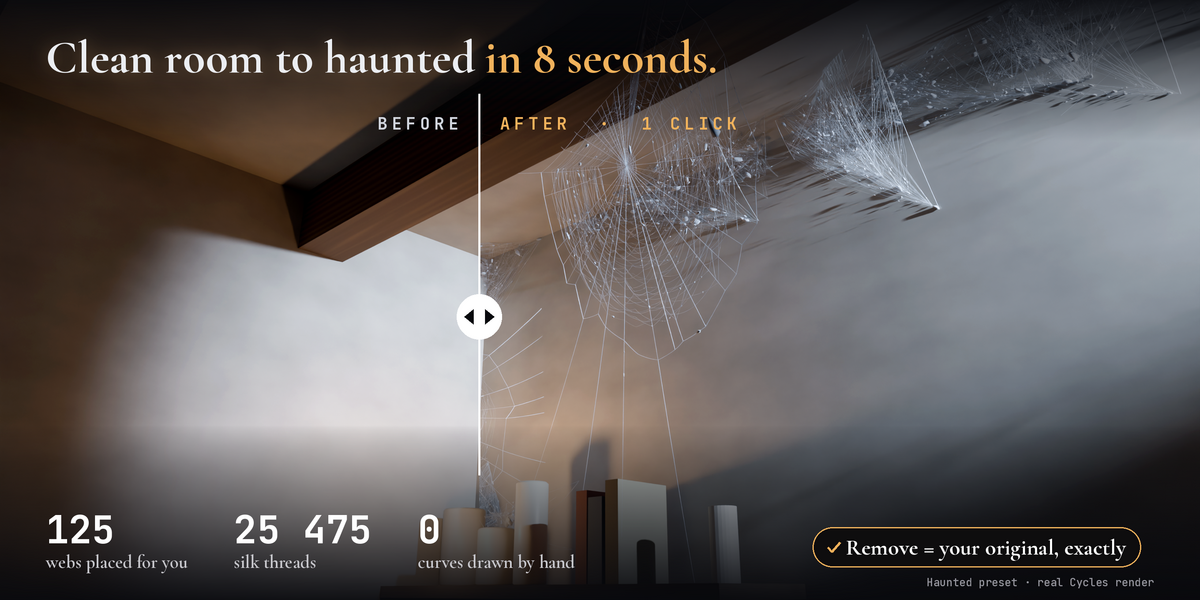
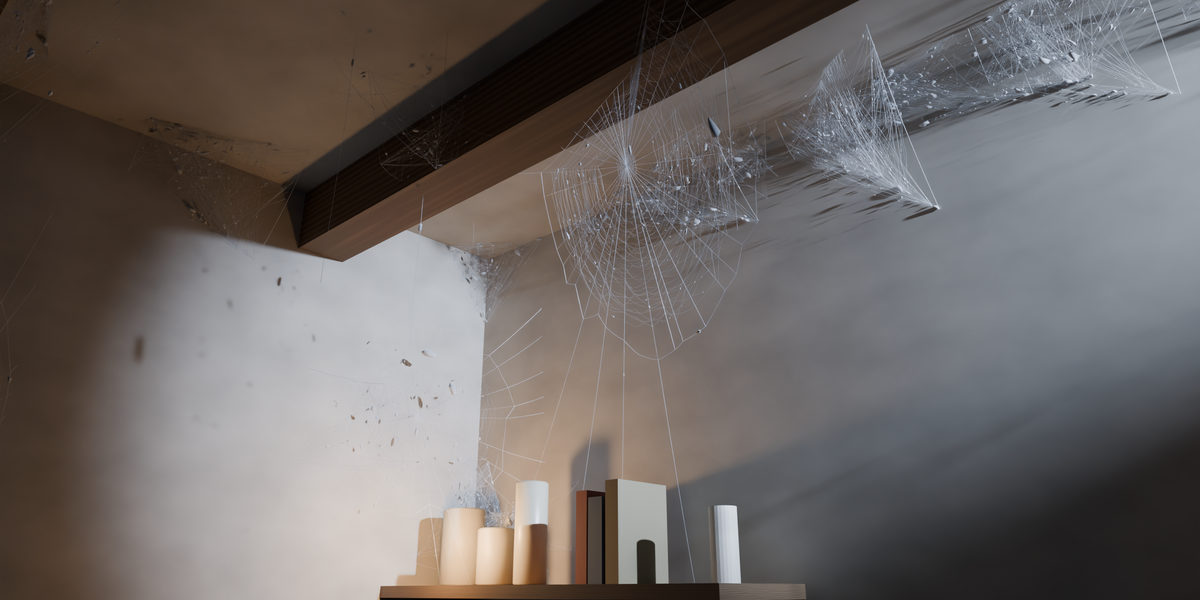
One click on a real scene
|
125 webs placed |
25 475 silk threads |
8.5 s one click, measured |
0 curves drawn by hand |
Haunted preset · Blender 5.2 · real Cycles render, no paint-over
THE PROMISE
✓ Remove = your original, exactly.
Everything lives in one collection. Remove deletes every object, curve, mesh, material and node group Cobwebs made and restores the render settings it changed. Tested: 0 differences in the scene data, even after saving and reopening the file. Generate again with the same seed: same webs, never duplicates.
PRESETS
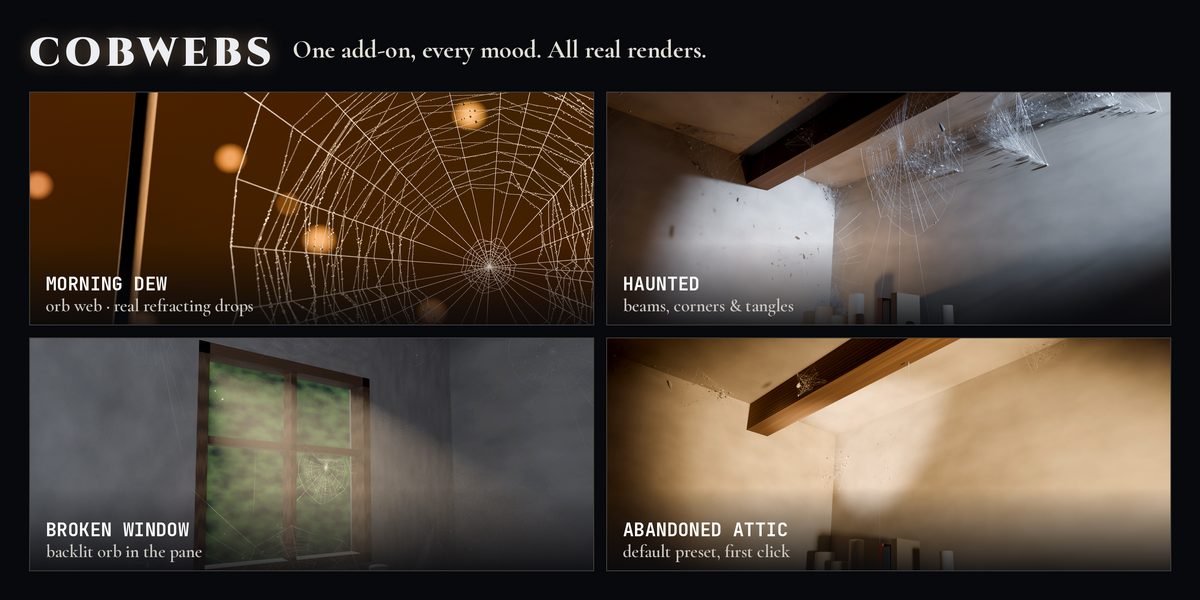
From fresh silk to a haunted house
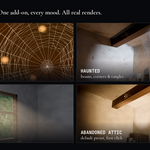
FRESHABANDONED ATTIC · DEFAULTHAUNTEDMORNING DEW
FEATURES
Made to look real, built to be safe
✦ Real spider construction Orb webs with hub, radials, frame, anchor lines and an irregular capture spiral. Gauzy sheets in corners. Every thread sags as a catenary. |
◈ Finds the corners for you Concave corners inside a mesh and between separate objects: beams, shelves, crates, window frames. |
❖ Dust and real dew Grey dust clumps on old threads. Water drops with real refraction (IOR 1.33), strung like beads. |
◯ Never through geometry Every thread segment is ray-tested: 0 crossings out of 257 000+ segments in our tests. |
⚙ Full control Density, age, size, thickness in mm, sag, seed, tint, zone, scope, web types, dust, dew and drop size. |
◉ Never vanishes Minimum pixel width so thin silk does not flicker or disappear in EEVEE or Cycles. |
▢ Any scene Real metres, unapplied or negative scale, modifiers, linked duplicates, collection and Geometry Nodes instances. |
★ 100% procedural No textures, no external files. English and French interface. Undo everywhere. |
INSTALL
Ready in 30 seconds
01 Edit > Preferences > Add-ons |
02 Arrow menu > Install from Disk |
03 Choose the zip, enable Cobwebs |
04 Press N in the 3D View > Cobwebs tab |
Requirements: Blender 5.2 LTS (also tested on 5.0 and 5.1) · Cycles (CPU / GPU) and EEVEE.
GOOD TO KNOW
• Webs are static: no physics or wind, and they do not follow objects moved afterwards (just Generate again).
• Corners are found from the geometry, so surfaces need sensible normals. Closed box rooms with outward normals are handled automatically.
• Heavy settings on big scenes can create millions of triangles: lower Density, Dust or Dew if the viewport slows down.
• Dew glitters most against bright or backlit backgrounds.
MADE WITH CARE BY ONE99ADDONS · BLENDER ADD-ONS & ASSET PACKS