Coffee Shop Barista Uniform for Blender and MetaHuman (Female)
 Tailored Entropy
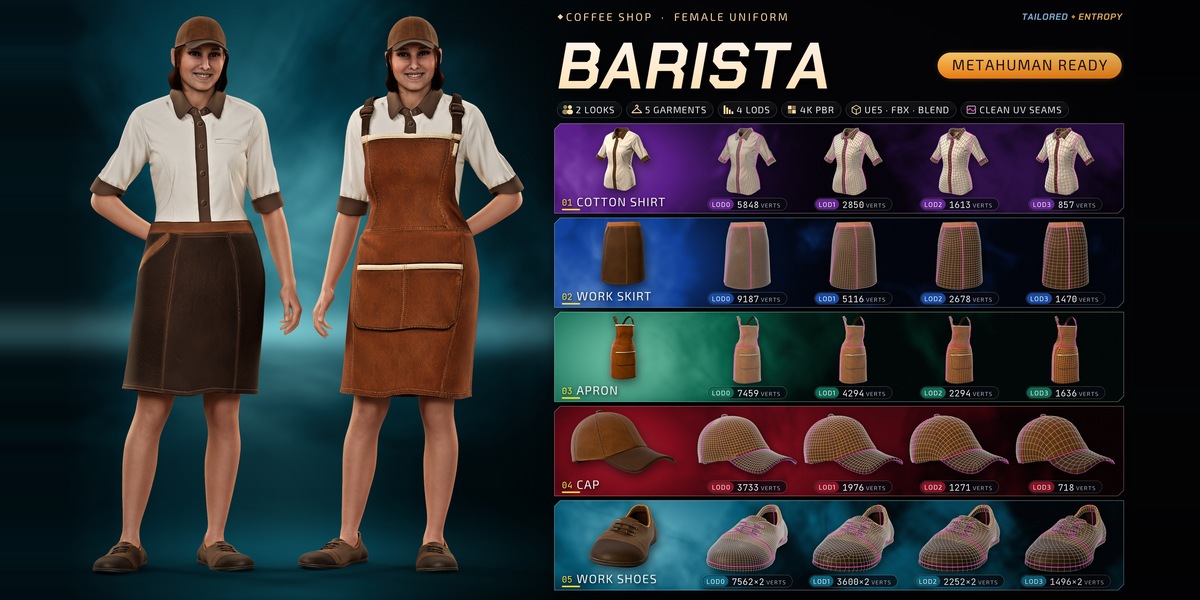
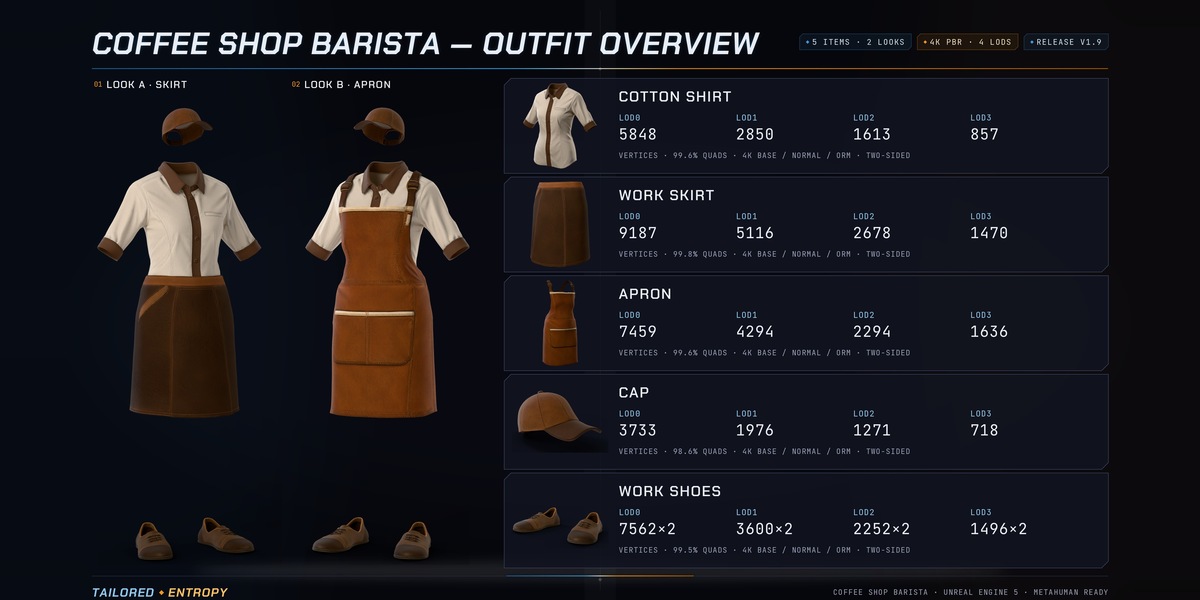
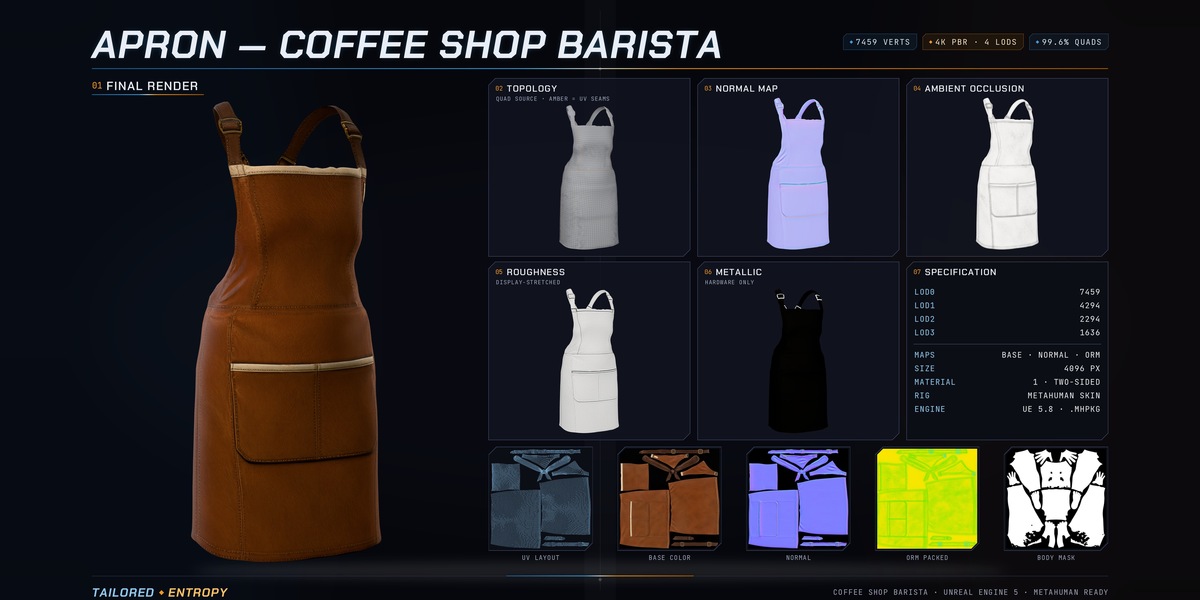
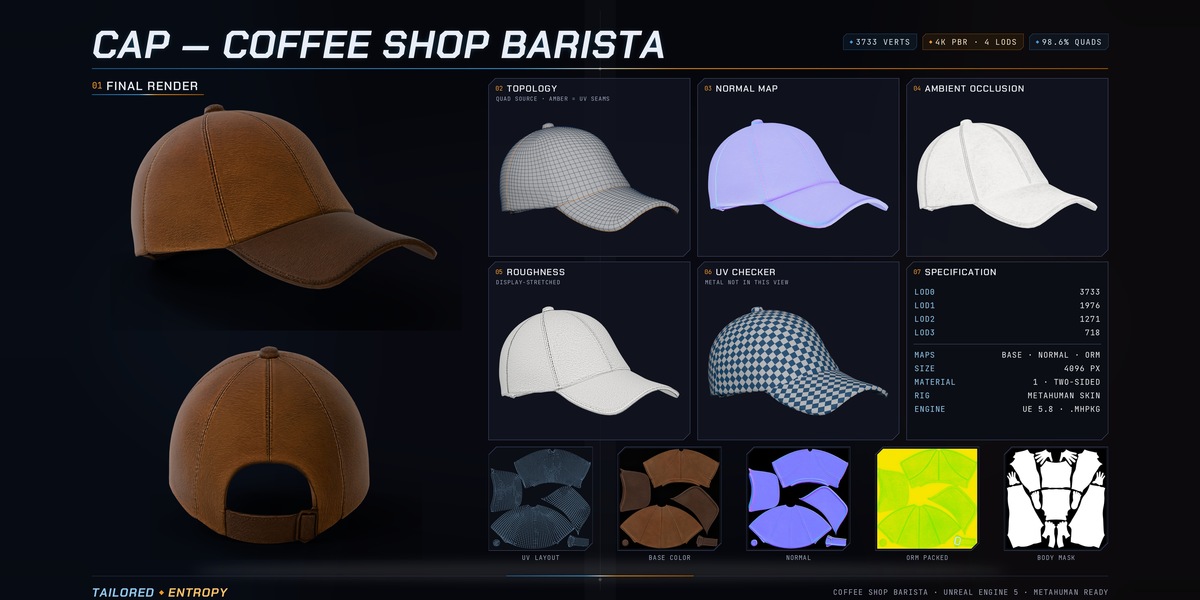
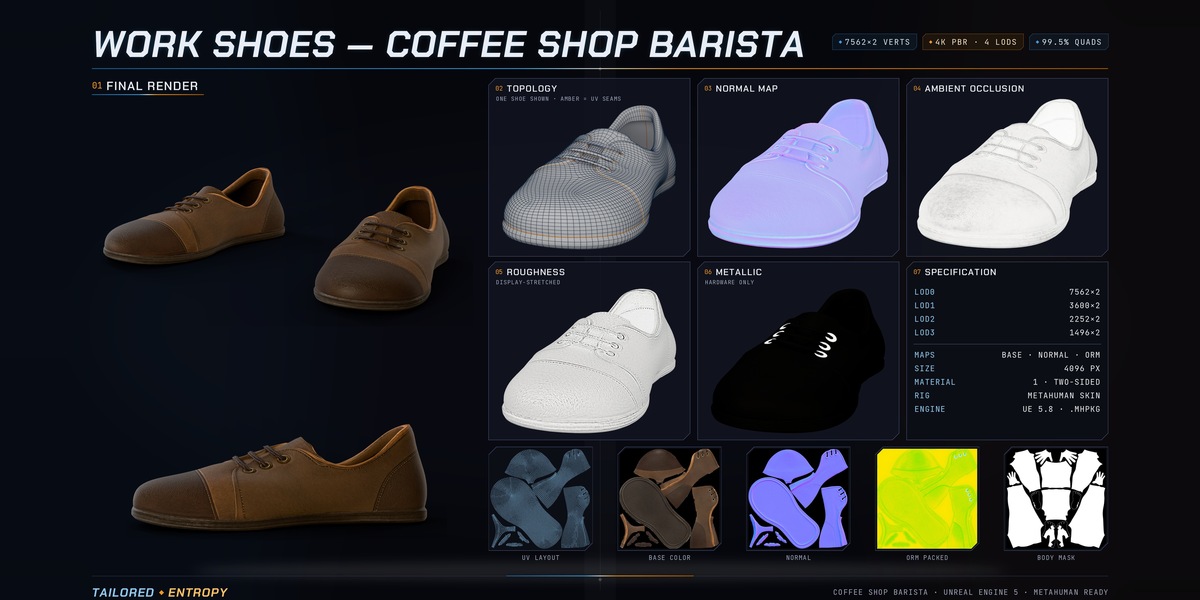
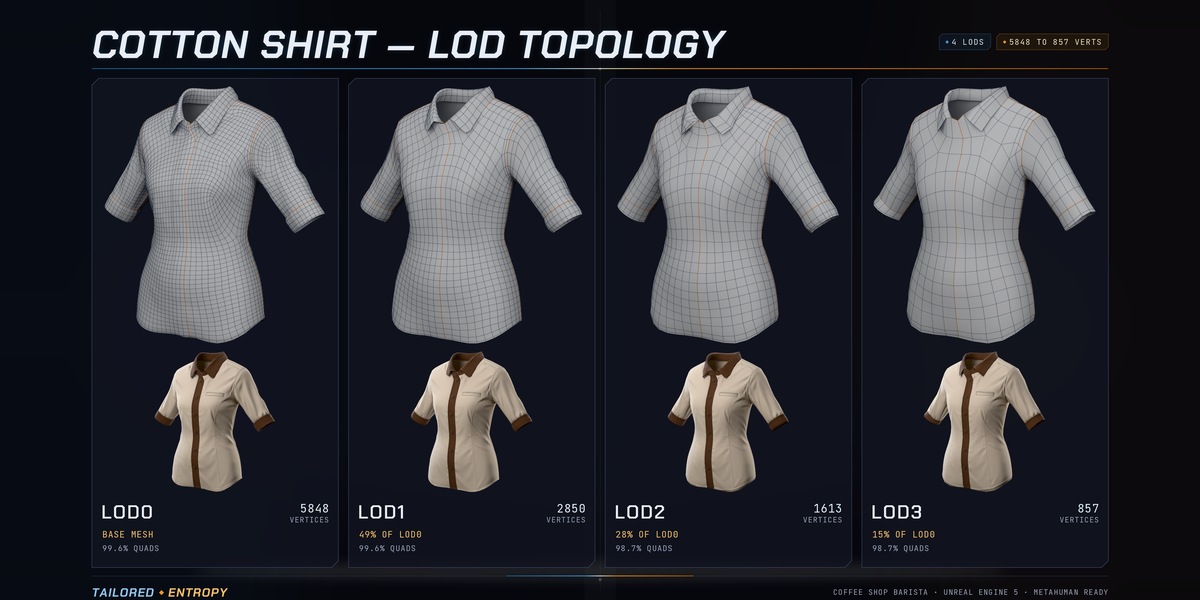
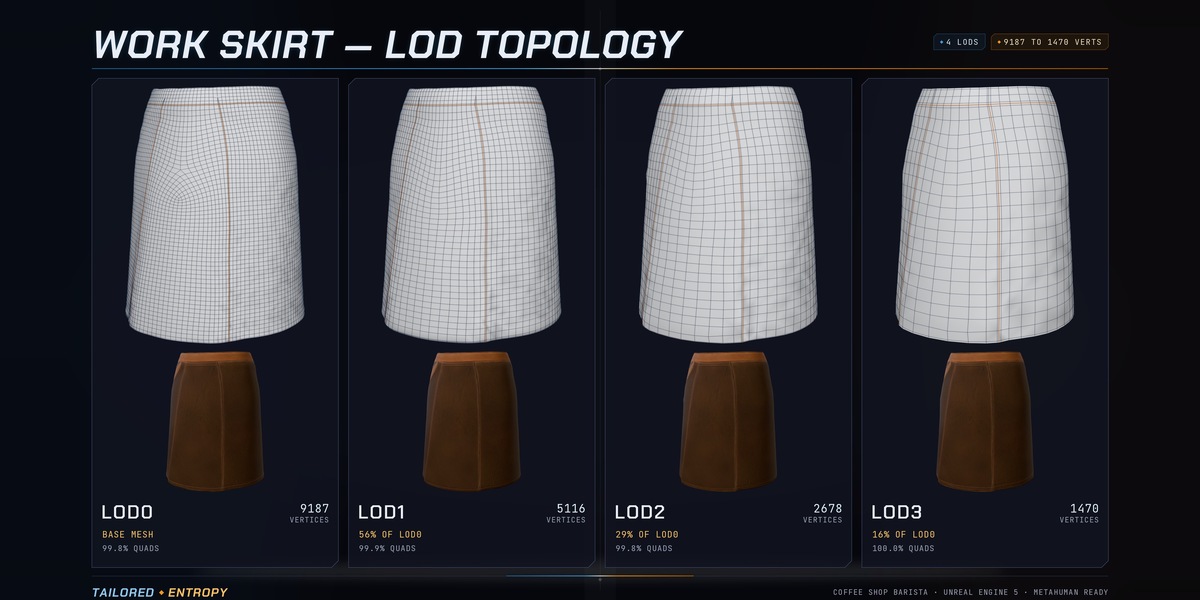
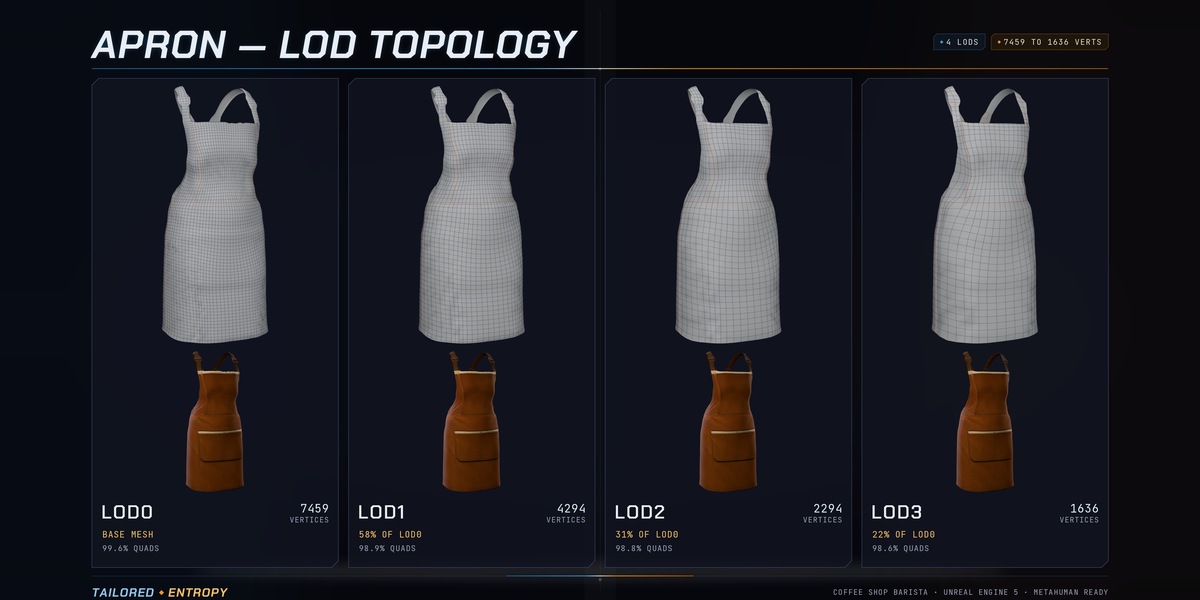
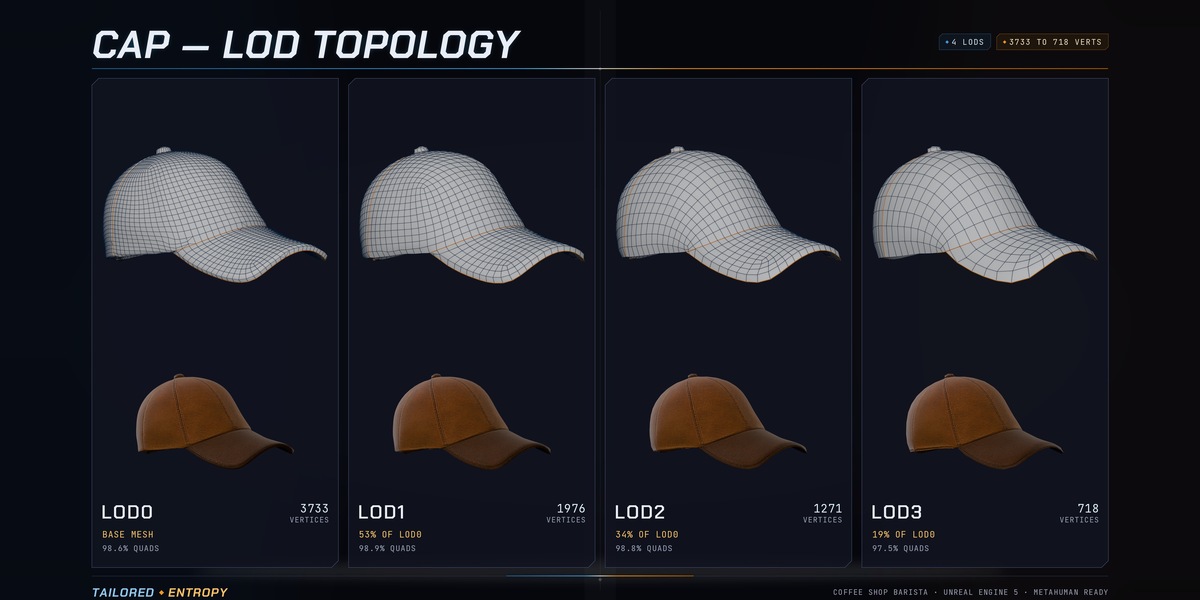
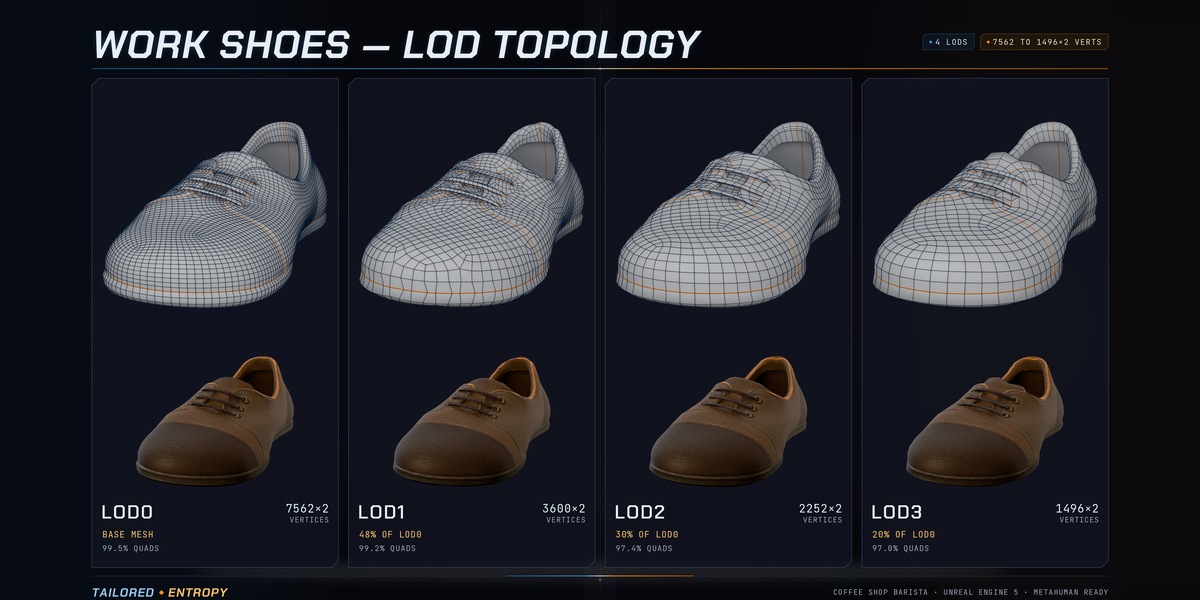
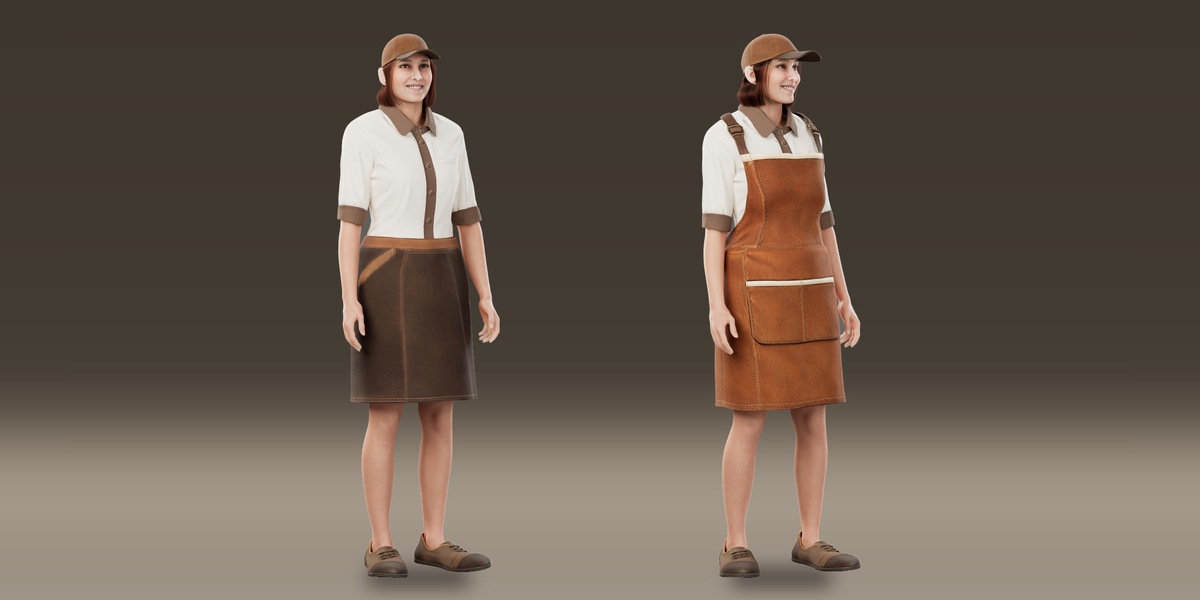
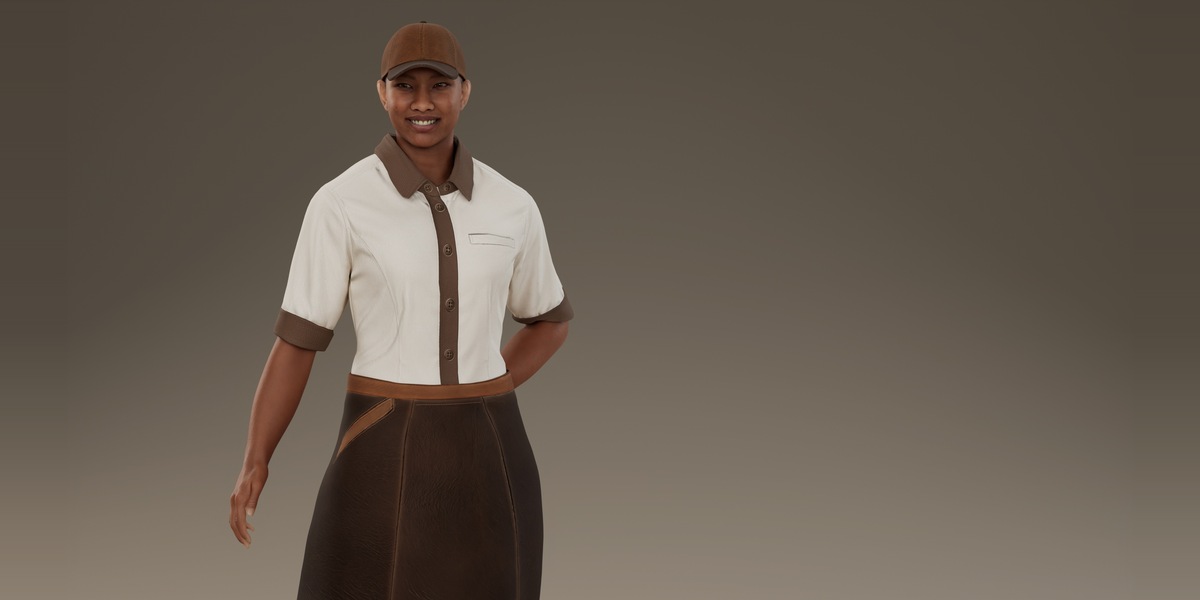
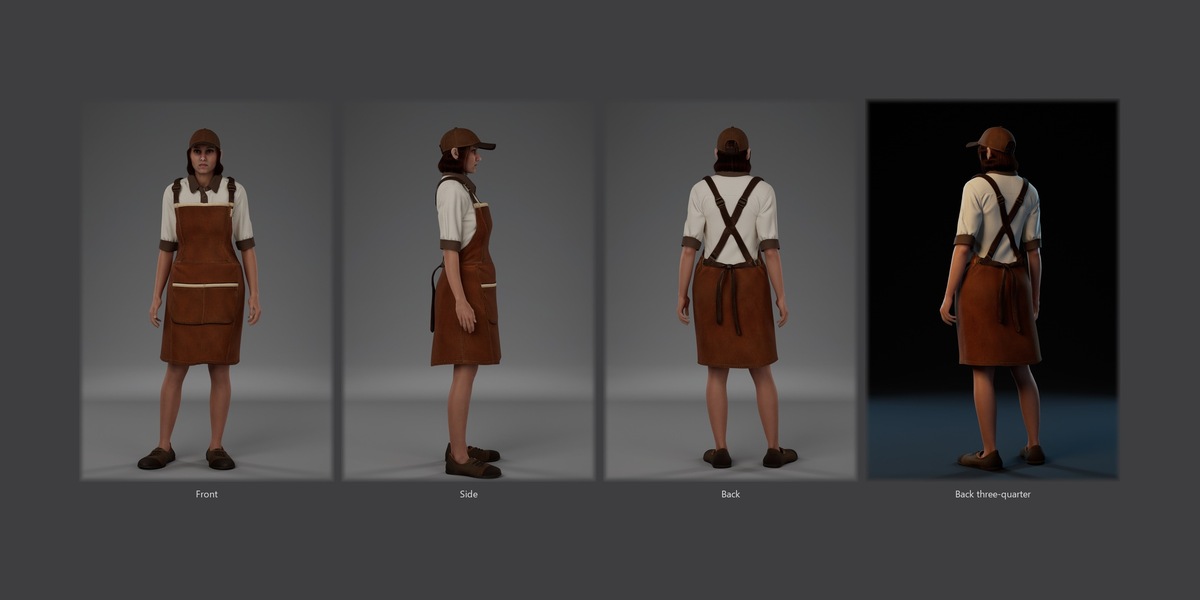
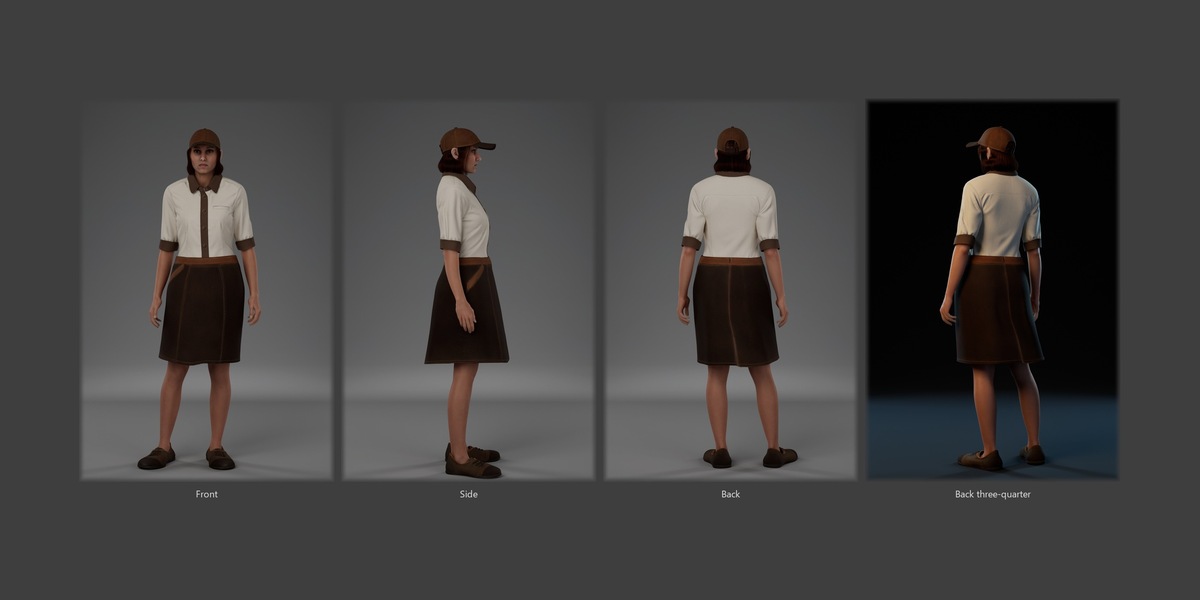
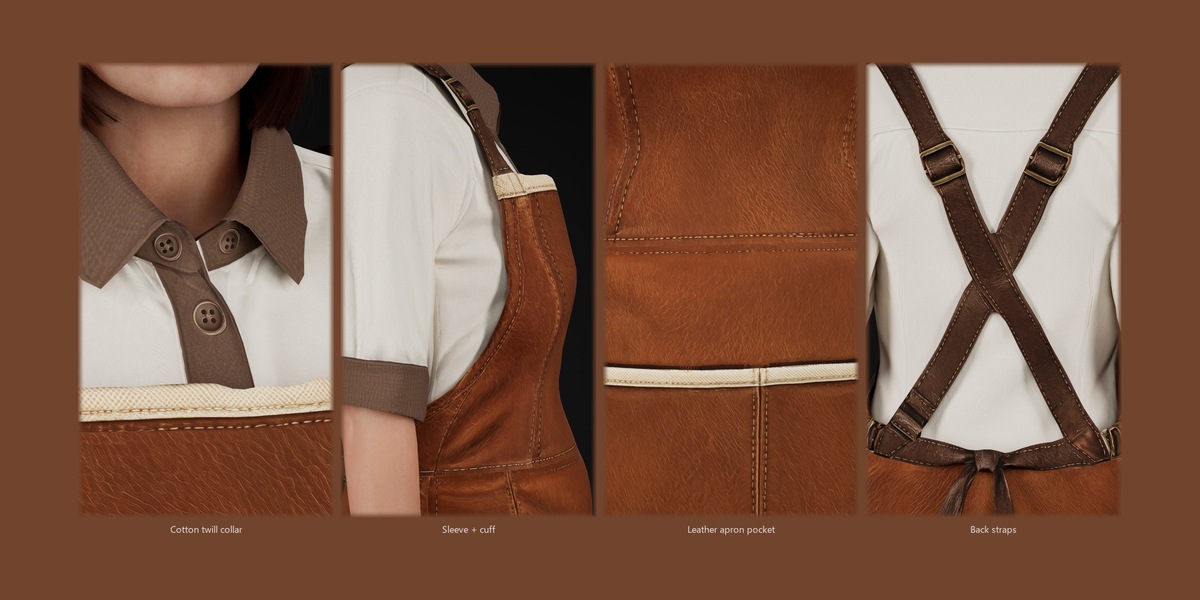
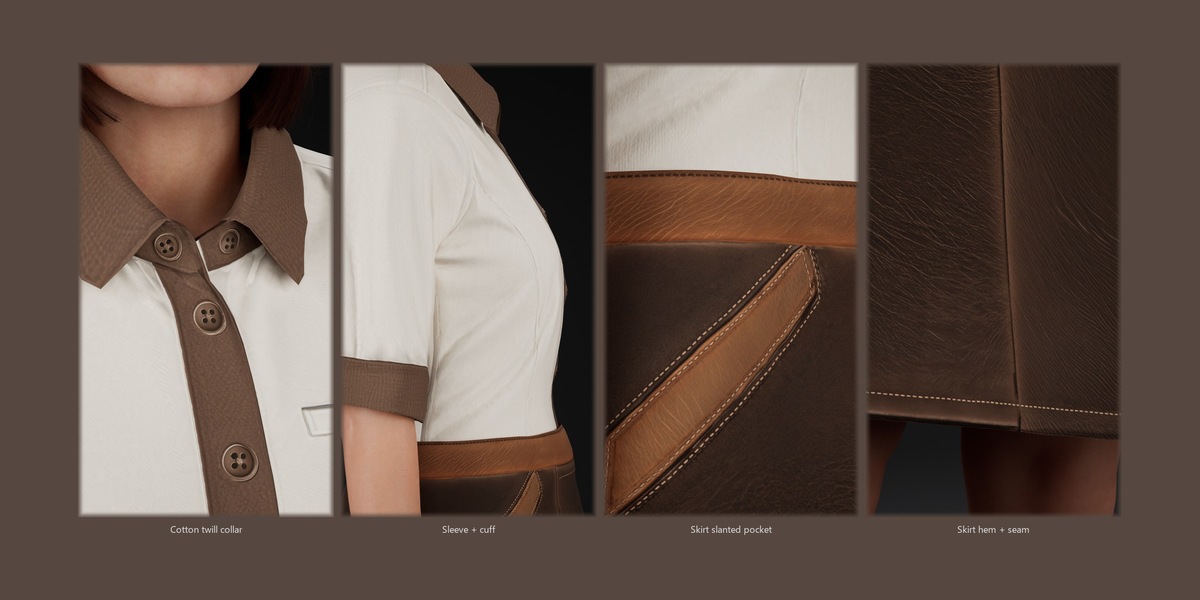
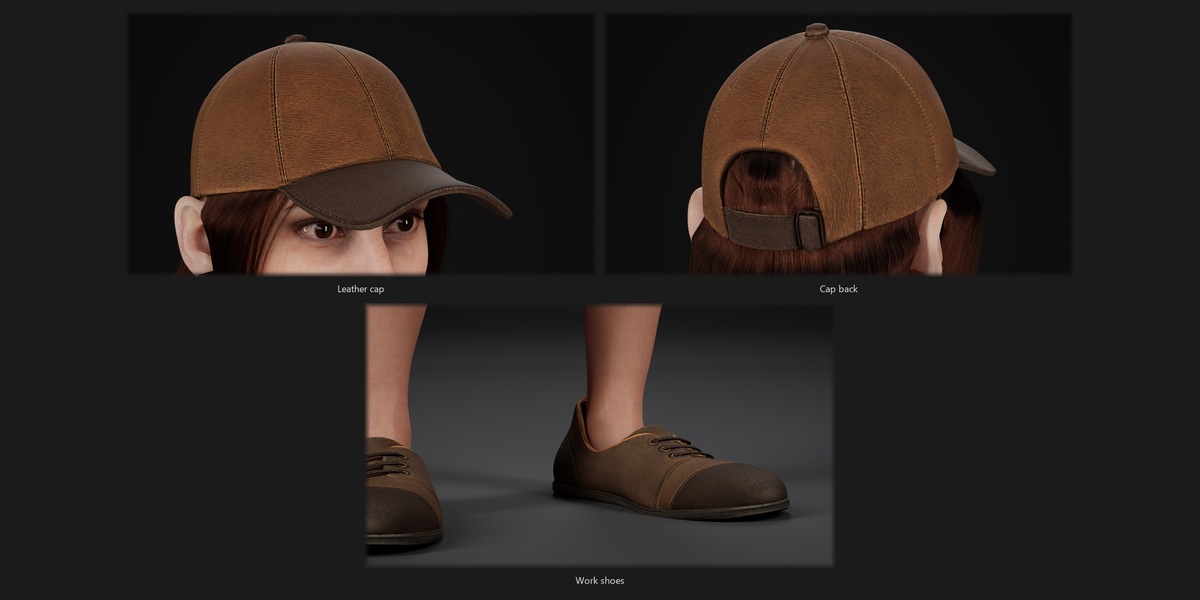
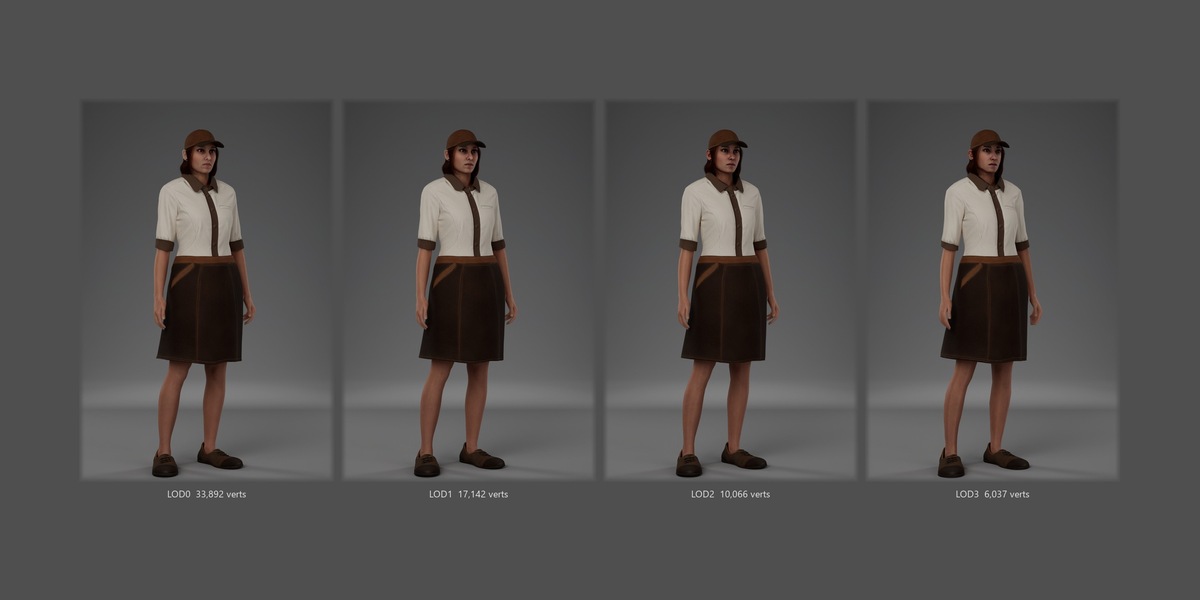
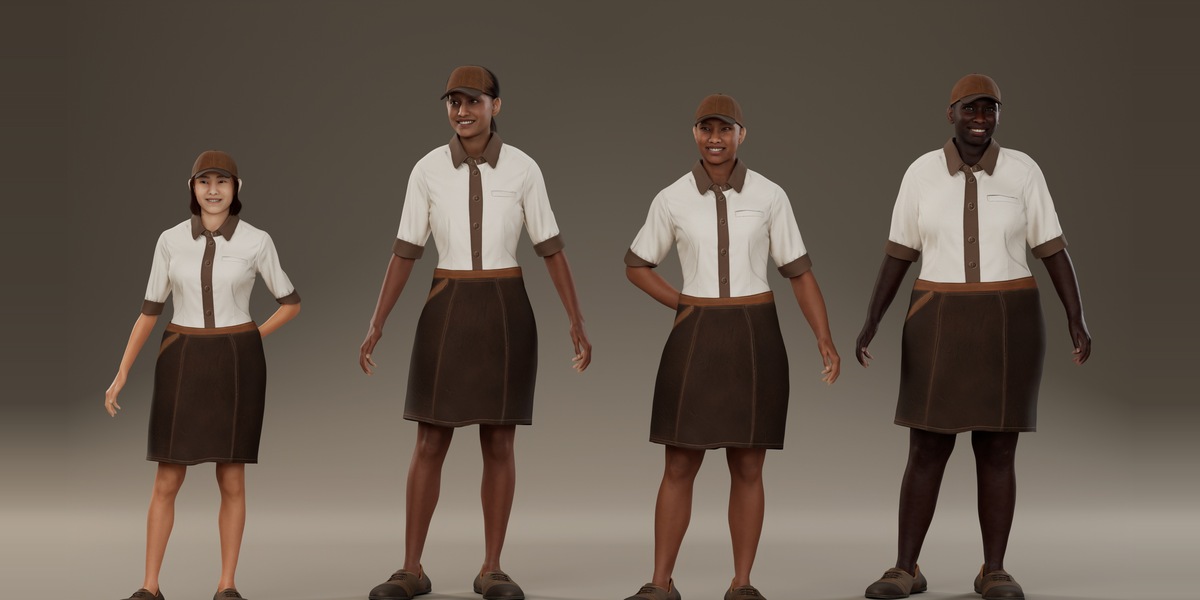
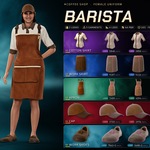
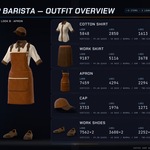
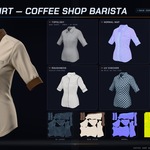
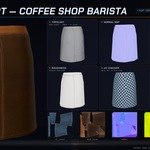
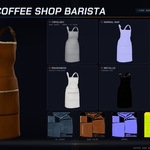
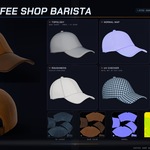
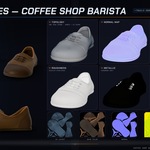
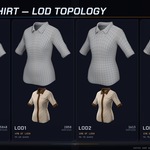
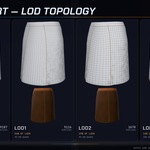
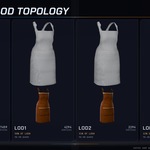
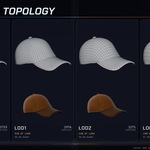
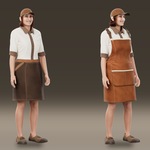
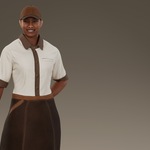
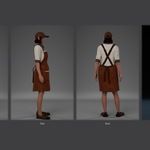
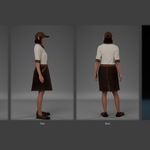
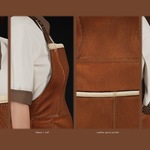
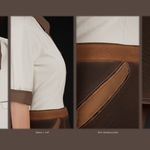
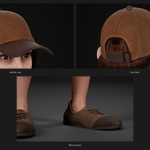
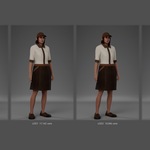
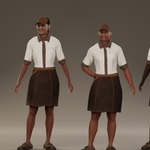
What is in the download
- Coffee_Shop_Barista_Blender_Cycles.zip: the Blender scene (Blender 5.0 or newer) with a README.
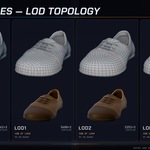
- Coffee_Shop_Barista_FBX_LODs_And_4K_Textures.zip: one skinned FBX per garment (LOD0 to LOD3), the 4K textures, quad meshes per LOD and one FBX of the whole skirt look, with a README.
- Coffee_Shop_Barista_All_5_Packages.zip: the 5 MetaHuman packages (.mhpkg) for Unreal Engine 5.8, with a README and checksums.
Blender
- Unzip the Blender archive and open Coffee_Shop_Barista.blend. All textures are packed into the file.
- Press F12 to render. The scene uses Cycles, a portrait camera, three sun lights and a neutral grey world. EEVEE works too.
- Every garment has its own collection. The skirt look (shirt, skirt, cap, shoes) is visible; the apron is hidden: toggle its collection's eye and camera icons to switch looks.
- LOD0 is visible. LOD1 to LOD3 sit in the "_LOD1-3" collections, excluded from the view layer: tick them on to use them.
- All garments are skinned to MetaHuman_Skeleton (bones only). Pose it, or parent or retarget it to your character. No body, head or hair is included; the garments were fitted on the female MetaHuman base body.
FBX (Blender, Maya, 3ds Max, Unity, other tools)
- Each .fbx holds LOD0 to LOD3 on the MetaHuman skeleton, with the textures embedded and next to it.
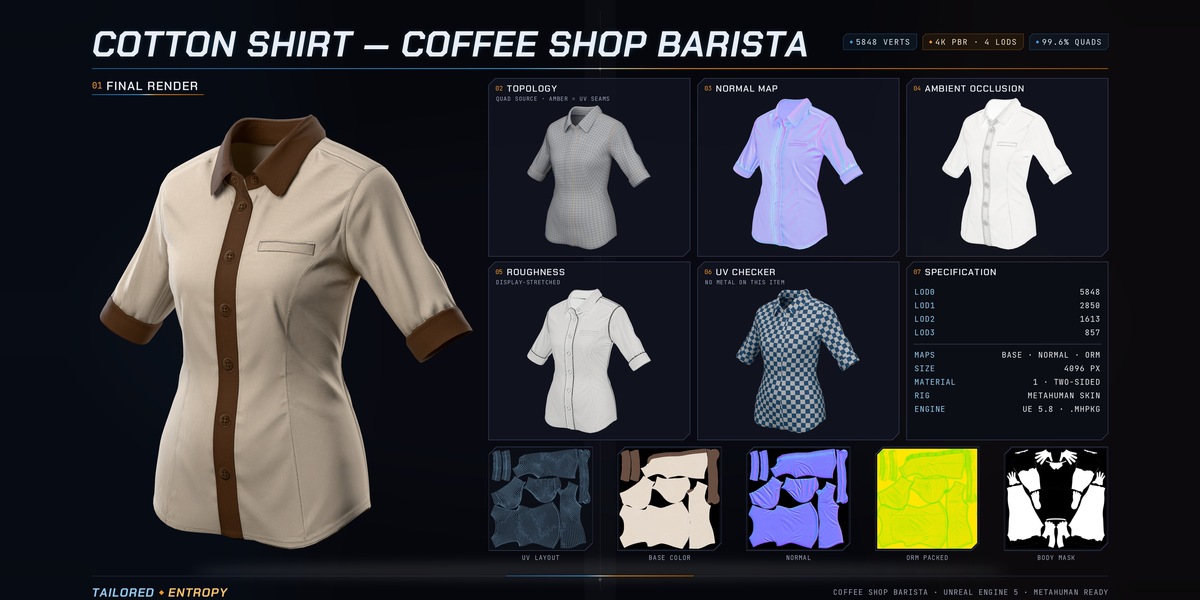
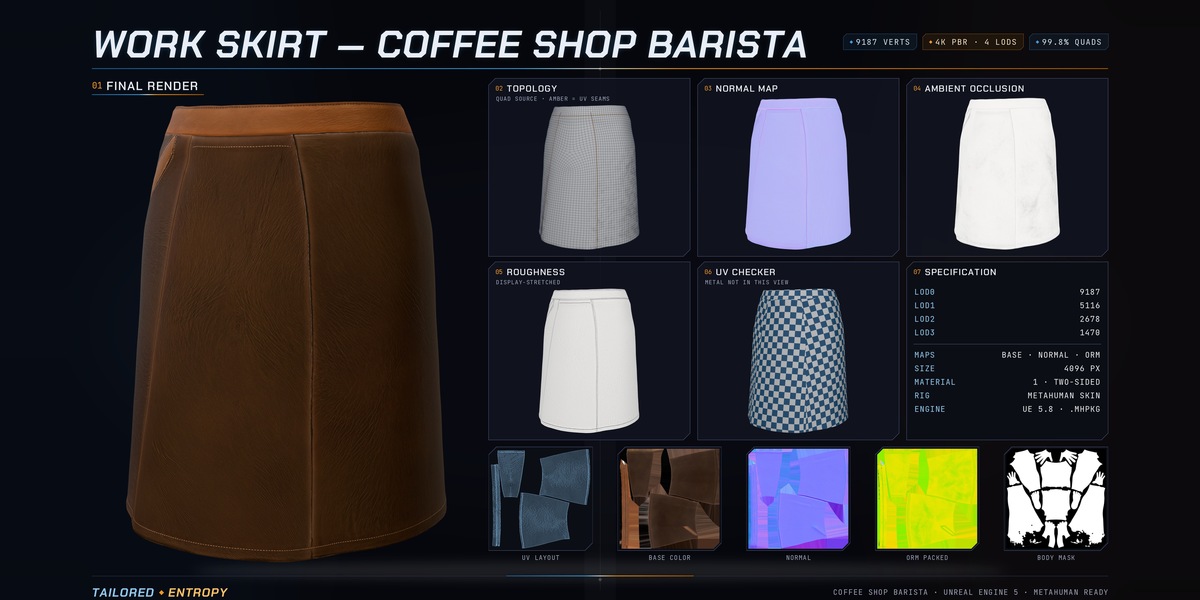
- Base colour is sRGB; roughness, metallic, AO and normal are linear (non-colour data).
- Use T__Normal_OpenGL.png in Blender, Maya, Unity and glTF, and the DirectX version in Unreal Engine and 3ds Max. ORM packs AO (R), roughness (G) and metallic (B).
- The garments are seen from both sides: turn off back-face culling (two-sided material).
- Quad/_LOD0..3_Quad.fbx are the same meshes as static quads for editing, sculpting or baking (no skeleton, no weights).
Unreal Engine 5.8 (MetaHuman)
- Requirements: Unreal Engine 5.8 (tested with 5.8.3), the MetaHuman Creator plugin and a female MetaHuman Character.
- Extract the packages archive and import each .mhpkg into its own folder of your project. If Unreal shows Missing Project Settings, click Enable Missing and restart the editor.
- Open your MetaHuman Character, go to Hair & Clothing > Selection and pick the shirt, cap and shoes with either the skirt or the apron.
- Choose Assembly and assemble the character. Skin under the garments is hidden automatically. Place the assembled Blueprint in your level.
Known limits
- Hairstyles are not reshaped for the cap: short or tied styles work best, and hair can show through the crown, especially at lower LODs.
- The skirt and the apron are alternatives and were not made to be layered. No cloth simulation is included.
- On short, full bodies the stock idle pose can bring the hands onto the skirt or apron at the hips; a different pose solves it.
- Small skin spots can show at the sleeve edges in some poses in Unreal.
 Included
Includes 12 months of
- Support from Tailored Entropy
- Product updates
Extend this product’s Support Period +12 months: 50% of product price
Have questions before purchasing?
Login to message
| Published | about 11 hours ago |
| Blender Version | 5.0 |
| Render Engine Used | Cycles, Eevee |
| License | Royalty Free |