 Adriflex



Turn Blender collections into linked assets, without leaving the scene.
Collection Teleporter helps you split a heavy working scene into clean linked assets, while keeping everything visible in the original context.
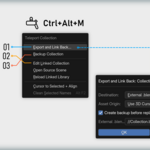
Use Ctrl + Alt + M to open the main menu, export a collection to its own .blend file or source scene, then keep a linked instance exactly where it was.
Need to change the asset later? Make the linked collection editable in place, update it inside your shot, and send it back to the source.
Made for messy production scenes
Blender scenes often start loose: props, set dressing, tests, variants, and half-finished ideas all living together because that is how creative work happens.
This add-on gives you a gentle way to clean that up. Move stable collections out, keep the shot intact, and avoid rebuilding your whole file structure by hand.
Recent updates
- Blender 5.2 support: use Collection Teleporter in Blender 5.2 LTS while keeping Blender 5.1 support.
- Switch collection sources: point an instance to another collection from the same file, a linked file, or an archive.
- Preserve linked data: linked materials, images, node groups, nested instances, and modifier targets stay linked when they belong outside the edited collection.
Main workflow
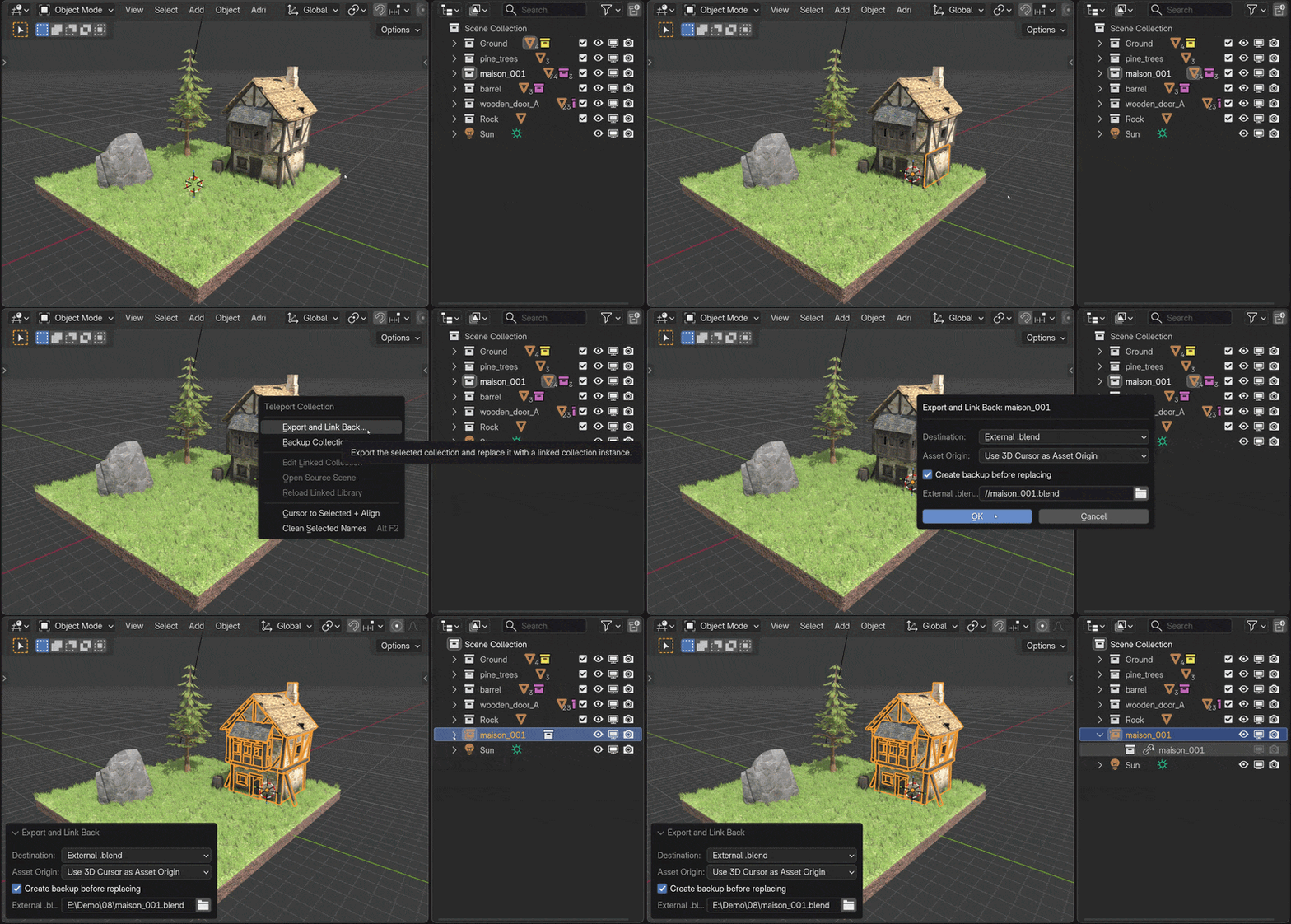
Export and Link Back
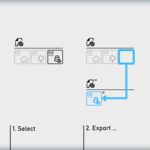
Send a local collection to an external .blend file or another scene in the current file. Collection Teleporter replaces it with a linked collection instance and keeps the placement in your working scene.
Edit linked collections in context
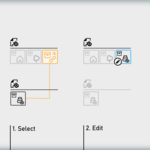
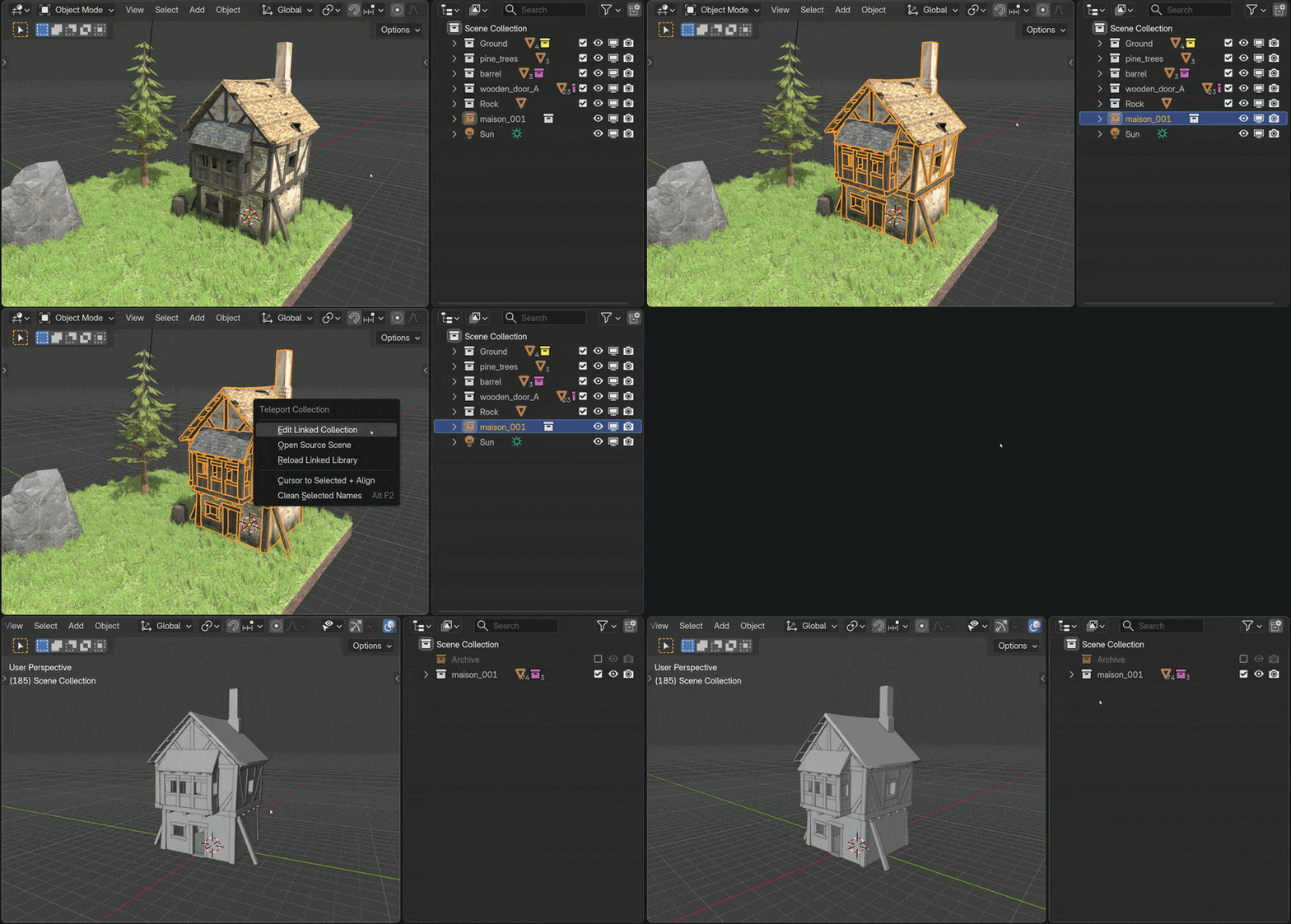
Select a linked collection instance, make it editable, adjust the asset where it is actually used, then export it back to its source. The linked version returns to the same place, so your layout does not drift.
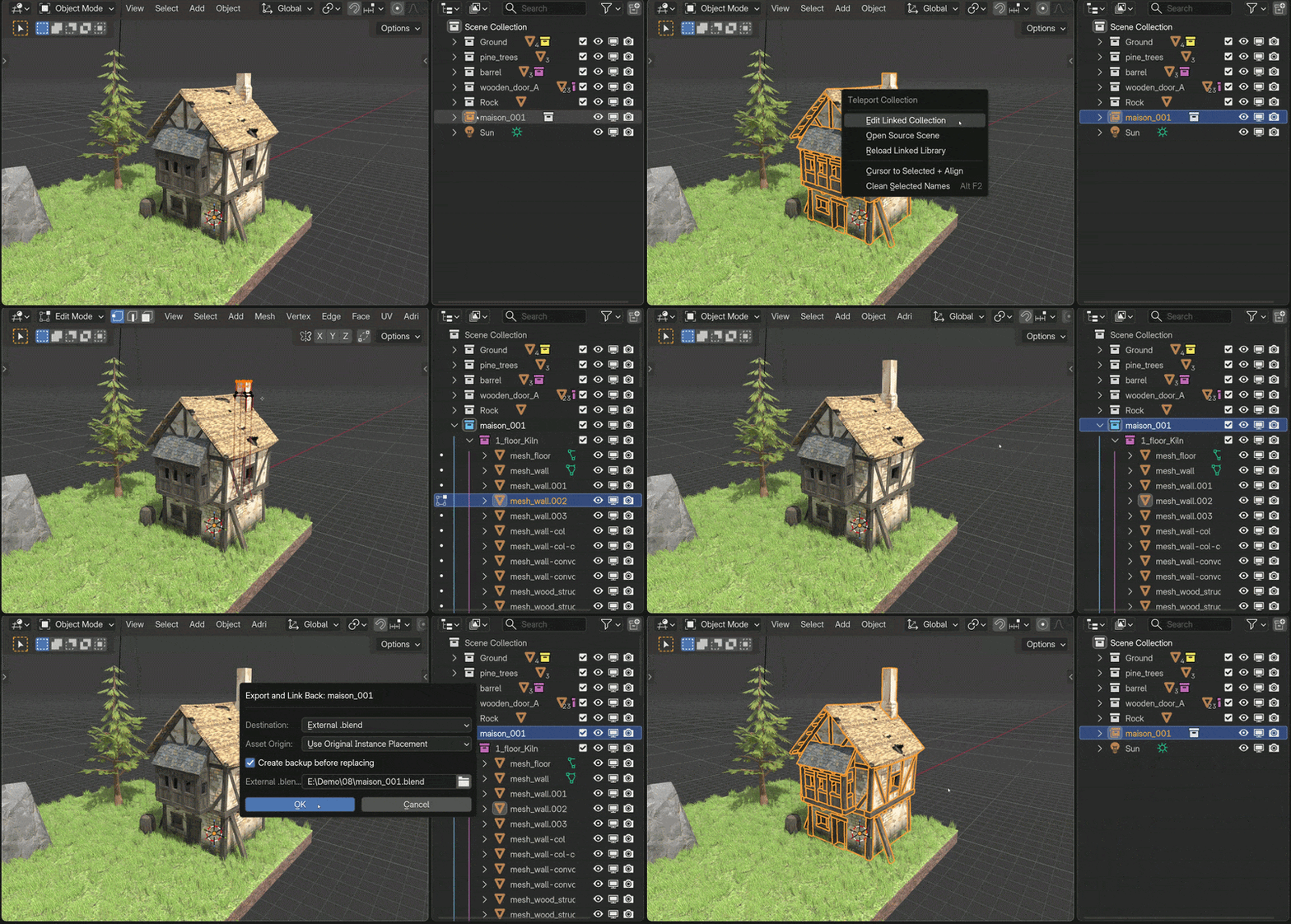
Open the source scene
Jump to the source file or source scene behind a linked collection without digging through folders by hand.
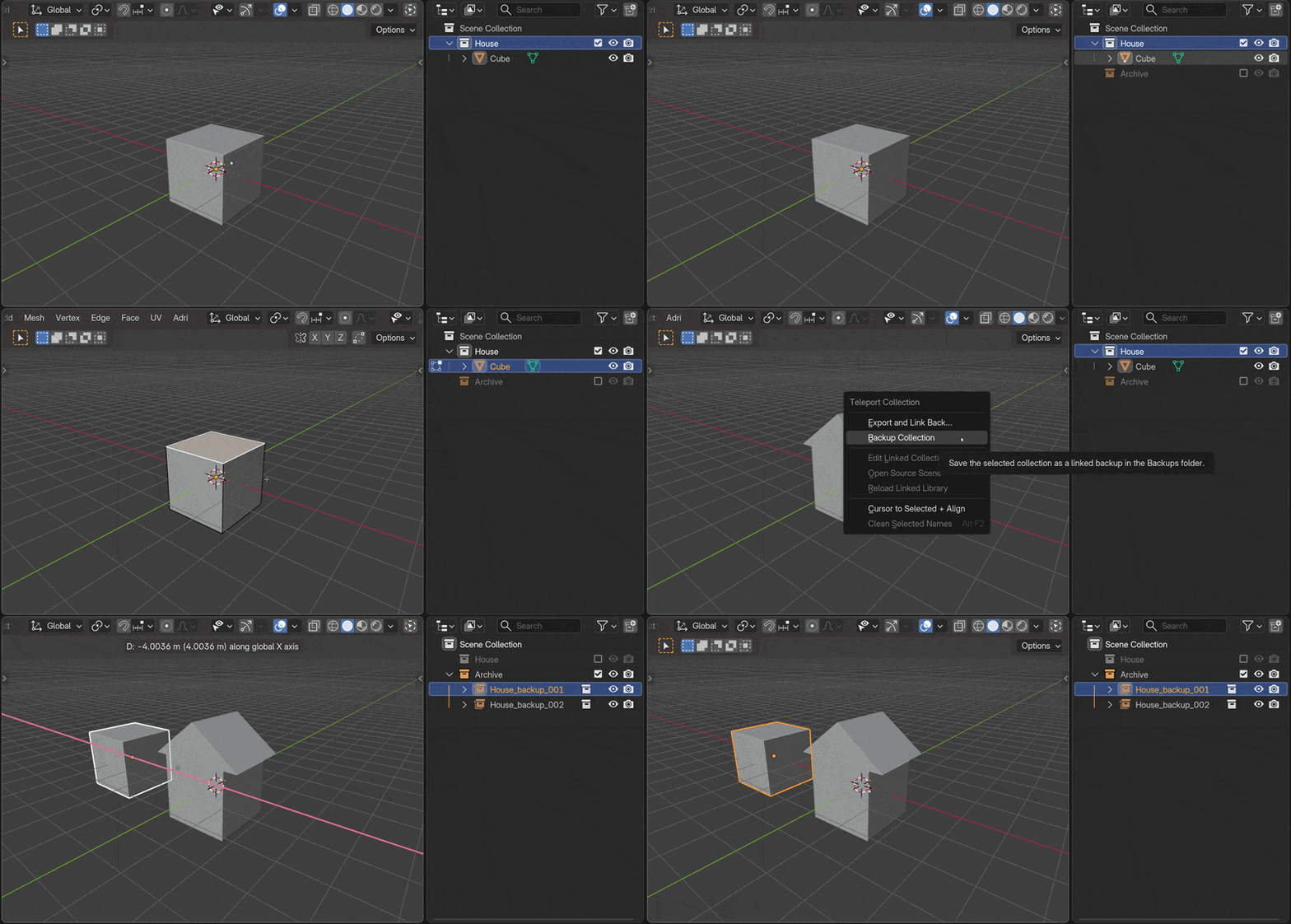
Keep backup versions nearby
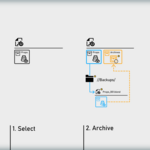
Archive an asset version before you keep working. The backup is saved in a neighboring Backups folder, so you can compare versions or return to an earlier pass without hunting through old files.
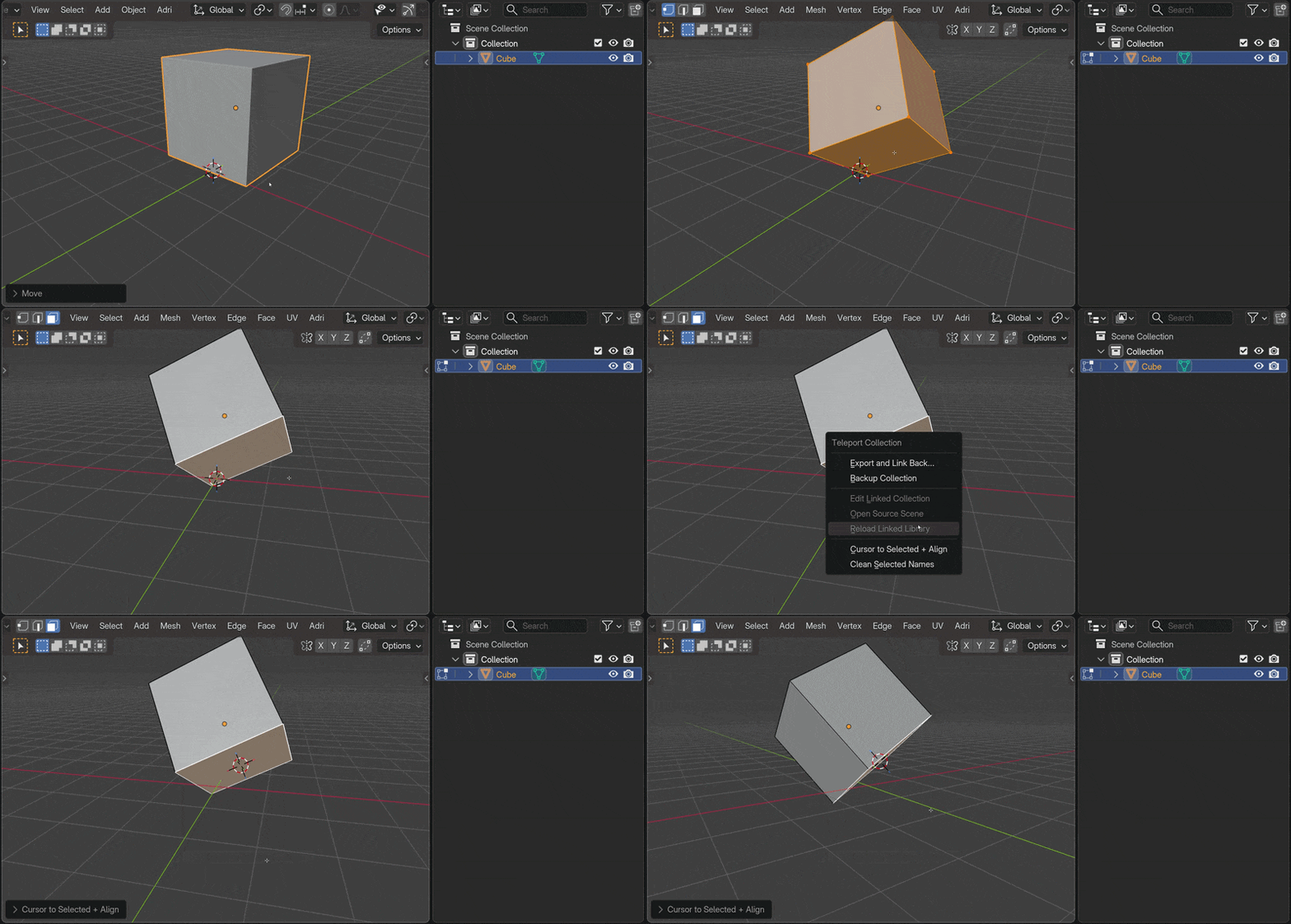
Choose a clean export origin
When using Export and Link Back, you can use the 3D Cursor as the asset origin. Cursor to Selected + Align places and orients that cursor first, so the exported source scene is reset around the origin you chose.
Small tools for cleaner files
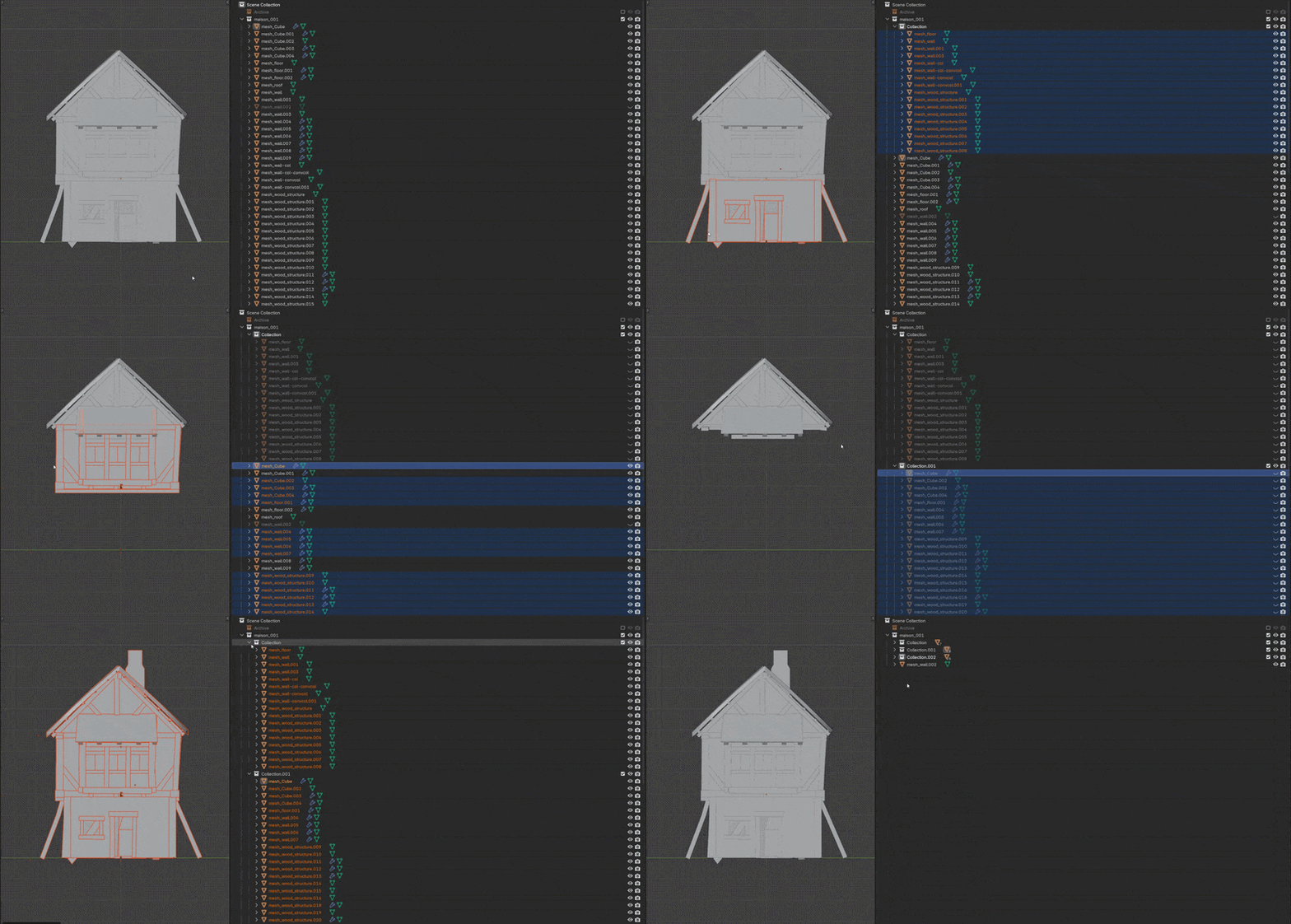
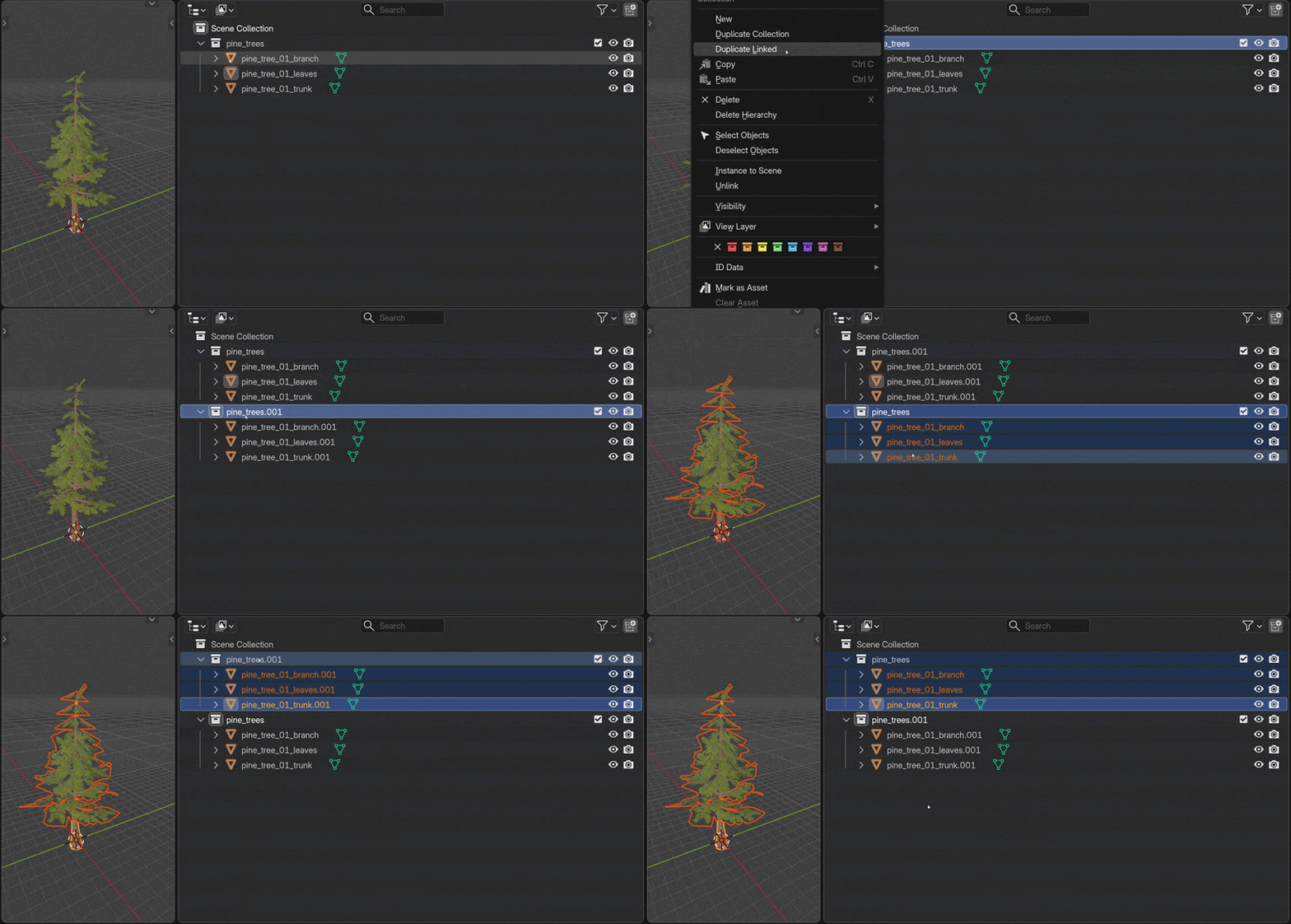
Create a collection from selection
Press Ctrl + G to move selected objects into a visible new collection in place. Good for turning loose scene objects into something ready to export.
Clean selected names
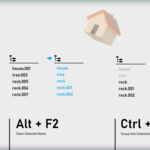
Press Alt + F2 to remove Blender increment suffixes like .001 and rename single-user meshes to match their objects. Exported files stay easier to read.
What is included
- Export collections to linked source files or source scenes.
- Edit linked collections in place and send the result back.
- Switch a collection instance to another source collection.
- Preserve linked materials and external data in common production setups.
- Open sources, create backups, and reload linked libraries.
- Clean up collection setup, object naming, and export origins with a few helper tools.
Short version: build your scene normally, dispatch collections when they become stable, edit linked assets in place, and keep your working file lighter without building a full pipeline too early.
