 ZEG
ZEG

Installation
In Blender open Edit, Preferences, Get Extensions, then use Install from Disk and pick the collision_generator zip.
Usage
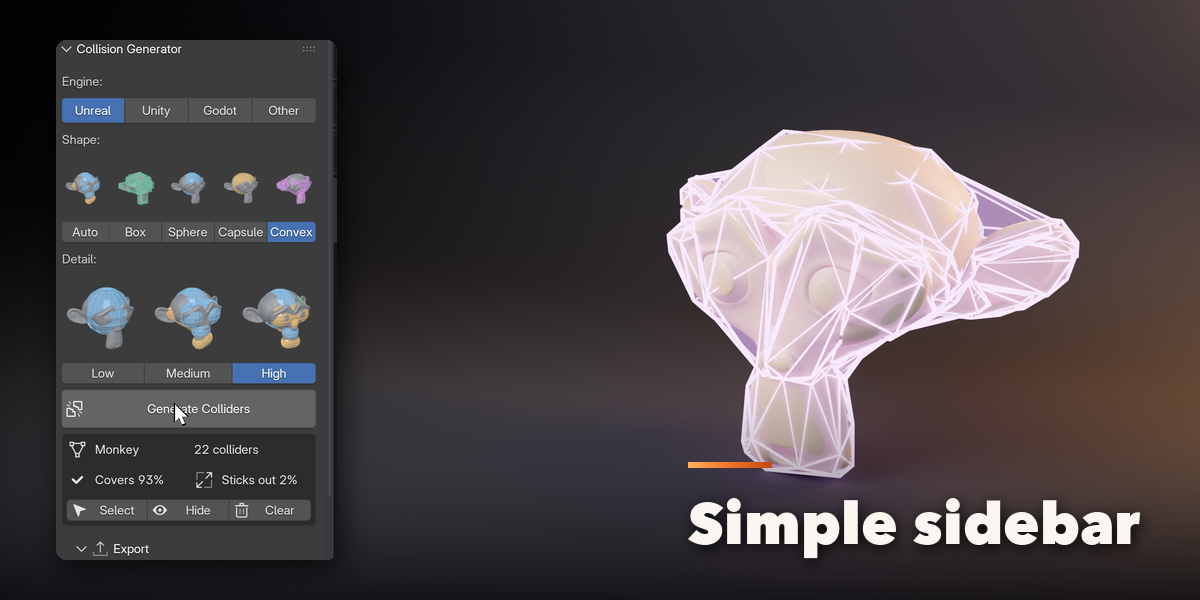
- Open the Collision tab in the 3D viewport sidebar (N).
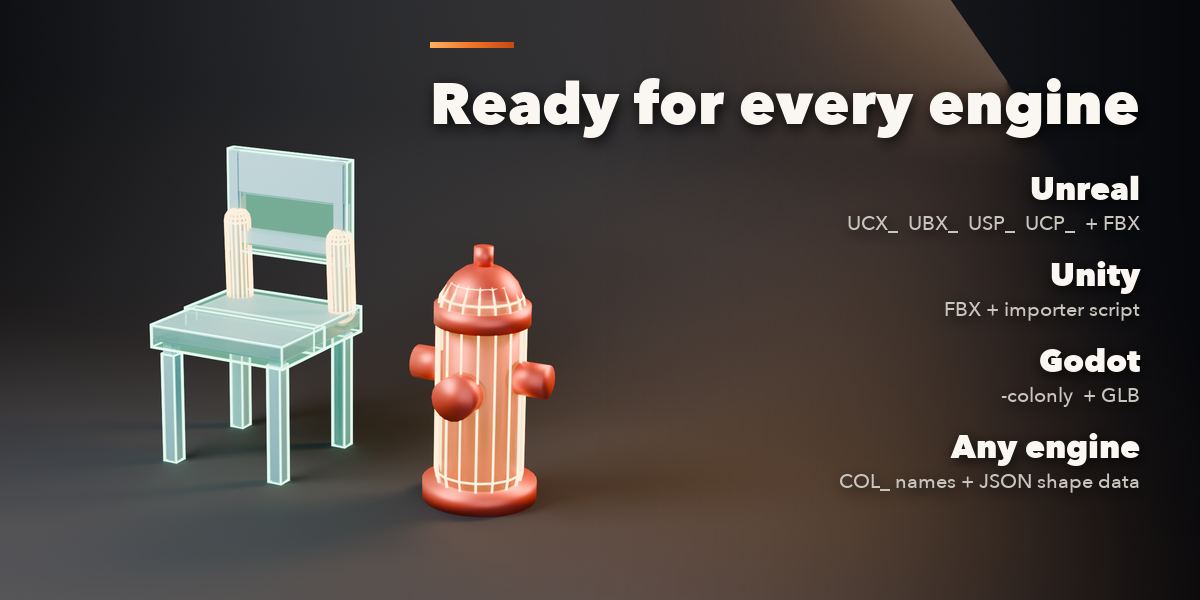
- Pick your engine: Unreal, Unity, Godot or Other. Collider names follow the engine (UCX_/UBX_/USP_/UCP_ for Unreal and Unity, -colonly for Godot, COL_ for Other).
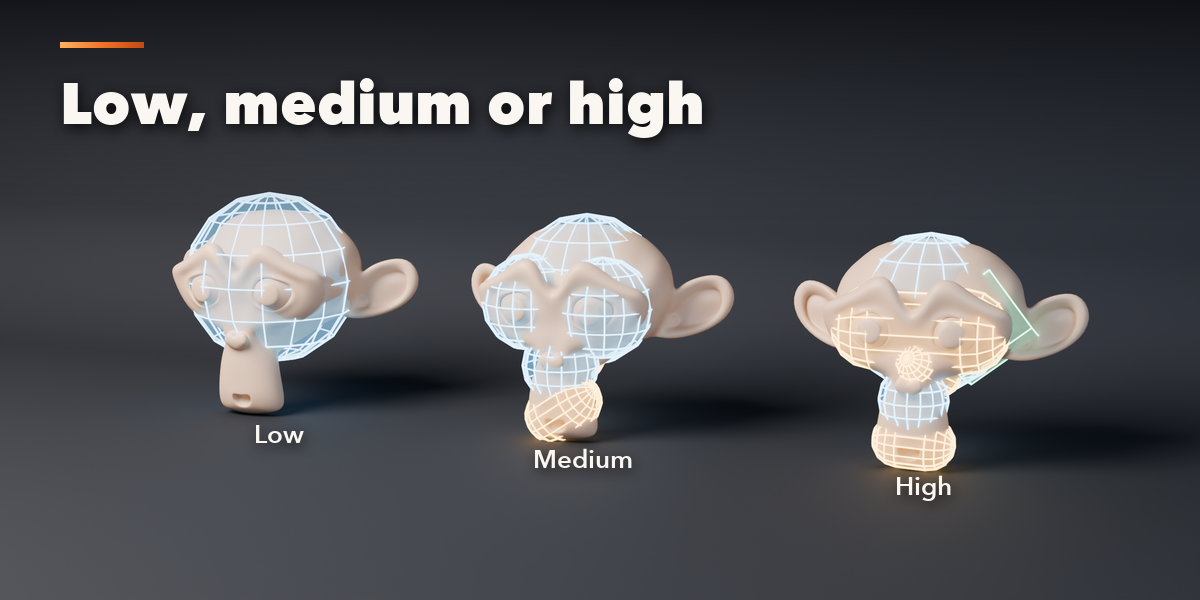
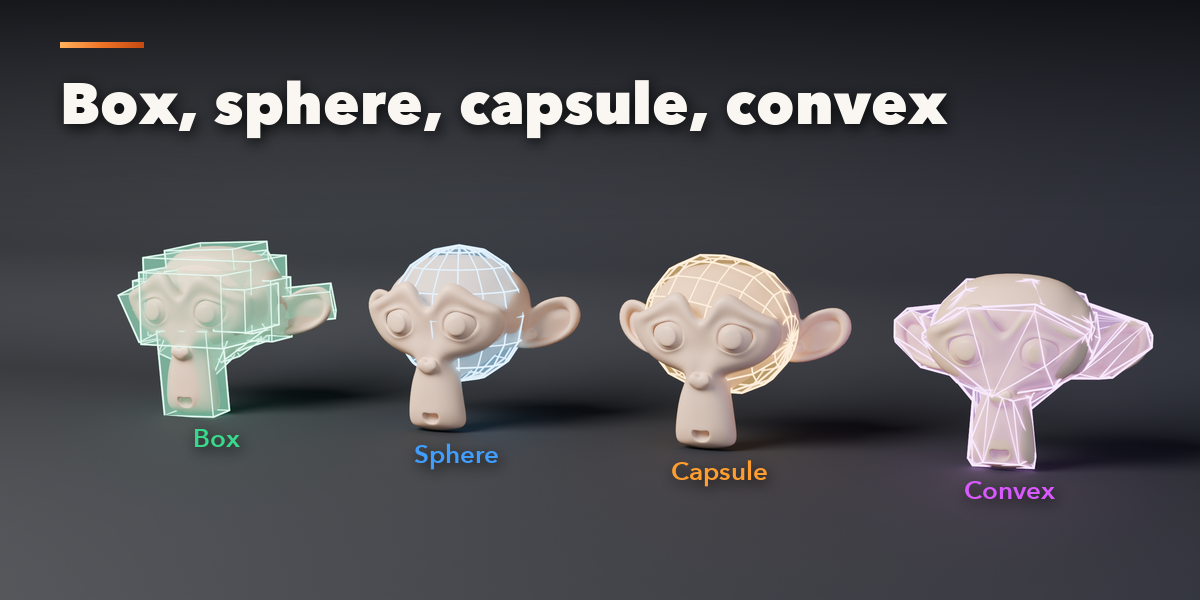
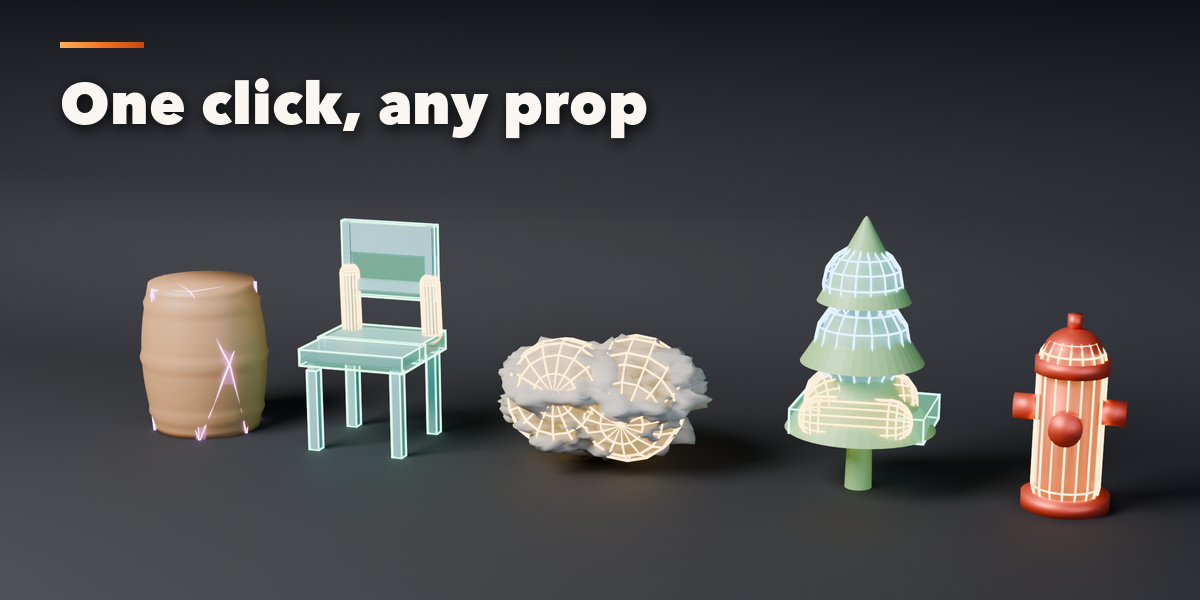
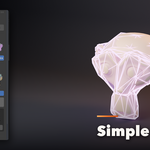
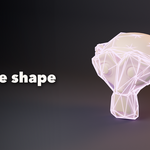
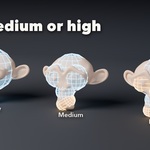
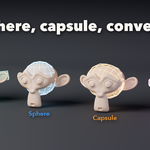
- Pick a shape (Auto, Box, Sphere, Capsule or Convex) and a detail level (Low, Medium, High).
- Select one or more meshes and press Generate Colliders. The result card shows the collider count, how much of the model they cover and how far they stick out, with Select, Hide and Clear buttons.
- In Export choose a folder and press Export: FBX for Unreal and Unity (with an optional Unity importer script), GLB for Godot, and an optional JSON file with the exact shapes.
- Advanced holds the collider limit, tightness, seed, hull vertex limit and how colliders are drawn.
Colliders are parented to their model and hidden from renders.
Have questions about this product?
Login to message
| Blender Extension Compatible | Yes |
| Published | 5 days ago |
| Blender Version | 4.2 - 5.2 |
| Extension Type | Add-on |
| Render Engine Used | Cycles, Eevee |
| License | GPL |

Discover more products like this
ucx physics Unreal Engine game assets Export godot unity collision low poly game ready collider convex hull