Color Layer Splitter
 Sonneblom Digitaal
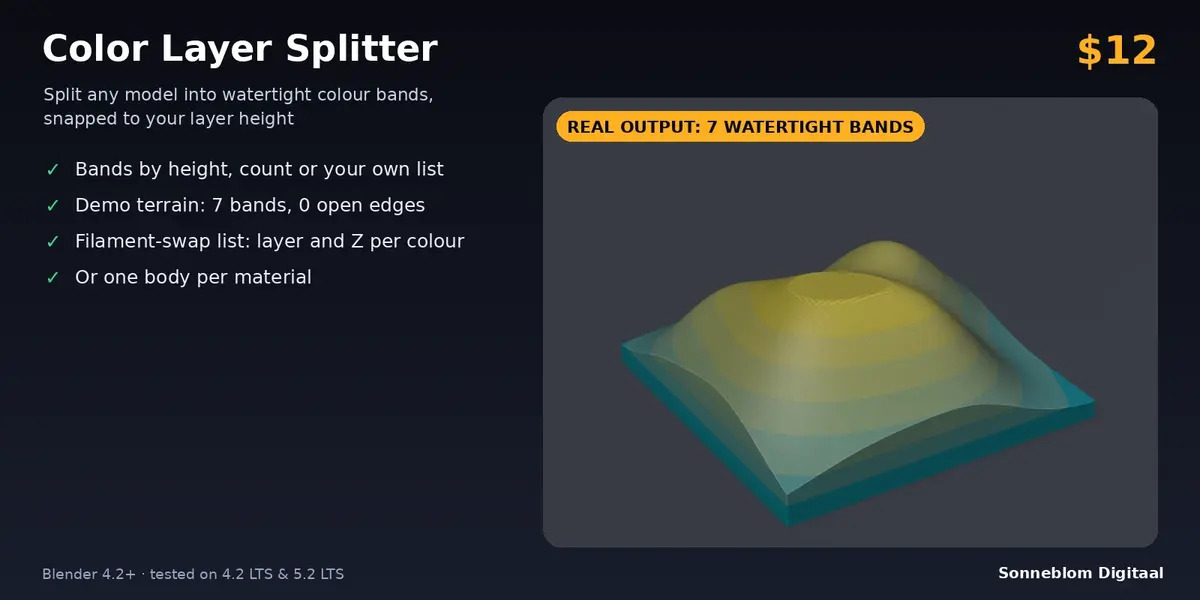
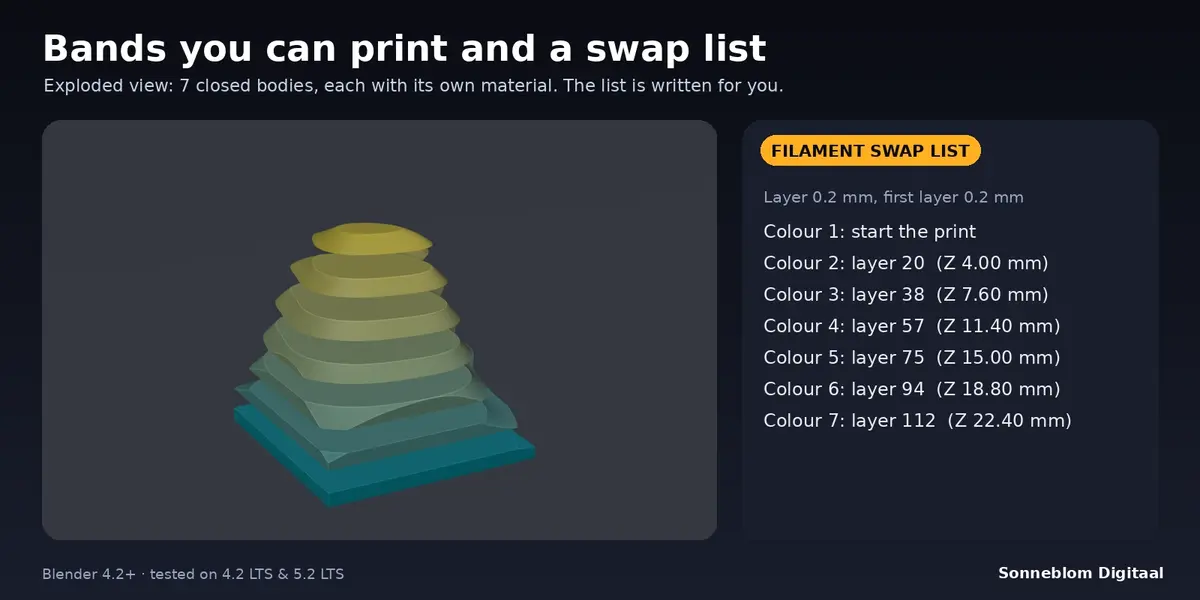
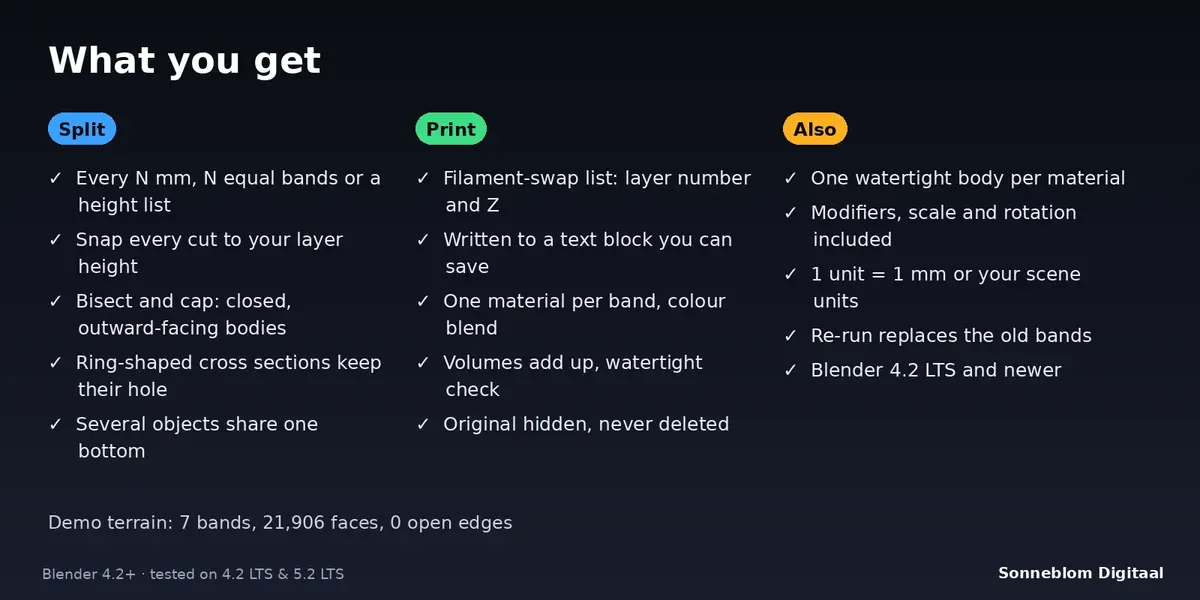
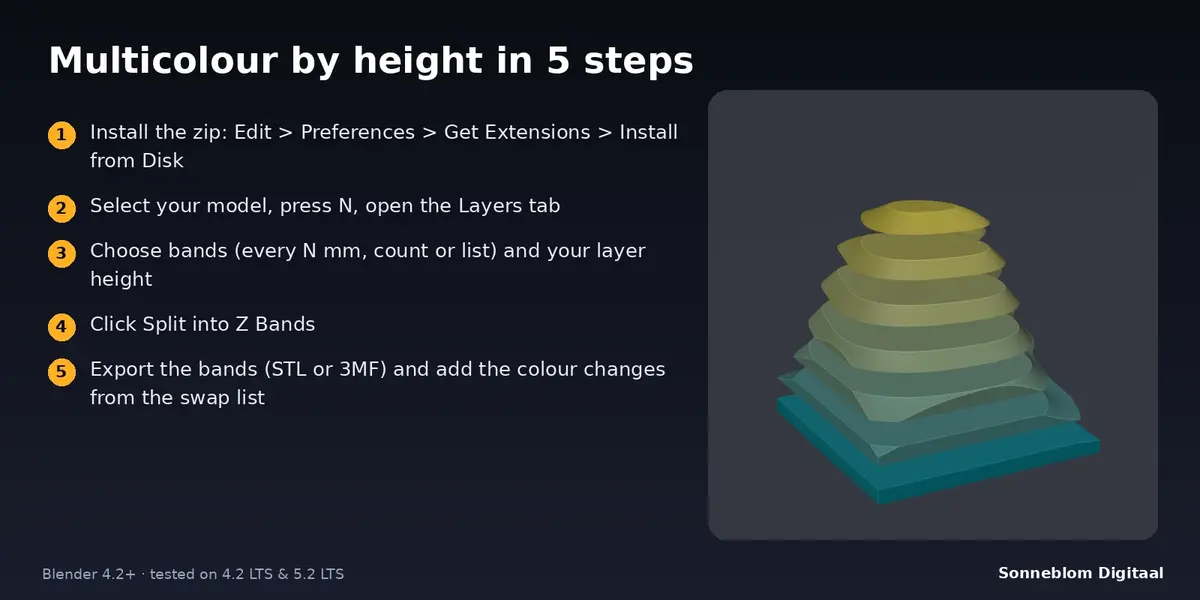
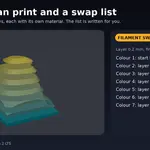

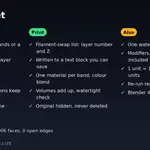
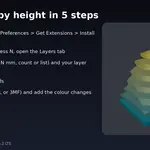
No. On a single-nozzle printer you pause and change filament at the layers in the swap list. On a multi-material printer or an AMS you assign one filament to each band.
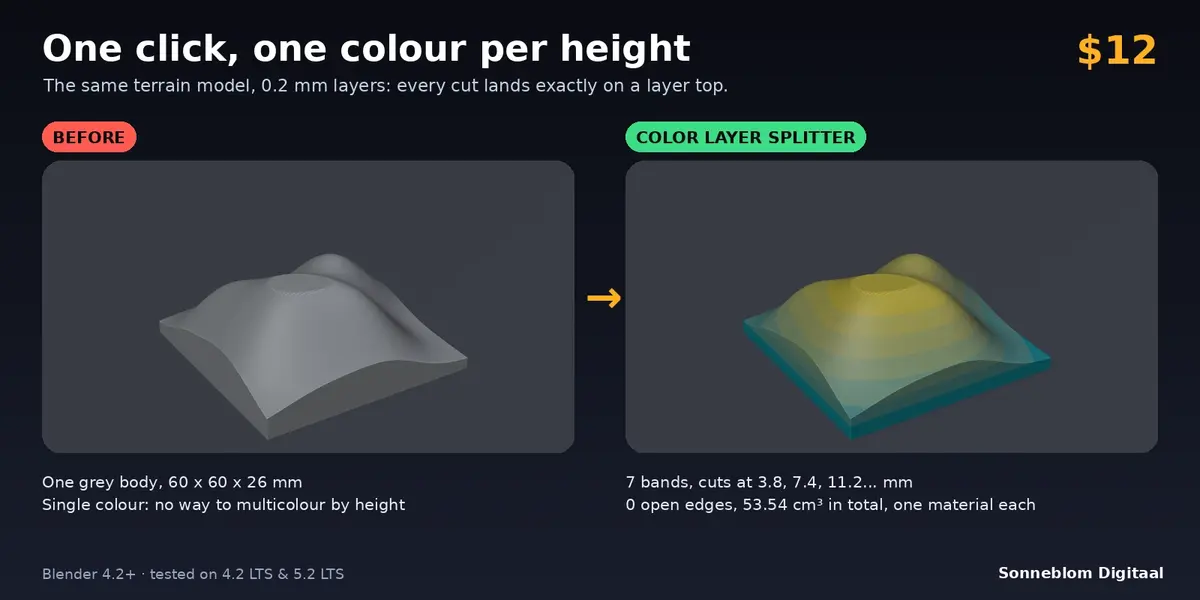
It moves every cut to the nearest layer top (first layer height + a whole number of layer heights), so the colour changes exactly between two printed layers and no layer contains two colours.
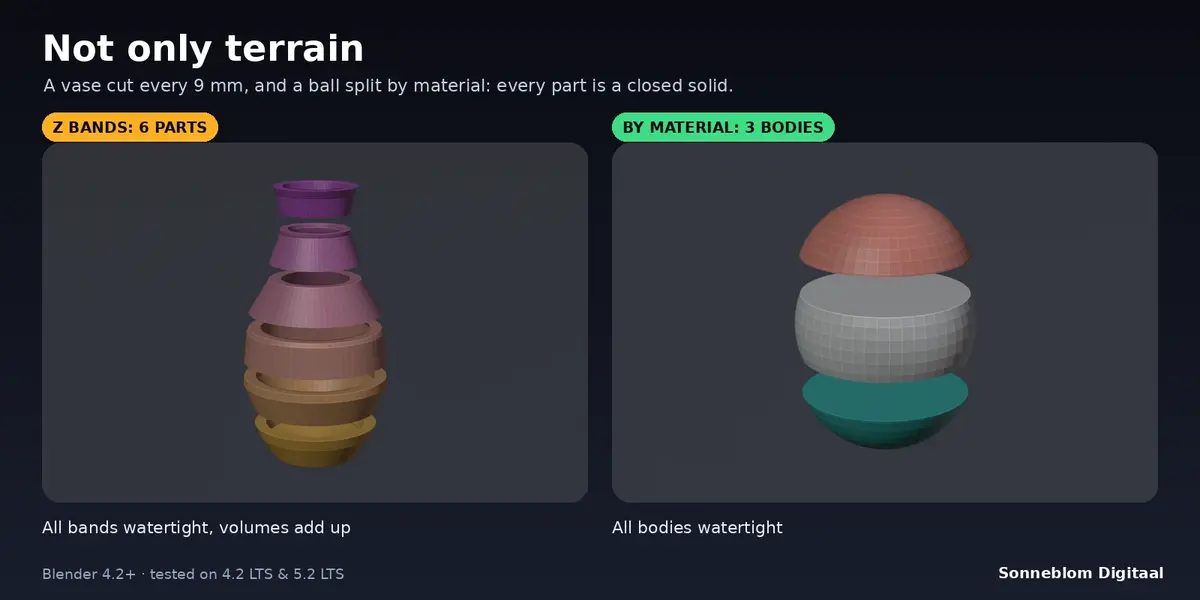
Yes, when the source model is watertight. Each cut is capped with a flat face, ring-shaped cross sections keep their hole, and after every run the add-on counts open edges and checks that the band volumes add up to the volume of the original; the result is shown in the panel.
No. Cuts are horizontal planes along the Z axis. Rotate your model first if you want to cut along another direction.
It makes one closed body per material of a model. Assign materials to faces first; the places where two materials meet are capped with flat faces, so every body prints on its own.
No. The original is only hidden (turn Hide original off to keep it visible). Running the add-on again replaces the earlier bands of the same object.
Any. The add-on gives you separate closed bodies and a list of layer numbers and Z heights. PrusaSlicer and OrcaSlicer can add a colour change at a given height; other slicers have a pause or filament-change feature.
Have questions about this product?
Login to message
| Blender Extension Compatible | Yes |
| Published | about 8 hours ago |
| Blender Version | 4.2 - 5.2 |
| Extension Type | Add-on |
| License | GPL |
Discover more products like this
split bands multicolor layers watertight filament change topographic 3d printing