Column Cliff Generator
 AS Formworks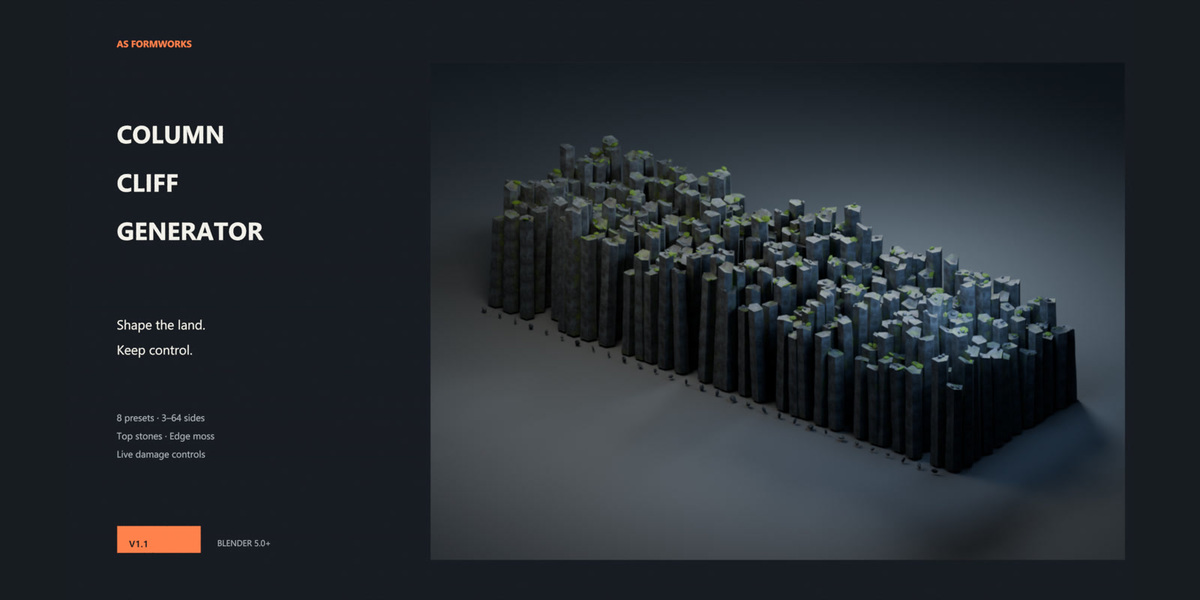
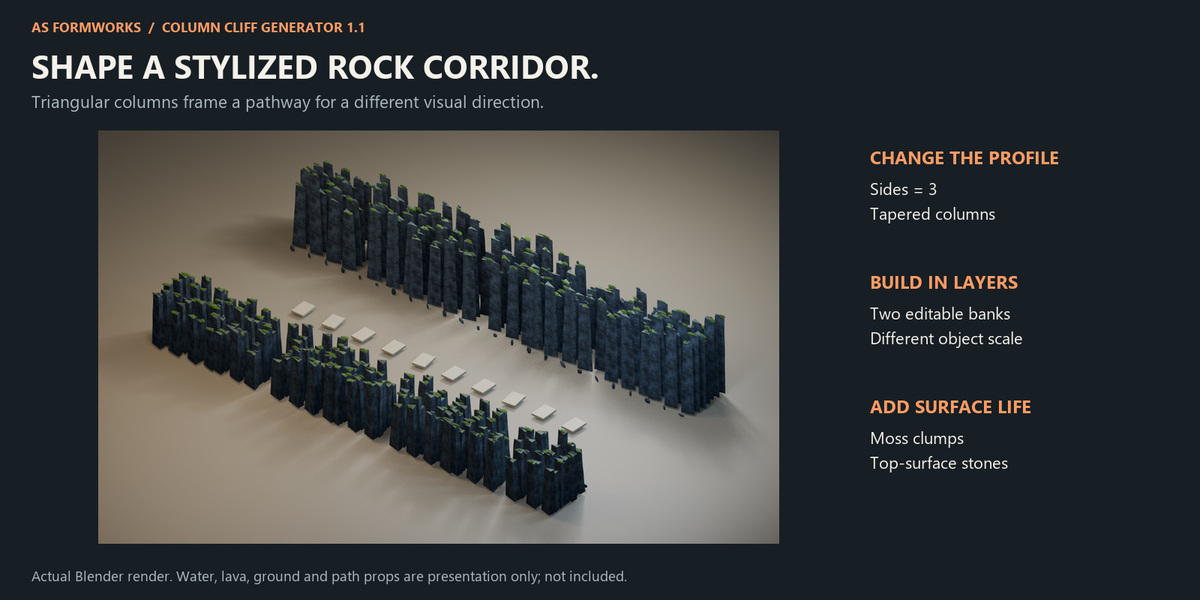
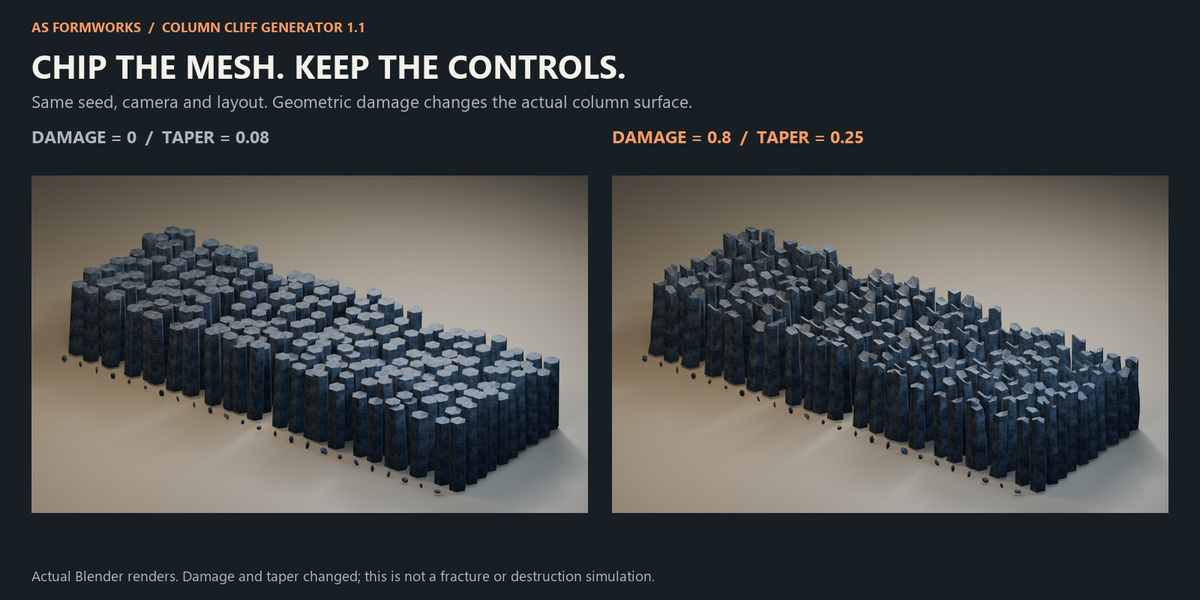
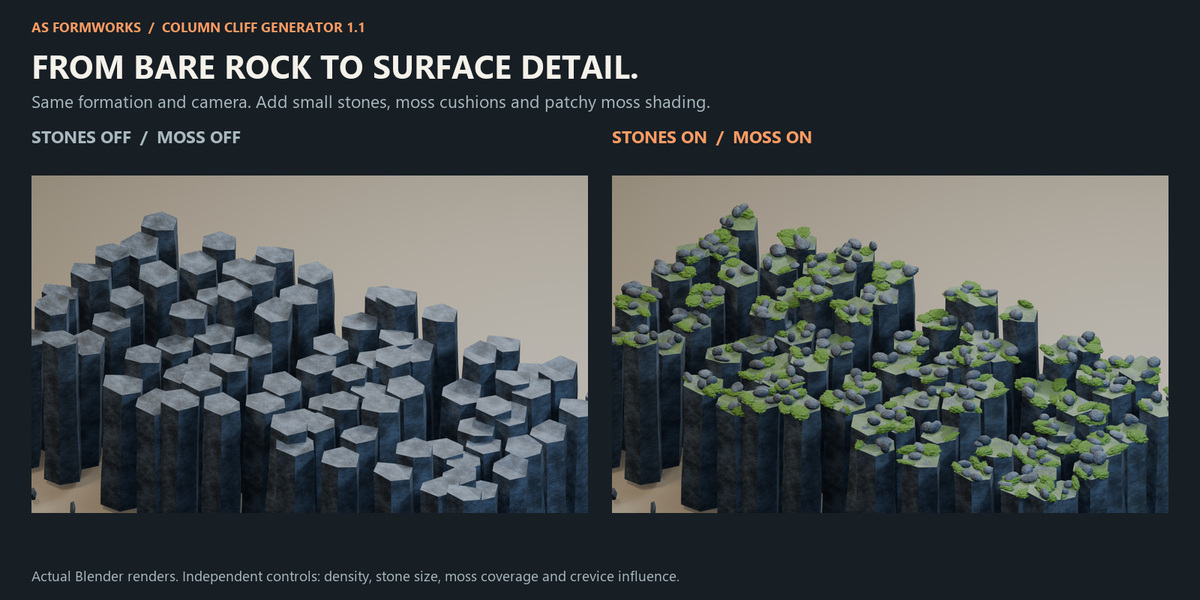
Column Cliff Generator 1.1 — Quick Start
Requires Blender 5.0 or newer. Tested on Windows with Blender 5.0.0 and 5.2.1 LTS. The main Geometry Nodes asset works without installing the optional Python helper.
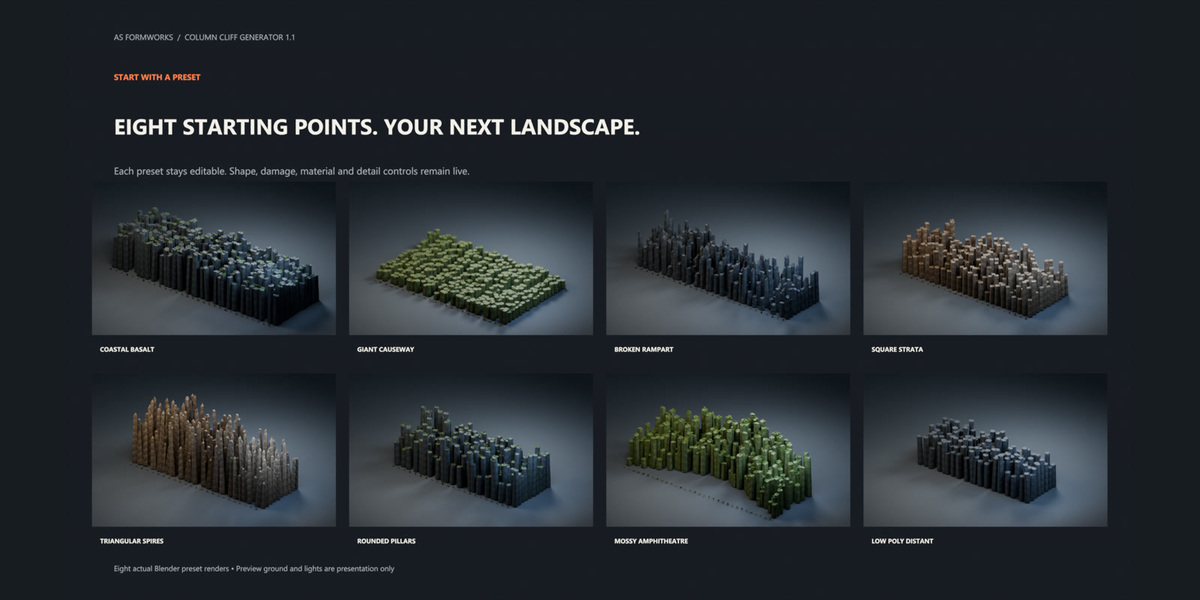
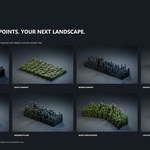
- Extract the Full Kit ZIP. Open Column_Cliff_Generator_1.1.blend and choose one of its eight preset scenes.
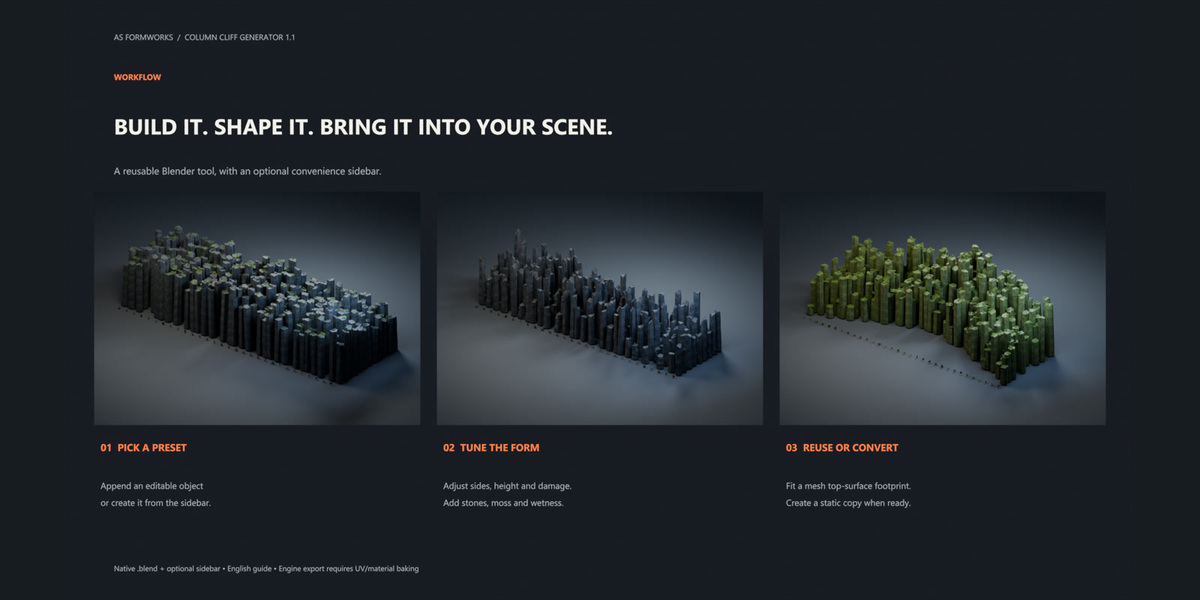
- Select the cliff generator object and open the Modifiers tab. Start with Layout, then Silhouette, Column Damage, Surface & Rubble and Preview.
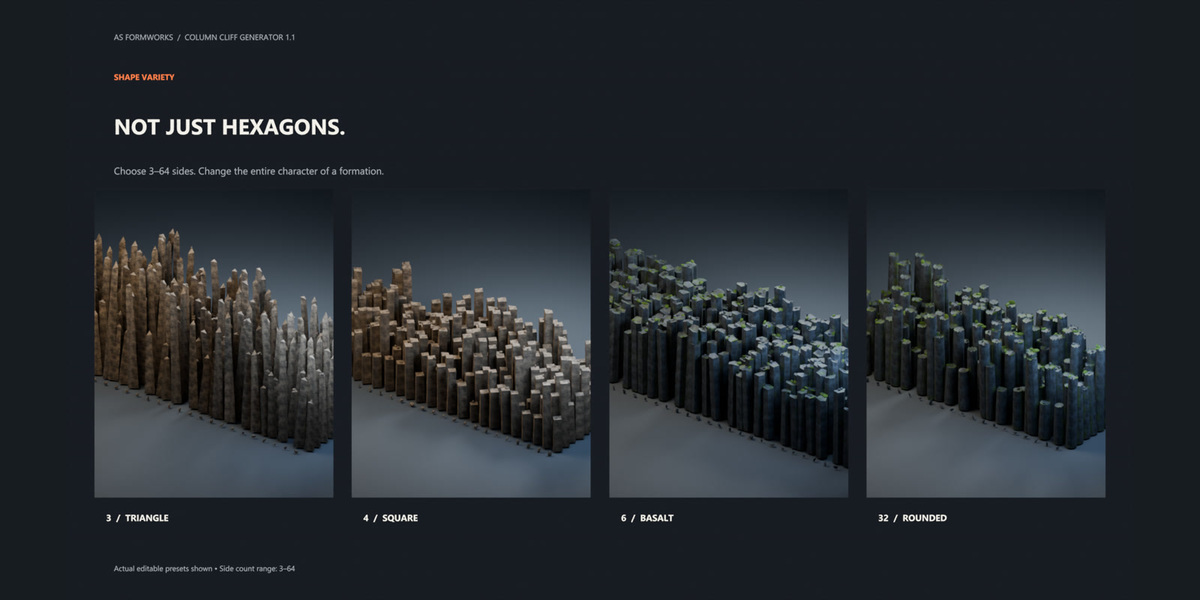
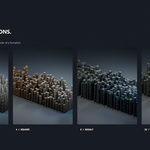
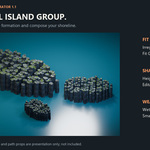
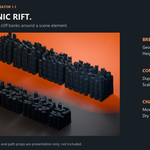
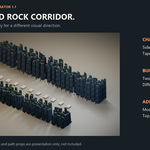
- Set column counts, radius and spacing to fit your scene. Use Sides to switch between triangular, square, basalt and rounded columns (3–64).
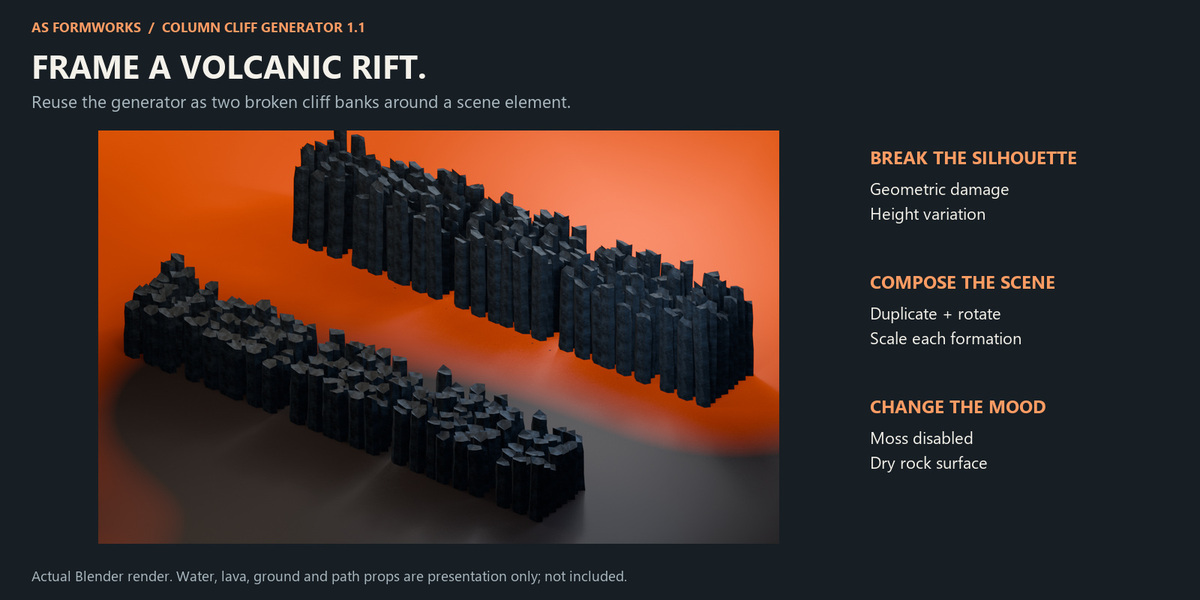
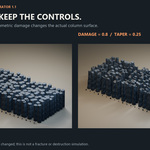
- Adjust height, terrain relief, terraces, taper, tilt and the random seed. Damage changes the geometry; local breakage can remove or shorten columns.
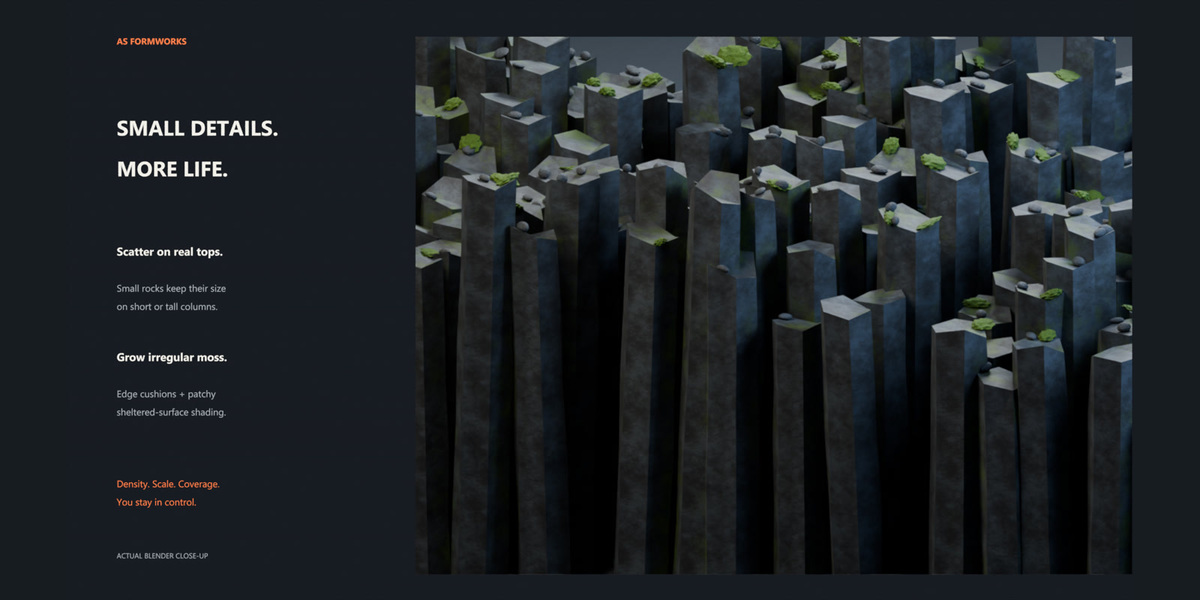
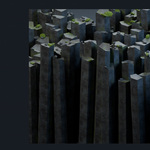
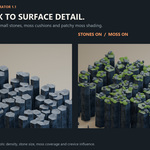
- Enable Top Stones and Moss Clumps. Adjust density and size independently. Set moss coverage, crevice influence, mineral variation and wetness for the desired surface.
- Keep Preview enabled while exploring dense setups. Disable it for final detail. Save your scene before converting or exporting.
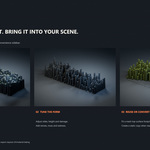
Bring it into your scene
Use File > Append, select the supplied .blend, open Object and append a generator object. The required node groups and materials travel with it. Alternatively, add the extracted folder as an Asset Library in Blender Preferences and use the marked assets from the Asset Browser. Retain the modifier for live editing.
Use your own footprint or column
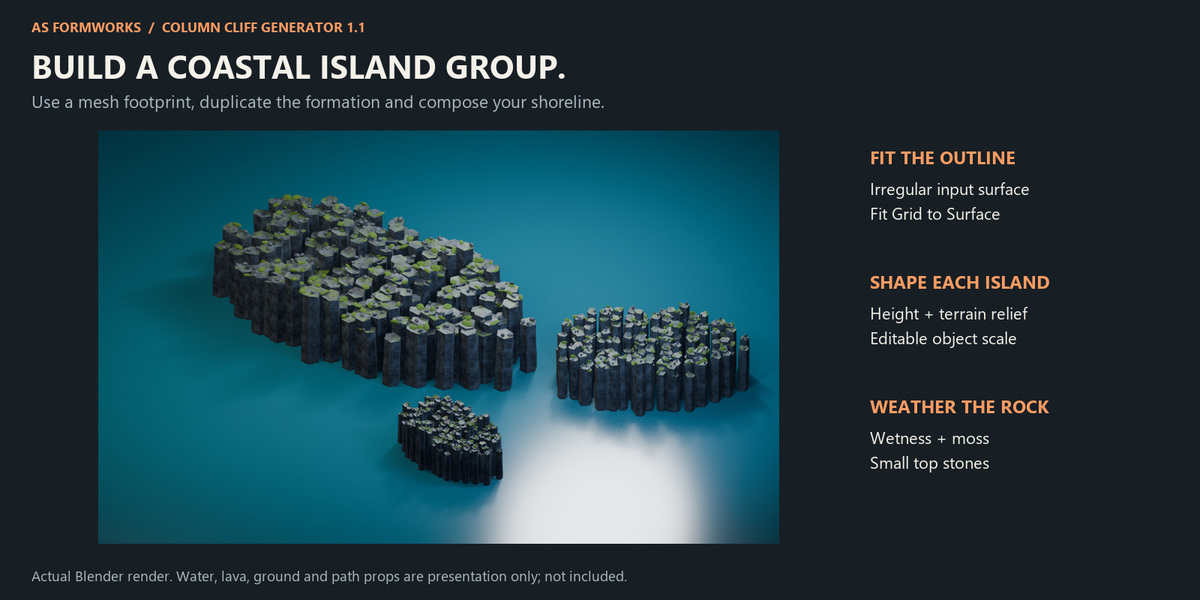
Use Input Surface adapts the grid to a mesh footprint. Work in local Z and fit the grid to the surface. This is a height-field workflow, not a cave or arbitrary overhang wrapper. Custom Column uses a normalized column mesh; the automatic top-stone and moss-clump branches are bypassed in this mode to avoid scattering onto an incorrect proxy surface.
Optional helper installation
In Blender Preferences, use Install from Disk and select column_cliff_generator-1.1.0.zip without extracting it. Enable the extension. Its sidebar provides preset creation, copying a selected surface, applying preset settings and making a static mesh copy. You can use the .blend without this helper.
Materials and textures
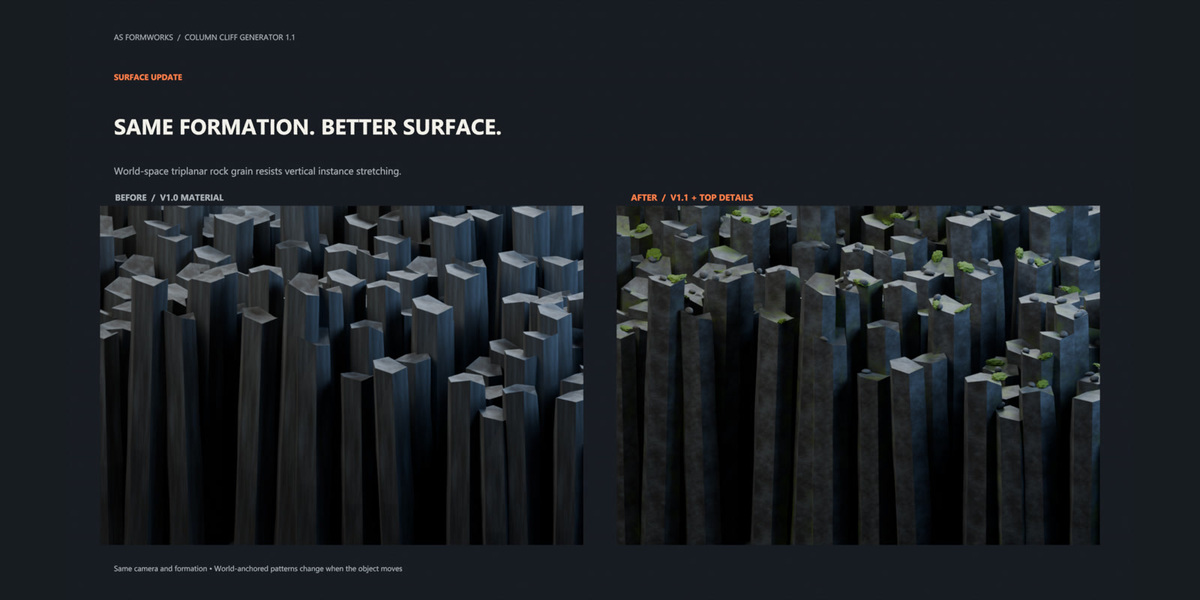
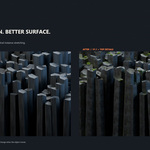
Three original rock material sets and twelve tileable 1K maps are packed into the .blend and included separately. World-space triplanar mapping avoids the long-column UV stretching shown in the comparison. Mapping is anchored to the world, so translating a finished object can change the texture placement. Bake to UVs for animation or engine export. The supplied OpenGL normal maps are optional; the Blender materials use height-based bump.
Performance and export
Columns use shared instances. Top caps provide a lightweight scatter surface. Use the detail limit, reduced counts and Preview while editing; high side counts, rings, stones and moss increase cost. For a static copy, use the helper or duplicate and convert the generator to a mesh. Exporting does not automatically create UV bakes, collision or runtime LODs. Do those steps for your target engine. Cycles and Eevee can differ in ambient-occlusion shading.
Included guidance and demo
Read USER_GUIDE.html in the Full Kit for the full control reference, presets, troubleshooting and export notes. The downloadable MP4 and GIF show a rendered walkthrough of actual parameter changes, not a recording of the Blender interface.
1.1 release notes
World-space rock mapping; top-surface stones with independent size; geometric moss clumps and sheltered/upward moss shading; additional color and wetness variation; adaptive scatter limits; eight editable presets; updated English guide and helper tools. Full CHANGELOG.txt and validation reports are included.
License and scope
The .blend assets, original textures and documentation use the Royalty Free product asset license selected on this listing. The optional Python helper is GPL-3.0-or-later; its source and GPL license are included. The asset license does not restrict rights granted by the GPL for that code. This is a procedural environment asset, not a destruction simulator, CAD tool or ready-made game-engine package.
For support, contact AS Formworks through the product page with your Blender version, the affected preset and reproducible steps.
Have questions about this product?
Login to message
| Published | about 2 hours ago |
| Blender Version | 5.0 - 5.2 |
| Render Engine Used | Cycles, Eevee |
| License | Royalty Free |
Discover more products like this
terrain moss cliff rocks environment Generator landscape geometry nodes basalt procedural