 nice mesh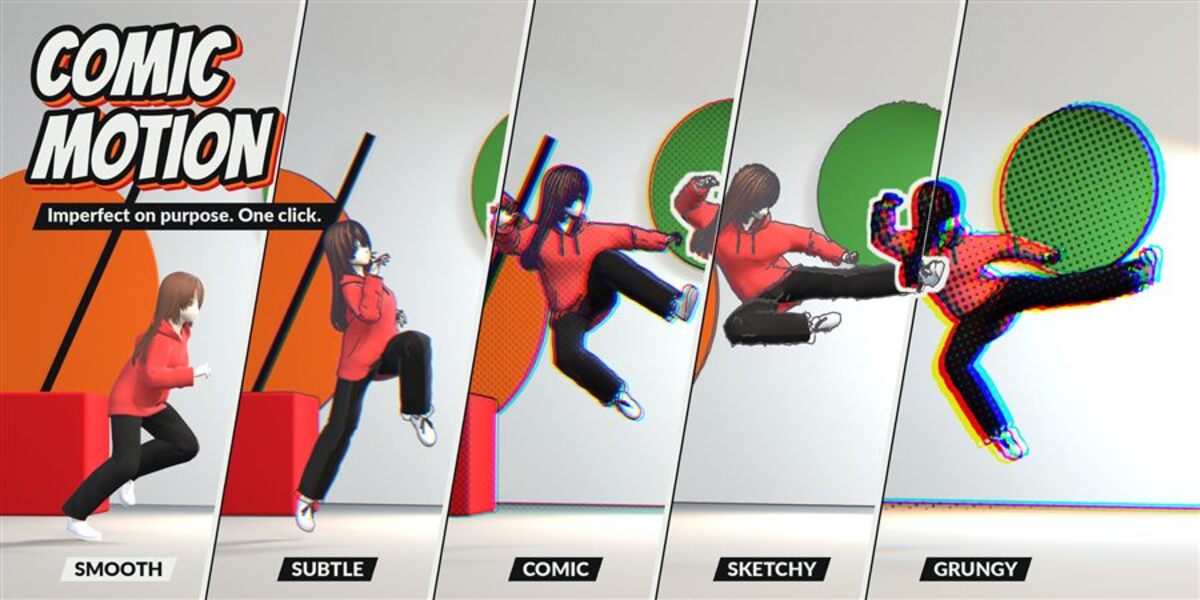
💥 Comic Motion
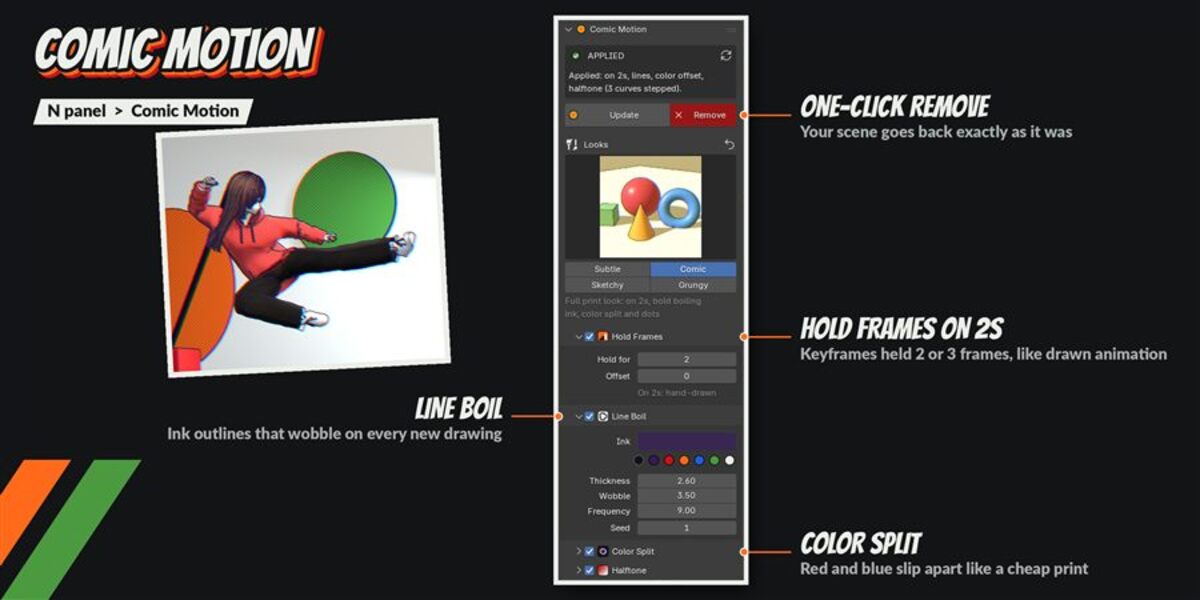
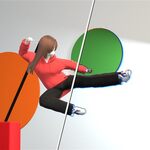
Make your animation look drawn on purpose: poses held on 2s or 3s, ink lines that boil, color that slips, print dots. It works on the materials you already have, and one click puts everything back exactly as it was.
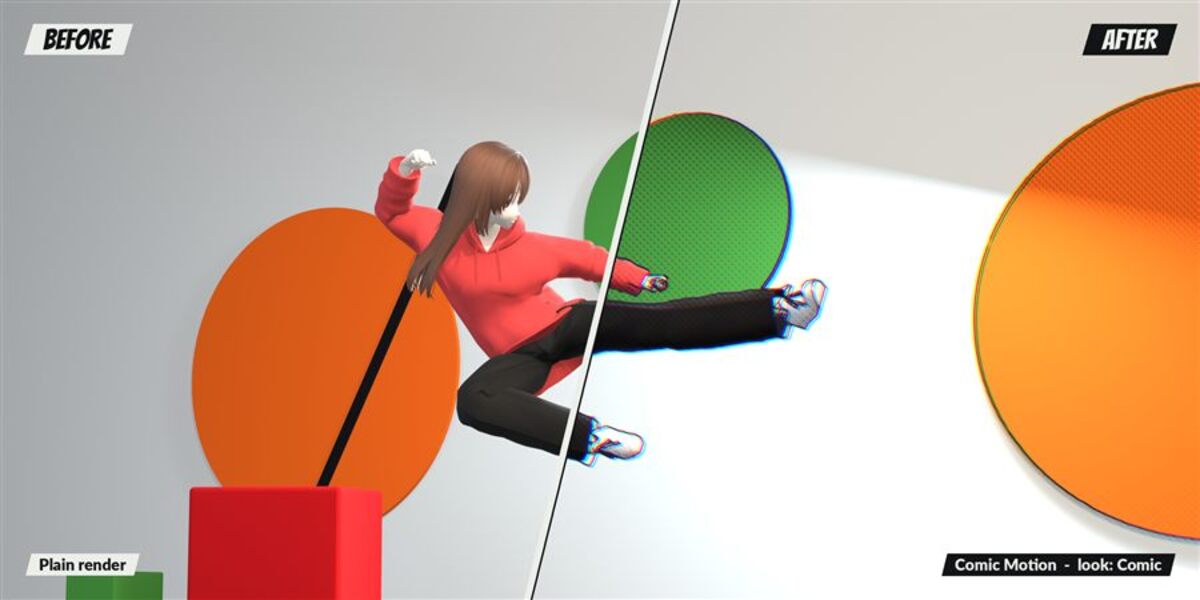
Click Apply and Comic Motion holds every keyframed pose for 2 or 3 frames, redraws the ink outlines on each new drawing, slips the color channels like a misprinted page and can add halftone dots. Four ready-made looks, EEVEE and Cycles, and your materials are never replaced.
The problem
Smooth 3D animation can look too perfect. Hand-made animation has a rhythm: each drawing is held for a moment, the ink lines never sit exactly the same twice, and printed colors are a little off. Getting that in Blender by hand means a Stepped modifier on every F-curve of every object, camera and shape key, a Freestyle setup whose lines only change when a new drawing starts, compositor nodes for the color slip and the dots kept in sync with the held frames, and then undoing all of it when you want your clean scene back.
How it works
- Open your animated scene. Nothing to set up.
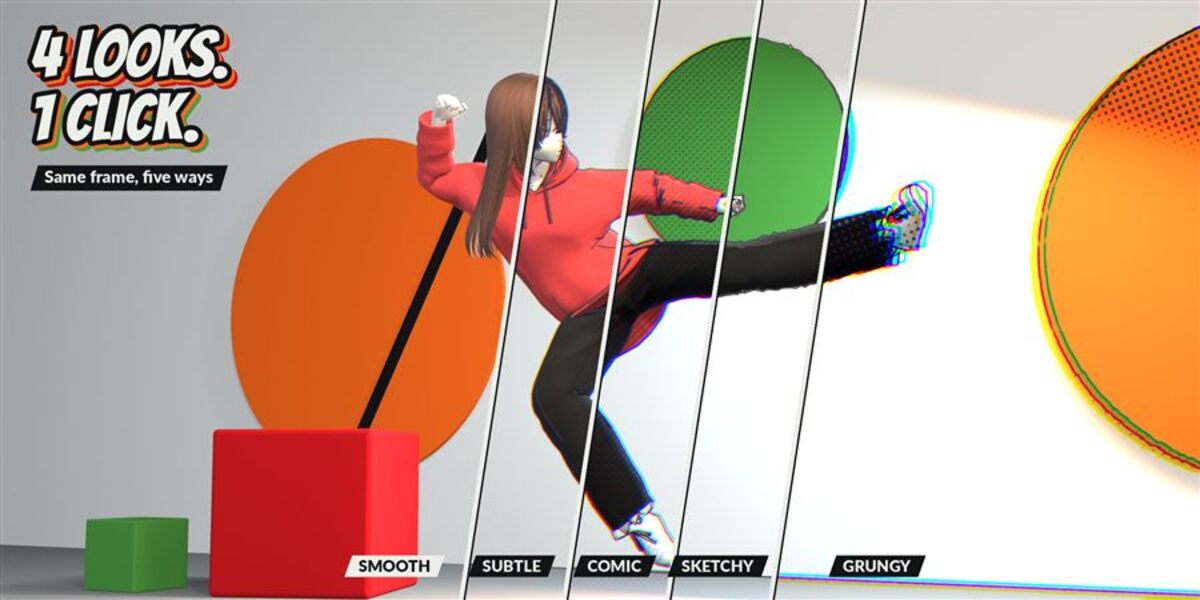
- Pick a look: Subtle, Comic, Sketchy or Grungy.
- Click Apply. Fine-tune the sliders, or click Remove to get your scene back exactly.
What you get
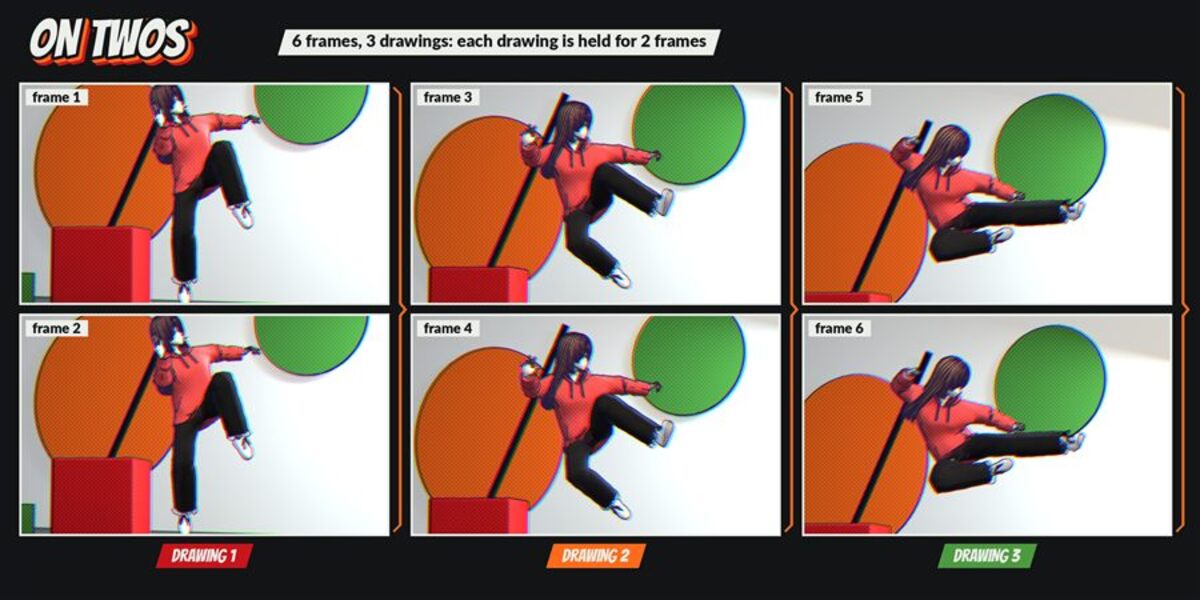
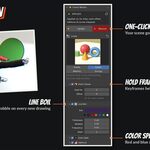
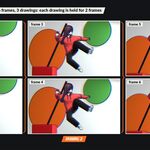
- Hold Frames: every keyframed animation (objects, cameras, shape keys, bones, materials, lights) is put on 2s or 3s. Step from 1 to 4 frames per drawing, Offset from 0 to 3 to move where the drawings start.
- Line Boil: Freestyle ink outlines that are redrawn on every new drawing and stay still while a pose is held. Thickness, Wobble, Frequency, Seed and Line Color with quick swatches.
- Color Split: a print-misregistration look. The channels slip by a different amount on each new drawing (Red + Blue, Red only or Blue only).
- Halftone: print dots in the compositor, with Dot Size, Angle, Strength and Dot Color. Off by default.
-
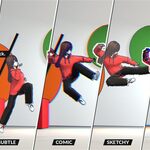
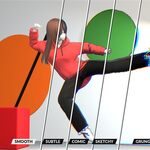
Four looks in one click:
- Subtle: light touch, on 2s, fine ink, a hint of color slip.
- Comic: full print look, on 2s, bold boiling ink, color split and dots.
- Sketchy: pencil test, on 3s, nervous thin lines, no print effects.
- Grungy: cheap press, on 3s, heavy ink, big slip and coarse dots.
- Sizes are relative to a 1920 px wide frame, so the look scales with your render resolution.
Measured, not promised
- Held frames render pixel-identical (difference 0) in EEVEE, Cycles CPU and Cycles GPU (OptiX).
- When a new drawing starts, 52% to 75% of the pixels change between the two frames on our animated test scene.
- Before/after on 3 scenes in EEVEE and Cycles: 15% to 31% of the pixels change after Apply, and a difference of 0 after Remove.
- A file saved with the effects renders the same images on a Blender without the add-on: it is regular Blender data.
- 123 automatic tests on the final zip, 123 passed: install / reinstall / uninstall, 54 settings at min and max, all 16 effect combinations, 24 edge-case scenes (no UV, no material, 330k faces, tiny and huge scale, instances, grease pencil, NLA, linked libraries, 4K and tiny output, transparent film, Cycles).
Safe with your scenes
- Your materials are never replaced.
- Your own compositor nodes stay in the chain and your own Freestyle line set still renders.
- Remove takes everything out: modifiers, Freestyle line set, compositor nodes, drivers. Scene data before Apply and after Remove: no difference.
- Undo and redo work. Two scenes can be applied and removed independently.
- Changed your animation after Apply? Press Refresh.
Where to find it
3D View > Sidebar (N) > Comic Motion tab.
Good to know
- Only keyframes are held. Physics, particles, cloth and simulations keep playing smoothly. Animation driven by drivers was not tested.
- Line Boil, Color Split and Halftone show in the final render (F12 or Render Animation). Hold Frames also shows when you play the timeline.
- EEVEE and Cycles only. With Workbench the panel shows a warning.
- Animation linked from another .blend can't be edited in Blender: Comic Motion leaves it smooth and says so in the panel.
- The frame range must start at 0 or later (a Blender rule).
- Tested on Blender 5.2.2 LTS on Windows, Cycles on CPU and NVIDIA (OptiX). macOS, Linux and AMD / Apple / Intel GPUs were not tested.
Install
Edit > Preferences > Add-ons > drop-down arrow > Install from Disk, pick Comic Motion v1.0.0.zip (don't unzip it) and tick Comic Motion. Requires Blender 5.2 or newer.