 nice mesh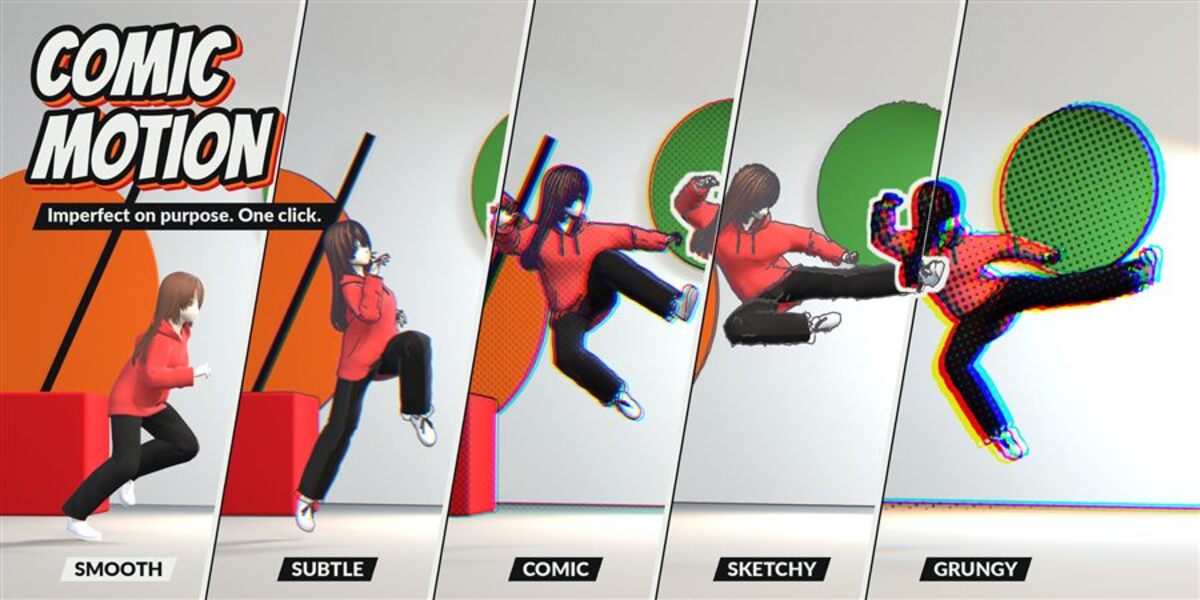
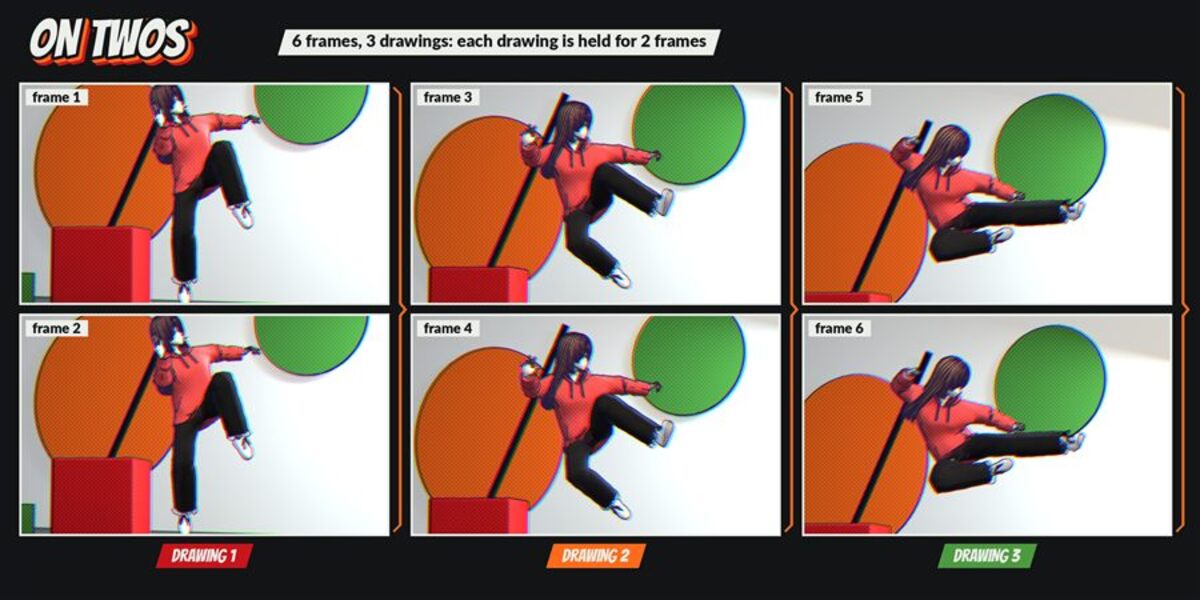


Does it work with EEVEE?
Yes, EEVEE and Cycles (CPU and GPU). Workbench is not supported: the panel shows a warning.
Does it hold physics and simulations too?
No, only keyframed animation (objects, cameras, shape keys, bones, materials, lights). Physics, particles, cloth and simulations keep playing smoothly.
Why do I not see the lines in the viewport?
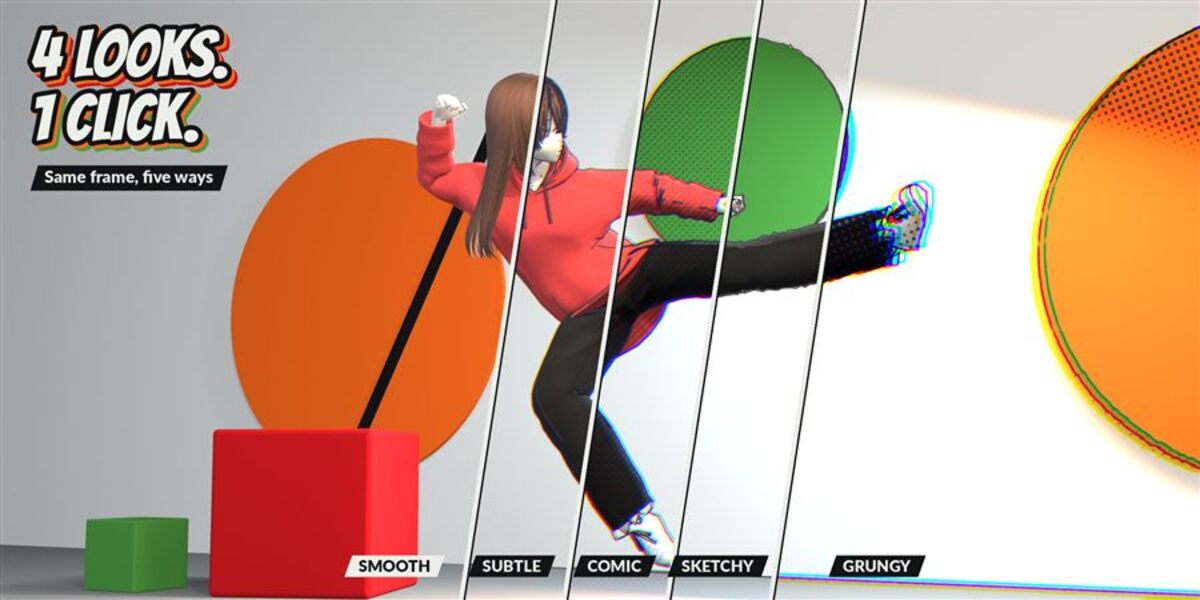
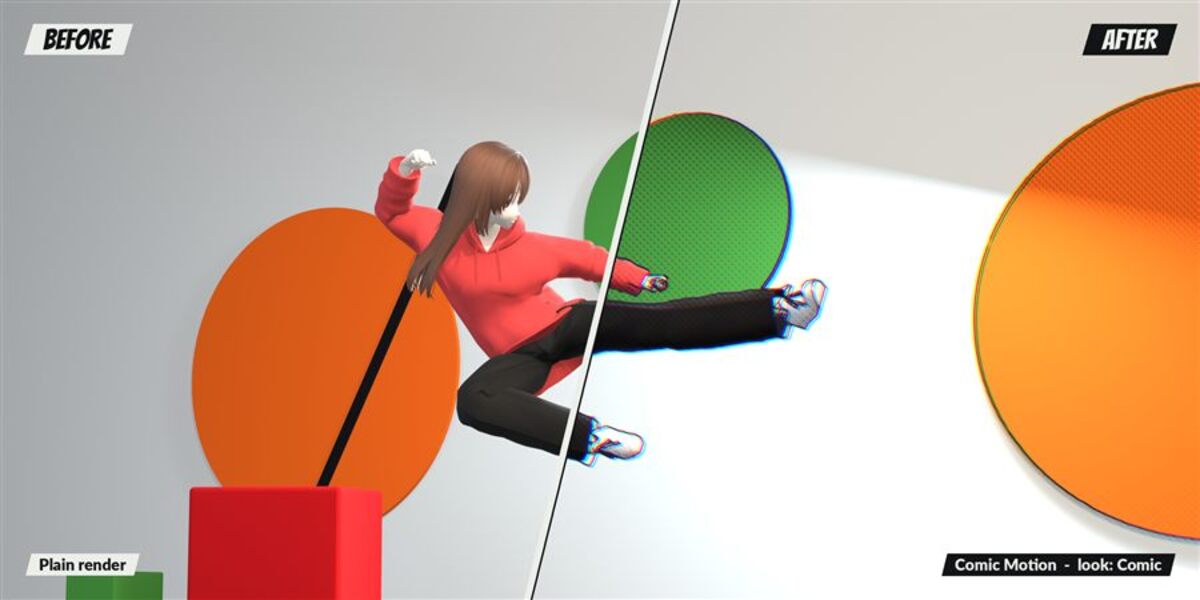
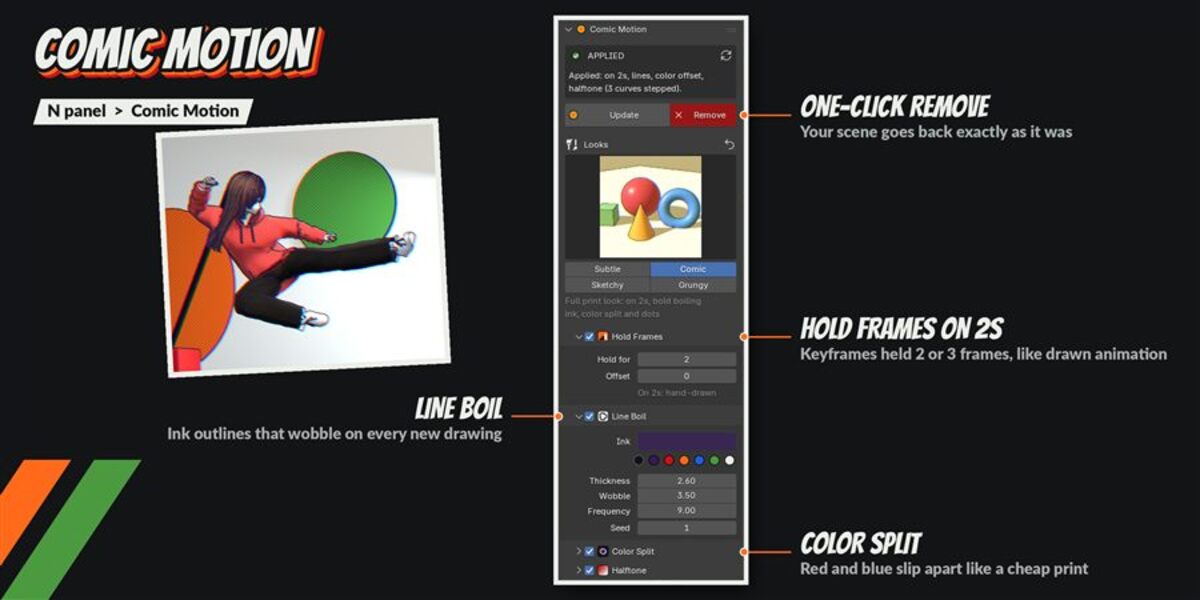
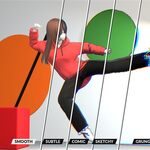
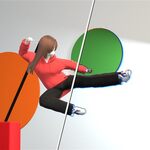
Line Boil, Color Split and Halftone show in the final render (F12 or Render Animation). Hold Frames also shows when you play the timeline.
Does it change my materials or my scene?
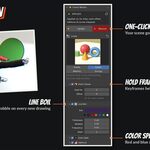
Your materials are never replaced. Comic Motion adds Stepped modifiers, a Freestyle line set, compositor nodes and drivers, and Remove takes all of them out again. We compared the scene before Apply and after Remove: no difference, and the renders match pixel for pixel.
How do I install it?
Download Comic Motion v1.0.0.zip, then in Blender go to Edit > Preferences > Add-ons > drop-down arrow > Install from Disk... and pick the zip (do not unzip it). Tick "Comic Motion". The panel is in the 3D View sidebar (N) > Comic Motion tab.
Have questions about this product?
Login to message
| Published | 2 days ago |
| Blender Version | 5.2 |
| Extension Type | N/A |
| Render Engine Used | Cycles, Eevee |
| License | GPL |
Discover more products like this
animation on twos comic halftone compositor hold frames stylized line art freestyle 2d look