 Lumina Labs
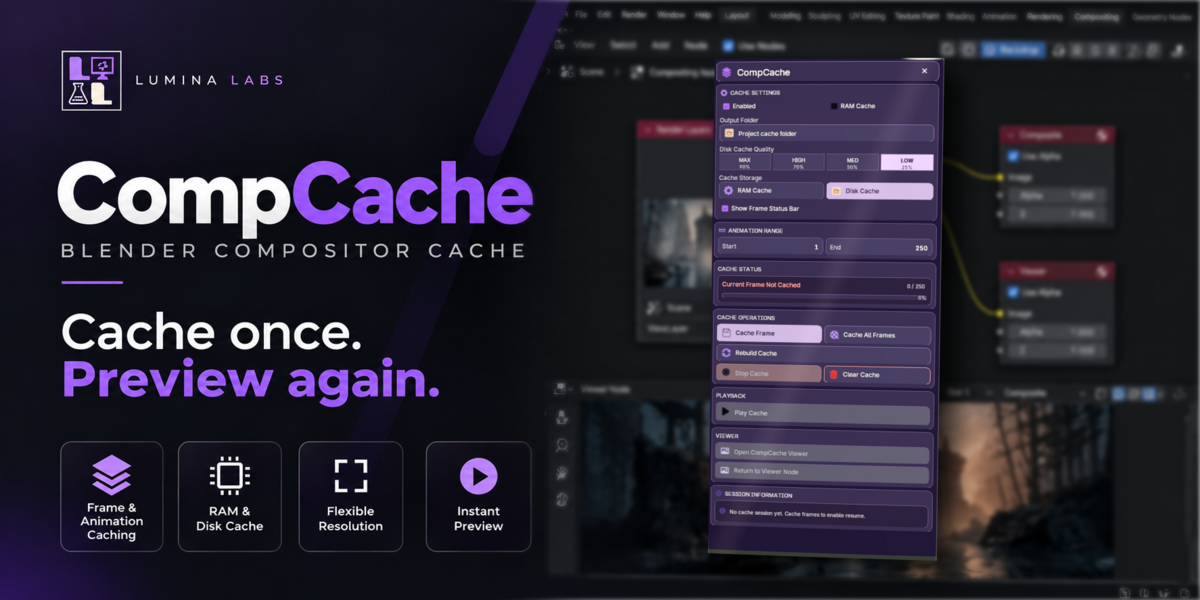
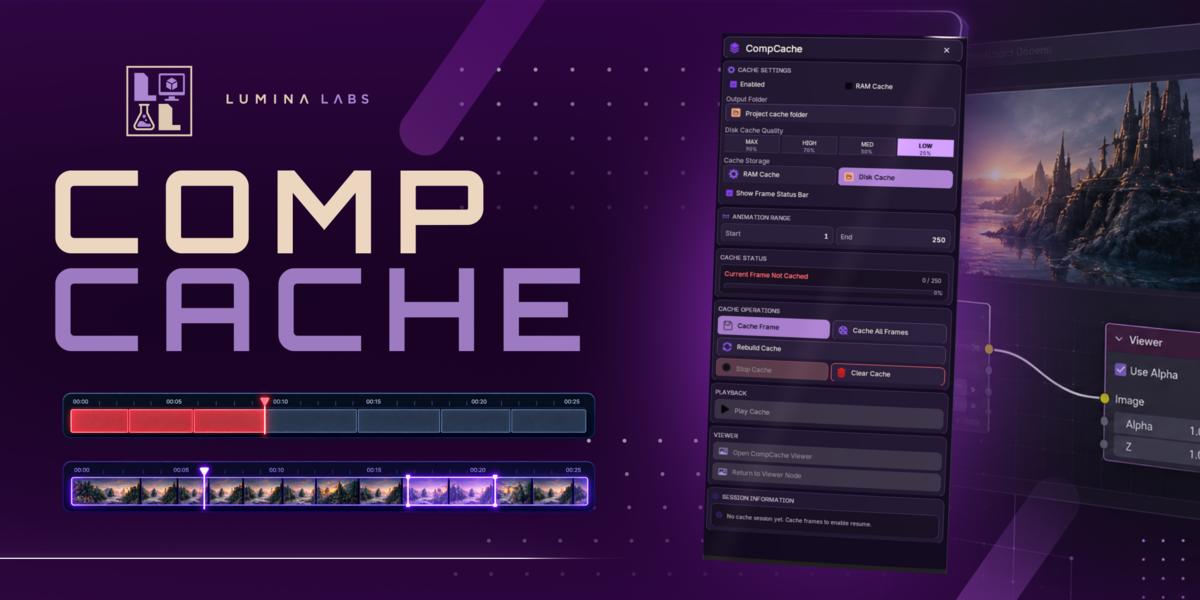




CompCache
Cache once.
Preview again.
Cache compositor frames and animation ranges, then review previously calculated results with dedicated cache controls—right inside your Blender workflow.
Get CompCacheExplore features ↓
Frame & animation cachingRAM & disk storageFlexible resolution
Less waiting.
More creating.
Dedicated controls for caching, reviewing, and managing calculated compositor frames.
Cache frames
Cache an individual frame or a chosen animation range for later review.
Choose your storage
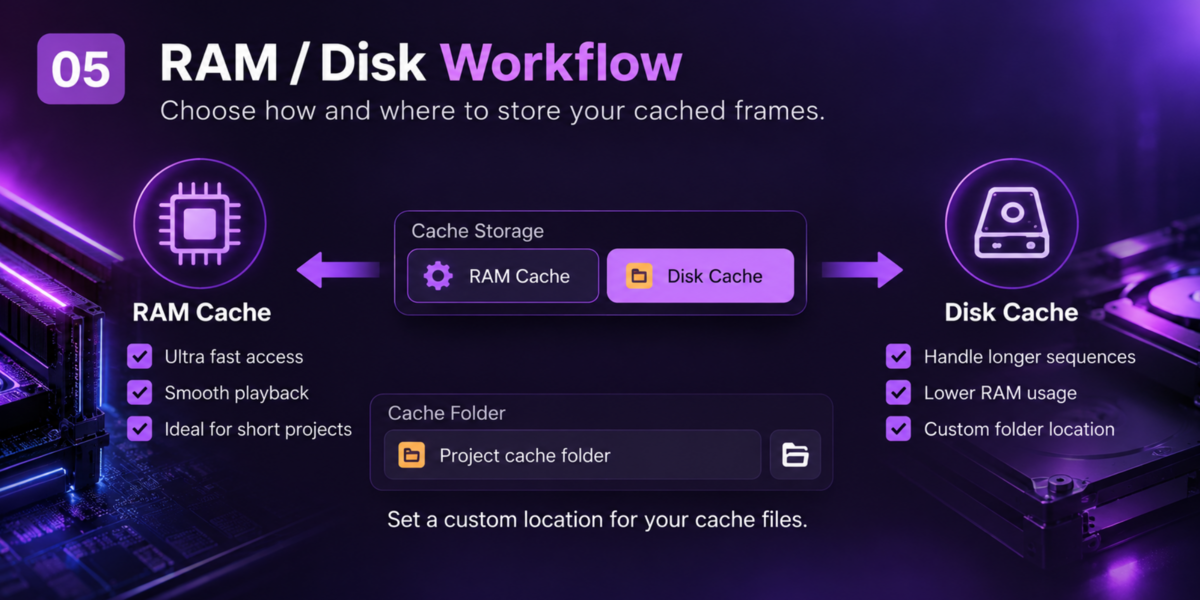
Use RAM or disk cache depending on your project and available resources.
Adjust resolution
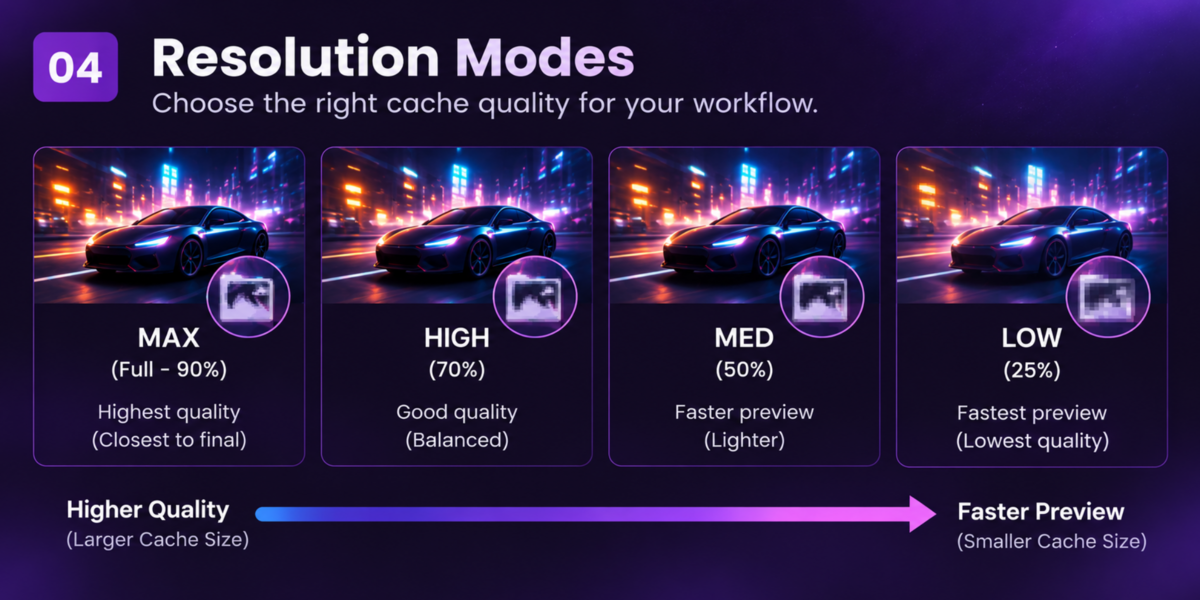
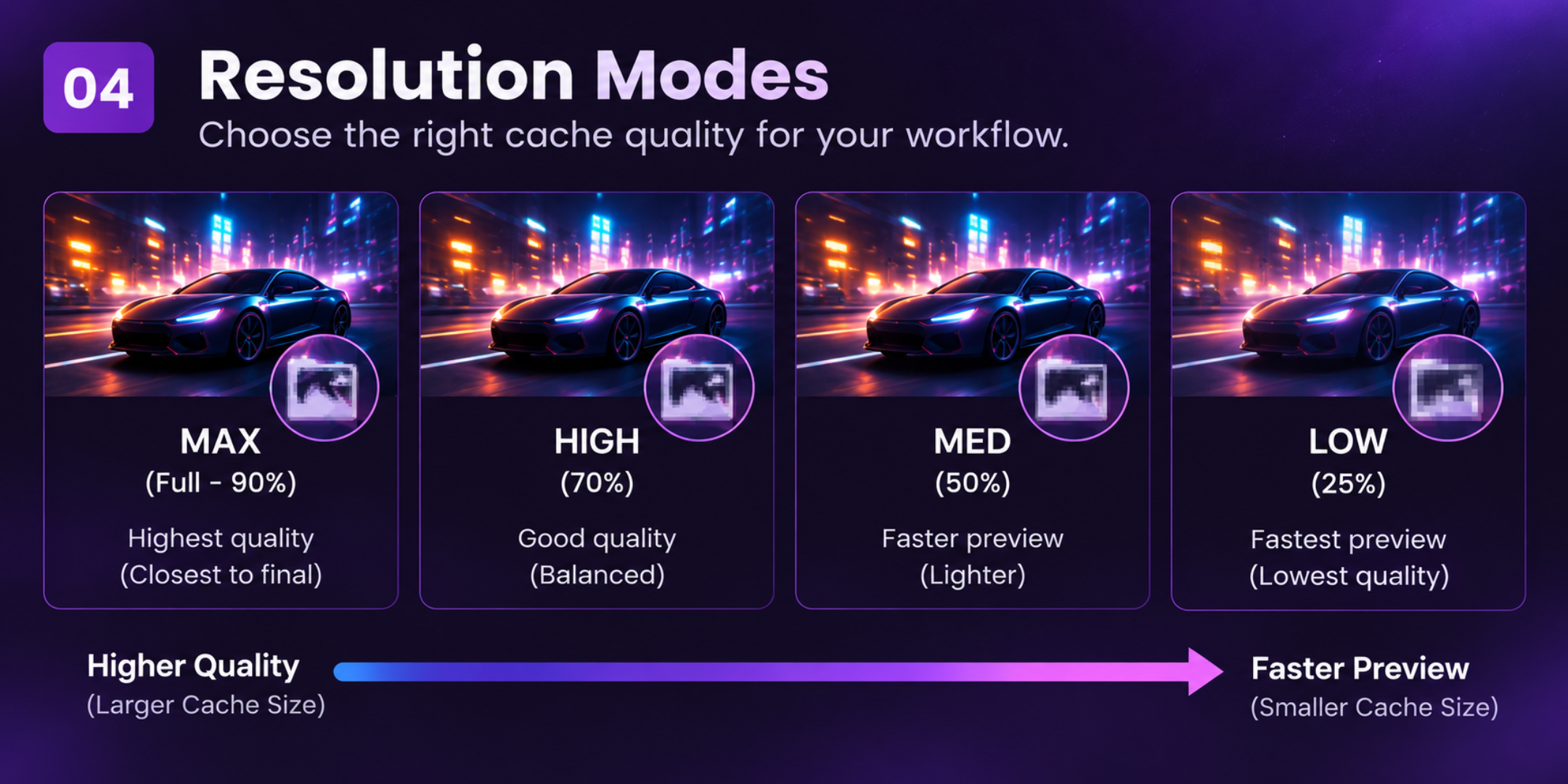
Choose Full, Half, Third, or Quarter resolution to suit your preview needs.
Your cache controls.
In one place.
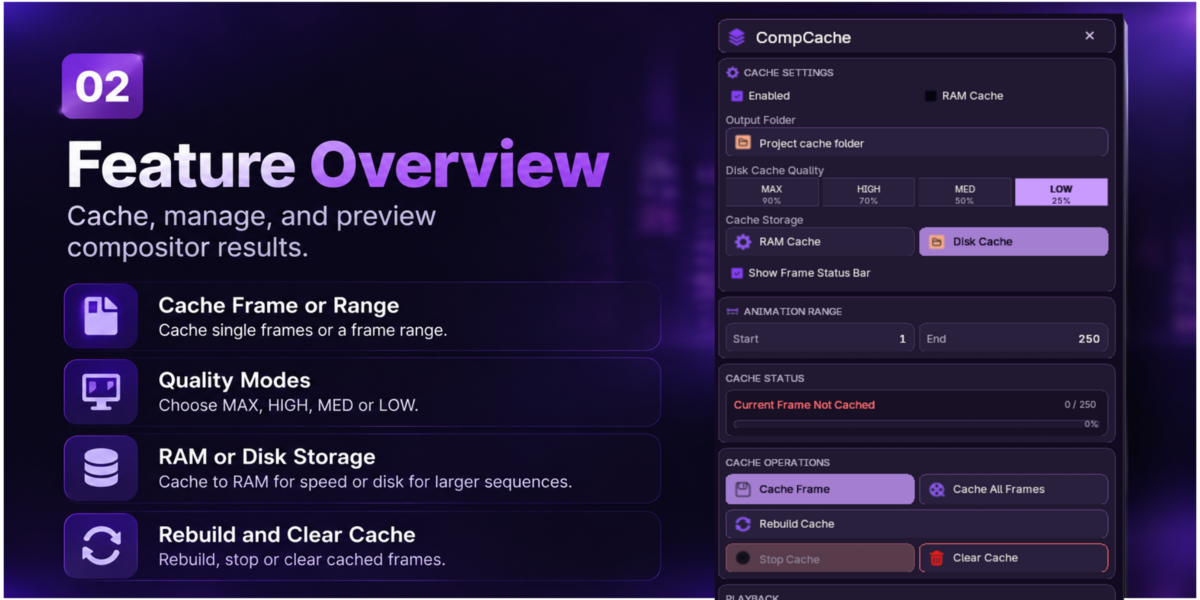
Work with cache settings and management controls from a dedicated panel, without leaving your Blender session.
- Choose cache type and resolution.
- Set the animation frame range.
- Rebuild or clear cached results when needed.
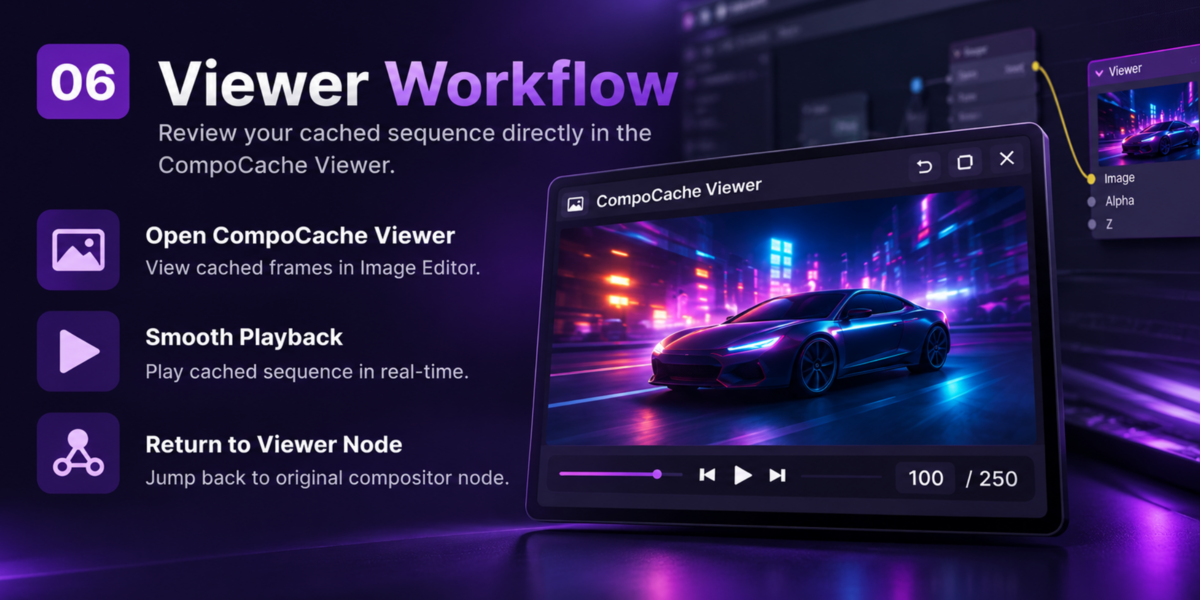
- Use the available playback and viewer controls.
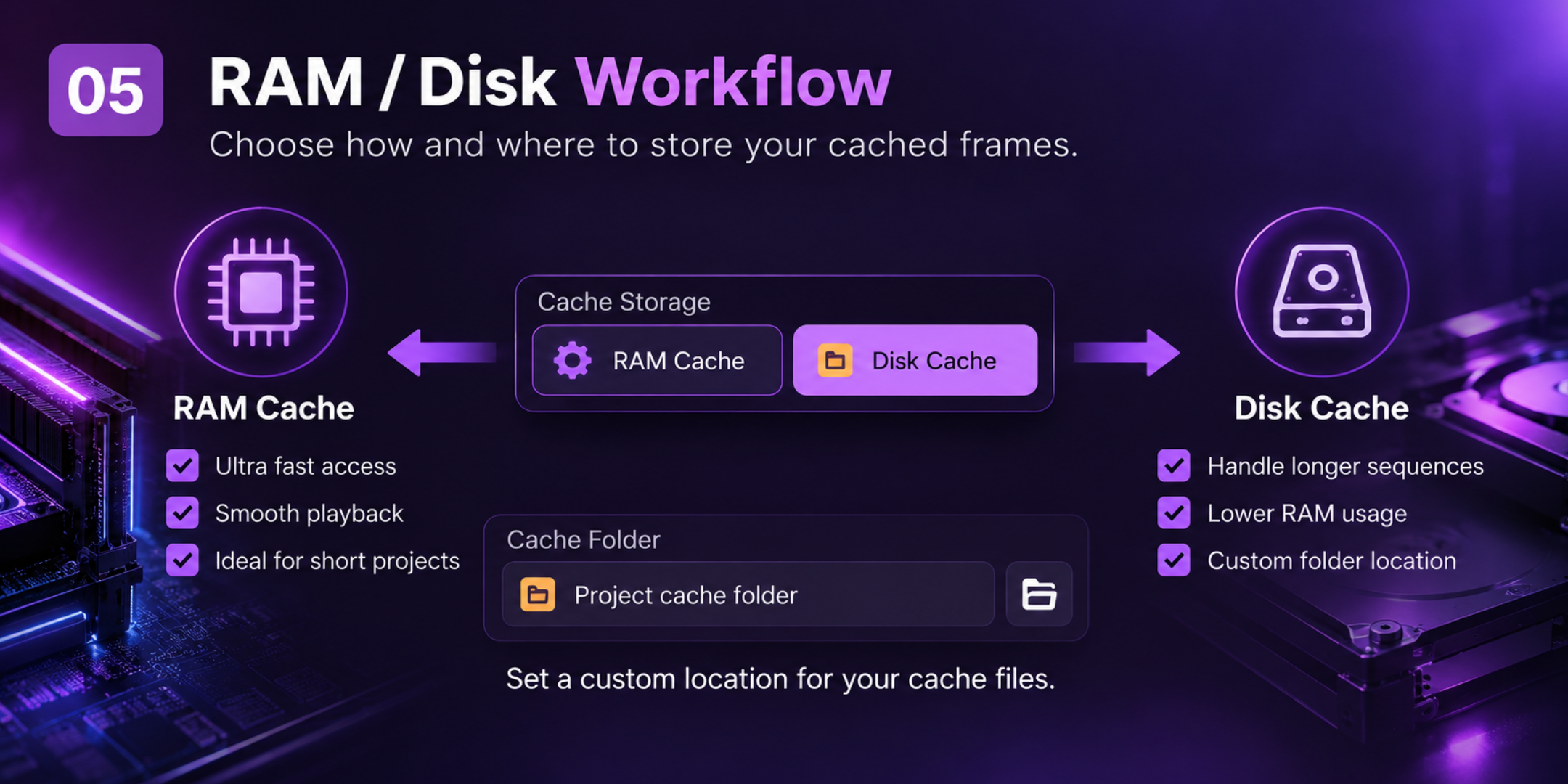
RAM or disk.
Your workflow, your choice.
Select the storage method that best suits your scene, sequence length, and available resources.
- RAM Cache: keeps cached frames in memory, subject to available RAM.
- Disk Cache: stores cached frames on your drive, helping accommodate longer sequences without holding every frame in memory.
Cache a frame.
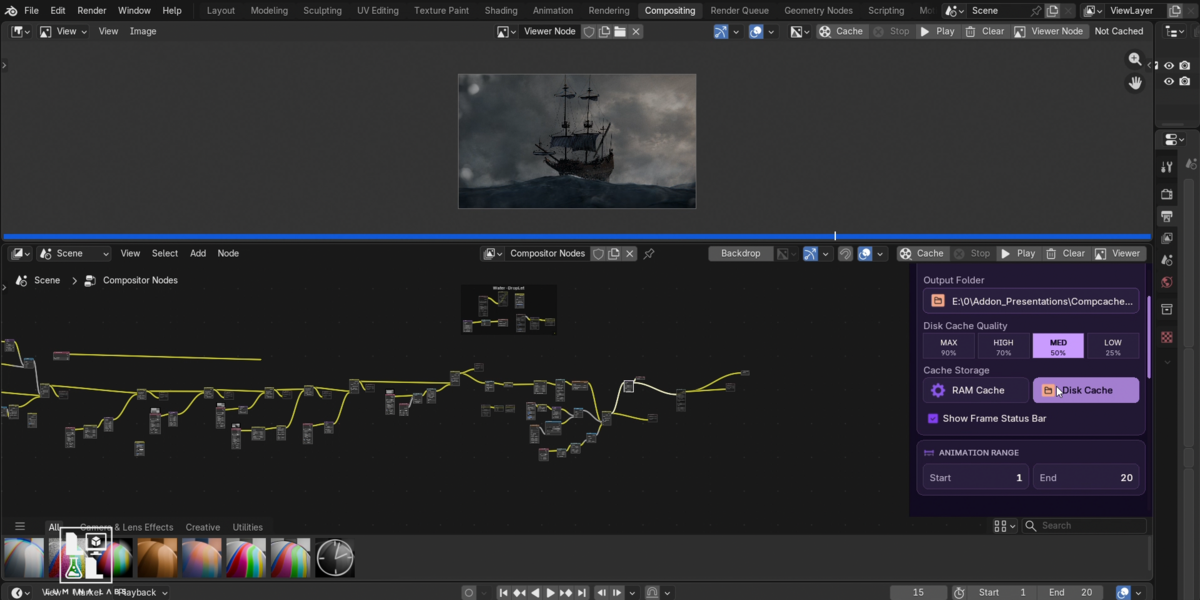
Review the result.
See the real workflow in action with a short recording from Blender.
Choose the resolution
that fits the task.
Adjust cache resolution to match your preview requirements.
Full
100% resolution
Half
50% resolution
Third
33% resolution
Quarter
25% resolution
Cache an animation range.
Keep iterating.
See frame-range setup, caching, playback, or rebuilding a cache after changes.
A straightforward workflow
Set up. Cache. Preview.
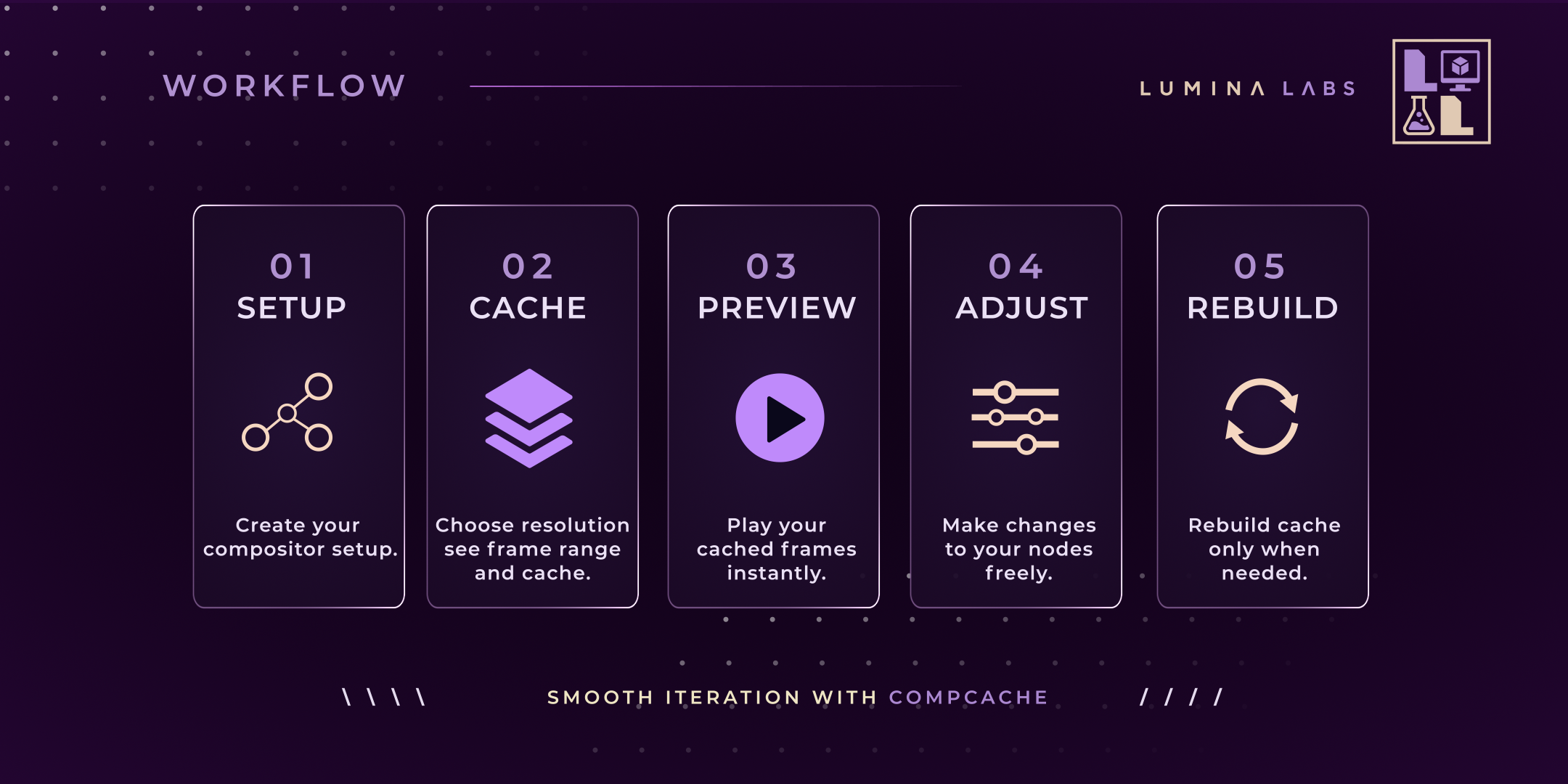
Keep creating.
A simple overview of the intended CompCache workflow.
Create nodes
Build your compositor setup as usual.
Set options
Select cache type, resolution, and frame range.
Save results
Cache the frame or animation range you need.
Review output
Review cached results using the available controls.
Update cache
Rebuild or clear cache when required.
Good to know.
Review these details before adding CompCache to your workflow.
CompCache is a Blender add-on for caching compositor frames or animation ranges so previously calculated results can be reviewed through its cache workflow.
Yes. Use the available start-frame and end-frame controls to define the range you want to cache.
Full (100%), Half (50%), Third (33%), and Quarter (25%).
RAM cache uses available system memory. Disk cache stores cached frames on your drive. Choose the option that suits your sequence and available resources.
Cached results may need to be rebuilt so they reflect your updated setup. Use the cache-management controls as appropriate.
Add the exact Blender versions tested with your current CompCache release before publishing.
Cache once.
Preview again.
Bring dedicated compositor caching controls into your Blender workflow.
Get CompCache on Superhive ↗© Lumina Labs · CompCache · Blender compositor cache add-on
