Conduit
 Alberto Cordero
Where do I report bugs?
On GitHub issues: github.com/AlbertoCGArt/Conduit/issues. Please include your Blender version, the Conduit version and a small .blend if you can.
Will it slow my scene down?
Each layer has a Full / Medium / Low detail switch with its face count shown, and live preview waits before rebuilding. That delay is adjustable in Preferences for heavy scenes.
Can I edit the cables by hand?
Yes. Freeze a drawn cable to protect hand edits, or Detach the baked mesh and it’s yours. The curves are hidden, never deleted, so you can always change settings and bake again.
Can I move cables between files?
Yes. Copy and paste, Append, or drag from the Asset Browser, and Conduit picks them up as live layers, ready to edit, with all their settings.
Can a cable run turn corners?
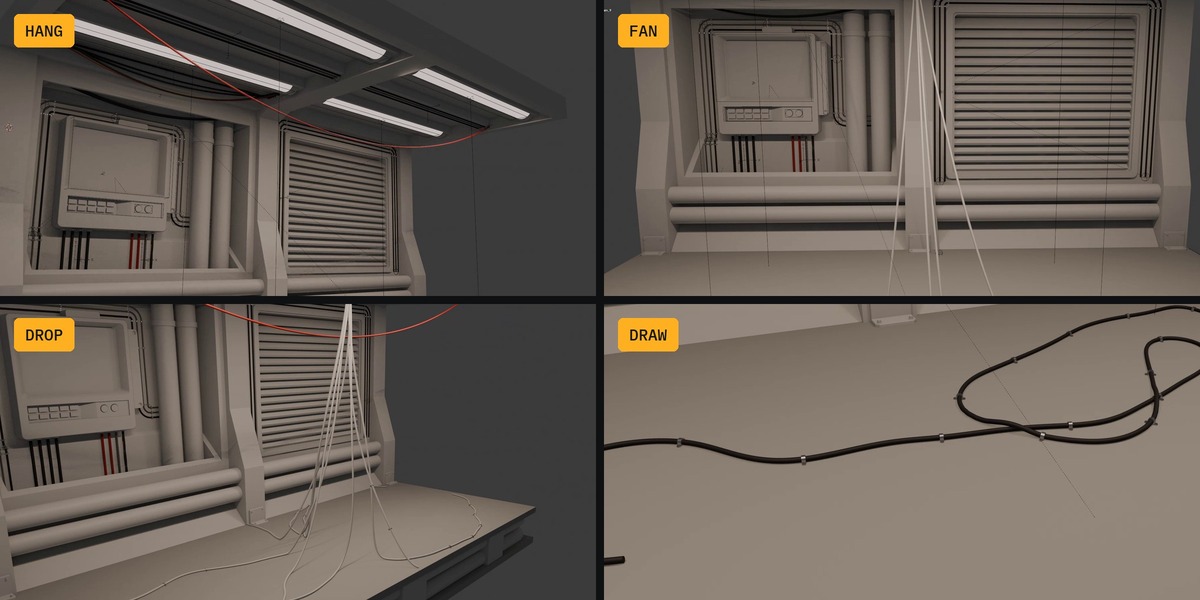
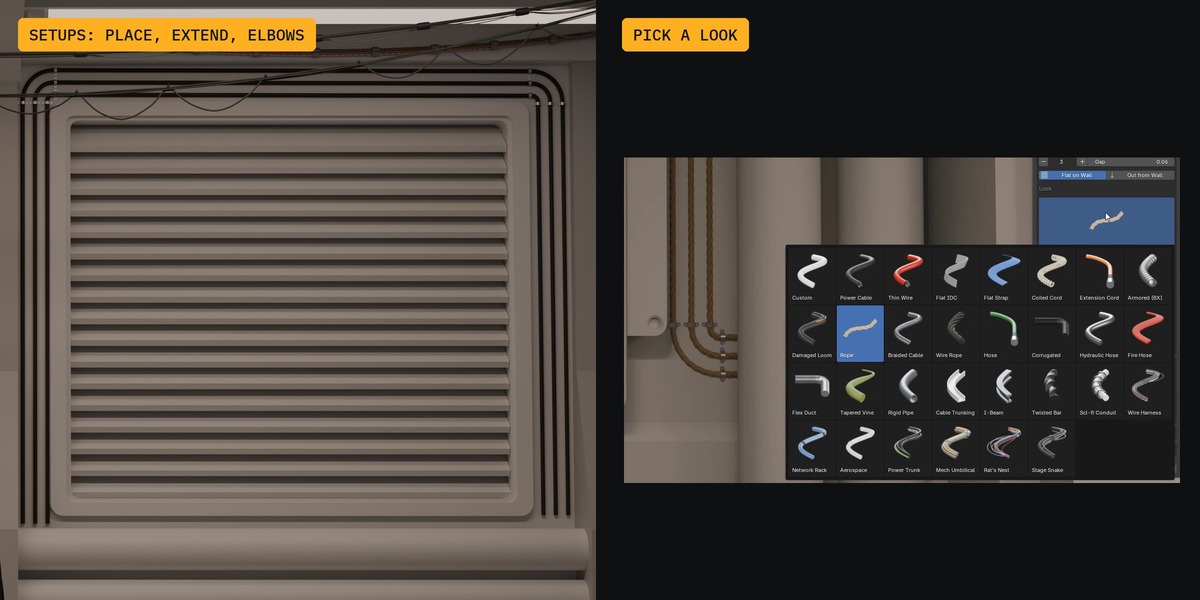
Yes. Extend a setup in any direction or click the next point, including on another wall. Each turn gets an elbow, and bundled cables stay parallel through it.
Is the output game-ready?
Yes. Finalize bakes any layer to one mesh with world-length UVs, so every cable has the same texel density, and shows the triangle count. Bake resolution is set separately from the viewport.
Which Blender versions does it work with?
Blender 4.5 LTS or newer. Every release is tested on 4.5 and the newest Blender (5.2 right now).
Have questions about this product?
Login to message
| Published | about 5 hours ago |
| Blender Version | 4.5 - 5.2 |
| Extension Type | N/A |
| Render Engine Used | Cycles, Eevee |
| License | GPL |
Discover more products like this
Cable generator pipes sci fi environment art procedural cables wire harness wires kitbash hoses hard surface game assets