 Tony
Tony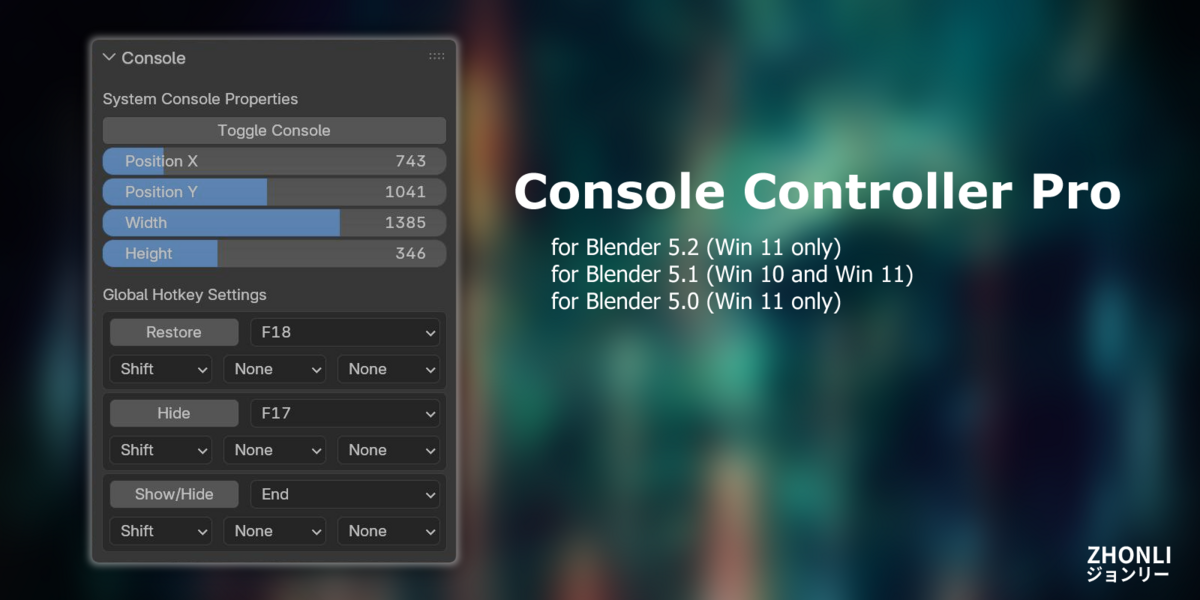


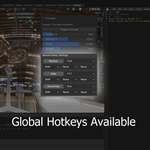
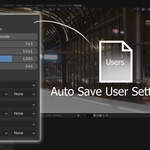
How to install
1. Switch your workspace to "Script" because the add-on only appears in the Script workspace.
2. Edit -> References (Ctrl + ,)
3. Click [ Add-ons ] in the left side region.
4. Click [ v ] at the top right corner and choose [ Install from Disk ].
5. Choose the .zip file.
maz_console_controller-5.0.0.zip >> Blender 5.0
maz_console_controller-5.1.0.zip >> Blender 5.1
6. A new tab, "Console", will appear on the left side of the 3D viewport.
*If you don't see the side tabs, please click [ < ] to open them.
Bug Report
Please Press Ask Question in the product page and leave your message about bugs.
What Platform is supported?
Windows 11 only
How to uninstall?
1. Open Blender in a new scene. Don't call the add-on.
2. Ensure you're in the [ Scripting ] workspace(tab).
3. Copy the code:
import bpy
bpy.ops.preferences.addon_disable(module = 'maz_consoleControlProperty')
bpy.ops.preferences.addon_disable(module = 'maz_consoleControlPanel')
bpy.ops.preferences.addon_remove(module = 'maz_consoleControlProperty')
bpy.ops.preferences.addon_remove(module = 'maz_consoleControlPanel')
bpy.ops.preferences.addon_remove(module = 'maz_consoleControlFunction_I')
4. Paste the code in the Blender Script Editor and run it.
5. Close Blender!!
6. Delete Mayalizer Folder Manually. The Path is:
"C:/Users/yourUserName/AppData/Roaming/Blender Foundation/Blender/5.0/scripts/addons/mazConsoleLibrary"
yourUserName is your windows user name.
$6
Have questions about this product?
Login to message
| Blender Extension Compatible | Yes |
| Published | 10 months ago |
| Blender Version | 5.0 - 5.2 |
| Extension Type | Add-on |
| Render Engine Used | Cycles, Eevee |
| License | GPL |
