 3Z Axis




Copy-Paste Image
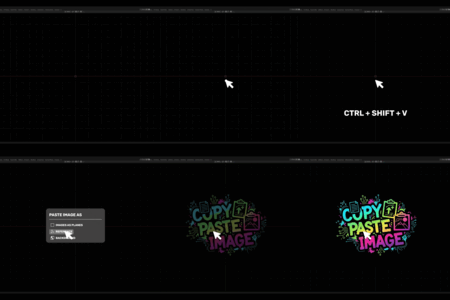
lets you drop any image from your clipboard straight into Blender with one shortcut.
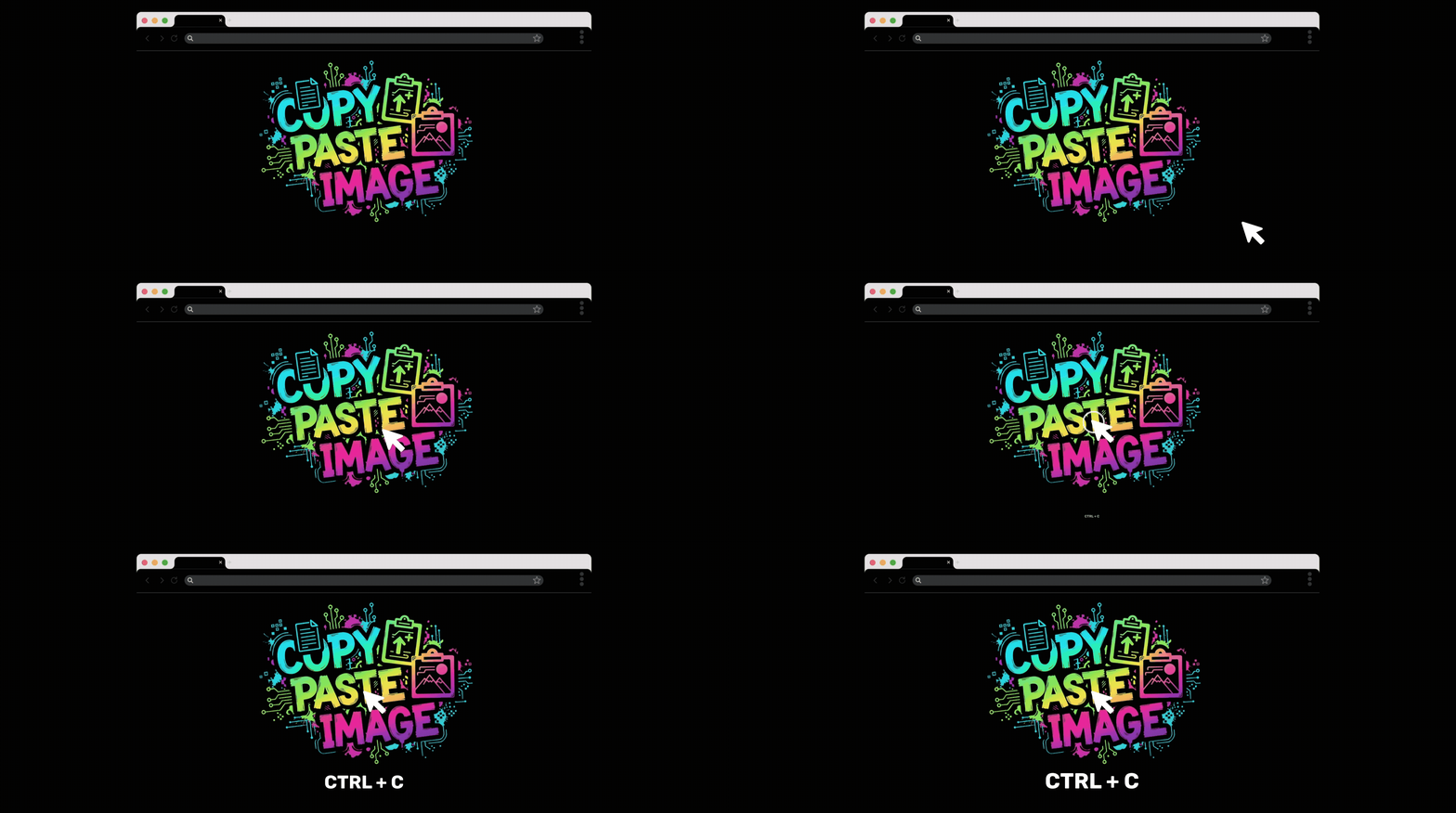
No need to save files or browse your disk—just Ctrl + Shift + V and you're working.
Copy images from anywhere
Just press Ctrl + Shift + V to use your image as
(Images as Planes - Reference Image - Viewport Background)
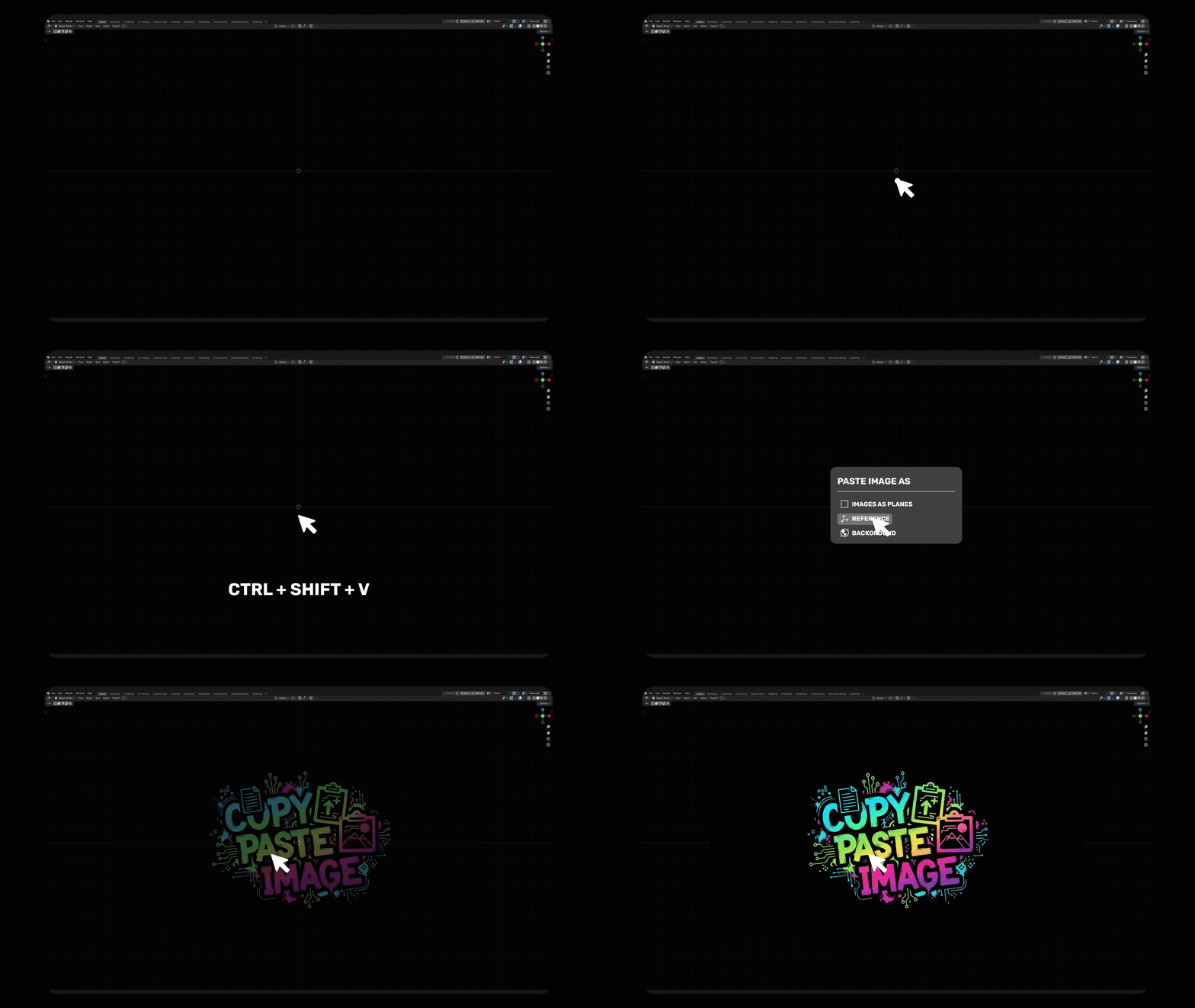
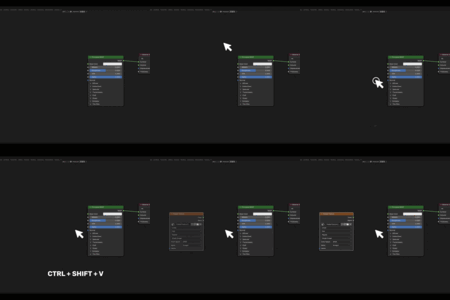
Just press Ctrl + Shift + V to use your image as
Texture Node in the Shader Editor.
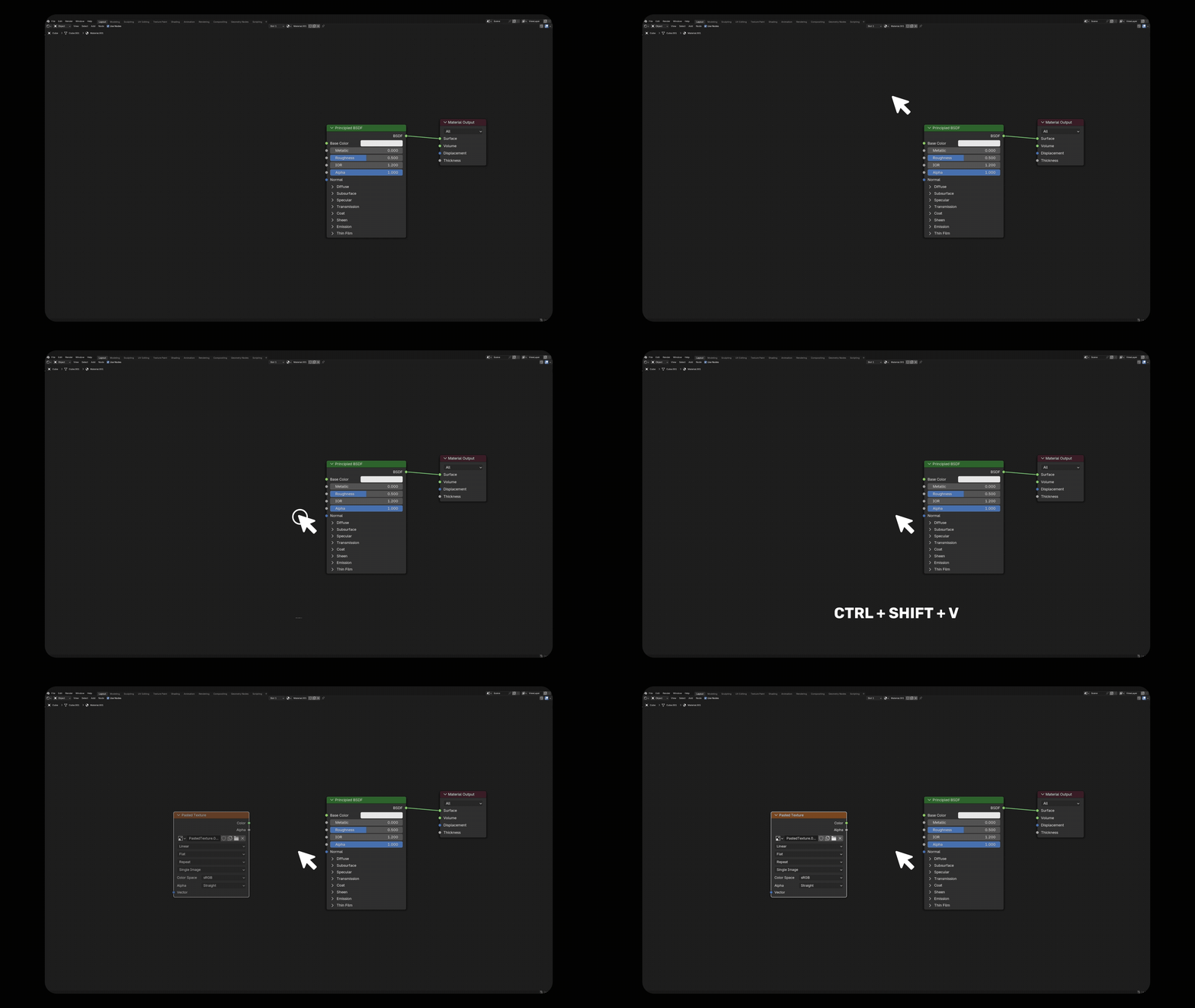
Features
Instant Import – Paste any copied image directly into the 3D Viewport or Shader Editor.
Flexible Modes – Choose how the image appears:
Flexible Modes – Choose how the image appears:
Images as Planes – Auto-creates a plane with the image as a material.
Reference Image – Adds a transparent Empty for modeling reference.
Viewport Background – Sets the image as a scene background.
Image Texture Node – Instantly creates texture nodes in the Shader Editor.
Smart Scaling – Optionally auto-match the plane's size to the image's aspect ratio.
Context-Aware – Automatically detects where you are and offers the right options.
Cross-Platform – Works on Windows, macOS (requires pngpaste), and Linux (requires xclip or wl-paste).
Use Cases
Drop textures or concept art straight into your scene.
Create quick background plates for layout and visualization.
Add texture maps instantly while working in the Shader Editor.
Speed up material creation with direct clipboard-to-node workflow
