Copy Nodes Keyframes
 Olivier Crespo Barrio
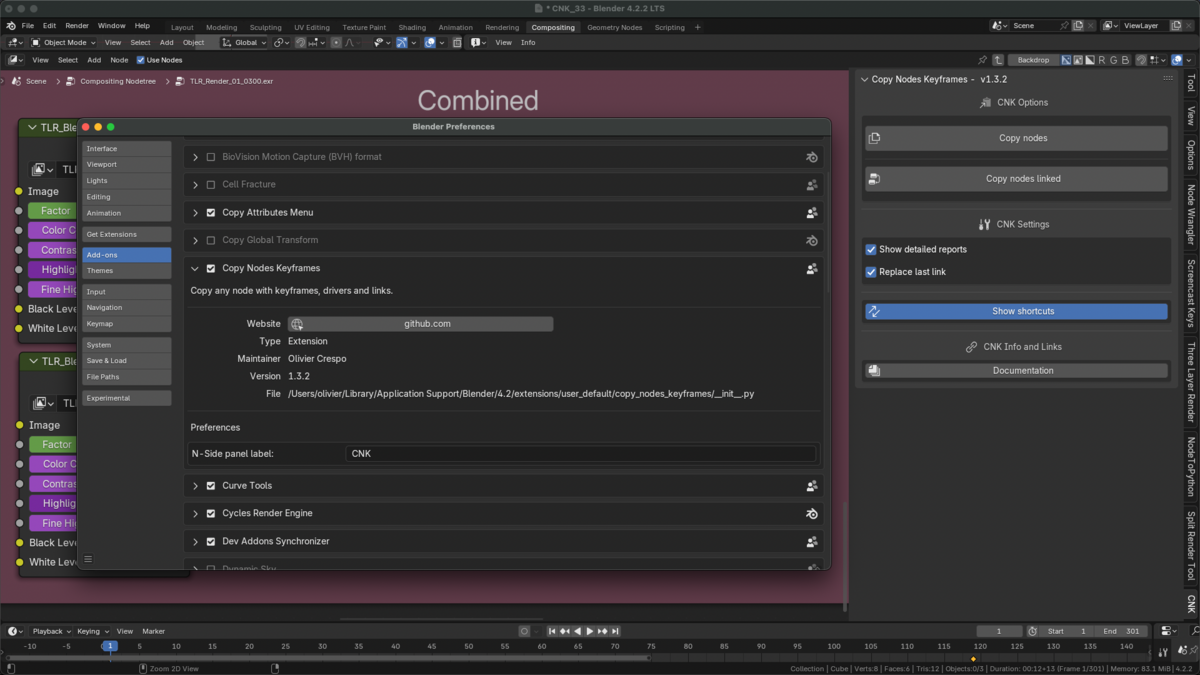
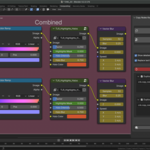
COPY NODES KEYFRAMES - Blender Add-on
Support for Blender 3.3 +.
Changelog:
- Added Blender 5.2+ compatibility.
- Fixed: Old Method error on Blender 5+. REMEMBER: Both methods are totally different, but with New Method you are capable to paste nodes in other Node Groups.
- Change Category setting re coded from scratch. Now is how it meant to be.
- Fixed: New Method error while duplicating or copying group nodes with drivers, but keyframes.
- Fixed: New Method error while pasting nodes inside another node tree.
- Fixed: New Method not pasting groups.
- Fixed: New Method error when Separate or Combine Bundle nodes are selected (Future release will support them).
- Added: "Move nodes to cursor" option. Move duplicated nodes to cursor location, and remove them from their parents if needed.
- A lot of code improvements.
- Fixed: New Method error selecting proper curve with some types of nodes.
- Fixed: New Method error in some situations.
- New Method has been recoded from scratch.
- Added Blender 5+ compatibility.
- Added Blender 4.5+ compatibility.
- Fixed bug CNK fails if "Group Input" or "Group Output" nodes are selected.
- Fixed bug where CNK does not find the Node Tree (in Blender 4.4)
- Fixed nodes location not at cursor location if there are Frames selected (in Blender 4.4)
- Fixed bug where non selected nodes that are inside a frame that contains any selected node remains outside of that frame.
- Added new method to manage animation data. It is now the default method for CNK. This new method (all tests until now) solves all limitations and bugs than previous versions.
- Added Copy/Paste options (only for new method). Now you can paste them into any node tree (instead of just duplicating in the same one). It has only one limitation, you can not paste them in the same node tree, or any node tree inside of it.
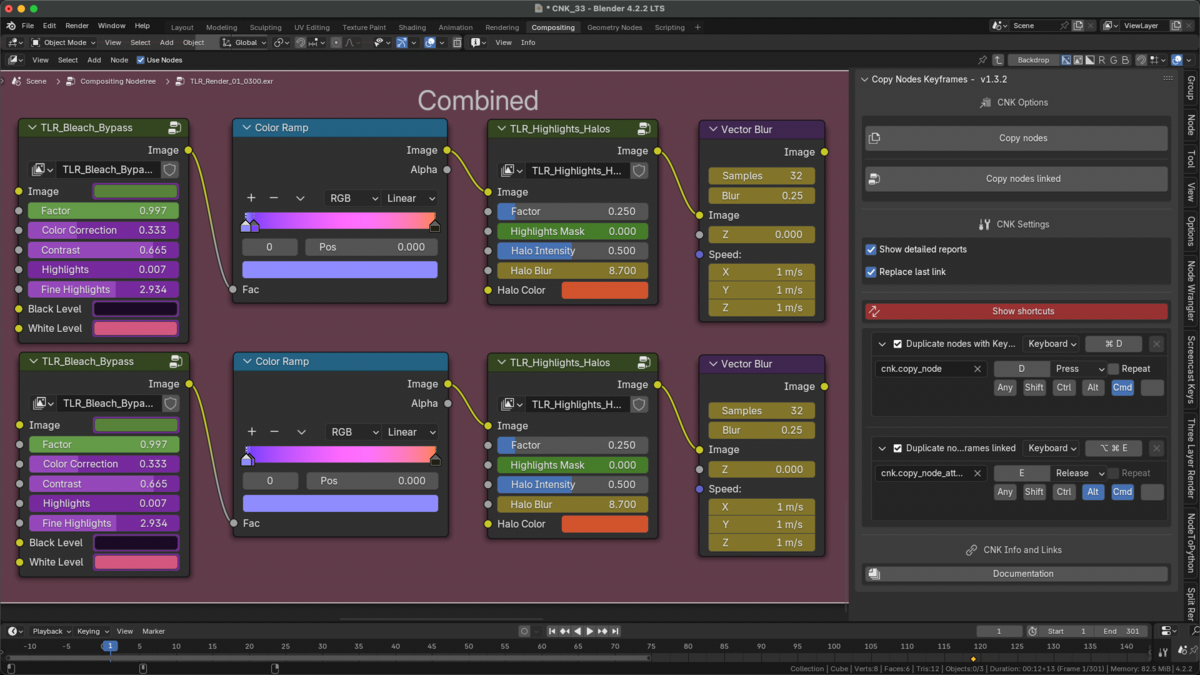
- Added Shortcuts for both Copy and Paste options. (In Windows Ctrl) OSKey+F to copy nodes, OSKey+Alt+F to paste them.
For old method:
- Fixed bug where (sometimes?) in Compositing Editor or Shader Editor Blender freezes (bug was introduced at version 1.3.2).
- Fixed bug where links are wrong if a node contains two or more inputs/outputs with same name.
Note: If things go as I think with new method, I will remove old method from CNK.
- Fixed bug where if shortcut is changed, and then user changes it again to default, it does not update it.
- Added link to CNK video on Youtube.
- All drivers fully supported.
- Drivers source code from scratch. Now CNK will copy drivers recursively (If it is a node group, drivers inside it will be fixed properly). Currently it fixes 3 levels.
- Fixed RGB Curves mapping, now all channels are correct.
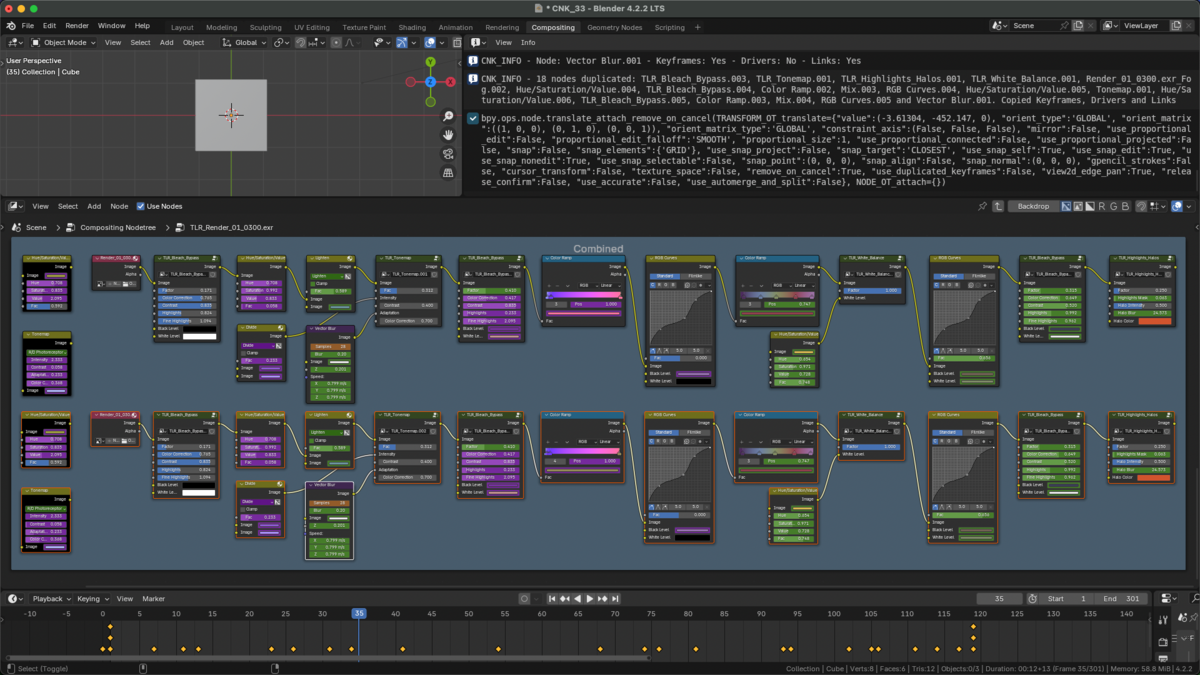
- Added more information to reports when duplicate linked (now you can see what nodes had been duplicated, and what has been duplicated from each).
- Added "Show detailed reports" option to show each duplicated node report individually.
- Added "Replace last link" option. Last node output link will be replaced with the new node.
- Added "Show keymap shortcuts" option (just for fast access). Blue button.
- Added "Custom N-Side panel label" option to Preferences (seems to be annoying large labels?).
- Operators properly defined in order to follow Blender Extensions guidelines.
- CNK Panel enhanced.
- Added RGB compatibility while duplicating drivers (Vectors not yet).
- Fixed groups that have nodes with drivers. Now, if the driver controller is not the parent group, it does not change it. Otherwise, it will make unique that node tree, and it will change it to the new group.
- Added more information to reports (now you can see what nodes had been duplicated, and what has been duplicated from each.
- Added "Copy linked nodes" missing button to CNK panel.
- Added icons to buttons.
- Re write some parts of the code.
- Added support to duplicate Drivers. Drivers on Vector properties (RGB, XYZ, etc.) are partially supported.
- Added support to preserve links between selected nodes.
- Added second shortcut OsKey+G. Preserve node links outside the selection (like Blender).
- Added support to fix drivers variable data path when duplicating Groups, if they contain any node with drivers (Annoying when that happens).
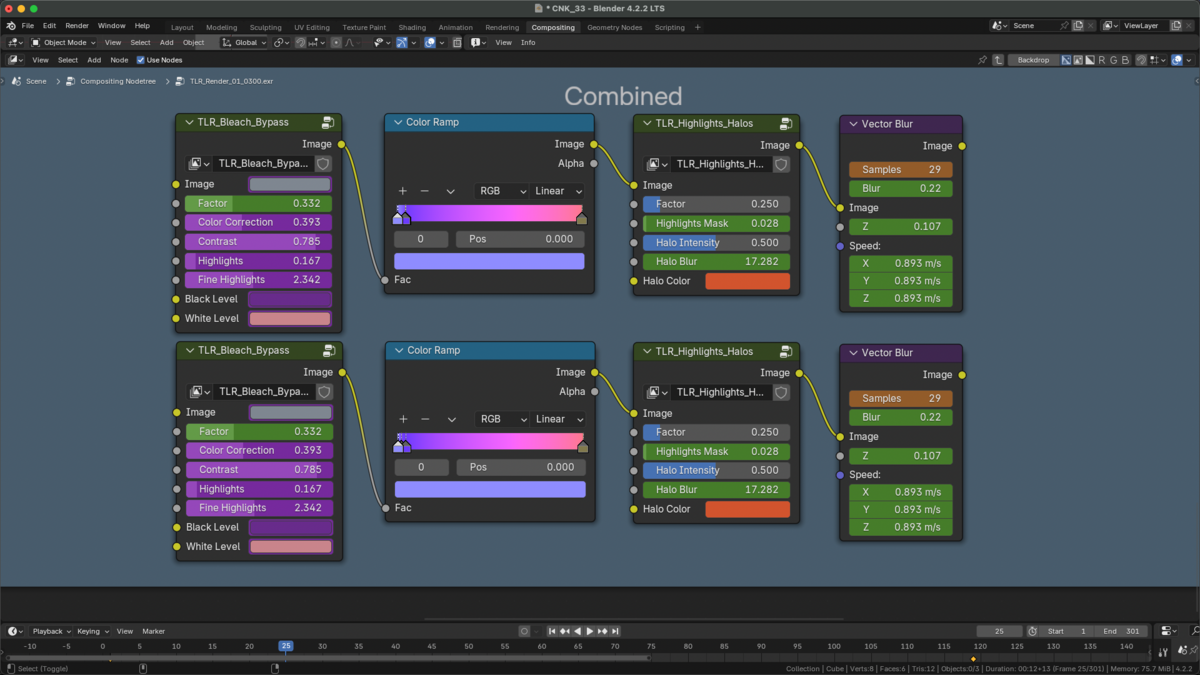
- Added Translate nodes. When duplicating nodes, they are attached to the mouse cursor (like Blender behaviour).
- Fixed first shortcut, where if it is on Windows or Linux you must change it in Blender Preferences - Keymap.
- Fixed bug introduced in CNK v1.2.2 where duplicating groups does not work.
- Fixed bug with RGB Curves, not creating points in the curve and not reseting the view.
- Totally re write from scratch. Code is more clean and efficient.
- Fixed nodes inputs values not being copied. (Thanks to Saul to point that out).
- Fixed extension name.
- Added Blender 4.2 compatibility.
- Fully compatible with new Extensions feature.
- Fixed ColorRamp bug: Only first and last elements are created. (Thanks to Selah Kwon, who informed me about the bug)
- All bugs fixed: RGB and XYZ attributes now are working.
Fix: Nothing happens if node is inside a group.
Fix: Sometimes node tree is not detected.
Removed "Translate" option. No needed at all.
Added info along the process to detect bugs faster.
- Minor fix: Changed supported Blender version to 3.3.
- Initial release.
Discover more products like this
copy key frame Blender geometry nodes copy and paste Blender Material Nodes Blender Nodes