Copy Nodes Keyframes
 Olivier Crespo Barrio
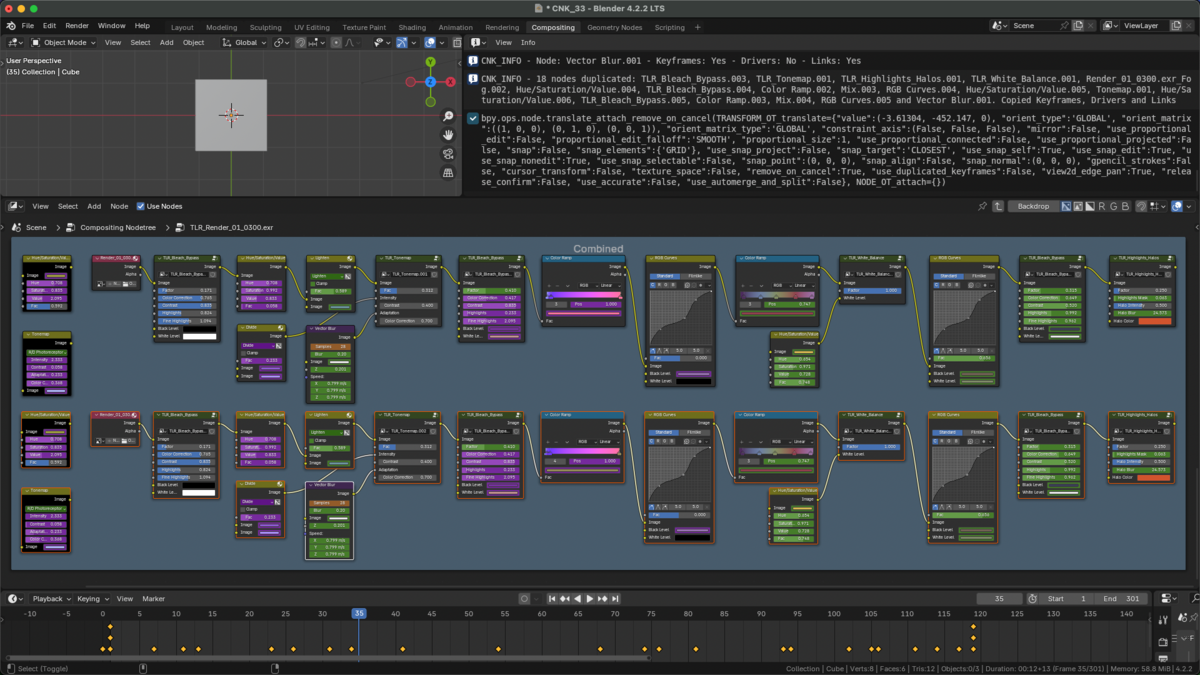
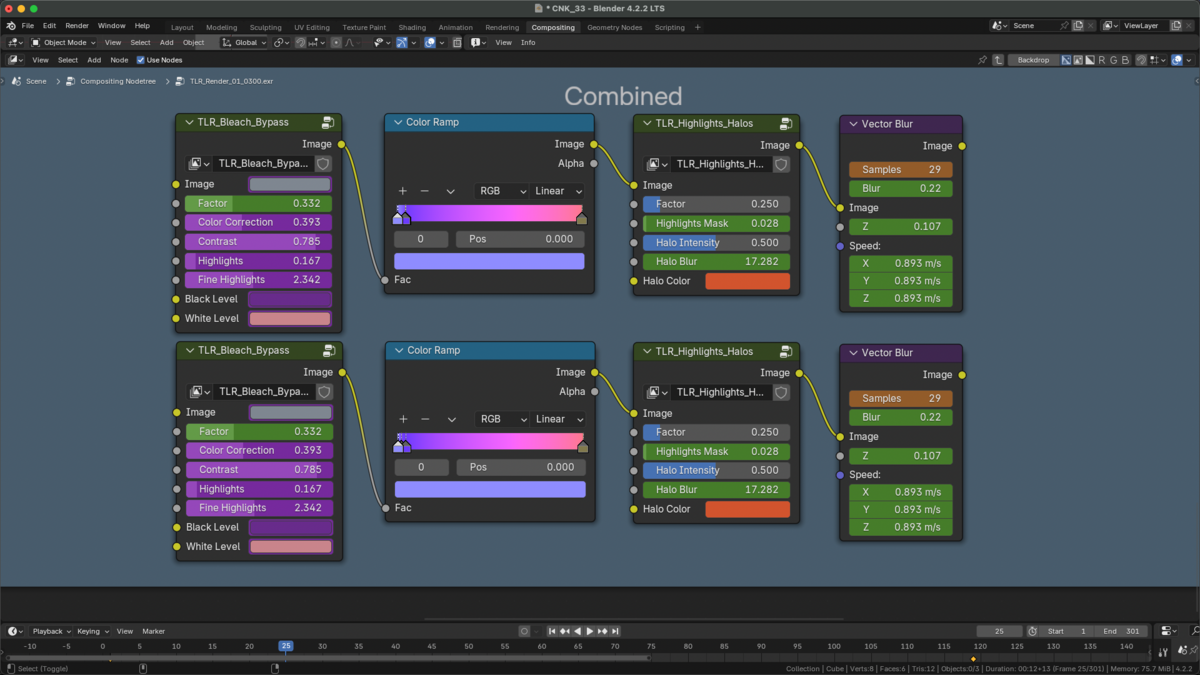
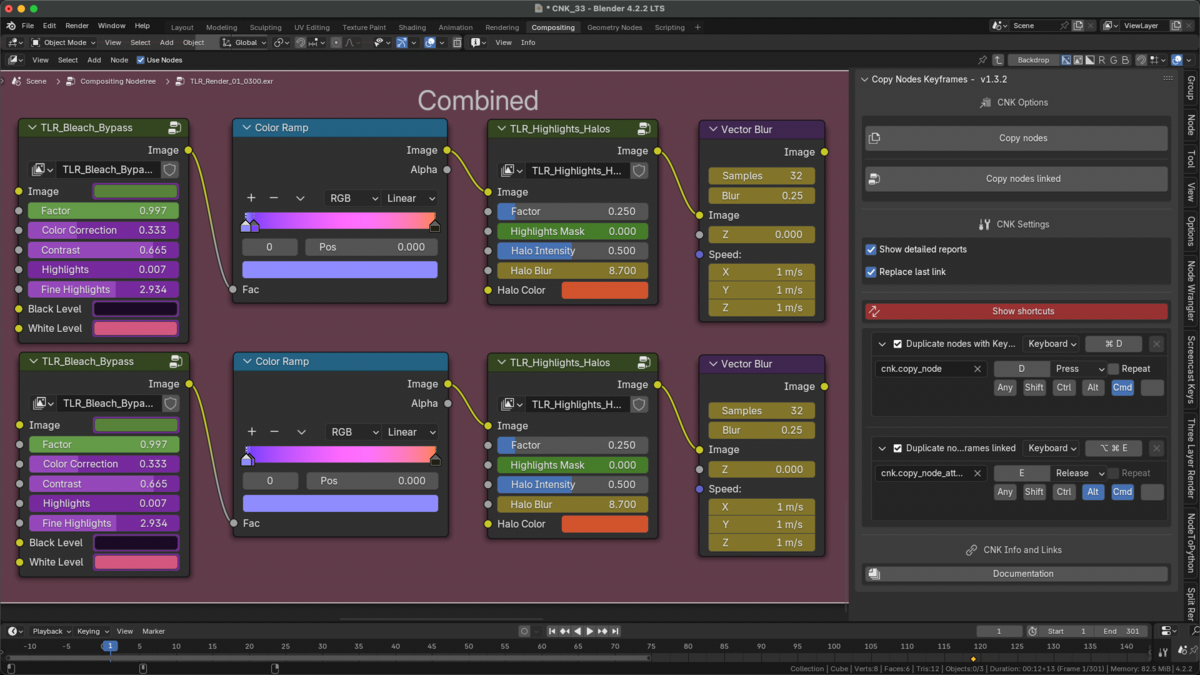
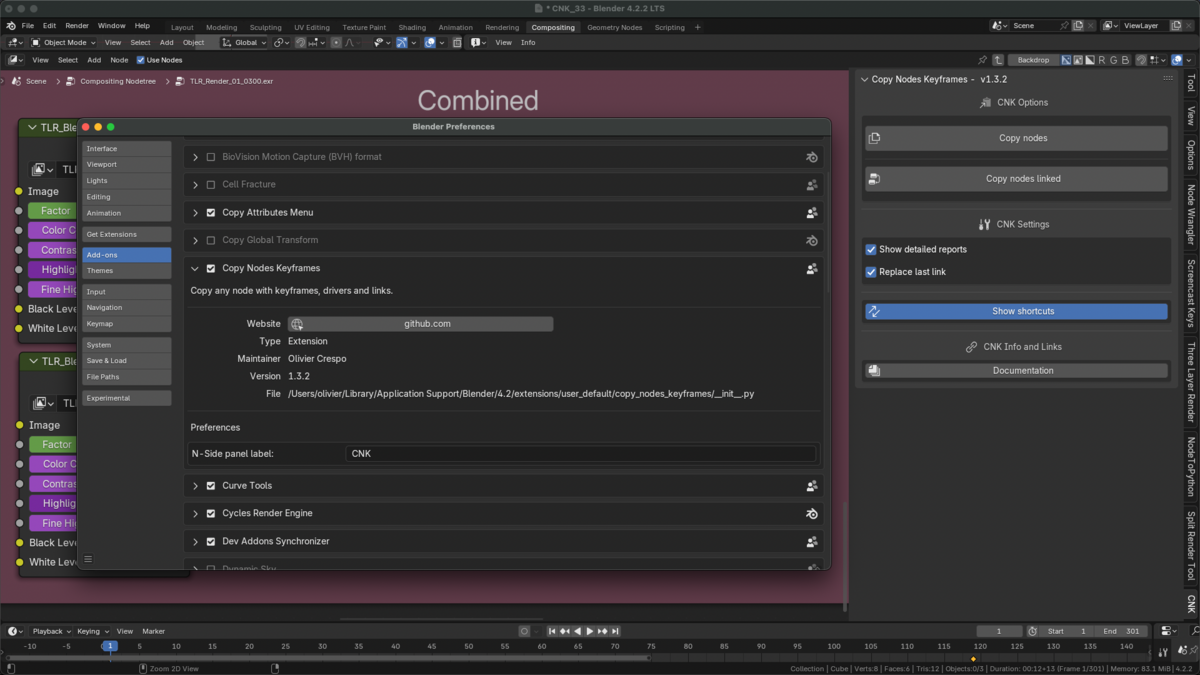

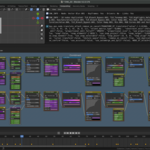



You will find its Settings panel in N-View of any Node Editor window (Shader Editor, Geometry Nodes Editor and Compositing Editor). Just click in the arrow (top right of the window), or press "N" in the keyboard.
There are two different methods.
1 - New Method:
DUPLICATE NODES:
- Select the nodes you want to duplicate, and press OSKey+D (MacOS) or CTRL+D (Windows, Linux).
COPY / PASTE NODES:
- Select the nodes you want to copy, and press OSKey+F (MacOS) or CTRL+F (Windows, Linux). Then go to ANOTHER NODE GROUP, and press OSKey+ALT+F (CTRL+ALT+F in Windows and Linux) to paste them.
2 - Old Method (Only Duplicate Nodes is available):
- Select the nodes you want to duplicate, and press OSKey+D (MacOS) or CTRL+D (Windows, Linux).
Also you can duplicate them preserving input links (same behavior as Blender), by pressing OSKey+ALT+D (MacOS) or CTRL+ALT+D (Windows, Linux).
NOTE: As long as 1 selected node has Keyframes or Drivers (or both), you can select nodes without them too: CNK will duplicate all of them preserving all links.
Discover more products like this
copy and paste Blender Material Nodes Blender geometry nodes copy key frame Blender Nodes