 NemVe3D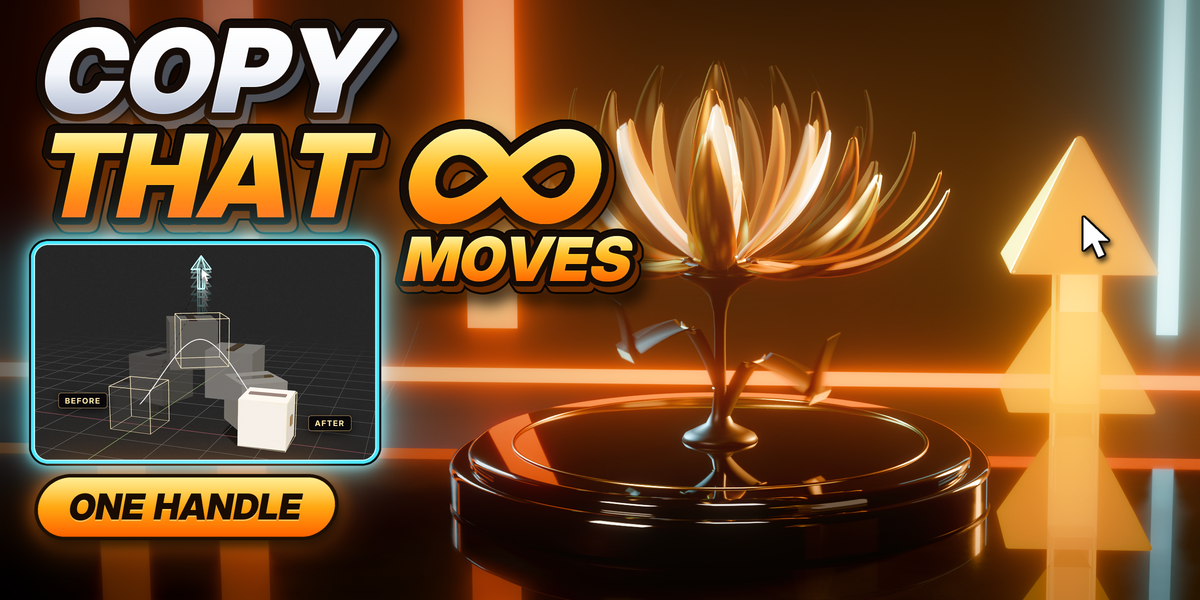


Where is the full guide?
In the download: README.md, inside the add-on zip, has every button and dialog. The Documentation tab has the short guide, and the flower's guide is in the flower zip.
Where is the full guide?
In the Documentation tab: every button, every dialog, and the flower step by step. The flower file and its written guide come with the add-on.
Which Blender versions does it work with?
Blender 4.5 LTS to 5.2, on Windows, macOS and Linux. It installs as a Blender extension: drag the zip into Blender.
Is it for characters?
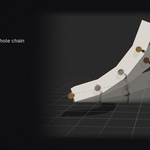
It records the poses of any bones, but it’s made for machines and objects that move as solid parts. For a character’s skin and face, use a character rigging tool.
Can I change the move after Build?
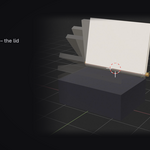
Yes. Press Pause and pose freely, or record Before or After again, then press Build.
Does the finished file need CopyThat?
No. The rig is plain bones, constraints and simple drivers, so the file plays and renders anywhere, even with Auto Run Python Scripts off.
Do I need to know how to rig?
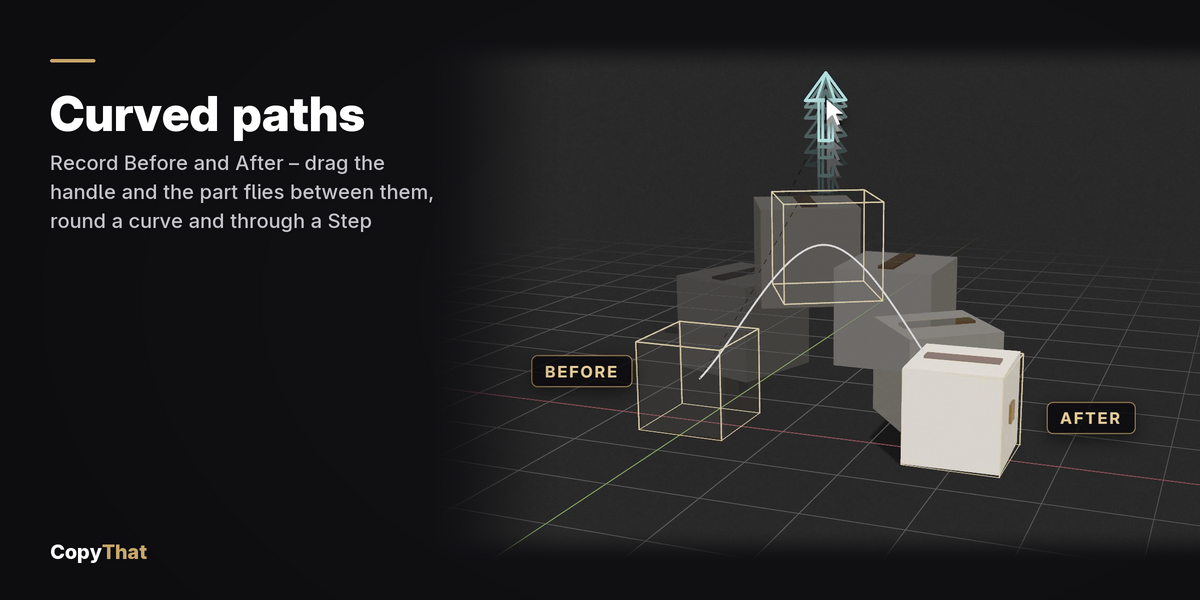
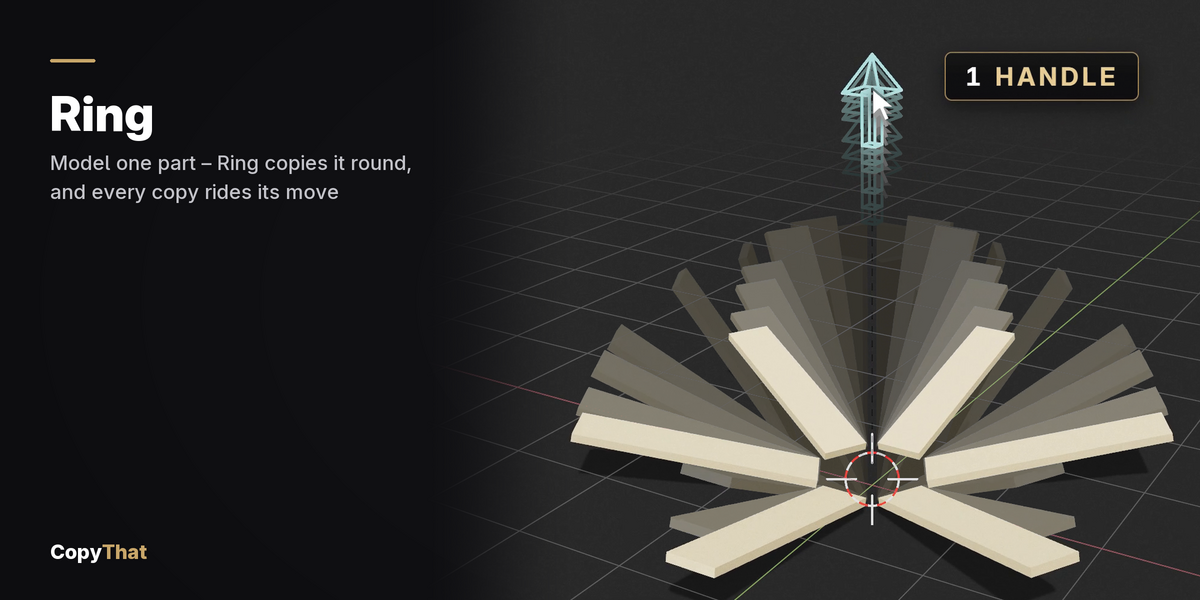
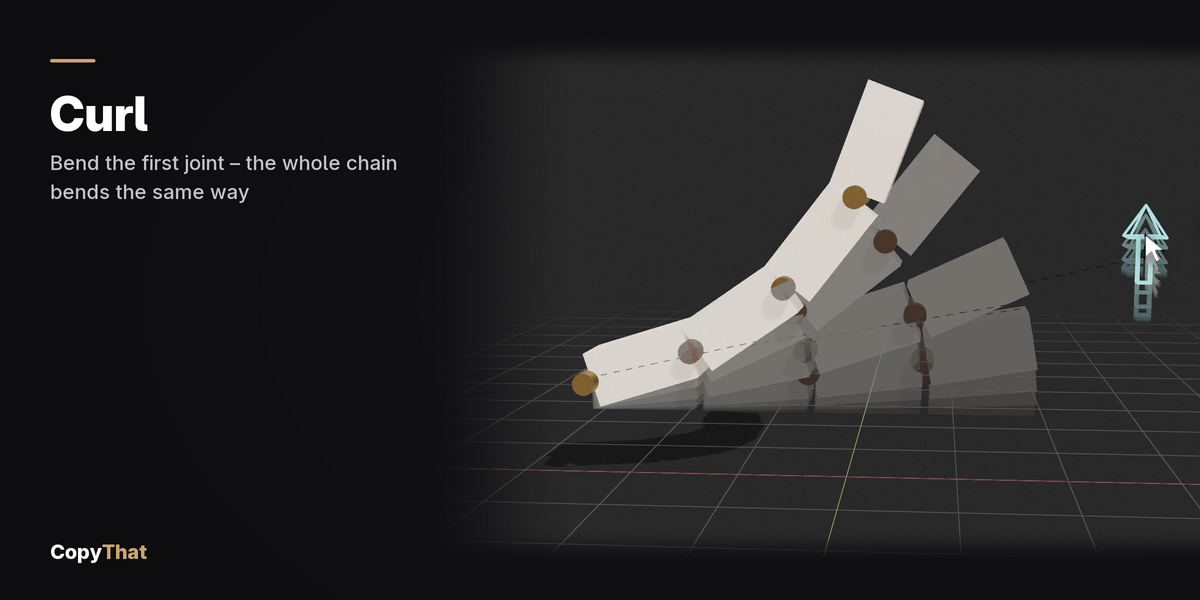
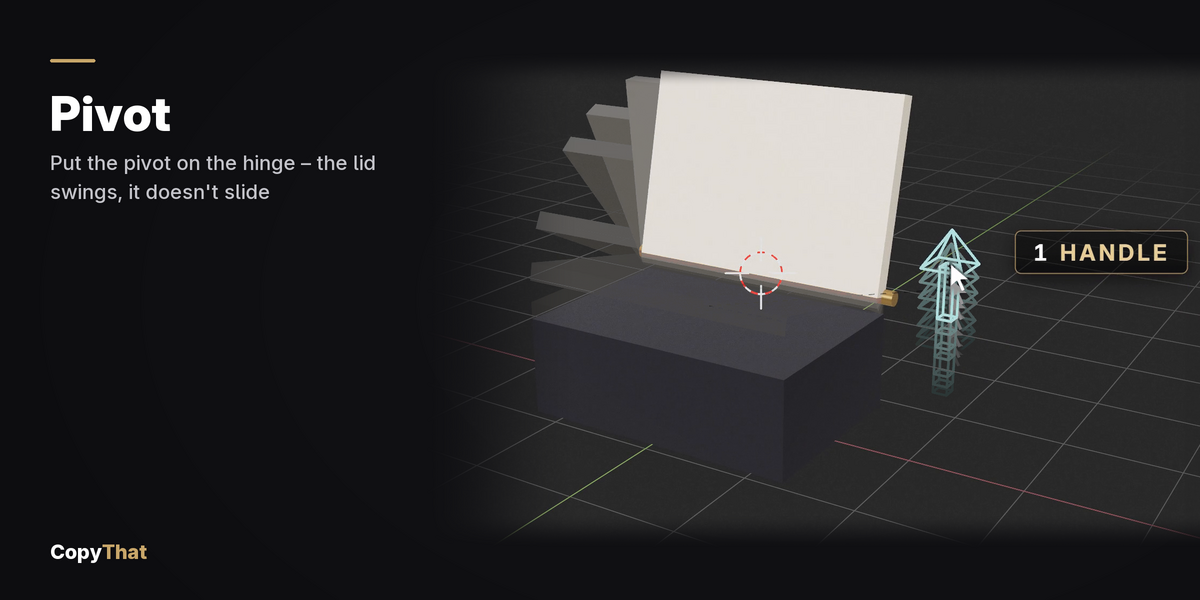
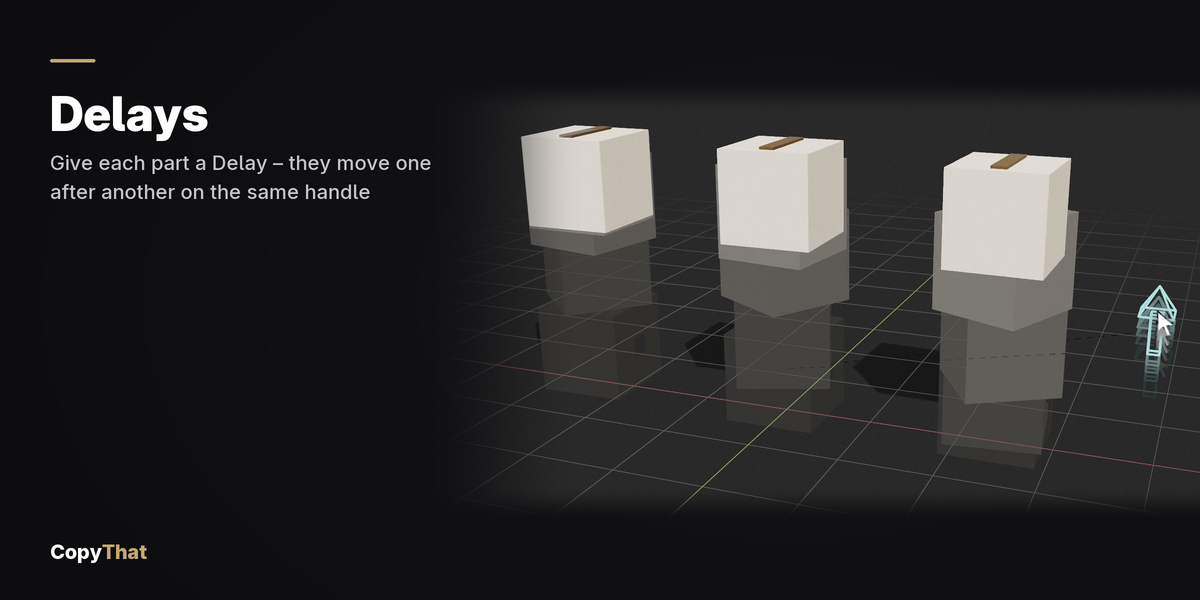
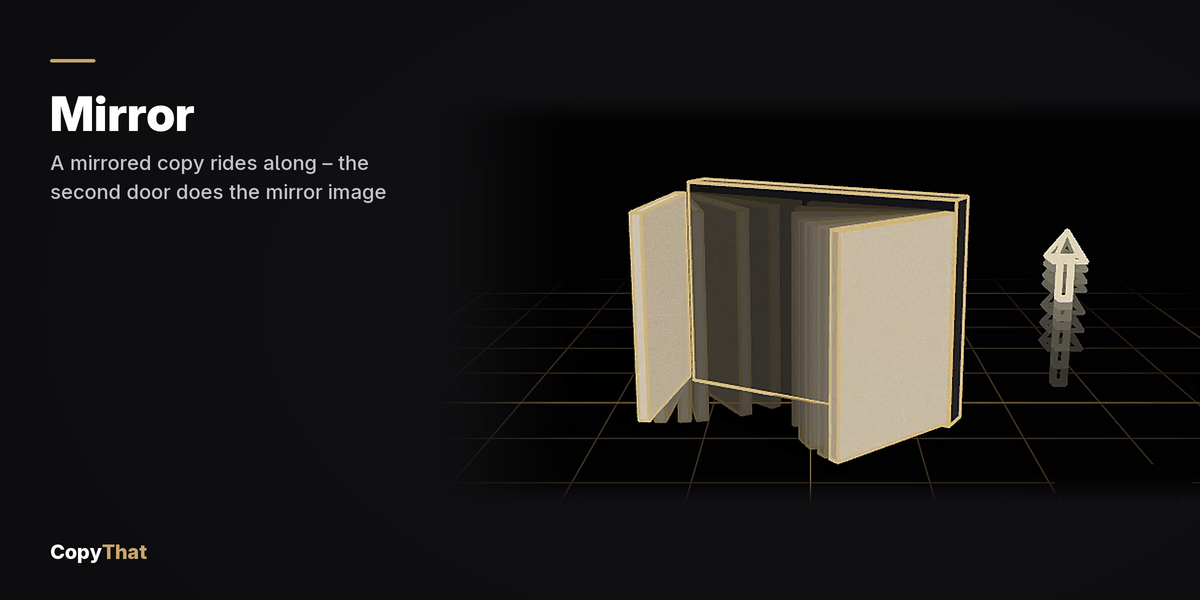
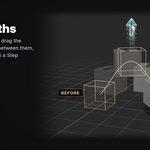
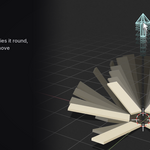
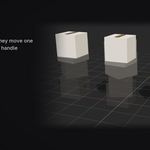
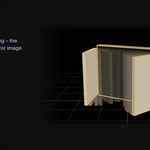
No. Select the parts, pose them where they start and where they end, and press Build. CopyThat makes the rig and gives you one handle that plays the move.
Have questions about this product?
Login to message
| Blender Extension Compatible | Yes |
| Published | about 9 hours ago |
| Blender Version | 4.5 - 5.2 |
| Extension Type | Add-on |
| Render Engine Used | Cycles, Eevee |
| License | GPL |
Discover more products like this
motion graphics auto-rig kinetic mechanical rigging mech hard surface animation Procedural Animation product animation Robot drivers