 NemVe3D


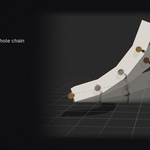
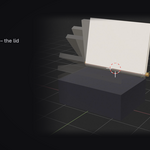
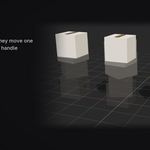
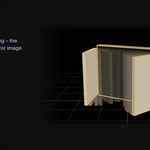

Record a move. Play it with one handle.
Pose your parts where they start and where they end, and press Build. CopyThat makes the rig for you and gives back one handle that plays the whole move, with every part on its own timing. A slider in the panel does the same, if you prefer.
No rig to build · Timing per part · Copies that follow
- No rig to build. Works on loose objects. CopyThat adds the bones, binds the parts and wires the handle.
- Timing per part. A delay for each part, so they leave in order and overlap like a real machine.
- Copies that follow. Ring one petal, blade or bolt into many. Every copy rides along with the one you posed.
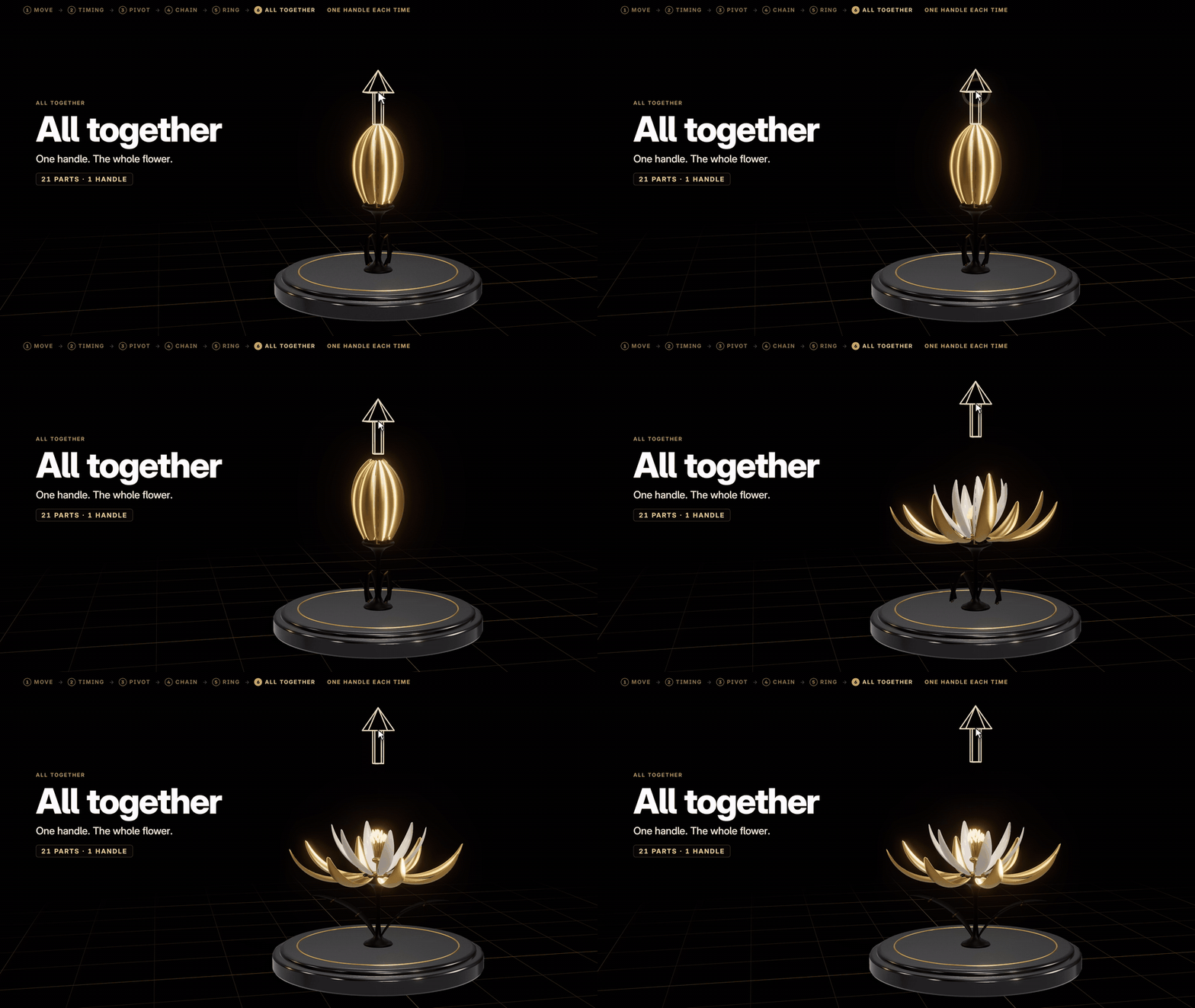
Watch the film
Every part of this flower moves with one handle. The film builds it up from a single cube, one simple move at a time.
How it works
1 · Pose it, record it. Select the parts and press New Move: where theystand is Before. Move them with G and R as usual, and press Record on After.

2 · Build: one handle. Build Sliders makes the bones, binds the partsand puts the move on one handle in the viewport. Grab it and drag: the moveplays. The slider in the panel does the same.
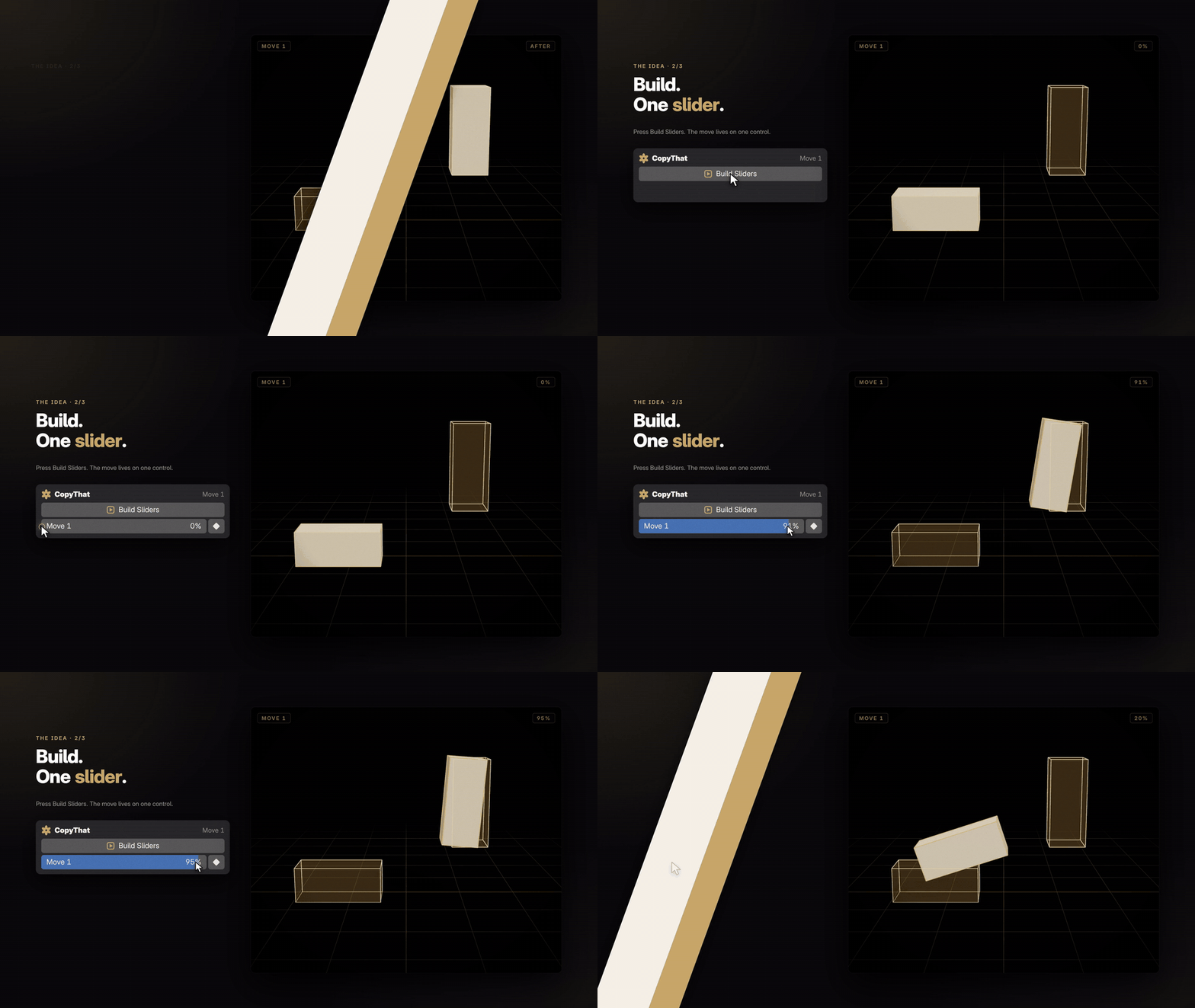
3 · Change it any time. Peek at Before or After with the eye, press Pause,pose a new After and press Record. Build again, and the same handle plays thenew move.
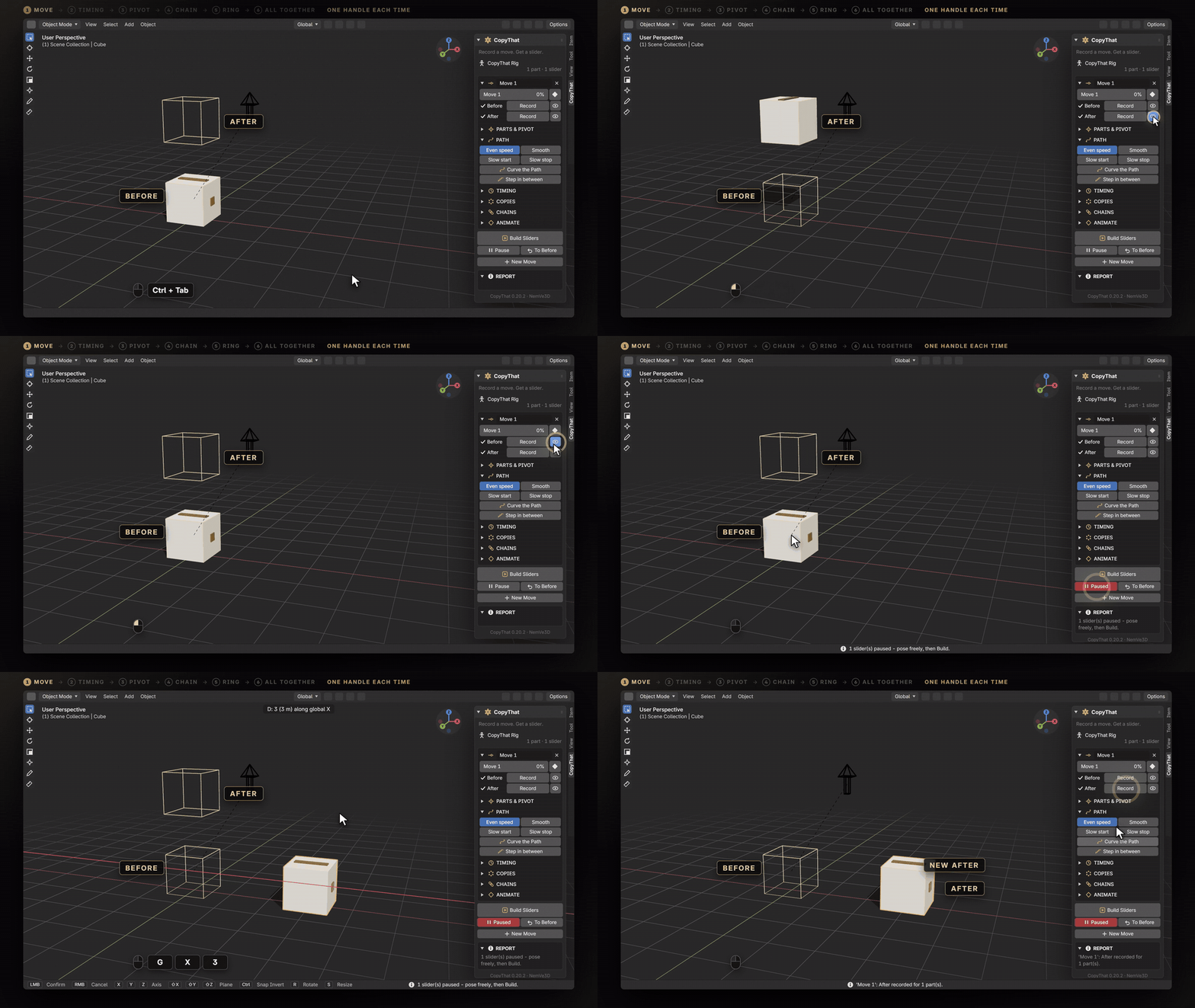
The flower, step by step
The tutorial rigs this flower with nothing but the clicks and keys you woulduse, at a normal pace. The flower file comes with the add-on, so everyaction below is one you can repeat.
Twelve tools

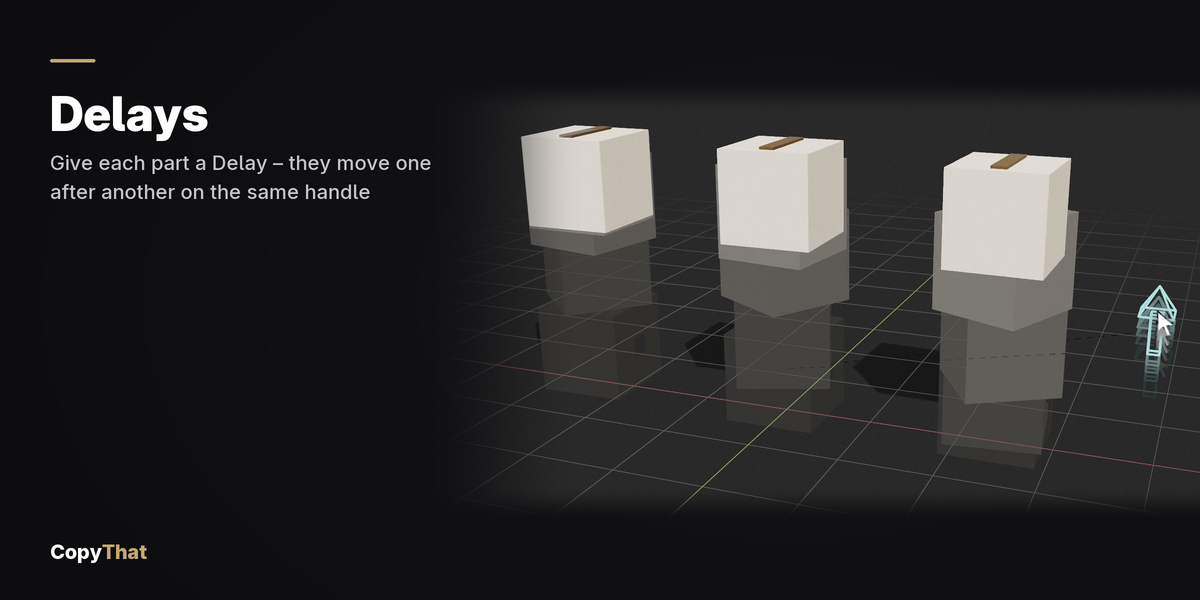
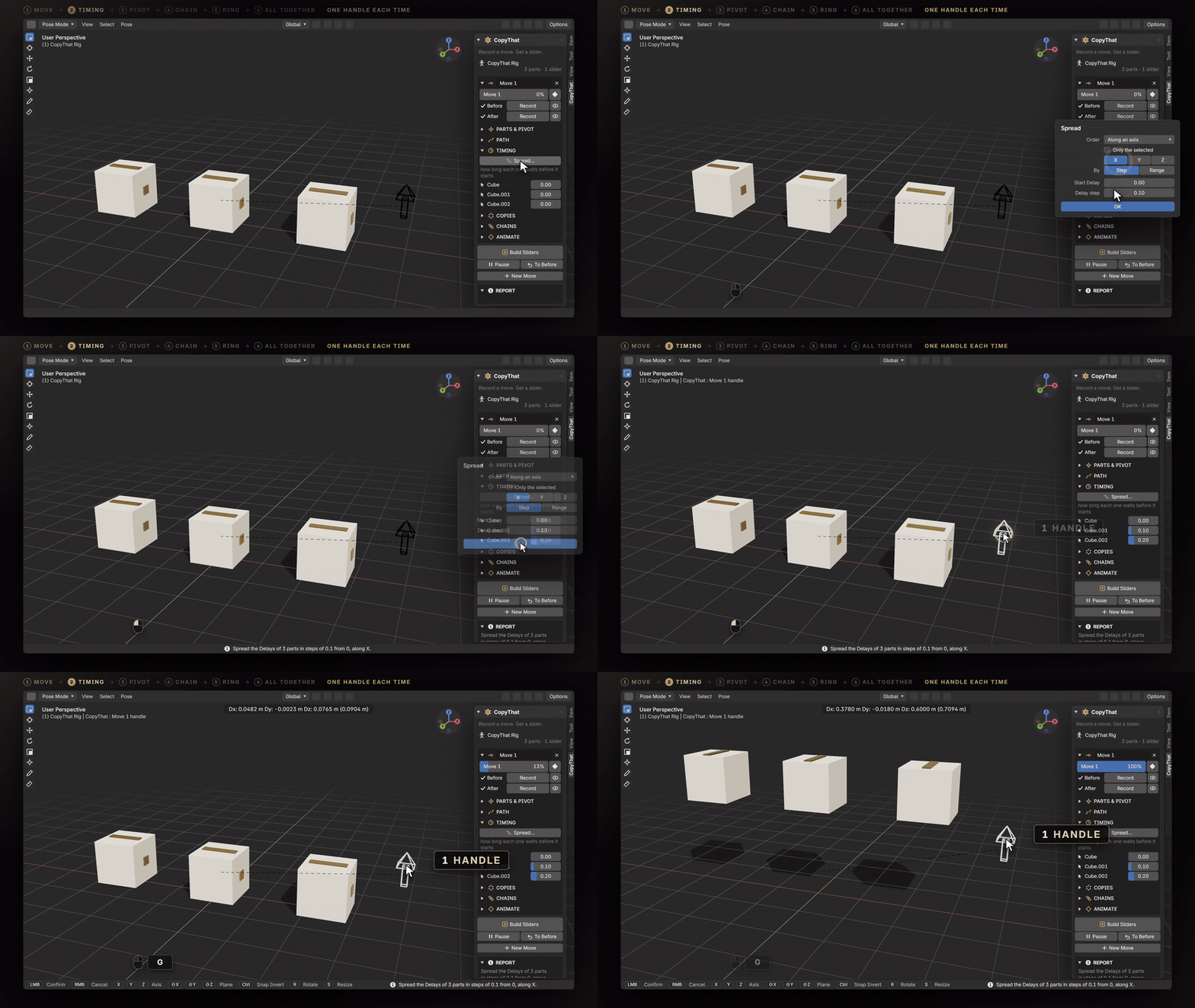
01 · TIMING. Give every part its own delay. A Delay says how long a partwaits before it starts. Parts leave in order and overlap, so a machine reads asbuilt instead of as one rubber object.
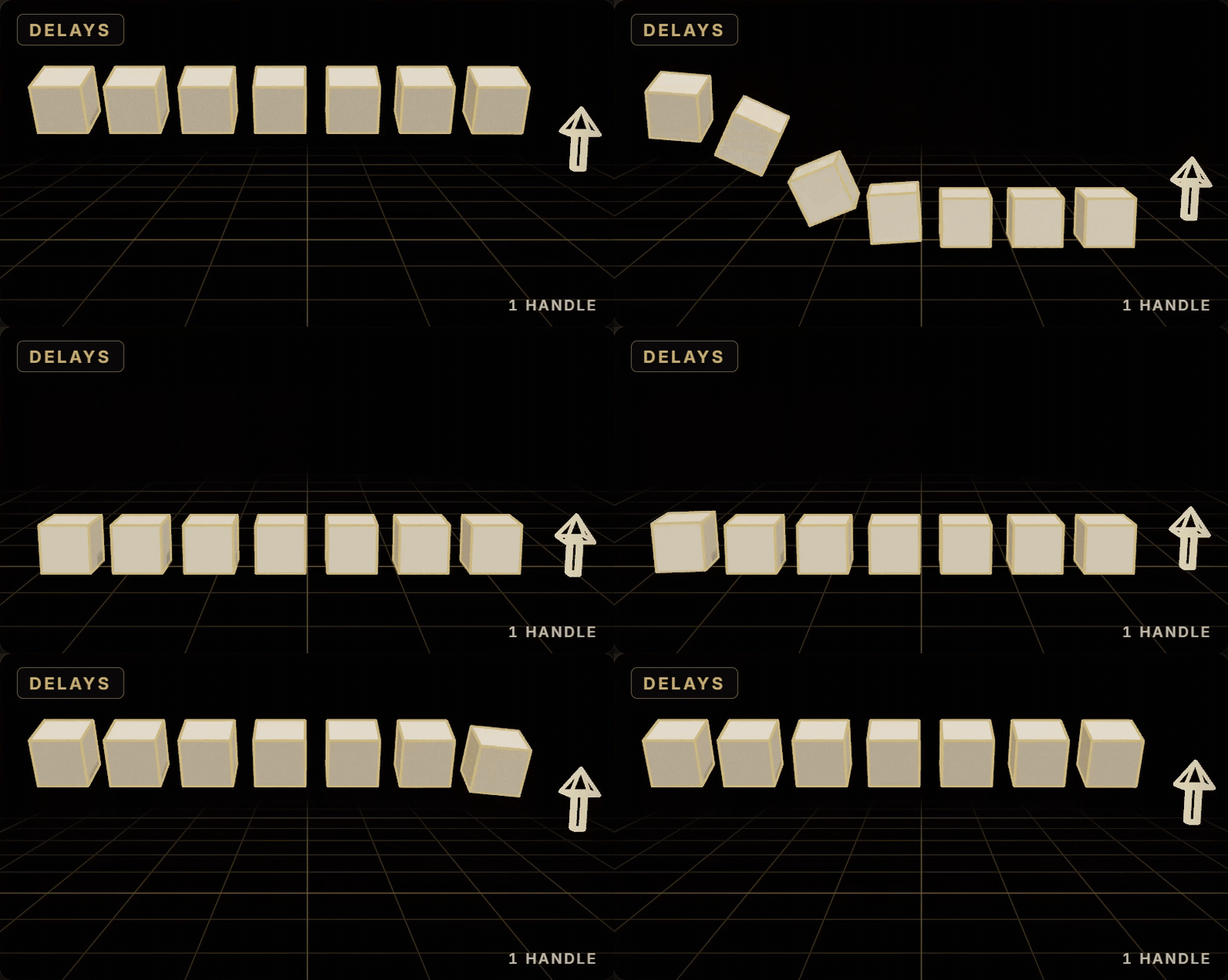
02 · SPREAD. Spread the timing into a wave. One dialog fills every Delay,or every copy's Lead: round a ring, down a chain, along an axis, by distance orat random.
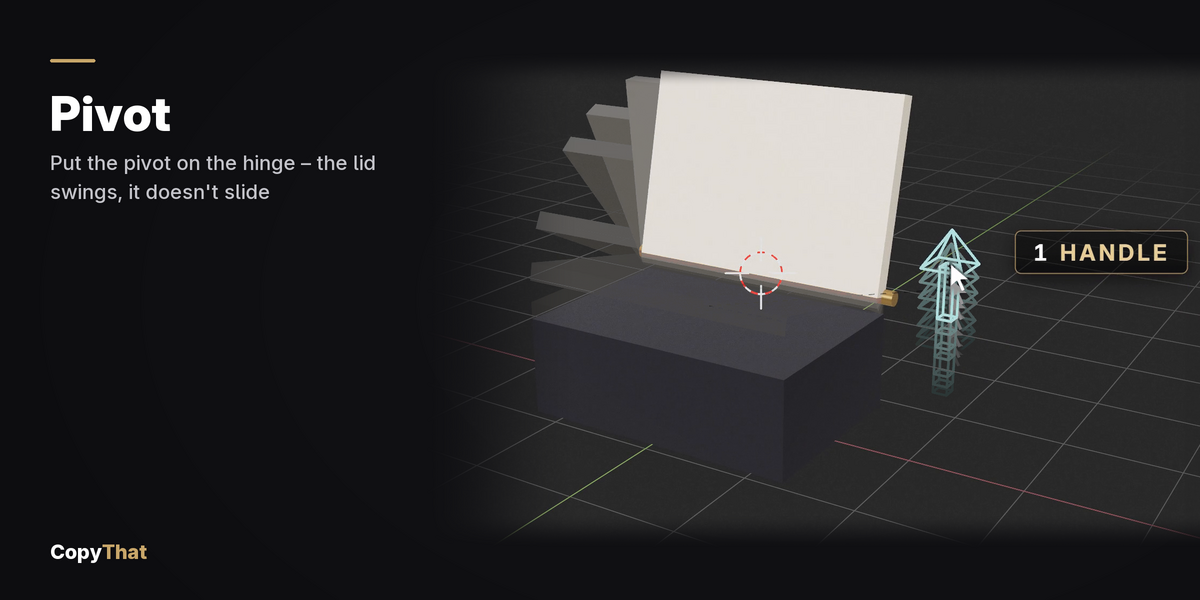
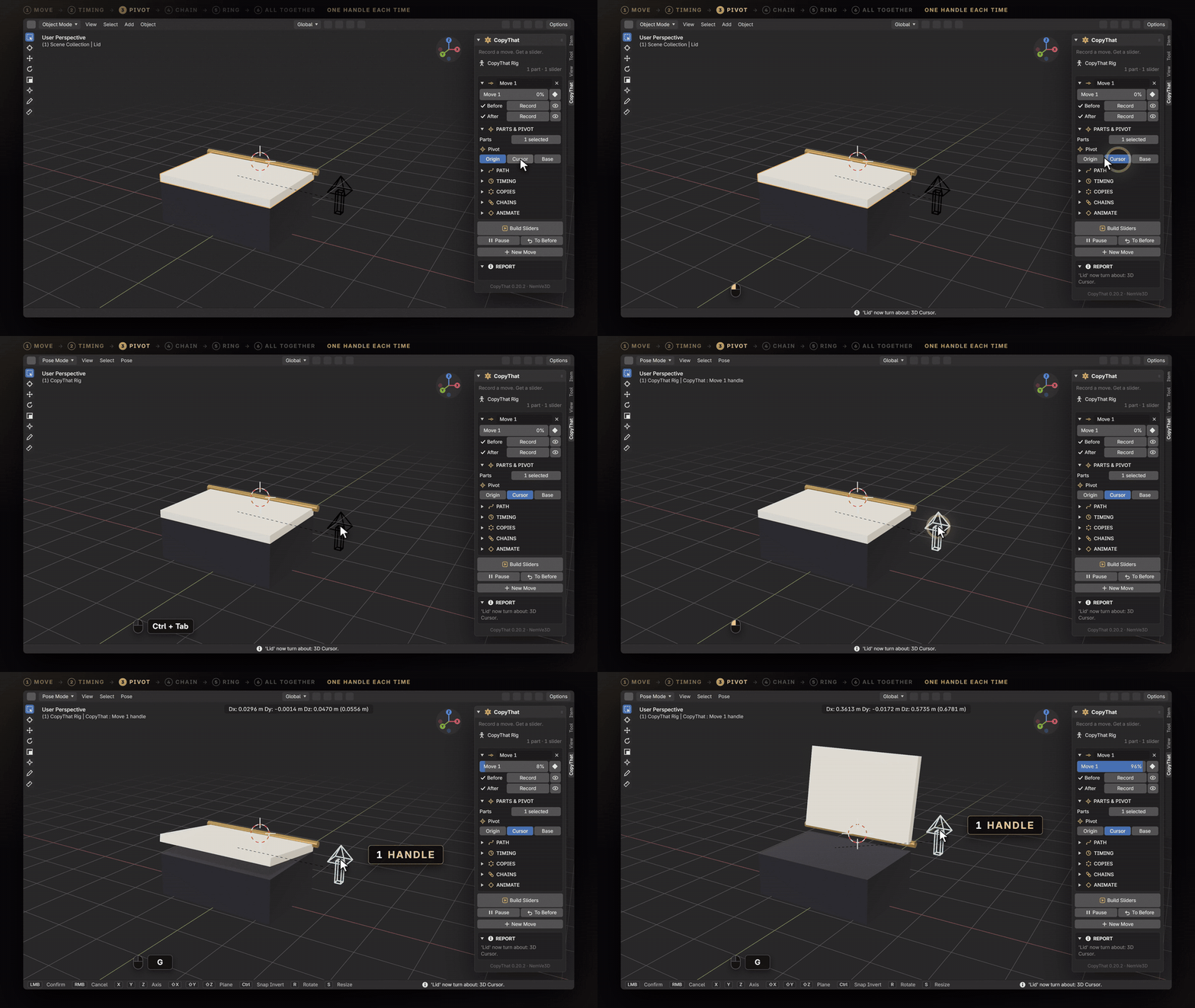
03 · PIVOT. Turn around any point you want. Each part turns about itsorigin, the 3D cursor or its base. The poses stay as recorded; the way betweenthem swings about the pivot.
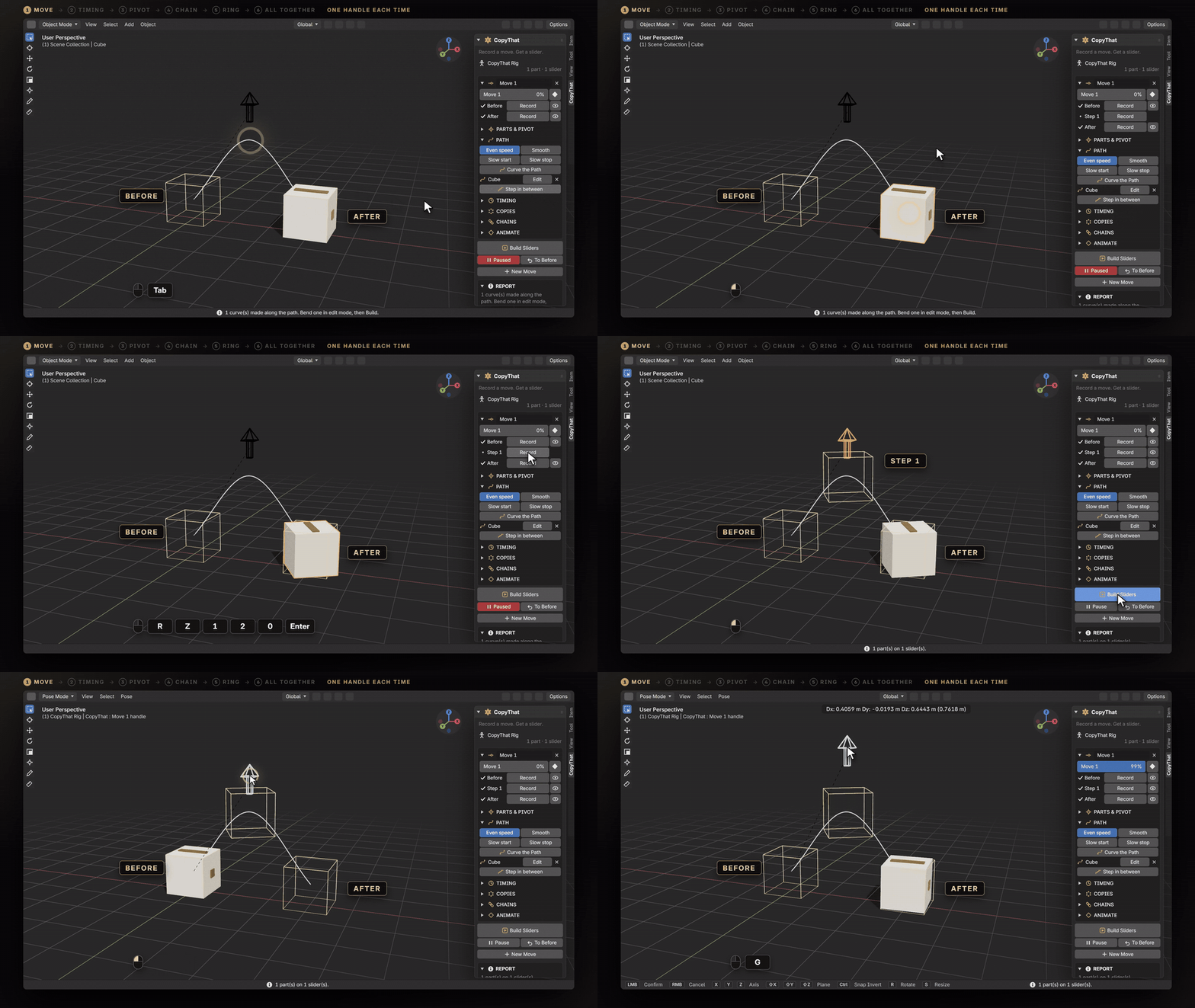
04 · STEPS. Add steps in between. Pose the middle of the move as well. Eachstretch between two poses gets its own speed.
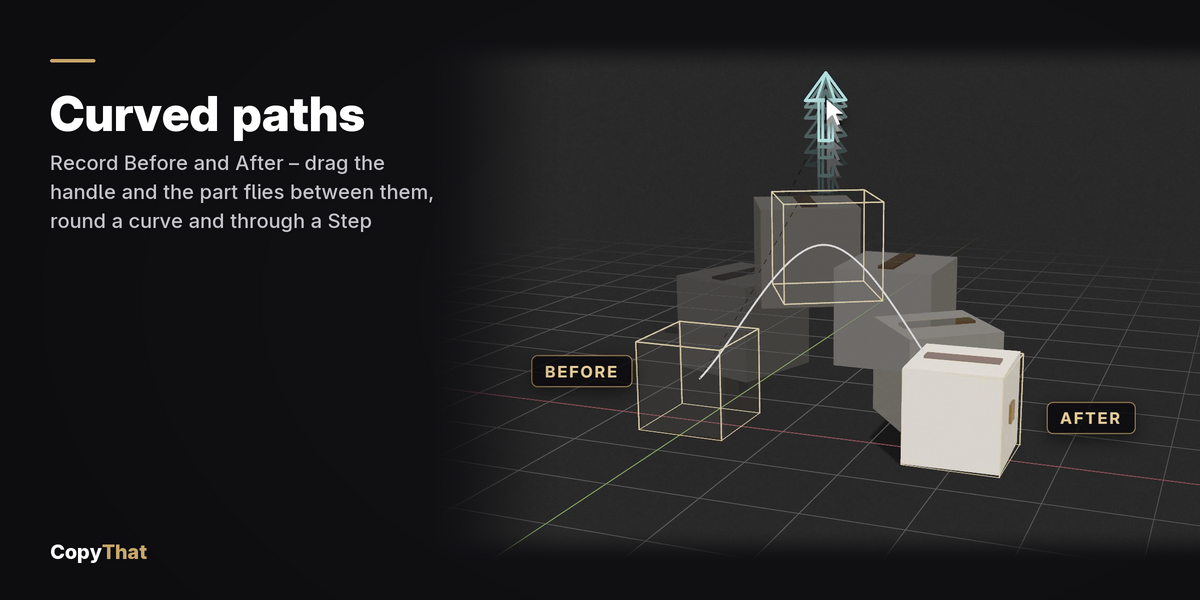
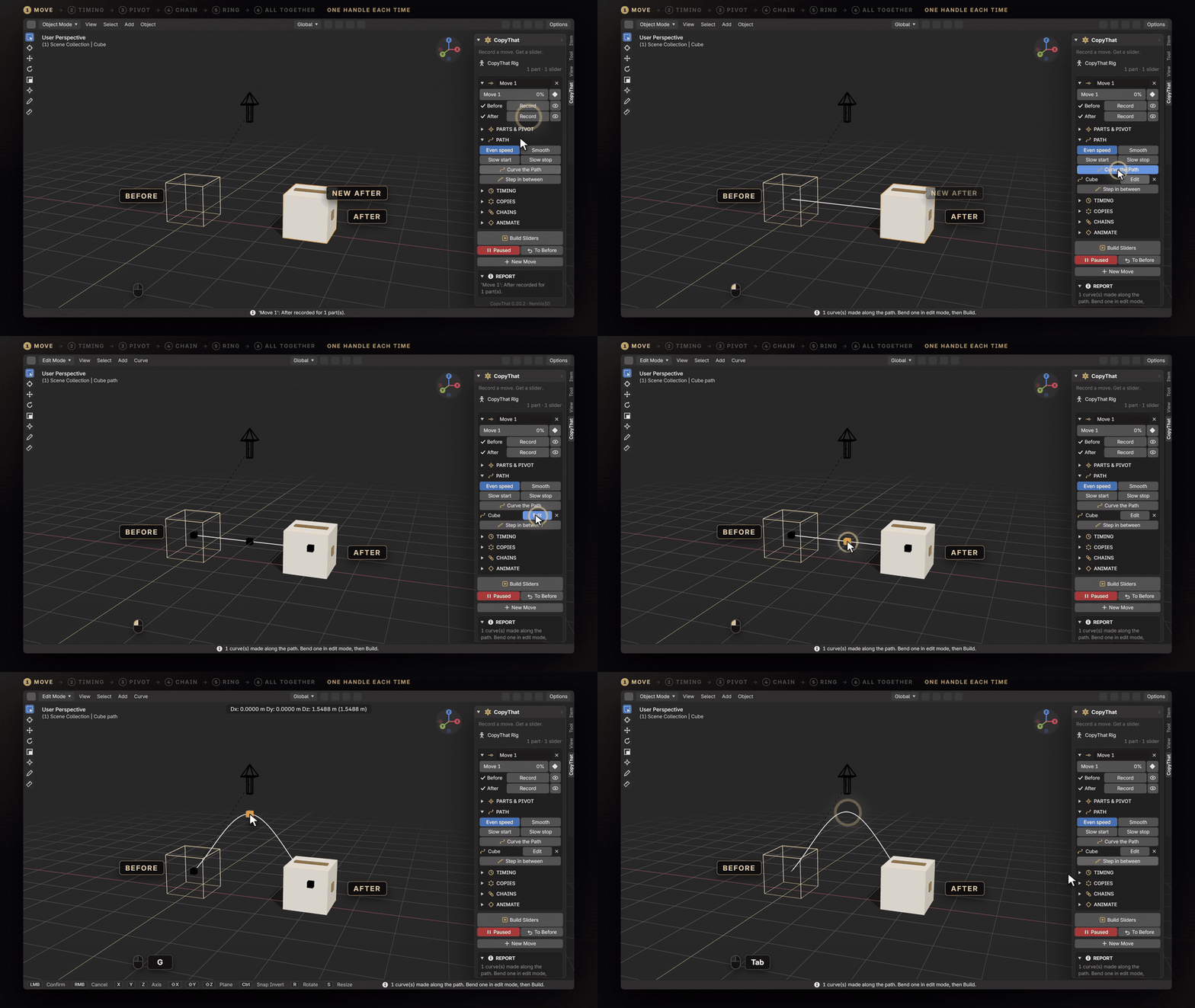
05 · CURVES. Curve the path, then edit the curve. A part follows a curveyou bend in edit mode. Its two ends always stay on Before and After.
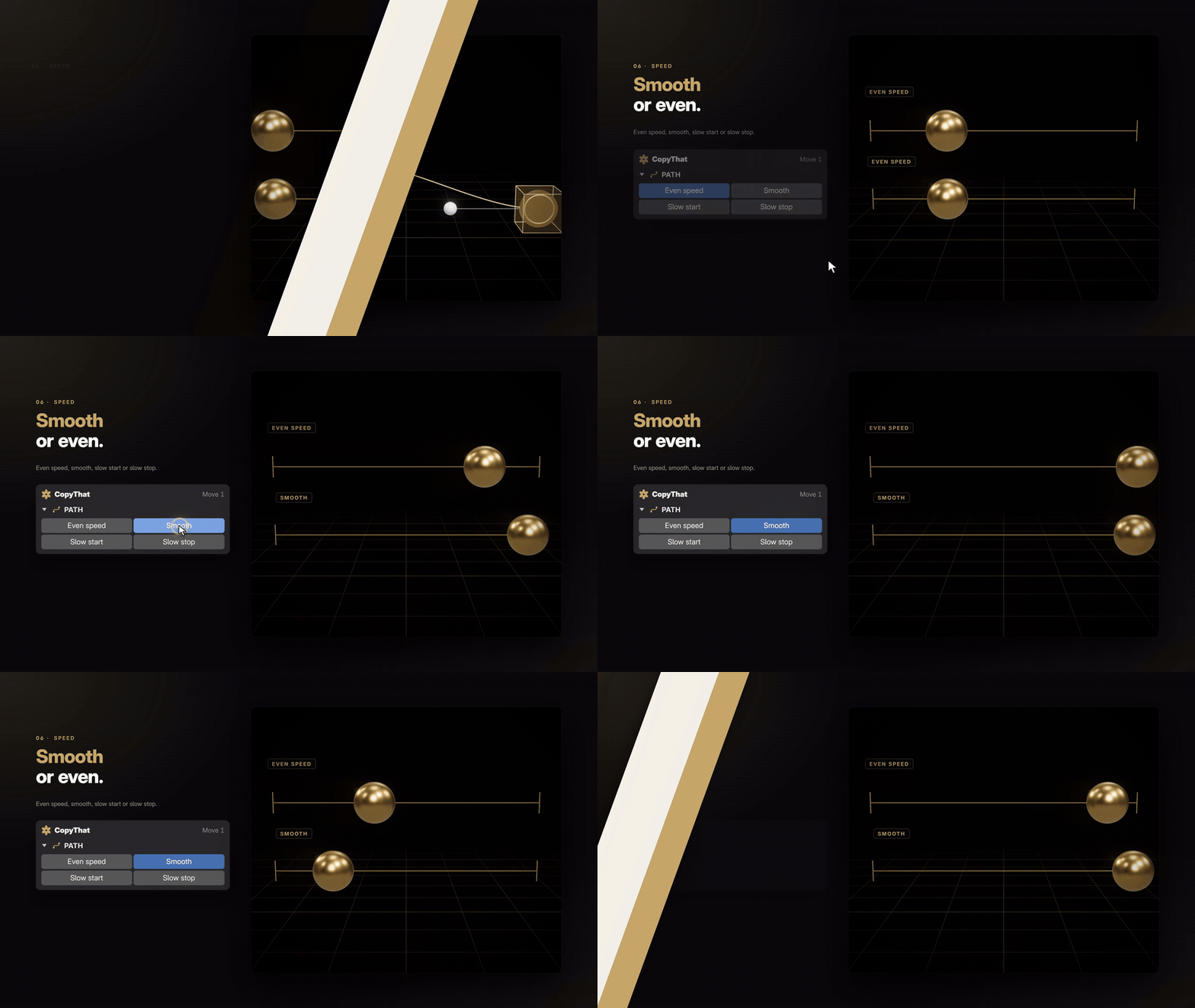
06 · SPEED. Smooth, or perfectly even. Even speed, Smooth, Slow start orSlow stop, for each move.
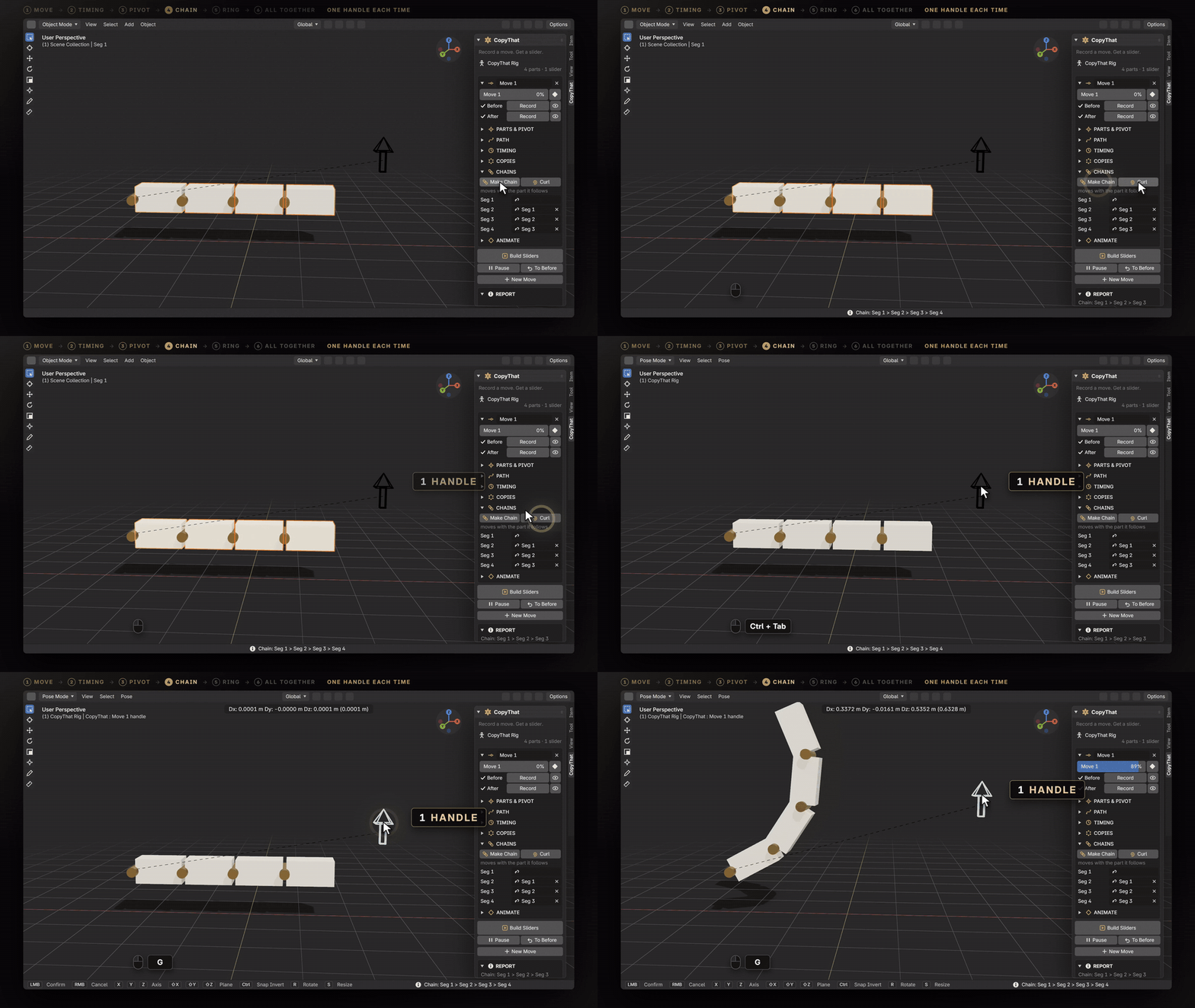
07 · CHAIN. Chain parts, so the joints follow. Make Chain hangs eachsegment from the one before it in one click: a finger, a leaf, a crane arm.
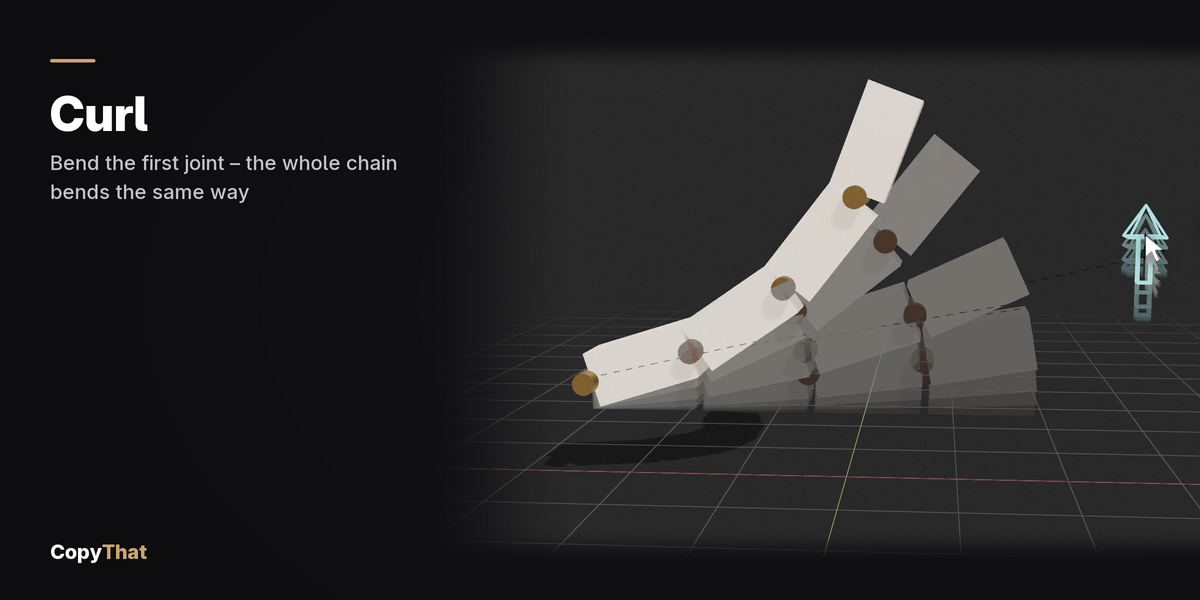
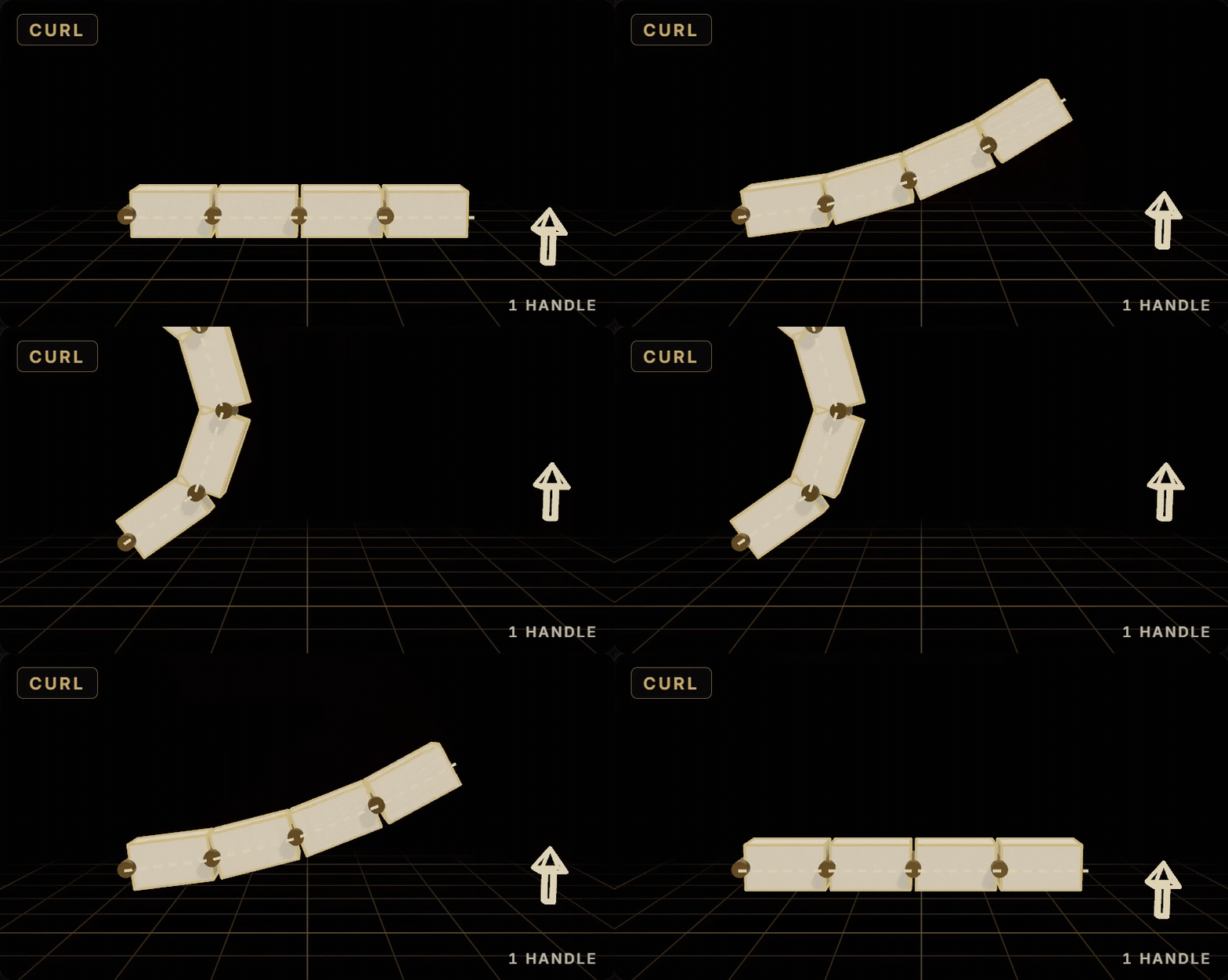
08 · CURL. Curl a whole chain at once. Bend the first joint, and Curlrepeats the bend down the chain.
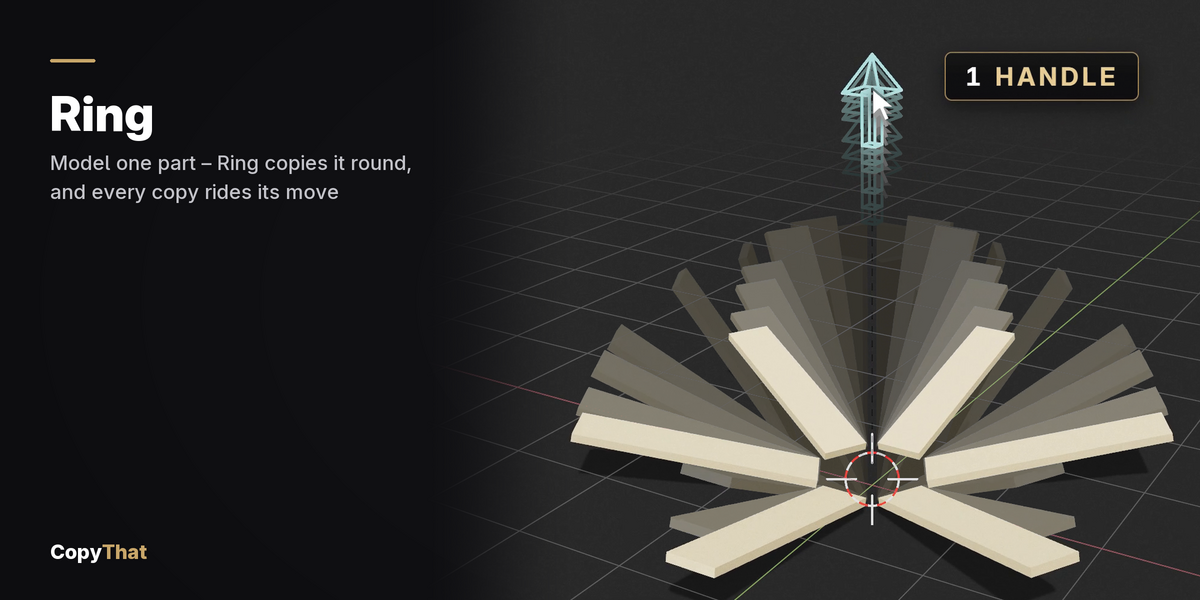
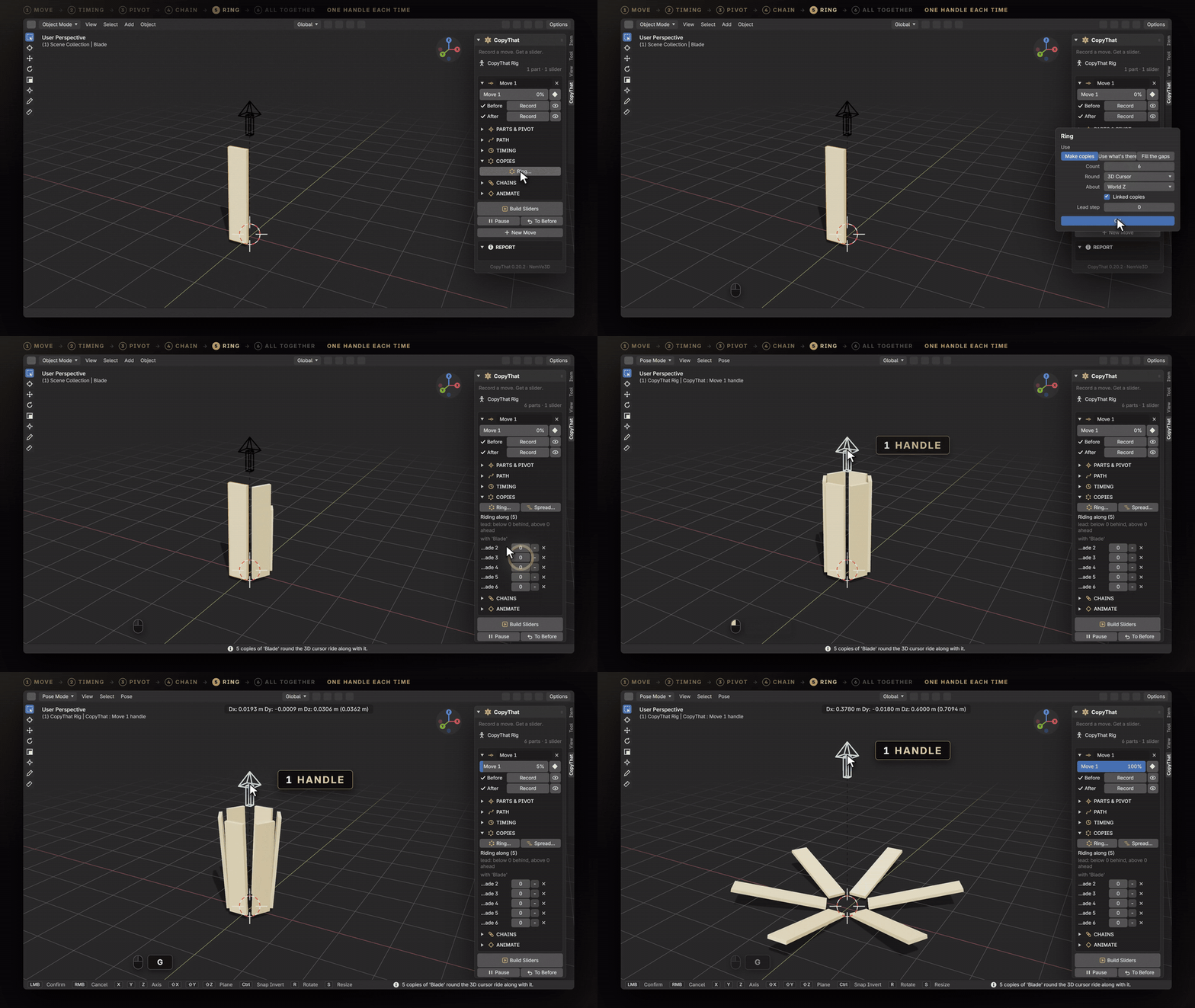
09 · RING. Ring one part into many. Copies round a centre ride along withthe part, each moving from its own place. Fill the gaps keeps the copies youalready modelled.
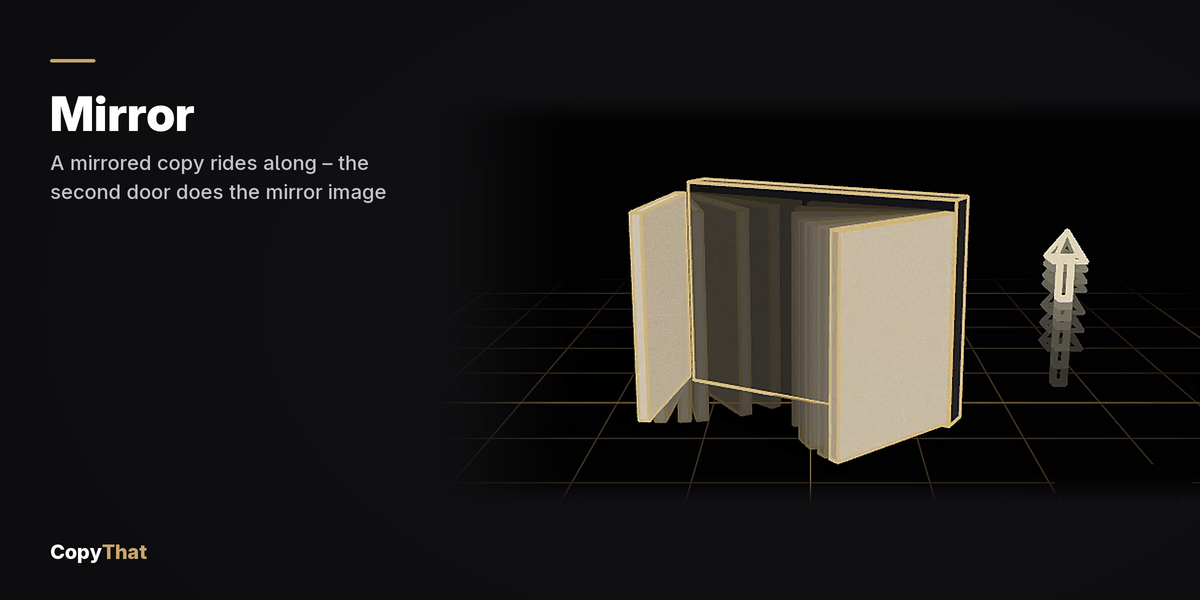
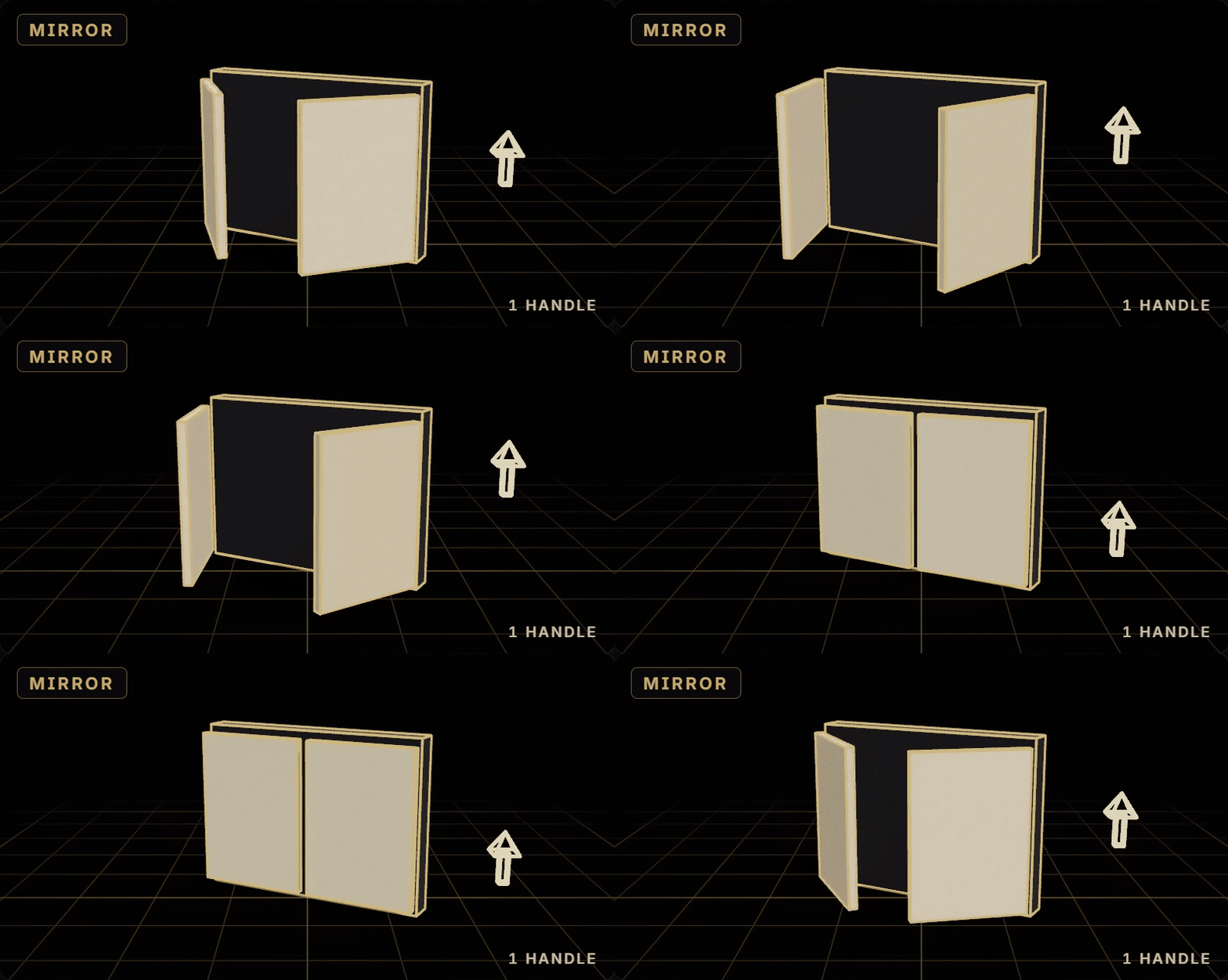
10 · MIRROR. Mirror the copies. A copy can mirror its leader's move acrossits own X, Y or Z: the leader's left becomes the copy's right.
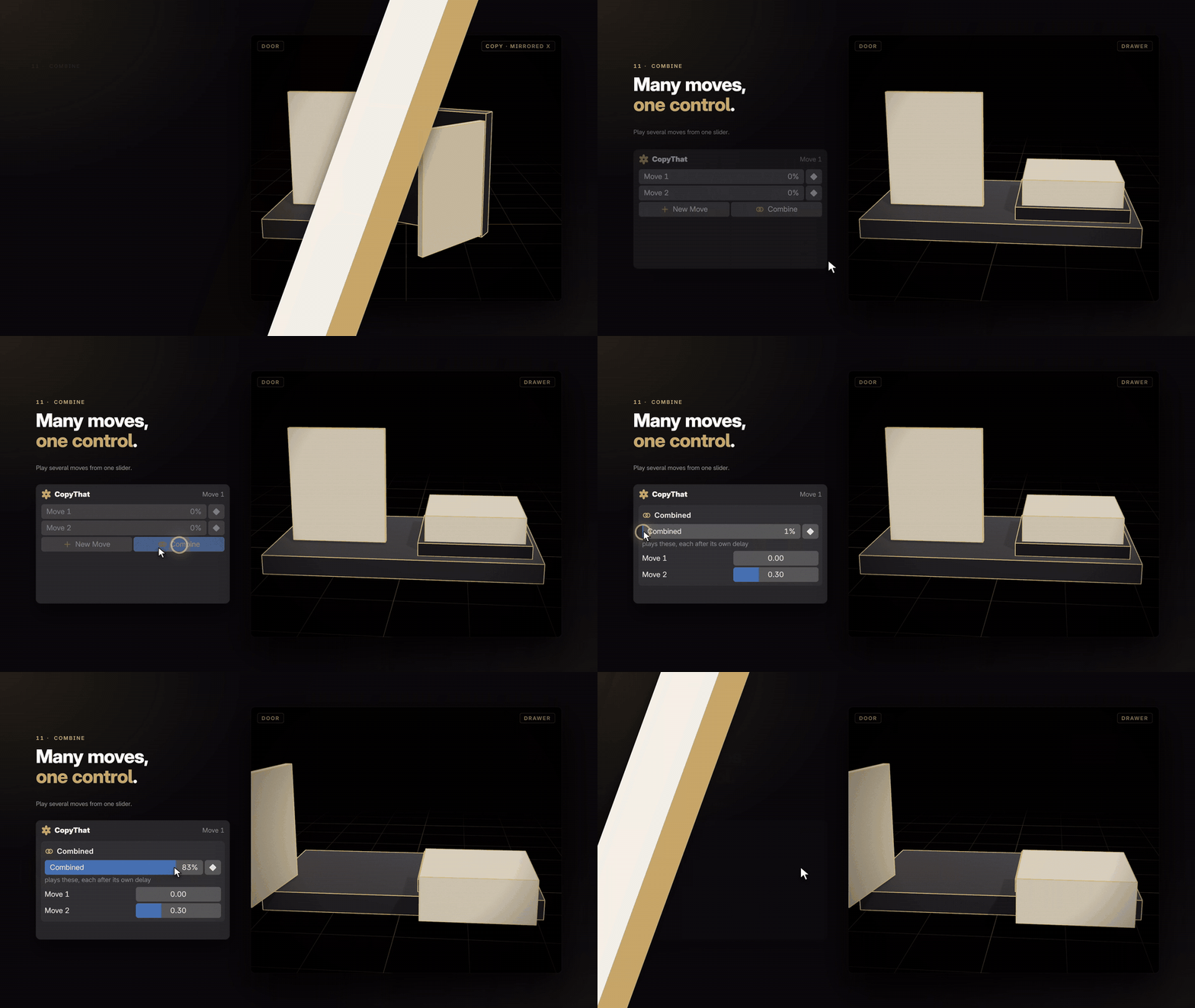
11 · COMBINE. Combine moves under one control. Play several moves one afteranother from a single slider, or overlap them with a delay.
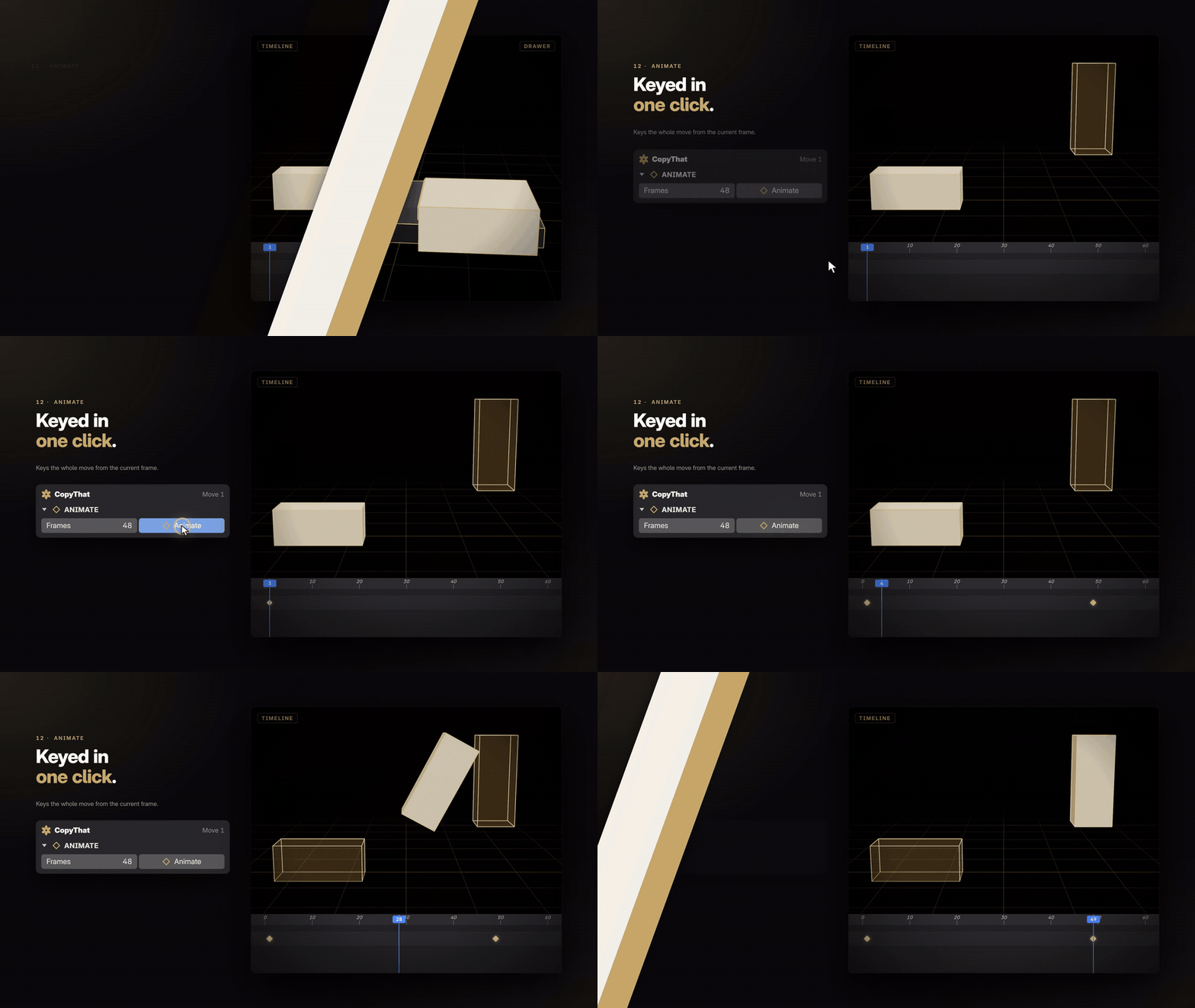
12 · ANIMATE. And animate it all in one click. Set the frames and pressAnimate: the slider is keyed from the current frame. Or drag the handle in theviewport.
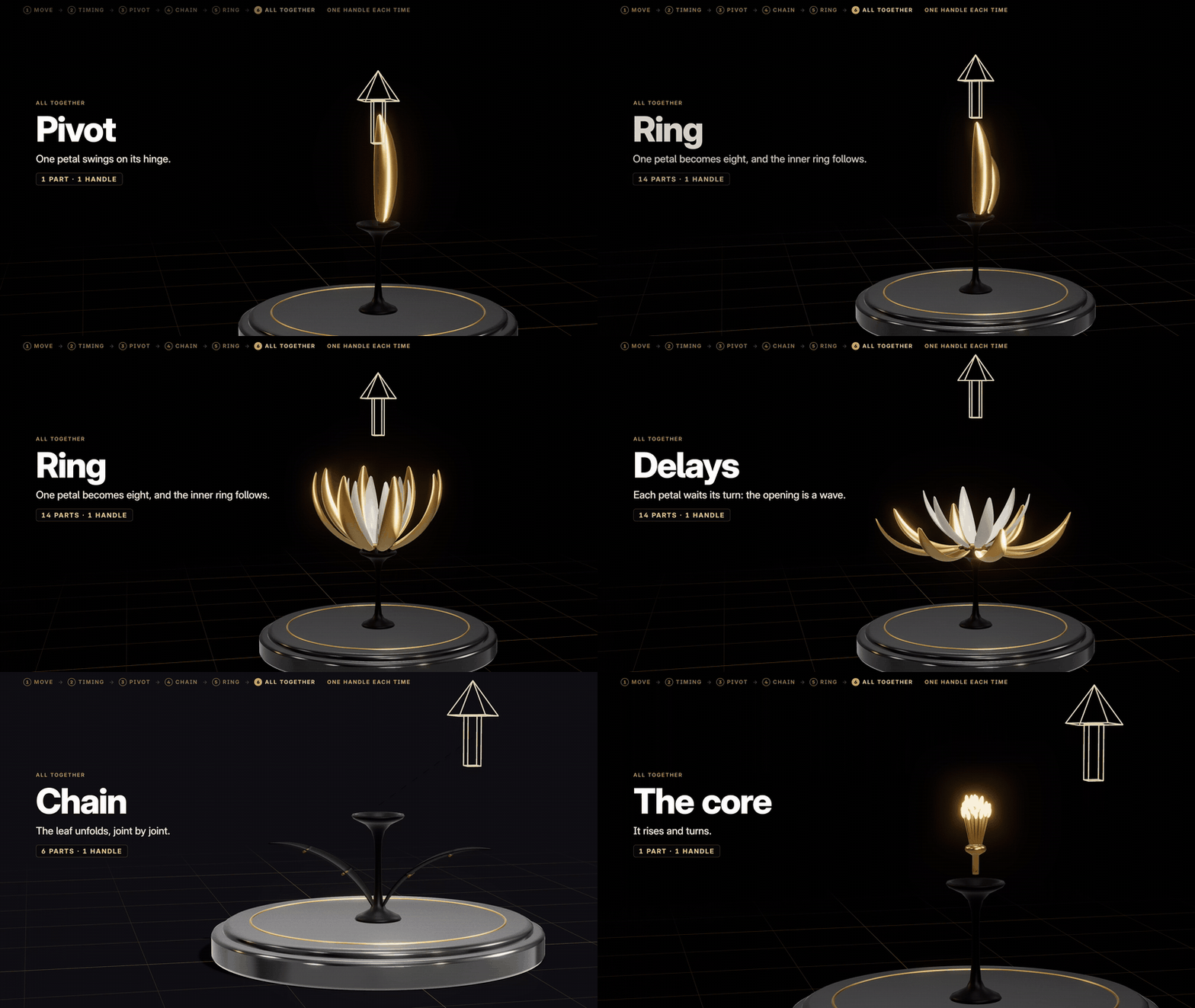
Put them together. A hinge, a ring, delays, a chain and a core: 21 parts,one handle.
Perfect for
- Product reveals and packaging that opens
- Machines: hatches, lids, landing gear, robot arms
- Flowers, fans, and anything that unfolds
- Motion graphics and kinetic logos
- Kitbash and hard-surface models
What's included
- CopyThat 0.20.2, a Blender extension: drag the zip into Blender.
- The flower file, ready to rig: follow the tutorial or the guide.
- The flower guide, every step and value, written down.
- The full user guide, in the Documentation tab.
- Free updates.
Compatibility
- Blender: 4.5 LTS to 5.2.
- Systems: Windows, macOS and Linux. It is pure Python with no extra libraries.
- Render engines: any. The motion is a plain rig.
- Licence: GPL-3.0-or-later.
Install
- Edit > Preferences > Get Extensions, then the drop-down at the top right > Install from Disk, and pick
CopyThat-0.20.2.zip. - Restart Blender.
- Press N in the 3D view and open the CopyThat tab.
What's new
- 0.20.2:
- The panel reads in full at the sidebar's usual width.
- It stays on its rig when a part is deleted.
- An outer ring of petals comes out whole even when the inner ring was made first.
- 0.20.1: A fix for an error the installed panel showed at every redraw.
- 0.20.0: A new panel: a branded header, gold icons, a big slider for each move, sections that fold, and a report box that turns red for a warning.
FAQ
Do I need to know how to rig?No. Select the parts, pose them, press Build.
Does the finished file need CopyThat?No. It plays and renders without it.
Can I change the move after Build?Yes. Press Pause and pose freely, or record a pose again, then Build.
Is it for characters?It records the poses of any bones. It is made for machines and objects thatmove as solid parts. For a character's skin and face, use a character riggingtool.
Where is the full guide?In the Documentation tab: every button, every dialog, and the flower step bystep.
Made by NemVe3D · creators.sa/nemve