Core Utilities — Documentation
Blender 3.3–5.2 · Windows, macOS, Linux · Version 1.5.0
The everyday half of asset preparation, in one configurable sidebar tab: UV,
material, hierarchy, transform, cleanup, naming, backup and triangulation tools
that you would otherwise run by hand on every asset. The layout is yours to
reorder, the tools you use most can be pinned, and a sequence you repeat can be
saved as a workflow and run from one press.
Core Utilities deliberately does not include FastExport or Export Checker.
If you want validation and batch export in the same add-on, that is Ultimate
Utilities, which contains all three.
---
Requirements - please read before buying
-
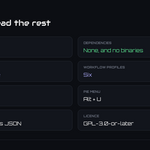
Blender 3.3 - 5.2. Two builds ship: an extension for Blender 4.2 and
newer, and a classic add-on for 3.3 - 4.1. Both are the same code.
-
Windows, macOS and Linux. No platform-specific binaries and no external
Python dependencies.
-
Network: none. Every tool runs locally. The add-on opens no connection,
sends no telemetry and needs no account.
-
Do not enable it alongside Ultimate Utilities. They share operator and
panel identifiers. Both may be installed; only one should be enabled.
- License: GPL-3.0-or-later.
Installation
Extension (Blender 4.2+): Edit ▸ Preferences ▸ Get Extensions ▸ top-right
menu ▸ *Install from Disk…* → pick
utilities_toolkit_core-x.x.x-blender4.2-5.2.zip, kept intact and stored
outside any existing Blender extension directory. Open *Add-ons*, search for
Core Utilities, and enable it if Blender has not.
Classic add-on (Blender 3.3 - 4.1): Edit ▸ Preferences ▸ Add-ons ▸
*Install…* → pick utilities_toolkit_core-x.x.x-blender3.3-4.1.zip from the
legacy folder, then tick it in the list.
The panel is in the 3D Viewport sidebar (press N) under the **Core
Utilities** tab.
Updating
Save your work, install the newer package the same way, restart Blender, and
confirm the version in the add-on preferences.
Migrations are handled for you. From 1.3.x, the old fixed favourite slots and
visible-group choices move into the new collections automatically. From 1.4.1,
references to the retired standalone glTF action are removed from layouts,
favourites, shortcuts, workflows and pie slots — removed rather than silently
redirected to a different exporter, because a shortcut that quietly changes what
it exports is worse than one that disappears. 1.4.3 keeps settings schema 2 and
needs no migration.
Export a JSON settings backup before a major update if you want a portable
restore point.
Getting started
- Select the objects you want to process.
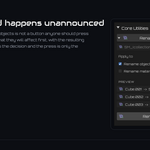
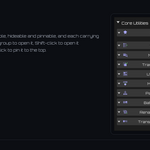
- Open the Core Utilities tab in the sidebar (N). Click a group title to
open it, Shift-click to keep several open, Ctrl-click to pin one.
- Run a tool directly, or pick a workflow profile in the add-on preferences to
start from a layout suited to the kind of work you are doing.
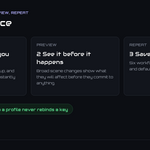
- Read the preview or confirmation summary before committing anything that
touches the whole scene.
Two menus reach the same tools without the sidebar: Ctrl+Shift+U for the
ordered dropdown, Alt+U for the pie menu. Individual actions and workflows
can take their own shortcuts.
The tools
-
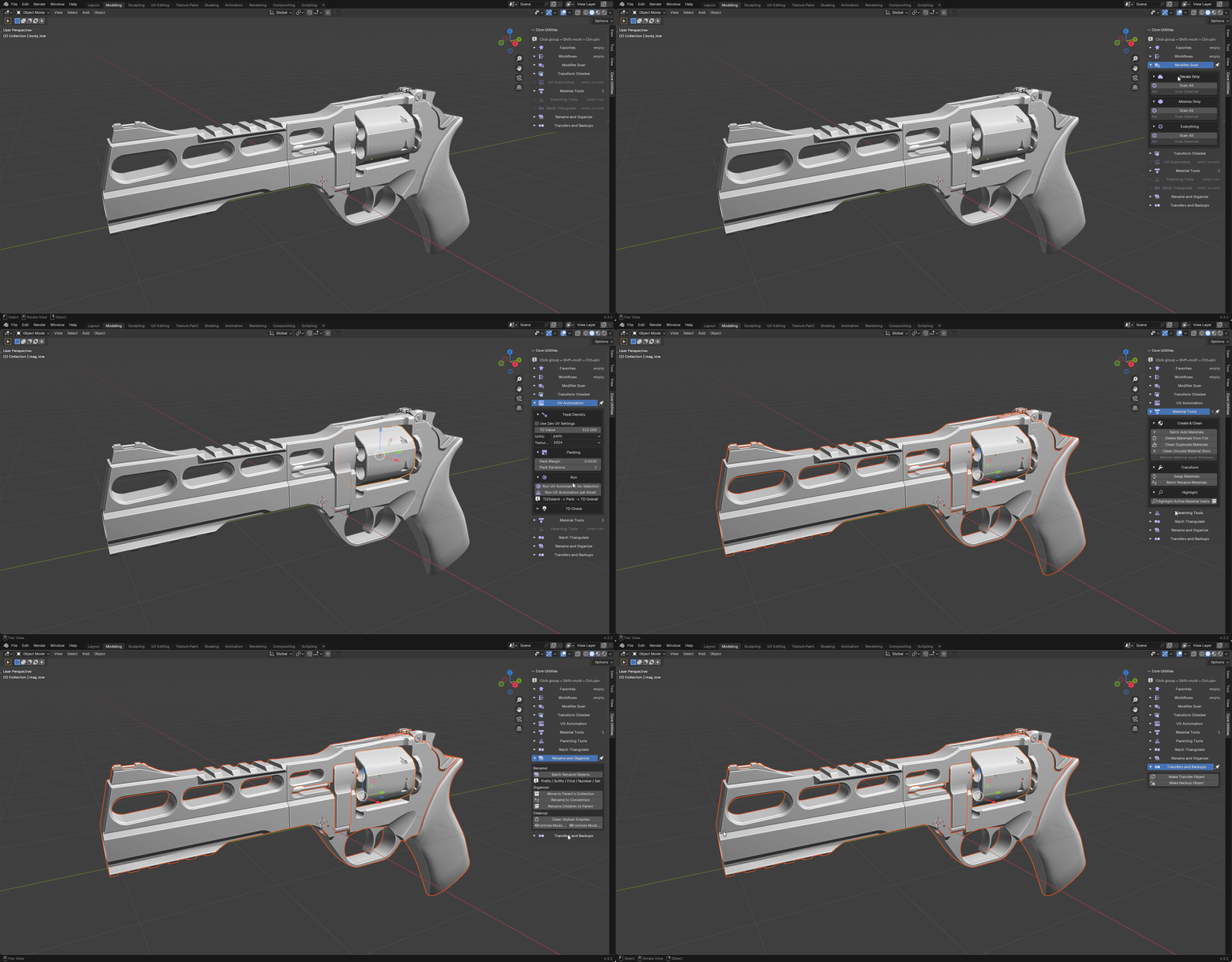
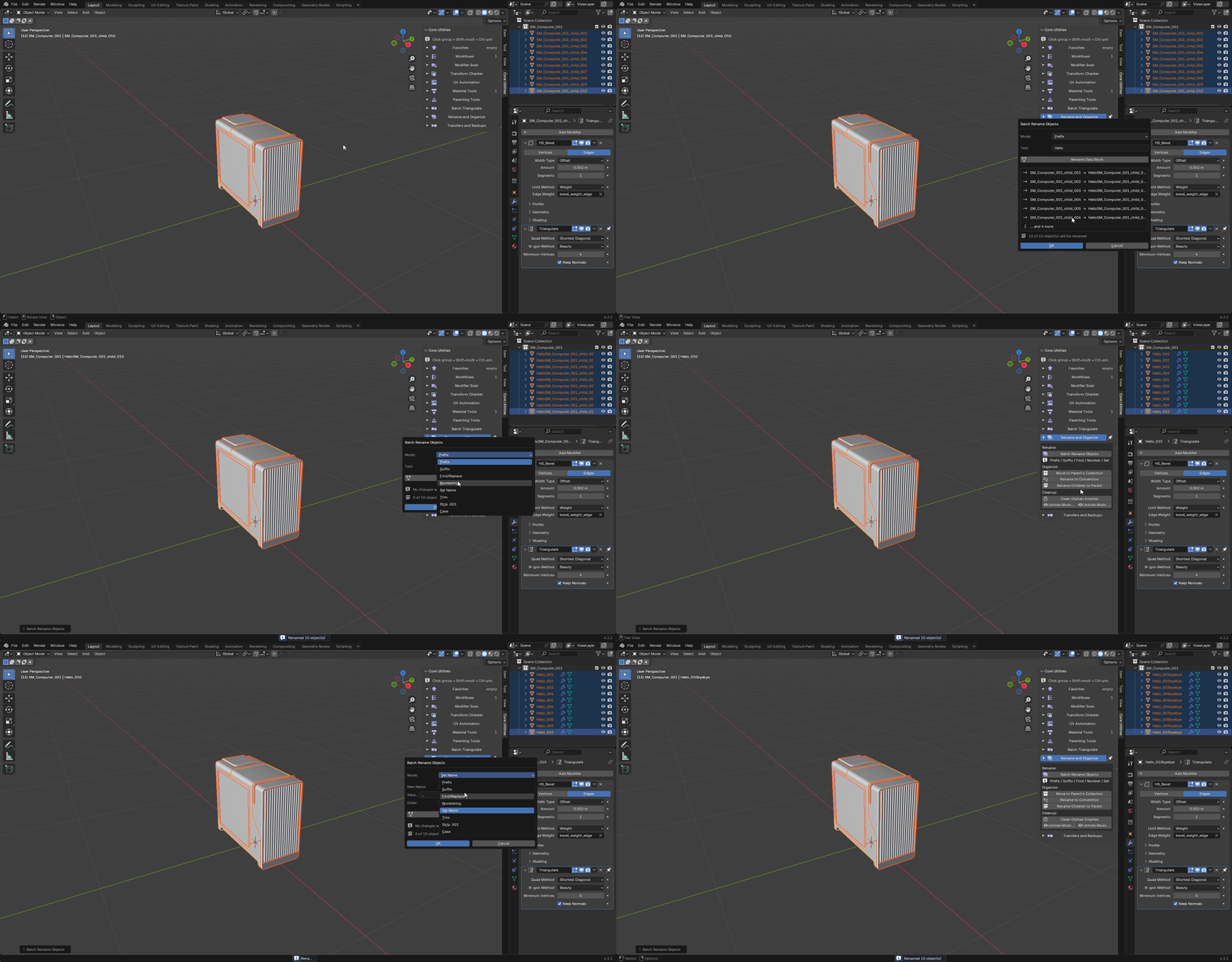
Rename and Organize — prefix, suffix, find and replace, numbering and case
conversion across objects, materials and collections in one operation. Renaming
to the SM_Name_### export convention is one press, as is deriving children's
names from their top parent.
-
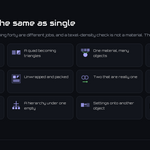
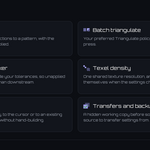
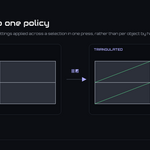
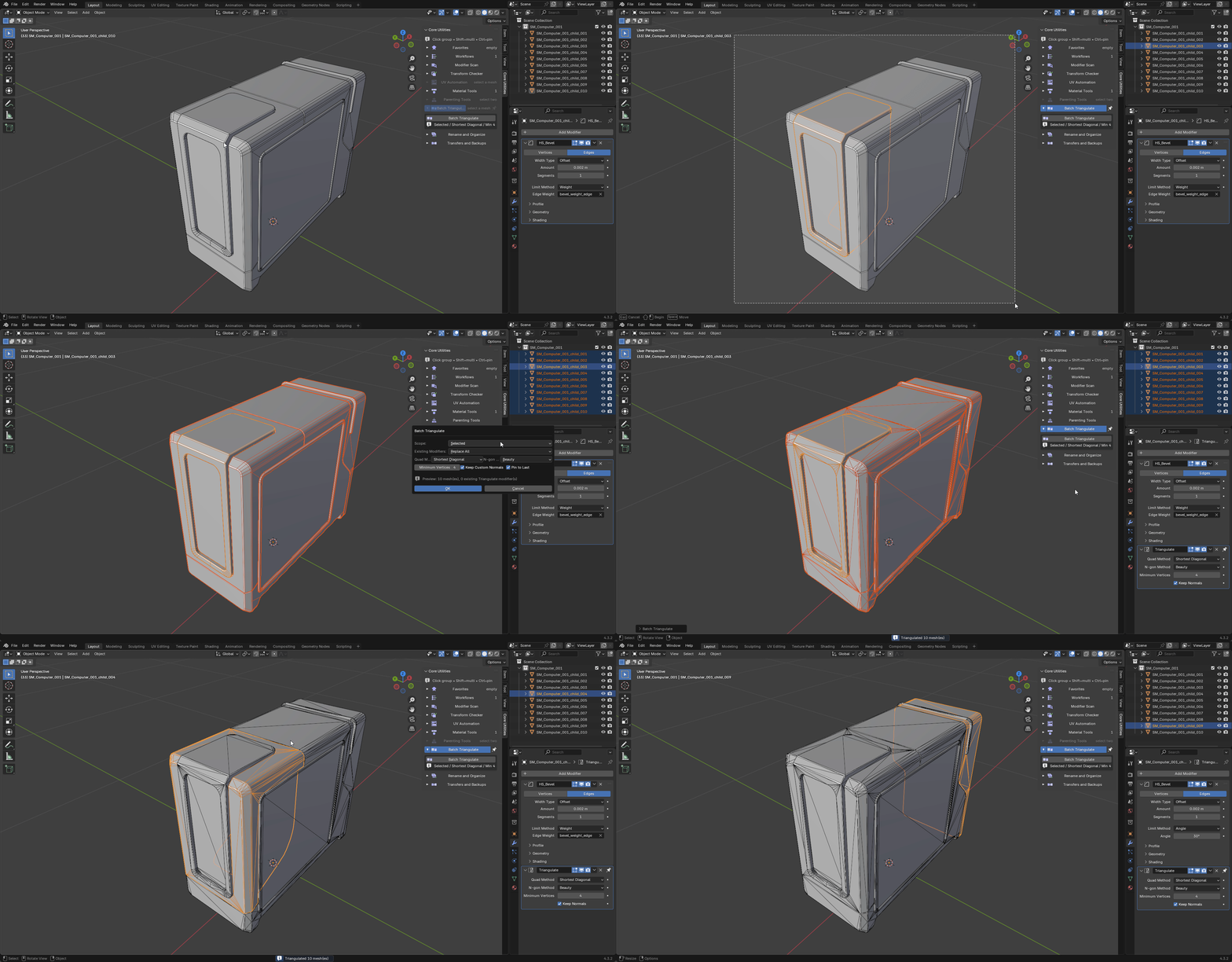
Batch Triangulate — one Triangulate policy applied as a pinned modifier at
the bottom of every selected mesh's stack, so it always evaluates last. Method,
minimum vertices and normal handling are set once for the whole selection.
-
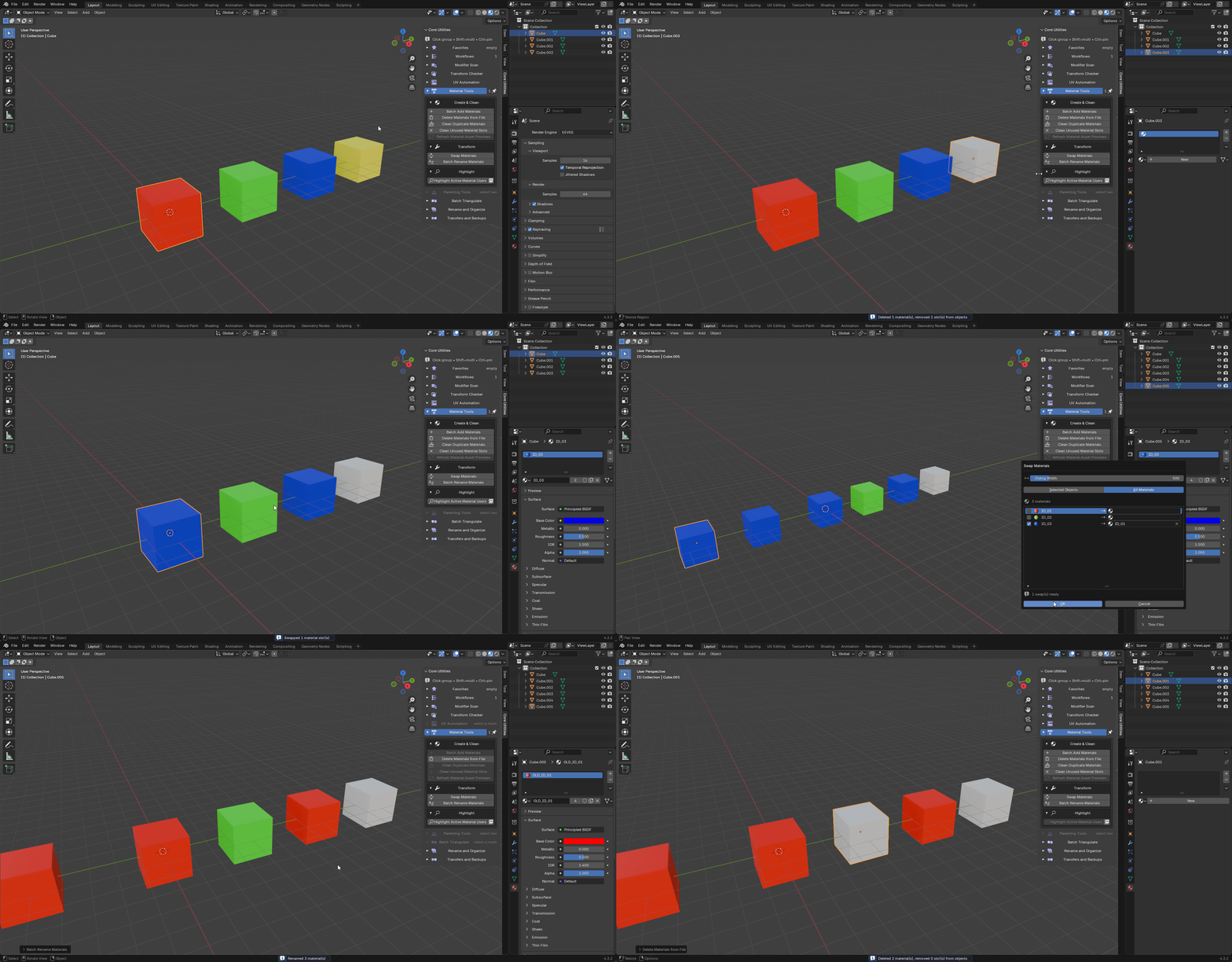
Material Tools — add materials across a selection, swap one for another
across the selection or the scene, rename in bulk, merge .001 duplicates back
to the base material, remove slots no face uses, delete materials from the file
outright, and select every object that uses a given material.
-
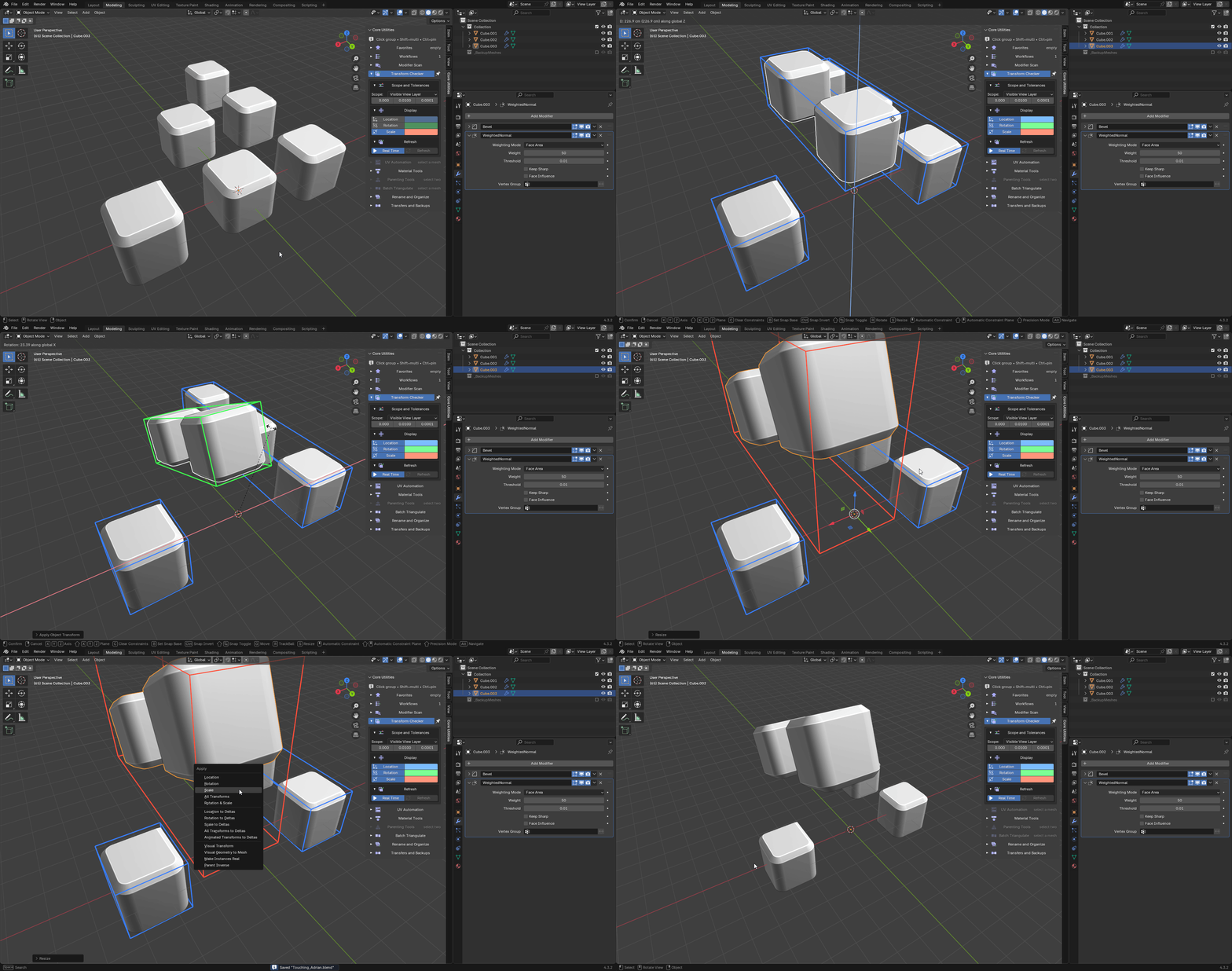
Transform Checker — every object outside your tolerances for location,
rotation and scale, with the value that failed. Built on demand rather than
recomputed on every depsgraph update, so a large scene stays responsive.
-
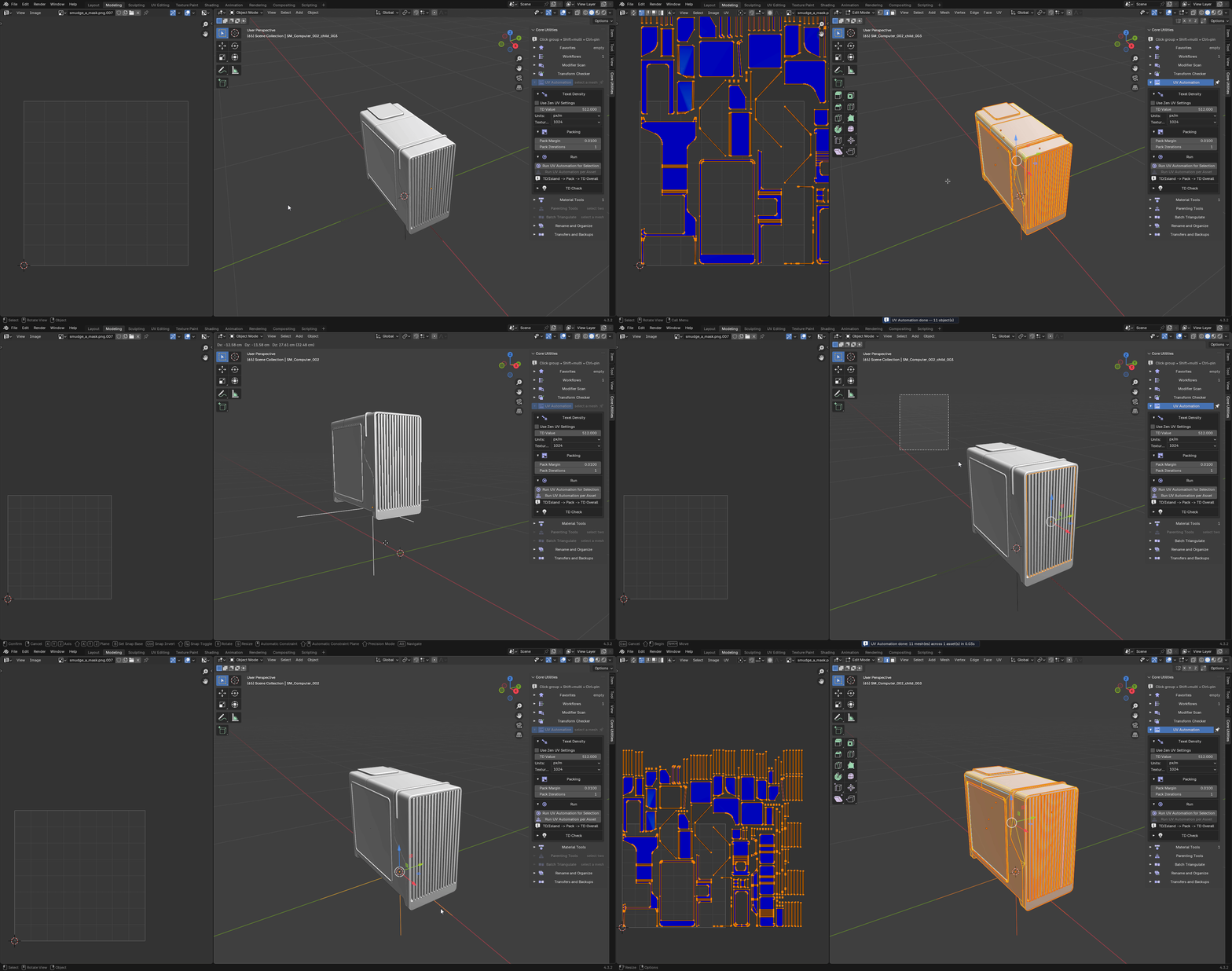
UV Automation — sets texel density per island, packs the UVs, and
normalises overall density; for the selected meshes, or for every mesh under
each selected asset root. The texel-density checker lives in the same group.

The UV Map dropdown picks the map it works on: any UV map every selected mesh shares, such as a mask or bake map. Tick Pack into 0-1 Space to keep every island inside the tile, ready to bake in Substance Painter or Blender; islands keep equal texel density, and Run per Asset gives each asset its own tile. Your other UV maps are left exactly as they were.
-

Preview UVs — the eye button next to the UV Map dropdown, and in the UV Editor header, draws the chosen UV map of every selected mesh, and every mesh under a selected parent, in the UV Editor. It works in Object Mode too.
Anything outside the 0-1 square turns red, with a count in the corner. Right-click the eye to assign a shortcut. Switching the preview on or off is not an undo step.
-
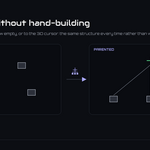
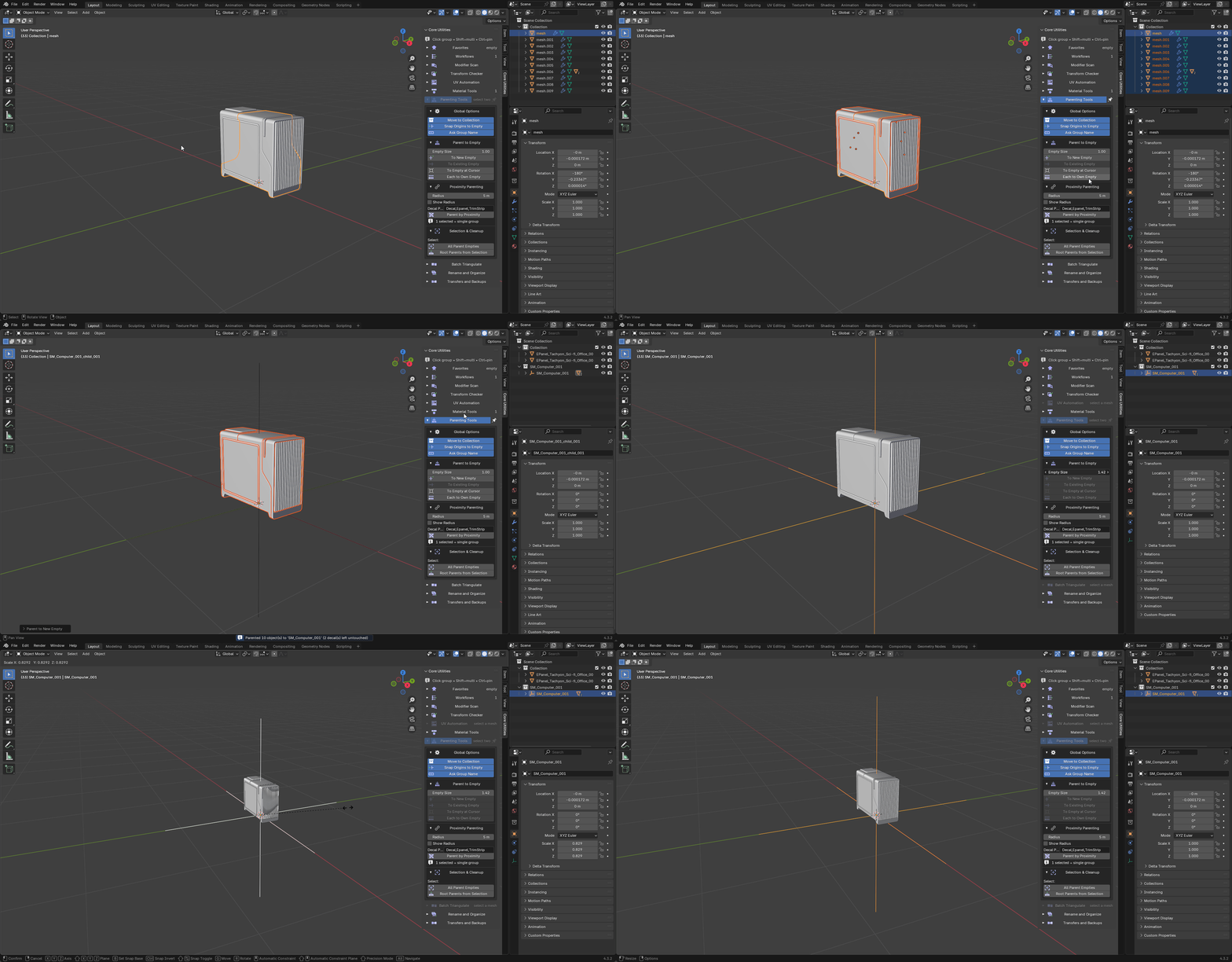
Parenting Tools — parent the selection to a new empty at the active
object's origin, to an existing empty, to an empty at the 3D cursor, or give
each mesh its own; group nearby meshes under empties by a proximity radius you
set; move objects into their parent's collection; select all parent empties or
only the roots; and delete empties that have no children, no parent and nothing
referencing them.
-
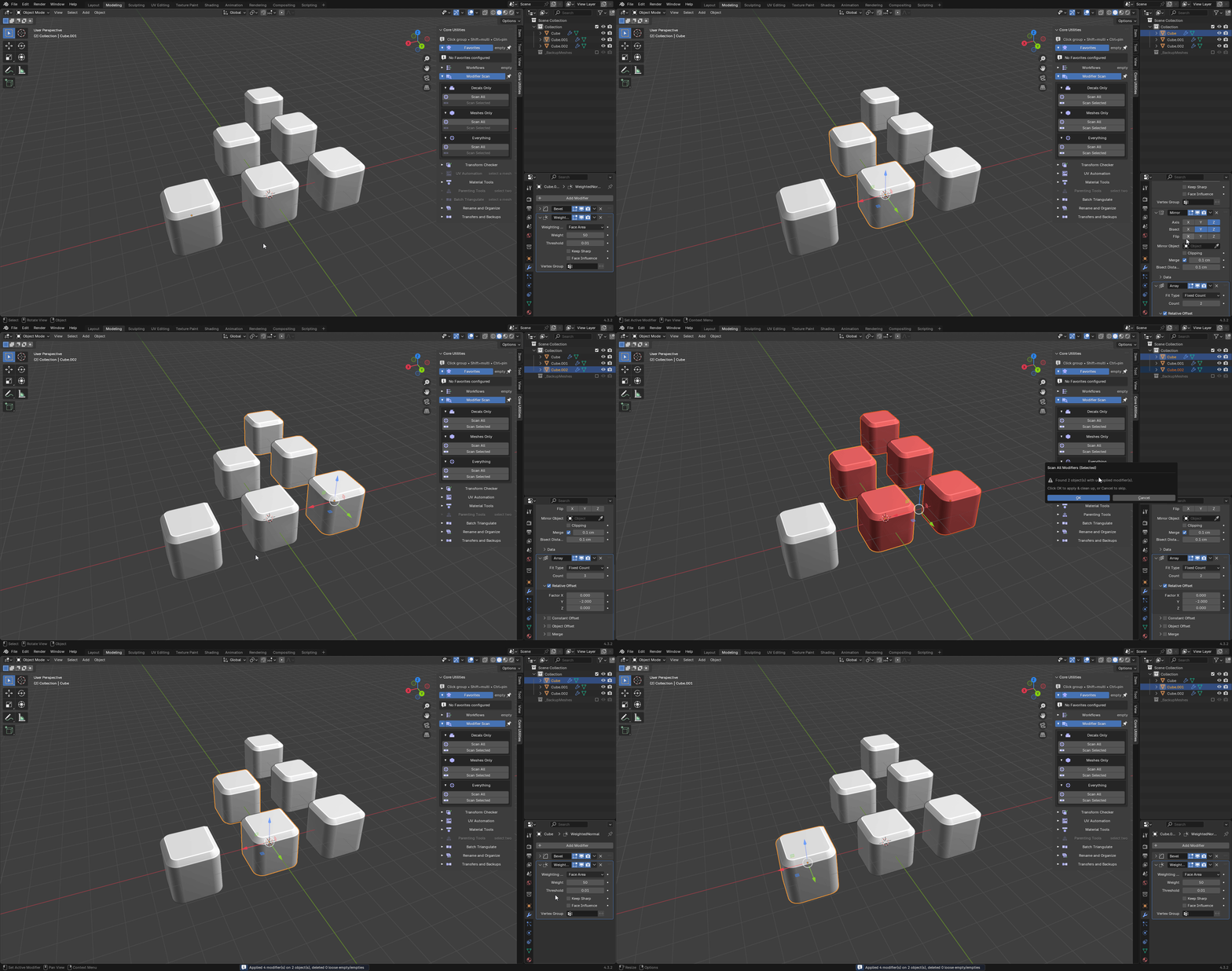
Modifier Scan — find objects with unapplied mirror and array modifiers,
apply them, and clear the loose empties left behind, scoped to decals only,
meshes only or everything. It will also re-enable modifiers that were hidden in
the viewport or render.
-
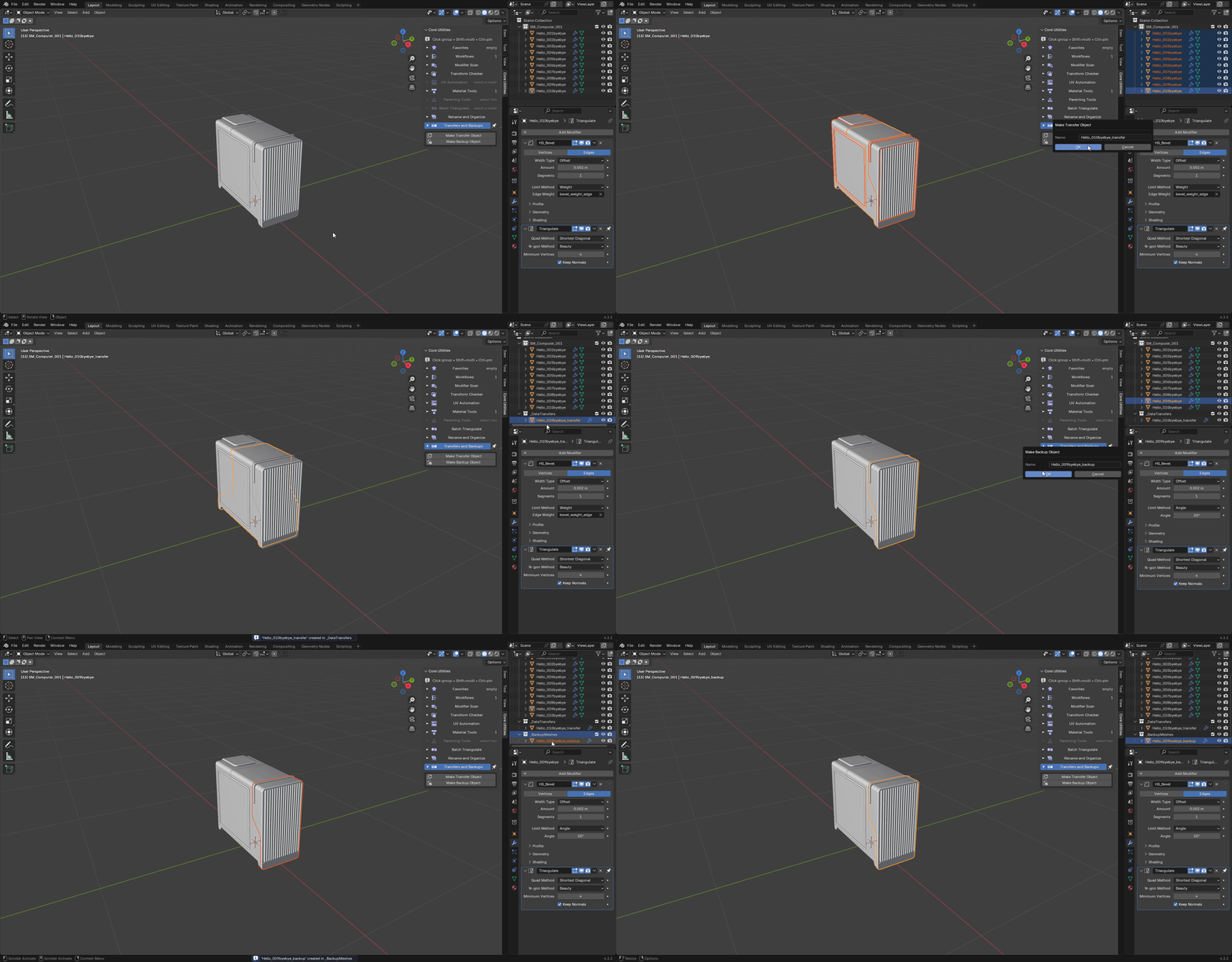
Transfers and Backups — duplicate the active mesh into
_DataTransfers to
act as a data-transfer source, or into a hidden _BackupMeshes collection as a
safe copy before something irreversible.
-
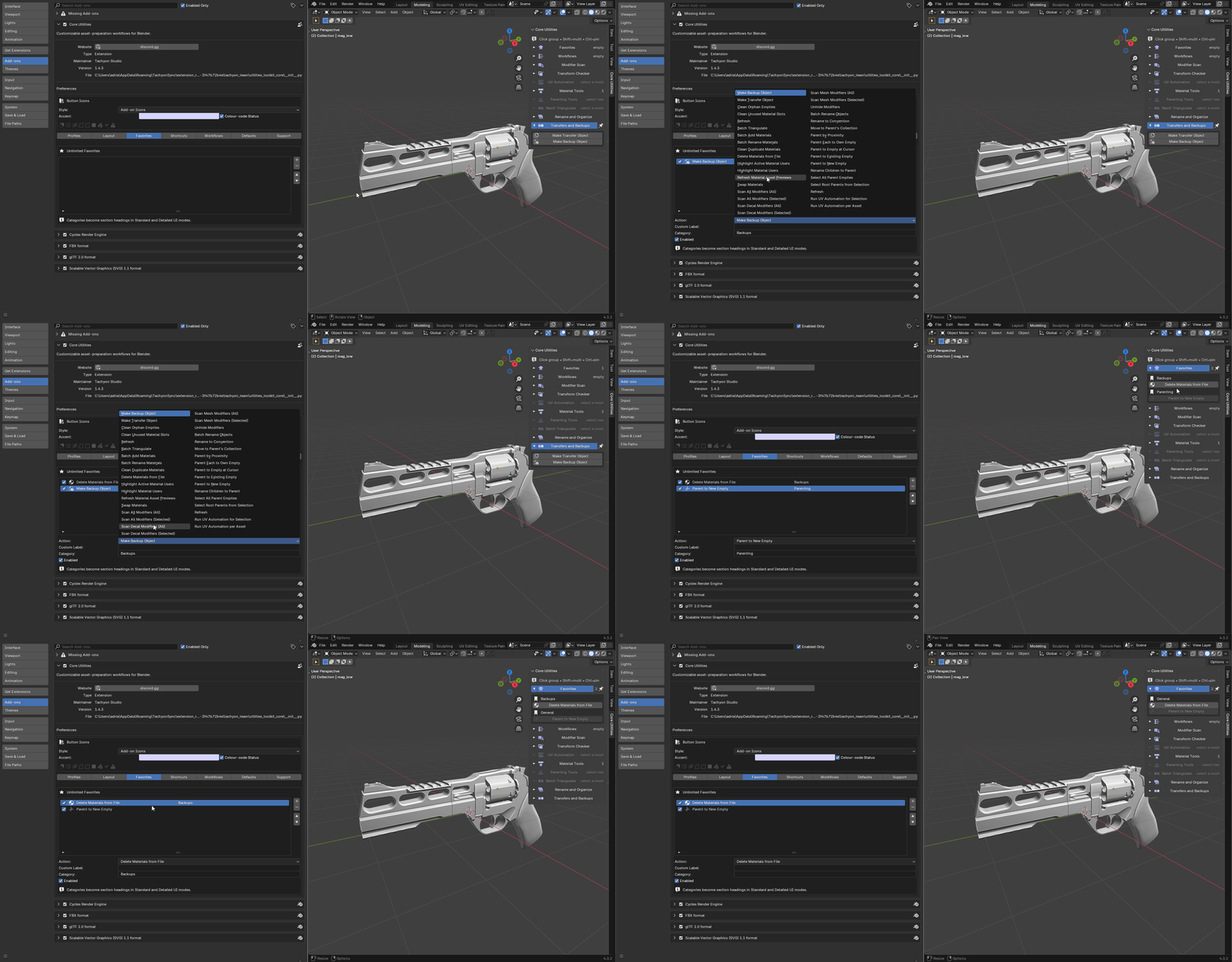
Favorites — the tools you actually reach for, categorised and pinned above
everything else.
-
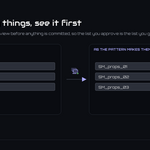
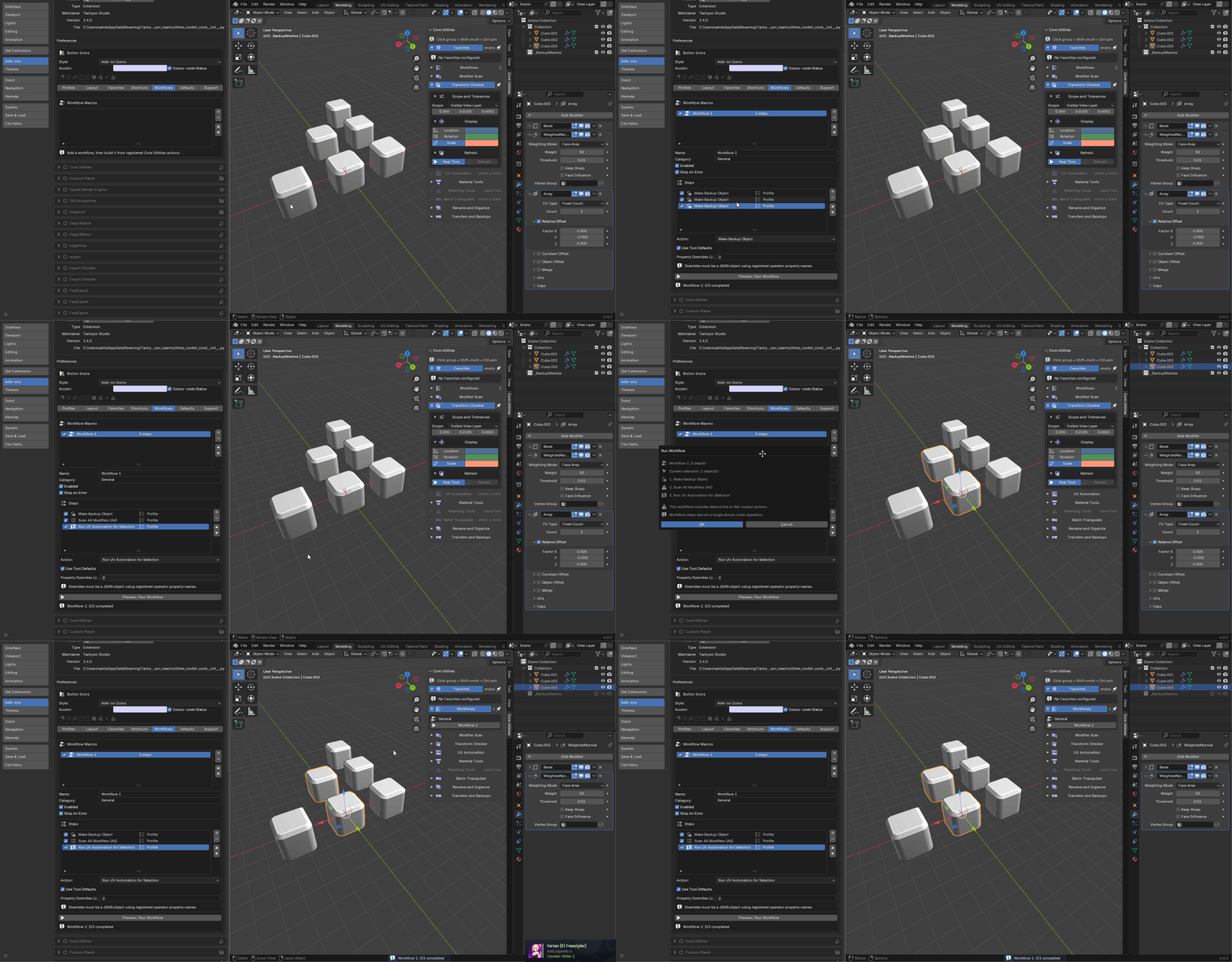
Workflows — user-defined macros. Several steps from one press, previewed
before they run.
Customization
Workflow profiles. A focused starting point that changes layout and tool
defaults without changing the tools themselves:
-
Modeling — modelling, transform, triangulation, rename and backup work.
-
UV — UV automation and the asset-preparation tools around it.
-
Materials — batch material tools at the front.
-
Cleanup — validation, cleanup and organisation.
-
Delivery — final checks, triangulation, backups and organised handoff.
-
Custom — save the current layout, favourites and tool defaults as a
reusable profile.
Custom shortcuts and workflow macros stay global, so switching profile never
silently replaces a key binding or a piece of automation.
Layout. Move groups up or down, hide the ones you never open, and choose
which open by default. The same order is used by the dropdown and pie menus.
Shortcuts. Assign your own, then run *Scan Shortcut Conflicts* to find 3D
View keymap items already using the same combination — including ones belonging
to other add-ons.
Portability. *Export Settings* writes layout, favourites, shortcuts,
workflows and defaults as JSON; *Import Settings* validates the file before
applying it. *Reset* clears one area or restores factory settings.
Scene defaults. Persistent transform and parenting defaults can be copied
into the current scene, so a new file starts where the last one left off.
Privacy
The add-on reads and writes only your .blend data and files you explicitly ask
it to write. It makes no network requests, collects no analytics and stores no
identifiers. *Export Diagnostics* writes a redacted report for support, with file
paths stripped; nothing is transmitted, and you attach it yourself if you choose
to.
Troubleshooting
Panels look doubled, or an operator is missing. Core Utilities and Ultimate
Utilities share identifiers and cannot be registered at the same time. Disable
one, restart Blender once, and enable the other.
A tool says the selection is empty when it is not. Some tools act only on
mesh objects, and some act only on what is in the current view layer — an object
in an excluded collection is not in the view layer.
UV Automation skipped some objects. They were outside the view layer, hidden,
or in an excluded collection. Those are named in the report rather than skipped
in silence, and the run continues with the objects it can process.
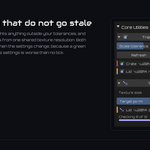
The transform or texel-density overlay looks stale. Both are built on demand.
Press *Refresh* in the group — results expire when the state they were measured
in changes, rather than recomputing on every update.
A shortcut stopped working after an update. If it pointed at the retired
standalone glTF action, 1.4.1 removed it rather than pointing it somewhere else.
Assign a new one in the *Shortcuts* preferences tab.
Support
Questions, bug reports and feature requests: https://discord.gg/SuSqbZMDk5
The rest of the line: https://superhivemarket.com/creators/tachyonstudio
*Built by Tachyon Studio.*
 Tachyon Studio